What Is an Internet Booster? And Do You Need One?
If your Wi-Fi drops in certain rooms, buffers when it shouldn't, or just doesn't reach where you need it, you've probably searched for something like "Internet booster." That's a good starting point. An Internet booster is any device that helps extend your Wi-Fi signal, fill dead zones, or improve a weak connection.
"Internet booster" isn't actually a technical product category. It's the everyday phrase people use to describe several different types of devices, each of which works a little differently. This guide explains what those types are, what each one does, and how to figure out which one fits your situation.
Key Takeaways
- "Internet booster" is an umbrella term, not a specific product. It describes several different types of devices that improve your Wi-Fi coverage, including range extenders, mesh Wi-Fi systems, and powerline adapters.
- Range extenders are a simple, affordable fix for one specific dead zone. They plug into a wall outlet and rebroadcast your router's signal further into your home. They work well in apartments or smaller homes with one problem area.
- Mesh Wi-Fi systems are built for whole-home coverage. They replace your router with multiple units that work together as one network, a better fit for larger or multi-story homes where a single router or extender isn't enough.
- Powerline adapters carry the Internet signal through your home's electrical wiring. They're worth considering for rooms where Wi-Fi doesn't reliably reach and running a cable through the house isn't practical.
What Is an Internet Booster?
An Internet booster is a general term for any device that helps improve your Wi-Fi signal by extending its reach, filling dead zones, or strengthening a weak connection in parts of your home that aren't well covered by your router.
The phrase "Internet booster" isn't a specific product you'll find on a store shelf. It's the intuitive term most people reach for when their Wi-Fi is struggling, and they're not sure what to search for next. In practice, it describes three main types of devices, each designed to solve a slightly different problem: range extenders, mesh Wi-Fi systems, and powerline adapters. Understanding the difference between them is the first step toward finding the right fix.
Why Is Your Wi-Fi Struggling in the First Place?
Before you buy any Internet signal booster, it's worth understanding why your Wi-Fi is weak. The cause often points directly to the solution.
Distance from the router: Wi-Fi signal weakens the farther you get from the router. Thick walls, floors, and large open spaces all make it worse. If your bedroom is on the opposite end of the house from your router, distance is likely the issue.
Physical obstructions: Walls, appliances, and certain building materials, especially concrete and brick, absorb or block Wi-Fi signals. A signal that travels through several walls to reach a back room is generally weaker than one with a clear path.
Router placement: A router tucked in a corner, inside a cabinet, or near the floor covers far less of your home than one placed centrally and out in the open. Many Wi-Fi issues come down to this alone.
Too many devices: In a busy household, connecting several devices at once can reduce the available speed per device and create congestion, leading to slower performance across the board.
Before buying anything, try repositioning your router to a more central, open spot in your home. It's free, takes a few minutes, and sometimes solves the problem on its own. For more tips on improving your signal without buying new hardware, check out 10 ways to boost your home Wi-Fi.
Types of Internet Boosters
An Internet booster, sometimes called a wireless Internet booster, covers several different types of products. Each one works differently, suits a different kind of home or problem, and comes in at a different price point. Here's a plain-language overview of each type: range extenders, mesh Wi-Fi systems, and powerline adapters.
Wi-Fi Range Extenders
A Wi-Fi range extender is a device that picks up your existing Wi-Fi signal and rebroadcasts it to areas of your home where the signal is weak or doesn't reach. You might also see these called Wi-Fi boosters, Wi-Fi repeaters, or Wi-Fi extenders. The terminology varies by brand, but they refer to the same type of device and work the same way.
Setup is straightforward. Most range extenders plug directly into a wall outlet, making them small, cable-free, and easy to position. You place one in a room or hallway between your router and the dead zone, and it picks up the signal and rebroadcasts it farther. No new cables, no complex configuration.
Range extenders are a good fit for situations with one specific problem area. If you're a gamer in a room that barely gets a signal, an Internet booster for gaming, like a range extender, can meaningfully reduce lag by giving your console or PC a stronger, more stable connection. As an Internet booster for home Wi-Fi, they work well in apartments, smaller homes, or any space where a single dead zone is the issue.
For a deeper look at how range extenders work, visit TP-Link's range extender FAQ.
Mesh Wi-Fi Systems
A mesh Wi-Fi system takes a different approach than a range extender. Instead of boosting an existing router's signal, it replaces your router entirely with two or more units that work together to create one seamless Wi-Fi network throughout your home. Each unit communicates with the others, so your phone or laptop connects to the strongest one as you move from room to room.
Mesh systems are built for larger homes, multi-story homes, or households with many connected devices where a single router or extender isn't enough. If you've tried a range extender and still have coverage gaps, or if your home has several floors and rooms spread across a large footprint, a mesh system will deliver more consistent, reliable coverage.
The trade-off compared to a range extender is cost: mesh systems are more expensive. But for the right home, the improvement in coverage and reliability is significant. Learn more about how mesh Wi-Fi works in TP-Link's mesh Wi-Fi overview.
Powerline Adapters
Powerline adapters take a completely different approach to extending your Internet connection. Instead of rebroadcasting a Wi-Fi signal through the air, they carry the Internet signal through your home's existing electrical wiring. One adapter plugs in near your router and connects to it with an Ethernet cable. A second adapter plugs in wherever you need a wired connection, delivering one right there, whether that's a home office, a basement, or a garage.
For best performance, powerline adapters should be plugged into outlets on the same electrical circuit. They may still work across different circuits on the same electrical panel, but speed and reliability can drop depending on the home’s wiring, breakers, phases, or older electrical infrastructure.
Powerline adapters are a good Internet booster for home use when Wi-Fi doesn't reliably reach a specific room and running a long Ethernet cable through the house isn't practical. In spots where Wi-Fi leaves you with a weak or unreliable signal, like a home office on a different floor or a workshop in the basement, powerline adapters deliver a stable, wired-quality connection instead. The trade-off is that performance depends on the quality of your home's electrical wiring, and results can vary more in older homes.
To learn more about how powerline networking works, visit TP-Link's powerline adapter guide.
Which Internet Booster Is Right for Your Home?
The right choice depends on your specific situation. Here's a simple way to think it through.
One specific dead zone in a smaller home or apartment: A Wi-Fi range extender is likely enough. It's an affordable, easy-to-set-up fix that solves the problem without replacing your existing router.
Weak signal throughout a larger or multi-story home: A mesh Wi-Fi system will deliver better whole-home coverage. A single extender is unlikely to solve the issue if the coverage gaps are widespread.
A room where Wi-Fi doesn't reliably reach: A powerline adapter may be your most stable option. It carries the signal through your electrical wiring, bypassing walls and floors. Just make sure both adapters are on the same electrical circuit.
Unsure where to start: Try repositioning your router first. Moving it to a more central, elevated, and open spot sometimes fixes coverage issues without any additional cost. If that doesn't help, a range extender is a low-cost first step.
Sluggish speeds across all devices, not just in specific rooms: The problem may not be signal reach at all. If most devices in your home are slow, your router may be underpowered for your household's needs. In that case, a router upgrade may be the better fix. An Internet speed booster won't help if the bottleneck is the router itself.
TP-Link Internet Boosters
TP-Link covers the full range of Internet booster types, from entry-level range extenders to whole-home mesh systems, across multiple Wi-Fi generations and price points. Whether you're looking for a quick fix for one dead zone or a complete network overhaul, there's an option built for your situation.
TP-Link Range Extenders
TP-Link's range extender lineup spans Wi-Fi 6 through Wi-Fi 7. All three models are EasyMesh-compatible, so you can expand into a mesh network without starting over.
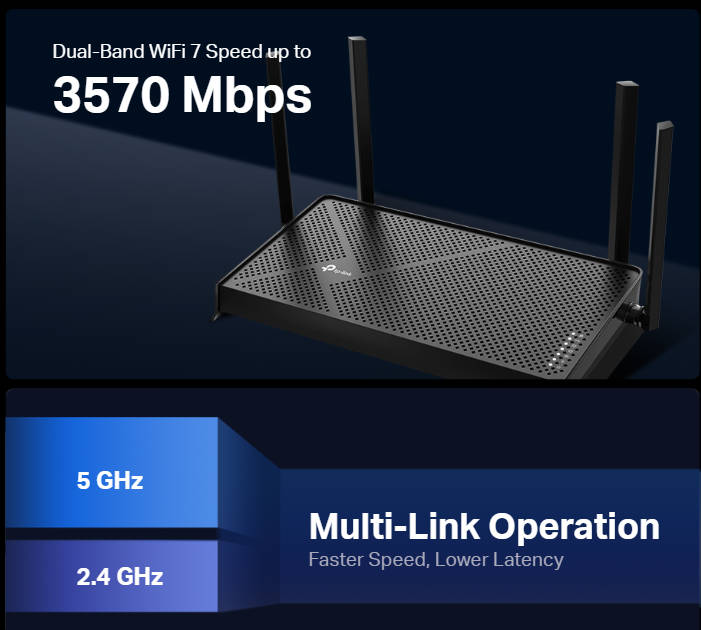
- RE653BE: A tri-band Wi-Fi 7 range extender with a 2.5 Gbps Ethernet port and 6 GHz band support for larger homes with hard-to-reach rooms. You get Wi-Fi 7 coverage into spaces a single router can't reach.
- RE223BE: A dual-band Wi-Fi 7 range extender operating on the 2.4 GHz and 5 GHz bands, with a 1 Gbps Ethernet port and EasyMesh support. For a mid-sized home with one problem area, this extends coverage to the area your router doesn't quite reach.
- RE615X: Straightforward to set up and works with any existing router. If you're not ready to step up to Wi-Fi 7, the RE615X extends your existing Wi-Fi 6 network.
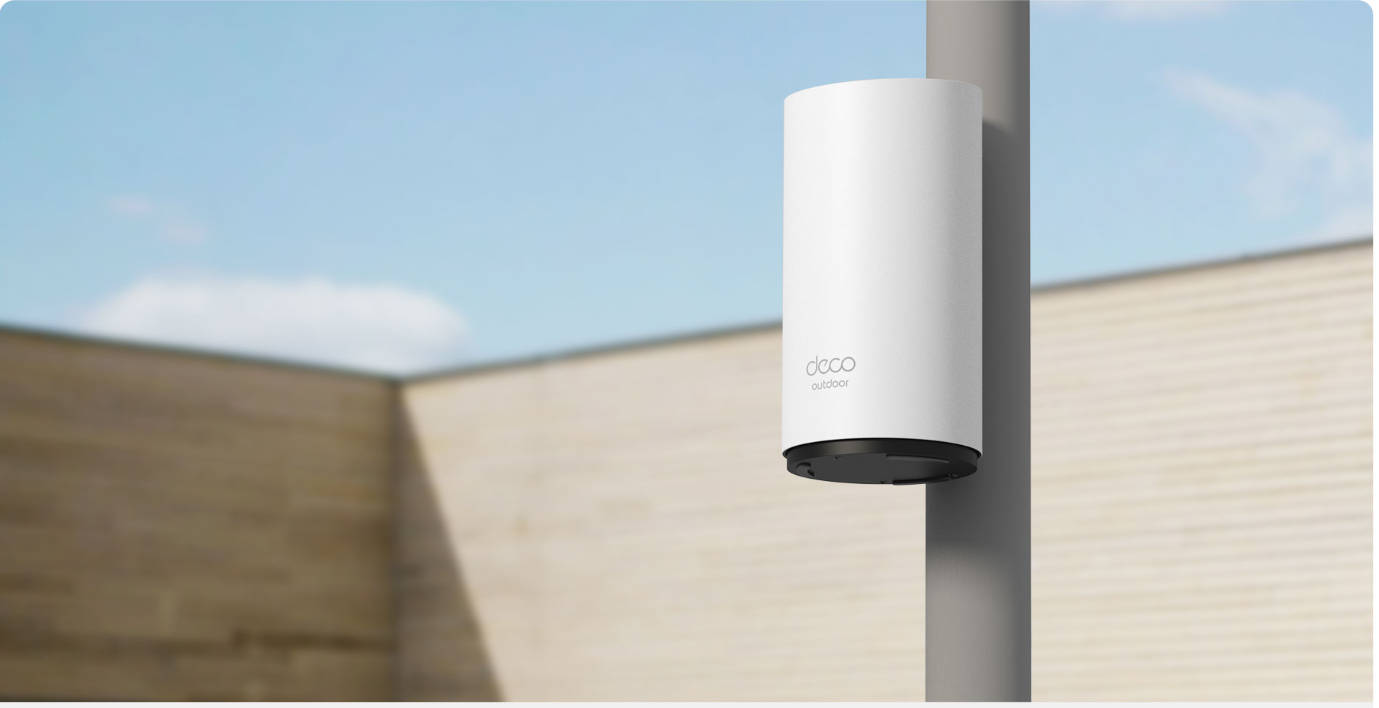
TP-Link Mesh Wi-Fi (Deco)
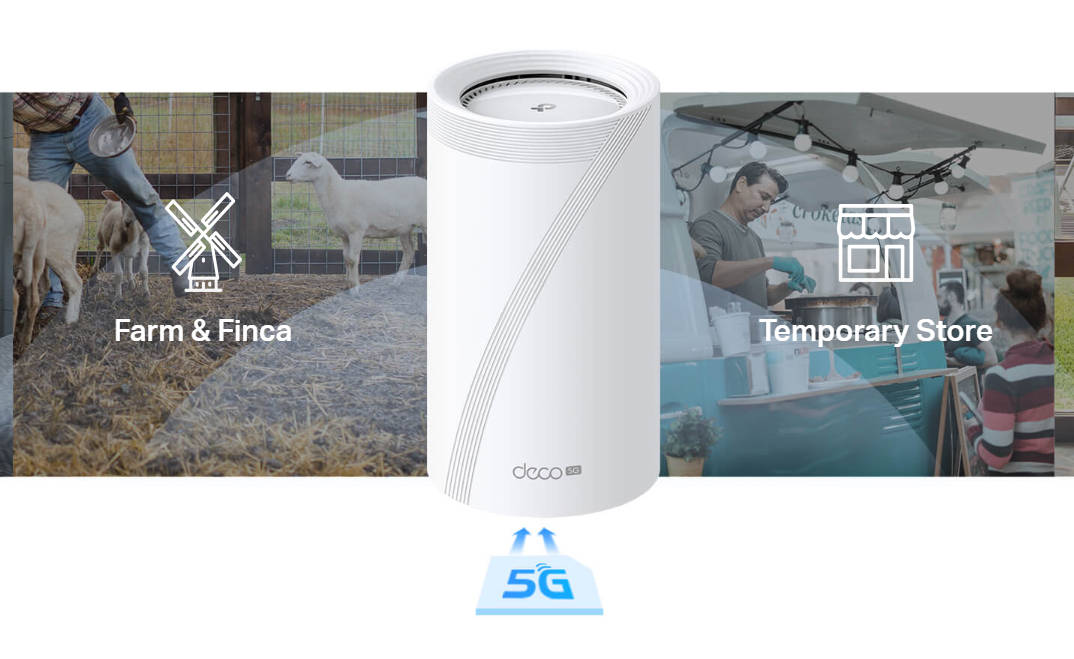
For homes that need the best Internet booster for whole-home coverage, Deco is TP-Link's mesh Wi-Fi lineup, with Wi-Fi 7 systems managed through the free Deco app.
- Deco BE25: For households that want whole-home Wi-Fi 7 coverage without a high price tag, this is a straightforward upgrade that covers every room.
- Deco BE63: The Deco BE63 is built for busier homes with more devices and heavier usage, delivering consistent Wi-Fi 7 coverage throughout.
- Deco BE77: A high-performance tri-band Wi-Fi 7 system with a 10 Gbps wired port, the Deco BE77 handles the load without the network becoming the bottleneck.
TP-Link Powerline Adapters
TP-Link's powerline adapters work as an Internet signal booster for home rooms where Wi-Fi can't reliably reach, carrying your connection through your home's existing electrical wiring.
TL-PA9020P Kit: For rooms where Wi-Fi consistently struggles, this kit delivers a stable wired connection through your existing electrical wiring, without giving up the wall outlet.
TL-PA7017 Kit: If you need a reliable connection in one hard-to-reach room and want to keep things simple, this is a compact starting point for extending your network through your home's electrical wiring.
Find the Right Fix for Your Home's Wi-Fi
An Internet booster is any device that improves your Wi-Fi coverage, and the right one depends on the specific problem you're trying to solve. A range extender is the right call for one dead zone in a smaller home. A mesh system is the better choice when you need consistent coverage throughout a larger or multi-story space. And powerline adapters are worth considering when Wi-Fi can't reliably reach a room.
When you're ready to explore your options in more depth, TP-Link's guide to choosing the best Wi-Fi booster walks through the full lineup with more detail.
FAQs
What does an Internet booster do?
An Internet booster improves your Wi-Fi signal in areas of your home where it's weak or missing. Depending on the type, it can extend the reach of your existing router, create a seamless whole-home network, or deliver a wired connection through your home's electrical wiring.
Do Internet boosters really work?
Yes, Internet boosters work, but how well depends on choosing the right type for your situation. If the issue is your router itself or your Internet plan, a booster alone is unlikely to fix it.
What is the difference between a Wi-Fi booster and a Wi-Fi extender?
They're the same thing. Wi-Fi booster, Wi-Fi extender, and Wi-Fi repeater are common names for the same type of device: one that picks up your router's signal and rebroadcasts it to cover more area. The terminology varies by brand.
Is a mesh system better than a Wi-Fi range extender?
It depends on your home. For one specific dead zone in a smaller home, a range extender is often enough and costs less. For larger homes, multi-story layouts, or households with many connected devices, a mesh system delivers more consistent coverage.
How do I know which Internet booster I need?
Start with the problem. One dead zone in a smaller home: try a range extender. Weak signal throughout a larger or multi-story home: consider a mesh system. A room where Wi-Fi consistently struggles to reach: look at powerline adapters. If speeds are slow everywhere, not just in certain rooms, the issue might be your router, not coverage.