
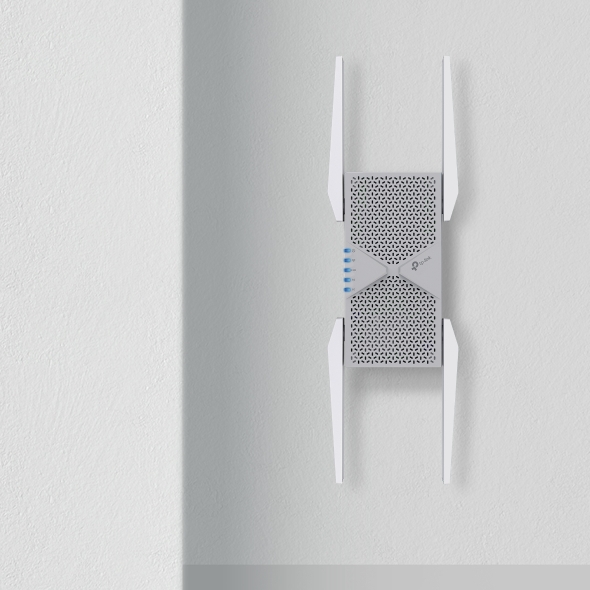
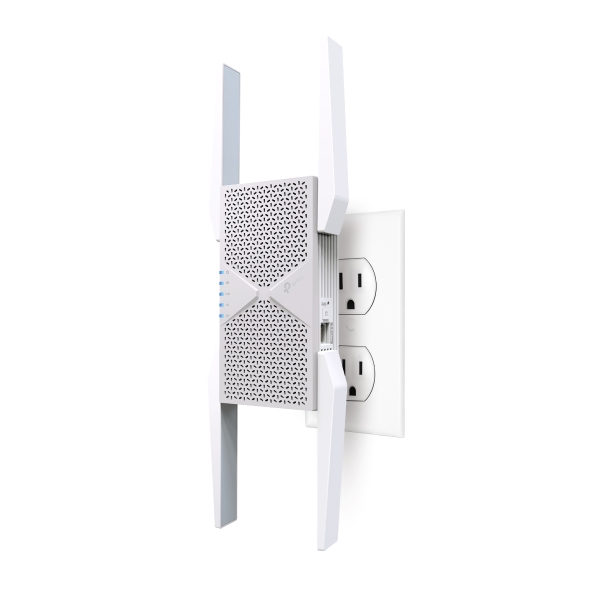
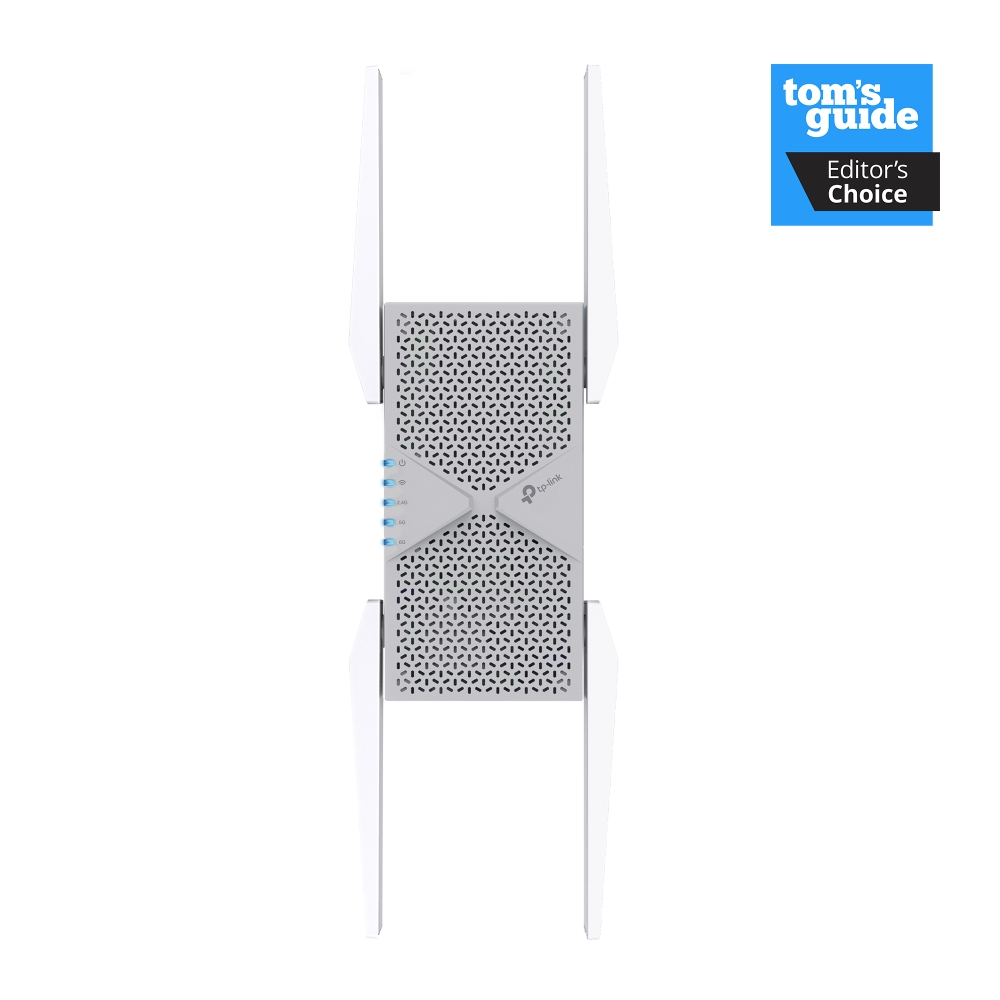
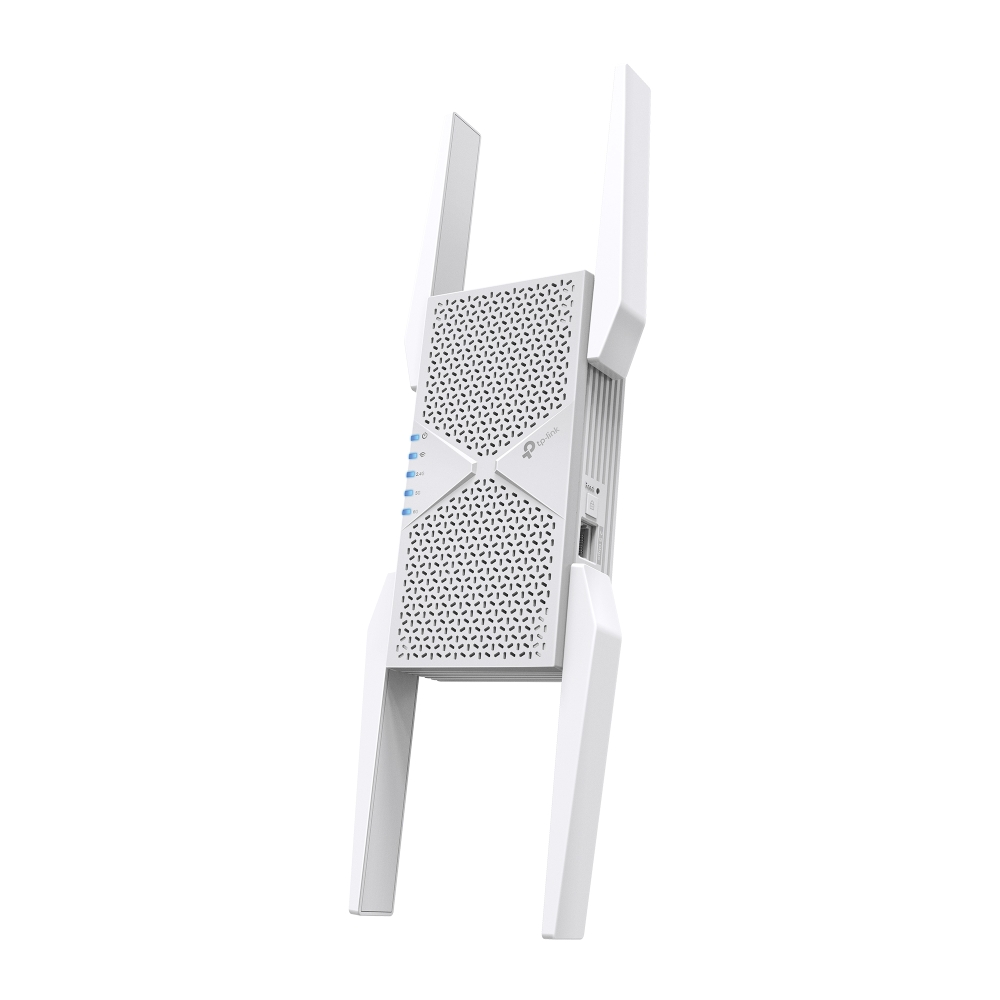
RE653BE
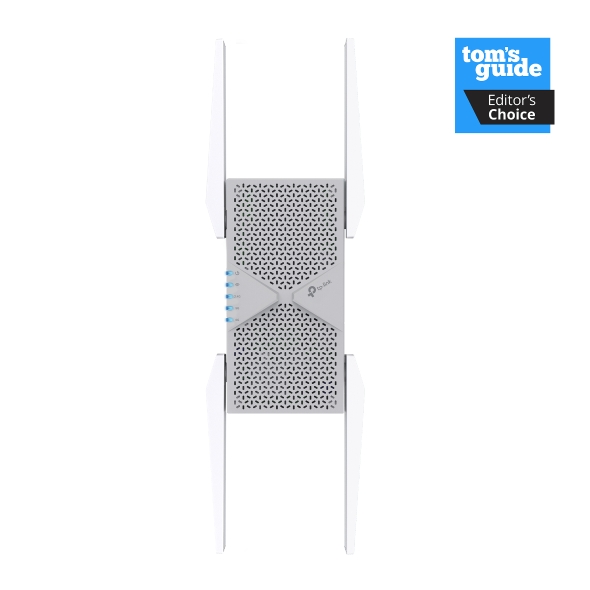
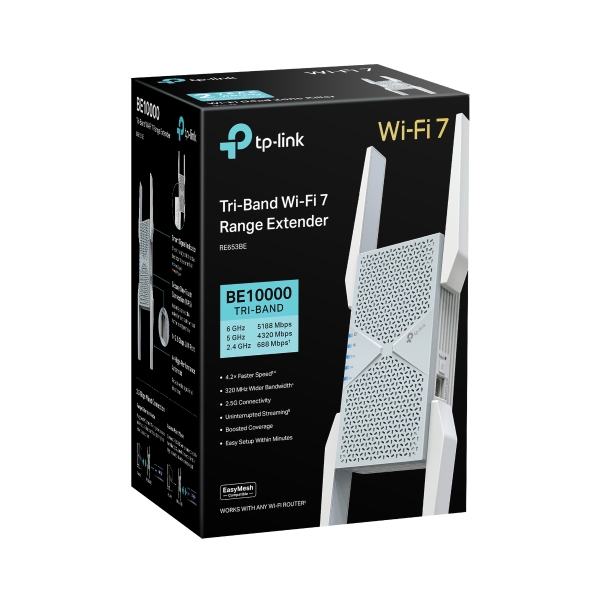
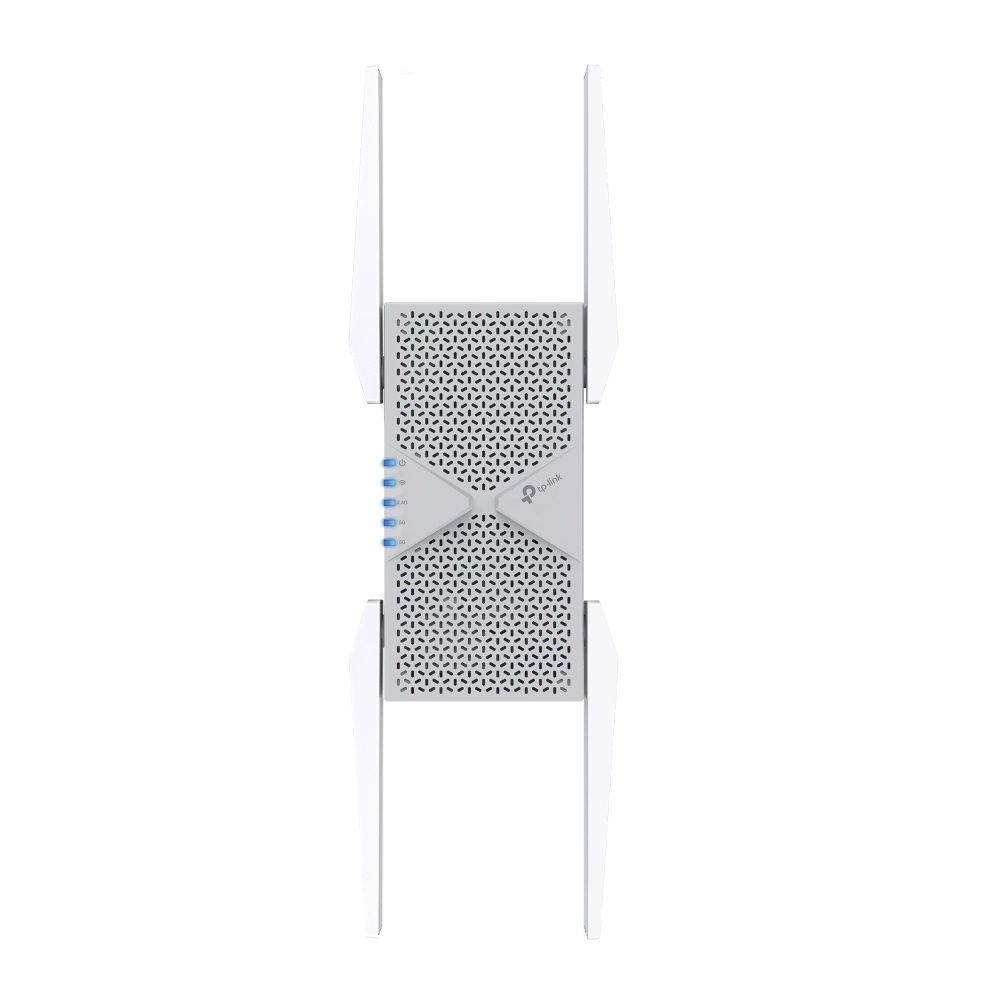
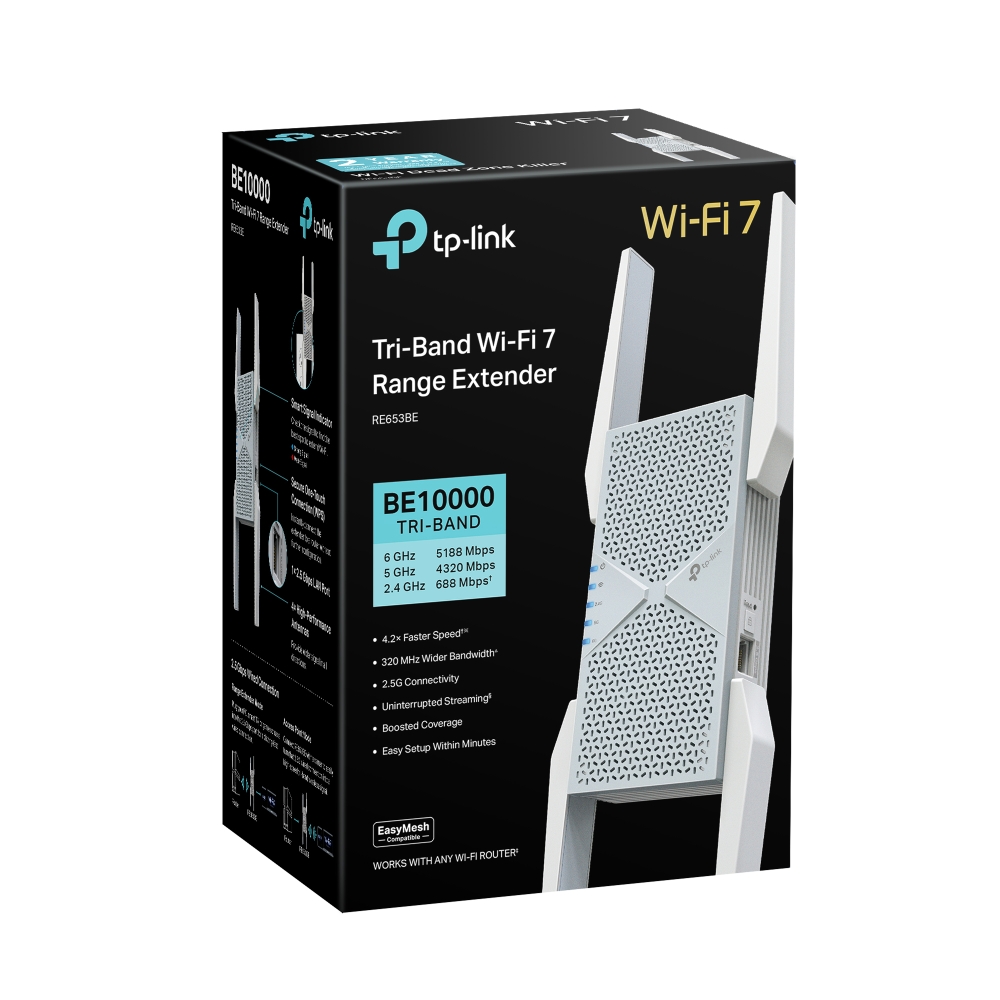
BE10000 Tri-Band Wi-Fi 7 Range Extender
- Next-Generation Wi-Fi 7 Performance: As a Wi-Fi 7 extender, the RE653BE brings the 6 GHz band, 320 MHz channels, and 4K-QAM to your setup, so more devices can stream, browse, and video call at once without slowing down.△
- Add Coverage Without Starting Over: Add Wi-Fi 7 coverage without replacing your router. This TP-Link Wi-Fi extender works with every Wi-Fi generation, device, and Internet provider, dropping into your current network to cover more rooms right away.
- Up to 10.2 Gbps of Combined Speed: Stream, game, and video call at once without competing for bandwidth. Tri-band Wi-Fi delivers up to 10.2 Gbps across three bands, the headroom expected from one of the strongest Wi-Fi extenders for a large house.†
- A Cleaner Band for Compatible Devices: Compatible devices on 6 GHz get a less congested, less crowded connection, with more channels and wider spectrum than 5 GHz or 2.4 GHz. That means less interference from a neighbor's router or older device.△
- Faster Response Times With MLO: Multi-Link Operation lets compatible devices use multiple Wi-Fi bands at once, helping improve throughput, responsiveness, and connection stability.△
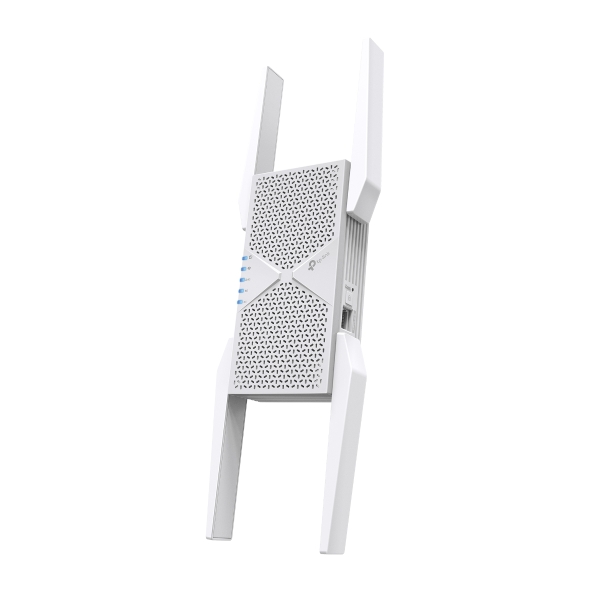
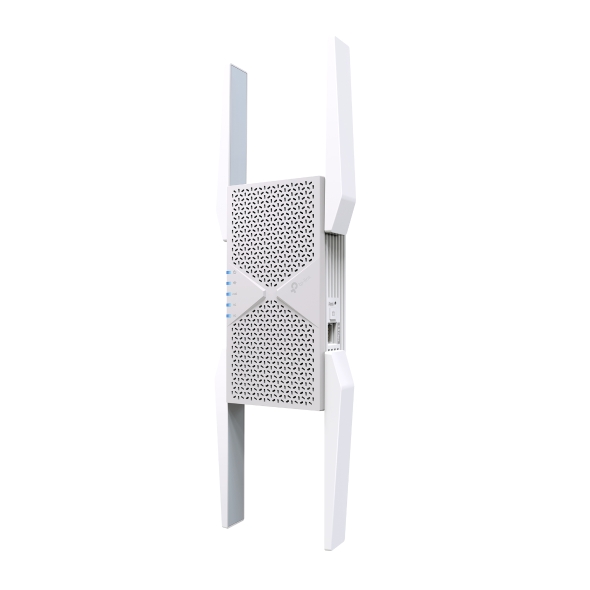
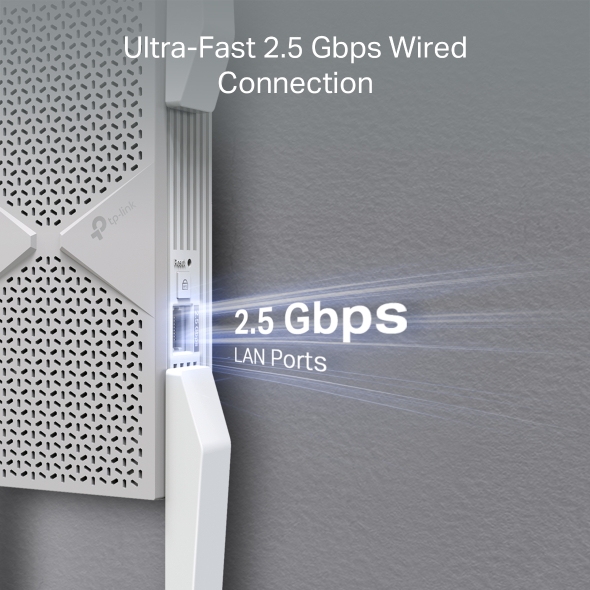
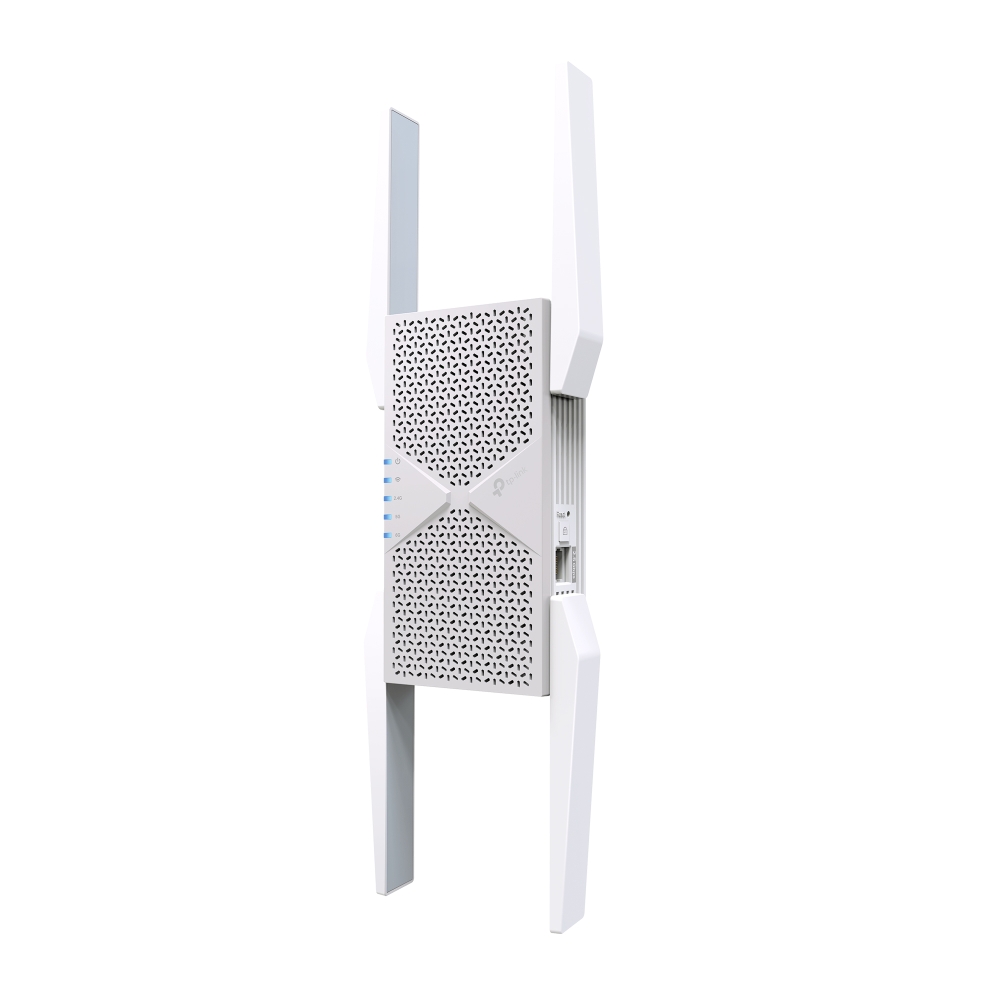
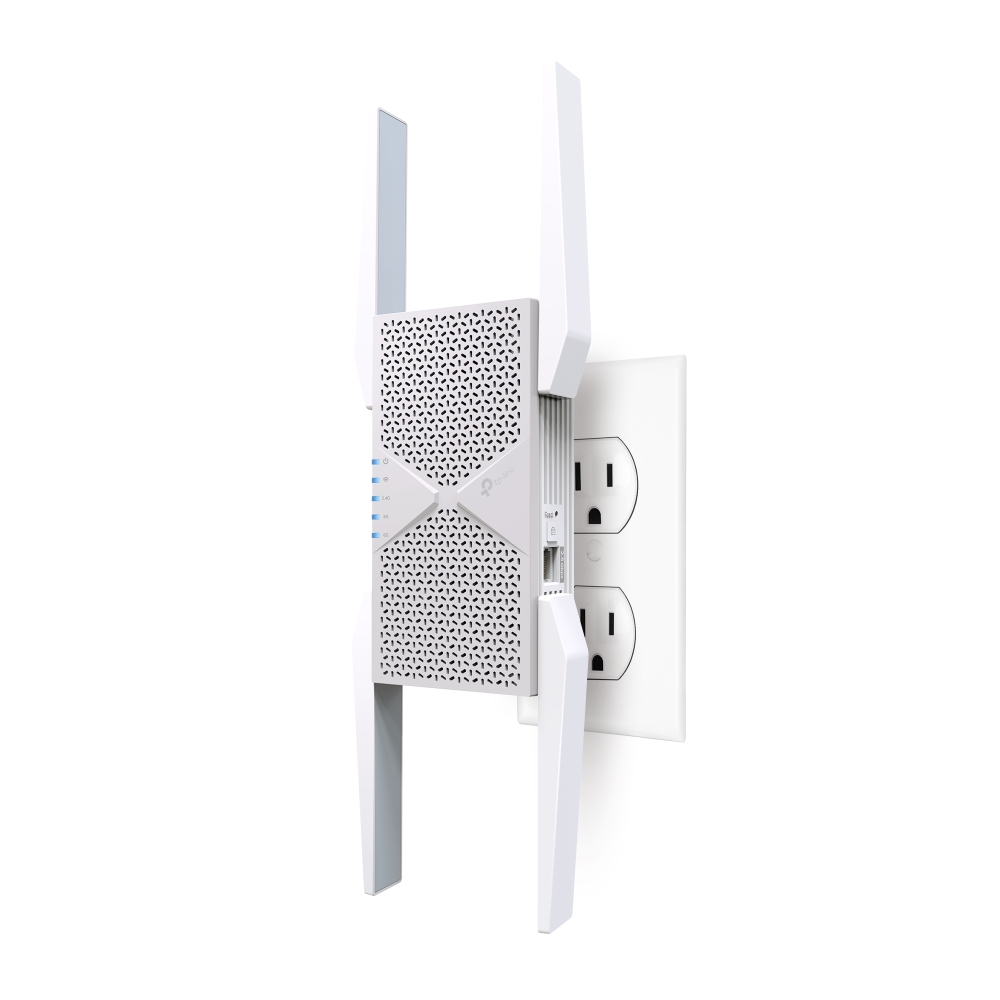
- A Wi-Fi Extender With Ethernet Built In: Connect a PC, game console, smart TV, or other wired device directly to the RE653BE through its 2.5G multi-gigabit Ethernet port.
- Reach the Rooms Your Router Can't: A home office or basement gets a strong signal instead of a dead zone. The RE653BE, a home Wi-Fi extender, closes weak-signal gaps, the reach people search for in a longest range Wi-Fi extender.
- Move Room to Room on One Network: Move through the house without your phone switching to a separate network. EasyMesh compatibility lets the RE653BE join an EasyMesh router under one Wi-Fi name, so devices roam automatically.*
- Set Up and Manage Wi-Fi in Minutes: Press the WPS button on the router and the RE653BE, and the two connect automatically. From there, the TP-Link Tether App handles Wi-Fi settings, device management, and extender status from your phone.
- Supports WPA3 Wi-Fi Security: Support for WPA/WPA2-PSK and WPA3 provides flexible wireless security for compatible new and legacy devices.△

Lightning-Fast Wi-Fi 7
in Every Corner
BE10000 Tri-Band Wi-Fi 7 Range Extender
RE653BE

Tri-Band Wi-Fi 7 Speed up to
10.2 Gbps
1×2.5 Gbps
LAN Port
6 GHz
5 GHz
2.4 GHz
Multi-Link Operation
Higher Speed, Lower Latency
Whole Home Coverage
4K-QAM
320 MHz
Bandwidth
Larger Capacity
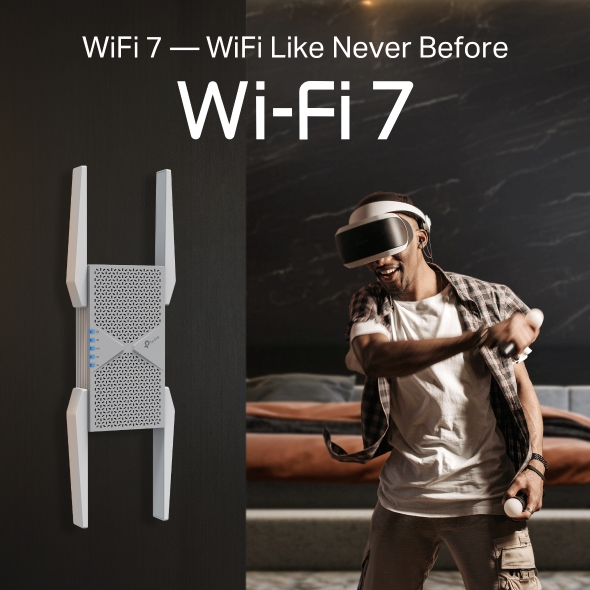
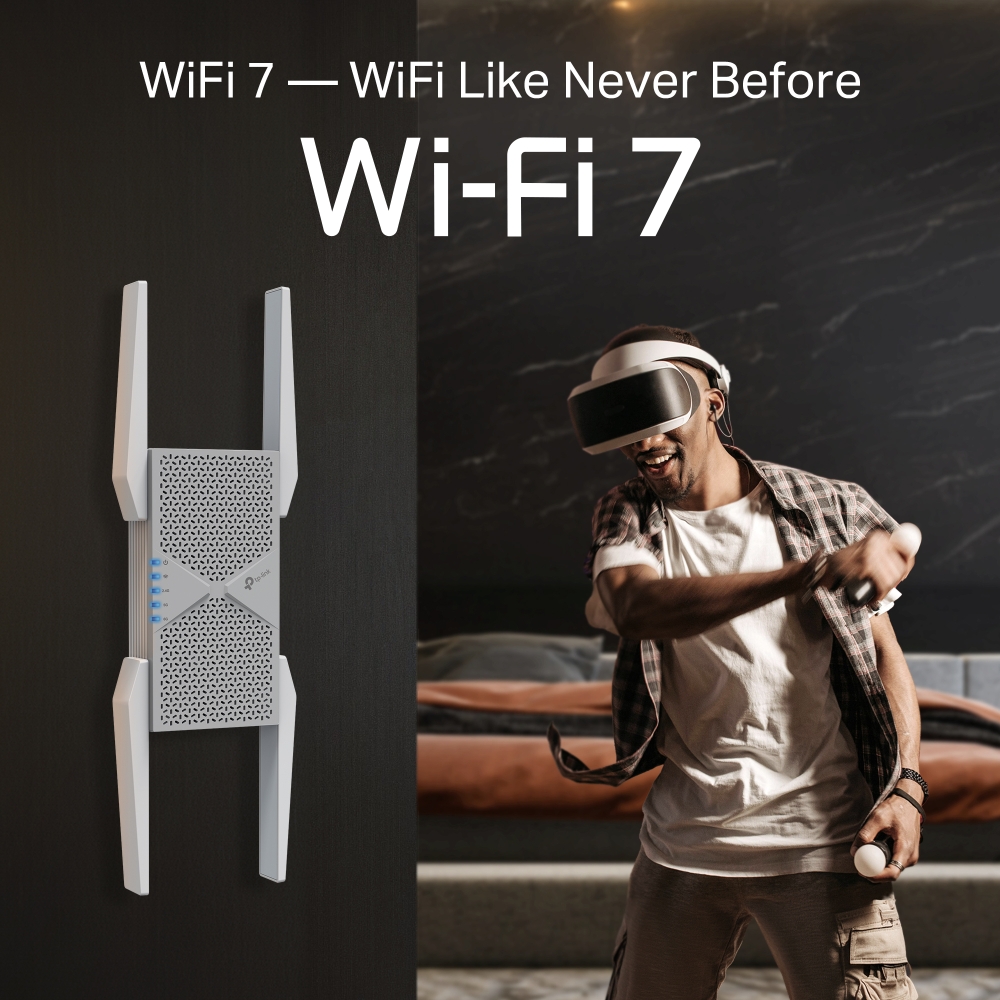
WiFi 7 — WiFi Like Never Before
WiFi 7 offers accelerated throughput, lower latency, stronger anti-jamming, and higher efficiency. Join the league of pros and experience the sheer performance of the next generation of WiFi.
Lightning-Fast 10.2 Gbps Tri-Band Wi-Fi with MLO
Experience a high-end Tri-Band Wi-Fi 7 range extender with blazing-fast Wi-Fi speeds up to 10.2 Gbps.† Now, every device in your home network will run at top performance. The exclusive 6 GHz band provides exceptional bandwidth and congestion-free channels exclusive to your devices.†

4.2× Faster Speed
than WiFi 6E REs※

4× Lower Latency
MLO Improves Throughput☆

Greater Network Capacity
Connects More Devices
The Power of 6G Band
The 6G band more than doubles the available spectrum, meaning no more competition over the airwaves. Experience blazing-fast speed Wi-Fi thanks to the clean 6 GHz band and the added 320 MHz channels, eliminating interference from legacy devices.△
 More spectrum, lower latency
 Wider channels, more throughput
 Congestion-free, less interference
 6 GHz
 5 GHz
 2.4 GHz
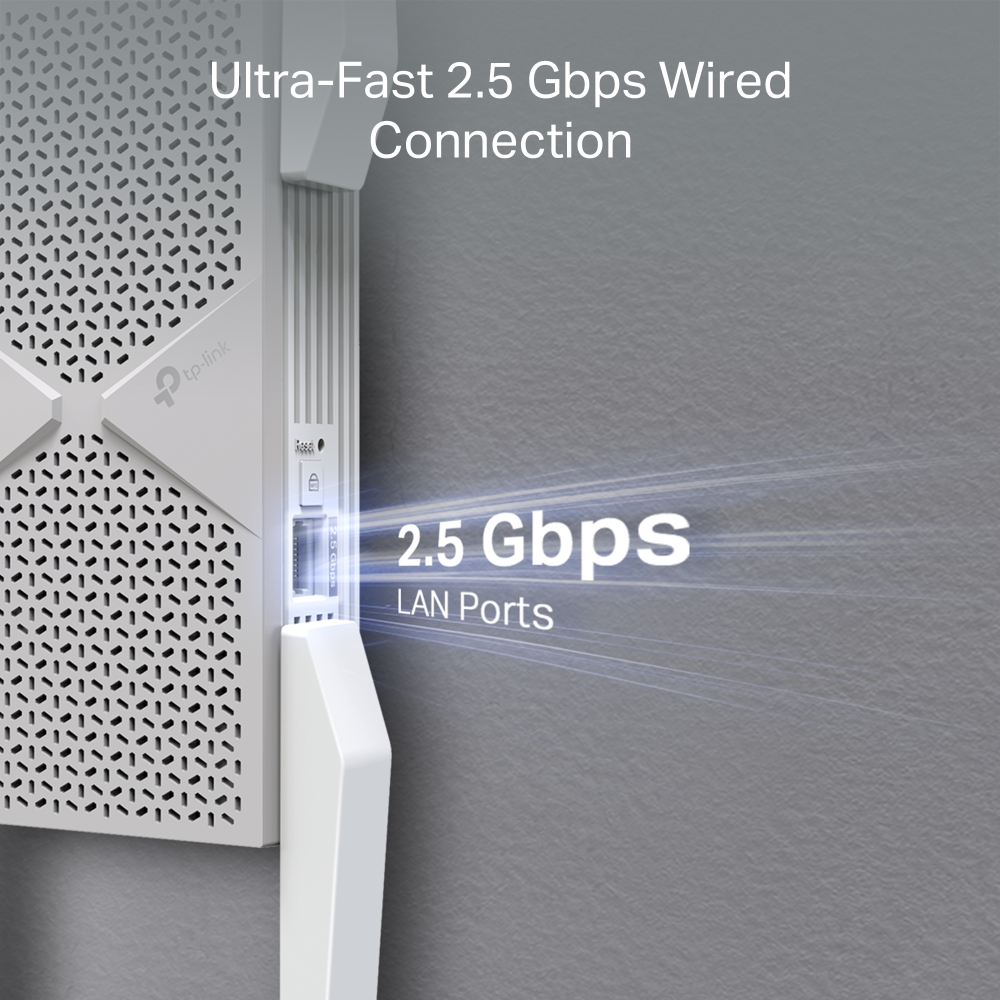
Ultra-Fast 2.5 Gbps Wired Connection
-
 Range Extender Mode
Plug your PC, smart TV, or game console into the 2.5 Gbps port for a blazing-fast wired connection.
Router
RE653BE
2.5 Gbps
-
Access Point Mode
Connect RE653BE with a router to easily turn that 2.5G wired connection into a high-speed tri-band wireless signal.
Router
RE653BE
2.5 Gbps
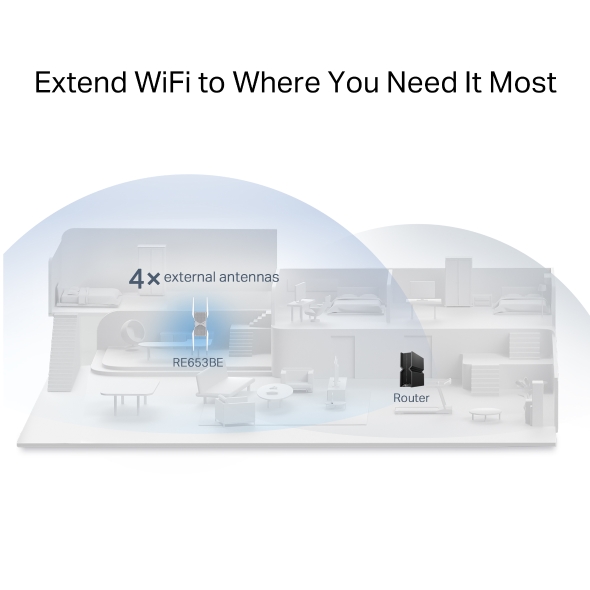
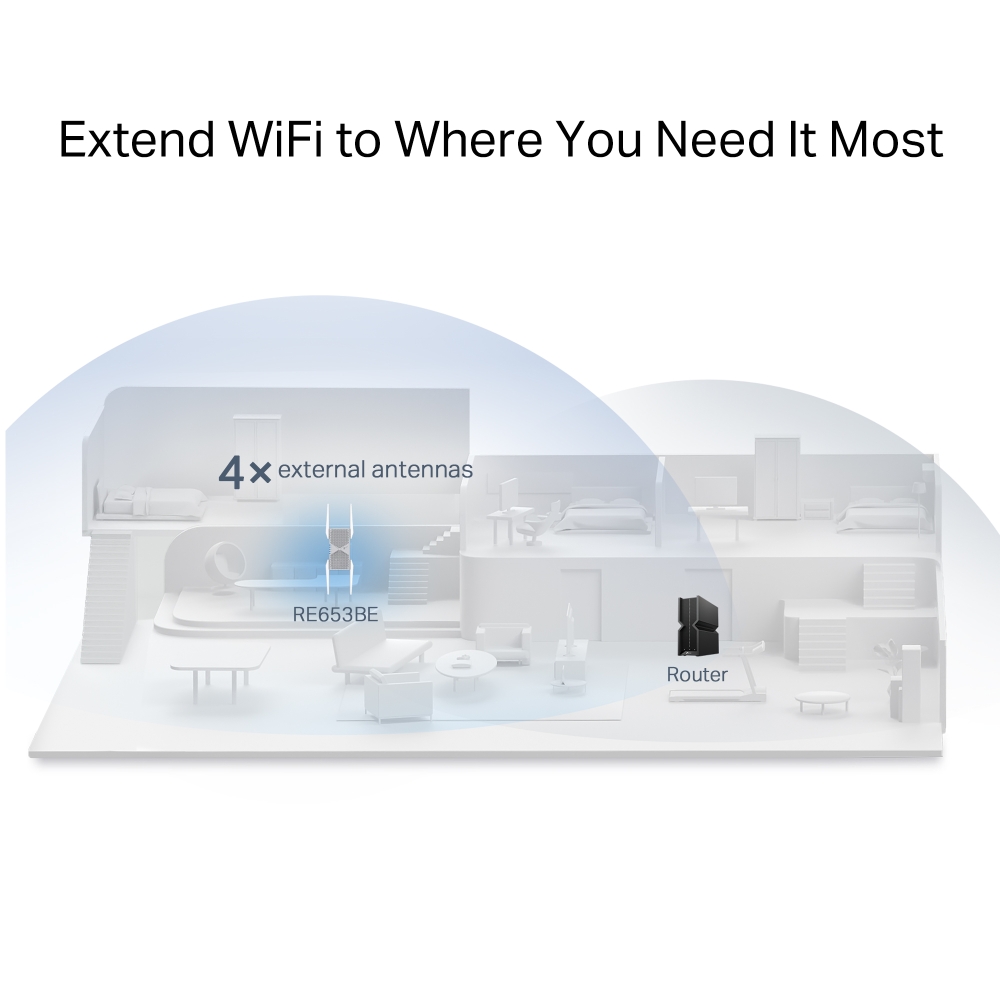
Extend Wi-Fi to Where You Need It Most
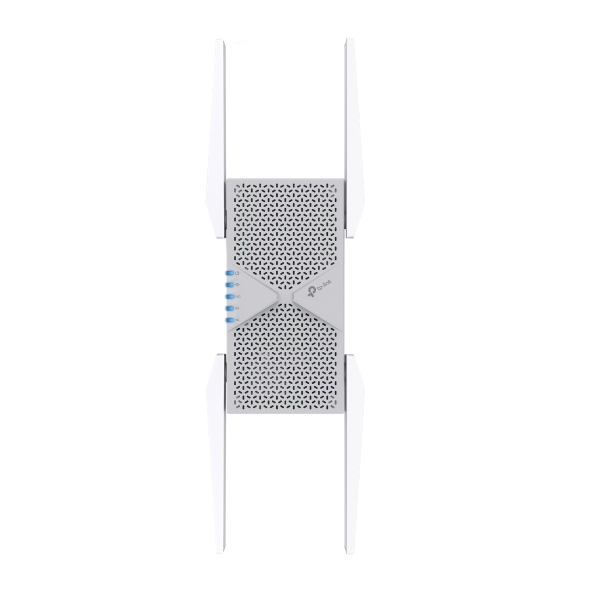
RE653BE wirelessly connects to your existing router and boosts more Wi-Fi signals throughout your home. Its proprietary Wi-Fi optimization and 4× optimally positioned antennas deliver more capacity, stronger and more reliable connections, and less interference.
4× external antennas
RE653BE
Router
EasyMesh — Flexibly Create Whole Home Mesh WiFi
RE653BE is EasyMesh-compatible. If you have any dead zones at home, just add another EasyMesh router/range extender to further form your whole home multi-gigabit mesh Wi-Fi. No more searching for a stable connection. *

Wi-Fi Dead Zone Killer
Eliminate weak signal areas with Wi-Fi coverage for the whole house
Smart Roaming
Uninterrupted streaming when moving around your home
One WiFi Name
No more switching Wi-Fi network names
-
EasyMesh Devices (Router+Range Extender)


-
Traditional Router with Extender Wi-Fi
Effortless One-Touch Setup
Press the WPS button on your router and extender to expand your Wi-Fi coverage in seconds.
-
1
Press the WPS button on your router and the RE653BE.
-
2
Relocate the RE653BE to the best place with smart signal indicator.

WPS Button

WPS Button
Control at Your Fingertips
Set up and manage your WiFi, including TP-Link routers and range extenders, from your Android or iOS phone with the TP-Link Tether app.



RE653BE: A Tri-Band Wi-Fi Extender Built for Wi-Fi 7
A Wi-Fi range extender connects to your existing router and rebroadcasts its signal into rooms with weak or no coverage. The RE653BE is a TP-Link tri-band Wi-Fi extender built for Wi-Fi 7, adding a 6 GHz band, up to 10.2 Gbps combined speeds, and a 2.5G Ethernet port to your current network. It's the upgrade to make if you're covering a large house, closing persistent dead zones, or want Wi-Fi 7 speed in more rooms.
The RE653BE works as a Wi-Fi extender for the spots that get left out, like a guest bedroom above the garage or a patio just beyond the point where your signal tends to fade. Browse the full lineup of Wi-Fi range extenders to compare options, including the RE655BE range extender, and find the right fit for your home.
FAQs
How does the RE653BE range extender work?
The RE653BE connects to your existing router and extends Wi-Fi into areas where the router’s signal is weak. Its tri-band Wi-Fi 7 design adds dedicated 6 GHz connectivity alongside 5 GHz and 2.4 GHz. To see how a Wi-Fi extender compares with devices marketed as boosters, check out ourWi-Fi extender vs. booster guide.
How do I set up the RE653BE range extender?
Plug the RE653BE into an outlet within range of your router, then press the WPS button on both devices to connect them automatically. From there, the Tether App walks you through placement, Wi-Fi settings, and any further configuration from your phone.
How do I connect the RE653BE range extender to my router?
The fastest way to connect the RE653BE to your router is with the WPS button. Press it on the router, then on the extender, and the two pair automatically.
How do I use the RE653BE range extender?
Once connected, the RE653BE works in the background, extending your router's Wi-Fi signal to any device that joins it. Wi-Fi 7 features like 320 MHz channels and 4K-QAM are available with compatible client devices. For more on how those technologies affect real-world speed, see our guides on Wi-Fi 7's 320 MHz channels and QAM and Wi-Fi 7 speeds.
Is the RE653BE range extender good for whole-home coverage?
When paired with compatible EasyMesh devices, the RE653BE can become part of a unified network using one Wi-Fi name. For a broader look at how mesh standards differ, see our guide to Wi-Fi mesh standards.
Is the RE653BE range extender good for gaming?
For compatible Wi-Fi 7 devices, MLO can improve throughput, responsiveness, and connection stability by using multiple bands. The 2.5G Ethernet port also provides a high-speed wired connection option for a gaming PC or console. Read more in our Wi-Fi 7 MLO explainer.
Can I connect wired devices to the RE653BE range extender?
Yes. The 2.5G multi-gigabit Ethernet port lets a console, smart TV, PC, or other Ethernet device connect directly to the RE653BE for high-speed wired connectivity. That dedicated line helps most with large downloads, 4K streaming, or anything else that doesn't want to compete with other devices on Wi-Fi.
| Interface | 1× 2.5 Gbps LAN Port |
|---|---|
| Button | • WPS Button• Reset Button |
| Input Power | 100-240V~50/60Hz 0.5A |
| Max. Power Consumption | 23.5W |
| Dimensions ( W x D x H ) | 4.2 ×1.5 × 6.3 in. (107.2 × 39 × 161 mm) |
| Antenna | 4 External Antennas |
| Wireless Standards | Wi-Fi 7IEEE 802.11be/ax 6 GHzIEEE 802.11be/ax/ac/n/a 5 GHzIEEE 802.11be/ax/n/b/g 2.4 GHz |
|---|---|
| Frequency | • 6 GHz• 5 GHz• 2.4 GHz |
| Signal Rate | • 5188 Mbps at 6 GHz• 4320 Mbps at 5 GHz• 688 Mbps at 2.4 GHz |
| Working Modes | Range Extender/Access Point |
| Reception Sensitivity | 6GHz:11be HE20 MCS0:-95dBm, 11be HE20 MCS13:-60dBm11be HE40 MCS0:-92dBm, 11be HE40 MCS13:-57dBm11be HE80 MCS0:-88dBm, 11be HE80 MCS13:-53dBm11be HE160 MCS0:-85dBm, 11be HE160 MCS13:-50dBm11be HE320 MCS0:-81dBm, 11be HE160 MCS13:-46dBm 5GHz:11be HE20 MCS0:-93dBm, 11be HE20 MCS13:-58dBm11be HE40 MCS0:-89dBm, 11be HE40 MCS13:-54dBm11be HE80 MCS0:-87dBm, 11be HE80 MCS13:-51dBm11be HE160 MCS0:-85dBm, 11be HE160 MCS13:-49dBm11be HE240 MCS0:-83dBm, 11be HE160 MCS13:-47dBm2.4GHz:11be HE20 MCS0:-97dBm, 11be HE20 MCS11:-64dBm11be HE40 MCS0:-95dBm, 11be HE40 MCS11:-62dBm |
| Wireless Security | • WPA/WPA2-PSK encryptions• WPA3 |
| Advanced Features | • Multi-Link Operation (MLO)• 320 MHz Channel• 4K-QAM• Multi-RUs |
| Transmission Power | FCC: • 2.4GHz < 30dBm• 5GHz < 30dBm• 6GHz < 30dBm |
| Mesh Technology | EasyMesh-Compatible |
| Wireless Function | • LED Control• Access Control• Power Schedule• Wi-Fi Coverage |
| Certification | FCC |
|---|---|
| Package Content | • Wi-Fi 7 Range Extender RE653BE• Quick Installation Guide |
| System Requirements | Microsoft Windows 98SE, NT, 2000, XP, Vista™ orWindows 7, 8, 8.1, 10, MAC OS, NetWare, UNIX or LinuxInternet Explorer 11, Firefox 12.0, Chrome 20.0, Safari4.0, or other Java-enabled browser |
| Environment | • Operating Temperature: 0℃~40℃ (32℉ ~104℉)• Storage Temperature: -40℃~70℃ (-40℉ ~158℉)• Operating Humidity: 10%~90% non-condensing• Storage Humidity: 5%~90% non-condensing |
†Maximum wireless signal rates are the physical rates derived from IEEE Standard 802.11 specifications. Higher capacity is based on laboratory test data, which analyzed the connections of different devices on the 6 GHz, 5 GHz, and 2.4 GHz bands simultaneously. These devices simulated a typical home scenario by running simultaneous applications in the same room that included 4K video, 1080p video, 720p video, file downloading, web browsing, IP cameras, and other IoT devices. Actual wireless data throughput, wireless coverage, and connected devices are not guaranteed and will vary as a result of internet service provider factors, network conditions, client limitations, and environmental factors, including building materials, obstacles, volume and density of traffic, and client location.
‡The product may not be compatible with routers or gateways with firmware that has been altered, is based on open source programs, or is non-standard orl outdated.
§Uninterrupted Streaming is designed for devices that support the 802.11k/v standard.
△Use of Wi-Fi 7 (802.11be), Wi-Fi 6 (802.11ax), and features including Multi-Link Operation (MLO), 320 MHz Bandwidth, 4K-QAM, Multi-RU, OFDMA, and MU-MIMO requires clients to also support the corresponding features. The 320 MHz bandwidth is only available on the 6 GHz band. Simultaneously, the 320 MHz bandwidth on the 6 GHz band and 160 MHz bandwidth on the 5 GHz band may be unavailable in some regions/countries due to regulatory restrictions. Double channel width and speed refer to 320 MHz compared to 160 MHz for Wi-Fi 6 range extenders.
*TP-Link EasyMesh-compatible products can network with other devices that use EasyMesh. Failed connections may be due to firmware conflicts of different vendors. The EasyMesh-compatible function is still being developed on some models and will be supported in subsequent software updates. This product is compatible with standardized EasyMesh technology but has not obtained the Wi-Fi EasyMeshTM certification.
**Unified management is available for TP-Link EasyMesh-compatible devices. This feature is not guaranteed for devices from other vendors.
***Wi-Fi generations represent the wireless standard IEEE 802.11 a/b/g/n/ac/ax/be. All devices need to support 802.11 Wi-Fi protocols.
Actual network speed may be limited by the rate of the product's Ethernet WAN or LAN port, the rate supported by the network cable, internet service provider factors, and other environmental conditions.
This range extender may not support all the mandatory features as ratified in the IEEE 802.11be specification. Further software upgrades for feature availability may be required.