What Is a VPN Router? How It Works, Who It's For, and How to Get Started
A Virtual Private Network (VPN) is a service that encrypts your Internet traffic and routes it through a secure server, keeping your online activity private. Most people run a VPN app on a single device. A VPN router takes that protection further with built-in VPN software, so every device on your home network automatically gets that same encryption, with no app installs required.
This post covers what a VPN router is, how it works, who it's for, and how to get started.
Key Takeaways
- A VPN router automatically encrypts your entire home network. Instead of installing a VPN app on each device, the router handles it.
- Smart TVs, gaming consoles, and smart home devices can't run VPN apps. A VPN router is the only way to protect them.
- VPN routers work in two modes: VPN client mode routes all your traffic through a VPN service, and VPN server mode lets you connect back to your home network securely from anywhere.
- For one or two devices, a regular VPN app is enough. If you want whole-home coverage, a VPN router is the more practical choice.
- Many modern routers have VPN functionality built into the firmware, including TP-Link models, so there's nothing extra to install.
What Is a VPN Router?
A VPN router is a router with VPN software built into its firmware that encrypts all Internet traffic for every device connected to your home network.
A standard router connects your devices to the Internet. A VPN router does the same thing, but wraps all of that traffic in encryption before it leaves your home. Every device on your network, whether it's a laptop, a phone, a smart TV, or a thermostat, gets that protection automatically. You configure the VPN once on the router, and the coverage applies across the board.
Benefits of a VPN Router
- Whole-home coverage: Every device on your network is protected without any individual setup.
- No per-device installs: One configuration on the router covers everything, eliminating the need to manage VPN apps on each device.
- No device account limits: Many VPN services limit the number of devices per account. A router counts as one device, no matter how many are connected to it.
- Covers devices that can't run VPN apps: Smart TVs, gaming consoles, and Internet of Things (IoT) devices don't support VPN apps. A VPN router is the only way to protect them.
- Single point of configuration: Manage your VPN settings in one place instead of updating each device separately.
How Does a VPN Router Work?
A VPN router connects to a VPN service on behalf of all the devices on your network. All traffic flowing through the router is encrypted before it reaches the Internet. VPN routers operate in two modes.
VPN client mode is the most common setup. The router connects to a third-party VPN service, and all outbound traffic from every device is automatically encrypted through that service. You choose your VPN provider, enter your credentials in the router's admin panel, and every connected device is covered.
VPN server mode turns your router into a private server. This lets you connect securely back to your home network from anywhere, which is useful for remote work or accessing your home devices while traveling.
TP-Link routers are compatible with popular VPN services like WireGuard and openVPN. Whichever provider you use, all devices connected to the router are covered automatically.
VPN routers support several encryption protocols, each with different trade-offs between speed and security.
- OpenVPN: An open-source protocol known for strong security and broad compatibility across VPN providers.
- WireGuard: A newer protocol that delivers faster speeds with strong encryption, making it a practical choice for everyday use.
- L2TP: Layer 2 Tunneling Protocol, commonly paired with additional encryption for a widely supported, straightforward setup.
- PPTP: Point-to-Point Tunneling Protocol, an older and faster option with more basic encryption, suitable for less security-sensitive tasks.
Types of VPN Routers
Not all VPN routers are set up the same way. There are three main types, and the right one depends on how much control you want and how comfortable you are with the technical setup.
- Built-in VPN routers: These come with VPN functionality already built into the firmware. You configure everything through the router's admin panel, with no additional software needed. Most modern routers, including TP-Link models, fall into this category.
- Pre-configured routers: These arrive pre-configured for a specific VPN provider. Setup is simple, plug in and connect, but you're locked into that provider.
- Flashed routers: Standard routers with custom firmware installed manually to add VPN capability. These offer the most flexibility, but the process is technical and best suited to advanced users.
VPN Router vs. Adding a VPN to Your Router: Which Is Right for You?
If you already have a compatible router, adding a VPN service to it is a valid option. Many routers support VPN client configuration through their existing admin panel. The question is which approach fits your situation and your comfort level with setup.
|
|
Dedicated VPN Router |
Adding VPN to Existing Router |
|
Compatibility |
Works on any VPN-enabled router |
Requires a compatible router that supports VPN client configuration |
|
Hardware cost |
New router purchase required |
No additional hardware needed |
|
Setup complexity |
Straightforward via admin panel or app |
Varies by router; some require manual configuration |
|
Technical knowledge |
Minimal |
Low to moderate, depending on router model |
|
Performance |
Often includes hardware acceleration for VPN encryption |
Encryption load depends on existing router's processing power |
|
VPN provider flexibility |
Works with most major providers |
Limited to providers compatible with your existing router |
Do You Need a VPN Router?
The answer comes down to how many devices you want to protect and how you use your home network. Here's a straightforward way to think through it.
A VPN Router Makes Sense If Any of These Apply to You
- You have many devices that can't run VPN apps, such as smart TVs, gaming consoles, or smart home devices like security cameras and smart speakers.
- You want whole-home protection without managing VPN app installs and accounts on every device in the house.
- You work from home and want a secure way to connect back to your home network when you're traveling.
- You want every household member's devices covered automatically, without requiring them to manage anything themselves.
A Device VPN App Is Probably Enough If These Apply to You
- You only need VPN protection on one or two devices, like a personal laptop or phone.
- You primarily use a VPN for privacy when you're out and about, rather than at home.
- You're not ready to change your current router setup.
What Can You Do With a VPN Router?
A VPN router opens up practical benefits that go beyond basic privacy. Here are four ways people use them every day.
Whole-home privacy. Every device connected to the router is automatically covered. No per-device setup, no remembering to turn on an app. Your household's traffic is encrypted by default.
Remote work and secure access. Using VPN server mode, you can connect back to your home network securely from anywhere. This is useful for accessing files, devices, or services on your home network while traveling or working remotely.
Streaming and travel. A travel router with VPN support lets you maintain a consistent, encrypted connection while moving between hotels, coffee shops, and other locations. Note: always check the terms of service for any streaming platform before using a VPN to access content.
Smart home and IoT device protection. Devices like smart speakers, security cameras, and thermostats can't run VPN apps on their own. A VPN router is the only way to extend encryption to these devices.
How to Set Up a VPN on Your Router
Setting up a VPN on your router is more straightforward than it sounds. The process depends on your starting point.
Your router already has VPN support built in: Log into the admin panel, navigate to the VPN settings, enter your VPN provider's credentials, and choose your protocol. Most routers walk you through it in a few minutes.
You want to add VPN capability to a compatible existing router: Configure it as a VPN client through its existing firmware. The process varies by model, but most compatible routers guide you through it from the admin panel.
What to Look for in a VPN Router
A good VPN router gives you protocol flexibility, whole-network encryption, and the performance to handle it all without slowing things down. Here is what to look for.
- Multiple protocol support (OpenVPN, WireGuard, L2TP, PPTP). Different protocols trade off speed for security. OpenVPN is widely compatible; WireGuard is faster for everyday use. Having options means you can choose what fits your situation.
- Both client mode and server mode. Client mode routes your home traffic through a VPN service. Server mode lets you connect back to your home network securely from anywhere. A router that supports both gives you full flexibility.
- Hardware acceleration for VPN encryption. Dedicated VPN processing handles encryption load without affecting your network speeds, so your connection stays fast even with VPN running across all your devices.
TP-Link VPN Routers
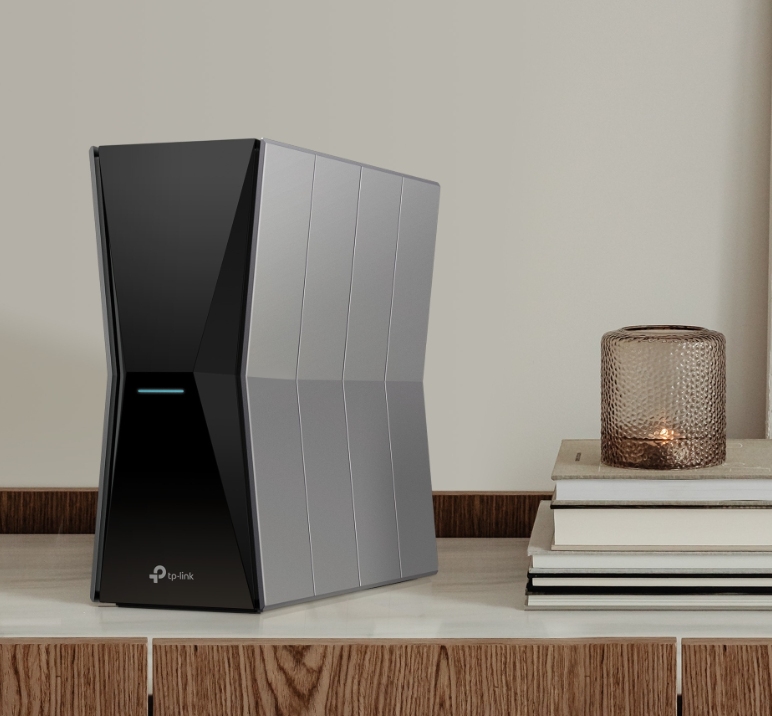
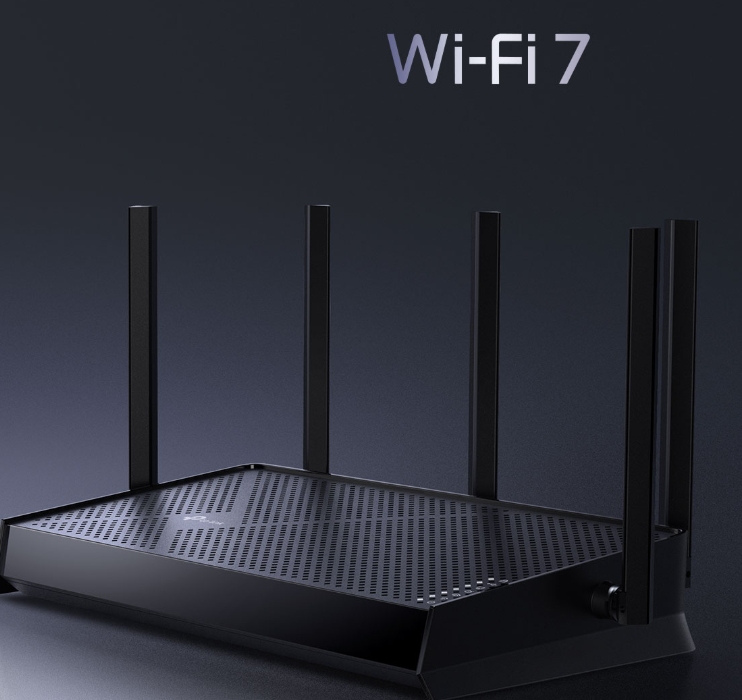
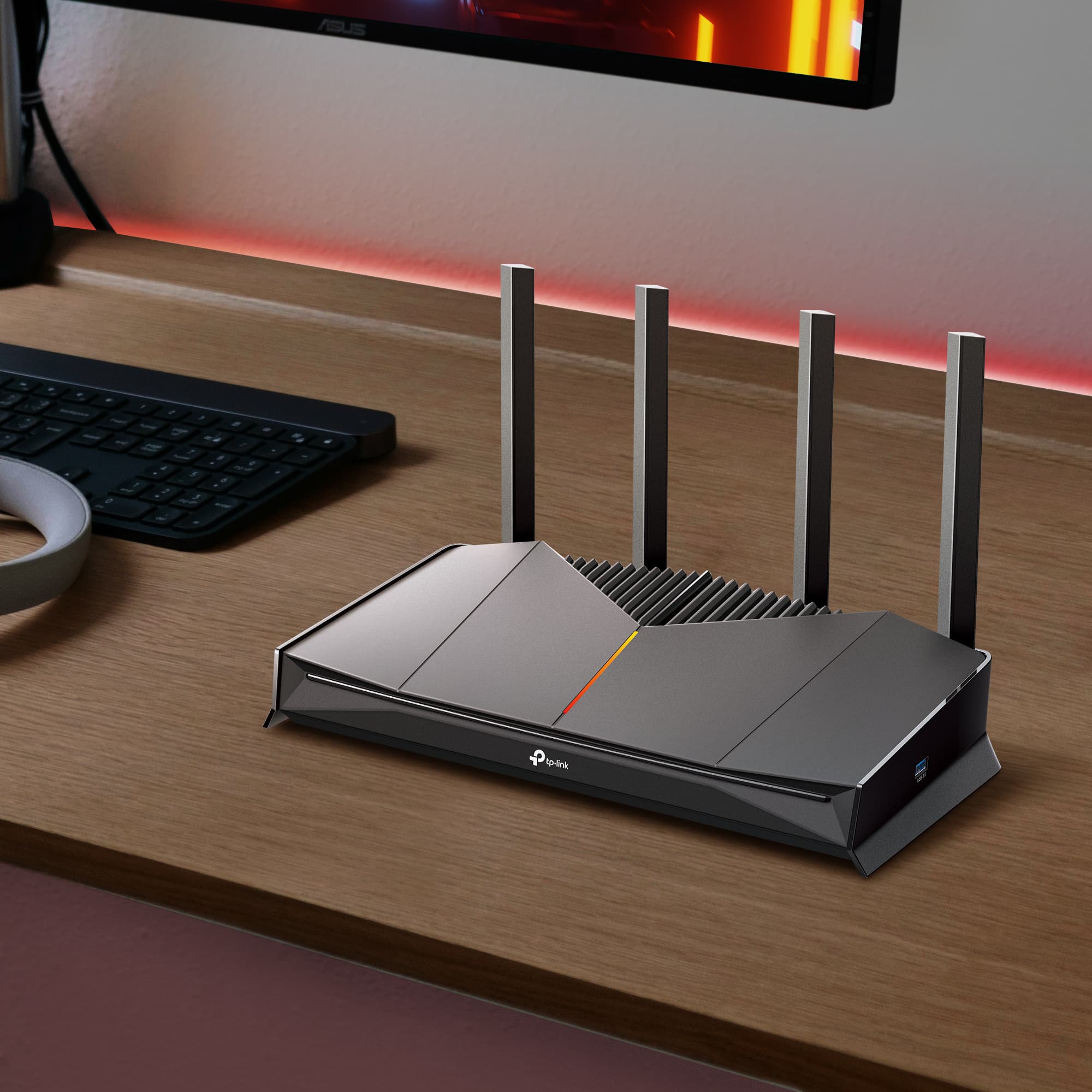
TP-Link VPN routers support both VPN client and server modes out of the box, and can run VPN and regular Internet connections at the same time. You get security and flexibility without choosing between the two. All three models below are Wi-Fi 7 routers with VPN built into the firmware, configured through the admin panel with no additional software needed.
The Archer BE400 is a fit for households making the move to Wi-Fi 7 and wanting VPN coverage from day one. It supports OpenVPN, WireGuard, PPTP, and L2TP, so you can connect to any major VPN provider and choose the protocol that works best for you.
For busier homes with more devices and higher bandwidth demands, the Archer BE600 keeps up without compromise. Tri-band Wi-Fi 7 and a 10 Gbps wired port mean your network stays fast, while built-in VPN keeps everything protected.
If you have a larger home and want top-tier performance alongside whole-home VPN coverage, the Archer BE770 covers both. Dual 10 Gbps ports and tri-band Wi-Fi 7 handle the heaviest network demands, with full VPN client and server support across OpenVPN, WireGuard, PPTP, and L2TP.
For a broader look at protecting your setup, see our home network security guide. For whole-home mesh coverage with VPN, select Deco models also support VPN client configuration.
Protect Every Device. Configure It Once.
A VPN router automatically extends encryption to every device on your network. It’s the right choice if you want whole-home coverage without managing per-device apps. If your home has smart devices, consoles, or a mix of devices that can't run VPN apps individually, a VPN router is the most practical solution.
Explore TP-Link VPN routers to find the right fit for your home, or visit TP-Link's VPN support if you're troubleshooting an existing setup.
Frequently Asked Questions
What is the difference between a VPN router and a regular router?
A regular router connects your devices to the Internet. A VPN router does the same thing but also runs VPN software, so all traffic leaving your network is encrypted automatically. The key difference is that a VPN router protects every connected device without requiring a separate VPN app on each one.
Can I use any VPN service with a VPN router?
Most VPN routers are compatible with major VPN providers and support standard protocols like OpenVPN and WireGuard. Check that your router and VPN service both support the same protocols before purchasing. TP-Link routers support OpenVPN, WireGuard, L2TP, and PPTP, giving you flexibility across most major providers.
Does a VPN router slow down my Internet speed?
VPN encryption adds some processing load, which can reduce speeds on routers without hardware acceleration. Routers built with dedicated VPN processing handle the encryption without a noticeable impact on speed. The protocol you choose also matters: WireGuard is generally faster than OpenVPN.
Is it hard to set up a VPN on a router?
For routers with built-in VPN support, setup is straightforward. You log into the admin panel, enter your VPN credentials, and select your protocol. TP-Link provides step-by-step guides for router VPN setup and Deco VPN configuration to walk you through the process.
Do I still need a VPN app if I have a VPN router?
Not for devices connected to your home network. A VPN router covers everything on your network automatically. If you also want VPN protection on devices when they're away from home, a VPN app on those devices handles it separately.
What is the best VPN router for home use?
The best VPN router for home use depends on your network size and how many devices you're protecting. Look for dual VPN mode support, hardware acceleration, and compatibility with your preferred VPN provider. The Archer BE400, Archer BE600, and Archer BE770 are strong options across a range of budgets and household sizes.