Wi-Fi Router vs. Mesh System: Which Do You Actually Need?
You're streaming on the couch, someone's gaming in the bedroom, and a video call keeps cutting out in the kitchen. Your Internet plan is fast, so why does the Wi-Fi feel unreliable?
The answer might be your router, or it might be how your home is laid out. Before comparing mesh Wi-Fi vs. router setups, it helps to understand what each does and which problems each is built to solve. This guide breaks down both options in simple terms, looks at the key tradeoffs, and helps you figure out which one makes the most sense for your home.
Key Takeaways
- One router, one signal source. A single Wi-Fi router broadcasts from one fixed location; a mesh system uses a main unit plus satellites that all work together as one seamless network.
- Mesh is not automatically the better choice. For apartments, smaller homes, and simpler layouts, a high-performance single router is often the smarter option.
- Four factors drive the decision. Home size, floor plan and construction, number of connected devices, and dead zones will determine which setup is right for you.
- Backhaul is the spec most buyers overlook. This is how mesh nodes communicate with each other, and it is what separates a fast, reliable mesh system from a sluggish one.
- Match the solution to the problem. If Wi-Fi drops in one specific spot, better router placement or a range extender may be all you need. If problems span multiple rooms or floors, mesh is usually the right answer.
Start with the Problem, Not the Product
Before comparing setups, it's worth asking a simpler question: what's actually causing your Wi-Fi problems? The answer shapes everything that follows.
Dead zones in specific rooms usually point to a coverage gap. Buffering during peak hours may indicate too many devices competing for bandwidth, or it could simply mean your router is older and doesn't handle modern device counts well. Dropped connections when moving through the house often indicate that your devices are struggling to maintain a signal as you move farther from the router.
Some Wi-Fi problems don't require a new system at all. A router placed in a corner cabinet, behind a TV, or tucked in a closet can create coverage problems that better router placement alone would fix.
If your router is more than five years old, an upgrade to a newer model might solve the problem without requiring a mesh overhaul. Check out these tips to boost your home Wi-Fi before committing to a full system change.
Quick Self-Check: What's Actually Wrong with Your Wi-Fi?
Answer these questions before you shop. Your answers will help you determine the right solution.
- Home size: Is your home under 1,500 sq ft, between 1,500 and 2,500 sq ft, or larger than 2,500 sq ft?
- Floors: Is your home single-story or multi-story?
- Construction: Are your walls mostly drywall, or do you have brick, concrete, plaster, or tile? (Dense materials block Wi-Fi signals significantly.)
- Connected devices: Do you have fewer than 15 devices, 15 to 30, or more than 30 connected at once?
- Where's the problem? Is it one specific room or zone, or is coverage unreliable across multiple areas?
- Router age: Is your current router more than five years old?
- ISP plan speed: Are you paying for fast speeds but not seeing them on devices?
If your answers point to one specific room and a router under five years old, a placement fix or range extender may be all you need. If problems are spread across floors and rooms, find more information below.
How a Single Wi-Fi Router Works
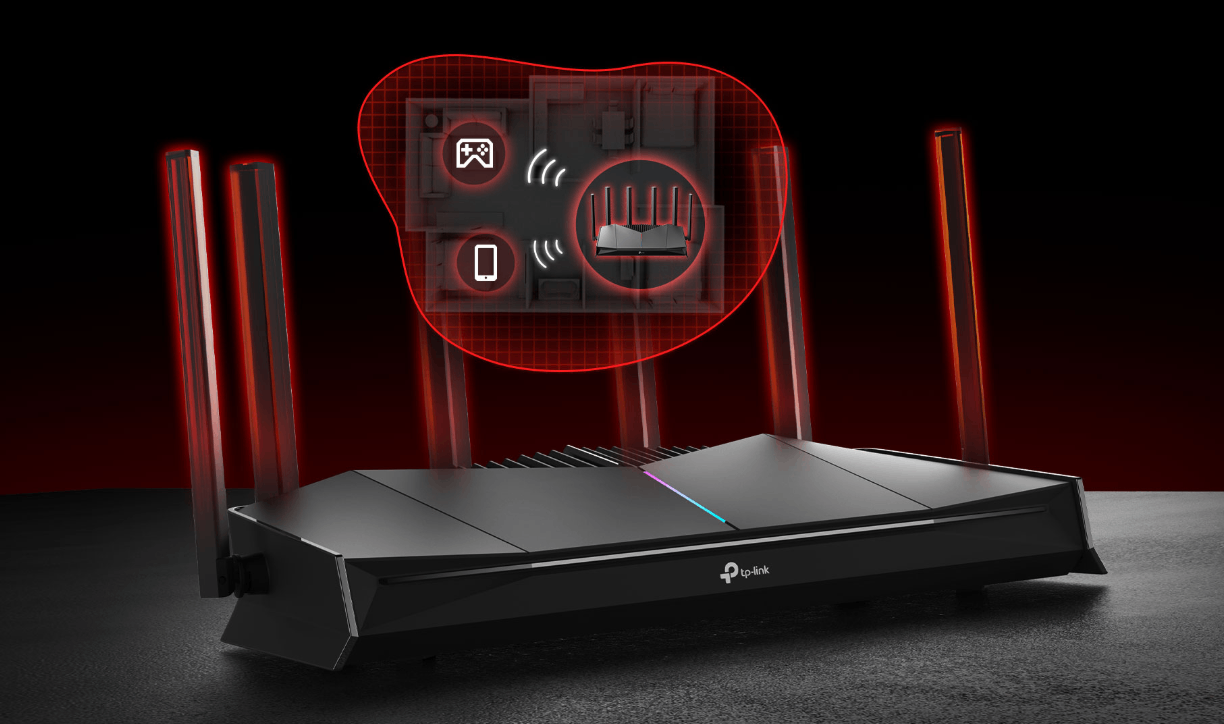
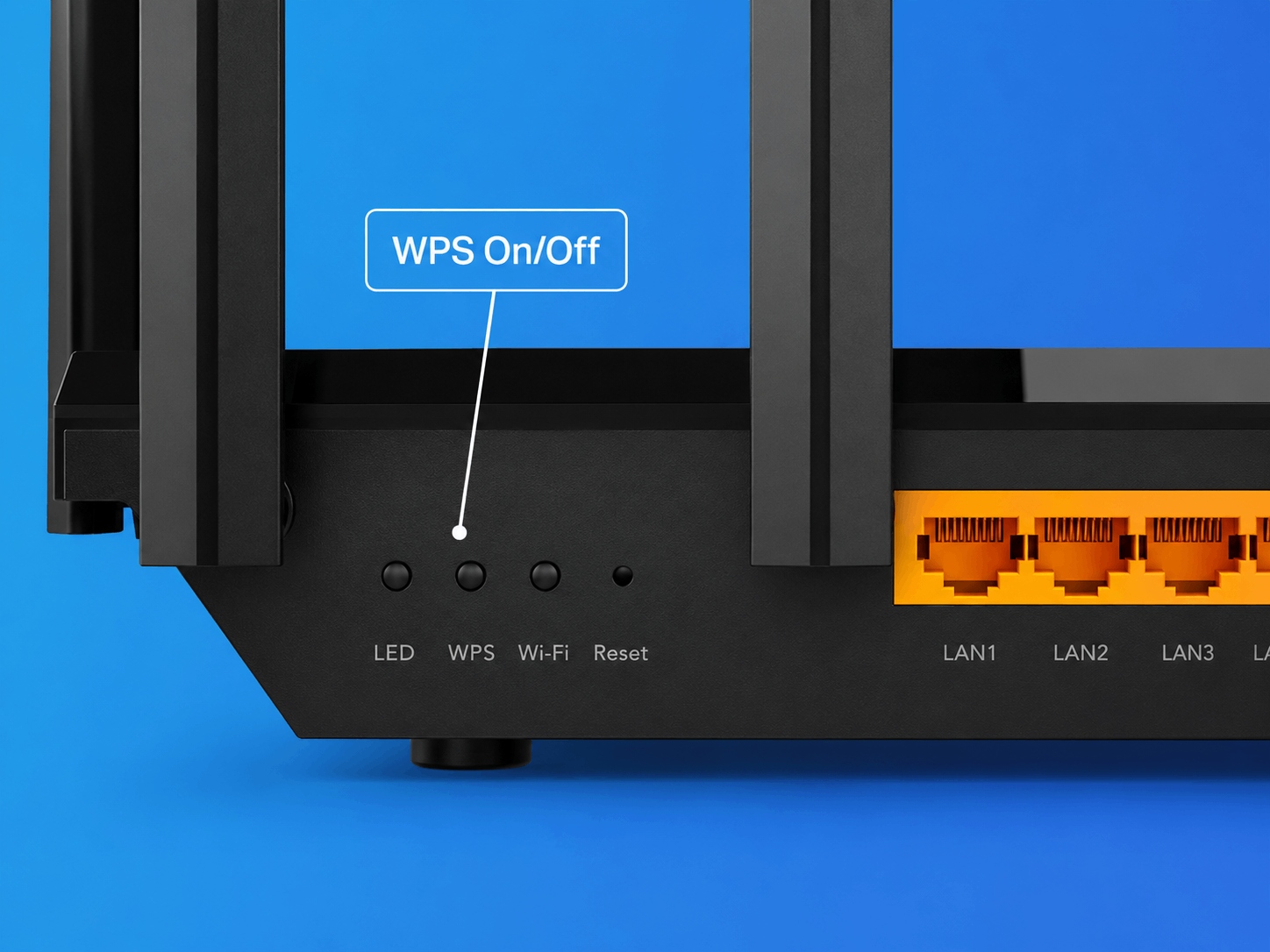
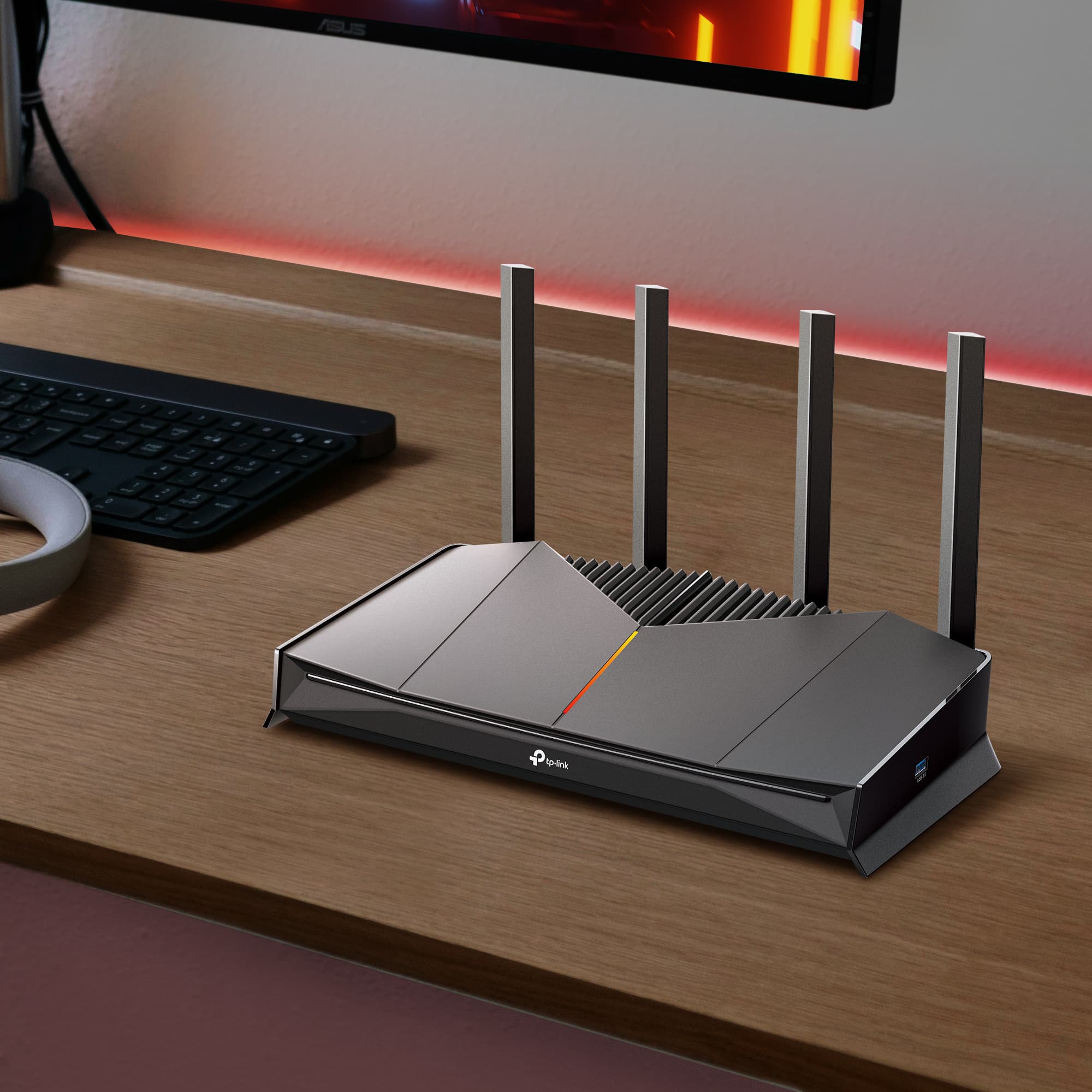
A single router connects to your modem, receives the Internet signal, and broadcasts Wi-Fi outward from one location. It manages traffic between all the devices on your network, such as laptops, phones, smart TVs, and smart home devices.
The limitation is physical: signal strength decreases with distance and weakens further when it passes through walls, floors, and other dense construction materials. One access point means one source for the whole home. The farther your devices get from that source, the weaker and slower the connection becomes.
That said, a single router is genuinely the right call for many homes. Apartments, smaller homes, and open single-floor layouts often fall well within the effective range of a modern router. A current Wi-Fi 6 or Wi-Fi 7 router handles dozens of devices simultaneously and delivers real improvements in speed and latency compared to equipment from five or more years ago. If your home is compact and your current router is aging, upgrading to a newer single router might be the most efficient fix.
How a Mesh Wi-Fi System Works
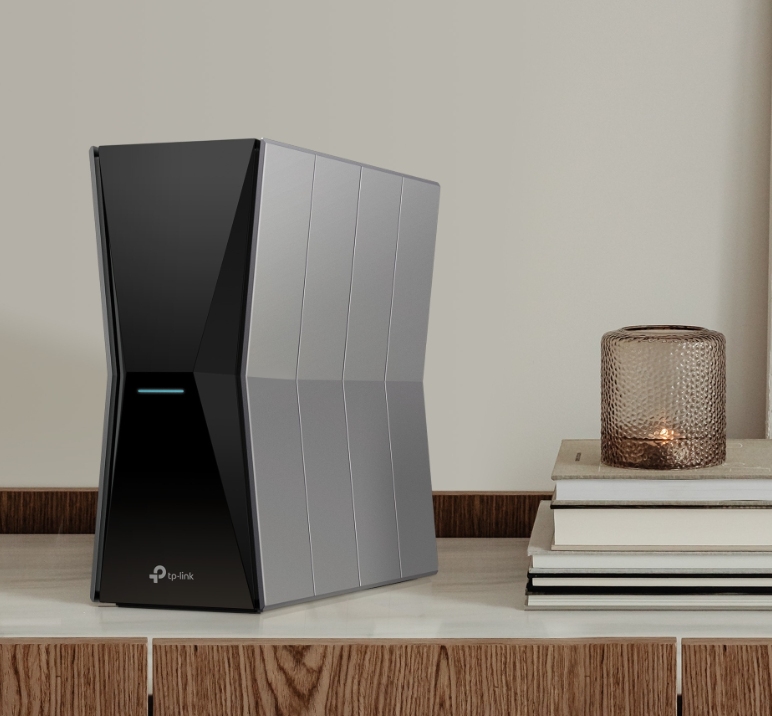
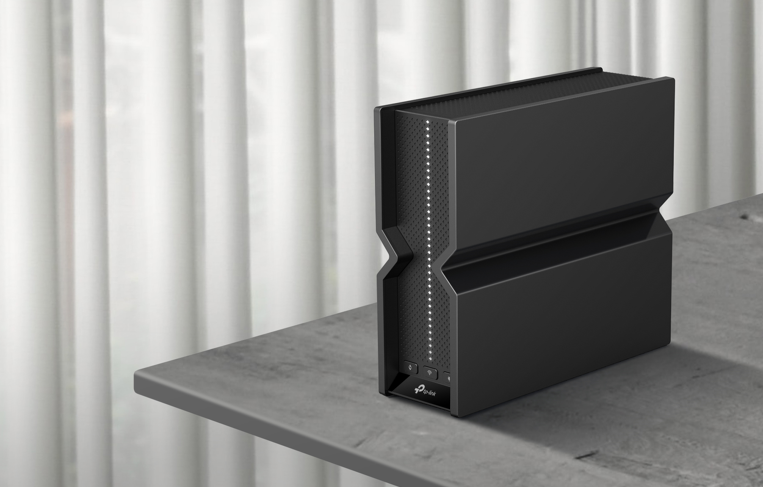
A mesh Wi-Fi system replaces the single-router model with a network of units working together. One main unit connects to your modem, and additional satellite nodes are spread throughout your home on different floors, in hallways, or in rooms that a single router can't reach. Every unit shares one network name and one password.
The result is a seamless experience. As you move from the kitchen to the bedroom to the backyard, your devices hand off between nodes. You don't manually switch networks or deal with a secondary network name, as you might with a traditional range extender.
Mesh systems are also scalable. Start with two units to cover a medium-sized home, then add a third or fourth node if your needs grow. Learn more about how mesh Wi-Fi works as a whole-home network solution.
Backhaul, Explained
Backhaul refers to how satellite nodes in a mesh system communicate with the main unit. It's the most important spec in the mesh buying decision.
There are three types:
Shared backhaul (dual-band mesh) uses the same Wi-Fi band to carry both your devices' traffic and the communication between nodes. This is common in budget mesh systems, and it means the two uses are competing for bandwidth, which can limit how much speed your devices actually get.
Dedicated wireless backhaul (tri-band mesh) reserves a separate band just for node-to-node communication. Your devices' traffic and the nodes' internal traffic don't compete, which keeps speeds higher across the network.
Ethernet backhaul connects nodes with a physical cable. It's the fastest and most reliable option if you can run a cable between nodes.
A budget dual-band mesh system might not outperform a good single Wi-Fi 6 or Wi-Fi 7 router in terms of real-world speed. If you're comparing a budget mesh to a strong router, backhaul is the spec that should tip the scale.
Mesh vs. Router: A Comparison
Mesh and single-router setups each have clear strengths. Here's how they compare across important factors for most buyers.
Coverage and Range
A single router works well within one defined radius. The signal weakens with distance and through dense walls. Most modern routers reliably reach about 2,000 to 2,500 sq ft in open floor plans, although real-world performance in homes with thick walls or multiple floors is often lower.
Mesh scales with the number of units. Add a node on the second floor or in a far room, and coverage will expand to match. Multi-story homes, large floor plans, and homes with brick or concrete walls are where mesh makes the strongest case.
Performance Under Load
High-end Wi-Fi 6 and Wi-Fi 7 routers can handle 30 or more connected devices in close range. Performance degrades as devices get farther from the router, though, so a large home with many devices spread across rooms will see uneven performance from a single access point.
Mesh distributes the load across nodes. Devices connect to the nearest node rather than reaching across the home to a single router. This handles larger device counts more evenly. A tri-band mesh with dedicated backhaul keeps speeds high even with 30 to 50+ devices active.
Setup and Day-to-Day Management
Modern single routers use an app-based setup that's straightforward for most users. Advanced settings are available for those who want them.
Mesh is designed for app-first management. One app manages every node, guest networks, parental controls, and device profiles across the whole system. For non-technical users managing a whole-home network, that centralized approach has a clear ease-of-use advantage.
Cost and Long-Term Value
A single router costs less upfront. For a smaller home where it covers the space well, it's the more cost-effective solution.
Mesh systems come with a higher investment, particularly for three or more nodes. But for a larger home where a single router would leave dead zones, mesh can be more economical than buying a router plus multiple extenders.
When a Single Router Is the Right Choice
A single Wi-Fi router is the right answer for many homes. Here's when it makes the most sense.
A router vs. mesh decision favors a single router when your home is an apartment, condo, or smaller house under roughly 2,000 to 2,500 sq ft with an open floor plan. Single-story layouts with standard drywall walls rarely need more than one strong access point. If you have fewer than 15 to 20 connected devices and don't have persistent dead zones, a modern Wi-Fi 6 or Wi-Fi 7 router handles the load comfortably.
Before you shop for mesh, it's worth asking how old your current router is. If it's five or more years old, it's probably running Wi-Fi 5 or early Wi-Fi 6, and a straight upgrade might solve the problem. A current Wi-Fi 6 or Wi-Fi 7 router offers meaningful improvements in range, device capacity, and security. For many people comparing router vs. mesh, upgrading the single router is the more cost-effective first step and may fully solve the problem.
If you only need to extend coverage by a small amount and you already have a capable router, a range extender is worth considering before committing to a full mesh system. It is a more targeted, lower-cost fix. That said, if the problem is isolated to one specific dead zone in an otherwise solid network, a range extender is often all you need.
When a Mesh System Is the Right Choice
Mesh is the right call when coverage needs go beyond what a single router can realistically deliver. These scenarios could mean that mesh is the best choice for your space.
Homes above 2,000 sq ft, multi-story layouts, and homes built with brick, concrete, or plaster walls are where mesh consistently outperforms a single router. If you regularly experience dead zones in multiple rooms, not just one corner, a mesh system solves the problem at the source by putting access points where your devices actually are.
Smart homes with 30 or more connected devices (sensors, cameras, smart bulbs, thermostats, voice assistants, etc.) benefit from mesh because it distributes the device load across nodes rather than concentrating it at one router. Outdoor coverage for yards, garages, or accessory structures also benefit from mesh.
Mesh systems are easy to expand. Add a node later if you finish a basement, convert a garage, or add more devices. And if you can run an Ethernet cable to even one satellite node, you'll get the fastest, most reliable performance the system can deliver.
For a deeper look at whole-home coverage, see TP-Link's guide to mesh Wi-Fi for whole-home coverage.
What About Wi-Fi Extenders?
Wi-Fi extenders are a third option worth understanding, especially because "mesh router vs. extender" is one of the most common follow-up questions in this comparison.
An extender picks up your router's existing Wi-Fi signal and rebroadcasts it to extend coverage. The key difference from mesh is that an extender typically creates a second network with a separate name, so your devices don't hand off between them automatically. You may need to manually switch between your main network and the extender's network as you move around.
Extenders make sense for one specific scenario: filling a single dead zone in an otherwise reliable network. One far bedroom, a basement office, or a detached garage that just barely misses your router's range, an extender handles this efficiently at a lower cost than a full mesh upgrade.
Where extenders fall short is in whole-home coverage problems. If coverage is unreliable across multiple rooms or floors, a mesh system handles it more reliably. Mesh nodes are part of one unified network; extenders are separate.
Should You Upgrade Your Old Router or Move to Mesh?
If your router is five or more years old, it's likely operating on Wi-Fi 5 or early Wi-Fi 6. A modern Wi-Fi 6 or Wi-Fi 7 router represents a meaningful jump: better range, higher device capacity, lower latency, and improved security protocols. Many coverage problems that seem to require mesh can often be solved by upgrading to a current-generation router, especially in homes under 2,500 sq ft with standard layouts.
The practical question is: how large is the gap between your current setup and the problem you're trying to solve? If you're experiencing a weak signal in one or two rooms just beyond your router's range, a router upgrade or a well-placed extender may close that gap. If coverage is thin across multiple floors or rooms, mesh is the more durable answer because the problem is structural, not a hardware generation gap.
A useful way to think about it: upgrade your router first if the core issue is performance and device handling. Move to mesh if the core issue is coverage across a large or complex home.
TP-Link Routers and Mesh Systems for Every Setup
TP-Link offers both routers and mesh systems, so whatever the diagnostic pointed you toward, here's where to look.
TP-Link Single Routers (Archer Series)
The Archer lineup covers apartments, smaller homes, and single-floor layouts where one strong access point does the job. Current Archer models include Wi-Fi 6 and Wi-Fi 7 options, with app-based setup through the Tether app and modern security features built in. If the self-check earlier pointed you toward a single router, the Archer series is the place to start.
Explore the whole collection of TP-Link routers to find the best option for your setup.
Deco Whole-Home Mesh
Deco mesh systems are TP-Link's whole-home networking solution, available in Wi-Fi 6, Wi-Fi 6E, and Wi-Fi 7 generations. Whether you need two nodes for a medium-sized home or a larger pack for a multi-story house, Deco systems are built to scale. The app-based setup covers the whole network in one place, including parental controls, guest networks, and device management.
If your home has coverage challenges that a single router won't solve, learn more about how TP-Link's mesh Wi-Fi systems could be the right fit.
Find the Right Setup for Your Home
Mesh isn't automatically the better option, and a single router isn't always enough. The right answer depends on your home's size, layout, construction, and what's actually causing the Wi-Fi problem.
Start with the diagnostic: if your router is older, try upgrading before assuming you need mesh. If coverage is the problem across multiple rooms or floors, mesh is the more durable solution. And if you're dealing with one specific dead zone, an extender may be the most practical fix.
Whether you need a single high-performance router or a whole-home mesh system, TP-Link's Deco mesh systems and Archer routers are built for the full range of home setups.
Frequently Asked Questions
Will a mesh system slow down my Internet speed?
A mesh system won't slow down your Internet connection on its own. What can affect speeds is the type of backhaul your mesh system uses. A budget dual-band mesh shares one Wi-Fi band between your devices and the communication between nodes, which limits available bandwidth. A tri-band mesh or a system with Ethernet backhaul avoids that bottleneck and keeps speeds high across the network.
Do I need to throw out my current router to set up a mesh system?
In most cases, yes. The main mesh unit connects to your modem and takes over from your existing router. Some systems support a hybrid setup where your old router stays in the mix, but most people simply replace it.
Is mesh Wi-Fi worth it for an apartment?
For most apartments, a single high-performance router is the better choice. Mesh systems are designed to solve coverage problems across large or complex homes. In a one- or two-bedroom apartment, a current Wi-Fi 6 or Wi-Fi 7 router typically covers the space well and costs significantly less than a multi-node mesh setup.
What's the difference between a mesh node and a Wi-Fi extender?
A mesh node is part of a unified network: all nodes share one network name, and your devices hand off between them automatically as you move around. A Wi-Fi extender rebroadcasts your router's signal as a separate network, often with a different name. That means you may need to manually switch networks as you move. Mesh provides a more seamless experience; extenders are a simpler fix for one specific dead zone.
How many mesh units do I need for my home?
Most manufacturers provide coverage estimates per node, but a practical rule of thumb is that two units cover most homes up to about 3,000 to 4,000 sq ft, depending on layout and construction. A three-unit pack adds coverage for larger homes, multi-story layouts, or outdoor spaces. Start with two and add a third if a specific area still has weak coverage; mesh systems are designed to expand incrementally.