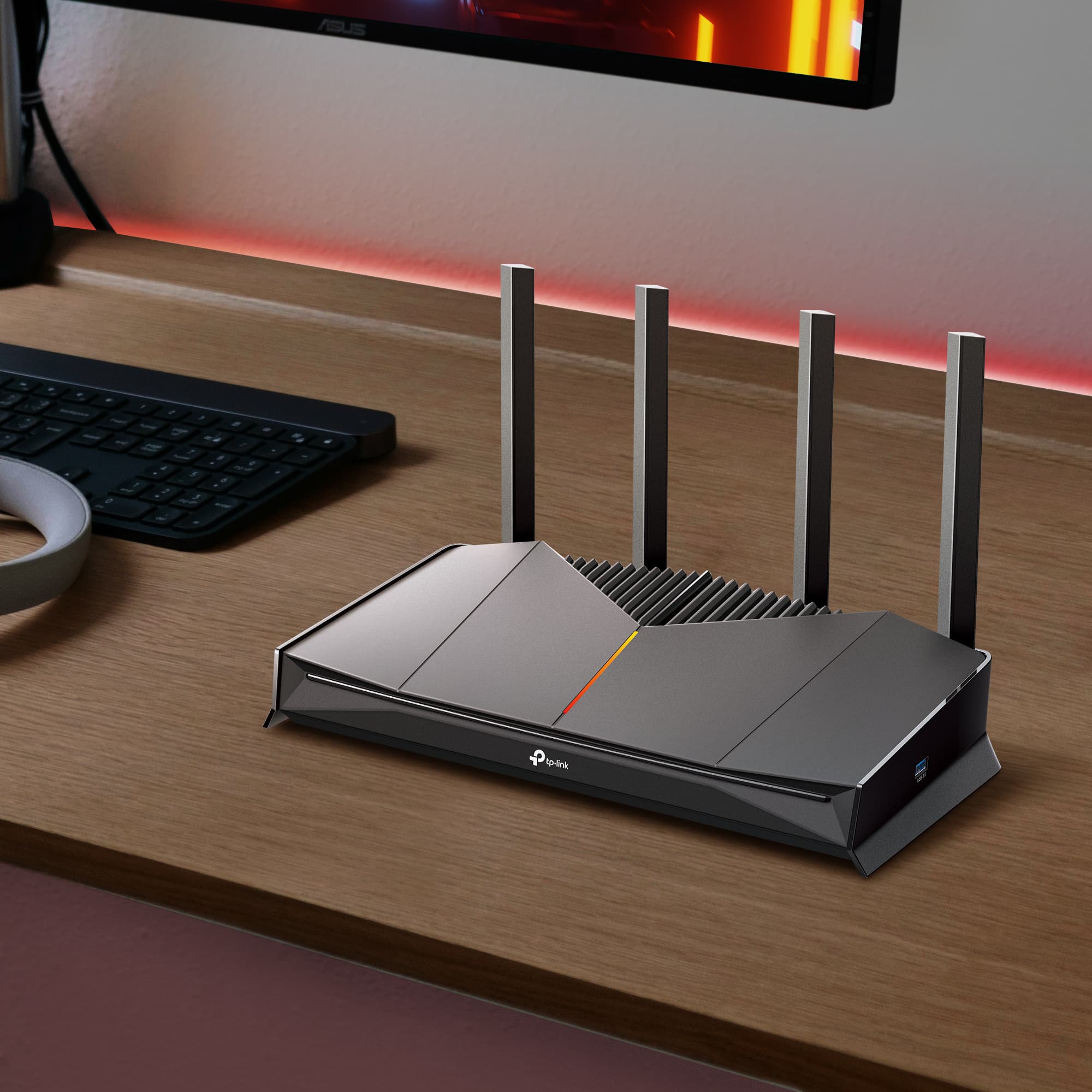
Where to Place Your Wi-Fi Router for the Best Signal
Most weak Wi-Fi problems aren't a hardware problem. They're a placement problem, and the fix is free. The best router placement is a central, elevated, open spot away from interference sources. Move it there, and you'll likely notice the difference before you finish reading this.
This guide covers six placement rules, common mistakes to avoid, where to put a router in a two-story home, and what to do when placement alone isn't enough.
Key Takeaways
- Place your router centrally, up high, and out in the open, not in a corner, cabinet, or basement. Central placement is the single biggest factor in even coverage.
- Wi-Fi signal weakens through walls and is blocked or reflected by metal. Keep the router away from large appliances and metal furniture.
- In two-story homes, place the router high on the ground floor to balance coverage between floors.
- Adjustable antennas should point vertically for single-story homes and at mixed angles for multi-story homes.
- A mesh system or range extender is the next step, if placement doesn't fix your coverage gaps. The issue is usually home size, router age, or device count.
Why Router Placement Matters
Wi-Fi signal broadcasts outward in all directions simultaneously. Place the router at the edge of your home, and half that signal is pushing through exterior walls toward your neighbors, not toward your devices.
Several factors shape how far and how cleanly that signal travels: the frequency band in use, antenna orientation, walls, metal objects, and distance. The 5 GHz band delivers faster speeds over shorter distances. The 2.4 GHz band reaches farther but carries less bandwidth. Both are affected by the same physical obstacles.
The six tips below explain what to do and why each rule works, so you can apply them to your own home.
6 Tips for the Best Wi-Fi Router Placement
Every rule here has a reason behind it. Understanding the why means you can adapt each tip to wherever your router needs to go.
1. Place Your Router in a Central Location
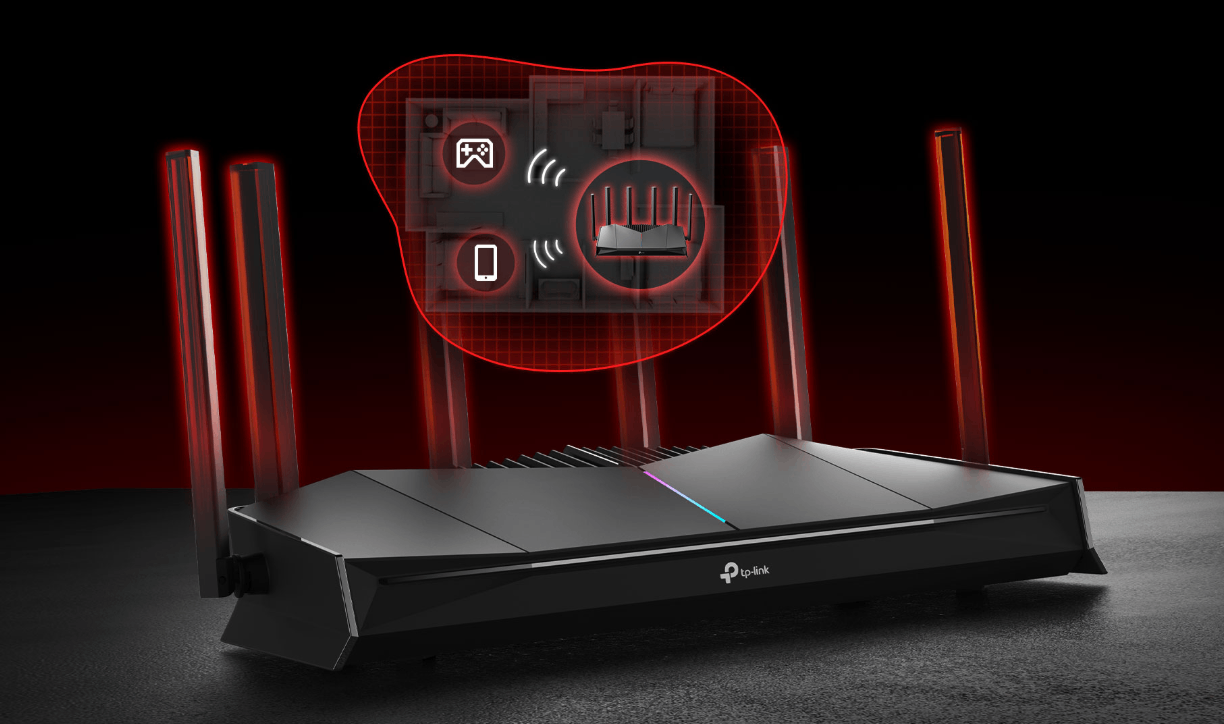
Wi-Fi signal radiates outward in all directions. A router placed in the center of your home minimizes the maximum distance to any device, giving every room a more equal share of the signal.
It's worth noting that "central" doesn't always mean the geographic center of your house. It means the center of wherever your devices actually are. A router tucked in a basement office or set up in a back bedroom is central to almost nothing, and the rooms on the opposite side of the home will feel it.
2. Elevate Your Router Off the Floor
Most home routers use omnidirectional antennas. An omnidirectional antenna radiates a signal outward on a horizontal plane, not strongly upward or downward. A router sitting on the floor wastes a significant portion of its signal pushing into the ground.
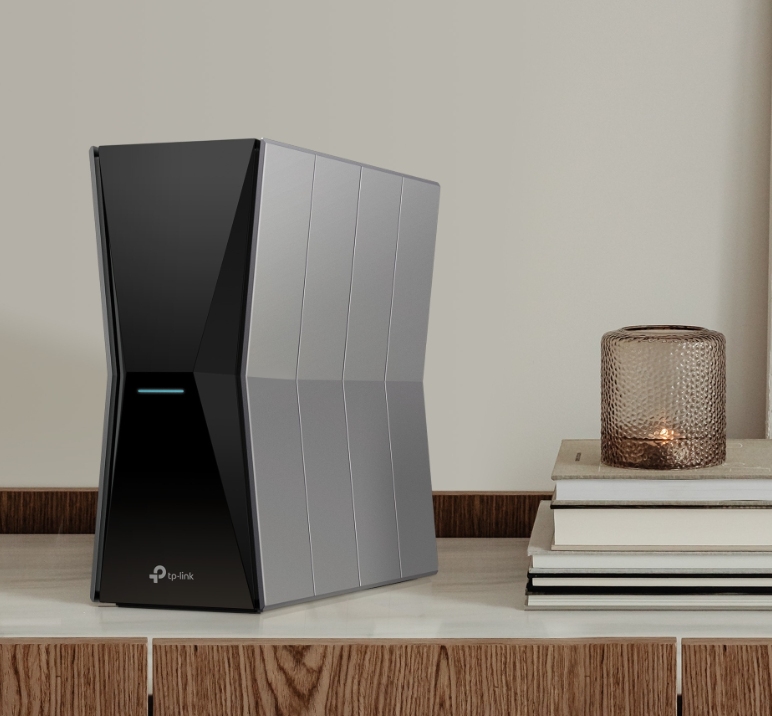
Get it off the floor. A shelf, a cabinet top, or a wall mount all work well. The higher the placement, the more signal spreads horizontally through the rooms where your devices are.
3. Keep It Out in the Open
One of the most common placement mistakes is hiding a router inside a cabinet, behind a TV stand, or in a media center drawer. It keeps the room's look clean, but it cuts the signal before it ever leaves the room.
Enclosed spaces create two problems. They block the Wi-Fi signal before it can spread and trap heat around the router. Excess heat can shorten a router's lifespan and cause it to throttle performance over time.
An open shelf, the top of a bookcase, or a wall mount keeps the signal moving freely and the router cool.
4. Avoid Interference Sources
Your router shares airwaves with several household devices, and some compete directly. Devices operating on the 2.4 GHz band, including microwaves, baby monitors, cordless phones, and Bluetooth devices, can interfere with your router's 2.4 GHz signal.
Metal objects are a different kind of obstacle. Refrigerators, filing cabinets, and metal-frame mirrors reflect or absorb Wi-Fi signal entirely. Water does the same, which is why a large fish tank can create an unexpected coverage gap. Keep at least a few feet between your router and any major appliance or large metal object.
5. Position Your Router's Antennas Correctly
Antenna orientation makes a real difference in multi-story homes. An antenna sends a signal perpendicular to the direction it's pointing: a vertical antenna spreads the signal horizontally across a floor. In contrast, a horizontal antenna pushes the signal up and down between floors.
For a single-story home, keep all antennas pointing straight up. For a two-story home, angle one antenna horizontally so the signal travels between floors while the vertical antenna covers the floor the router is on. For three-antenna routers, point the middle antenna straight up and angle the outer two at roughly 45 degrees.
Note that many modern routers have internal antennas and handle this automatically.
6. Keep the Router Cool, Dry, and Safe
Routers run warm by design, but extra heat and moisture shorten their lifespan. Avoid placing the router near a radiator, on a sun-exposed windowsill, or on top of a hot stereo receiver. Kitchens and bathrooms create humidity that can damage internal components. Keep the router in a dry, ventilated spot away from heat sources and water.
Where NOT to Place Your Wi-Fi Router
Some spots feel convenient but actively work against you. Here are the worst places to put a router.
- The basement. Concrete walls and distance weaken the signal before it reaches the rooms you use.
- A closet or cabinet. Blocks signal in all directions and traps heat around the device.
- Behind the TV. TVs absorb Wi-Fi signal, and metal TV mounts reflect it. This combination reliably creates a dead zone.
- On the floor. Directs a large portion of the signal downward rather than across the room.
- In a corner or against an exterior wall. Sends half the signal outside the house rather than into the rooms where devices are.
- Right next to another router. Two routers placed too close together interfere with each other and compete for the same wireless channels.
Where to Place a Router in a Two-Story House
Multi-story homes present a specific challenge: the signal has to reach both floors from one device. Whether the router goes upstairs or downstairs depends on where you place it on that floor.
For the best coverage, mount the router on the upper level of the ground floor, high on a shelf, on top of a cabinet, or wall-mounted near the ceiling. This lets signal travel upward to the second floor and outward across the first floor at the same time.
Basement placement consistently underperforms because the signal has to penetrate two floors instead of one. For homes with three or more floors, a single router rarely covers everything well, regardless of placement. That's where a mesh Wi-Fi system becomes the practical next step.
When Placement Isn't Enough
Sometimes the router is in the right spot, and the problem is something else. Three root causes explain most cases where moving the router doesn't resolve the issue.
Your Home Is Too Large for One Router
Every router has a coverage limit. Most single routers cover roughly 1,500 to 3,000 square feet, depending on the model, and larger homes, multi-floor homes, or homes with thick walls often exceed that range. When coverage gaps persist, no matter where the router goes, the home likely needs more than one coverage point.
A mesh Wi-Fi system is the most effective solution for whole-home coverage. Multiple nodes work together as a single seamless network, so your devices stay connected as you move from room to room. A range extender is a more targeted option for filling a single weak spot without replacing your existing setup.
Your Router Is Old
Routers have a lifespan, and older hardware often can't keep up with the number of devices modern households connect. Signs the router may be the bottleneck include slowdowns at peak times, frequent disconnects, and coverage gaps that don't improve with placement changes.
Our guide to boosting your home Wi-Fi covers both quick fixes and longer-term options, including how to choose the best Wi-Fi booster and how to fix slow Internet on a router.
You Have Too Many Devices
Between phones, laptops, smart TVs, gaming consoles, smart speakers, smart bulbs, and security cameras, a modern home can accumulate a large number of connected devices. Older routers weren't built to handle that kind of simultaneous load.
Newer routers with Multi-User, Multiple Input, Multiple Output (MU-MIMO) and Orthogonal Frequency Division Multiple Access (OFDMA) handle dense device environments far more efficiently. Wi-Fi 6 and Wi-Fi 7 routers use both technologies, so your network stays fast even when everyone is streaming, gaming, or on video calls at the same time.
Start With Placement, Then Go From There
Good router placement solves most weak Wi-Fi problems, and it costs nothing. Getting the router into a central, elevated, and open position, away from interference, covers most homes with a single device. When that's not enough, the issue is usually home size, router age, or the number of connected devices.
If you're dealing with dead zones across multiple rooms or floors, TP-Link's Deco mesh systems are designed for exactly that. If you just need to push the signal a little further into one part of your home, a range extender is the simpler fix.
Frequently Asked Questions
Where is the best place to put a Wi-Fi router?
Place your router in a central, elevated, open location away from metal objects, large appliances, and enclosed spaces. Keeping it off the floor and away from walls helps signal reach more of your home evenly.
Where should you NOT place a Wi-Fi router?
Avoid the basement, closed cabinets, corners, exterior walls, and the floor. Don't place it behind a TV or next to a large metal appliance, as these block, absorb, or reflect the signal before it reaches your devices.
Is it better to have a router upstairs or downstairs?
The best placement is on the upper level of the ground floor, mounted high on a shelf or wall. Basement placement forces the signal through two floors of material, significantly weakening it.
Is it okay to put a router behind the TV?
No. TVs absorb Wi-Fi signal, and metal TV mounts reflect it, creating a reliable coverage gap. Keep the router in an open spot away from the TV.
Does router placement really make a difference?
Yes. Placement affects signal strength, coverage area, and how reliably the signal reaches specific rooms. Most coverage issues trace back to placement rather than hardware, and repositioning the router is often enough to fix them.
How high off the ground should a router be?
Getting the router off the floor is the key step. A shelf, cabinet top, or wall mount several feet up lets the signal spread horizontally across the room rather than pushing downward.