Best Mesh Wi-Fi for Thick Walls: What Works for Concrete, Brick, and Steel
If you’re still dealing with a stubborn dead zone after repositioning the router, dense walls might be getting in the way. Concrete, brick, and steel-frame construction block Wi-Fi signal in ways that standard drywall never does, and unfortunately, no amount of shuffling a single router will fix it.
Mesh Wi-Fi takes a different approach. Instead of one router pushing signal through every wall in the house, multiple access points spread out and meet you where you actually need coverage. That's the idea behind finding the best mesh Wi-Fi for thick walls, and it's what TP-Link's Deco 7 lineup is made for.
This article explains why concrete, brick, and steel behave differently from drywall, what makes a mesh system work through them, and how to choose the right system for your home.
Key Takeaways
- Concrete, brick, and steel are denser than drywall. They absorb or reflect more Wi-Fi signal, causing dead zones.
- Mesh Wi-Fi fixes thick-wall dead zones through node placement, not a stronger signal.
- Wired Ethernet backhaul is the most reliable fix for thick walls. Cabled nodes skip sending a wireless signal through the wall.
- Larger homes with multiple thick walls to cross need more nodes. Choose a mesh system with enough nodes to cover all the areas blocked by dense walls.
Why Thick Walls Block Wi-Fi Signal
Wi-Fi signal loses strength every time it passes through a wall, and concrete, brick, and steel are some of the densest common building materials. They block more signal than anything else in a typical home.
Wi-Fi is a radio signal, so it needs a relatively clear path to travel efficiently from your router to your device. Wood-framed walls and standard drywall let most of that signal through with only a small loss. Concrete, brick, and steel absorb or reflect a much larger share of it, which is why a Wi-Fi signal blocked by walls like these can drop noticeably from one room to the next.
How Different Wall Materials Impact Wi-Fi Signal
Not all walls block Wi-Fi equally, and the material matters as much as the thickness. Getting Wi-Fi through walls made of steel takes more work than getting it through a wood-framed wall, because the material's density and composition determine how much signal gets absorbed or reflected.
The three material types below are common in older and solidly built homes, and each affects your signal in a different way.
Concrete Walls
Concrete is one of the densest materials used in home construction, which makes it especially effective at blocking Wi-Fi signal. Poured-concrete construction and concrete-walled basements are the toughest cases, since a router on one side often struggles to reach devices on the other. It's the reason a basement office or a garage workshop can sit one room from the router and still crawl. If you're searching for the best router for concrete walls, look for a mesh system rather than a single router, since placement does more work than raw power in this kind of home.
Brick Walls
Brick affects Wi-Fi signal differently depending on how a home was built. Older solid-brick construction has more mass for a signal to pass through than modern brick veneer over standard wood framing. You might notice a strong signal in the front room, and a weak one in the kitchen at the back. Whether brick blocks Wi-Fi depends on the construction type. Homes with solid-brick walls see a steeper drop in signal strength between rooms than a newer, wood-framed home with the same layout.
Steel-Frame Walls
Steel studs and steel framing do more than block Wi-Fi signal. Metal reflects radio waves in addition to absorbing them, which can send a signal in unpredictable directions instead of simply weakening it. That’s why steel-frame homes sometimes have dead zones in rooms that seem close to the router, while a farther room gets a stronger connection.
Why Mesh Wi-Fi Is the Fix for Thick Walls
The best router for thick walls is usually not a single router at all. A mesh system uses placement, not power, to reach every room instead.
Mesh Wi-Fi doesn't broadcast a stronger signal than a standard router. A router and mesh node transmit power bound by the same regulatory limits, so a mesh system doesn't win on raw strength.
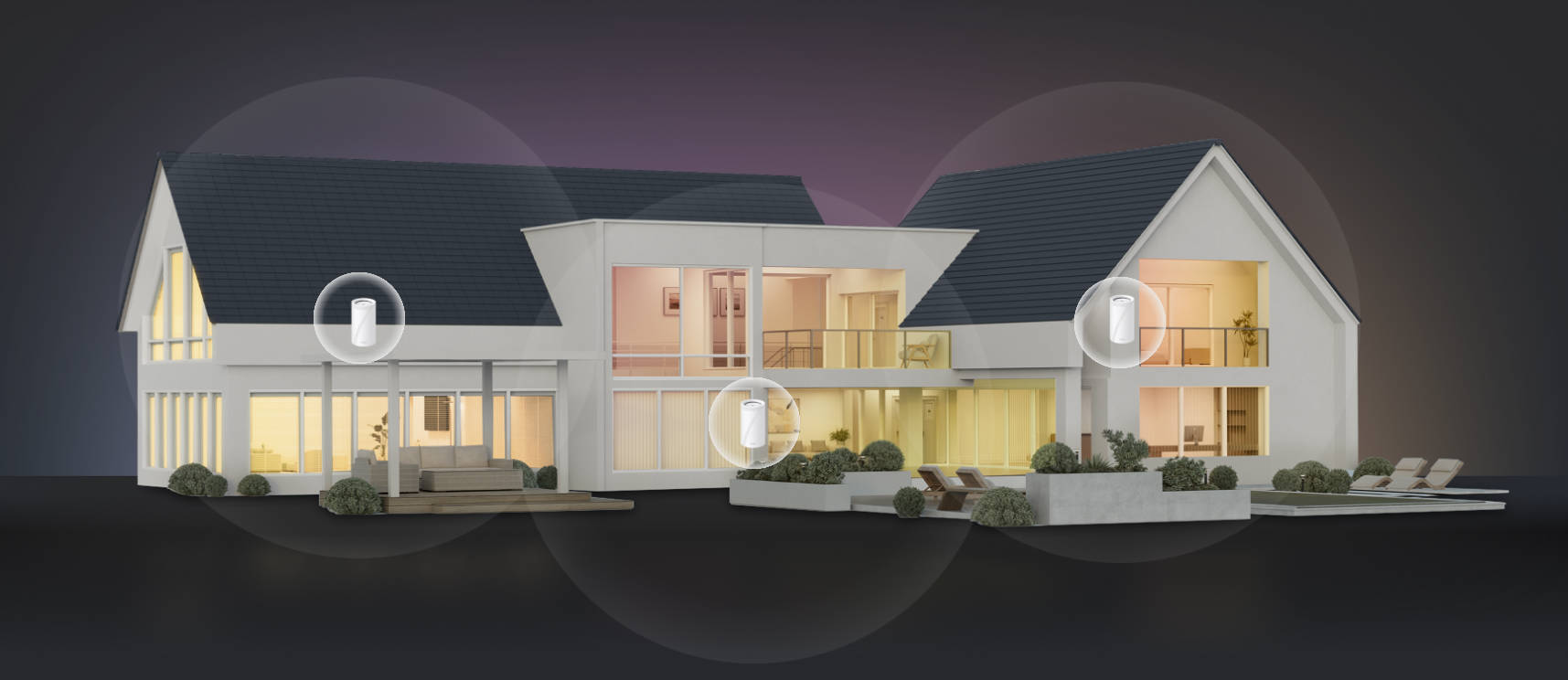
What actually changes is placement. Mesh nodes work by having each node sit physically closer to where you need signal, so a hop between nodes crosses less distance and fewer walls than one router pushing signal through your entire home. Your devices automatically connect to whichever nearby node has the strongest signal, without you switching networks manually.
Wired backhaul matters most for thick walls. When mesh nodes connect to each other with an Ethernet cable, they don't need to pass a wireless signal through the wall between them. That single change removes concrete, brick, or steel from the equation for the connection between nodes.
If thick walls are limited to only one or two rooms, a stronger router signal may be the right answer for your home. Browse TP-Link's Wi-Fi router lineup to compare options.
A Wi-Fi extender can help with minor gaps, but it rebroadcasts an already-weakened signal instead of creating a new connection point.
How to Boost Wi-Fi Signal Through Walls
Here is how to boost Wi-Fi signal through walls in a home built from concrete, brick, or steel:
- Upgrade to a mesh system. Multiple nodes work together to spread the signal farther and more evenly throughout your home, instead of relying on one router to reach every room.
- Place nodes centrally, not in corners. A node in an open, central spot reaches farther than one tucked against an exterior wall.
- Use wired Ethernet backhaul when possible. Nodes connected by cable skip sending a wireless signal through the wall between them entirely.
- Add a node per major wall boundary. Give the signal a fresh, unblocked path for every concrete, brick, or steel wall it needs to cross.
The Best Mesh Wi-Fi Systems for Thick Walls
The best mesh Wi-Fi for thick walls depends on your home size and how many concrete, brick, or steel walls the signal must cross.
TP-Link's Deco 7 lineup is built around the two details covered above: wired backhaul support and node placement that puts signal where thick walls would otherwise block it. The following featured models suit most thick-walled homes, and the right one depends on your home’s size.
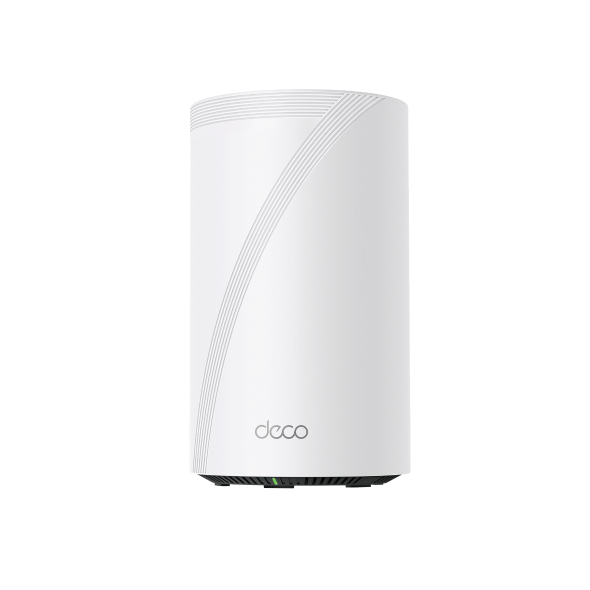
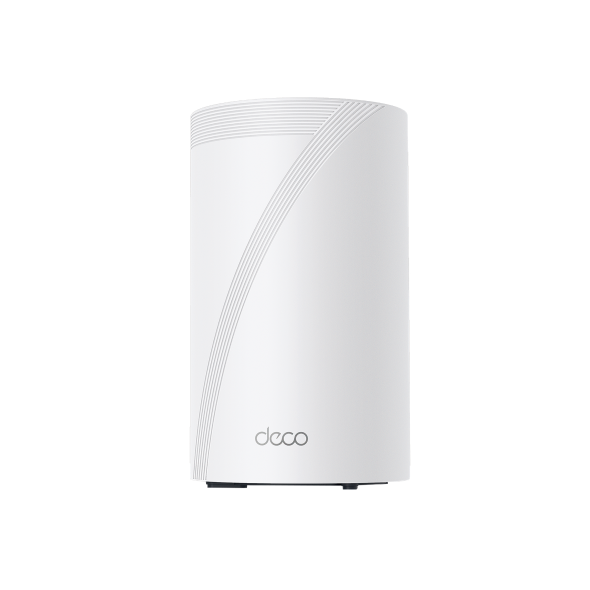
Deco BE67
The Deco BE67 is a strong fit for a mid-size home with thick walls. Wired backhaul support matters most here, since it removes the wall as an obstacle between nodes, regardless of the Wi-Fi generation the nodes use. Wired backhaul is a placement and cabling feature, not a Wi-Fi 7-specific one, so it is worth prioritizing whether a mesh system runs Wi-Fi 6 or Wi-Fi 7.
The Deco BE67 covers up to 8,100 square feet, which is enough for most mid-size homes with a handful of thick walls between rooms. Its dedicated 6 GHz band keeps that connection stable as more devices join it, up to 200 at once, so video calls in your office don’t freeze up when the rest of the family is streaming. With a 10 Gbps port, you can tap into a multi-gig internet plan without causing a bottleneck.
Deco BE85
The Deco BE85 is built for larger homes with more extensive thick-wall construction. Its 12-stream, tri-band design and support for wired and wireless backhaul at the same time give it more headroom for homes that need additional nodes and stronger per-node coverage to cross several concrete, brick, or steel walls. It’s designed to keep a large, multi-story home with a dozen-plus active devices from slowing down at peak evening use.
Multi-Link Operation lets the Deco BE85 combine its 5 GHz and 6 GHz bands at the same time for extra throughput and reliability, when your devices support it. And because the system is tri-band, 2.4 GHz — the band best suited for pushing signal through thick walls — stays available as an option too.
A single-story brick home with a couple of thick walls between rooms is usually well served by the Deco BE67. A larger concrete home, or a property with multiple steel-framed rooms creating unpredictable dead zones, benefits from the Deco BE85's added nodes and per-node coverage.
Choose the Right Mesh System for Your Walls
Thick walls are a materials problem, not a router-power problem, no matter how strong a router claims to be. Concrete, brick, and steel each block or reflect Wi-Fi signal, and no single device can push through them from one spot in your home. A mesh Wi-Fi system with the right node placement and wired backhaul is the most reliable fix, because it works with your home's construction instead of fighting it.
If your home is mid-size with a few thick walls to cross, the Deco BE67 is worth exploring. For a larger home, or one with extensive concrete, brick, or steel construction, the Deco BE85 adds nodes and coverage to match.
Frequently Asked Questions
Does Wi-Fi go through walls?
Yes, but how well depends on the wall. Wi-Fi is a radio signal, and denser materials absorb or reflect more of it than wood-framed drywall does. Standard interior walls barely slow it down. Concrete, brick, and steel block considerably more, which is why homes built from these materials often need a mesh system to reach every room.
Can Wi-Fi go through concrete walls?
It can, but concrete is one of the densest common building materials, so signal weakens fast with every wall it crosses. Poured-concrete construction and concrete basements are the toughest cases, since a router on one side often can't reach rooms on the other. A mesh node placed closer to the affected area solves this more reliably than a stronger router.
Can Wi-Fi go through brick walls?
Yes, though older solid-brick construction blocks more signal than newer brick veneer over standard framing. Solid brick has more mass for a signal to pass through, so these homes often see weaker signal between rooms than a modern stick-built home. A mesh system with nodes on both sides of the wall avoids the problem instead of fighting through it.
What causes Wi-Fi signal interference in a home?
Dense building materials like concrete, brick, and steel are the biggest cause, since they absorb or reflect signal rather than letting it pass through. Distance from the router, large appliances, and mirrors add to it. Multi-story layouts and open floor plans with long distances between rooms compound the effect further.
Does Wi-Fi 7 penetrate walls better?
No. Wall penetration depends on which band a device connects to, not the Wi-Fi generation. The 2.4 GHz band travels through walls most easily but at lower speeds, while Wi-Fi 7's fastest 6 GHz band has the shortest range and loses the most signal through thick walls. Node placement matters more than the standard itself.
Wired or wireless backhaul: which works better for thick walls?
Wired backhaul works better for thick walls. Nodes connected by an Ethernet cable send data to each other over the cable instead of through the air, so a concrete or steel wall between two nodes never becomes a bottleneck. Wireless backhaul still works well in most homes, but wired is the more reliable choice when walls are unusually dense.