Wi-Fi 7 Mesh: How to Get Wi-Fi in Every Room of Your Home
You're having a video call without a hitch in the living room, but as soon as you walk to the back bedroom, that video call turns choppy, then drops. It's the same house and the same Internet plan, but you get two different Wi-Fi experiences depending on which room you're in. A Wi-Fi 7 mesh system could solve the problem, one room at a time.
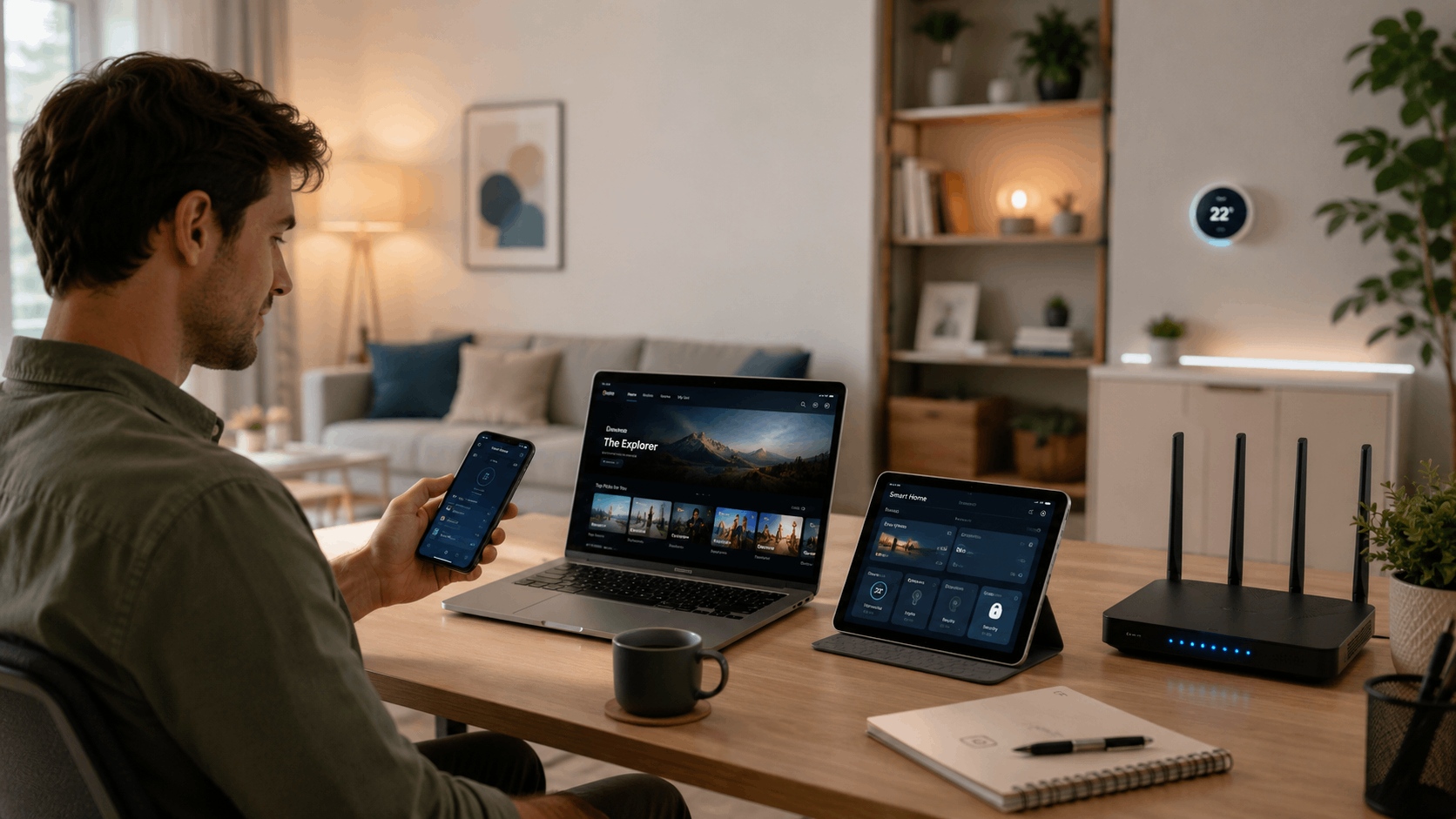
When you’re constantly connected, you might notice signal disruptions more often than before. Smart home devices, work laptops, and streaming boxes now sit in rooms that never needed a strong signal before. Adding more devices doesn't shrink your router's range, but it does make an existing weak spot more obvious, since every device in that area competes for the same signal.
The real issue may be coverage, not speed. This guide explains why dead zones happen, how mesh Wi-Fi solves the problem by design, and how to tell whether it's the right upgrade for your home.
Key Takeaways
- Wi-Fi dead zones usually come from distance, walls, and floors, not your Internet plan, so a faster connection alone won't fix them.
- A Wi-Fi 7 mesh system replaces a single router with multiple connected units, called nodes, that work together to cover the whole home.
- Wi-Fi 7 mesh systems hand devices off between nodes automatically, so your connection stays strong as you move from room to room.
- Larger or multi-story homes typically need multiple mesh nodes for full coverage, though a single Wi-Fi 7 router can still cover a small, single-floor home.
Why Dead Zones Happen Room by Room
Every Wi-Fi signal weakens with distance from the router, and walls, floors, and even large appliances can weaken it further. Drywall costs you a little strength, while multiple walls, a floor, or a refrigerator between you and the router cost you a lot more.
A single router works fine when your whole home fits inside its strongest signal range. Once your home spans more than one floor or spreads across a larger footprint, some rooms simply sit too far from that one source. No setting or software update changes that. The signal has to travel farther through more obstacles, and it loses strength along the way.
This is a placement and layout problem. Even a more powerful single router still broadcasts from one spot, so it fades the same way over distance and through walls. Fixing it means changing how many places your Wi-Fi comes from, which is exactly what a Wi-Fi 7 mesh system addresses.
What Is Wi-Fi 7 Mesh?
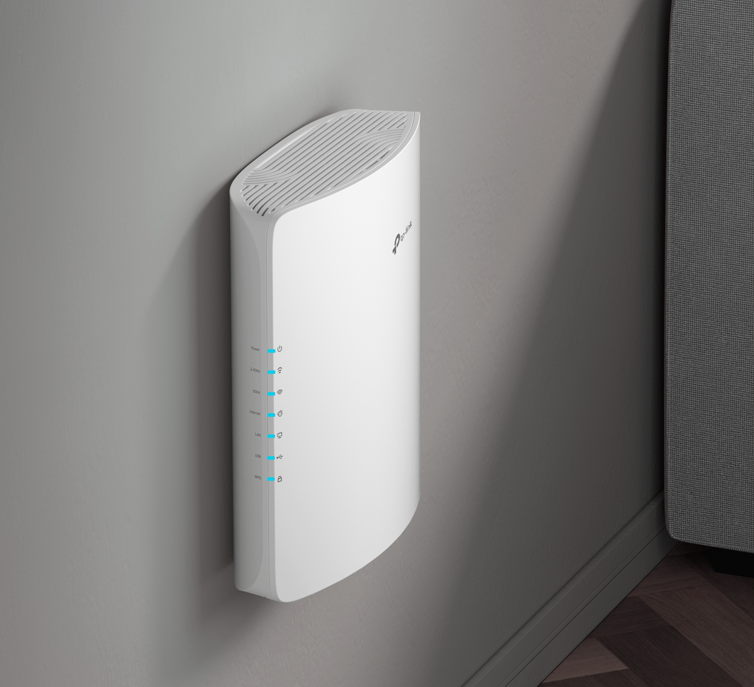
Mesh Wi-Fi replaces one router with several connected units, called nodes, that work together as a single network instead of one device doing all the work alone.
Wi-Fi 7 is the newest wireless standard behind these systems, and while it offers a faster top speed, that’s not the only way Wi-Fi 7 differs from Wi-Fi 6. It gives a mesh system more room to move data between nodes and to your devices at once, so a house full of phones, laptops, and smart devices stays connected.
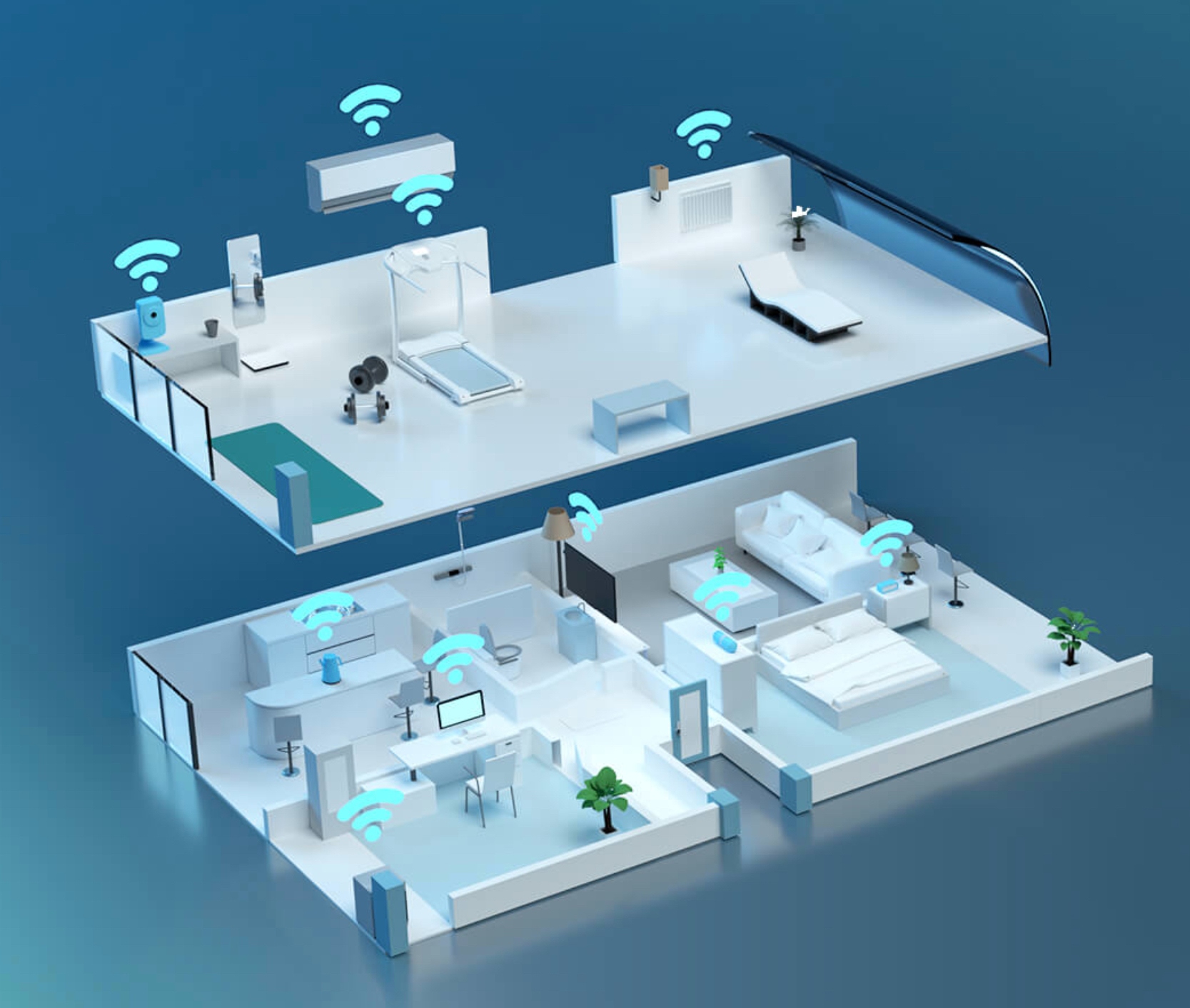
Together, this is the mechanism that can fix dead zones. Instead of one weak signal stretching toward a far room, multiple nodes sit closer to where you need coverage, each one picking up the handoff as you move through your home.
Wi-Fi 7 Mesh Router vs. a Standalone Router
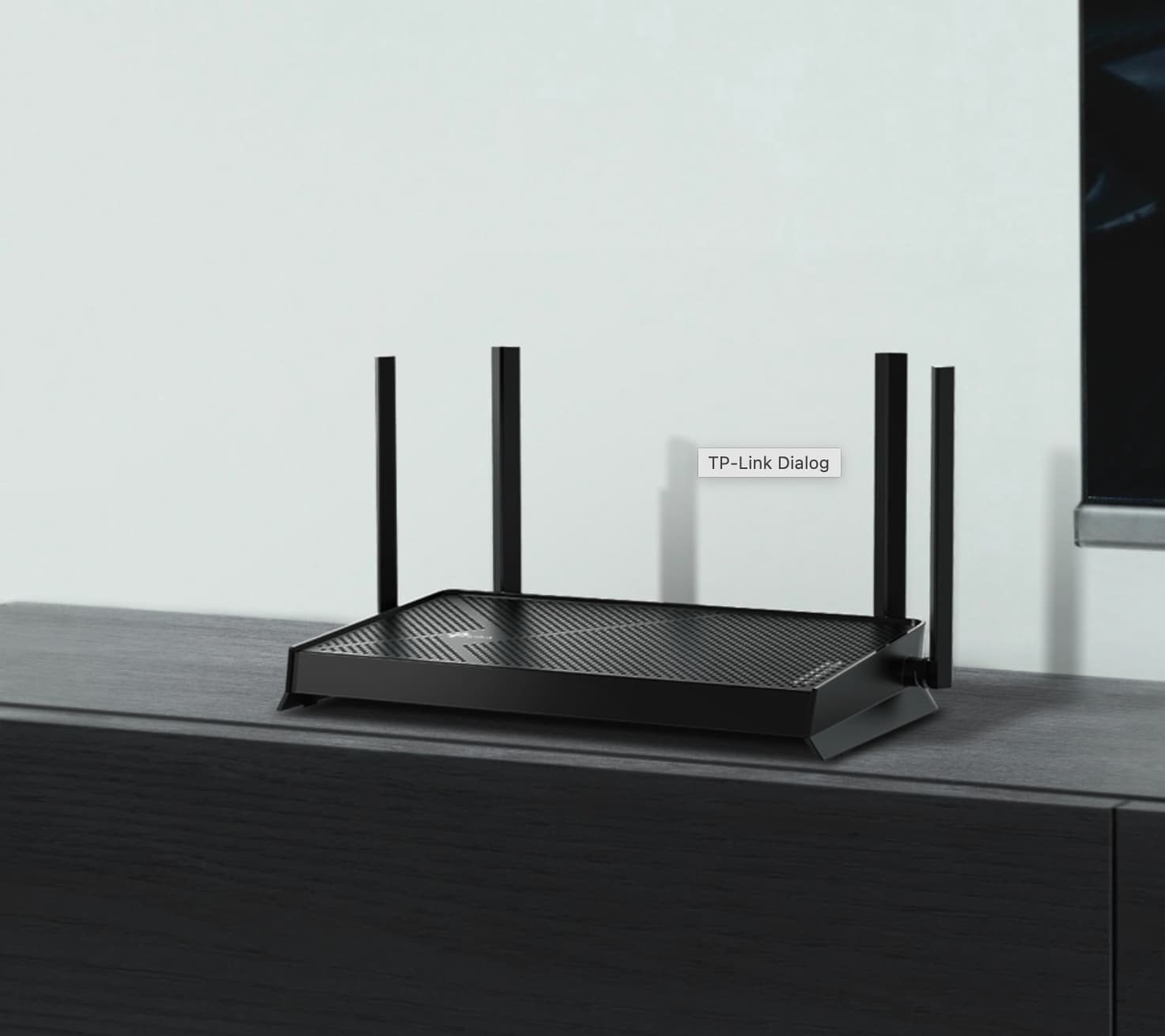
A standalone router is a single device that broadcasts Wi-Fi from one location, as far as its signal will reach. A mesh router is designed to pair with additional units, so several devices share the coverage load instead of one.
That difference matters most once your home outgrows a single signal source. If you live in a smaller home or an apartment with one floor and no major obstacles, a single Wi-Fi 7 router upgrade may be enough on its own.
For anything larger, spread across multiple floors, or interrupted by thick walls, a Wi-Fi 7 mesh router extends that same performance into every room instead of leaving one router struggling to reach farther than it comfortably can.
How a Wi-Fi 7 Mesh System Covers Every Room
Each node in a mesh system stays in constant contact with the others, so your devices hand off automatically as you move through the house. You don't need to reconnect to a new network name in each room. You stay on one connection the whole time.
Picture a video call running in the home office while someone streams a movie in the living room and another person games in a back bedroom. With a single router, the back bedroom might be the one room that's too far to get a strong signal. With mesh, a nearby node covers that room directly, so your game stream doesn’t depend on a signal that has to stretch across the house.
The same handoff shows up when you're the one moving. Start a show on your phone in the kitchen, then walk out to the backyard to keep watching. With mesh, you stay on one connection the whole way, handed off from the kitchen node to the backyard node without a pause. With a single router, that same walk is where the stream buffers or drops, since you're leaving the range of the one signal source.
Placement Tips for Consistent Coverage in Every Room
Where you put each node matters as much as how many you have. Central, open spots work best: a hallway shelf or a table between rooms, rather than a corner or a closet.
For a multi-story home, start with one node per floor. That gives each level its own nearby source instead of asking a single upstairs or downstairs unit to cover the whole house.
A few common mistakes recreate the exact dead zones a mesh system is supposed to fix. Placing nodes too close together wastes coverage instead of extending it, while tucking a node behind a TV, inside a cabinet, or low on the floor blocks the signal it's supposed to spread.
What to Look for in a Wi-Fi 7 Mesh System for Your Home
The right features to determine which is the best Wi-Fi 7 mesh option for your home depend on your home's size, layout, and how many devices connect at once.
In a multi-story or larger home, look for a system that supports additional nodes for full-floor coverage. More nodes mean more sources of signal, so no level of the house depends on just one.
For households that stream, game, and run several smart home devices at the same time, tri-band capacity matters. A tri-band system splits traffic across three separate bands instead of forcing every device to share one, which cuts down on congestion during busy hours.
If your home includes an outdoor or hard-to-reach area, like a garage, basement, or backyard, Ethernet backhaul support helps. A wired connection between nodes stays stable in spots where a wireless connection alone would weaken.
The Deco 7 Lineup: TP-Link's Wi-Fi 7 Mesh Systems
TP-Link's Deco 7 series is built to accommodate many types of homes. Every model shares the core Wi-Fi 7 mesh advantages, and each one is sized differently for coverage, device capacity, and backhaul flexibility.
That range means the right choice depends on what best fits your home. A larger or multi-story house points toward a model with more per-node coverage. A device-heavy household points toward stronger tri-band capacity. A smaller space calls for a more compact option that still delivers Wi-Fi 7 performance.
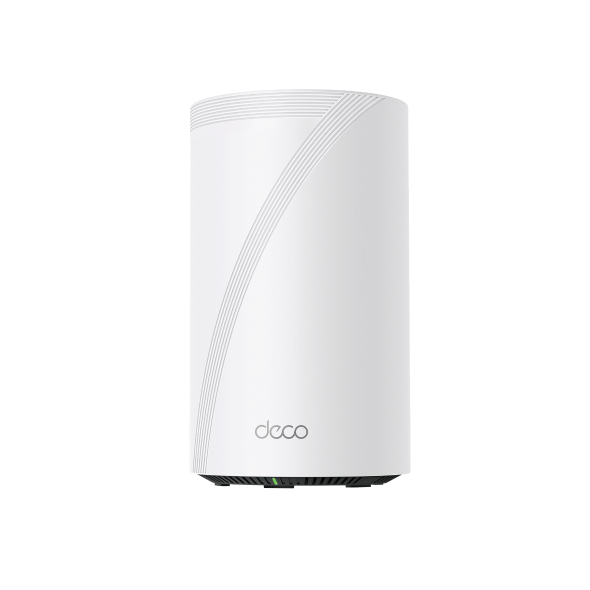
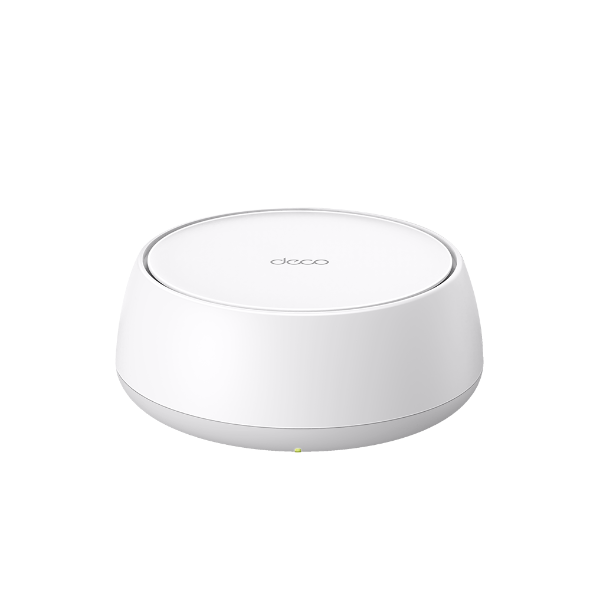
The Deco BE25 is the entry point: a dual-band system sized for smaller homes that want Wi-Fi 7 speed and easy setup. The Deco BE65 Pro sits in the middle of the lineup, made for device-heavy households that need tri-band capacity without the largest coverage footprint. For the largest and most spread-out homes, Deco BE85 is the model that reaches every corner.
Deco BE85: Coverage for Multi-Story and Larger Homes
The Deco BE85 is TP-Link's tri-band flagship in the Deco 7 lineup, designed for multi-story and larger homes that need more nodes and more range to stay covered. Its tri-band Wi-Fi 7 connection reaches a combined speed of up to 22 Gbps across its 6 GHz, 5 GHz, and 2.4 GHz bands, so a busy household has room to stream, game, and run multiple smart home devices at once.
Where the Deco BE85 stands apart is in the way each node talks to the others, also known as backhaul. It supports wireless and wired backhaul at the same time, so if a garage, basement, or far corner of the house is too far for a strong wireless link, running an Ethernet cable to that node keeps the connection stable. Two 10 Gbps ports keep that wired connection fast enough to handle high-speed Internet without becoming a bottleneck. The Deco BE85 also connects over 200 devices at once and includes TP-Link HomeShield, which adds network protection and parental controls.
Choosing the Right Wi-Fi 7 Mesh Setup
Dead zones don't necessarily mean your Internet plan or your router is underperforming. More often, one signal source simply can't reach every room, and a Wi-Fi 7 mesh system solves that by spreading coverage from multiple points instead of stretching it from one.
If the dead zones in your home line up with a multi-story layout or hard-to-reach spaces like a basement or backyard, that's a strong sign mesh is the right next step. Browse TP-Link's Deco 7 solutions to compare the full lineup.
Frequently Asked Questions
Is it worth getting a Wi-Fi 7 mesh system?
If you deal with dead zones, buffering, or dropped calls in specific rooms, especially across multiple floors or a larger footprint, a Wi-Fi 7 mesh system solves that. For a small apartment or single-floor home with no coverage issues, a single Wi-Fi 7 router may already be enough.
What's the difference between Wi-Fi 7 and Wi-Fi mesh?
Wi-Fi 7 is a wireless standard that determines how fast and how efficiently your network moves data. Mesh is a hardware setup: multiple connected units covering your home instead of one router. A Wi-Fi 7 mesh system combines both, pairing the newest standard with coverage that reaches every room.
How many Wi-Fi 7 mesh units do I need for my home?
Most homes do well starting with one to two nodes, covering up to roughly 3,000 to 4,000 square feet depending on layout and construction. Add a third node for even larger homes, multi-story layouts, or hard-to-reach spaces like a basement or garage. Start with the base setup and expand if a specific room still feels weak.
Can a Wi-Fi 7 mesh system cover outdoor spaces like a patio or backyard?
Yes, though a standard indoor node placed near a window or door only reaches so far outside. For a patio, yard, or garage, a weather-resistant outdoor mesh node, like TP-Link's Deco 7 Outdoor lineup, joins the same network and can handle distance and weather.
What is a Wi-Fi 7 mesh system?
A Wi-Fi 7 mesh system is a set of connected units, called nodes, that work together to cover your whole home under one Wi-Fi network instead of one router doing all the work. Built on the Wi-Fi 7 standard, it adds more capacity and lower latency than previous Wi-Fi generations while providing whole-home coverage.