Wi-Fi 7 for Smart Home: Why It Matters for Your IoT Devices
Your smart home mostly works. But maybe the video doorbell takes a few too many seconds to load. Maybe a camera drops offline now and then. Maybe a voice command hesitates when everyone is home, and the network is busy.
These are not random glitches. They happen when a growing collection of smart devices outpaces the network holding them together. Understanding Wi-Fi 7 benefits for smart home devices starts here: it is not about faster speeds. It is about whether your network can reliably serve 20, 30, or 50 devices simultaneously without dropping any.
This post covers which Wi-Fi 7 features actually matter for a smart home, when an upgrade makes sense, and how Wi-Fi 7 fits alongside Matter and Thread.
Key Takeaways
- Wi-Fi 7's biggest smart home advantage is handling many devices at once without slowing down, not raw download speed. Cameras, doorbells, smart locks, and streaming devices can all run simultaneously without competing for bandwidth.
- Multi-Link Operation (MLO) lets devices use multiple frequency bands at the same time, which keeps always-on devices like cameras and doorbells connected more reliably, even when the rest of your network is busy.
- The 6 GHz band gives high-bandwidth devices their own less crowded lane. Low-bandwidth sensors operate on 2.4 GHz, so each device gets the connection it needs without interference.
- Wi-Fi 7, Matter, and Thread solve different problems and work together in the same smart home. They are not competing standards.
- Wi-Fi 7 is not a necessary upgrade for every household. If you have fewer than 10 to 15 devices on a stable Wi-Fi 6 network, you may not notice a difference yet.
What Wi-Fi 7 Means for Smart Home Devices
Wi-Fi 7 is the latest wireless standard, designed to handle the bandwidth, device count, and latency demands of modern connected homes.
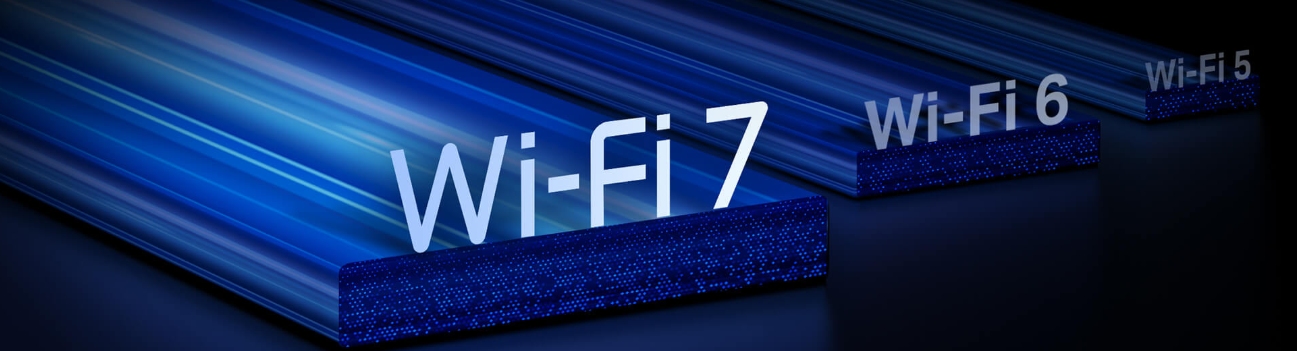
Wi-Fi 7 follows the Institute of Electrical and Electronics Engineers (IEEE) 802.11be specification, and its core improvements are directly relevant to smart homes. It builds on Wi-Fi 6 and Wi-Fi 6E with new technologies designed to reliably handle many connected devices at once, which is exactly what a home full of cameras, sensors, and smart speakers demands.
For smart home use, raw top speed matters less than three things: how many devices can connect without degrading performance, how consistently those connections hold under load, and whether high-priority devices get the bandwidth they need when the whole household is online. Wi-Fi 7 improves on all three.
Why Smart Homes Strain Traditional Wi-Fi
The challenge is not bandwidth per device. It is the sheer number of devices all communicating with the same router at the same time.
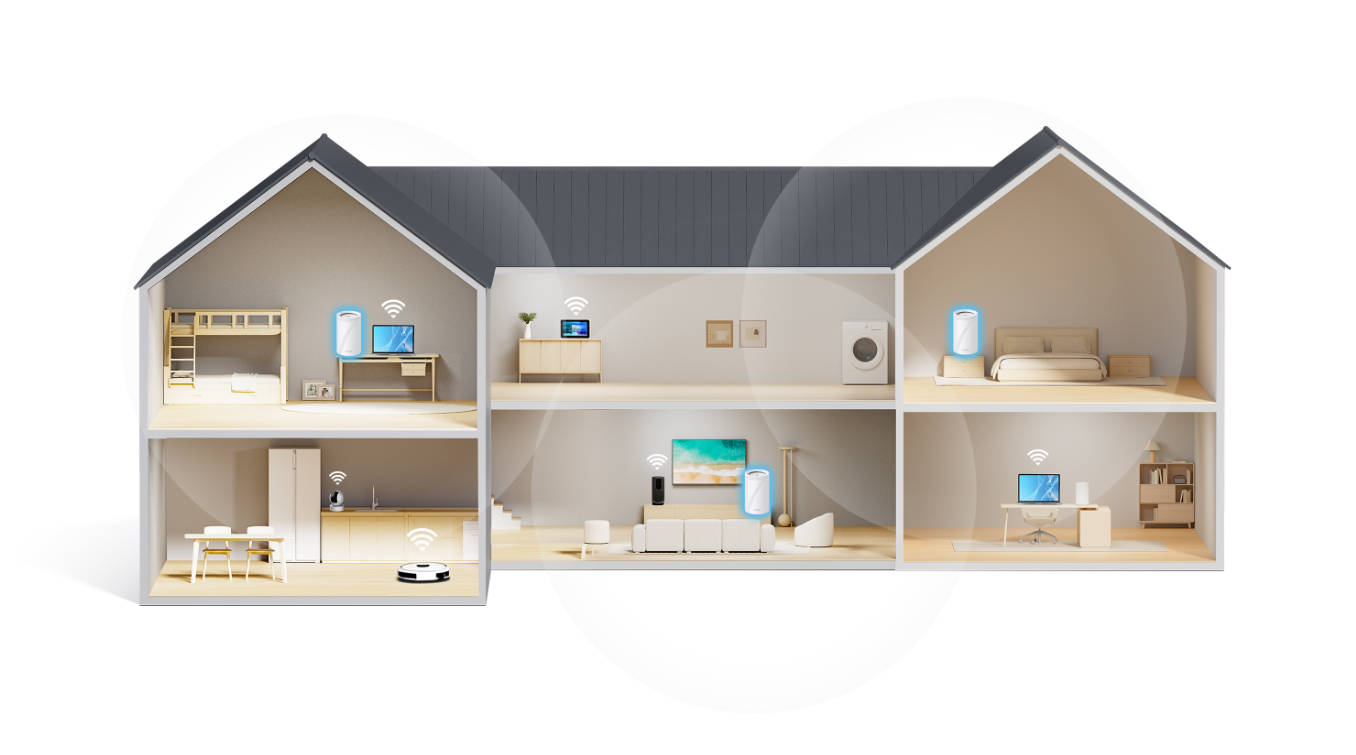
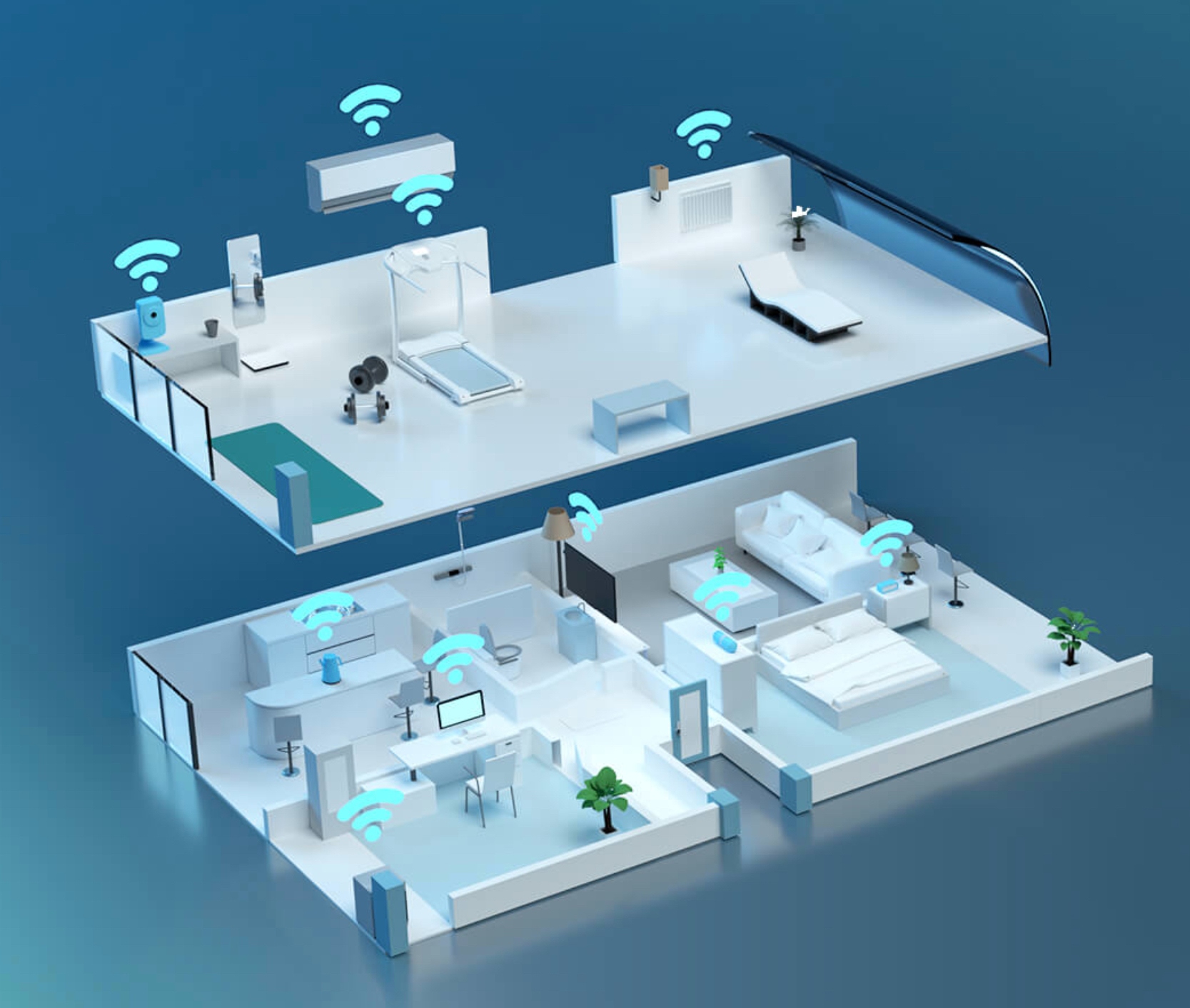
A smart home built up gradually might include a video doorbell, several cameras, smart bulbs, motion sensors, smart plugs, a robot vacuum, a smart lock, a thermostat, a hub, and smart speakers. Add the laptops, phones, and tablets everyone uses daily, and a single household can easily reach 30 or more active connections.
Smart home devices also behave differently than a laptop. Many send small updates constantly. Cameras stream continuously. Doorbells need real-time responses. Even a brief moment of congestion can knock a sensor offline or make a doorbell notification arrive too late.
Wi-Fi 6 has limits that start to show at scale. Each device connects to one frequency band at a time, and when that band fills up, connections slow or drop. For 10 to 15 devices, this rarely causes problems. For 30 or more, the symptoms become familiar: cameras going offline during busy evenings, voice commands lagging, and automations running a beat behind.
The Wi-Fi 7 Features That Matter for IoT
Three Wi-Fi 7 features make the biggest difference for smart homes, and none of them is raw speed.
Multi-Link Operation (MLO): Reliability for Always-On Devices
Multi-Link Operation (MLO) is a Wi-Fi 7 feature that lets a device use multiple Wi-Fi frequency bands at the same time, instead of locking onto one.
Before Wi-Fi 7, a device connected to either the 2.4 GHz or the 5 GHz band and stayed there. If that band got congested, the device slowed down or dropped. MLO lets the device send and receive data across two or more bands simultaneously, so if one band becomes crowded, it continues through the others without interruption.
For smart home devices, this has a practical impact. A Tapo outdoor camera can stay online even when the 5 GHz band fills up with laptop and phone traffic. A video doorbell responds instantly because it is not waiting for a single congested band to clear. Learn more about how MLO works and why it is the most significant change Wi-Fi 7 brings.
Higher Device Capacity: Headroom for a Growing Smart Home
Wi-Fi 7 routers handle more simultaneous connections without performance degradation.
A typical connected home might have 30 devices today and could easily reach 50 in two years. Wi-Fi 7 provides the headroom that earlier standards do not. This comes from a combination of improvements: 4096-QAM (packing roughly 20% more data into each wireless signal than Wi-Fi 6), 320 megahertz (MHz) channels (double the width of Wi-Fi 6), and improved Orthogonal Frequency Division Multiple Access (OFDMA), which lets the router serve many devices simultaneously rather than one at a time.
The effect is that adding more smart devices does not degrade the experience for those already connected.
The 6 GHz Band: A Dedicated Lane for High-Priority Devices
The 6 GHz band is a wireless band introduced with Wi-Fi 6E and expanded in Wi-Fi 7, and is much less crowded than the 2.4 GHz and 5 GHz bands used by older devices.
This matters for smart homes because it creates a separation between device types. High-priority devices like security cameras, video doorbells, and home hubs can connect to the 6 GHz band, where there is far less competition for signal. Low-bandwidth sensors, smart plugs, and smart bulbs continue using 2.4 GHz as they always have.
One important note: a device has to support 6 GHz to use it. Many existing smart home devices do not, because they were built before the band was available. Newer cameras, hubs, and smart home controllers increasingly do, and the trend will continue. A Wi-Fi 7 router is ready for both groups today.
Wi-Fi 7 vs. Matter and Thread: Do You Need Both?
Wi-Fi 7, Matter, and Thread are not competitors. They solve different problems in the same smart home.
Wi-Fi 7 is a high-speed network that carries Internet traffic and connects bandwidth-hungry devices like cameras and hubs. Thread and Zigbee are low-power wireless protocols designed for battery-operated devices such as sensors, smart locks, and light switches that need to stay connected for months without draining power. Matter is the unifying standard that sits above all of these, allowing devices from different manufacturers to work together through a single app, regardless of whether they use Wi-Fi, Thread, or Zigbee underneath.
In practice, a Tapo camera uses Wi-Fi, a smart bulb might use Thread, and Matter lets your phone control both from the same app. Upgrading to Wi-Fi 7 improves the camera's reliability without changing how the bulb communicates at all. Read more about how Matter works and how it fits with your smart home devices.
When Wi-Fi 7 Is Worth the Upgrade (And When It Isn't)
Wi-Fi 7 is worth it if you have 20 or more smart devices or specific reliability problems with Wi-Fi 6. For lighter setups, the case for upgrading now is weaker.
|
Feature |
Wi-Fi 6 |
Wi-Fi 6E |
Wi-Fi 7 |
|
IEEE Standard |
802.11ax |
802.11ax |
802.11be |
|
Frequency Bands |
2.4 GHz, 5 GHz |
2.4 GHz, 5 GHz, 6 GHz |
2.4 GHz, 5 GHz, 6 GHz |
|
Max Channel Width |
160 MHz |
160 MHz |
320 MHz |
|
Multi-Link Operation |
No |
No |
Yes |
|
Max Theoretical Speed |
9.6 Gbps |
9.6 Gbps |
46 Gbps |
|
Best For |
Most households today |
Growing smart homes |
IoT-heavy homes, 20+ devices |
|
Consumer Availability |
Widely available |
Widely available |
Widely available |
Upgrade now if:
- Your smart home has 20 or more connected devices, and you are already experiencing dropped connections or delayed responses.
- You have gigabit or multi-gigabit Internet and want to take full advantage of those speeds across many devices at once.
- You are setting up a new network and want it to stay relevant for the next five to seven years.
Plan for it if:
- Your setup is stable, but you are actively adding new smart devices. Wi-Fi 7 is the right foundation to have in place before the strain shows up.
- You are buying a Wi-Fi 7-compatible camera, hub, or other high-bandwidth device that will make full use of MLO and the 6 GHz band.
Stay with Wi-Fi 6 for now if:
- You have fewer than 10 to 15 smart devices and no current reliability issues.
- Your Internet plan is under 500 megabits per second (Mbps), and your current setup meets your daily needs. Wi-Fi 6E, which adds the 6 GHz band to the Wi-Fi 6 foundation, is a practical step up at a lower price.
Building a Wi-Fi 7 Foundation for Your Smart Home with TP-Link
TP-Link's Deco Wi-Fi 7 mesh systems are designed to handle the device counts, latency demands, and reliability needs of a real smart home.
The Deco lineup covers a range of home sizes and needs. Entry-level Wi-Fi 7 options suit households moving up from Wi-Fi 6 and adding devices. Mid-tier systems add speed and coverage for larger homes running cameras, hubs, and a full suite of smart devices. The Deco BE63 is a flagship option built for multi-story homes or dense IoT environments where reliability across every room matters most.
For households running both Deco mesh and Tapo smart home devices, the two are designed to work together, reducing cross-brand troubleshooting that comes with mixing equipment from different manufacturers. Deco routers also include TP-Link's HomeShield service for network protection, parental controls, and IoT security at the router level. And across the Wi-Fi 7 Deco range, Matter support means new standard devices connect without compatibility friction.
Browse the full Deco mesh Wi-Fi range to compare options.
Set Up the Network Your Smart Home Actually Needs
Wi-Fi 7's value for a smart home is not a speed record. It is reliability, device capacity, and the headroom to grow a connected home over the next several years without the network becoming the weak link.
Not every household needs to upgrade today. If your device count is modest and your current network is stable, there is no urgent reason to switch. But for IoT-heavy smart homes already experiencing dropped camera feeds, lagging voice commands, and congestion during busy evenings, Wi-Fi 7 directly addresses problems that earlier standards were not built to handle.
If you are ready to build that foundation, the TP-Link Wi-Fi 7 explainer covers everything you need to know before deciding, and you can explore the full Wi-Fi 7 lineup when it's time to upgrade.
Frequently Asked Questions
Is Wi-Fi 7 overkill for a smart home?
It depends on the device count. For fewer than 10 to 15 smart devices on a stable Wi-Fi 6 network, Wi-Fi 7 is likely more than you need. For homes with 20 or more connected devices, Wi-Fi 7's higher capacity and MLO address real reliability problems that Wi-Fi 6 struggles with at that scale.
Do my smart home devices need to support Wi-Fi 7 to benefit from a Wi-Fi 7 router?
No. Most smart home devices use Wi-Fi 6 or earlier and work normally on a Wi-Fi 7 router. The benefit is network-wide: every device gets a more stable, less congested connection even without using Wi-Fi 7 natively.
Will Wi-Fi 7 fix my smart home camera dropping offline?
It can, depending on the cause. If the camera drops due to network congestion, Wi-Fi 7's MLO and higher device capacity directly address that. If the issue is a weak signal due to distance or obstacles, a mesh Wi-Fi system is a more effective fix, regardless of the Wi-Fi standard.
How many smart devices can a Wi-Fi 7 router handle?
Wi-Fi 7 routers offer significantly more headroom than Wi-Fi 6, well beyond the 30 to 50 devices a typical smart home might reach. The combination of 320 MHz channels, 4096-QAM, and improved OFDMA lets the router serve many more simultaneous connections without the performance drop older standards experience.
Should I upgrade to Wi-Fi 7 or wait for Wi-Fi 8?
Wi-Fi 7 is now the right call for most people. Wi-Fi 8 consumer devices are not expected until around 2028. If your smart home already has congestion or dropped connections, waiting years means living with those problems longer.