
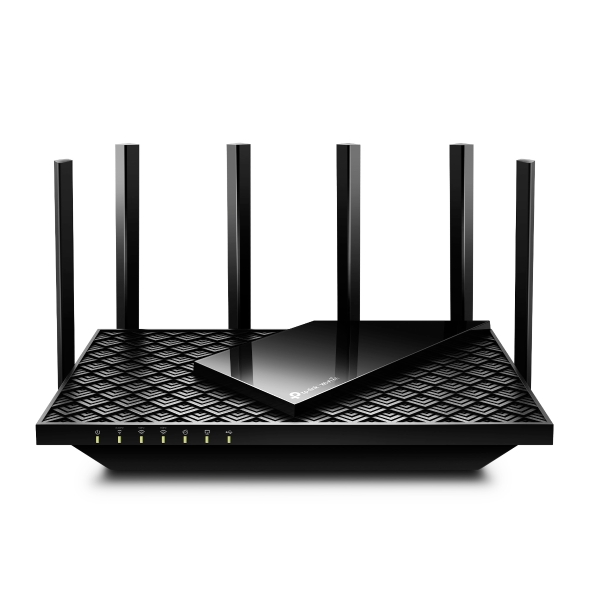


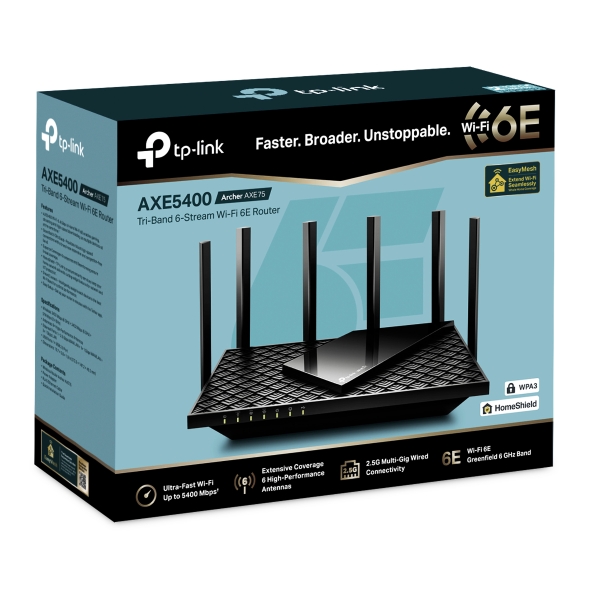
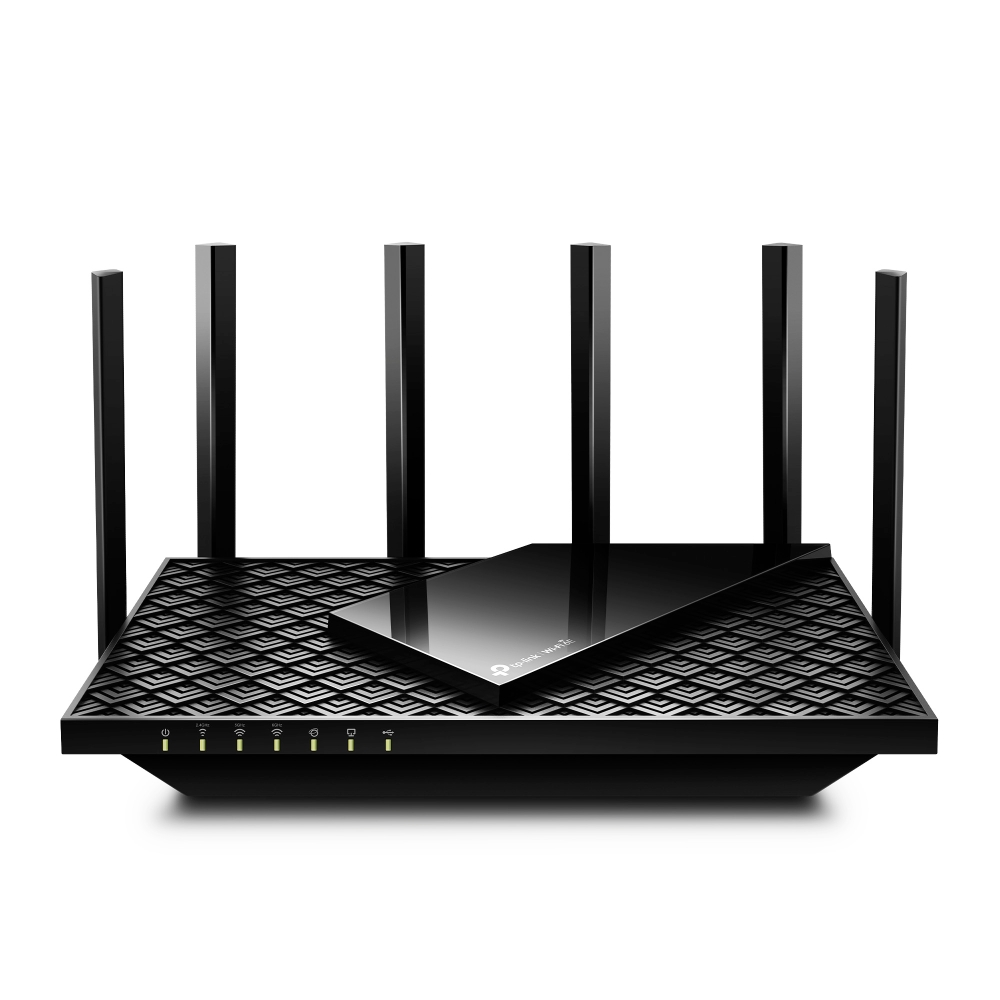


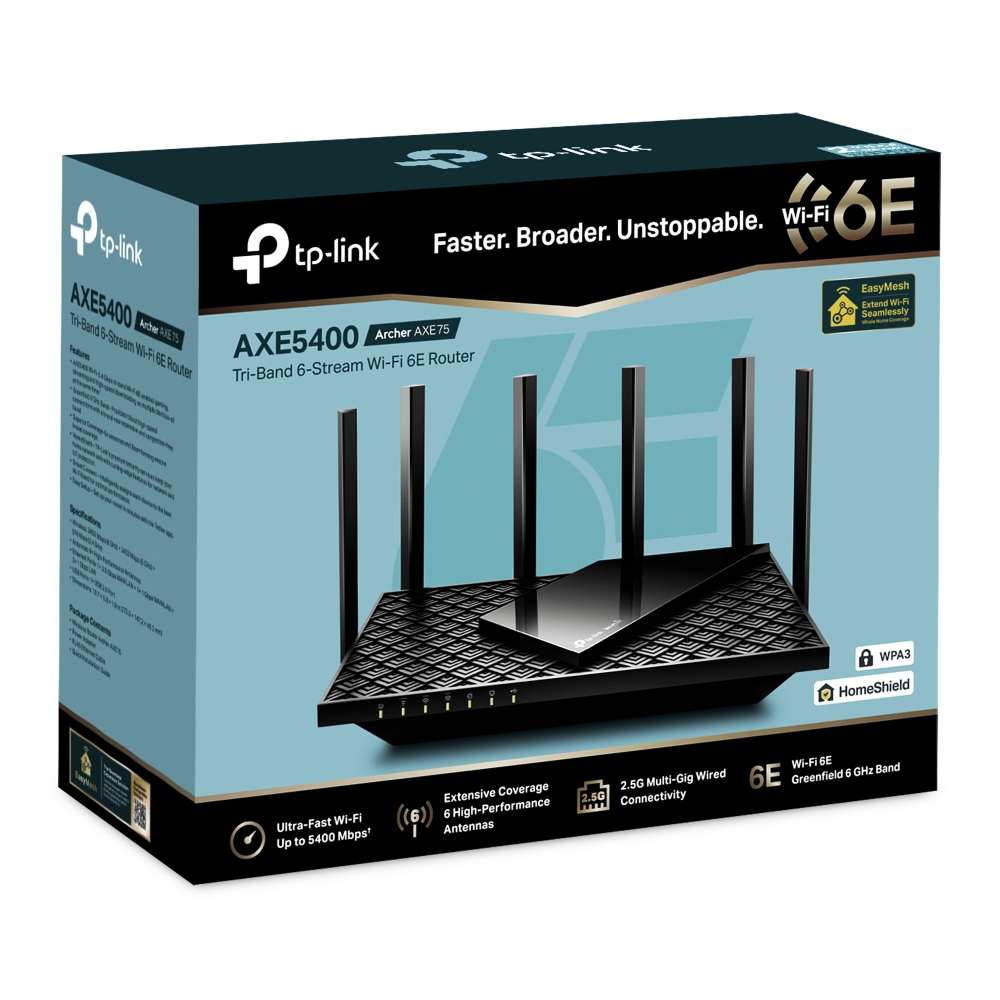
AXE5400 Tri-Band Gigabit Wi-Fi 6E Router
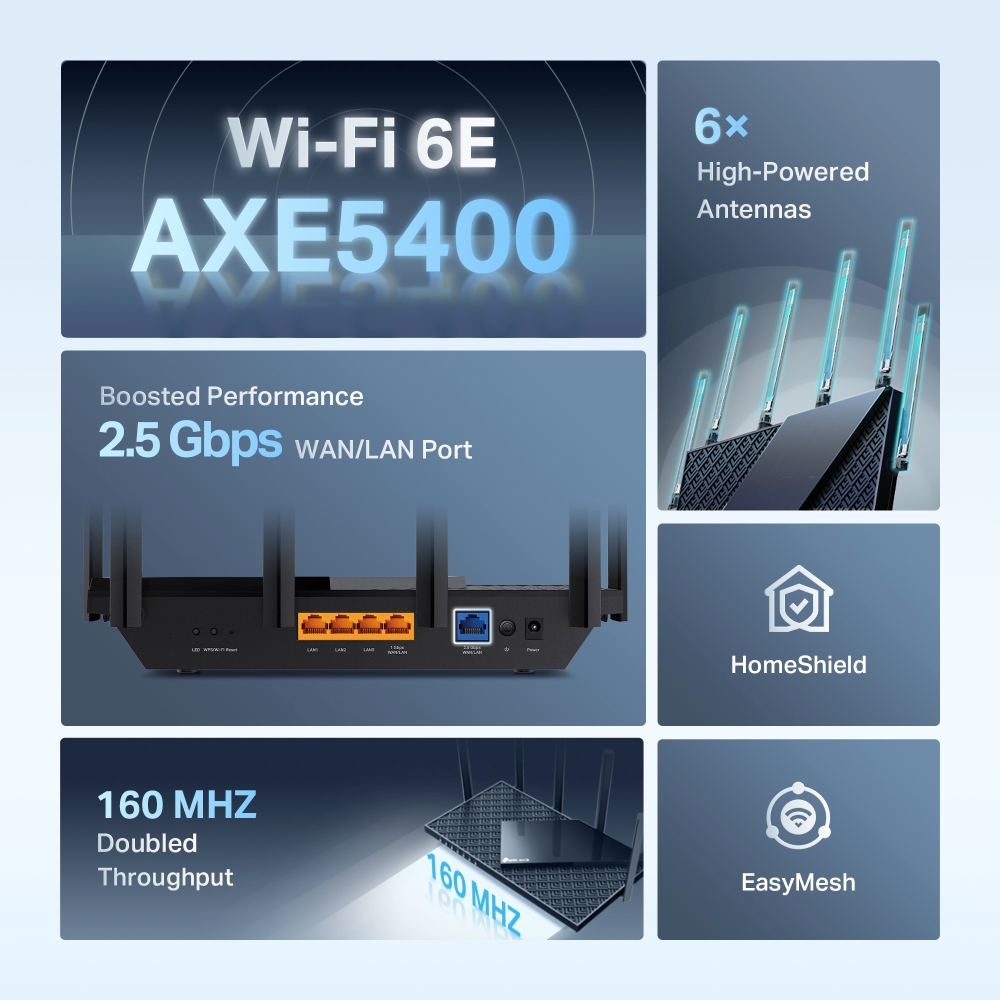
- AXE5400 Tri-Band – AXE5400 Tri-Band Wi-Fi delivers Wi-Fi speeds up to 5400 Mbps.†
- Wi-Fi 6E Unleashed – The brand new 6 GHz band brings more bandwidth, faster speeds, and near-zero latency.‡
- Ultra-fast 2.5 Gbps Wired Performance – Get 2.5 times faster wired performance with a 2.5 Gbps WAN/LAN port.§
- Connect More Devices – OFDMA technology increases capacity by 4 times to enable simultaneous transmission to more devices.‡
- Extremely-Low Latency – Enables more responsive gaming and video chatting.
- EasyMesh-Compatible – Works with EasyMesh routers and range extenders to form seamless whole home Mesh WiFi, preventing drops and lag when moving between signals.△
- HomeShield – Customise your home network with enhanced security and control.☆
- Compatible with Alexa – Control your router via voice commands and make your life smarter and easier with Amazon Alexa.
Reaching New
Peaks of Performance
Archer AXE75

AXE5400 Tri-Band Wi-Fi 6E Router
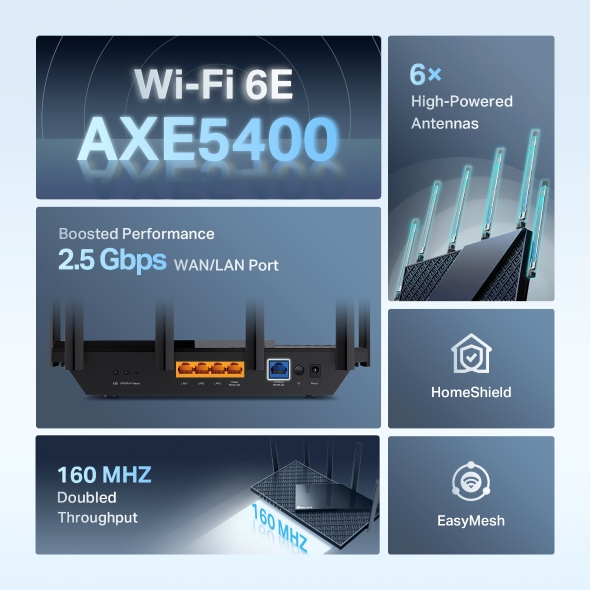
Wi-Fi 6E
AXE5400
160 MHZ
Doubled
Throughput
2.5 Gbps WAN/LAN Port
6×
High-Powered
Antennas
HomeShield
EasyMesh
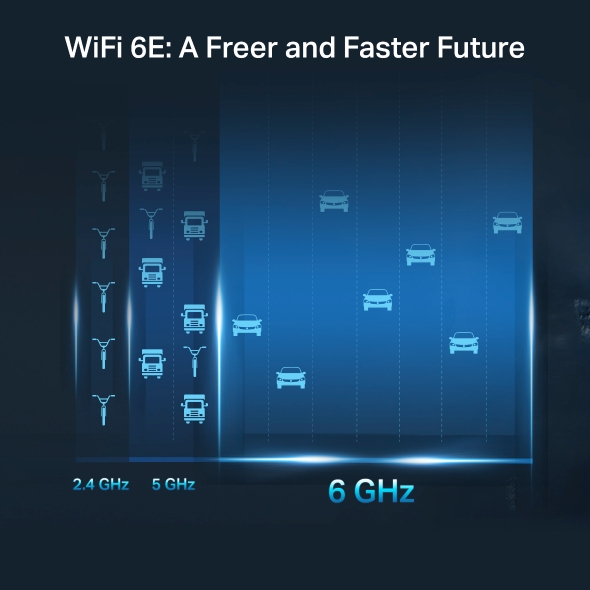
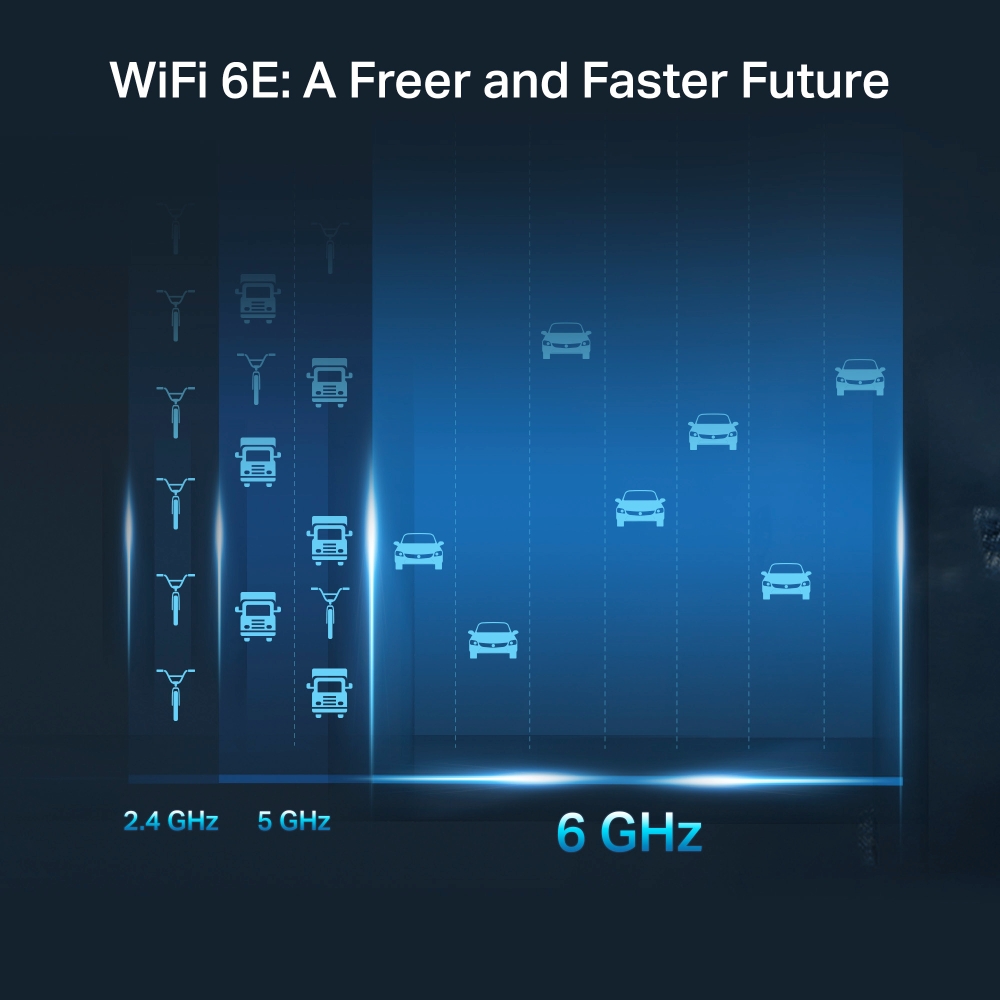
WiFi 6E: A Freer and Faster Future
WiFi 6E introduces the brand new 6 GHz band without any overlap or interference from other bands and older devices. This means a congestion-free frequency that offers more bandwidth, faster speed, and lower latency.‡
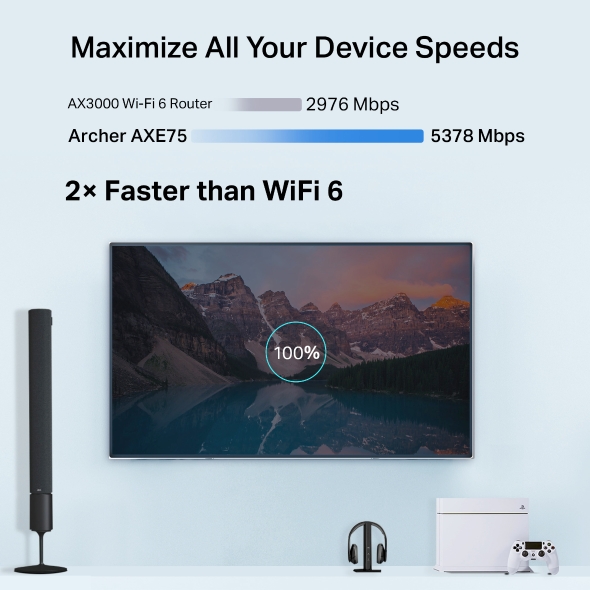
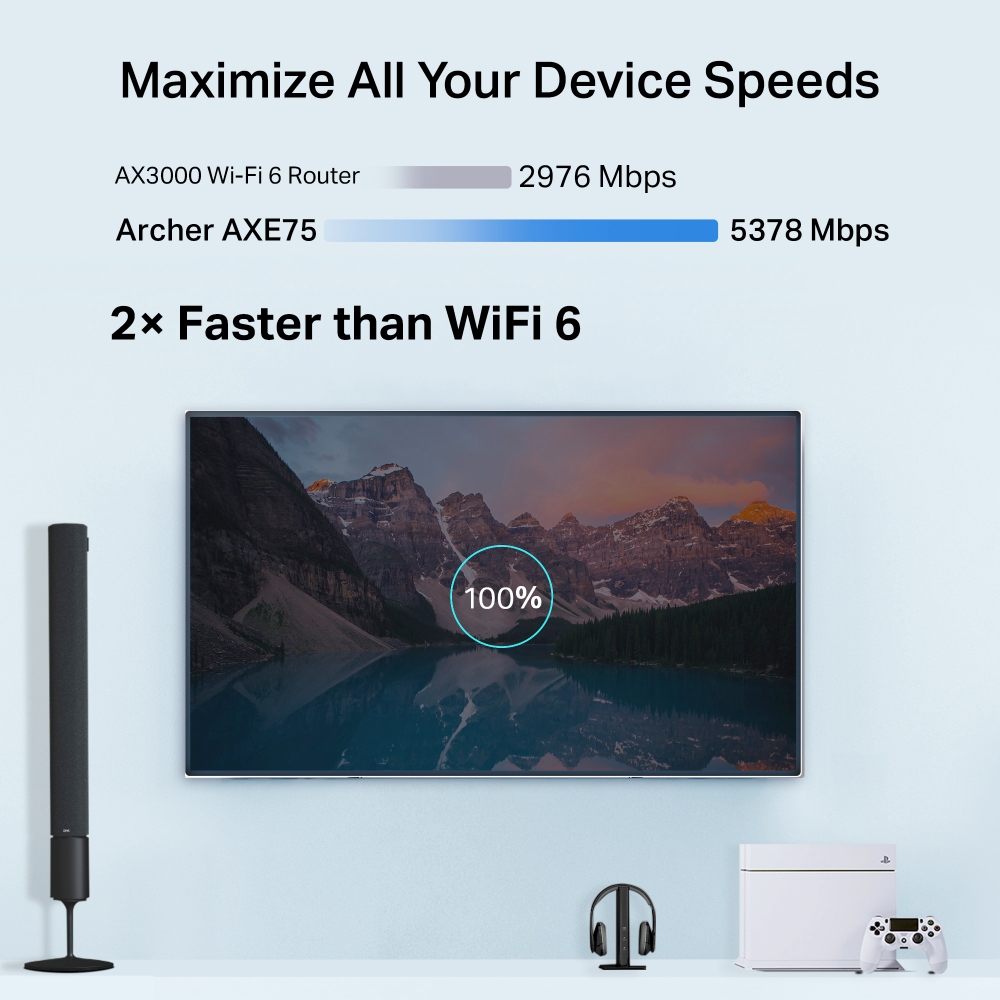
Maximize All Your Device Speeds
Archer AXE75 provides WiFi speeds up to 5400 Mbps, enabling your devices to run at full speed. Enjoy fluent 4K/8K streaming, immersive AR/VR gaming, and blazing-fast downloads.†
AX3000 Wi-Fi 6 Router  2976 Mbps
Archer AXE75 5378 Mbps
2× Faster than WiFi 6
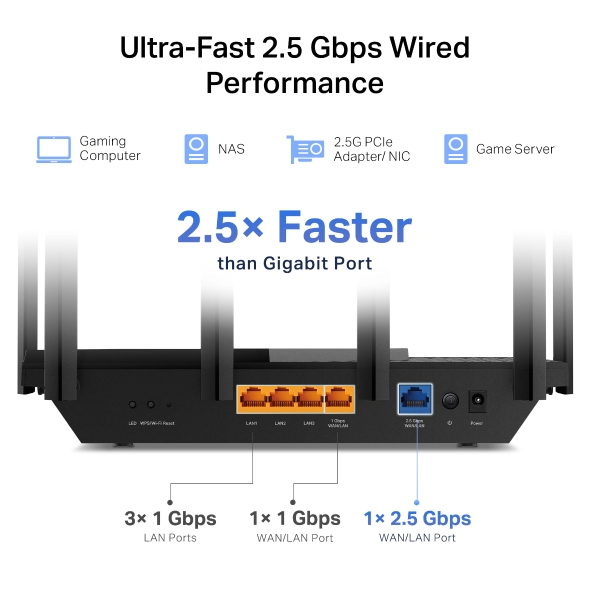
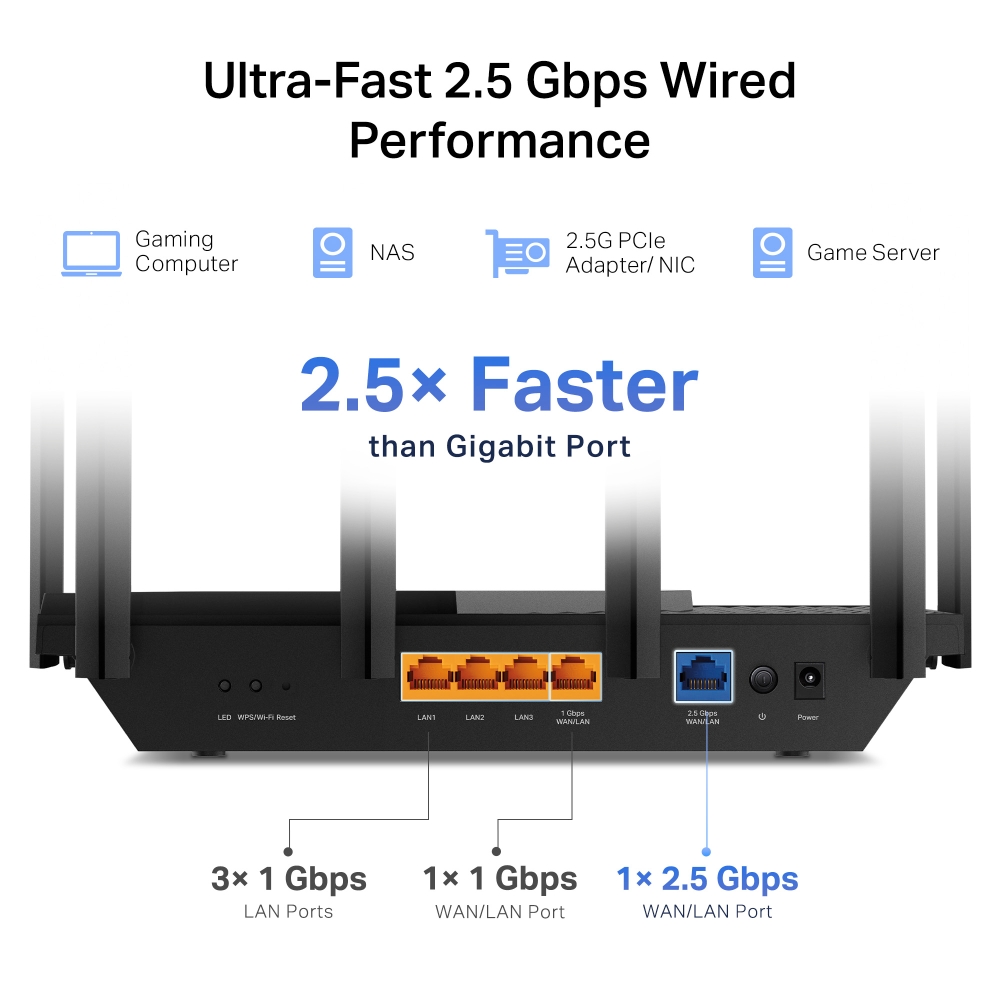
Ultra-Fast 2.5 Gbps Wired Performance
Get 2.5 times faster wired performance with a 2.5 Gbps WAN/LAN port. Additionally, enjoy the versatility to use it as
either a WAN or LAN connection.§
Gaming
Computer
NAS
2.5G PCIe
Adapter/ NIC
Game Server
2.5× Faster
than Gigabit Port
3× 1 Gbps
LAN Ports
1× 1 Gbps
WAN/LAN Port
1× 2.5 Gbps
WAN/LAN Port
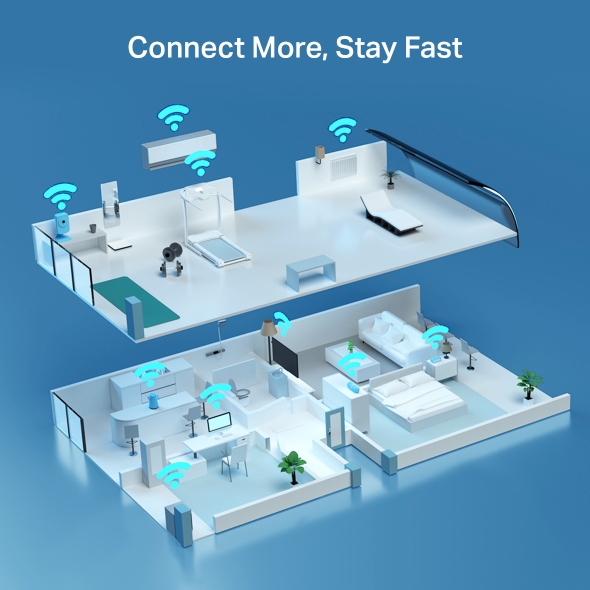
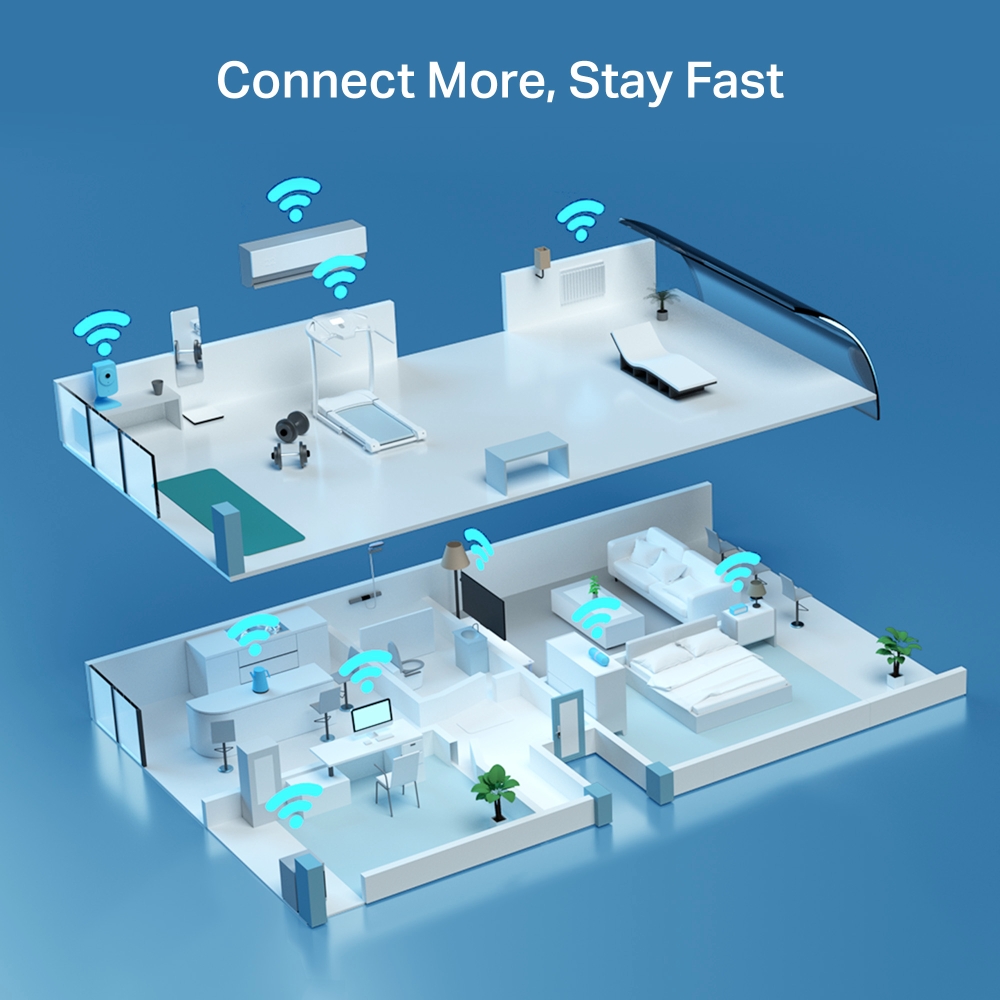
Connect More Stay Fast
The number of IoT devices today creates greater demands on home WiFi. Archer AXE75 future-proofs your home network with a higher capacity of up to 200+ devices. OFDMA and other advanced tech cut down the clutter throughout your frequency bands, eliminating latency and jitter.‡
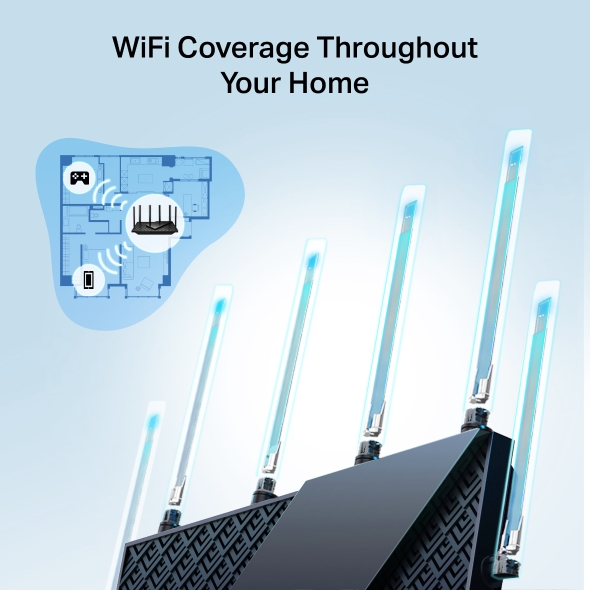
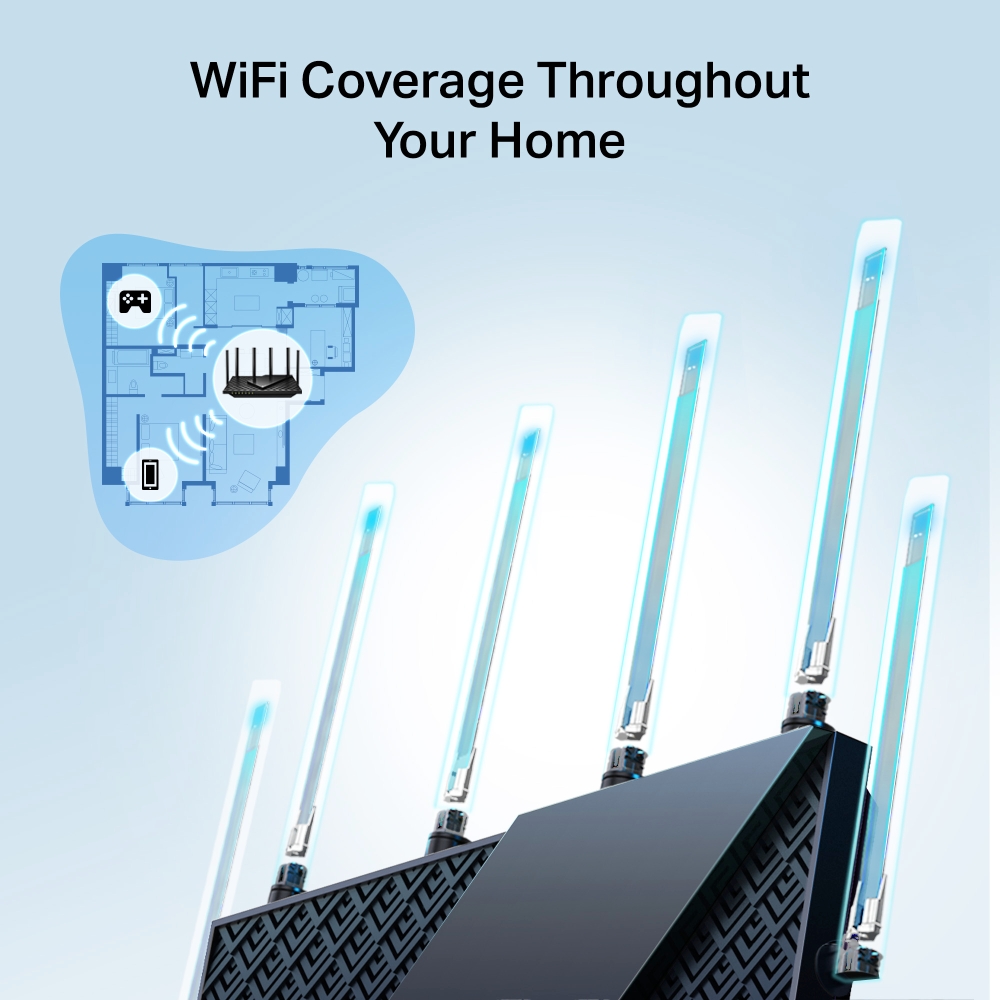
WiFi Coverage Throughout Your Home
6× high-performance antennas boost WiFi signals throughout your home. Beamforming technology detects devices and concentrates signals towards them, especially to previously hard-to-reach areas.
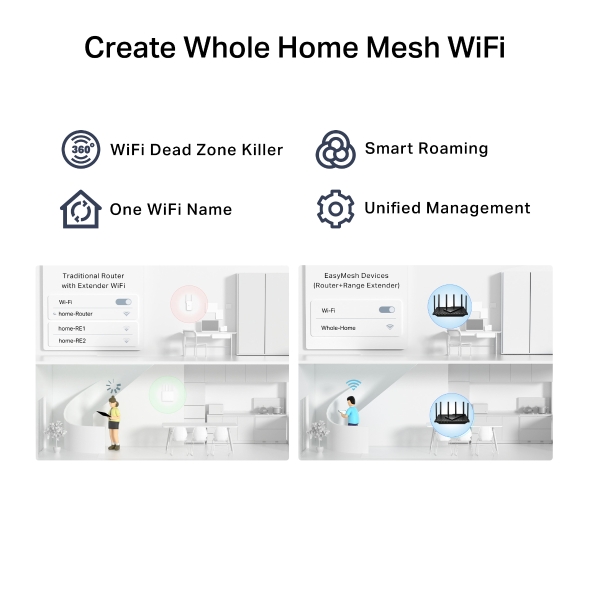
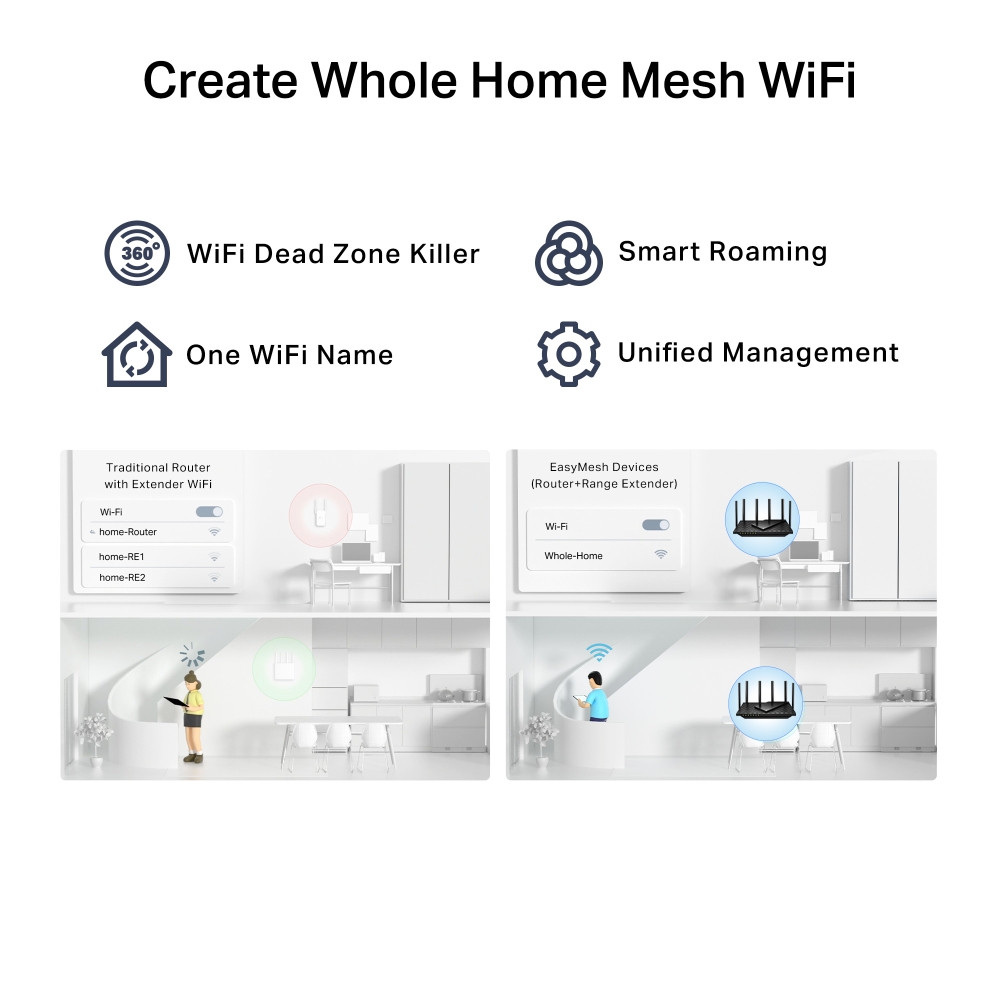
Create Whole Home Mesh WiFi
Archer AXE75 is EasyMesh-compatible. If you have any dead zones at home, just add another EasyMesh router/range extender to further form your whole home multi-gigabit mesh WiFi. No more searching for a stable connection.△
-
WiFi Dead Zone Killer
Eliminate weak signal areas with WiFi coverage for the whole house
-
Smart Roaming
Uninterrupted streaming when moving around your home
-
One WiFi Name
No more Switching
WiFi network names -
Unified Management
Manage your whole home WiFi from the central node via the Tether app/Web UI
-
Traditional Router
with Extender Wi-Fi -

EasyMesh Devices
(Router+Range Extender)

Your Security is Our Priority
With TP-Link HomeShield, enjoy advanced security features that deliver a safe environment that protects your family and network's data and privacy.☆
-
Home Network Scanner
Real-time network scanner to detect potential threats and security issues.
-
Parental Controls
Manage time online and block inappropriate content to keep your family safe online.
-
Quality of Service
Assign your favorite devices to have the fastest connections for top performance.
Private IoT Network for More Security
Set up a separate WiFi for IoT devices and overlay HomeShield and advanced WPA3 encryption※ to better protect the security of your home network and IoT devices..
Set Up in Minutes
Install the Tether app and simply follow the on-screen directions. In just three easy steps your entire home can be blanketed in strong and reliable WiFi.
Learn more about the Tether app
-
CONNECT
to a modem and power on both.
-
DOWNLOAD
and launch the Tether app.
-
CONFIGURE
by following the in-app instructions.
| Standards and Protocols | IEEE 802.11ax 6 GHz, IEEE 802.11ax/ac/n/a 5 GHz, IEEE 802.11ax/n/b/g 2.4 GHz |
|---|---|
| WiFi Speeds | AXE54006 GHz: 2402 Mbps (802.11ax)5 GHz: 2402 Mbps (802.11ax)2.4 GHz: 574 Mbps (802.11ax) |
| WiFi Range | 2-3 Bedroom Houses 6× Fixed High-Performance AntennasMultiple antennas form a signal-boosting array to cover more directions and large areasBeamformingConcentrates wireless signal strength towards clients to expand WiFi rangeHigh-Power FEMImproves transmission power to strengthen signal coverage |
| WiFi Capacity | Very High Tri-BandAllocate devices to different bands for optimal performanceOFDMASimultaneously communicates with multiple Wi-Fi 6 clientsAirtime FairnessImproves network efficiency by limiting excessive occupationDFSAccess an extra band to reduce congestion6 StreamsConnect your devices to more bandwidth |
| Working Modes | Router ModeAccess Point Mode |
| Network Security | SPI FirewallAccess ControlIP & MAC BindingApplication Layer GatewayHomeShield Security Real-Time IoT ProtectionMalicious Site BlockerIntrusion Prevention SystemDDoS Attack PreventionHome Network Scanner |
|---|---|
| Guest Network | 1× 6 GHz Guest Network, 1× 5 GHz Guest Network, 1× 2.4 GHz Guest Network |
| VPN Server | OpenVPN ServerPPTP VPN ServerL2TP VPN Server |
| VPN Client | Open VPN ClientPPTP VPN ClientL2TP VPN Client |
| WiFi Encryption | WPA, WPA2, WPA3, WPA/WPA2-Enterprise (802.1x) |
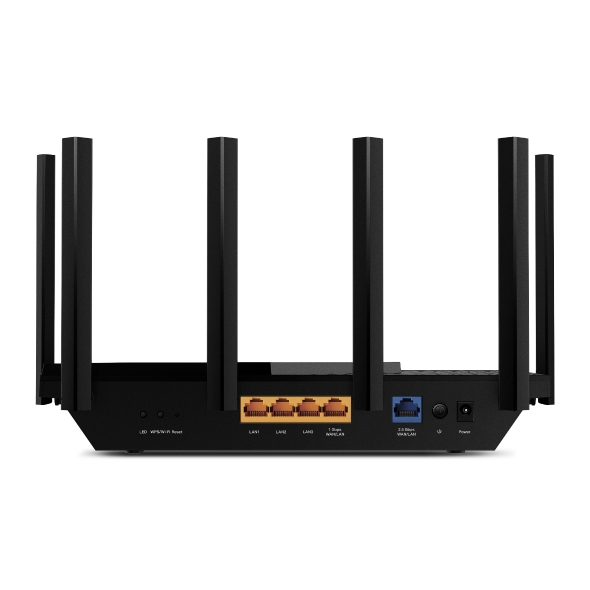
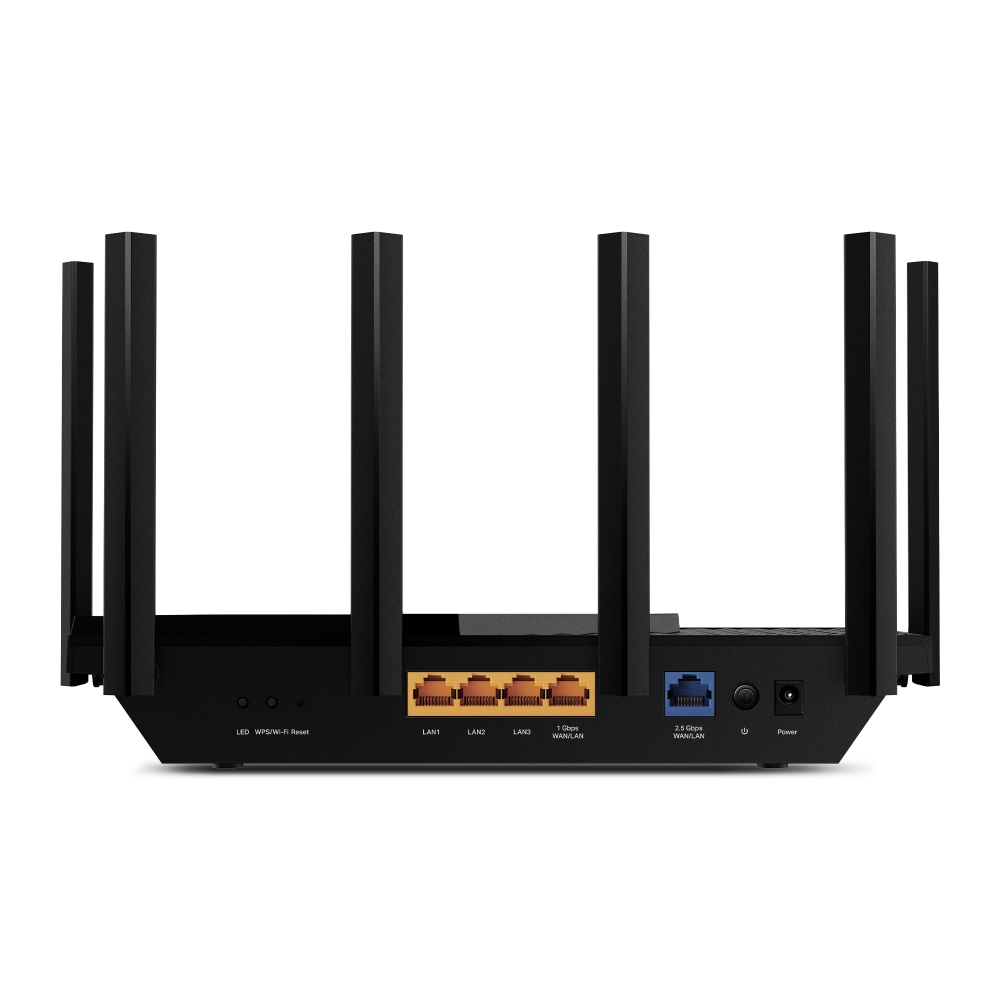
| Ethernet Ports | 1× 2.5 Gbps WAN/LAN1× 1 Gbps WAN/LAN3× 1 Gbps LAN |
|---|---|
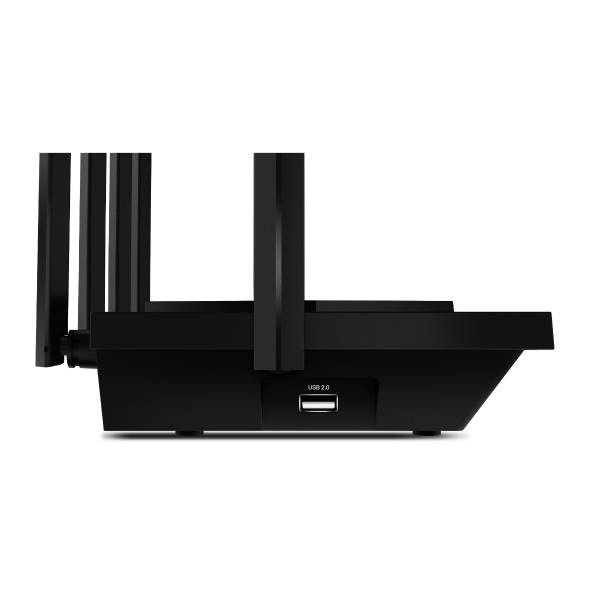
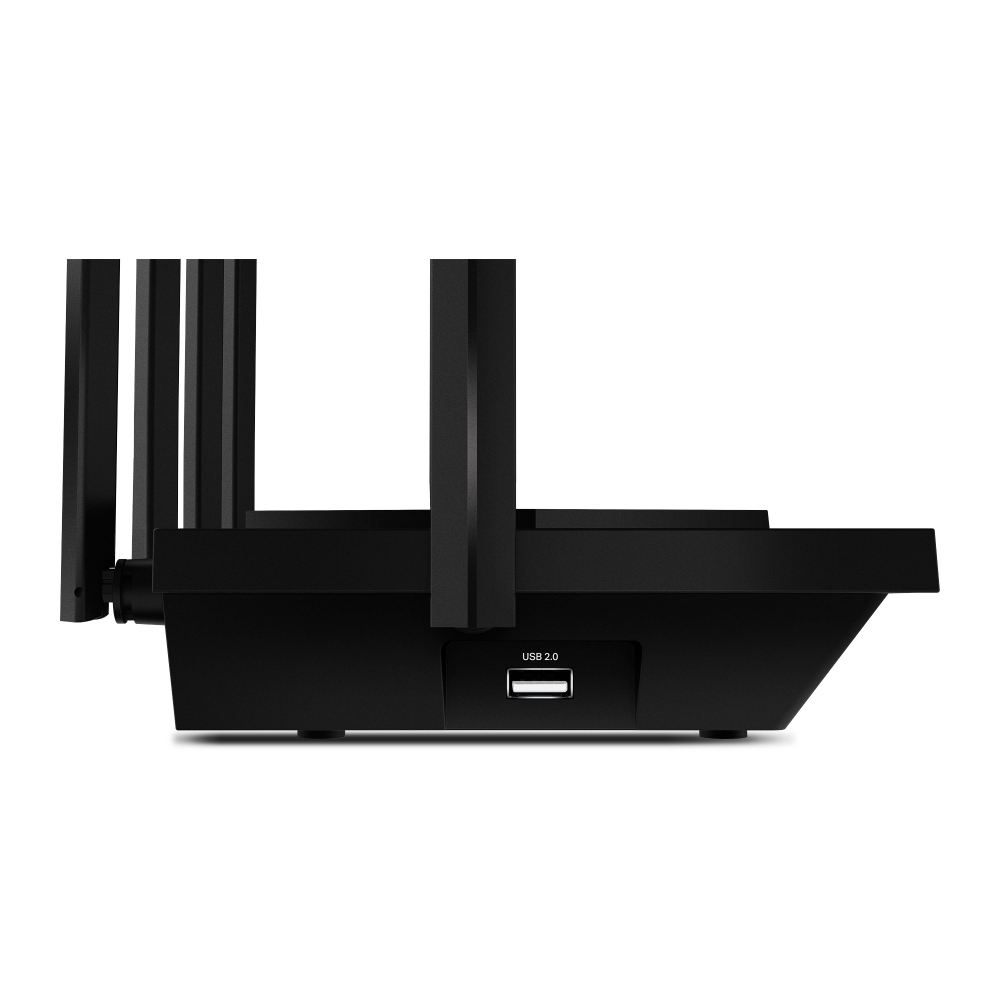
| USB Support | 1× USB 2.0 PortSupported Partition Formats:NTFS, exFAT, HFS+, FAT32Supported Functions:Apple Time MachineFTP ServerMedia ServerSamba Server |
| Power | 12 V ⎓ 2.5 A |
| Buttons | WPS/Wi-Fi ButtonPower On/Off ButtonLED On/Off ButtonReset Button |
| Protocols | IPv4IPv6 |
|---|---|
| Service Kits | HomeShieldLearn More> |
| EasyMesh | Compatible with EasyMesh |
| Parental Controls | HomeShield Parental Controls Custom ProfilesProfessional Content Filter LibraryFamily TimeBedtimeOff TimeTime RewardsFamily Online Time RankingPause the InternetWeekly and Monthly Reports |
| WAN Types | Dynamic IPStatic IPPPPoEPPTPL2TP |
| Quality of Service | QoS by Device |
| Cloud Service | Auto Firmware UpgradeTP-Link IDDDNS |
| NAT Forwarding | Port ForwardingPort TriggeringDMZUPnP |
| IPTV | IGMP ProxyIGMP SnoopingBridgeTag VLAN |
| DHCP | Address ReservationDHCP Client ListServer |
| DDNS | TP-LinkNO-IPDynDNS |
| Management Features | Tether AppWebpage |
| Network Services Enabled by Default | Web Server Manage and configure device through web (HTTP/HTTPS) • Port: 80/443 Protocol: TCP DNS DNS • Port: 53 Protocol: TCP & UDP DHCP Server IP address assignment (DHCP) • Port: 67 Protocol: UDP App management Manage and configure device through app • Port: 20001 Protocol: TCP • Port: 30001 Protocol: TCP • Port: 20002 Protocol: UDP |
|---|---|
| System Requirements | Internet Explorer 11+, Firefox 12.0+, Chrome 20.0+, Safari 4.0+, or other JavaScript-enabledbrowserCable or DSL Modem (if needed)Subscription with an internet service provider (for internet access) |
| Certifications | FCC |
| Environment | Operating Temperature: 0℃~40℃ (32℉ ~104℉)Operating Humidity: 10%~90% non-condensing |
| WiFi Transmission Power | FCC: ≤29dBm (2.4 GHz), ≤28dBm (5 GHz), ≤22dBm (6 GHz)CE: ≤17dBm (2.4 GHz), ≤27dBm (5 GHz), ≤20dBm (6 GHz) |
|---|---|
| WiFi Reception Sensitivity | 2.4 GHz:11ax HE20 MCS0:-95dBm, 11ax HE20 MCS11:-64dBm11ax HE40 MCS0:-92dBm, 11ax HE40 MCS11:-62dBm5 GHz:11ax HE20 MCS0:-94dBm, 11ax HE20 MCS11:-63dBm11ax HE40 MCS0:-91dBm, 11ax HE40 MCS11:-60dBm11ax HE80 MCS0:-88dBm, 11ax HE80 MCS11:-57dBm11ax HE160 MCS0:-85dBm, 11ax HE160 MCS11:-54dBm6 GHz:11ax HE20 MCS0:-93dBm, 11ax HE20 MCS11:-62dBm11ax HE40 MCS0:-90dBm, 11ax HE40 MCS11:-59dBm11ax HE80 MCS0:-87dBm, 11ax HE80 MCS11:-56dBm11ax HE160 MCS0:-84dBm, 11ax HE160 MCS11:-53dBm |
| Dimensions (W×D×H) | 10.7 × 5.8 × 1.9 in (272.5 × 147.2 × 49.2 mm) |
|---|---|
| Package Content | Wi-Fi Router Archer AXE75Power AdapterRJ45 Ethernet CableQuick Installation Guide |
†Maximum wireless signal rates are the physical rates derived from IEEE Standard 802.11 specifications. Actual wireless data throughput and wireless coverage are not guaranteed and will vary as a result of network conditions, client limitations, and environmental factors, including building materials, obstacles, volume and density of traffic, and client location.
‡Use of Wi-Fi 6 (802.11ax), Wi-Fi 6E, and features including OFDMA, 1024-QAM, and HE160 require clients to also support the corresponding features. Seven 160MHz channels may not be all available in the 6 GHz band in some regions/countries due to regulatory restrictions.
§2.5 Gbps internet speeds require compatible service plans and equipment.
△TP-Link EasyMesh-compatible products can network with other devices that use EasyMesh. Failed connections may be due to firmware conflicts of different vendors. The EasyMesh-compatible function is still being developed on some models and will be supported in subsequent software updates
☆HomeShield includes both basic and advanced features. Advanced features require a paid subscription. For details, visit tp-link.com/homeshield
※Use of WPA3 requires clients to also support the corresponding feature.
Actual network speed may be limited by the rate of the product's Ethernet WAN or LAN port, the rate supported by the network cable, Internet service provider factors and other environmental conditions.