




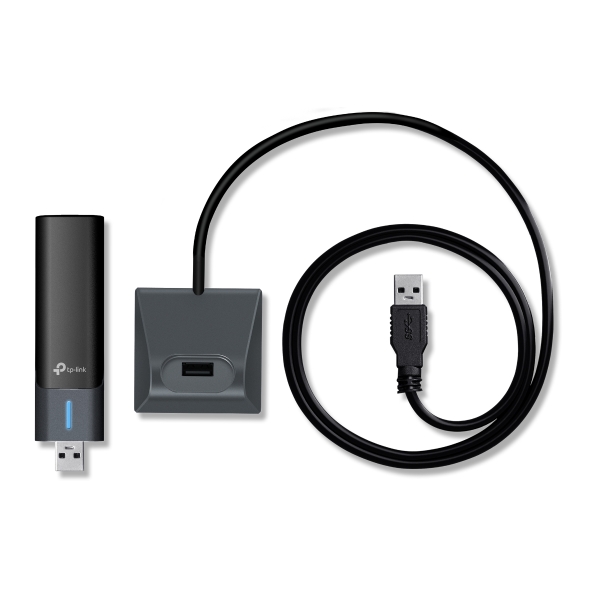


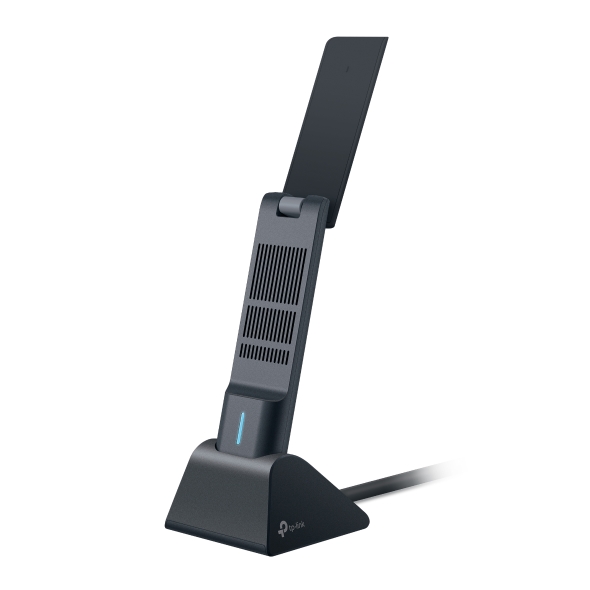
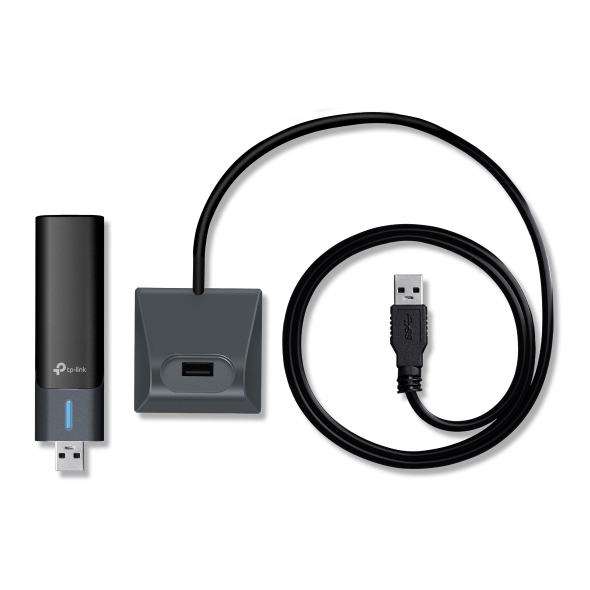


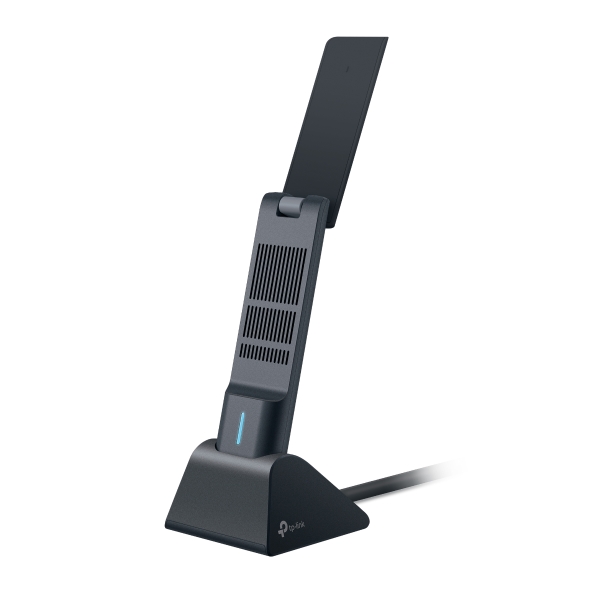

Upgrade Any PC or Laptop to Wireless
TP-Link's Wi-Fi adapters range from simple dongles for everyday browsing to flagship Wi-Fi 7 tri-band speed, with Bluetooth and wired options included. Whichever you choose, getting online takes minutes, not troubleshooting.
Why Choose a TP-Link USB Wi-Fi Adapter?
- Wi-Fi 6, 6E, and 7 Speed: A USB Wi-Fi adapter for PC lets you pick the standard that fits your setup, whether you're reviving an older laptop or matching a new Wi-Fi 7 router.
- Plug-and-Play Setup: Plug in, install the included software, and connect; no networking experience required.
- USB 3.0 Performance: Select models use USB 3.0 for faster data transfer between the adapter and your computer.
- Compact and High-Gain Designs: Select models offer a low-profile nano build, while others add high-gain antenna range for a stronger signal.
Find the Right Adapter for Your Setup
- Older PC: Bring Wi-Fi 6 speed to an aging laptop with the Archer TX20U Plus.
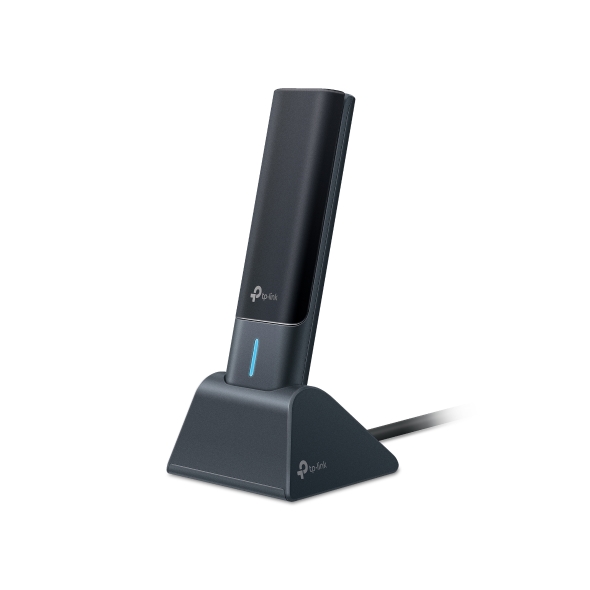
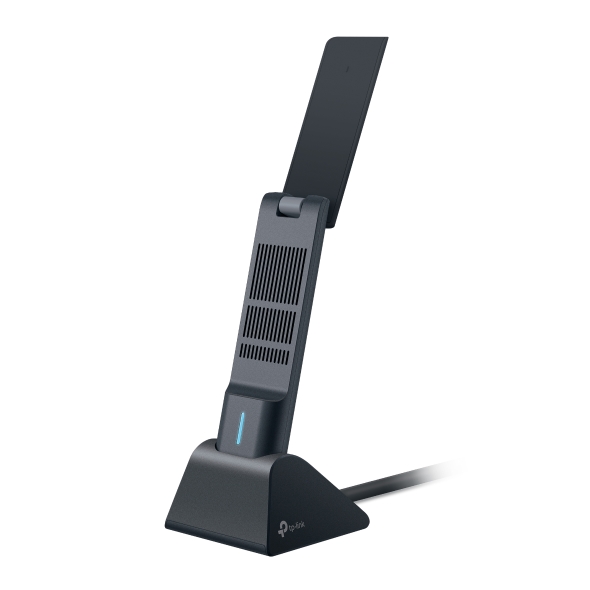
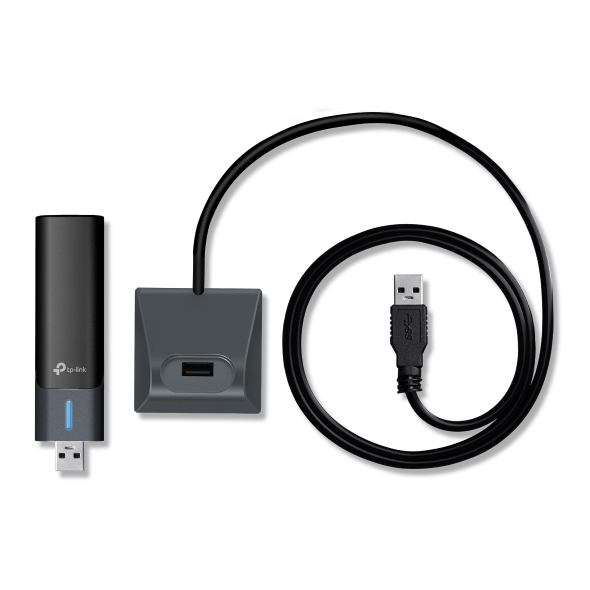
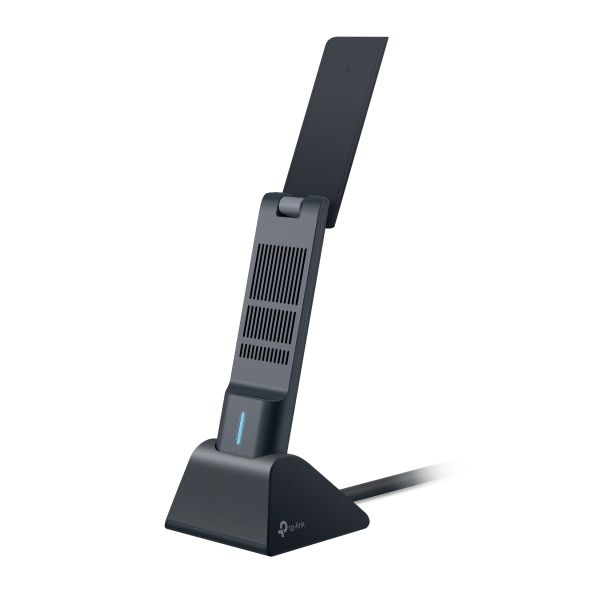
- Fastest Option: Step up to a Wi-Fi 7 USB adapter with the Archer TBE400UH for top wireless speed and reliability.
- Clean 6 GHz Connection: The Archer TXE70UH is a Wi-Fi 6E USB adapter for a less congested band.
- Adding Bluetooth: Try the UB500 for Bluetooth on its own, or add a Bluetooth adapter for PC use alongside Wi-Fi with the Archer TX10UB Nano, a combined Wi-Fi 6 and Bluetooth adapter.
- Wired Instead: Explore USB Converter options, including a USB-C to Ethernet adapter.
- Built Into a Desktop: Skip the USB stick by installing a PCI Adapter inside your computer.
Smarter Wireless, No Matter Your Setup
Whether you're reviving an old machine, chasing Wi-Fi 7 speed, or just need a reliable Wi-Fi dongle, there's a TP-Link adapter built for the job.