



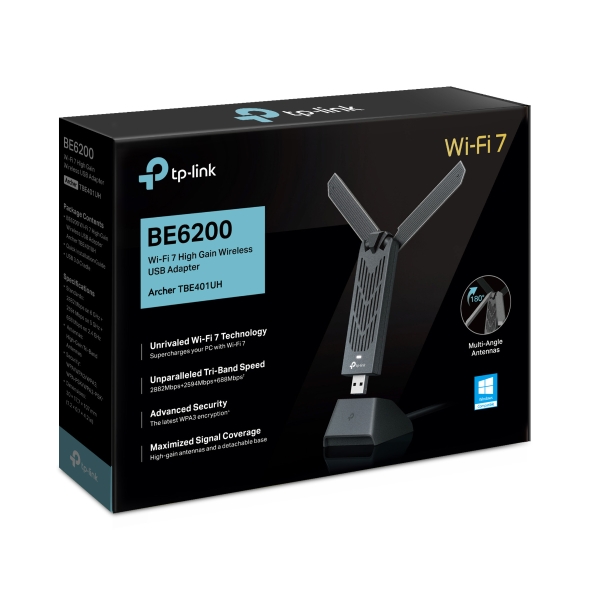



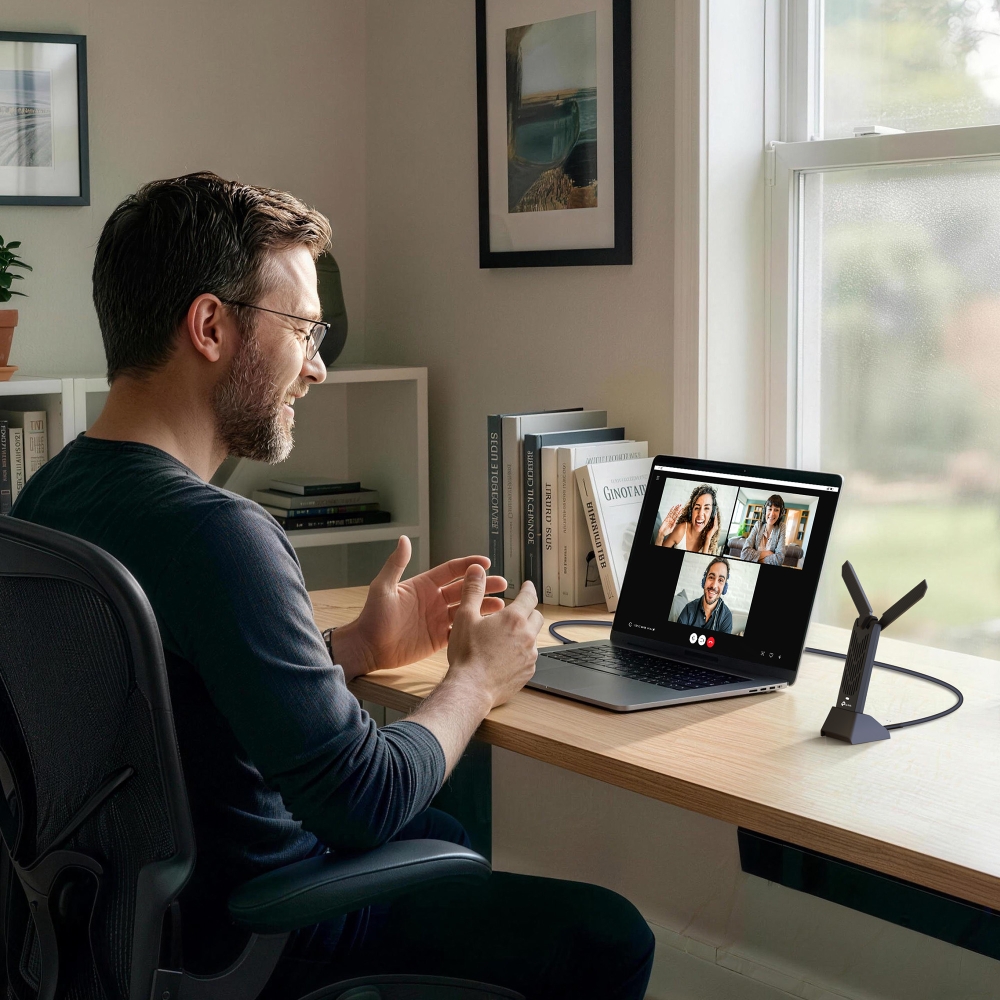
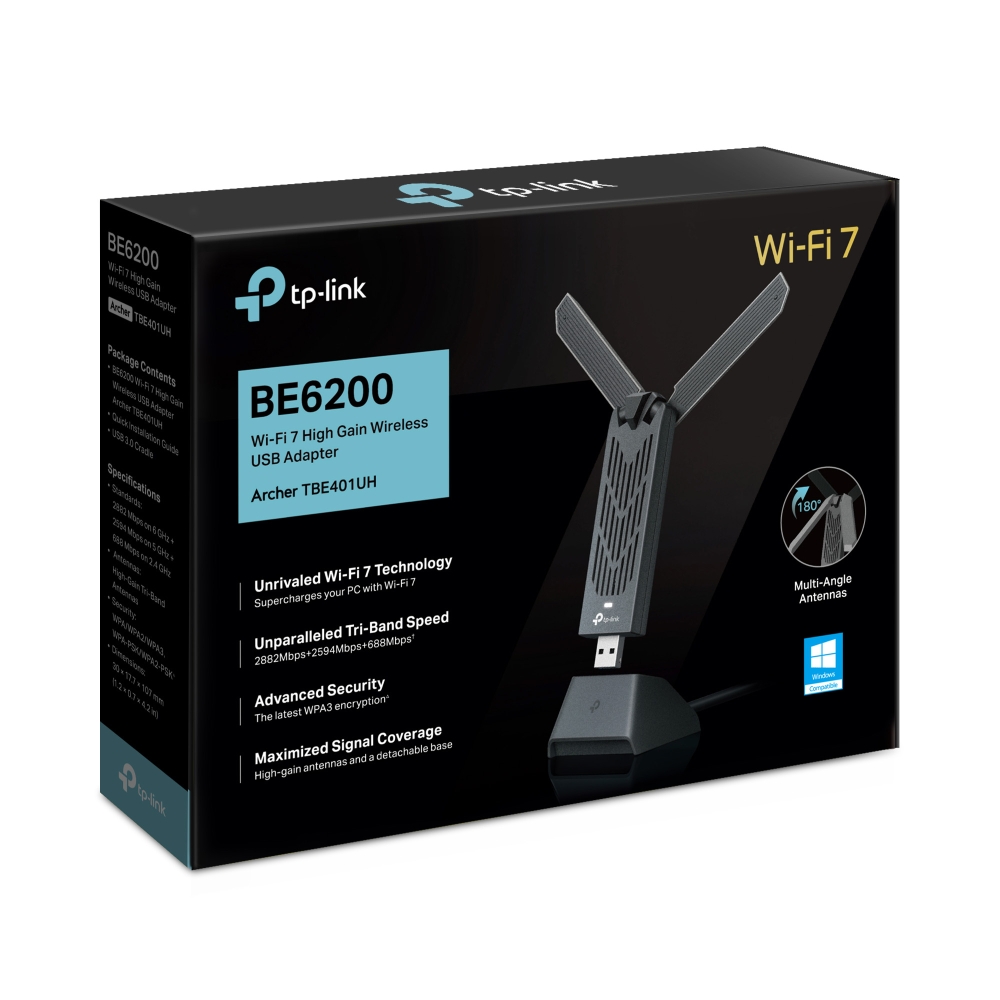
Archer TBE400UH
BE6500 Wi-Fi 7 High Gain Wireless USB Adapter
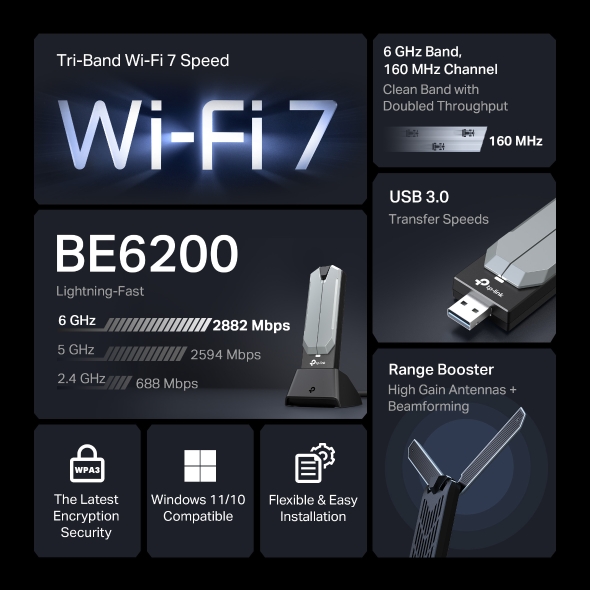
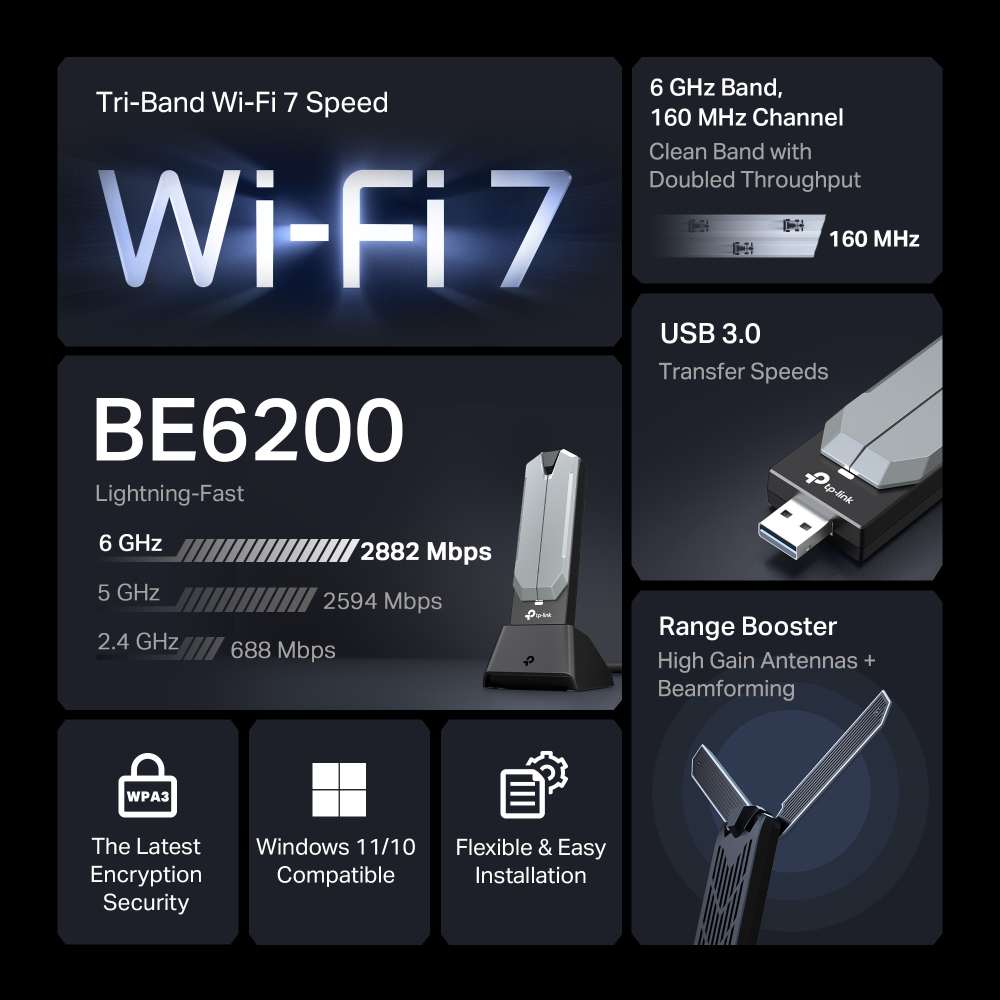
- Wi-Fi 7 Tri-Band Speed: Streaming 4K video, downloading large files, and competitive gaming all draw on serious bandwidth, and this TP-Link Wi-Fi 7 adapter is built to keep up. The Archer TBE400UH delivers speeds up to 2882 Mbps on the 6 GHz band and 2882 Mbps on the 5 GHz band, with the 2.4 GHz band adding up to 688 Mbps of headroom.†
- Tri-Band Flexibility: Connect over 2.4 GHz, 5 GHz, or 6 GHZ based on your router’s capabilities and network conditions, giving your PC flexible access to both established and newer Wi-Fi bands.
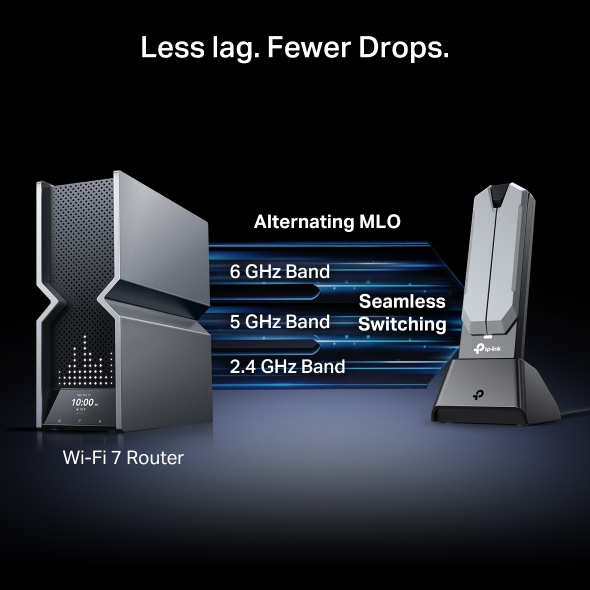
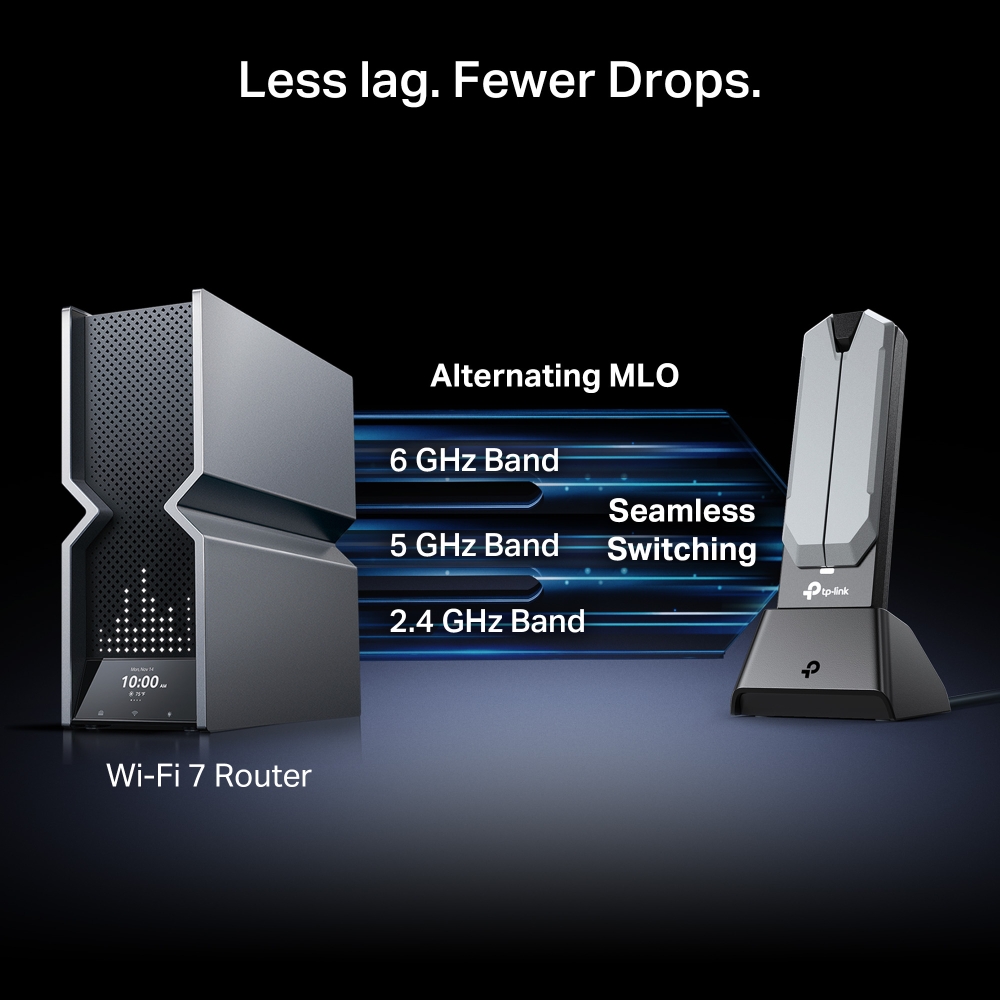
- Multi-Link Operation (MLO): With a compatible Wi-Fi 7 router and supported Windows configuration, MLO enables the Archer TBE400UH to use multiple wireless links to help balance traffic, improve responsiveness, and reduce latency.§
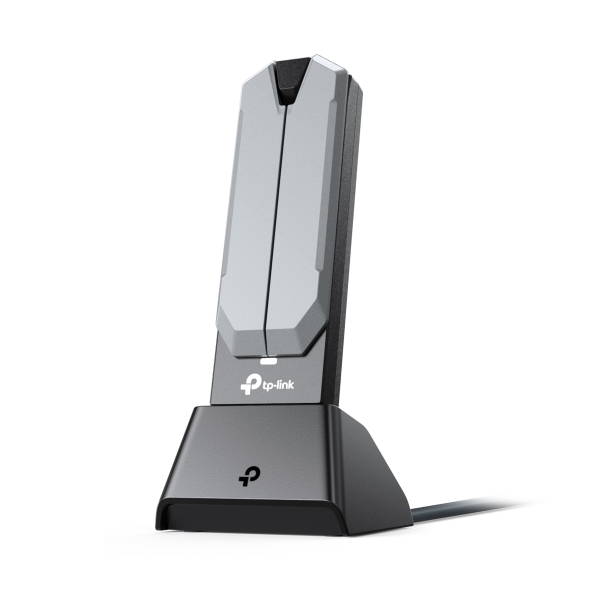
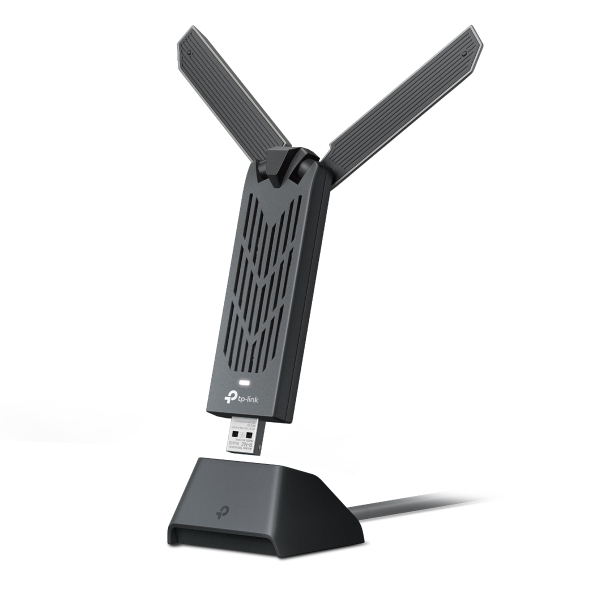
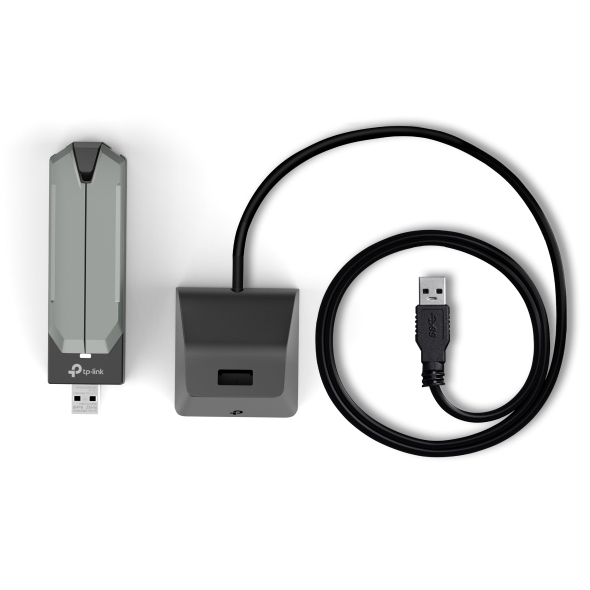
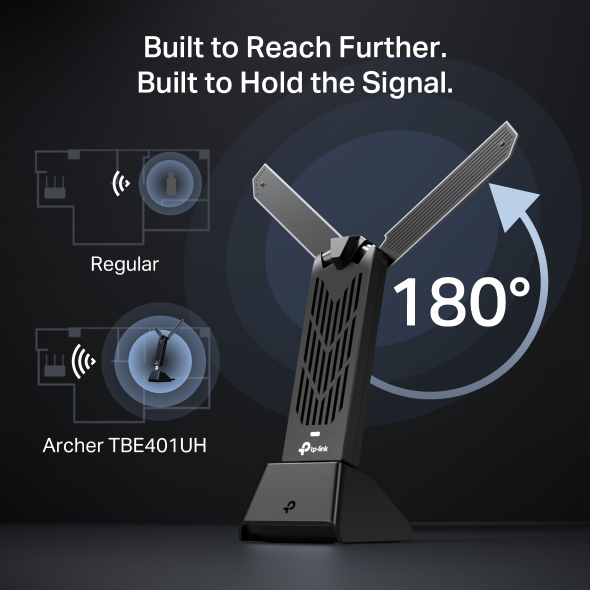
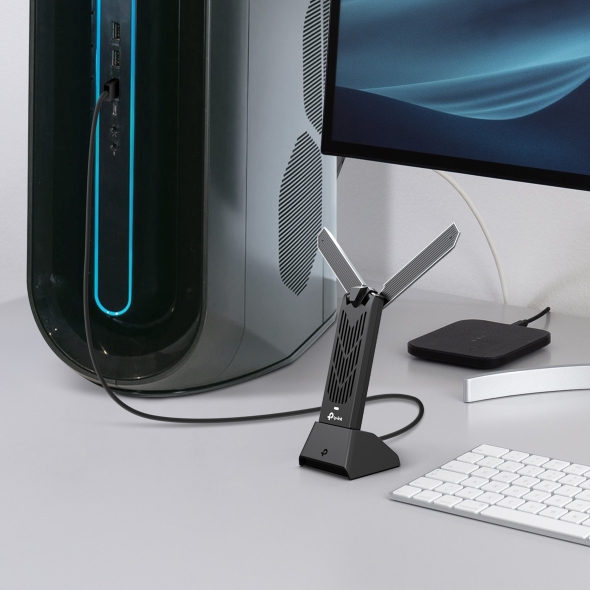
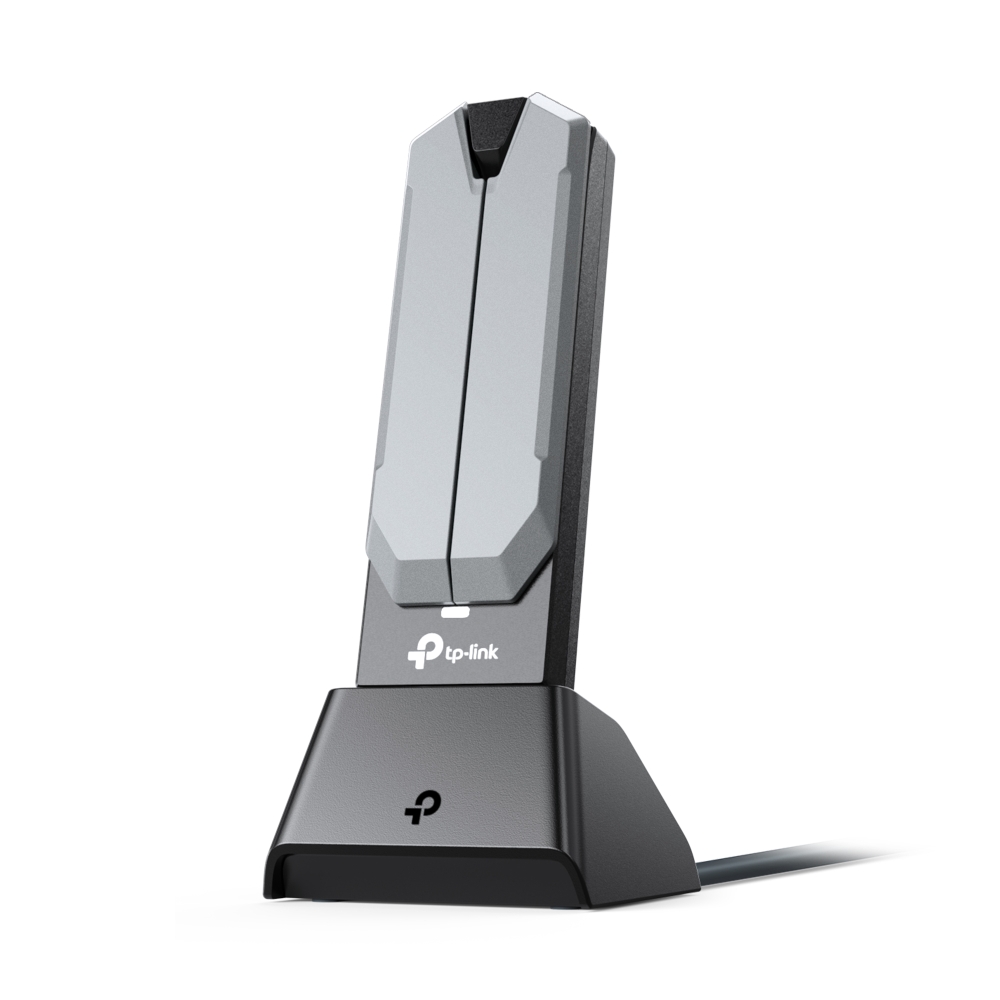
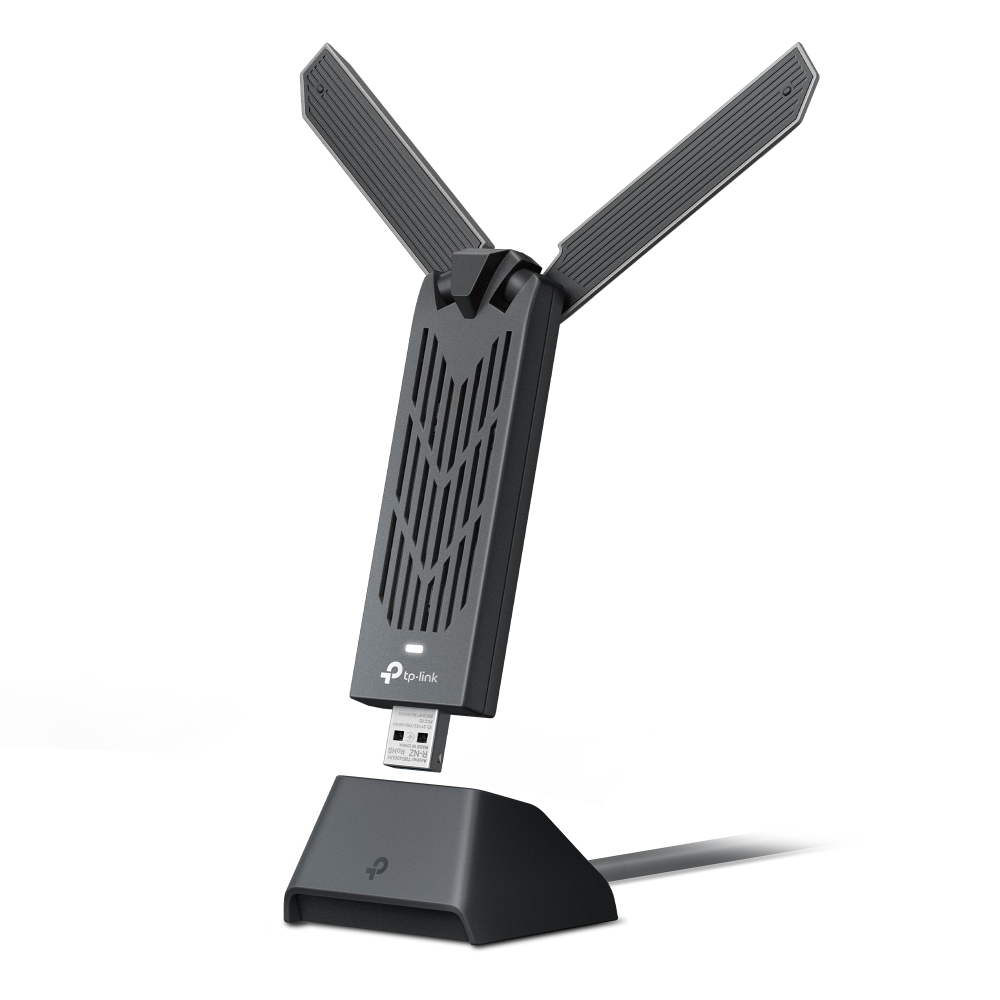
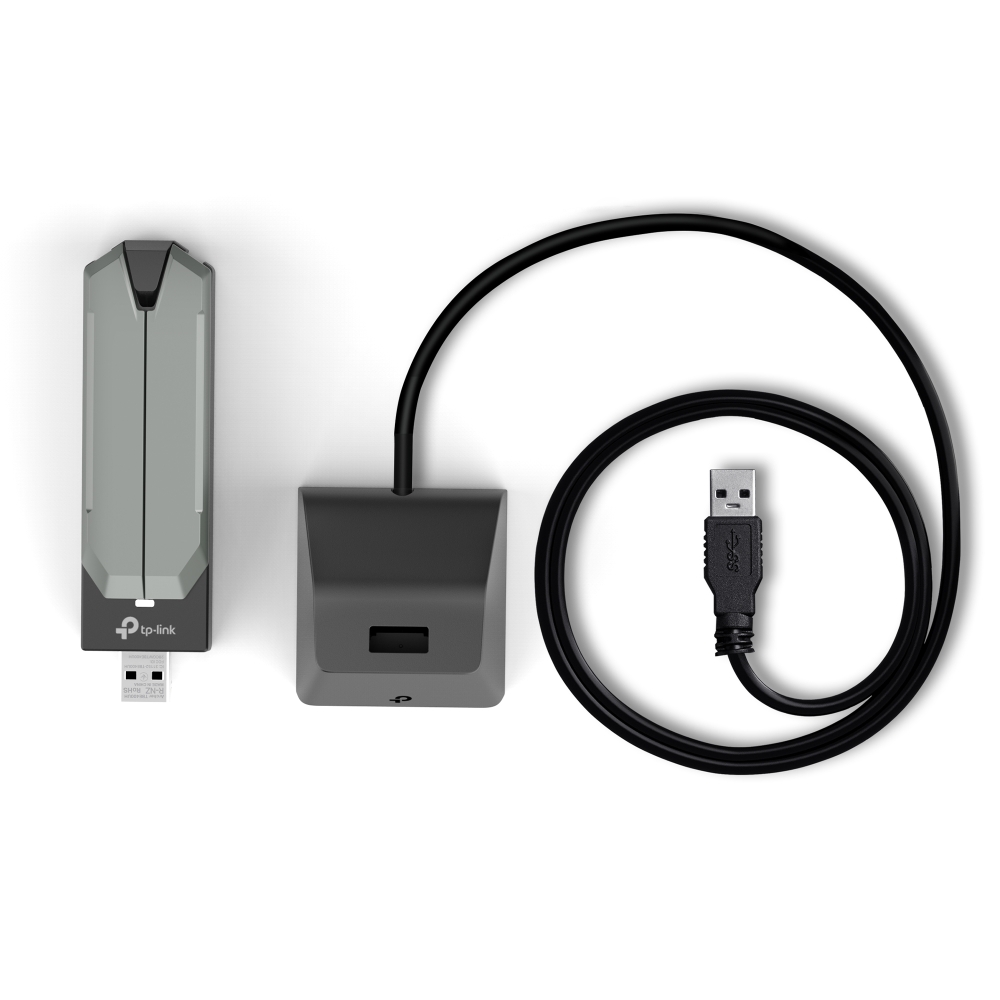
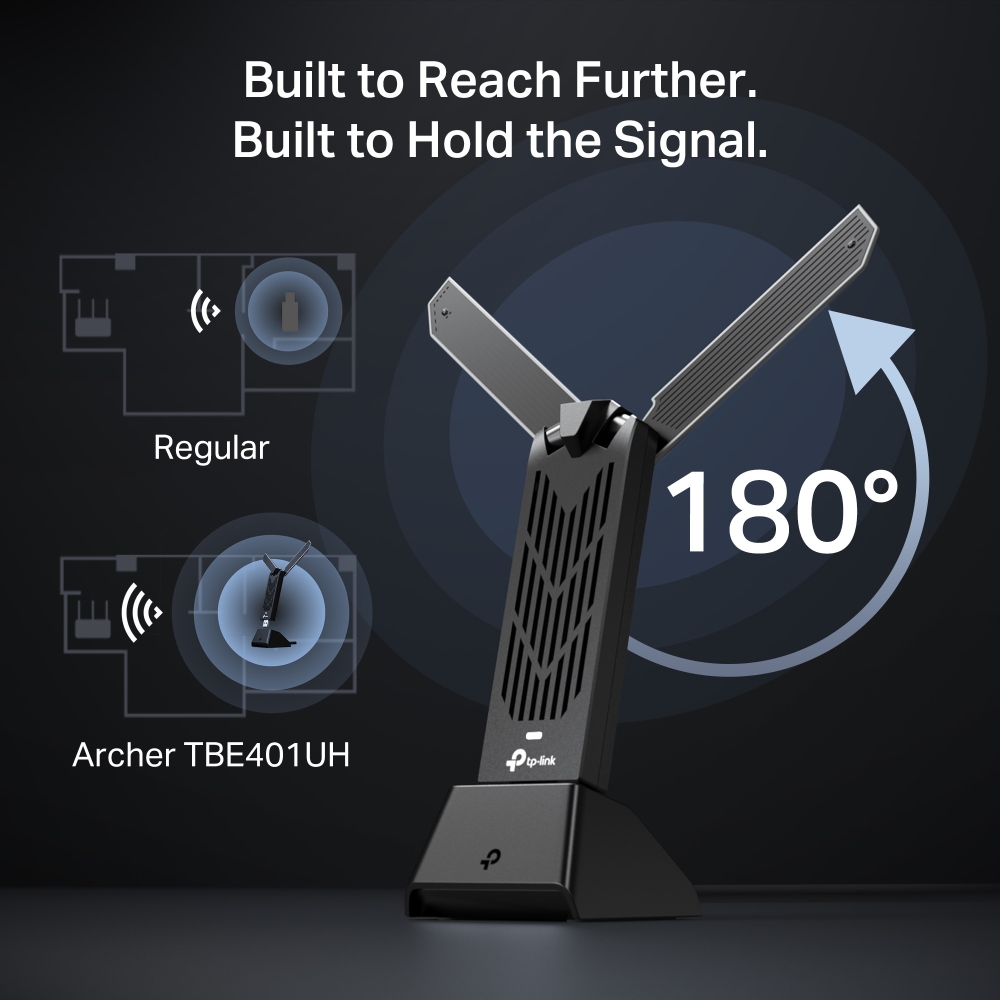
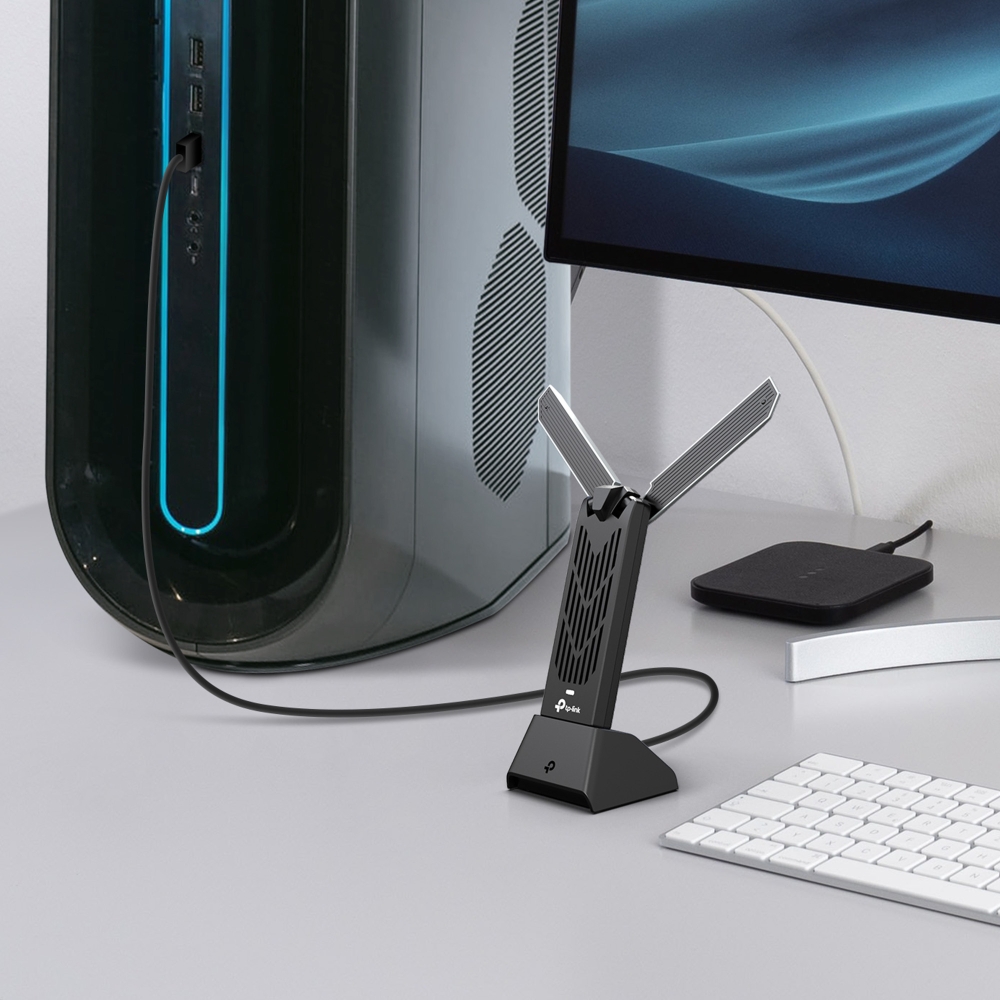
- Improve Wi-Fi Reception: A weak signal can happen when your PC sits far from the router, and this long-range Wi-Fi adapter is designed to close that gap. Two high-gain tri-band antennas work with Beamforming to improve reception, and the included cradle, connected via a 1.2-meter cable, lets you position the adapter for a stronger connection.
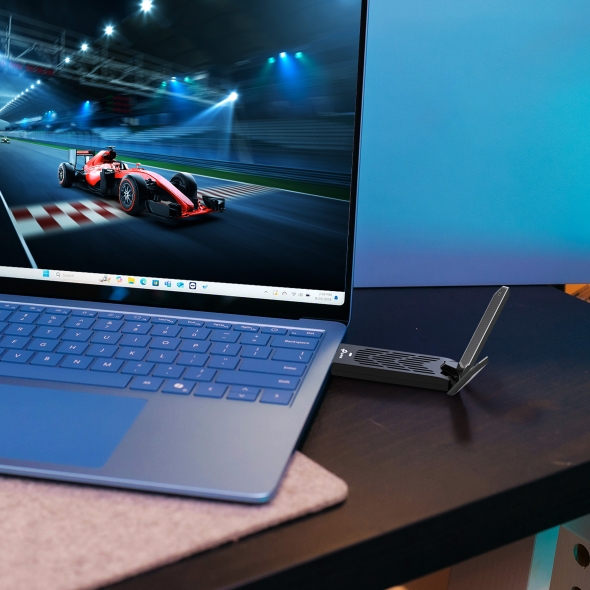
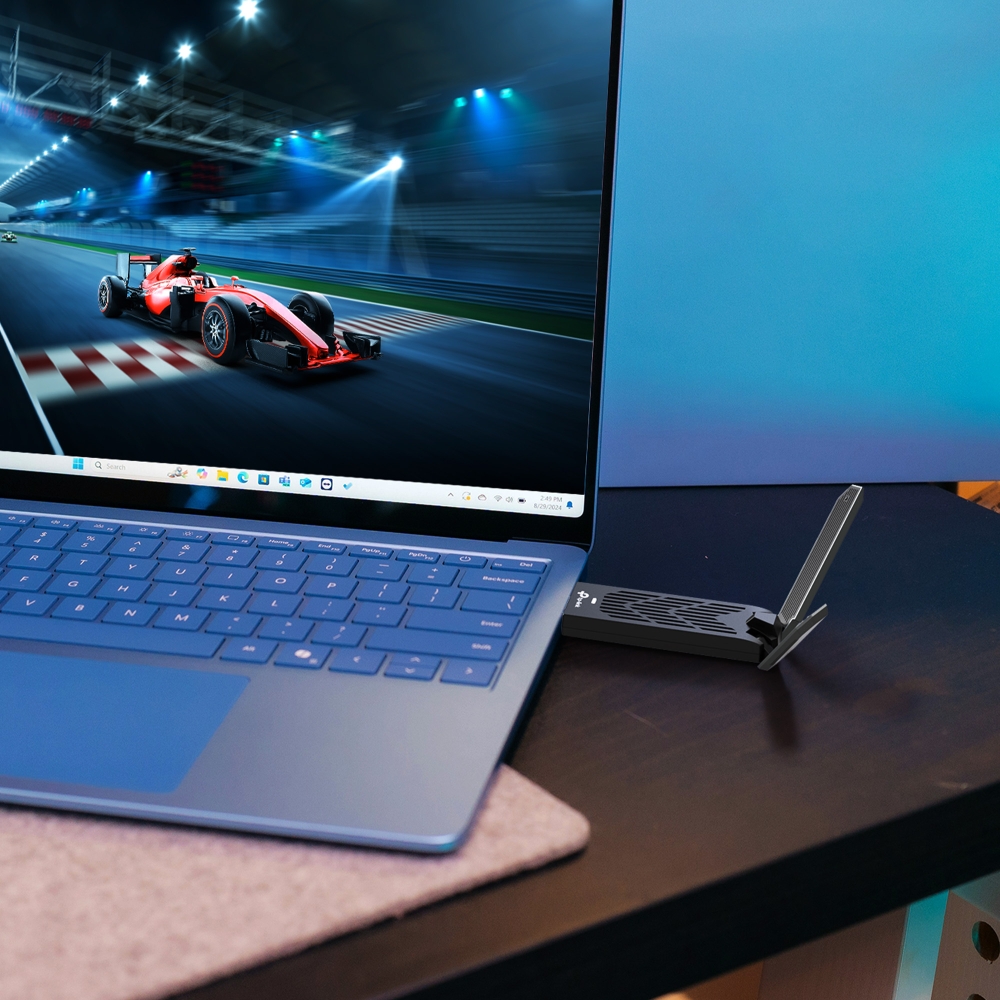
- Lower-Latency Gameplay: OFDMA, MU-MIMO, and Multi-RU help the Archer TBE400UH use wireless airtime more efficiently when multiple devices are active. When paired with a compatible router, this Wi-Fi adapter for PC gaming keeps latency down and traffic more responsive on a busy network.△
- WPA3 Wi-Fi Security: Support for WPA3 provides enhanced wireless security when connected to a compatible network.‡
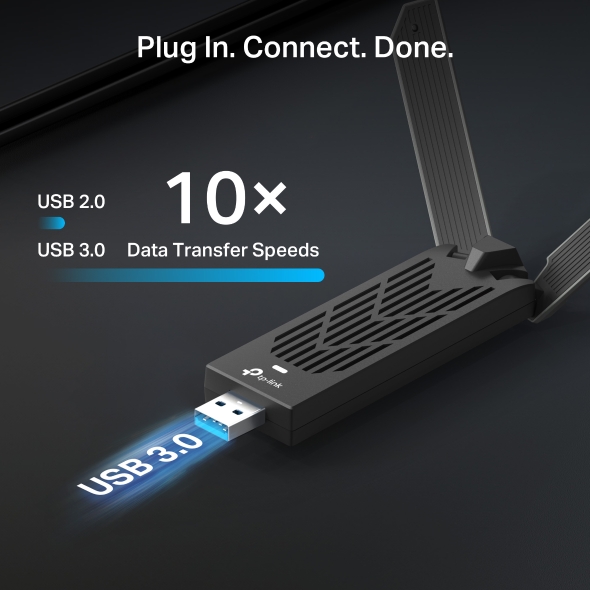
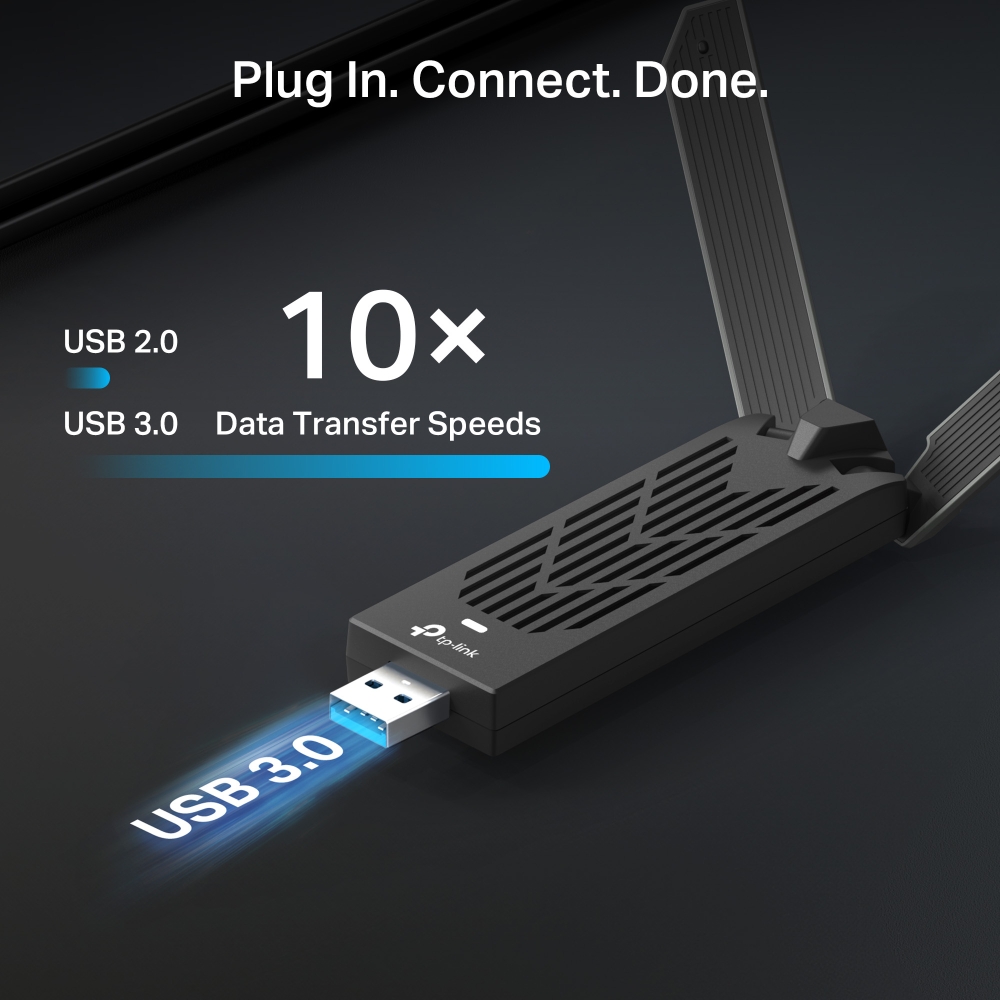
- USB 3.0 SuperSpeed: Waiting on slow transfers gets old fast. As a USB 3.0 Wi-Fi adapter, the Archer TBE400UH supports interface transfer rates up to 4.8 Gbps, which is up to ten times faster than USB 2.0, so the wired connection can keep up with the adapter's high-speed wireless performance. It's also backward compatible with USB 2.0 ports if that's what your PC has.
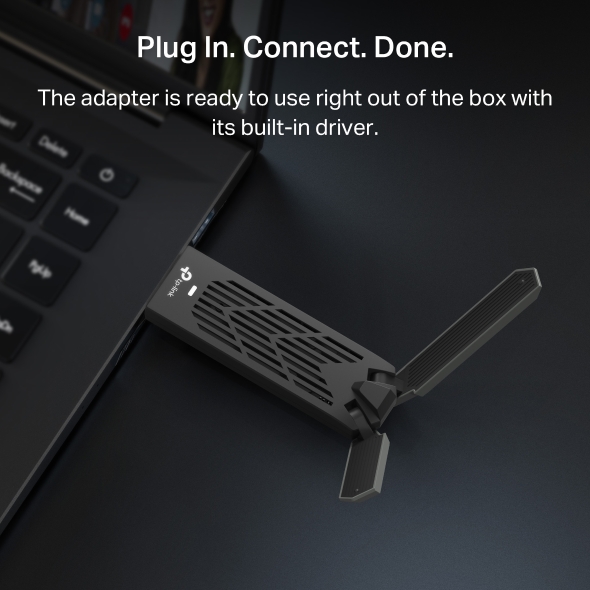
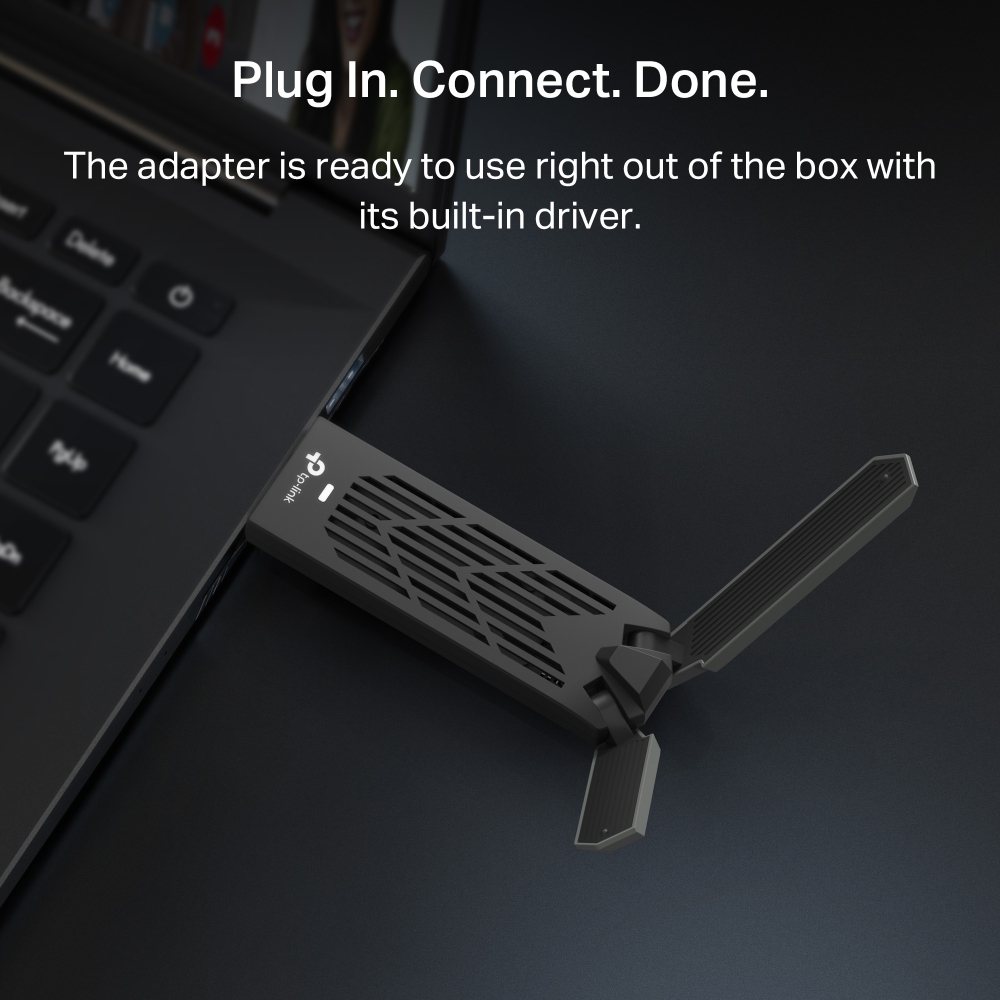
- Easy Setup: The driver comes preloaded on the Archer TBE400UH, so there's no need to download it separately. Just connect it to a compatible Windows PC and follow the installation prompts.
Supercharge Your PC
with WiFi 7
BE6500 Wi-Fi 7 High Gain Wireless USB Adapter
Archer TBE400UH

Encryption Security
WiFi 7, WiFi Like Never Before
WiFi 7 has arrived with jam-dropping performance - offering accelerated throughput, lower latency, stronger anti-jamming and higher efficiency. Join the league of pros and experiance the sheer performance of the next generation WiFi.
-
4K-QAM
Packs 120% data for higher speeds
-
Multi-Link Operation
Increases throughput, reduces latency, and improves reliability
-
Multi-RUs
Makes full use of every resource for maximum efficiency
Maximize Network Efficiency with MLO
Archer TBE400UH’s Multi-link Operation (MLO) dynamically optimizes frequency band usage, ensuring your device always operates on the best available channel. Experience faster speeds, reduced interference, and seamless performance for all your online activities.△
Accelerate your PC with full blood
Armed with Wi-Fi 7 technology, Archer TBE400UH is designed to deliver a huge boost in coverage, speed, and total capacity. Enjoy the future network that loads faster and connects more.
Gaming
Streaming
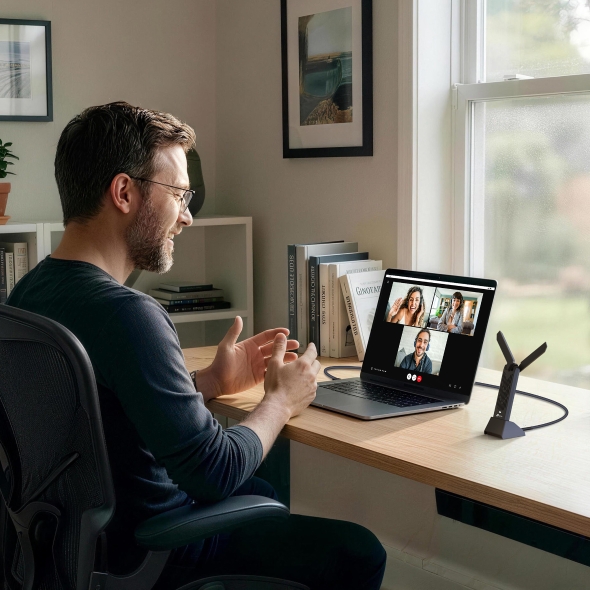
Work
Boost Wi-Fi Reception Range
Two bifurcated high-gain antennas and detachable cradle with 1.2-meter cable, flexibly combines with beamforming technology to concentrate Wi-Fi signal towards your router for better reception and reliable connections from far away.
Lower Latency, Higher Efficiency, and Less Congestion
-
MU-MIMO
Experience flawless streams, gameplay, and uploads while your network simultaneously processes bandwidth for multiple devices.
MU-MIMO RouterMU-MIMO RouterArcher TBE400UHRegular Adapter -
OFDMA
Working with a compatible router, your PC receives data at the same time as other devices on the same stream. This means next-to-nothing lag for video and games.
Data TransmittedWith OFDMAData TransmittedWithout OFDMAArcher TBE400UHClient 2Client 3WaitingClient 2Client 3
USB 3.0 for Superior Transfer Speeds
Experience blazing-fast data transfers of up to 4.8Gbps with USB 3.0 — the latest USB connectivity standard. USB 3.0 transfers data up to 10x faster than USB 2.0 and is also backwards compatible with USB 2.0.
Flexible Positioning To Suit Your Needs
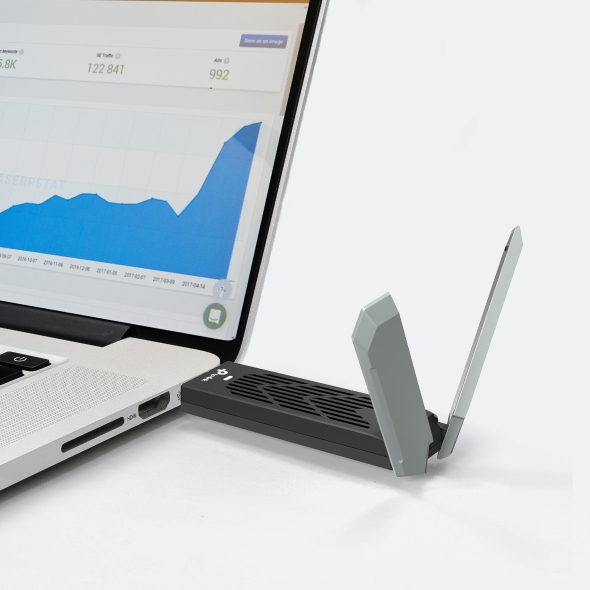
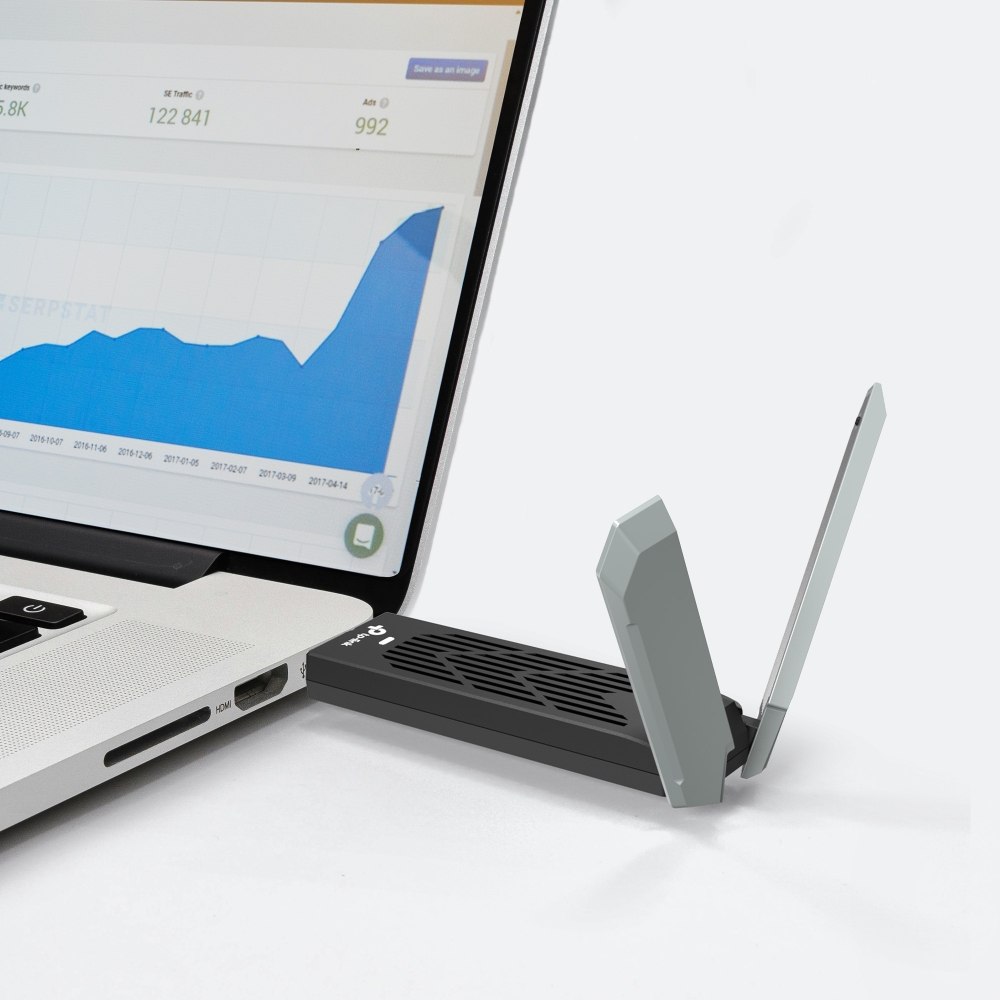
Plug directly into USB or place nearby using the cradle
A 1.2-meter USB 3.0 cable makes it easy to find a spot for the Archer TBE400UH in your workspace, and the adapter can be effortlessly attached removed from your computer as needed.
-
Setup Made Easy
TBE400UH comes with its driver pre-loaded. Just plug and install.
-
Next-Gen Security
WPA3 encryption protects your PC from brute-force attacks, keeping your personal data safe.
-
Operating System
Supports Windows 10 (32-bit), Windows 10/11 (64-bit)
Archer TBE400UH USB Wireless Adapter: BE6500 Wi-Fi 7 for Your PC
With BE6500 tri-band Wi-Fi 7, high-gain antennas, and flexible desktop placement, the TP-Link Archer TBE400UH is designed for PCs that need stronger wireless performance without an internal upgrade. If you're looking for the best Wi-Fi 7 USB adapter, this high-gain design is worth considering.
The Archer TBE400UH brings Wi-Fi 7 speed to a gaming rig or an older desktop that's missing it, and it's one of several TP-Link wireless USB adapter options, each suited to a different speed and price point. If Wi-Fi 7 is more than you need, the Archer TXE70UH, Archer TX20U Plus, and Archer T3U Plus cover the earlier generations. Browse the full USB wireless adapter collection to find the right fit for your PC. Shop now to start your Wi-Fi 7 upgrade.
FAQs
What does the Archer TBE400UH wireless adapter do?
The Archer TBE400UH is a USB wireless adapter that connects to a compatible Windows desktop or laptop through USB to add BE6500 tri-band Wi-Fi 7 connectivity without an internal upgrade. It supports 2.4 GHz, 5 G Hz, and 6 GHz wireless connections, along with Wi-Fi 7 features such as MLO when used with compatible network equipment and a supported Windows configuration. For more on what Wi-Fi 7 brings to a home network, see TP-Link's overview of what Wi-Fi 7 is and how it works.
How do I set up my Archer TBE400UH wireless adapter?
Connect the Archer TBE400UH to a USB port on your compatible Windows PC and install the preloaded driver. No separate driver download is required to get started. You can plug the adapter directly into your PC or use the included cradle, connected via a 1.2-meter cable, to position it for better reception.
Is the Archer TBE400UH backward compatible with Wi-Fi 5 and Wi-Fi 6 routers (802.11ac/ax)?
Yes. The Archer TBE400UH supports previous Wi-Fi generations, including Wi-Fi 5 and Wi-Fi 6. Wi-Fi 7 capabilities such as MLO require compatible Wi-Fi 7 network equipment, and MLO also requires a supported Windows configuration.
What is Multi-Link Operation (MLO), and how does it reduce latency on the Archer TBE400UH?
Multi-Link Operation (MLO) allows compatible Wi-Fi 7 devices to use multiple wireless links rather than relying on a single connection. On the Archer TBE400UH, supported MLO link combinations can help optimize band usage, balance traffic, and reduce latency when used with a compatible Wi-Fi 7 router. MLO requires Windows 11 24H2 or later and a supported driver. For a closer look at how the technology works, see TP-Link's explainer on Wi-Fi 7 MLO and Multi-Link Operation.
Is the Archer TBE400UH a good WiFi adapter for PC gaming?
The Archer TBE400UH is designed for demanding activities such as PC gaming, with BE6500 Wi-Fi 7 speeds and technologies including MLO, OFDMA, MU-MIMO, and Multi-RU that can improve wireless efficiency and responsiveness when paired with compatible network equipment. Part of that efficiency comes down to how Wi-Fi 7 encodes data. TP-Link's guide to QAM and Wi-Fi 7 speeds breaks down how that works.
Can the Archer TBE400UH be used in Hotspot mode instead of just Client mode?
Yes. The Archer TBE400UH supports both Client mode and Hotspot mode. That means it can connect your PC to an existing Wi-Fi network, or share a wired connection as its own Wi-Fi network, depending on what you need.
| LED | Status |
|---|---|
| Dimensions ( W x D x H ) | 30 × 17.7 × 107 mm (1.2 × 0.7 × 4.2 in) |
| Antenna | 2× High-Gain Tri-Band Antennas |
| Wireless Standards | IEEE 802.11a/b/g/n/ac/ax/be |
|---|---|
| Signal Rate | 6GHz:11be: Up to 2882 Mbps(dynamic)11ax: Up to 2402 Mbps(dynamic)5 GHz:11be: Up to 2882 Mbps(dynamic)11ax: Up to 2402 Mbps(dynamic)11ac: Up to 1732 Mbps(dynamic)11n: Up to 400 Mbps(dynamic)11a: Up to 54 Mbps(dynamic)2.4 GHz:11be: Up to 688 Mbps(dynamic)11ax: Up to 574 Mbps(dynamic)11n: Up to 400 Mbps(dynamic)11g: Up to 54 Mbps(dynamic)11b: Up to 11 Mbps(dynamic) |
| Wireless Modes | Client modeHotspot mode |
| Wireless Security | WEP, WPA/WPA2/WPA3, WPA-PSK/WPA2-PSK |
| Transmission Power | 6 GHz: 13 dBm(FCC)5 GHz: 15 dBm(FCC)2.4 GHz : 15 dBm(FCC) |
| Certification | FCC, CE |
|---|---|
| Package Content | • BE6500 Wi-Fi 7 High Gain Wireless USB Adapter Archer TBE400UH• Quick Installation Guide• USB 3.0 Cradle |
| System Requirements | Supported operating systems include Windows 10, 11 |
| Environment | Operating Temperature: 0℃~40℃ (32℉ ~104℉)Operating Humidity: 10%~90% non-condensingStorage Humidity: 5%~90% non-condensing |
| Accessories Specifications | Extension Cable Length: 1.2 m |
†Maximum wireless signal rates are the physical rates derived from IEEE Standard 802.11 specifications. Actual wireless data throughput and wireless coverage are not guaranteed and will vary as a result of operation systems and access point limitations. The 160 MHz bandwidth might not be available on the 5 GHz band in some regions/countries due to regulatory limits on the spectrum, hence the theoretical speeds may vary.
‡Use of WPA3 requires APs to also support the corresponding feature.
△Use of WiFi 7 (802.11be), WiFi 6 (802.11ax), WiFi 6E (802.11ax), and other features including MLO, 4K-QAM, Multi-RUs, OFDMA, MU-MIMO requires the operation systems and access points to also support the corresponding features.
§For Multi-Link Operation, ensure your driver is up-to-date and your Windows system supports the corresponding function.