Wi-Fi 7’s 320 MHz Channel Width: Is It Worth the Upgrade?
If you've been researching Wi-Fi 7 routers, you've probably seen "320 MHz" listed as a key feature. But what does it actually mean, and does it matter for your home network?
Wi-Fi channel width is the amount of frequency spectrum your router uses to send and receive data. Think of it as the number of lanes on a highway: Wi-Fi 7 opens that highway up to 320 MHz, double the width of Wi-Fi 6E, so more data can flow at once without devices waiting in line. This article breaks down what that means for your home network and whether the upgrade makes sense for your setup.
Key Takeaways
Wider channels move more data at once. Wi-Fi channel width is the slice of frequency spectrum your router uses to transmit data. A wider channel means faster speeds and more capacity for your devices.
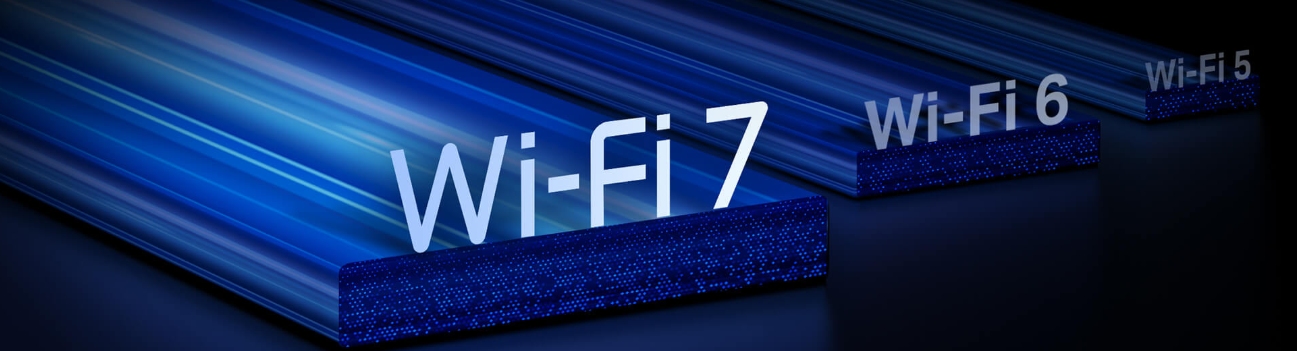
Wi-Fi 7 doubles the channel width to 320 MHz, compared to the 160 MHz maximum of Wi-Fi 6E, running exclusively on the 6 GHz band.
You need both a Wi-Fi 7 router and a Wi-Fi 7 client device to take full advantage of 320 MHz channels.
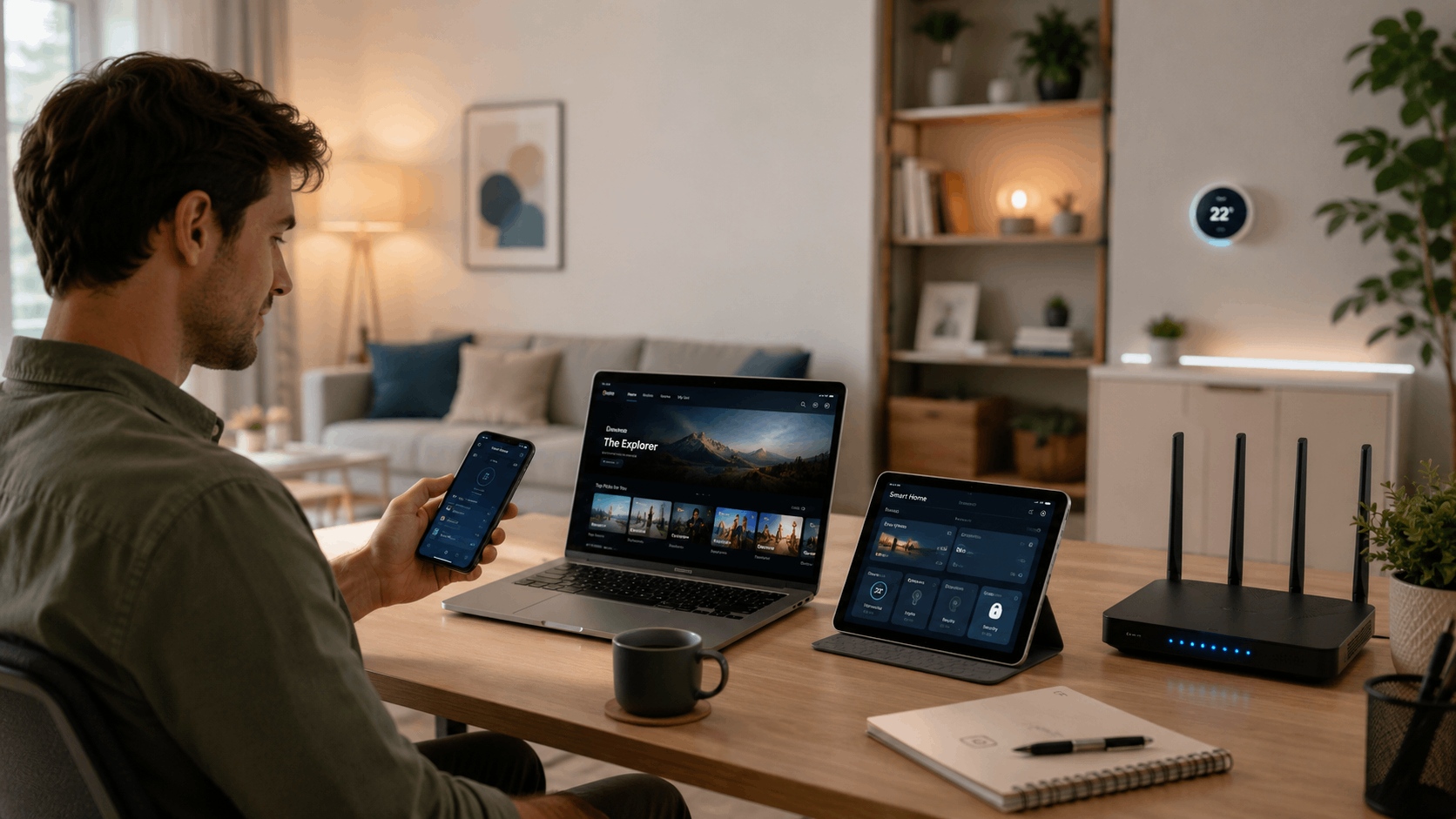
320 MHz makes the biggest difference in busy households running 4K or 8K streaming, gaming, and video calls at the same time.
Wi-Fi 7 can work around interference on a 320 MHz channel rather than dropping to a narrower one, thanks to a feature called preamble puncturing.
What Is Wi-Fi Channel Width?
Wi-Fi channel width determines how much data your router can move at once. The standard options are 20 MHz, 40 MHz, 80 MHz, 160 MHz, and 320 MHz. Each step up roughly doubles the available bandwidth, so a 320 MHz channel can move about 16 times more data than a 20 MHz channel.
Wi-Fi standards have expanded channel width with each generation. Wi-Fi 7 is the first to support 320 MHz channels, which is why you'll see it called out on spec sheets as a headline feature.
How Does Channel Width Affect Wi-Fi Performance?
Channel width directly affects speed, capacity, and how well your network handles multiple devices at once. A wider channel gives your router more capacity to serve multiple devices simultaneously, so streaming, gaming, and browsing don't compete as hard for bandwidth.
A few conditions affect how well wider channels perform. The 6 GHz band is where 320 MHz operates, and it has less interference from neighboring networks than the 2.4 GHz or 5 GHz bands. Wider channels also have a shorter range, so they work best when your devices are reasonably close to the router. Understanding these conditions helps you get the most out of a Wi-Fi 7 upgrade.
Wi-Fi Frequencies and Channel Width: How They Connect
Wi-Fi operates across three frequency bands, and each one supports different channel widths. Understanding which band does what helps explain why 320 MHz channels are only available on one of them.
The 2.4 GHz band has the longest range and passes through walls most easily, but it supports channels up to 40 MHz wide and is the most congested band in most homes. It is best suited for devices like smart home sensors that are far from the router and don't need high speeds.
The 5 GHz band is faster and less congested than 2.4 GHz, supporting channels up to 160 MHz wide. Most laptops, phones, and streaming devices connect here by default.
The 6 GHz band is the newest of the three and supports channels up to 320 MHz wide. Because fewer devices and neighboring networks use it yet, it has significantly less interference than the other two bands. This is where Wi-Fi 7's widest channels operate and where you'll see the biggest performance gains.
What Is 320 MHz in Wi-Fi 7?
Wi-Fi 7 channels reach up to 320 MHz wide, double the 160 MHz maximum of Wi-Fi 6E. Using the highway analogy: if Wi-Fi 6E gave you an eight-lane highway, Wi-Fi 7 gives you sixteen. More lanes means more data moving simultaneously, less waiting, and faster speeds for every device on the network.
320 MHz channels are exclusive to the 6 GHz band and require both your router and your connecting device to support Wi-Fi 7. A Wi-Fi 7 router paired with an older Wi-Fi 6 laptop, for example, won't use 320 MHz channels; the laptop needs to support Wi-Fi 7 as well.
Here is how Wi-Fi 7 channels compare to previous generations:
|
Standard |
Max Channel Width |
Key Band |
|
Wi-Fi 5 (802.11ac) |
160 MHz |
5 GHz |
|
Wi-Fi 6 (802.11ax) |
160 MHz |
5 GHz |
|
Wi-Fi 6E (802.11ax) |
160 MHz |
6 GHz |
|
Wi-Fi 7 (802.11be) |
320 MHz |
6 GHz |
Wi-Fi 7 Channel Width vs Previous Generations
Channel width has expanded with each major Wi-Fi generation, and each step up changed what was actually possible at home.
Wi-Fi 5 introduced 160 MHz channels, but most routers used 80 MHz in practice. If you were streaming HD video to one or two devices, Wi-Fi 5 handled it well enough.
Wi-Fi 6 and Wi-Fi 6E kept the 160 MHz ceiling but added efficiency improvements like OFDMA (a method of dividing channel capacity among multiple devices simultaneously), making congested networks noticeably smoother. If your home has more than a dozen connected devices, Wi-Fi 6 was a real step forward.
Wi-Fi 7 doubles the channel width again with 320 MHz, combined with Multi-Link Operation (MLO), a feature that lets devices send and receive data across multiple frequency bands at the same time. If your household is regularly running 4K streams, video calls, and gaming sessions simultaneously, Wi-Fi 7's wider channels and MLO are where you'll feel the difference.
The Benefits of 320 MHz Channels
320 MHz channels deliver four clear improvements over narrower Wi-Fi channels.
Faster Speeds for Demanding Tasks
Doubling the channel width roughly doubles the available bandwidth, so activities like downloading large files, streaming 8K video, or running cloud backups finish faster without slowing down other devices.
More Devices Without the Slowdown
A 320 MHz channel can serve more devices at the same time without forcing them to wait for bandwidth. If your network regularly juggles phones, laptops, smart TVs, gaming consoles, and smart home devices all at once, wider channels mean less competition between them.
Smoother Video Calls and Gaming
More available bandwidth reduces the delay between devices requesting and receiving data. That translates to fewer dropped frames on video calls and less lag during online gaming, even when others in the house are streaming at the same time.
A Less Crowded Playing Field
Because the 6 GHz band is newer, far fewer routers use it compared to 2.4 GHz and 5 GHz. That means 320 MHz channels face less interference from networks in nearby apartments or houses, giving your devices a cleaner, more consistent connection.
Is 320 MHz Worth It for Your Home?
To get the full benefit of 320 MHz channels, three conditions need to be in place:
- A Wi-Fi 7 router with 320 MHz support. Not all Wi-Fi 7 routers explicitly list 320 MHz as a feature, so check the spec sheet before buying.
- A Wi-Fi 7 client device. The phone, laptop, or tablet connecting to your network also needs to support Wi-Fi 7. Many phones, laptops, and gaming devices released since 2024 qualify, but check your device specs to confirm Wi-Fi 7 support.
- A connection on the 6 GHz band. Since the 6 GHz band has a shorter range than 5 GHz, your devices need to be within a reasonable distance of your router to use it reliably.
If all three are in place, 320 MHz channels are a meaningful upgrade for busy households. A family with several people streaming, gaming, and video calling at the same time will notice the difference.
For a single user streaming 4K on a Wi-Fi 6E device, the practical gain is smaller since 160 MHz already handles that workload well. The more devices actively using your network at once, the more 320 MHz earns its place.
320 MHz and Preamble Puncturing: A Smarter Use of Spectrum
Wide channels are more useful when your router can work around interference rather than surrendering to it. That is exactly what preamble puncturing does.
In earlier Wi-Fi standards, if part of a wide channel was blocked by interference from a neighboring network, the router had to abandon that channel and drop down to a narrower one. That meant losing a significant chunk of bandwidth every time a nearby network got in the way.
Preamble puncturing works differently. When part of a 320 MHz channel is occupied by interference, a Wi-Fi 7 router skips over that portion and uses the rest of the channel instead. Think of it like a highway where one lane is closed for construction: rather than turning around and taking a smaller road, traffic keeps moving in the open lanes.
The practical benefit is that your router holds onto most of its 320 MHz bandwidth in real-world conditions, rather than dropping to a narrower channel every time there is minor interference nearby.
TP-Link Wi-Fi 7 Products With 320 MHz Support
If you're ready to put 320 MHz channels to work in your home, TP-Link's Wi-Fi 7 lineup includes options for different setups and home sizes. Explore the full range at TP-Link's Wi-Fi 7 hub.
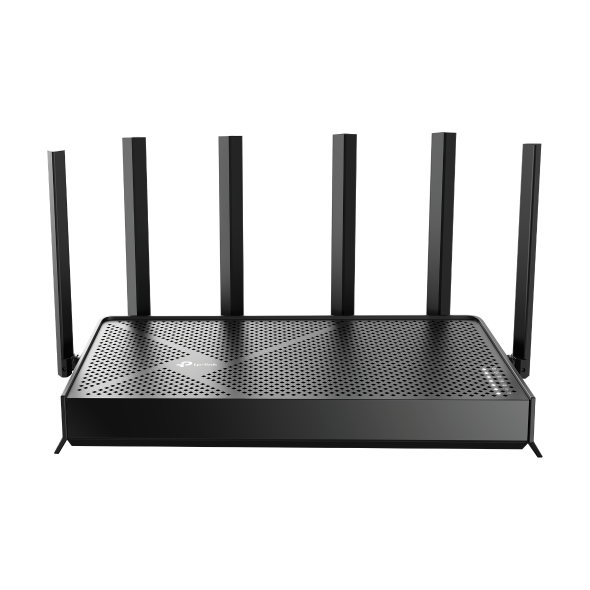
The Archer BE600 is a tri-band Wi-Fi 7 router built for households that want strong multi-device performance. It supports 320 MHz channels on the 6 GHz band, MLO to send and receive data across multiple bands simultaneously, and a 10 Gbps wired port for devices that need the fastest possible connection.
The Archer BE770 is TP-Link's higher-end tri-band Wi-Fi 7 router, with 320 MHz channel support on the 6 GHz band and dual 10 Gbps wired ports for demanding setups. It suits larger homes or households with high-bandwidth workloads where both wireless and wired performance matter.
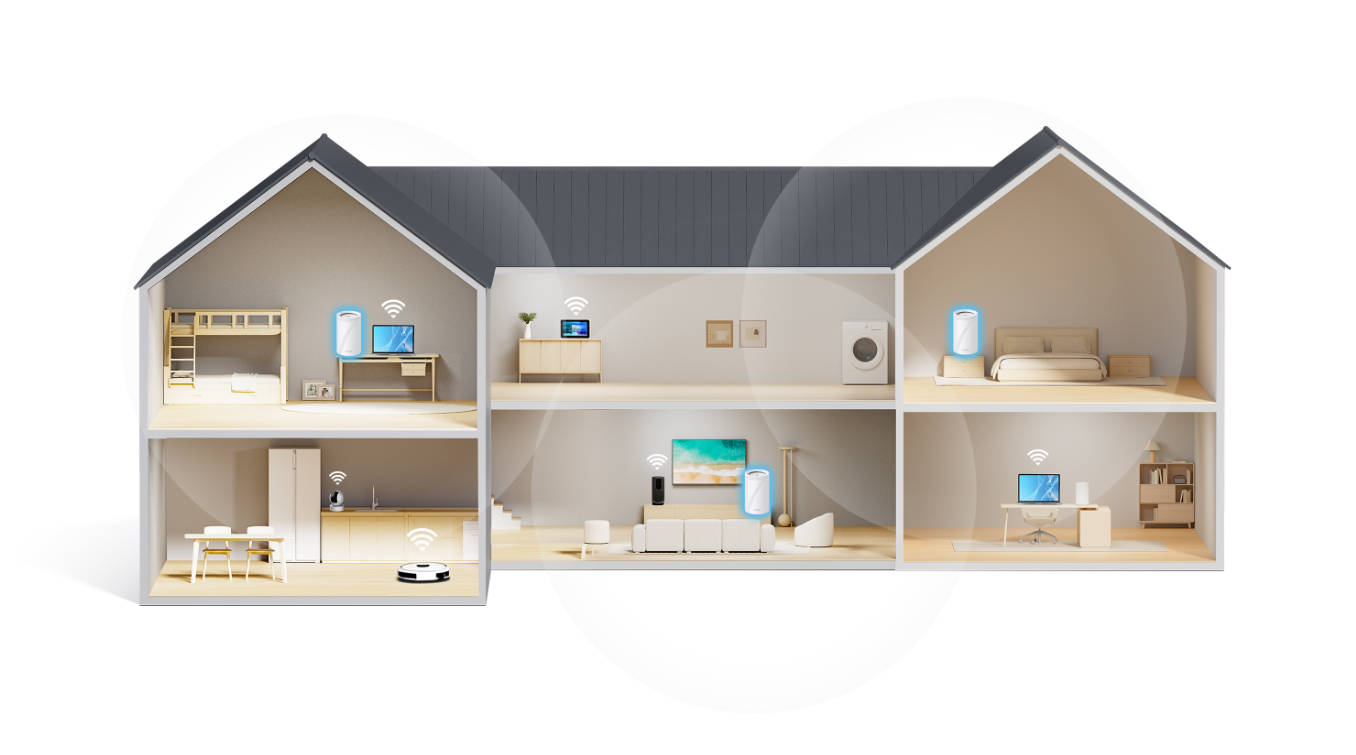
The Deco BE67 brings 320 MHz channels and MLO to a whole-home mesh Wi-Fi 7 system. It's designed for homes where a single router can’t reach every area of the house. The mesh nodes work together to spread Wi-Fi 7 performance across every room, with a 10 Gbps port for high-speed wired connections at the main node.
Wider Channels, Better Wi-Fi: The Case for Wi-Fi 7
320 MHz channels are a genuine step forward in wireless performance with more bandwidth, more capacity, and smarter use of the spectrum thanks to features like preamble puncturing. The more devices actively using your network, the more that wider channel matters.
Wi-Fi 7 is here now, with routers and compatible client devices widely available on the market. If you're upgrading from Wi-Fi 5 or Wi-Fi 6 and dealing with buffering, congestion, or a home that keeps adding devices, the move to Wi-Fi 7 is worth making.
Explore TP-Link's routers and mesh systems to find the right fit for your home.
Frequently Asked Questions
How many channels does Wi-Fi 7 have?
Wi-Fi 7 operates across three bands: 2.4 GHz, 5 GHz, and 6 GHz. The 6 GHz band offers the most available channels with the least congestion, and it's the only band that supports Wi-Fi 7's widest channel width of 320 MHz. The exact number of channels available on each band varies by region due to local regulations.
Does Wi-Fi 7 penetrate walls?
Wall penetration depends on which band your device connects to, not the Wi-Fi standard itself. The 2.4 GHz band travels through walls most easily but at lower speeds. The 5 GHz band is faster with moderate range through walls. The 6 GHz band, where 320 MHz channels operate, has the shortest range and is most affected by walls and obstacles. If 6 GHz coverage is a concern, placing your router centrally in your home makes a noticeable difference.
What is the best channel for Wi-Fi 7 on 5 GHz?
Most Wi-Fi 7 routers select the best channel automatically, so you usually don't need to change anything. If you want to configure it manually, channels in the 149–165 range are generally less congested in high-density neighborhoods. For channel width on 5 GHz, 80 MHz is a reliable starting point for most homes, balancing speed and stability without stretching into territory where interference becomes more likely.
What should I set my Wi-Fi channel width to?
For most home setups, leaving your router on automatic channel width selection is the best approach. Modern Wi-Fi 7 routers intelligently select the optimal width based on congestion and client capability. If you want to configure manually: use 80 MHz on the 5 GHz band for a balance of speed and reliability, and let the router manage the 6 GHz band at 320 MHz for Wi-Fi 7 devices when conditions support it.
Is 320 MHz available on all Wi-Fi 7 routers?
Not necessarily. 320 MHz channels are a Wi-Fi 7 feature, but availability depends on the specific router model and regional regulations. Some regions restrict which channel widths are permitted on the 6 GHz band. Check the product specifications for the router you're considering to confirm 320 MHz support, and verify availability in your region.
Does 320 MHz work on the 5 GHz band?
No. 320 MHz channels are exclusive to the 6 GHz band in Wi-Fi 7. The 5 GHz band supports a maximum channel width of 160 MHz. If your device or location doesn't support the 6 GHz band, your Wi-Fi 7 router will still deliver improved performance on 5 GHz using narrower channels combined with other Wi-Fi 7 technologies like MLO and 4K-QAM (a data encoding method that packs more information into each wireless signal).