Travel Router for Hotel Wi-Fi: Do You Really Need One?
Hotel Wi-Fi is one of travel's most reliable disappointments. It slows to a crawl during peak hours, every device needs to get through the hotel’s login page, and the unsecured network is shared with everyone else on the floor.
A travel router for hotel Wi-Fi solves all three problems with one small device. It connects to the hotel's network, then creates a private, secure Wi-Fi network that all your devices join at once.
The result is faster, more reliable access and a connection you actually control.
Key Takeaways
- Hotel Wi-Fi is a shared, often unencrypted network, which makes it slower and less secure than a private connection.
- A travel router connects to the hotel's network and creates a separate private Wi-Fi network for all your devices.
- One login via the travel router covers every device you bring, so you don't have to repeat the process on each one.
- Using a VPN on the router encrypts your traffic at the network level, protecting every device on your private network automatically.
- The best travel router for hotels should include captive portal support, VPN support, compact size, USB-C charging, and multiple operating modes.
Is Hotel Wi-Fi Safe?
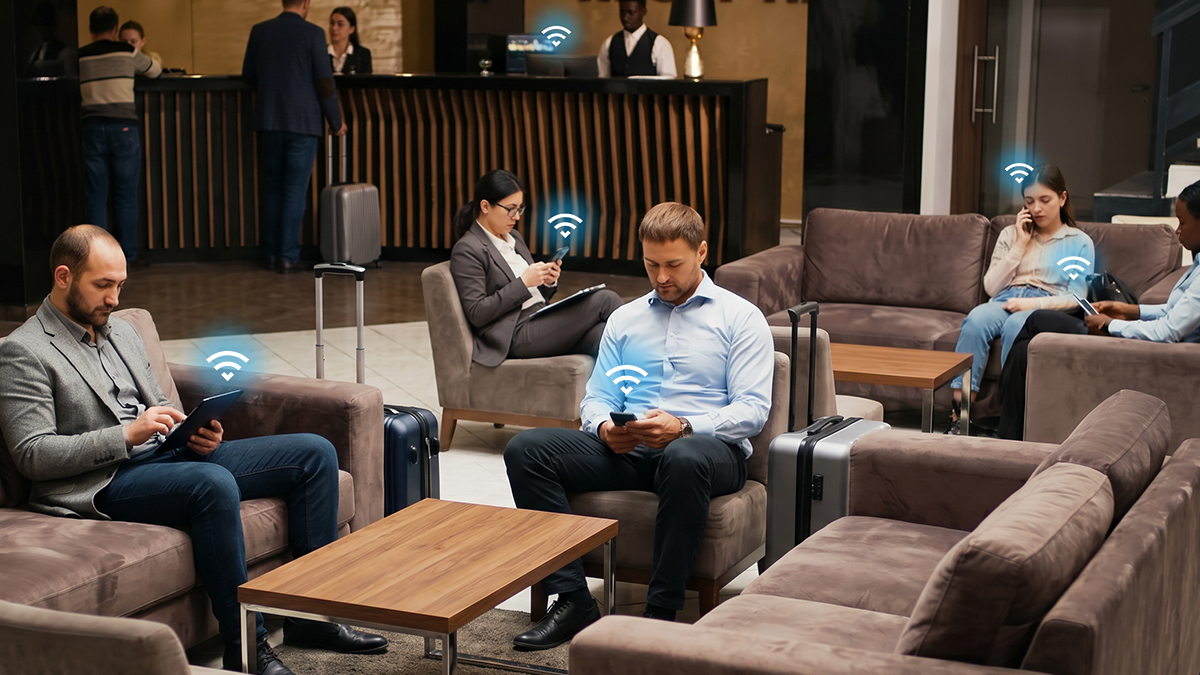
Hotel Wi-Fi is a shared public network, which means it carries real security risks. When you connect, you're on the same connection as every other guest in the building.
On a network without proper encryption, other users can potentially intercept data passing between your device and the Internet. Sensitive data, including login credentials, emails, and browsing activity, can be at risk. Hotels often use networks without the security protocols of a typical home or office network, so you’re relying on any built-in protection your devices have.
The short answer: hotel Wi-Fi is generally not secure, and connecting without additional protection carries real risk.

A VPN Alone Won't Fully Protect You
A Virtual Private Network (VPN) is a service that encrypts data flowing between your device and the Internet, and routes it through a secure server. This encryption and routing masks your activity from others on the same network. Using a VPN on hotel Wi-Fi is a good first step to protect your personal data.
The limitation is that a VPN only covers one device at a time. If you're traveling with a laptop, a phone, and a tablet, each one needs its own VPN setup. Devices like smart TVs or gaming consoles don't support VPN apps at all.
A travel router addresses these security gaps while you’re away from home. It connects to the hotel network, handles the captive portal login once, and creates a private Wi-Fi network for all your devices. With a VPN running at the router level, every device on your private network automatically receives encrypted traffic, with no app installs required on each device.
What a Travel Router Does in a Hotel Room
A travel router is a compact device that connects to an existing Wi-Fi network and rebroadcasts it as your own private network. In a hotel room, that means one device handles the hotel Wi-Fi login, so you don't have to repeat the process on every phone, laptop, or tablet you bring.
The private network your travel router creates is separate from the hotel's shared network. Other guests can't see your devices or your traffic. You can also run a VPN at the router level, so every connected device is protected, without needing VPNs on every laptop and smartphone.
When you're bringing multiple devices or traveling with a family, a travel router also removes the common frustration of per-device or per-room login limits.
What to Look for in a Travel Router for Hotels
The best travel router for hotels has a few essential features that make connecting to Wi-Fi faster, more secure, and more flexible whenever you’re away from your home network.
Captive portal support. Most hotels require you to accept terms, enter a room number, or set up an account before granting Internet access. Older routers can get stuck on these login pages and fail to connect. Look for one-step captive portal authentication, which lets you complete the login once through the router's app, extending access to all your connected devices automatically.
Built-in VPN. A travel router with support for OpenVPN or WireGuard lets you run VPN protection at the network level. Every device on your private network gets encrypted traffic, including devices that don't support VPN apps natively.
Compact size and USB-C power. A good hotel Wi-Fi router fits in a jacket pocket without adding much weight. USB-C compatibility means you can run it from the same charger or power bank you're already carrying.
Multiple operating modes. Hotel rooms vary. Sometimes there's an Ethernet port, sometimes only Wi-Fi. A router with modes including Router, Hotspot, and USB Tethering adapts to whatever connection is available without starting setup from scratch.
Who Should Buy a Travel Router for Hotel Stays
A travel router makes the most sense for travelers who regularly deal with the frustration of logging in on multiple devices, need a reliable private connection for work, or simply want their hotel room to feel like their own network.
Remote Workers and Business Travelers
If you're working from a hotel room, a travel router delivers the consistent private connection that hotel Wi-Fi rarely provides on its own. All your work devices join your private network with a single setup.
VPN encryption runs at the router level, so your work traffic is protected without having to activate a VPN on each device. On busy conference floors or business hotels where many guests share the same network, your own private connection also reduces the congestion you'd otherwise experience.
Families and Group Travelers
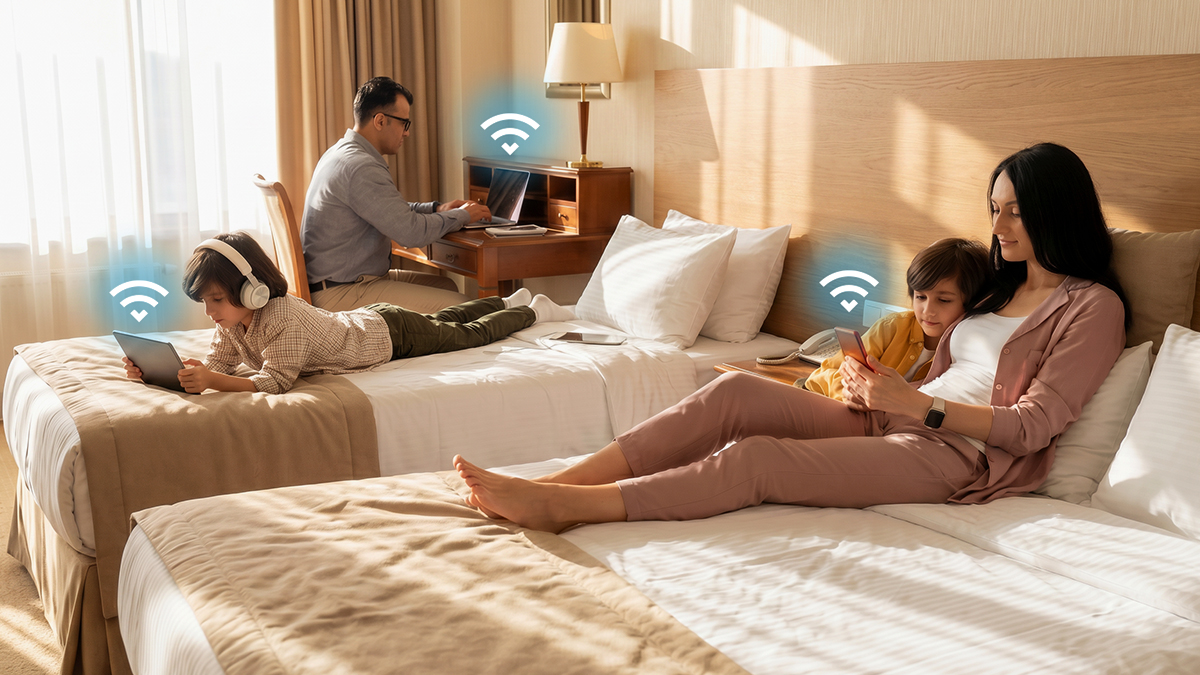
Hotel Wi-Fi is designed for one or two guests in a room, not a group streaming different things at the same time. A travel router creates a private network that handles all those devices more efficiently than having each device compete for bandwidth on a shared connection.
Everyone connects to one network without separate logins, and you control who's on it. The best travel router for hotel Wi-Fi with a family or group handles multiple simultaneous connections cleanly.
Digital Nomads and Travelers on Extended Trips
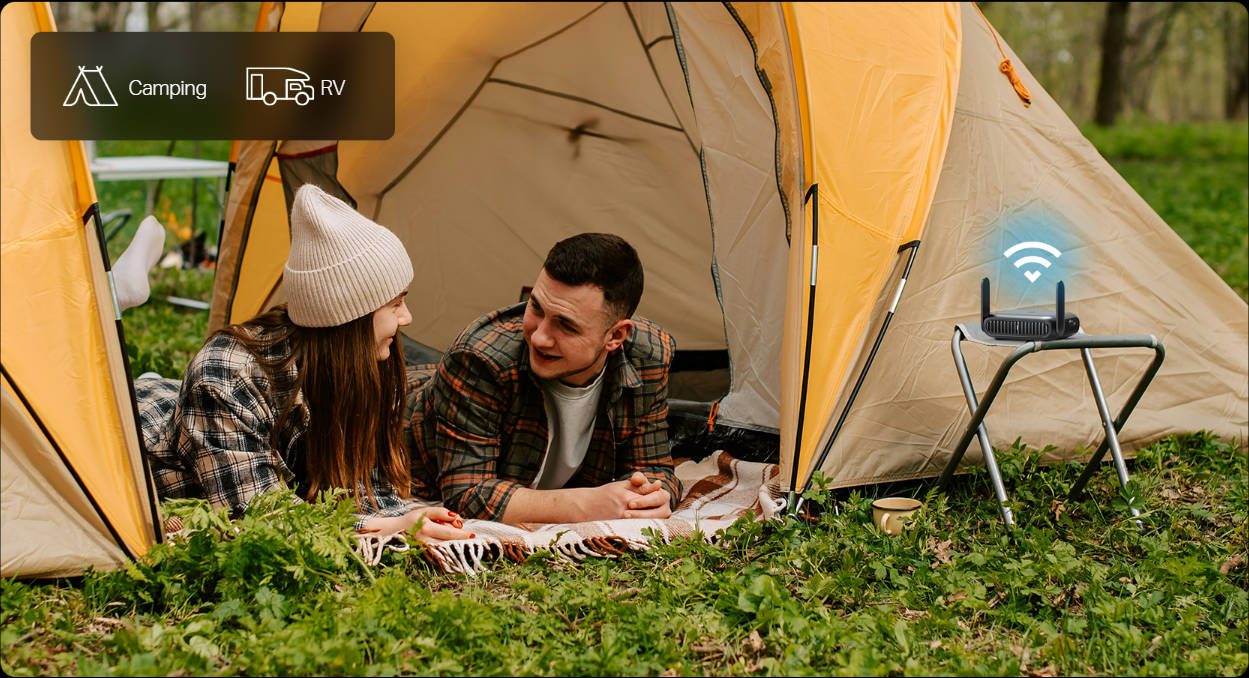
For anyone regularly moving between accommodations, using Airbnb or extended vacation rentals, a travel router makes it simple and more secure to connect with Wi-Fi at each new property.
Your devices stay connected to your own network, and only the router needs to authenticate with the local Wi-Fi when you arrive somewhere new. Your phone, laptop, and any other devices reconnect automatically, just like they would at home.
Tech Enthusiasts and Privacy-Conscious Users
For travelers who like to control their own network environment, a travel router delivers exactly that. You choose your VPN provider, set your own network name and password, and manage all devices that connect, all from the Tether app.
It's also a practical option for anyone who prefers not to hand their devices directly to a public network. Running traffic through your own private network, with encryption at the router level, keeps your setup consistent and your data under your control.
People Staying in Shared Accommodations
Hostels, shared vacation rentals, and co-living spaces present the same connectivity challenges as hotels, often with even less privacy. A travel router creates a separate network within any shared space, so your devices aren't visible to other guests on the same network.
It also means one login covers everything you bring, whether you're there for a night or a month.
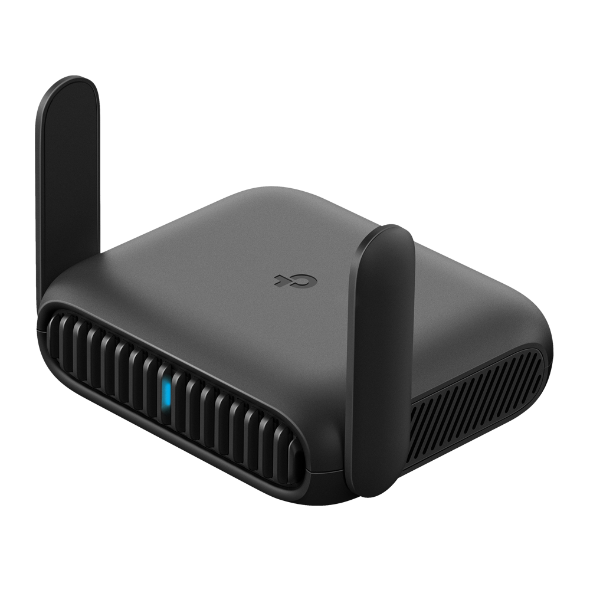
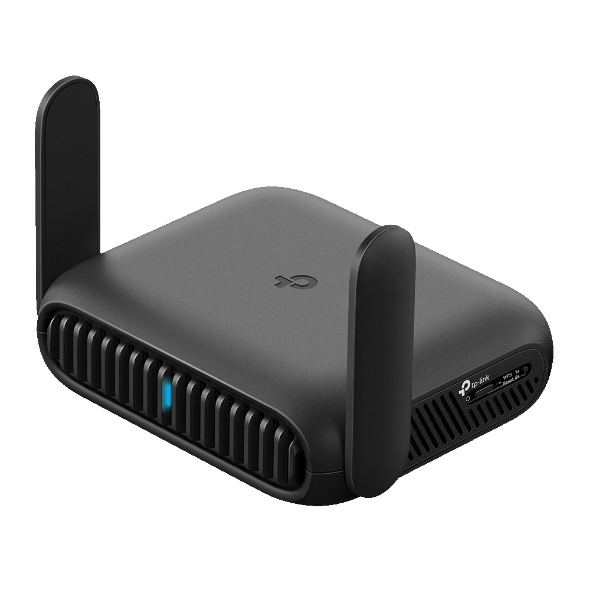
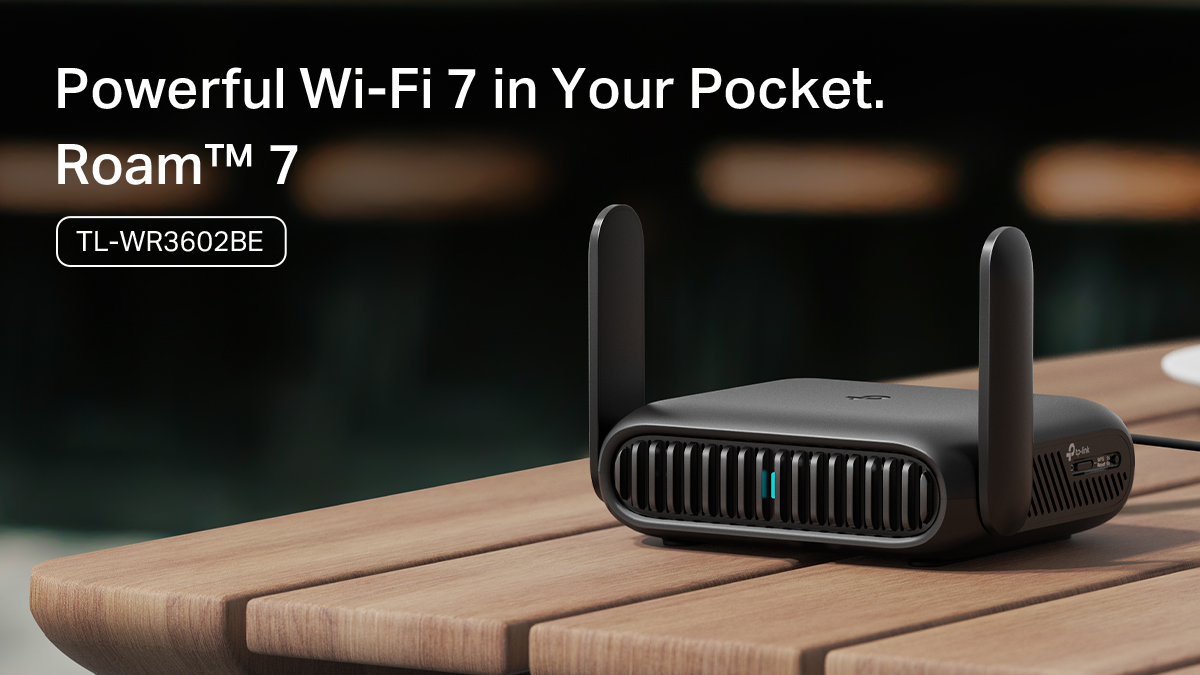
The Best Travel Wi-Fi Router for Hotels: The TP-Link Roam 7
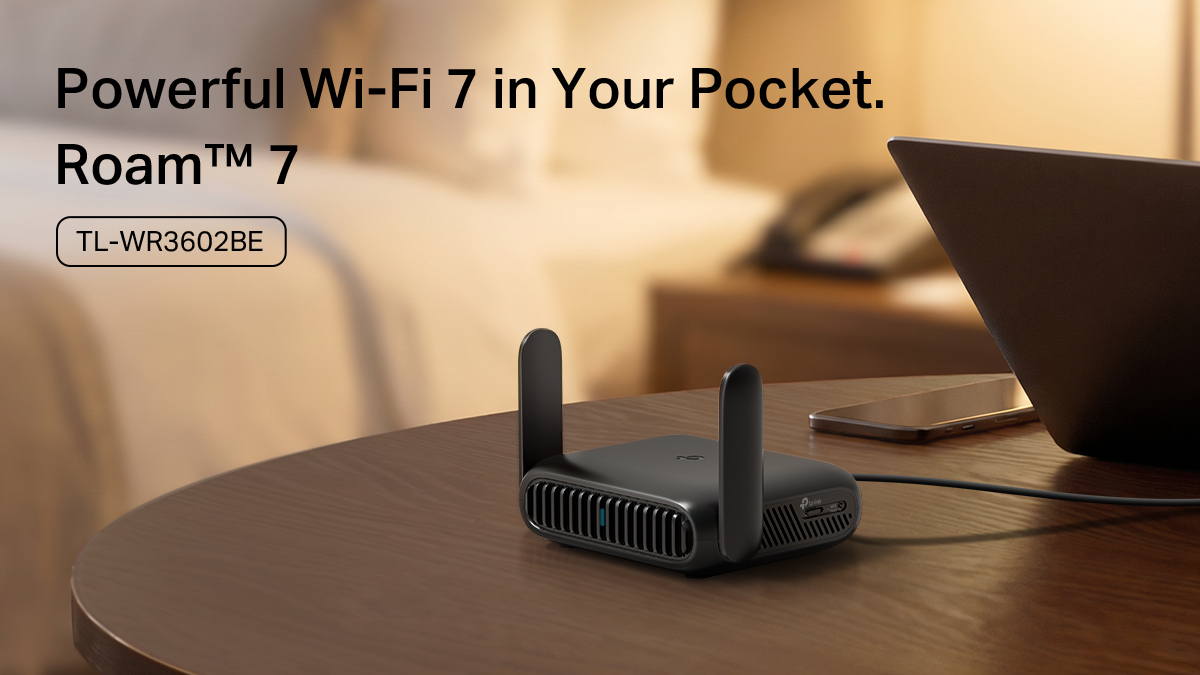
Roam 7 is TP-Link's most capable travel router for hotel stays. It runs on Wi-Fi 7, the latest wireless standard, and delivers dual-band performance in a pocket-sized device that’s easy to bring along.
For hotel use, the most important features are practical ones. It handles captive portal authentication in a single step via the Tether app, and supports VPN encryption, with providers like OpenVPN and WireGuard, at the router level. Multiple operating modes let you create the Wi-Fi scenario you need, whether it’s creating a hotspot with the hotel’s Wi-Fi, tethering to your phone’s data, or using a USB modem.
It's powered via USB-C, so a standard power bank or wall adapter keeps it running without a separate charger. A USB 3.0 port connects with external storage, so you can share files across your private network, which is useful if you need to access large work files on the road.
Setup takes a few minutes through the Tether app. Once connected, all your devices join your private network without any additional steps on each one.
Looking for a capable hotel Wi-Fi router at a lower price point?
The Roam 6 AX3000 is a Wi-Fi 6 alternative with a comparable feature set: captive portal support, OpenVPN and WireGuard, multiple operating modes, a 2.5 Gbps WAN port, USB-C power, and USB 3.0. For most hotel stays, it covers everything you need.
The Roam 6 AX1500 is TP-Link's entry-level Wi-Fi 6 travel router. It's a compact option for lighter travel needs that includes VPN support and one-step captive portal authentication through the Tether app.
Setting Up a Travel Router in Your Hotel Room
Getting a travel router running in a hotel room is straightforward. The process is the same across the Roam 7 and Roam 6 models.
- Plug in your router. Connect it to power using the included USB-C adapter or a compatible power bank.
- Open the Tether app. Download it if you haven't already, then scan the QR code on your router to connect.
- Select Hotspot Mode. This mode is designed for connecting to an existing Wi-Fi network, which is exactly what hotel Wi-Fi is.
- Complete the captive portal. The Tether app walks you through the hotel's login page in one step. Enter your room number, accept the terms, or complete whatever the hotel requires. The router handles the rest for all your connected devices.
- Connect your devices. Your private Wi-Fi network is now live. Connect your laptop, phone, tablet, and anything else the same way you would at home.
Take Your Network With You
Hotel Wi-Fi isn't going to improve dramatically, but your experience of it can. A travel router gives you a private network, single-step logins, and built-in security in a device small enough to forget it's in your bag.
If you want a reliable travel router for hotel Wi-Fi at an entry-level price, the Roam 6 covers everything most travelers need. To enjoy Wi-Fi 7 performance wherever you go, add the Roam 7 to your packing list.
FAQs
Will a travel router work in a hotel?
Yes, a travel router works well in hotel rooms. It connects to the hotel's Wi-Fi and creates a separate private network for all of your devices. Most travel routers designed for hotels handle the hotel's login page in one step, so all your devices can get online quickly without individual logins.
What is the difference between a router and a travel router?
A standard router creates a Wi-Fi network using a wired connection from an Internet service provider. A travel router does the same thing but uses an existing Wi-Fi network as its Internet source, such as hotel Wi-Fi, or tethers to cellular data. It's compact, USB-C powered, and built to make using public Wi-Fi networks more secure and convenient.
What is the difference between a hotspot and a travel router?
A hotspot uses cellular data to create a Wi-Fi network. A travel router connects to an existing Wi-Fi network, such as hotel Wi-Fi, and rebroadcasts it as a private network for your devices. A hotspot draws on mobile data; a travel router uses whatever Wi-Fi is available. TP-Link travel routers can also work in hotspot mode.
Do I need a travel router?
If you regularly stay in hotels, Airbnbs, or shared accommodations and travel with more than one device, a travel router is worth it. It gives you a private network, a single login for all your devices, and built-in VPN support wherever you go. If you only travel occasionally and connect one device at a time, hotel Wi-Fi on its own may be enough.