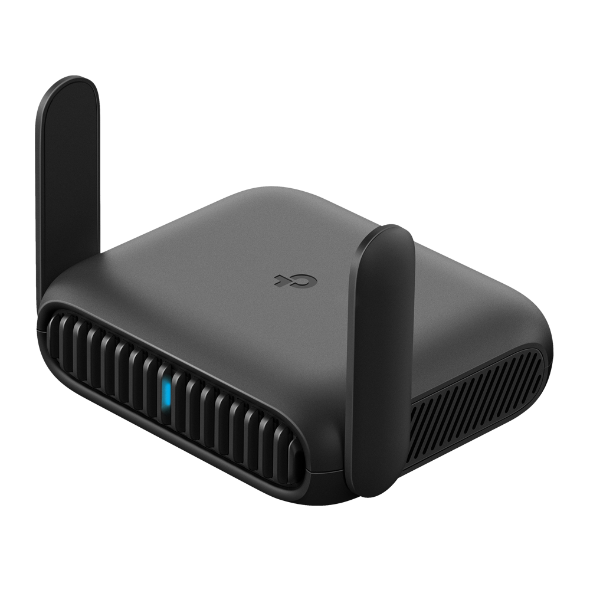
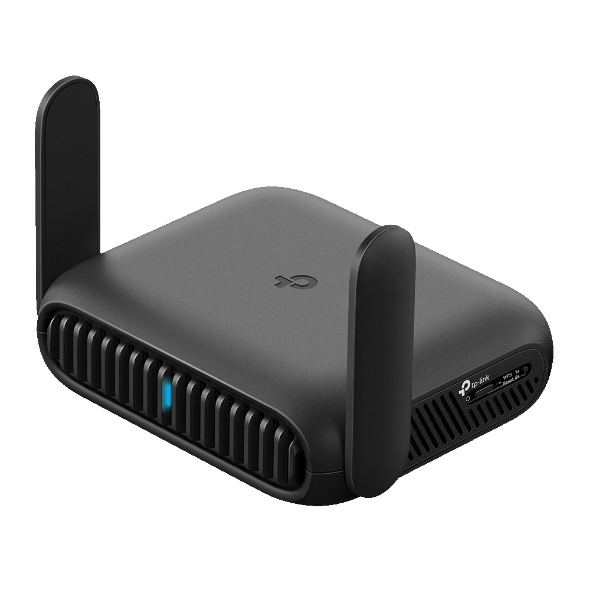
What to Look for in a Travel Router and the Best Option for 2026
If you've dealt with spotty hotel Wi-Fi, device limits, a hotspot that cuts out when you need it most, or unexpected Wi-Fi fees while traveling, a travel router may be worth considering.
A travel router is a portable, compact device that connects to an existing Internet source (hotel Ethernet, public Wi-Fi, or your phone's data) and creates a private, secure network for all your devices. If you're connecting multiple devices or transferring large files regularly, Wi-Fi 7 is the standard to look for in 2026 because it offers faster speeds, more stable connections, better multi-device handling, and smarter use of available bandwidth.
Whether you're a remote worker, a frequent traveler, or just someone who wants reliable Wi-Fi on the road, this guide covers what to look for and which router delivers it.

Key Takeaways
- A travel router turns hotel Ethernet, public Wi-Fi, or your phone’s data into one private, secure network for all your devices.
- Wi-Fi 7 is the recommended standard for 2026, offering faster speeds, more stable connections, and better multi-device performance than Wi-Fi 6.
- Wi-Fi 6 remains a solid budget option.
- A good travel router has multiple operating modes, VPN support, a 2.5G WAN port, and USB-C power compatibility.
- A single captive portal login through the router covers all your devices, so you only deal with hotel, airport, or public Wi-Fi authentication once.
- The TP-Link Roam 7 is TP-Link's first Wi-Fi 7 travel router, offering dual-band speeds, seven operating modes, and pocket-sized portability.
Why a Travel Router Outperforms a Phone Hotspot
Your phone's hotspot works in a pinch, but a dedicated travel router gives you a private network, VPN coverage, and a single login for all your devices. Here's where it has the edge.
One login for all your devices. Many hotels, airports, and coffee shops use a captive portal. A captive portal is the screen asking for your email or room number before you get online. With a travel router, the router authenticates with the network. All your devices (laptop, tablet, phone, smart watch) connect through it automatically, so you never log in twice.
A private network on public Wi-Fi. When you connect directly to a public network, your device is technically sharing it with everyone else in the building. A travel router connects to that public network but creates a separate private network for your devices, keeping them isolated from other users and enhancing security.
VPN protection for every device at once. Running a VPN on individual devices increases security, but a travel router lets you run it once and cover everything connected to it. Every device gets encrypted protection without any extra configuration. This is especially valuable for remote workers handling sensitive data on the road.
More consistent performance. Phone hotspots can get overwhelmed when several devices are running at the same time. A dedicated travel router handles simultaneous connections more efficiently, so streaming, video calls, and browsing don't compete as hard for bandwidth.
Wi-Fi 7 vs Wi-Fi 6 for Travel Routers
If you’re shopping for a travel router in 2026, Wi-Fi 7 should be your top choice. Wi-Fi 7 introduces Multi-Link Operation (MLO), which lets a device use the 2.4 GHz and 5 GHz bands simultaneously. In practice, that means more capacity, faster speeds, and less congestion, which is useful when you're in a hotel or airport competing for bandwidth with a lot of other devices.
Wi-Fi 6 still gets the job done. For video calls, streaming, and light browsing on a few devices, a Wi-Fi 6 travel router is reliable and more cost-effective. The Roam 6 AX3000 is a top choice for many travelers, and it’s TP-Link’s fastest, most capable Wi-Fi 6 travel router.
That said, Wi-Fi 7 is the smarter long-term buy for 2026. More devices are becoming Wi-Fi 7 compatible, public infrastructure is catching up, and the performance ceiling is noticeably higher. If you regularly connect to five or more devices at once or frequently juggle large file transfers and video calls at the same time, you'll likely notice the difference.
Five Features to Look for in a Travel Router

Not all portable travel routers are built the same. These five criteria will help you narrow down your options.
1. Wi-Fi standard. In 2026, Wi-Fi 7 is a strong option for most travelers in 2026. Compared to Wi-Fi 6, it handles more devices simultaneously and performs better in congested environments. If budget is the priority, a Wi-Fi 6 option is still a capable choice for everyday travel.
2. Operating modes. A good travel router should handle more than hotel Ethernet. Look for router mode, hotspot mode, USB tethering, and range extender mode. The more modes the router supports, the more adaptable it is to whatever connection you have when you arrive.
3. VPN support. Built-in VPN support, specifically OpenVPN and WireGuard, allows you to encrypt all your traffic directly from the router, without needing to configure each device separately. This matters most for remote workers and anyone connecting regularly on public networks.
4. Port speed. A 2.5G WAN port means the router can take full advantage of faster wired connections where they're available. Many hotels and venues are upgrading their infrastructure, so a 2.5G port ensures your router won't be the bottleneck.
5. Size and power. A good portable wireless router fits in your pocket and runs from a USB-C power bank with no separate charger needed. Check that it supports USB-C input and is compatible with a standard 5V power source.
Travel Router Operating Modes Explained
Most quality travel routers support several operating modes. Knowing what each one does helps you pick the right one for every situation.
Router mode is the default. You connect the router to an Ethernet port in a hotel room or plug in your phone via USB tethering, and the router distributes that connection to all your devices over Wi-Fi.
Hotspot mode is for airports, coffee shops, and other venues with public Wi-Fi. The router connects to the venue's network and rebroadcasts it as your own private network. The captive portal login happens once through the router, ensuring all your connected devices get access automatically.
USB tethering lets you use your phone's cellular data as the Internet source. Your phone connects to the router via USB, and the router shares that connection over Wi-Fi to your other devices.
Range extender mode helps when the signal is weak, and you need more coverage, useful in large hotel suites, Airbnbs, or RVs where Wi-Fi doesn't reach every corner.
Having all four modes in one device means you're covered regardless of what connection is available when you arrive.
The Best Wi-Fi 7 Travel Router for 2026
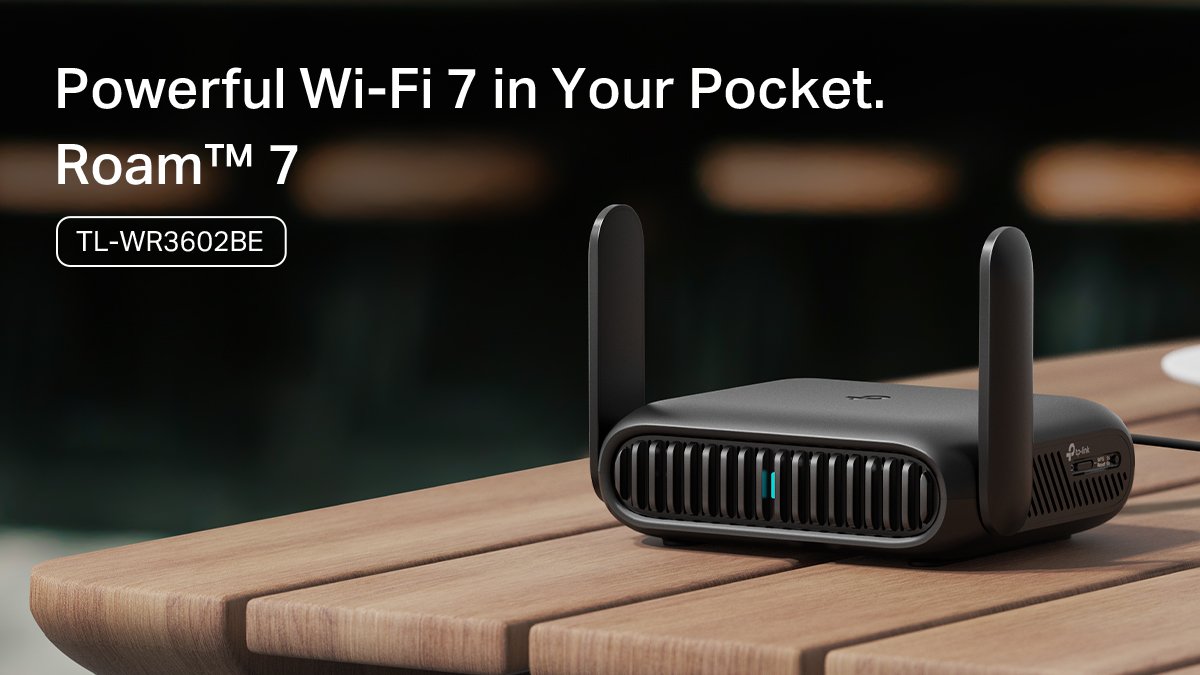
The TP-Link Roam 7 is TP-Link's first Wi-Fi 7 travel router and a strong choice for 2026. Here's what it offers and what it means on the road.
Dual-band Wi-Fi 7 (BE3600). The Roam 7 delivers up to 2,882 Mbps on the 5 GHz band and 688 Mbps on the 2.4 GHz band, a combined ceiling of 3,600 Mbps across both bands. That means video calls, streaming, and file downloads can run at the same time without competing for bandwidth.
2.5G WAN port. The Roam 7 accepts wired connections up to 2.5 Gbps, so it can take full advantage of faster hotel or venue Ethernet where available. A 1 Gbps LAN port is also included for a high-speed wired connection for devices.
Seven operating modes. Router, Hotspot, USB Tethering, 3G/4G/5G USB Modem, Access Point, Range Extender, and Client modes are all supported. Whatever your connection looks like when you check in, the Roam 7 can work with it.
Built-in VPN support. The Roam 7 supports 35+ VPN service providers, including OpenVPN and WireGuard for both client and server configurations. You can run a VPN alongside a regular Internet connection at the same time, so you're not choosing between security and access.
One-step captive portal login. The TP-Link Tether app handles public Wi-Fi authentication in a single step. Log in once through the app, and every device on your network is online.
USB-C powered. The Roam 7 runs on USB-C at 5V/3A and is compatible with most standard power banks. No dedicated wall adapter required when you're moving between locations.
When a Travel Router Makes the Biggest Difference

Some situations call for a travel router more than others. Here's where it earns its place in your bag.
Hotel rooms: Many hotels offer Ethernet ports with faster, more stable connections than their in-room Wi-Fi. Plug the TP-Link Roam 7 into the wall port and share that connection wirelessly with all your devices. If Ethernet isn't available, hotspot mode works with the hotel's Wi-Fi instead.
Airports and lounges: Airport Wi-Fi is public, shared, and often congested. A travel router creates a private network over that connection and handles the captive portal login once; your phone, laptop, and tablet all get online without separate authentication on each.
Coffee shops and co-working spaces: These venues often throttle individual connections or limit the number of devices per user. Routing everything through a travel router keeps your devices on a single connection and can improve consistency.
Cruise ships: Most cruise ships limit Wi-Fi access and charge a fee for each device you connect. A travel router consolidates your devices onto a single connection, reducing cost and simplifying access management.
Airbnbs and vacation rentals: Rental Wi-Fi quality varies. Range extender mode can help spread coverage through a larger space, while router mode gives you control over your own private network on someone else's connection.
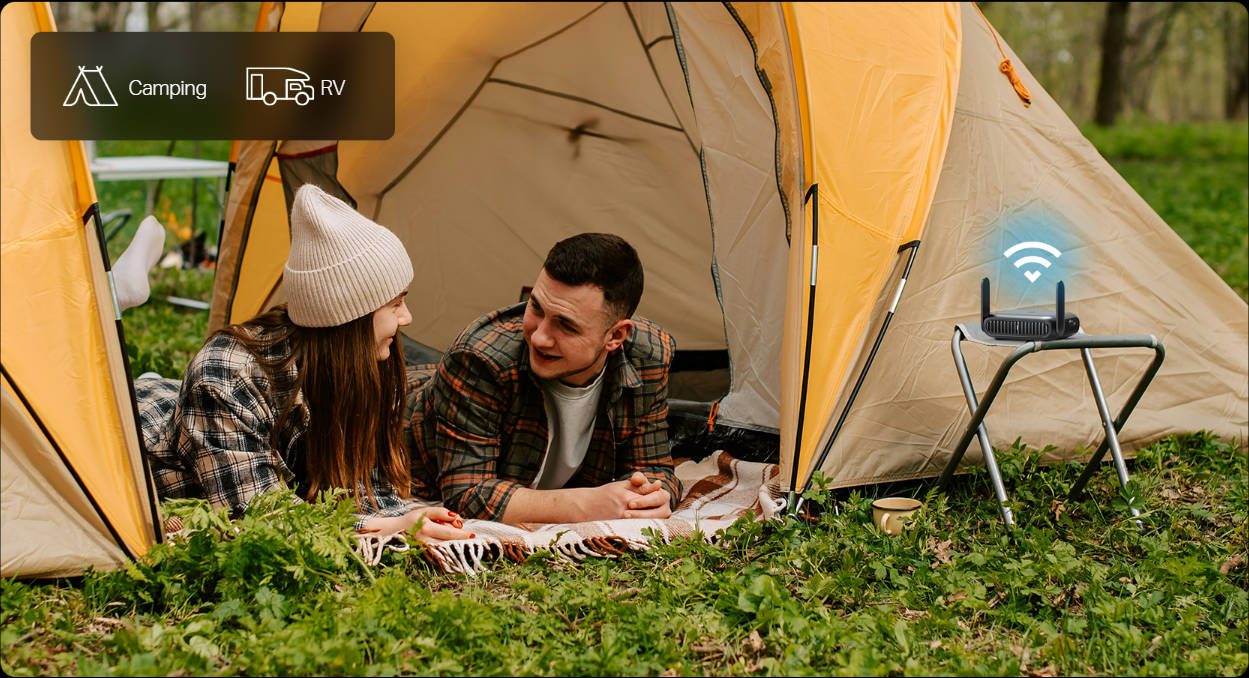
Camping and RVs: Campgrounds and RV parks often provide Wi-Fi, but signal strength drops quickly the farther you are from the access point. Range extender mode pulls in a weak campground signal and rebroadcasts it inside your RV or tent setup. If cellular is your only option, USB tethering lets you share your phone's data connection across all your devices without draining its battery as quickly.
International travel: Using a travel router abroad keeps your devices on a private network, adds VPN encryption, and lets you log in to unfamiliar networks only once.
Who Should Choose a Travel Router in 2026
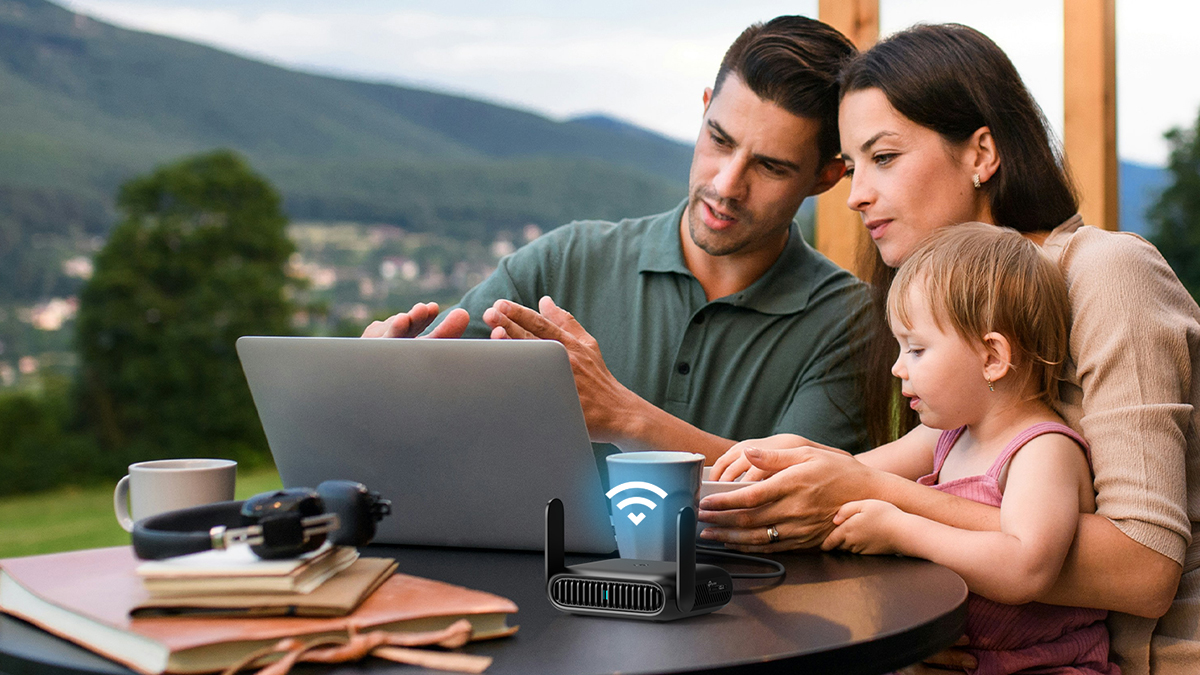
Remote Workers and Digital Nomads
If you're regularly working from hotels, co-working spaces, or airports, a travel router is worth adding to your kit. The VPN runs at the network level, so your laptop, phone, and any other work device all get encrypted protection without individual setup. You log in to the venue's Wi-Fi once, and everything else connects automatically. The Roam 7's 2.5G WAN port also means you're not leaving performance on the table when a fast Ethernet connection is available.
Frequent Leisure Travelers
Traveling with family, a group of friends, or a partner means many devices all online at once. A travel router handles them through a single connection, making them simpler to manage and often cheaper when hotels charge per device. Streaming on a tablet, calling home on a laptop, and checking in on your phone all stay on the same private network without any extra setup at each new property.
Light Packers and Minimalist Travelers
The Roam 7 fits in a pocket and runs off any USB-C power bank, no separate charger needed. For travelers who count every item in their bag, it adds real utility without meaningful weight or bulk.
How to Set Up a Travel Router
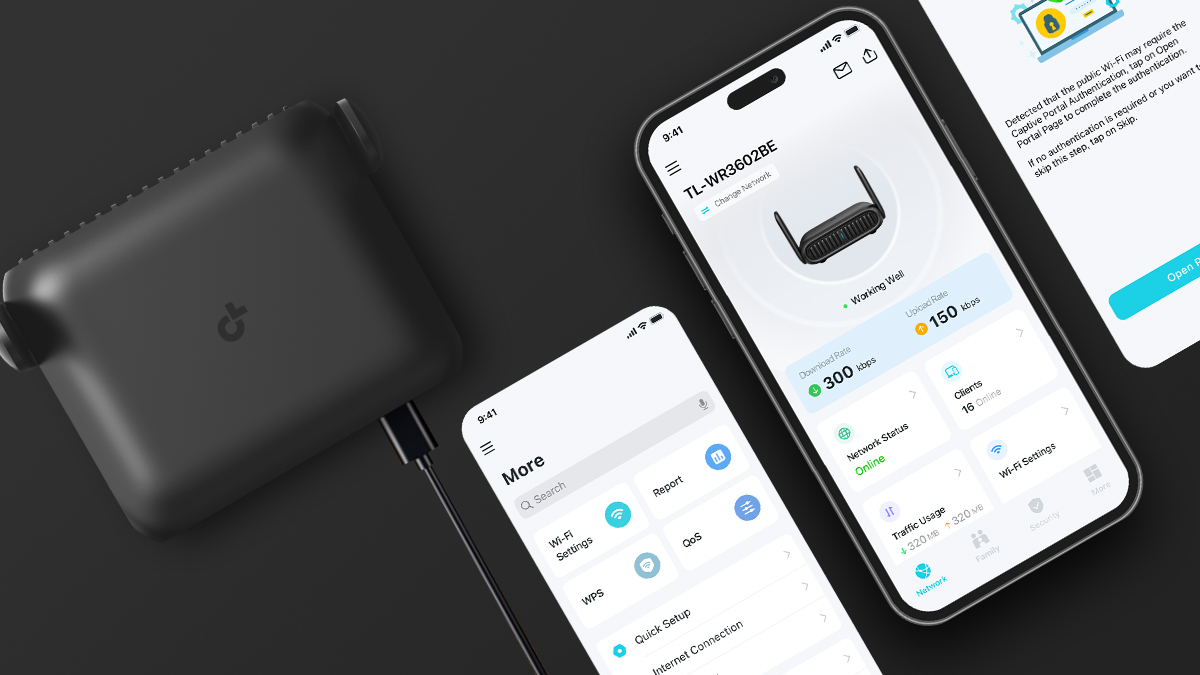
Setting up the Roam 7 is straightforward. Here's the basic flow.
- Download the TP-Link Tether app on your phone.
- Power the router via USB-C, through either the included adapter or a compatible power bank.
- Open the Tether app and scan the QR code on the bottom of the router.
- Choose your operating mode based on your connection: Router for Ethernet, Hotspot for public Wi-Fi, USB Tethering for your phone's data.
- Complete the captive portal login through the app if connecting to public Wi-Fi; this covers all your devices at once.
- Connect your devices to the router's private network, and you're ready to go.
The setup process is straightforward and doesn't require any technical experience. You can also manage the router through a standard web browser if you prefer to skip the app.
Find Your Router and Go
Wi-Fi 7 is the standard to buy for in 2026, particularly if you connect multiple devices or frequently work from hotels and airports, and the TP-Link Roam 7 delivers on that. It's pocket-sized, USB-C powered, with seven operating modes, 2.5G multi-gig connectivity, built-in VPN support, and BE3600 dual-band speeds. It’s the most feature-rich Wi-Fi 7 travel router in TP-Link's lineup for travelers who want speed, security, and flexibility in one compact device.
If you're looking for a Wi-Fi 6 option at a lower price point, the Roam 6 AX3000 and Roam 6 AX1500 are both solid, proven choices depending on your speed requirements and budget.
Whether you’re upgrading your home network or bringing it with you, explore TP-Link’s Wi-Fi routers to power your digital life.
Frequently Asked Questions
Is it worth getting a travel router?
Yes, if you travel frequently, connect multiple devices on the road, or care about keeping your traffic private on public networks. A travel router handles captive portal logins once for all your devices, creates a private network on public Wi-Fi, and lets you run VPN protection at the network level, advantages a phone hotspot can't match.
What is the difference between a router and a travel router?
A home router connects to your Internet service provider and distributes Wi-Fi throughout your home. A travel router is compact and designed to work with multiple connection types: hotel Ethernet, public Wi-Fi, and phone tethering. It's built for on-the-road flexibility rather than whole-home coverage.
What is the best way to get Wi-Fi while traveling?
A travel router paired with hotel Ethernet or a phone hotspot as the Internet source is the most reliable setup. You get a private, secure network for all your devices, public Wi-Fi logins handled in one step, and consistent performance across hotels, airports, cafés, and rental properties.
Is there such a thing as a portable Wi-Fi router?
Yes, a portable Wi-Fi router, often called a travel router, is a compact device that creates its own Wi-Fi network using a wired, wireless, or cellular Internet source. Most models fit in a jacket pocket and run off a standard USB-C power bank.