
Wi-Fi 8 vs. Wi-Fi 7: What's the Real Difference?
Wi-Fi 8 is coming, but it probably isn't what you expect. Unlike every previous Wi-Fi generation, Wi-Fi 8 is not primarily about speed. Its defining focus is Ultra-High Reliability (UHR): steadier connections, lower latency, and more consistent performance across every device in your home, even in busy or challenging environments. Wi-Fi 7, by contrast, pushed the limits on raw speed and is the current top-tier standard available today.
For most people right now, Wi-Fi 7 is the right upgrade. Wi-Fi 8 consumer devices are not yet available, and the standard isn't expected to be finalized until around 2028.
This article walks through both standards, explains what sets them apart, and helps you figure out what makes sense for your setup.
Key Takeaways
- Wi-Fi 8 (802.11bn) is built around Ultra-High Reliability, not peak speed. That's a first for any Wi-Fi generation.
- Wi-Fi 7 (802.11be) is the current top-tier standard, with routers and mesh systems widely available today.
- Wi-Fi 8 adds Multi-AP Coordination, enhanced Multi-Link Operation (MLO), and improved power management. These are features Wi-Fi 7 does not have.
- The Wi-Fi 8 standard is expected to be finalized around 2028, and consumer devices are not yet available.
- If you are on Wi-Fi 5 or Wi-Fi 6 and dealing with lag, congestion, or dead zones, upgrading to Wi-Fi 7 now makes a real difference.
What Is Wi-Fi 7? A Quick Recap
Wi-Fi 7 (IEEE 802.11be) is the current top-tier Wi-Fi standard. Its goal is extremely high throughput: much faster speeds and lower latency than Wi-Fi 6, with the capacity to support many more connected devices at once.
Three technologies drive those improvements:
- 320 MHz channels double the available channel width compared to Wi-Fi 6, enabling more bandwidth for simultaneous data transmission.
- 4096-QAM (Quadrature Amplitude Modulation) is a modulation technique that packs more data into each wireless signal, enabling faster speeds.
- Multi-Link Operation (MLO) enables a device to send and receive data across multiple frequency bands simultaneously, reducing latency and improving reliability.
Together, these make Wi-Fi 7 a meaningful upgrade for households dealing with buffering, dead zones, or too many devices competing for bandwidth on a router using older Wi-Fi technology.
What Is Wi-Fi 8?
Wi-Fi 8 (IEEE 802.11bn) is the next-generation Wi-Fi standard, and its central focus is Ultra-High Reliability (UHR). Rather than pushing peak speeds higher, Wi-Fi 8 is designed to make every connection more consistent and stable, for every device, and in harsh, real-world environments.
UHR is the core design principle: consistent, low-latency performance even when many devices are competing for signal. Enhanced MLO builds on Wi-Fi 7's foundation, making multi-band operation more efficient and more reliable across the whole network.
Improved power efficiency introduces better scheduling for smart home sensors, cameras, and other always-on devices, helping them stay connected to preserve battery life. Multi-AP Coordination is a new feature Wi-Fi 7 does not have: routers, mesh nodes, and range extenders work together to aim signals more precisely, reduce overlap between access points, and keep coverage steady throughout the home.
Wi-Fi 8 vs. Wi-Fi 7: A Direct Comparison
Here is how the two standards compare.
|
Feature |
Wi-Fi 8 |
Wi-Fi 7 |
|
IEEE Standard |
802.11bn |
802.11be |
|
Primary Focus |
Ultra-High Reliability |
Extremely high throughput |
|
Max Channel Width |
320 MHz |
320 MHz |
|
Max Speed |
46 Gbps |
46 Gbps |
|
Modulation |
4096-QAM |
4096-QAM |
|
Multi-Link Operation |
Yes, enhanced |
Yes |
|
Seamless Roaming |
Yes, improved |
Yes |
|
Target Wake Time (TWT) |
Coordinated |
Restricted |
|
New MCS |
Yes |
No |
|
Unequal Modulation (UEQM) |
Yes |
No |
|
Multi-AP Coordination |
Yes |
No |
|
DSO/NPCA |
Yes |
No |
|
DRU |
Yes |
No |
|
Best For |
Homes with many devices, seamless roaming between rooms, always-on smart home setups |
High-speed streaming, gaming, current smart home setups |
|
Consumer Availability |
Not yet (~2028) |
Widely available |
|
Feature |
Wi-Fi 8 |
Wi-Fi 7 |
|
IEEE Standard |
802.11bn |
802.11be |
|
Primary Focus |
Ultra-High Reliability |
Extremely high throughput |
|
Max Channel Width |
320 MHz |
320 MHz |
|
Modulation |
4096-QAM |
4096-QAM |
|
Multi-Link Operation |
Yes, enhanced |
Yes |
|
Multi-AP Coordination |
Yes |
No |
|
Best For |
Dense device environments, AI-connected devices, mission-critical reliability |
High-speed streaming, gaming, current smart home setups |
|
Consumer Availability |
Not yet (~2028) |
Widely available |
Wi-Fi 7 pushes the limits on speed and throughput. Wi-Fi 8 pushes the limits of consistency, ensuring every device gets a stable connection, so they can actually maintain that speed all the time. That's a different kind of upgrade than anything Wi-Fi has delivered before.
The Biggest Differences Explained
Both standards share several technologies, but Wi-Fi 8 introduces features that Wi-Fi 7 does not have. Here is what that looks like in everyday use.
Ultra-High Reliability (UHR): Wi-Fi 8's Defining Feature
Ultra-High Reliability (UHR) is the central design goal of Wi-Fi 8. It means maintaining consistent, low-latency performance even when many devices are competing for signal at once, or when interference is present.
That's different from raw speed. A connection can be fast on paper but still drop, stutter, or slow down under load. UHR is designed to prevent that. For households with lots of smart home devices, several people streaming or working at the same time, or tricky home layouts, steadiness is where the improvement shows up most.
Multi-Link Operation: Better in Wi-Fi 8
Multi-Link Operation (MLO) was introduced in Wi-Fi 7 and is significantly enhanced in Wi-Fi 8. MLO allows a device to send and receive data across multiple frequency bands at the same time, rather than locking into one band. This reduces latency and improves connection reliability, especially in busy environments.
Wi-Fi 7's MLO is already a real step up from single-band operation. Wi-Fi 8 makes multi-link performance more stable across the entire network, not just for individual devices closest to the router.
Power Efficiency: More Devices, Less Drain
Wi-Fi 8 improves how it manages power for connected devices through better scheduling of when each device sends or receives data. Devices can stay in a low-power state when they're not actively transmitting, then wake up precisely when needed.
For smart home sensors, indoor cameras, smart locks, and other always-on devices, this means better battery life and less energy use without sacrificing connection quality. It's a practical benefit as more homes add more always-on devices to their networks.
Is Wi-Fi 8 Out Yet?
No. Wi-Fi 8 (802.11bn) is not yet a finalized standard, and consumer devices are not currently available. The Wi-Fi 8 standard is expected to be finalized around 2028, though early Wi-Fi 8 routers could reach the market within the next two years ahead of final ratification.
TP-Link achieved the first Wi-Fi 8 data transmission in October 2025, marking a significant step toward bringing the technology to consumers. Early concept hardware has also been demonstrated at CES 2026. These are promising milestones, but finished consumer products are still on the horizon. Visit TP-Link's Wi-Fi 8 hub to follow developments as the standard progresses.
Should You Wait for Wi-Fi 8 or Buy Wi-Fi 7 Now?
For most people today, buying Wi-Fi 7 now is the right call. Wi-Fi 8 devices aren't expected to reach consumers until 2028 or later, and waiting means living with your current setup for several more years.
If you're on Wi-Fi 5 or Wi-Fi 6 and dealing with buffering, dead zones, or lag, upgrading to Wi-Fi 7 delivers real, noticeable improvements. The difference between Wi-Fi 6 and Wi-Fi 7 is significant: faster speeds, lower latency, and greater capacity to handle many devices at once. Those are meaningful gains for households with lots of connected devices, people working from home, or anyone who streams regularly.
If you're planning a full network overhaul within the next two years, or building for a dense AI-device environment, it may be worth seeing what Wi-Fi 8 hardware looks like when it arrives. And if your current setup is working well for your needs, you're not missing out urgently. Wi-Fi 8's reliability improvements matter most in larger homes with many devices and complex layouts.
TP-Link Wi-Fi 7 and Wi-Fi 8 Products
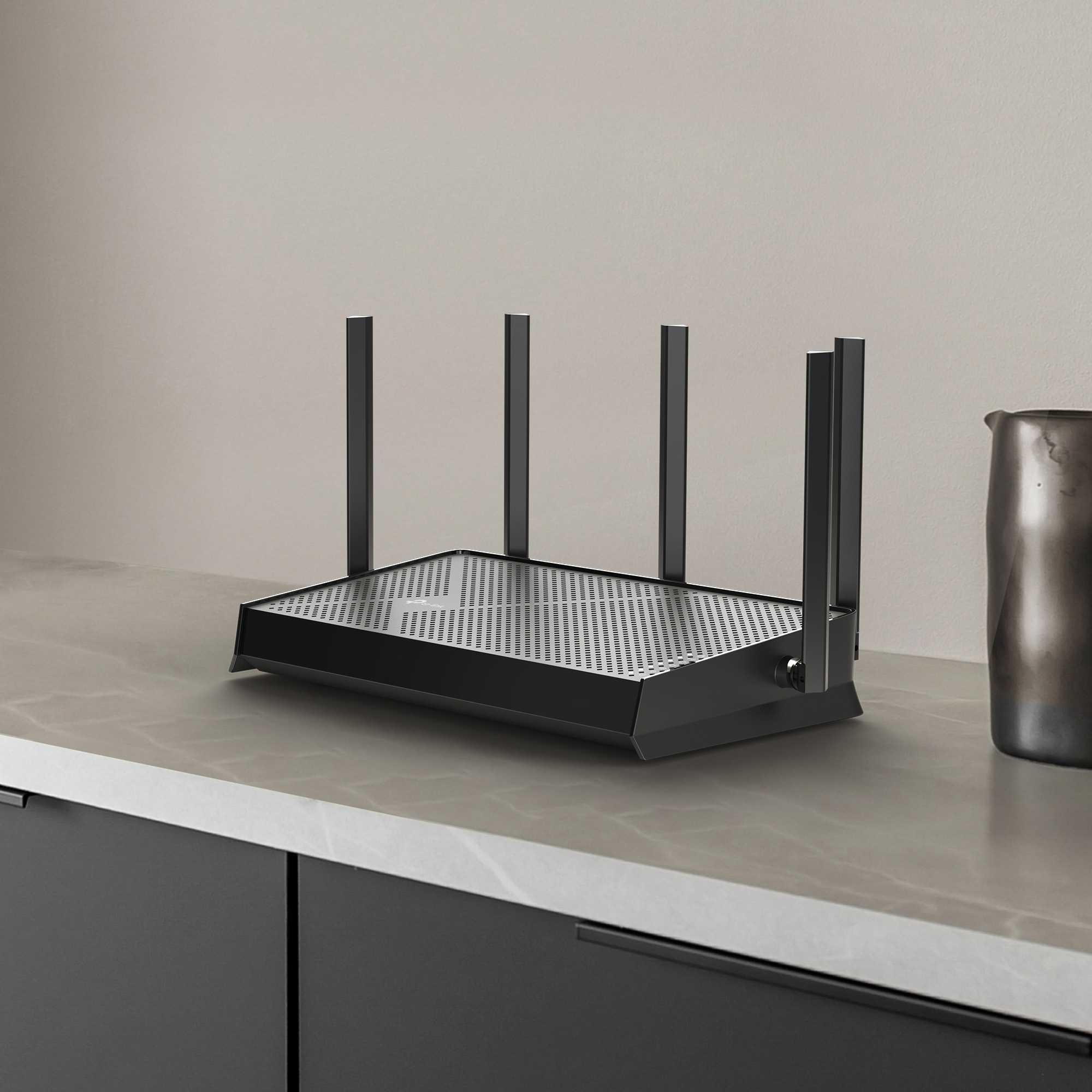
If you're ready to upgrade now, TP-Link's Wi-Fi 7 lineup covers a wide range of setups, from standalone Wi-Fi routers to whole-home Deco mesh Wi-Fi systems. Whether you need to cover a small apartment or a large multi-story home, you’ll find options built with your needs and budget in mind.
If you're not ready to step up to Wi-Fi 7, Wi-Fi 6 routers remain a solid, widely supported option worth considering.
For Wi-Fi 8, TP-Link has already demonstrated early technology and continues developing next-generation hardware. Visit the Wi-Fi 8 hub to stay up to date as the standard develops.
Explore Wi-Fi 7 Today, and Stay Ready for What's Next
Wi-Fi 8 takes wireless networking in a new direction, with a focus on reliability and consistency rather than faster peak speeds. As homes fill up with smart devices, cameras, and always-on technology, reliable connection will eventually require an upgrade. But the standard is still a few years from reaching consumers.
In the meantime, Wi-Fi 7 is the strongest home networking upgrade available. If you're ready to improve your setup now, explore TP-Link's Wi-Fi 7 routers and mesh systems.
Frequently Asked Questions
Is Wi-Fi 8 out yet?
No. The Wi-Fi 8 standard (802.11bn) is expected to be finalized around 2028, and consumer devices aren't yet on the market. Visit TP-Link's Wi-Fi 8 hub for updates as the standard develops.
Is Wi-Fi 7 worth it if Wi-Fi 8 is coming?
Yes, for most people. Wi-Fi 8 is still on the horizon, and upgrading to Wi-Fi 7 now delivers real improvements in speed, latency, and capacity. If your current network is causing issues, it is likely best to upgrade today to Wi-Fi 7 there's no good reason to wait.
What devices will support Wi-Fi 8?
Wi-Fi 8 is backward compatible, so your existing devices will still connect to a Wi-Fi 8 router. Older devices won't use all Wi-Fi 8 features directly, but there may be some overall network improvement with Wi-Fi 8.
How much faster is Wi-Fi 8 than Wi-Fi 7?
Speed isn't the main story here. Wi-Fi 8 and Wi-Fi 7 share the same peak theoretical speeds. What Wi-Fi 8 adds is consistency: keeping those peak speeds reliable in the real world, so you're not dealing with lag spikes or sudden drops when it matters most.