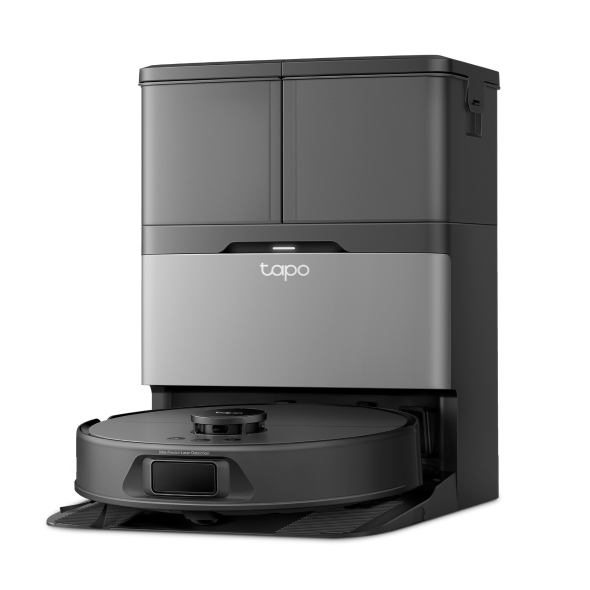
Features supported in different ecosystems for TP-Link Matter-Certified devices
 46262
46262Introduction
The development of Matter is ongoing, with progress varying across platforms. Different ecosystems may support different features for TP-Link Matter-certified devices. The following table lists the features currently supported by different ecosystems.
Requirements
- Make sure the TP-Link Matter Certified Devices’ firmware is up-to-date.
- Check if the Third-party platform is compatible with the device categories and the functions are defined.
Applications
Note:
- The supported features are subject to change as Matter continues to develop.
- SmartThings Energy monitoring (√*): Please reset your Matter energy monitoring plug, then follow the FAQ to start the Energy function in SmartThings.
|
|
|
Alexa |
|
Apple |
SmartThings |
Tapo/Kasa |
|
Device types |
On/Off Plug-in Unit |
√ |
√ |
√ |
√ |
√ |
|
Power strip (multi endpoints in one device) |
× |
√ |
√ |
× |
√ |
|
|
Dimmable Plug-In Unit |
√ |
√ |
√ |
√ |
√ |
|
|
On/Off Light Switch |
√ |
√ |
√ |
√ |
√ |
|
|
Dimmer Switch |
√ |
√ |
√ |
√ |
√ |
|
|
Multi-gang switch (multi endpoints in one device) |
× |
√ |
√ |
× |
√ |
|
|
Dimmable Light |
√ |
√ |
√ |
√ |
√ |
|
|
Color Temperature Light |
√ |
√ |
√ |
√ |
√ |
|
|
Extended Color Light |
√ |
√ |
√ |
√ |
√ |
|
|
Robot Vacuum |
√
|
√ |
√ |
√ |
√ |
|
|
Features |
Control devices without a controller |
× |
× |
× |
× |
√ |
|
Energy monitoring |
× |
× |
× |
√* |
√ |
|
|
Power protection |
× |
× |
× |
× |
√ |
|
|
Pop-up alert for overheat protection |
× |
× |
× |
× |
√ |
|
|
Pop-up alert for overcurrent protection |
× |
× |
× |
× |
× |
|
|
Firmware upgrade |
√ |
× |
√ |
× |
√ |
|
|
Local control |
√ |
× |
√ |
× |
√ |
|
|
LED control |
× |
× |
× |
× |
√ |
|
|
Away mode |
× |
× |
× |
× |
√ |
|
|
Swap or re-order outlets for multi-outlet devices |
× |
× |
× |
× |
√ |
|
|
Remove devices from the app for factory reset |
× |
× |
× |
× |
√ |
|
|
Get Matter setup code |
× |
× |
× |
× |
√ |
|
|
Set device name |
√ |
√ |
√ |
√ |
√ |
|
|
Set device icon |
× |
× |
× |
× |
√ |
|
|
Default state |
× |
× |
× |
× |
√ |
|
|
Runtime |
× |
× |
× |
× |
√ |
|
|
Brightness Preset |
× |
× |
× |
× |
√ |
|
|
Light Color Preset |
√ |
√ |
√ |
√ |
√ |
|
|
Auto White |
× |
× |
× |
× |
√ |
|
|
Dimming calibration |
× |
× |
× |
× |
√ |
|
|
Light on/off gradually |
× |
× |
× |
× |
√ |
|
|
Auto-off timer |
× |
× |
× |
× |
√ |
|
|
Delayed shut-off |
× |
× |
× |
× |
√ |
|
|
Robot Vacuum Control |
Standby |
√ |
√ |
× |
× |
√ |
|
Start Cleaning |
√ |
√ |
√ |
√ |
√ |
|
|
Start Mapping |
√ |
√ |
× |
× |
√ |
|
|
Pause Cleaning |
× |
√ |
√ |
√ |
√ |
|
|
Going Home |
√ |
√ |
√ |
√ |
√ |
|
|
Robot Vacuum Cleaning Mode |
Quiet Vacuum |
√ |
√ |
√ |
√ (Including automatically vacuum) |
√ |
|
Standard Vacuum |
√ |
√ |
√ |
√ (Low noise Vacuum) |
√ |
|
|
Turbo Vacuum |
√ |
√ |
√ |
√ |
√ |
|
|
Max Vacuum |
√ |
√ |
√ |
√ |
√ |
|
|
Quiet Vacuum & Mop |
√ |
√ |
√ |
√ (Including automatically Vacuum & Mop) |
√ |
|
|
Standard Vacuum & Mop |
√ |
√ |
√ |
√ (Low noise Vacuum & Mop) |
√ |
|
|
Turbo Vacuum & Mop |
√ |
√ |
√ |
√ |
√ |
|
|
Max Vacuum & Mop |
√ |
√ |
√ |
√ |
√ |
Is this faq useful?
Your feedback helps improve this site.