


Archer TBE230U
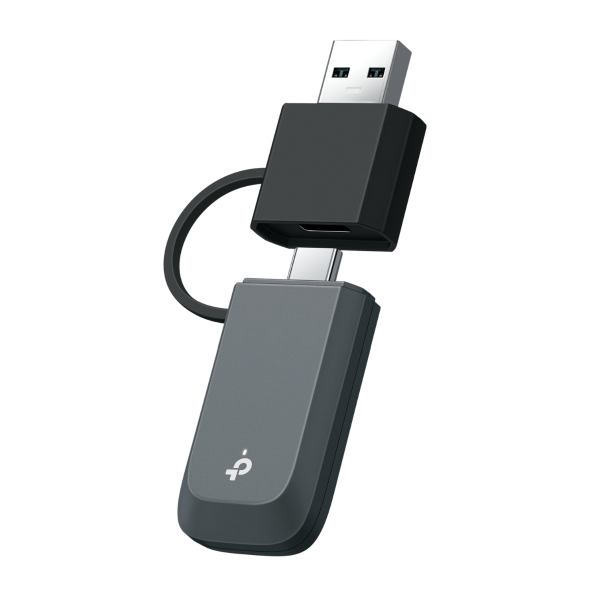
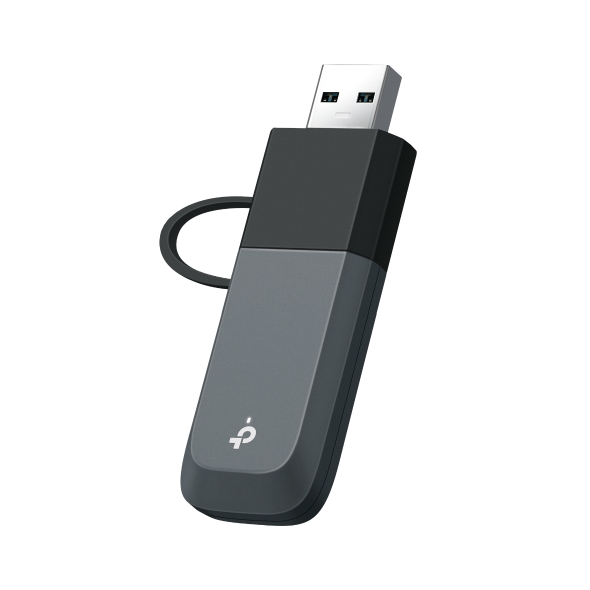
BE3600 Dual Band Wi-Fi 7 Mini Wireless USB Adapter
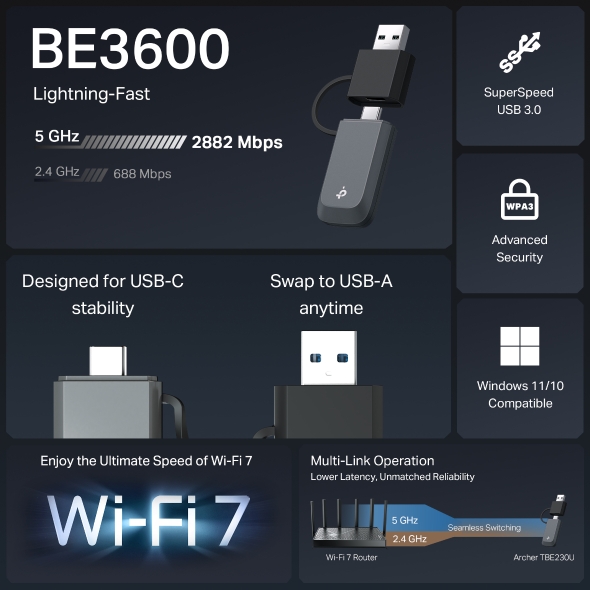
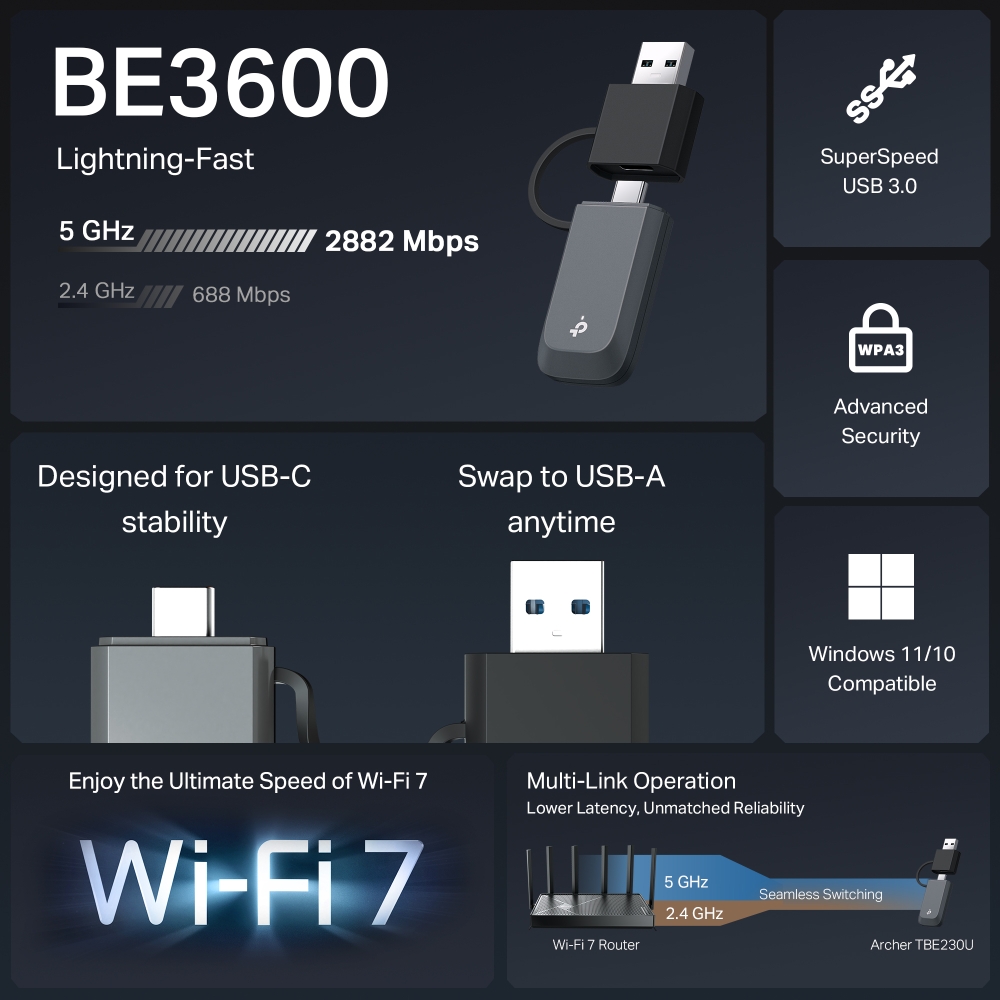
- Wi-Fi 7 แบบ Dual Band ความเร็วสูงพิเศษ: เพิ่มความเร็วเครือข่ายสูงสุดถึง 2882 Mbps (5 GHz) + 688 Mbps (2.4 GHz)†
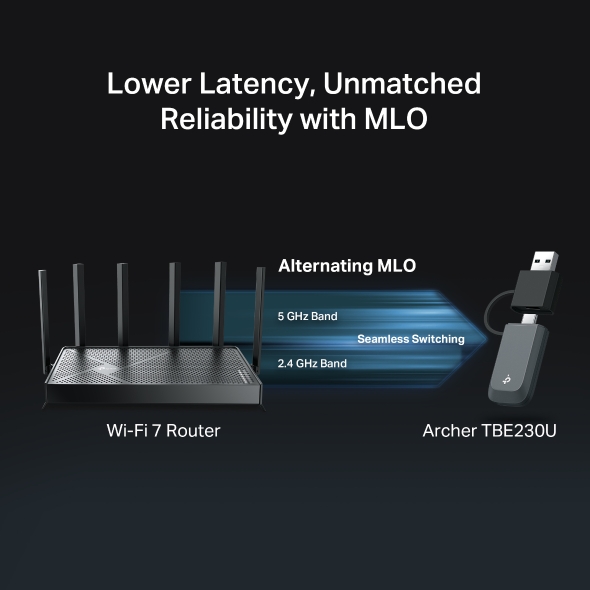
- เพิ่มประสิทธิภาพสูงสุด ความเสถียรเหนือระดับ: เทคโนโลยี Multi-Link Operation ของ Wi-Fi 7 ช่วยลดค่า Latency และมอบประสบการณ์เล่นเกมและสตรีมมิ่งที่ลื่นไหลไร้สะดุด‡
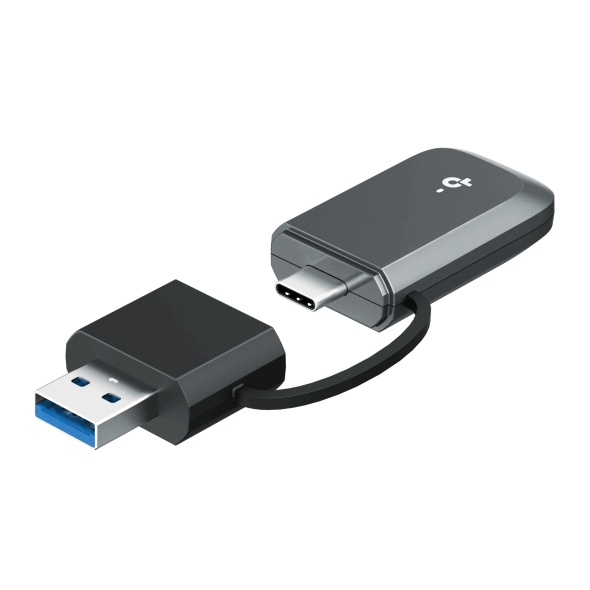
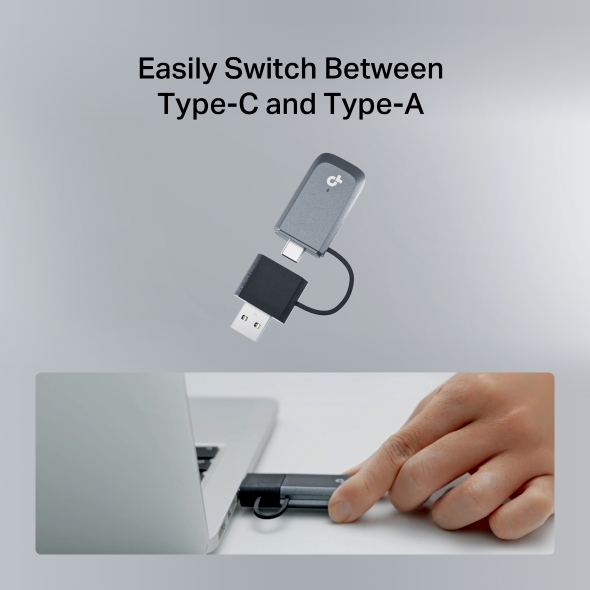
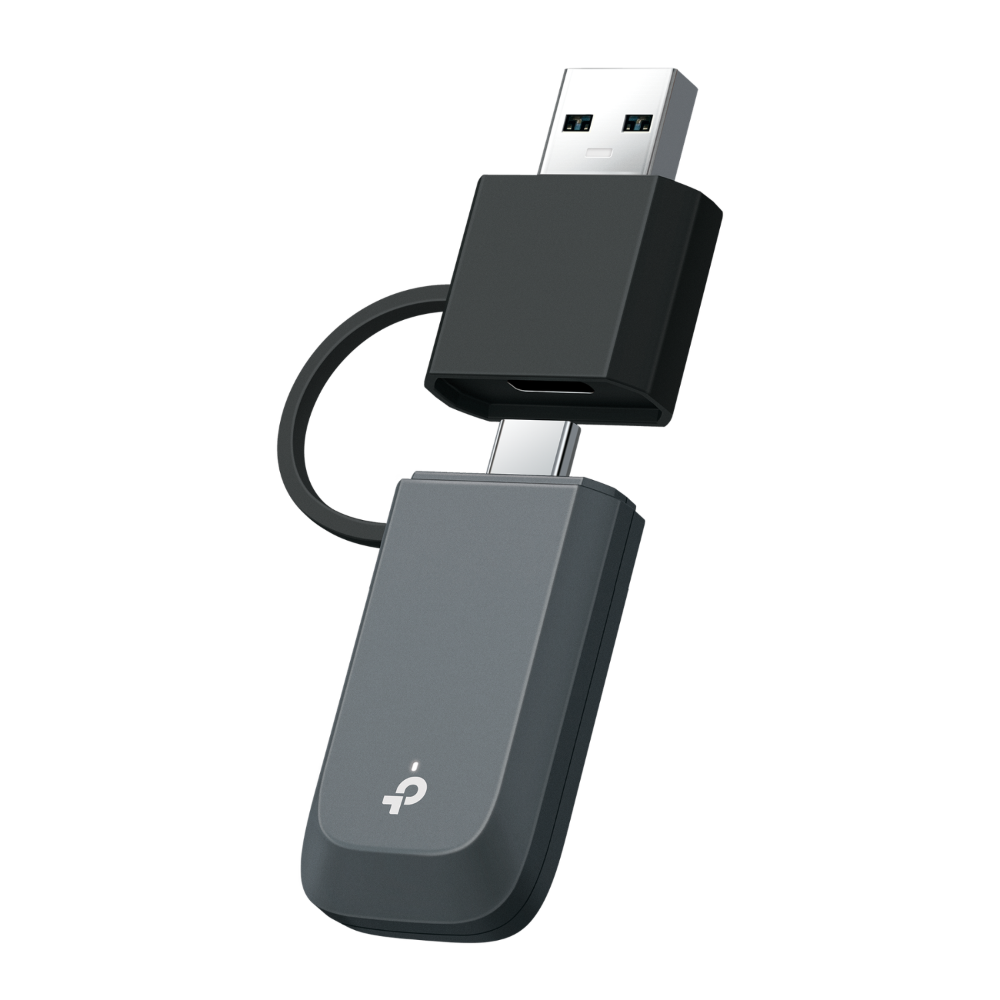
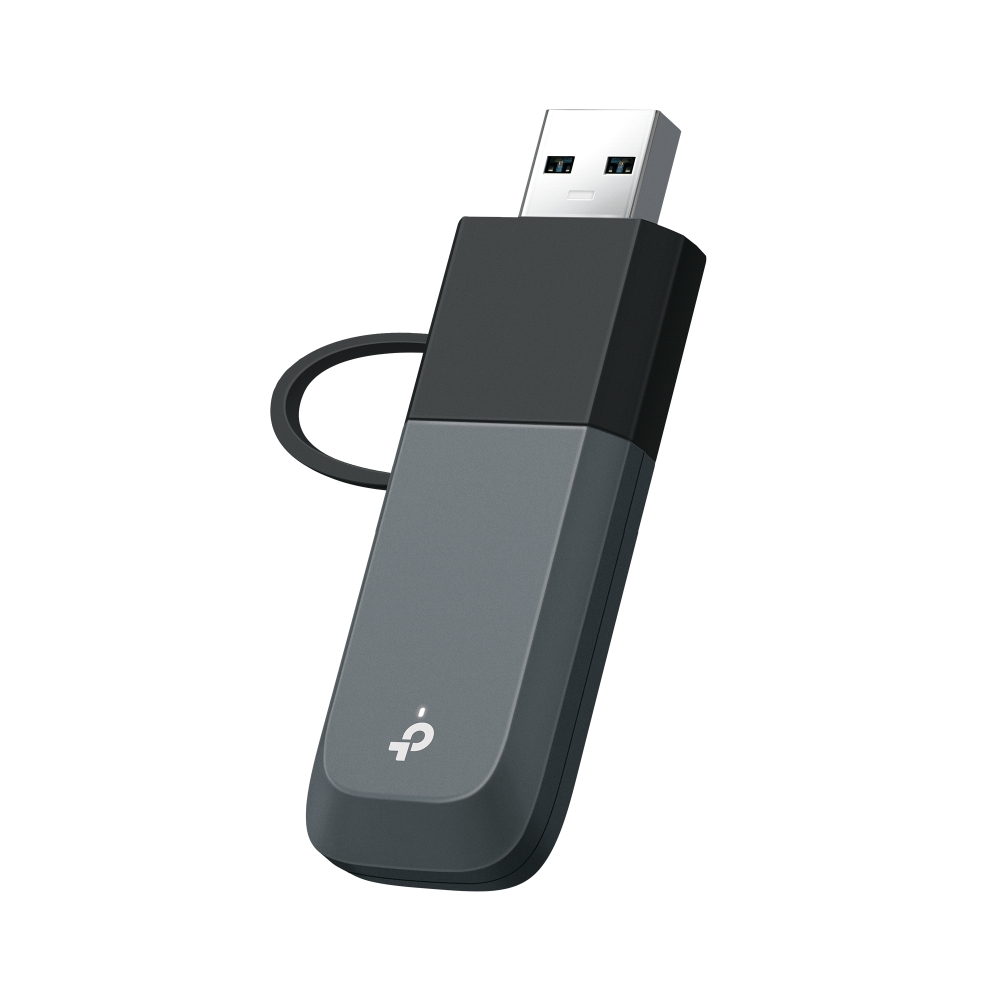
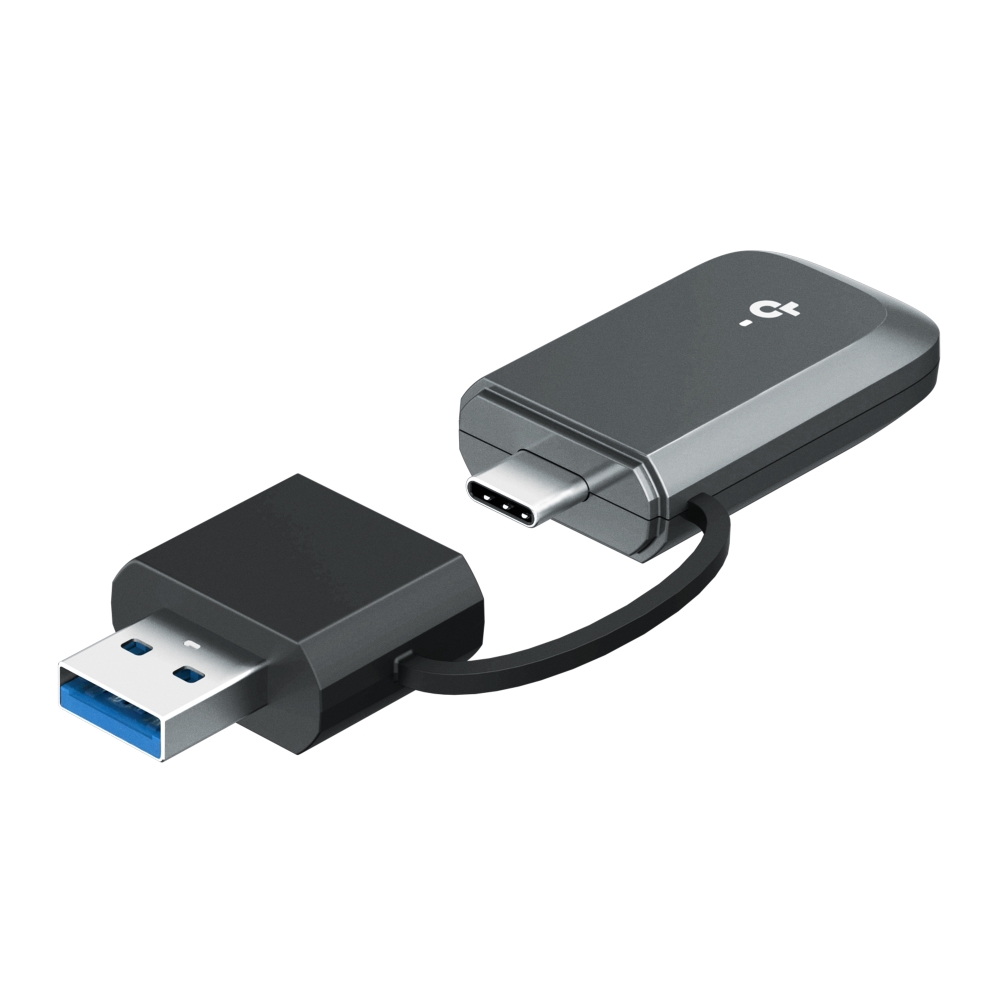
- ความยืดหยุ่นสูงสุด: สลับใช้งานระหว่าง USB-C และ USB-A ได้อย่างง่ายดาย เพื่อการเชื่อมต่อที่ราบรื่นโดยไม่มีข้อจำกัดด้านพอร์ต
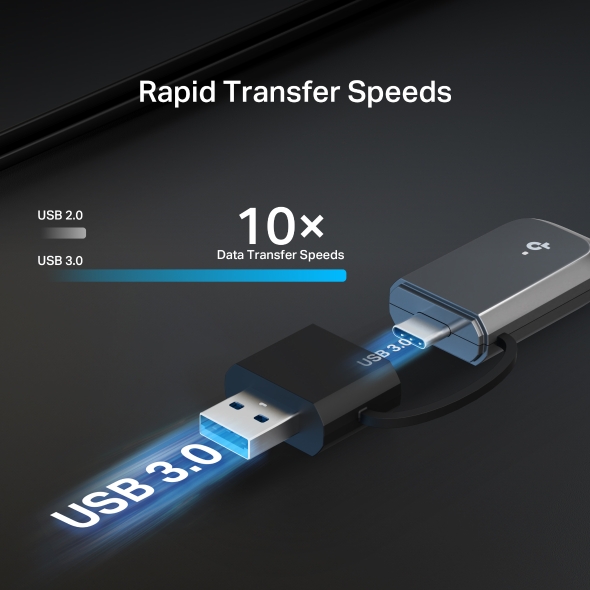
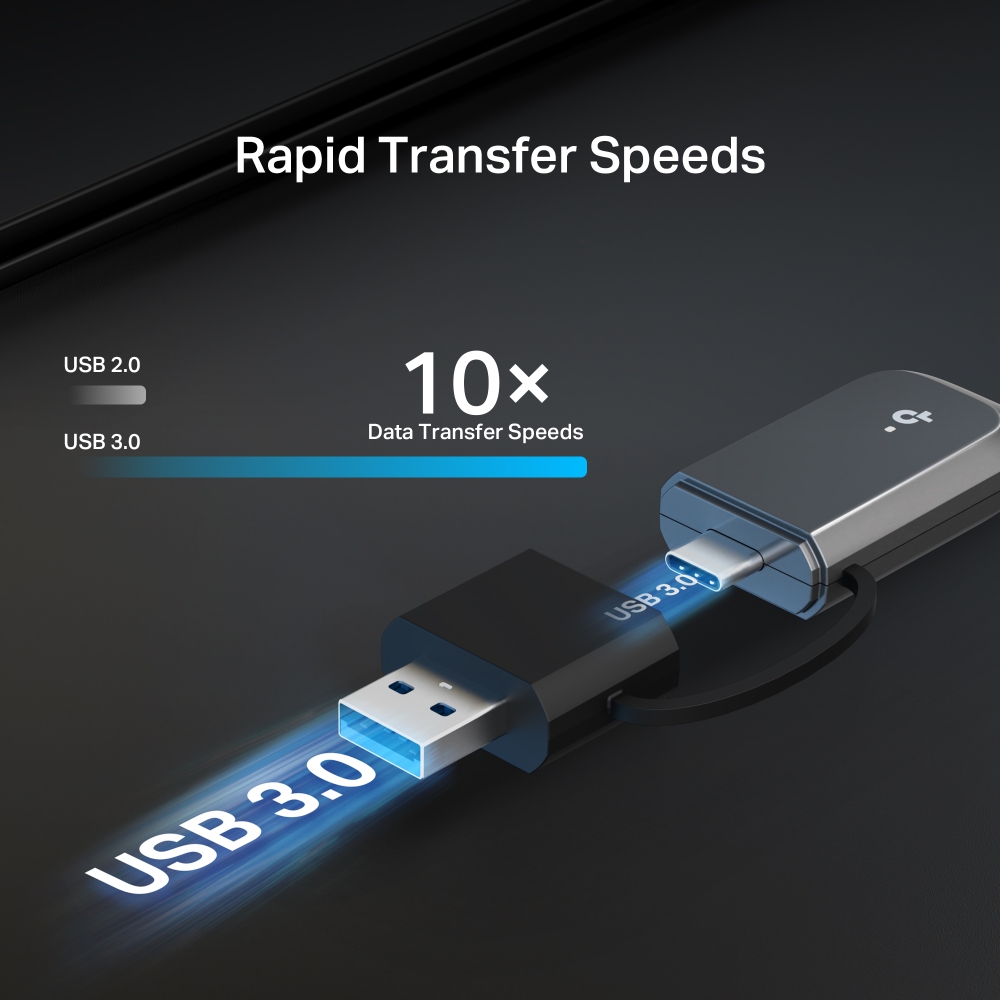
- SuperSpeed USB 3.0: USB 3.0 ให้ความเร็วสูงกว่า USB 2.0 ถึง 10 เท่า ตอบสนองเร็วขึ้น และจัดการพลังงานได้ดียิ่งขึ้น§
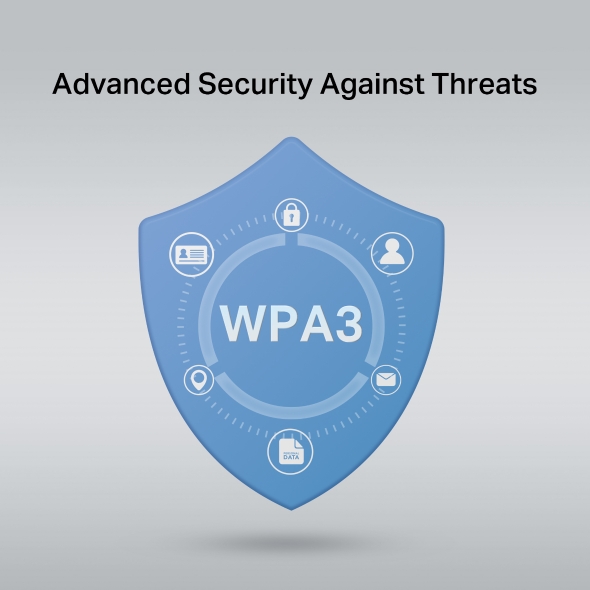
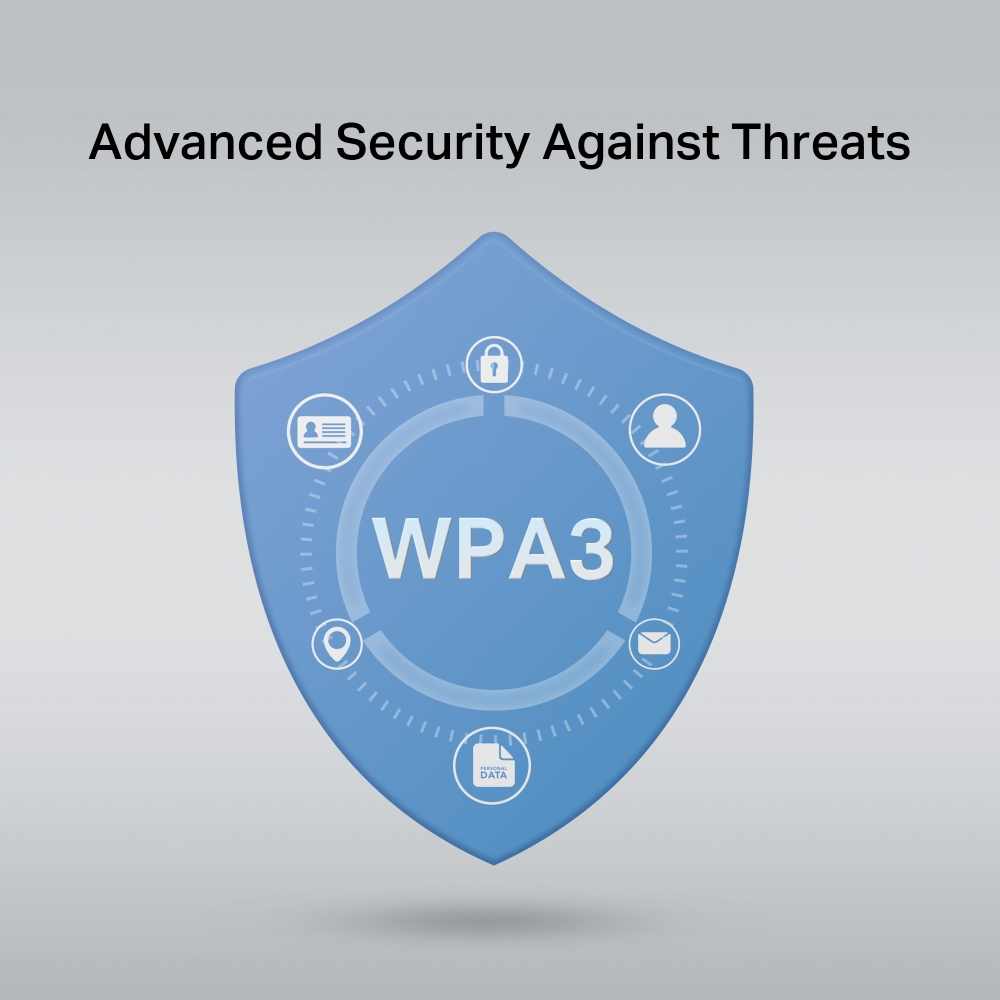
- ความปลอดภัยข้อมูลที่เหนือกว่า: มาตรฐานความปลอดภัยล่าสุด WPA3 ช่วยเพิ่มการปกป้องรหัสผ่านส่วนบุคคล△
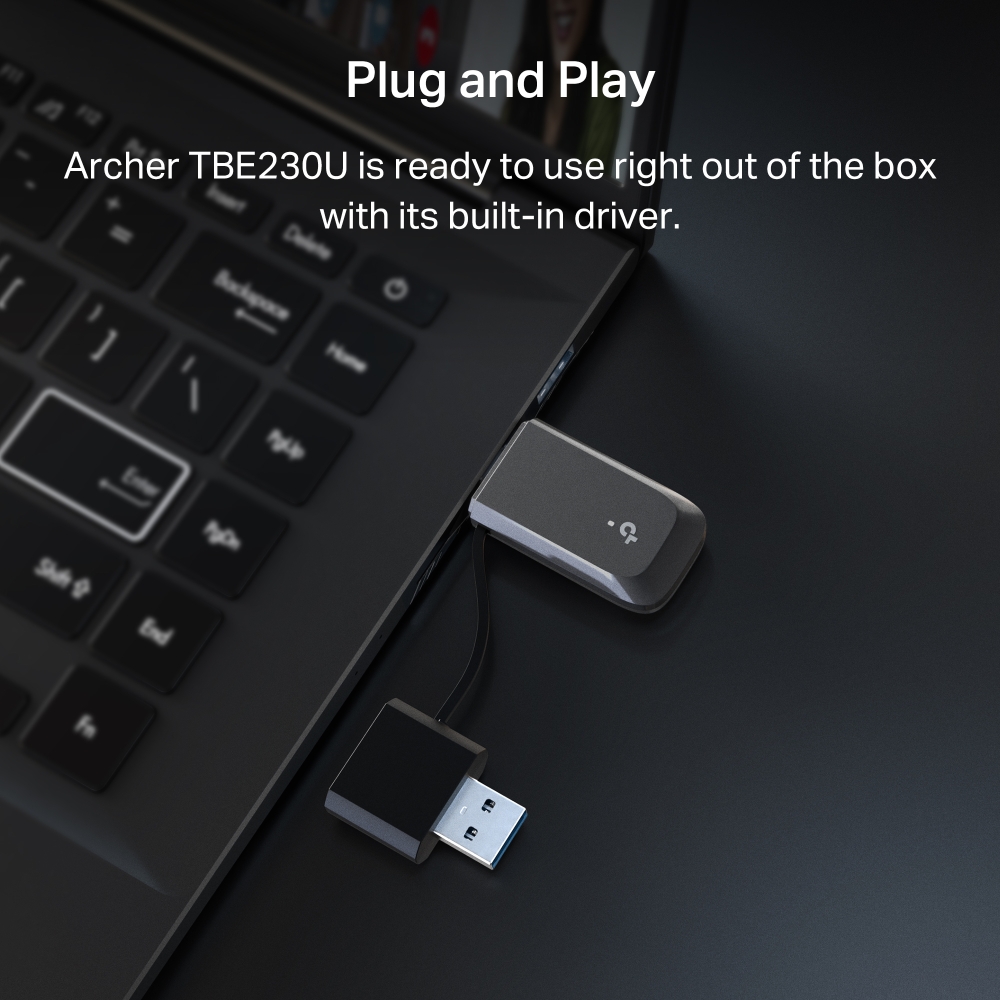
- ใช้งานง่ายแบบ Plug & Play: ติดตั้งโดยไม่ต้องใช้แผ่น CD รองรับ Windows 10/11 ตั้งค่าได้อย่างสะดวก☆
- รองรับระบบปฏิบัติการ: Windows 10/11 (64-bit)☆
Wi-Fi 7 Ready,
Wherever You Go
BE3600 Dual-Band Wi-Fi 7 Mini
Wireless USB Adapter
Archer TBE230U
 Windows 11/10 Compatible
BE3600 Lightning-Fast
2882 Mbps
688 Mbps
สัมผัสความเร็วสูงสุดของ Wi-Fi 7
Multi-Link Operation ลดความหน่วง เชื่อมต่อได้เสถียร
Seamless Switching
Wi-Fi 7 Router
Archer TBE230U
USB-C เสถียร
ทุกการเชื่อมต่อ
สลับพอร์ต USB-A
ได้ง่าย
SuperSpeed USB 3.0
Advanced Security
Windows 11/10 Compatible
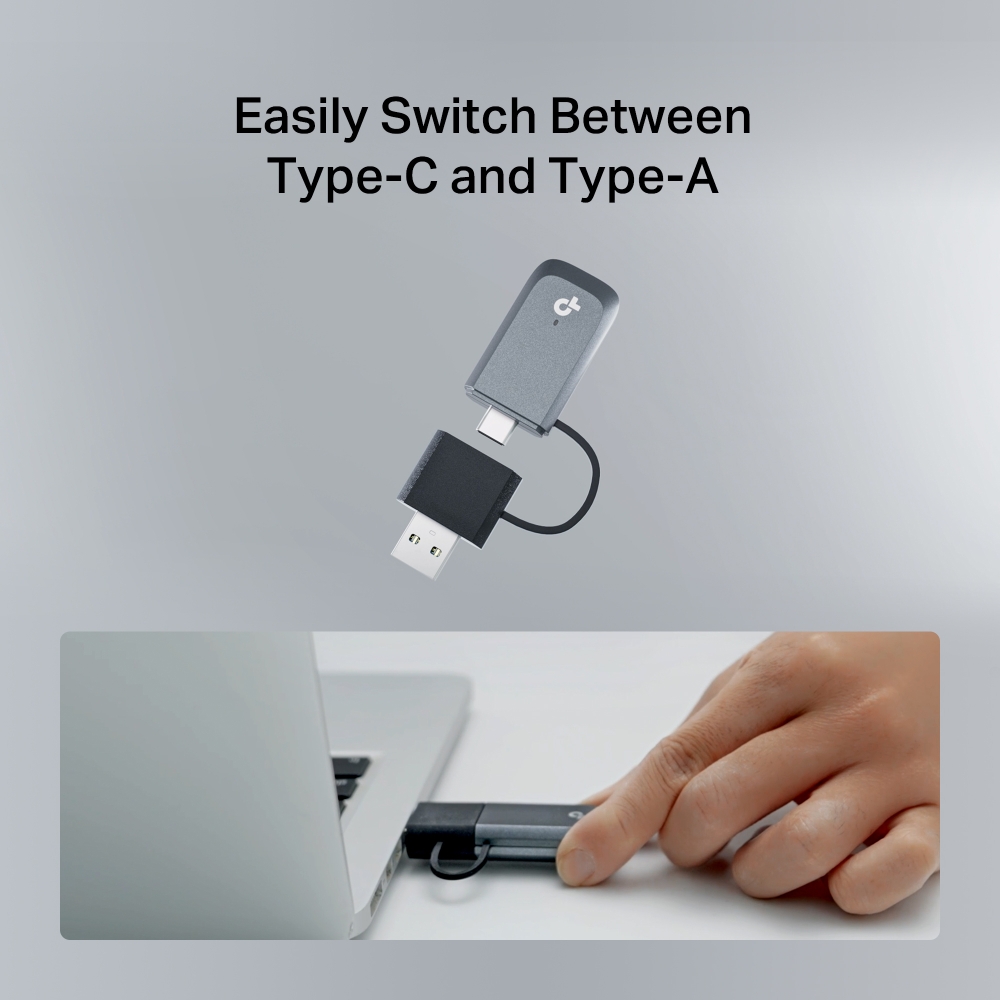
Easily Switch Between USB-C and USB-A
ดีไซน์พอร์ตคู่ (Dual-Port) เชื่อมต่อได้ทั้ง USB-C และ USB-A ไม่ต้องใช้อะแดปเตอร์เพิ่มเติม เพียงเสียบก็พร้อมใช้งานทันที
WiFi 7 — WiFi Like Never Before
สัมผัสความเร็ว ความลื่นไหล และความเสถียรของ Wi-Fi 7 สตรีม เล่นเกม และทำงานหลายอย่างพร้อมกัน
ได้อย่างราบรื่น ไม่มีสะดุด ‡
-
Boosted Speed & Reliability
Multi-Link Operation (MLO)
-
Higher Data Efficiency
4K-QAM
-
More Users, Faster Speeds
Multi-RUs
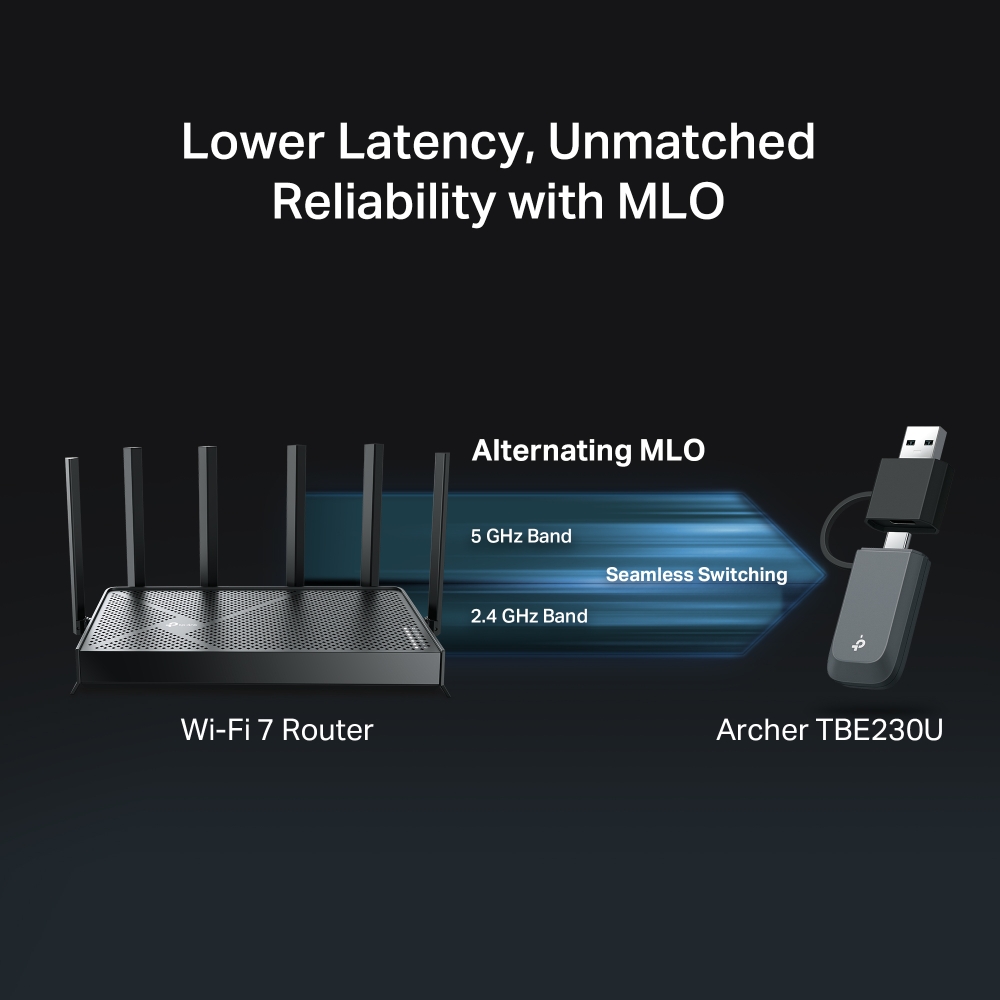
Lower Latency. More Reliable Connections.
Powered by Wi-Fi 7 Multi-Link Operation.
Archer TBE230U มาพร้อมเทคโนโลยี Multi-Link Operation (MLO) ที่เลือกใช้งานย่านความถี่ที่ดีที่สุดโดยอัตโนมัติ เพื่อความเร็วที่สูงขึ้น ลดสัญญาณรบกวน และการเชื่อมต่อที่ลื่นไหลยิ่งขึ้น‡
Powerful Wi-Fi Wherever You Connect

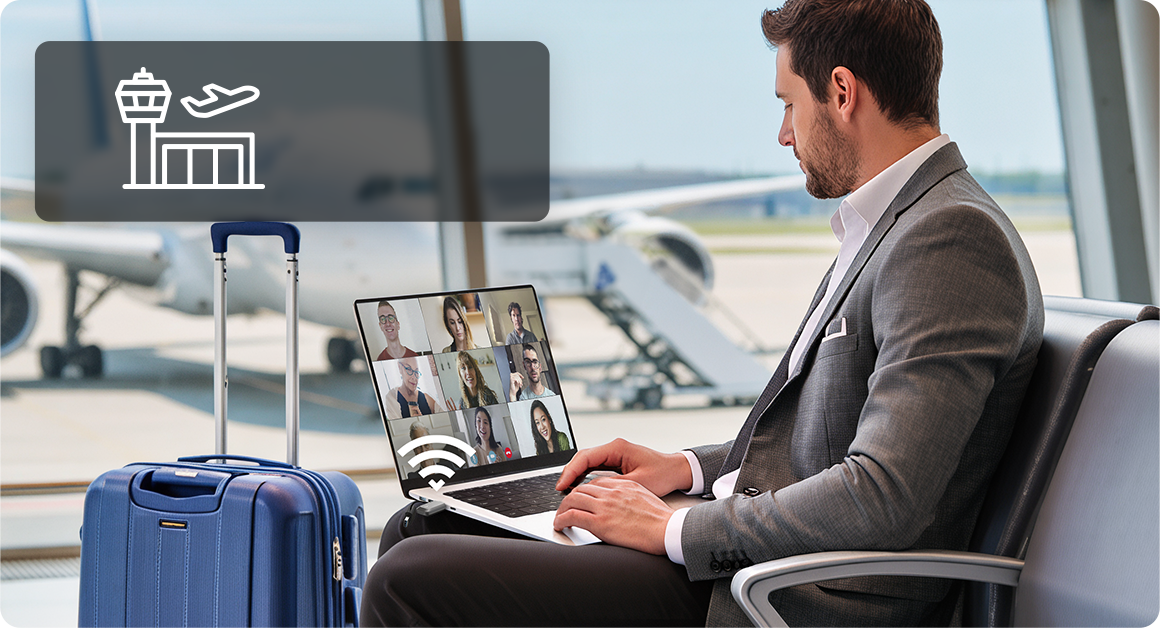 Airport
 School
 Café
Café
 Park
ParkRapid Transfer Speeds
ถ่ายโอนไฟล์ สตรีมคอนเทนต์ และซิงค์อุปกรณ์ได้รวดเร็วยิ่งขึ้น ด้วยการเชื่อมต่อ USB 3.0 ความเร็วสูง§
Easy and Quick Setup
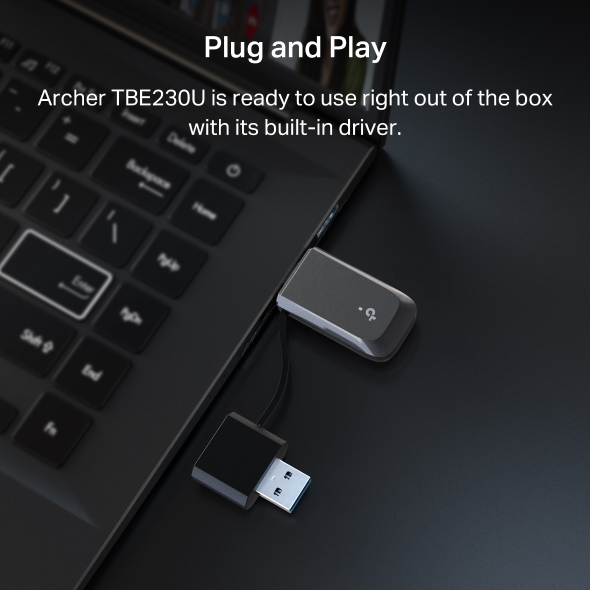
พร้อมใช้งานได้ทันที ด้วยไดรเวอร์ที่ติดตั้งมาในตัว
Windows 11/10 CompatibleAdvanced Security Against Threats
WPA3 มอบการเข้ารหัสขั้นสูงและป้องกันการโจมตีแบบ Brute-Force เพื่อให้เครือข่าย Wi-Fi และข้อมูลของคุณปลอดภัยยิ่งขึ้น△
| Dimensions ( W x D x H ) | 2.83 × 0.94 × 0.42 in (72 × 24 × 10.8 mm) |
|---|---|
| Antenna | Internal Antennas |
| Wireless Standards | IEEE 802.11a/b/g/n/ac/ax/be |
|---|---|
| WLAN Signal Rate | 5 GHz:11be: Up to 2882 Mbps(dynamic)11ax: Up to 2402 Mbps(dynamic)11ac: Up to 1732 Mbps(dynamic)11n: Up to 400 Mbps(dynamic)11a: Up to 54 Mbps(dynamic)2.4 GHz:11be: Up to 688 Mbps(dynamic)11ax: Up to 574 Mbps(dynamic)11n: Up to 400 Mbps(dynamic)11g: Up to 54 Mbps(dynamic)11b: Up to 11 Mbps(dynamic) |
| Wireless Modes | Client Mode, Hotspot Mode |
| Wireless Security | WPA/WPA2/WPA3, WPA-PSK/WPA2-PSK |
| Certification | FCC, CE |
|---|---|
| Package Content | BE3600 Dual Band Wi-Fi 7 Mini Wireless USB AdapterQuick Installation Guide |
| System Requirements | Supported operating system: Windows 10/11 (64-bit) |
| Environment | Operating Temperature: 0℃~40℃ (32℉ ~104℉)Storage Temperature: -40℃~70℃ (-40℉~158℉)Operating Humidity: 10%~90% non-condensingStorage Humidity: 5%~90% non-condensing |
†อัตราความเร็วสัญญาณไร้สายสูงสุดเป็นค่าทางกายภาพที่อ้างอิงจากมาตรฐาน IEEE 802.11 ประสิทธิภาพการรับส่งข้อมูลไร้สายจริงและพื้นที่ครอบคลุมไม่สามารถรับประกันได้ และอาจแตกต่างกันไปตามสภาพเครือข่าย ข้อจำกัดของอุปกรณ์ AP และปัจจัยด้านสภาพแวดล้อม เช่น วัสดุก่อสร้าง สิ่งกีดขวาง ปริมาณและความหนาแน่นของการใช้งาน รวมถึงตำแหน่งของ AP
‡การใช้งาน Wi-Fi 7 (802.11be), Wi-Fi 6E (802.11ax), Wi-Fi 6 (802.11ax) และฟีเจอร์อื่น ๆ เช่น MLO, แบนด์วิดท์ 160 MHz, 4K-QAM, Multi-RUs, OFDMA, MU-MIMO และ BSS Color จำเป็นต้องให้อุปกรณ์ AP และระบบปฏิบัติการของคอมพิวเตอร์รองรับฟีเจอร์ดังกล่าวด้วย ทั้งนี้ MLO ยังอยู่ระหว่างการพัฒนาในอุปกรณ์ Wi-Fi 7 บางรุ่น และจะรองรับผ่านการอัปเดตไดรเวอร์ในอนาคต
§ผ่านการทดสอบโดย USB-IF และคอมพิวเตอร์ของคุณจำเป็นต้องรองรับ USB 3.0 เช่นกัน
△การใช้งาน WPA3 จำเป็นต้องให้อุปกรณ์ AP รองรับฟีเจอร์ดังกล่าวด้วย
☆เพื่อให้มั่นใจถึงความเข้ากันได้ อาจจำเป็นต้องอัปเดตไดรเวอร์ของอะแดปเตอร์หลังจากมีการอัปเดตระบบปฏิบัติการ โดยสามารถดาวน์โหลดไดรเวอร์ล่าสุดได้จากศูนย์ดาวน์โหลดที่ https://www.tp-link.com/en/support download/