
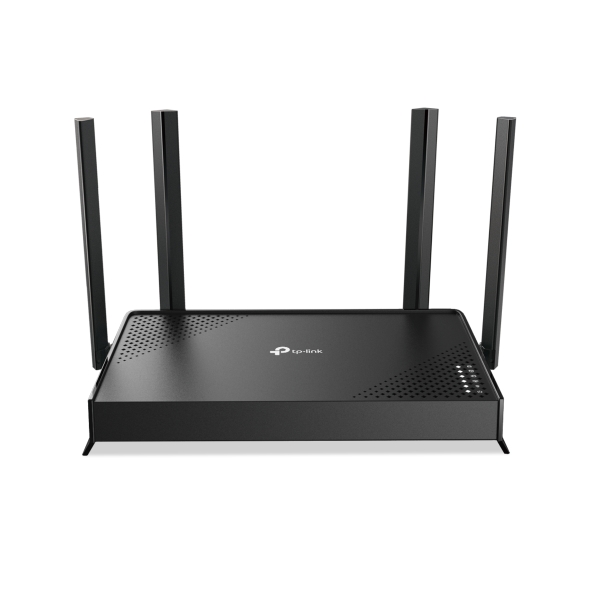
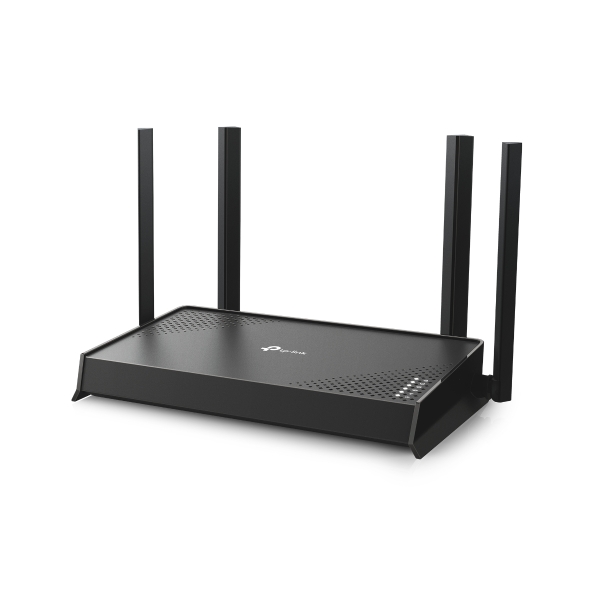
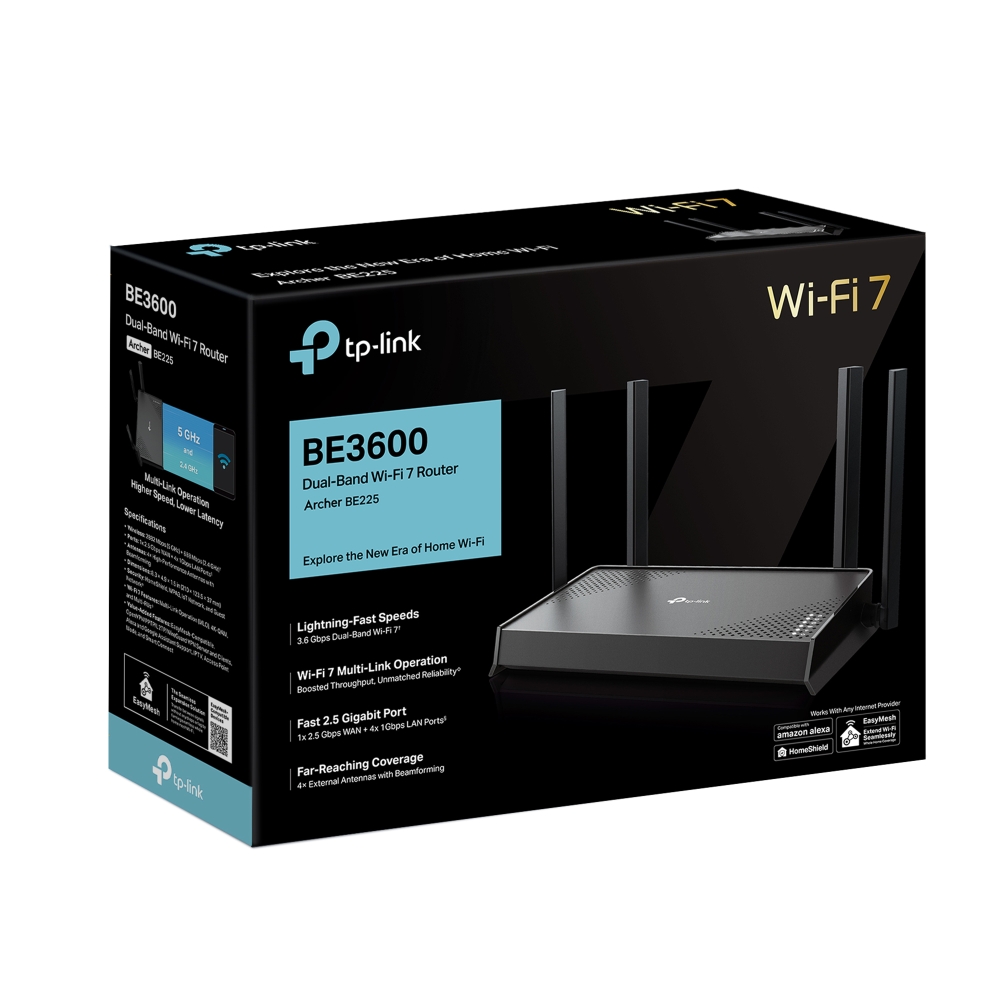
Archer BE225
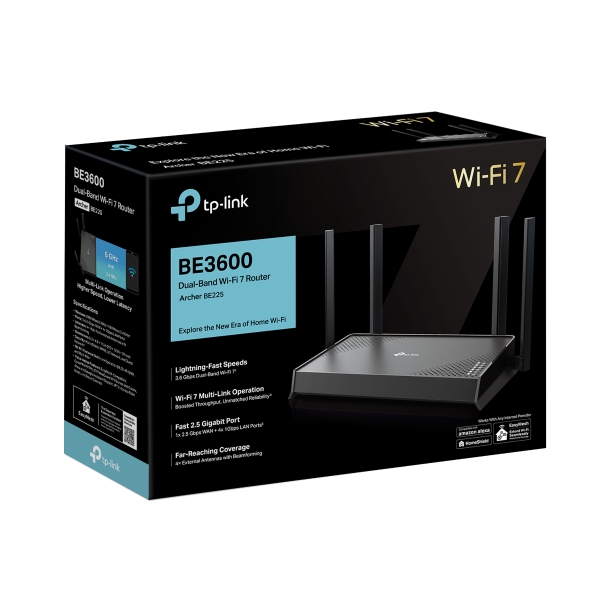
เร็ว ๆ นี้BE3600 Dual-Band Wi-Fi 7 Router
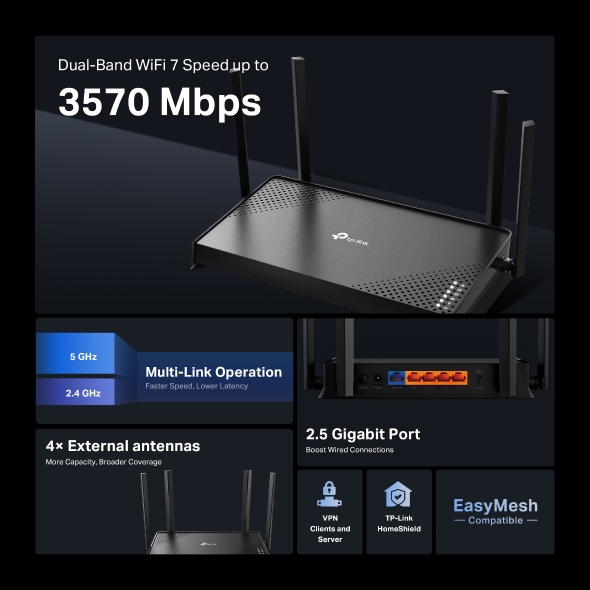
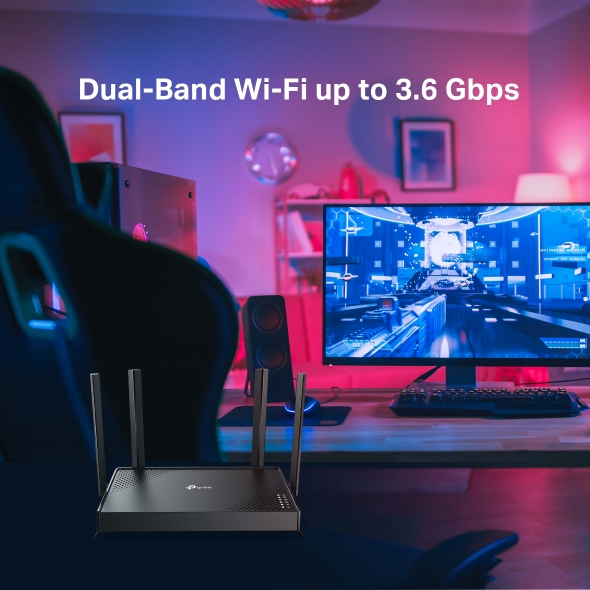
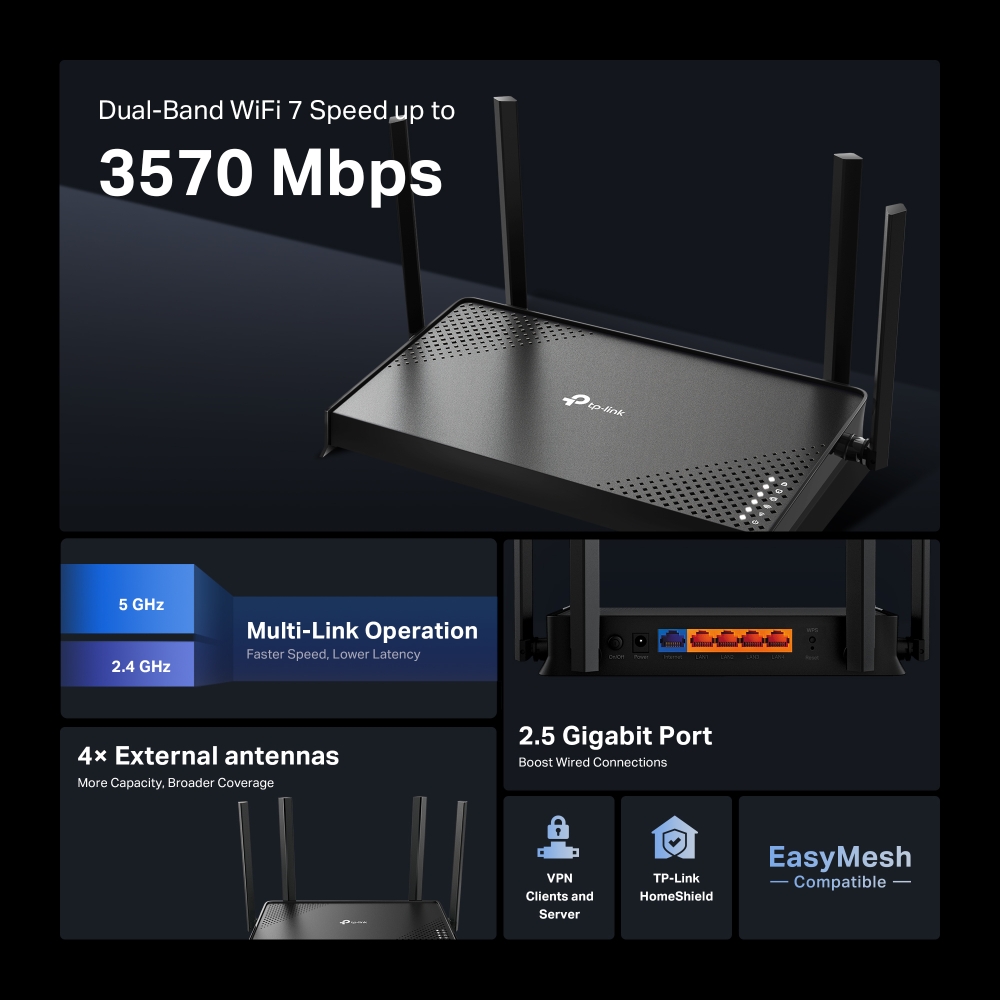
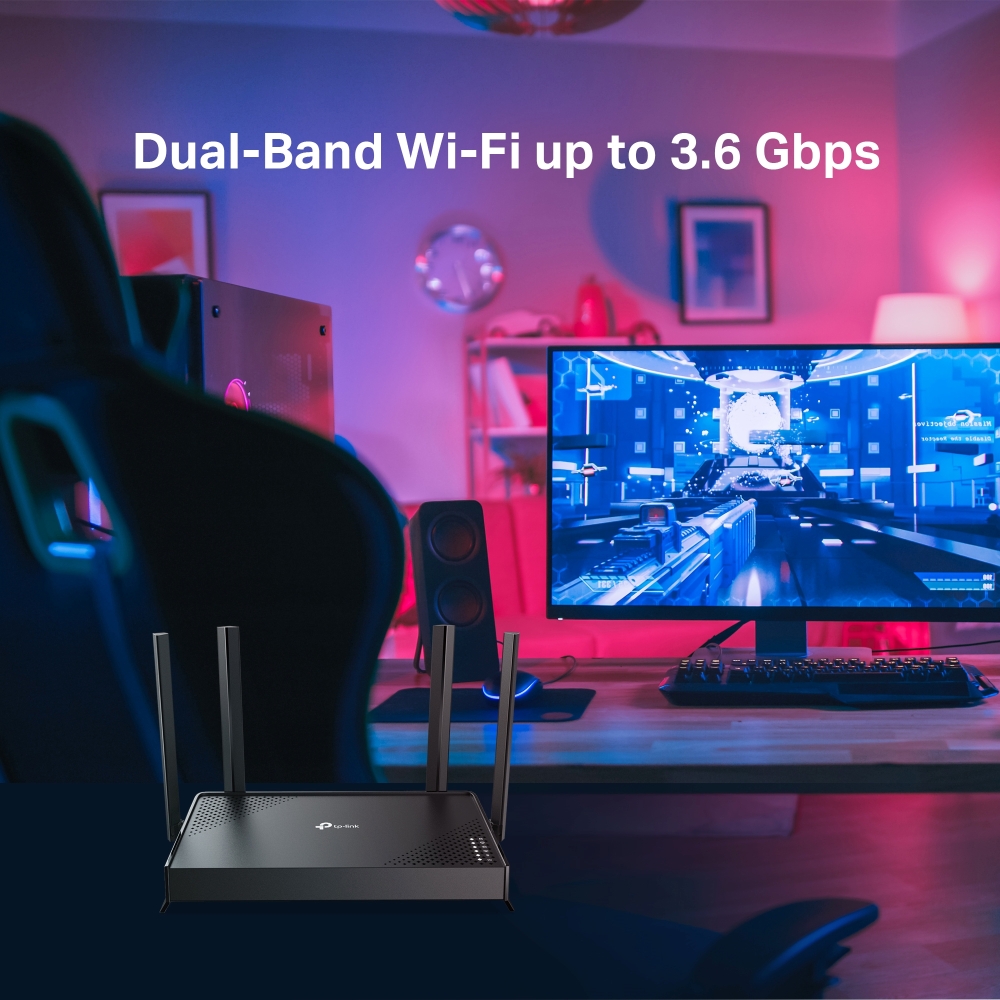
- 3.6 Gbps Dual-Band WiFi 7: WiFi แบบ Dual-Band ระดับ BE3600 มอบความเร็ว WiFi สูงสุด 3.6 Gbps†
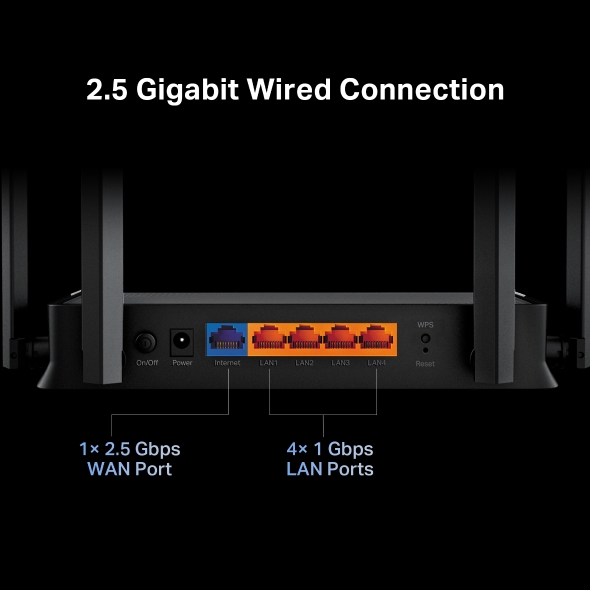
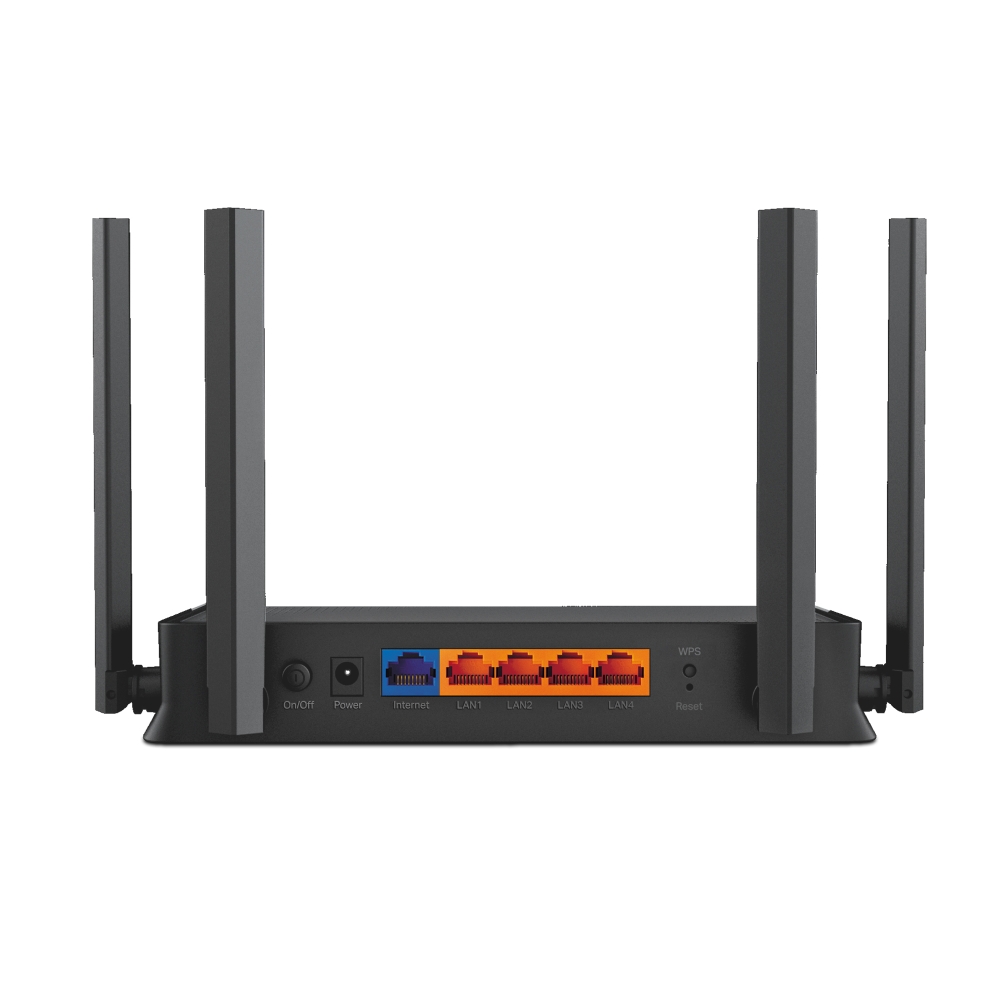
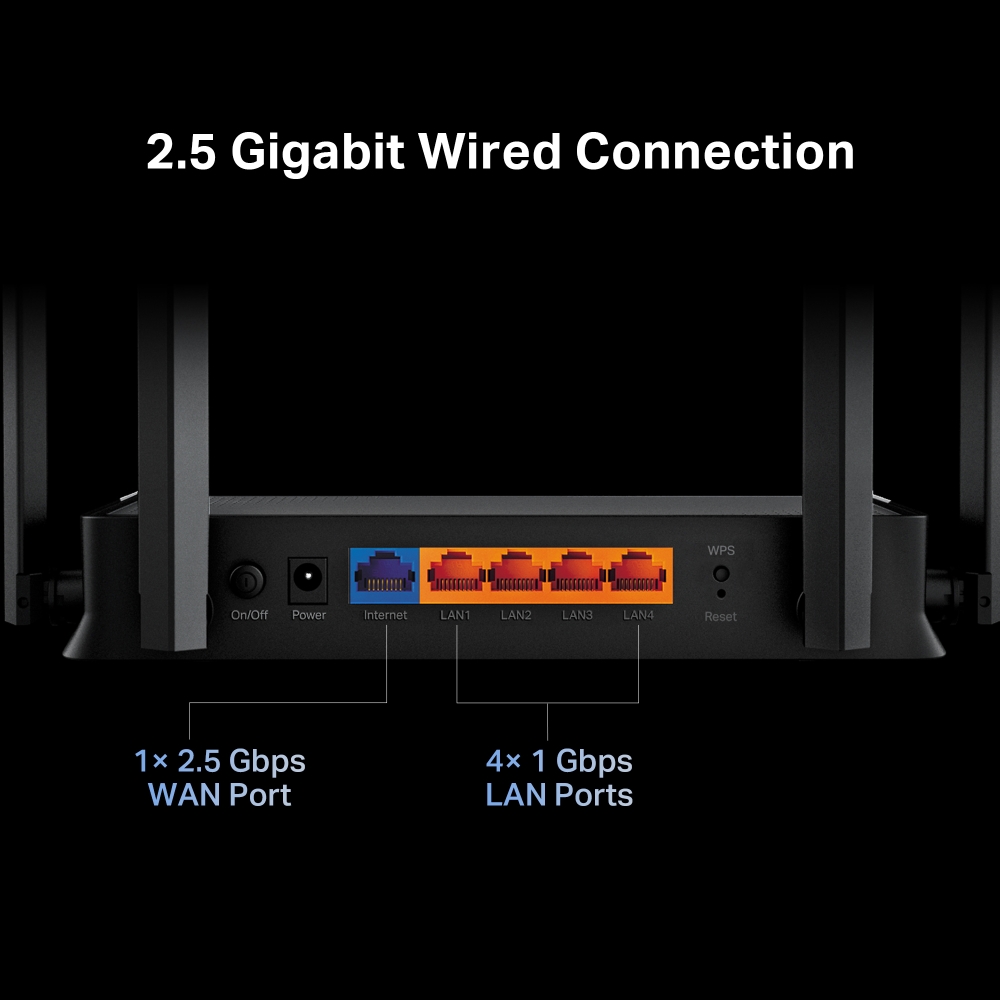
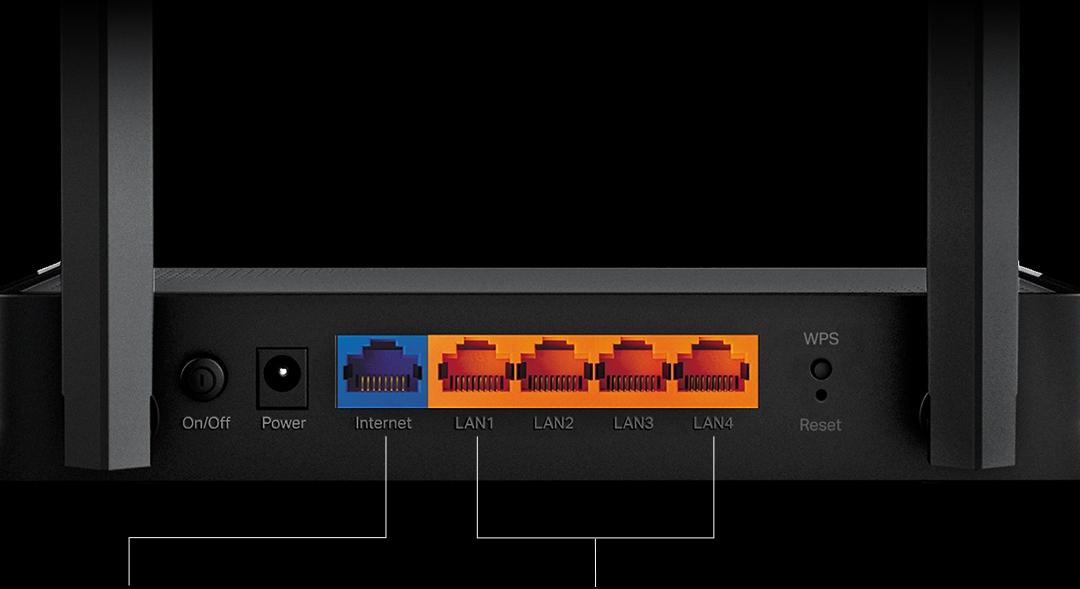
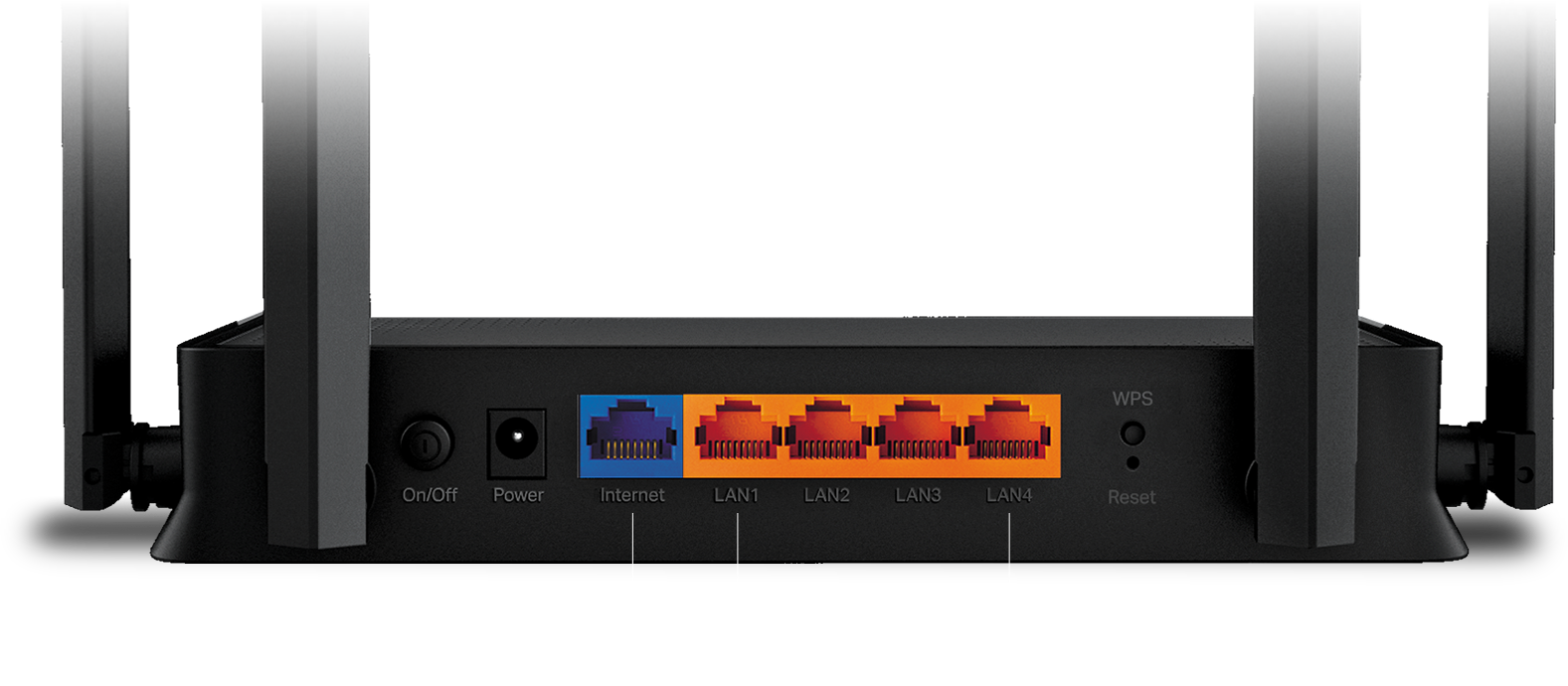
- 2.5 Gigabit Wired Connection: พอร์ต WAN 2.5 Gbps จำนวน 1 พอร์ต ช่วยให้ใช้ความเร็วระดับ Gigabit จากผู้ให้บริการอินเทอร์เน็ตได้อย่างเต็มที่‡
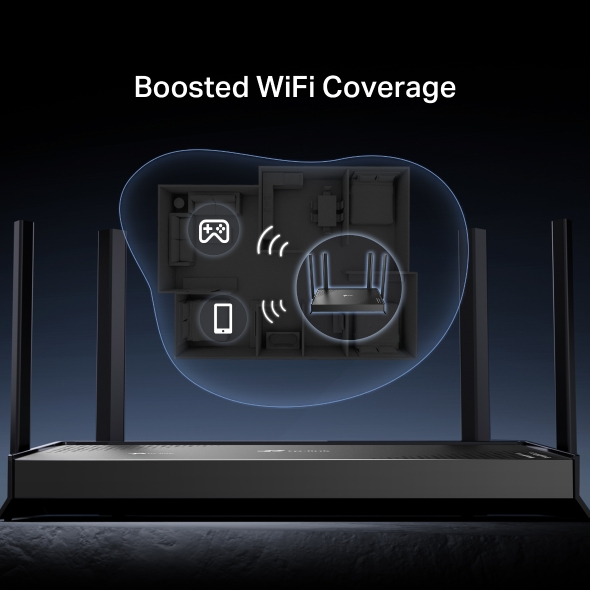
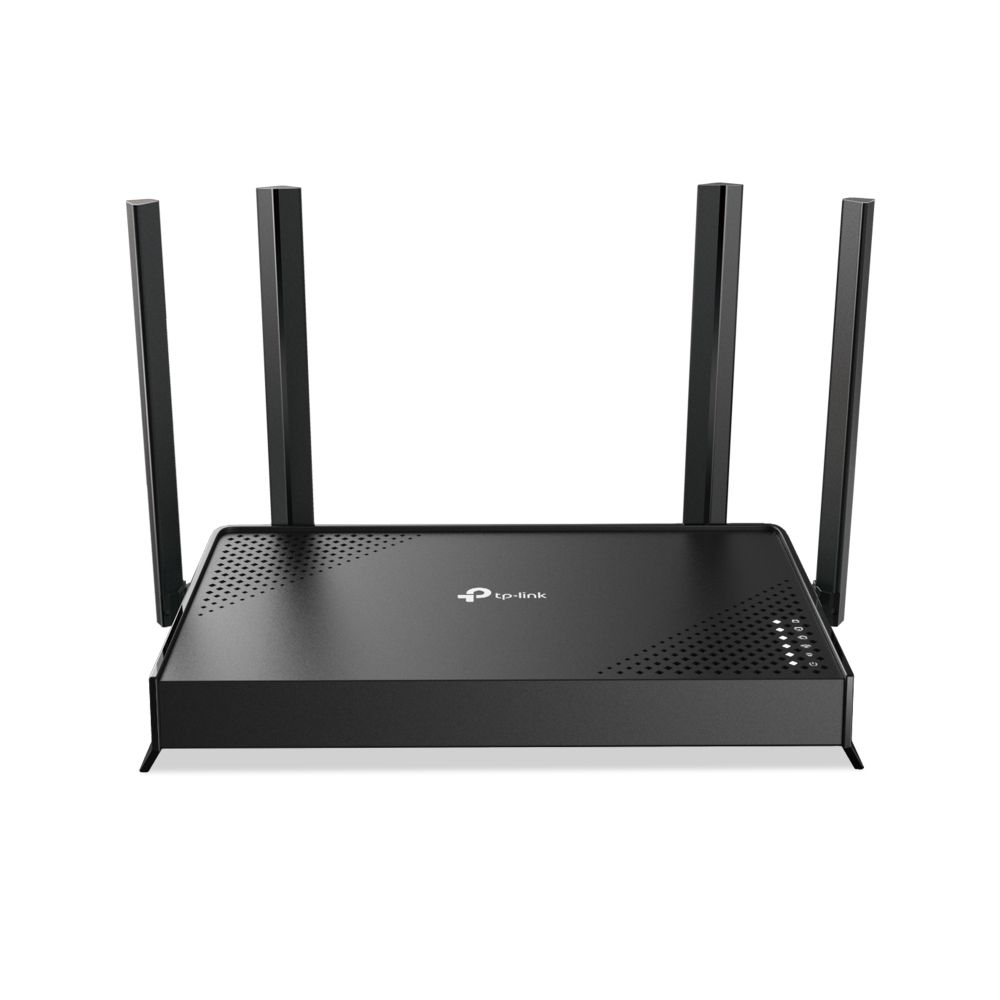
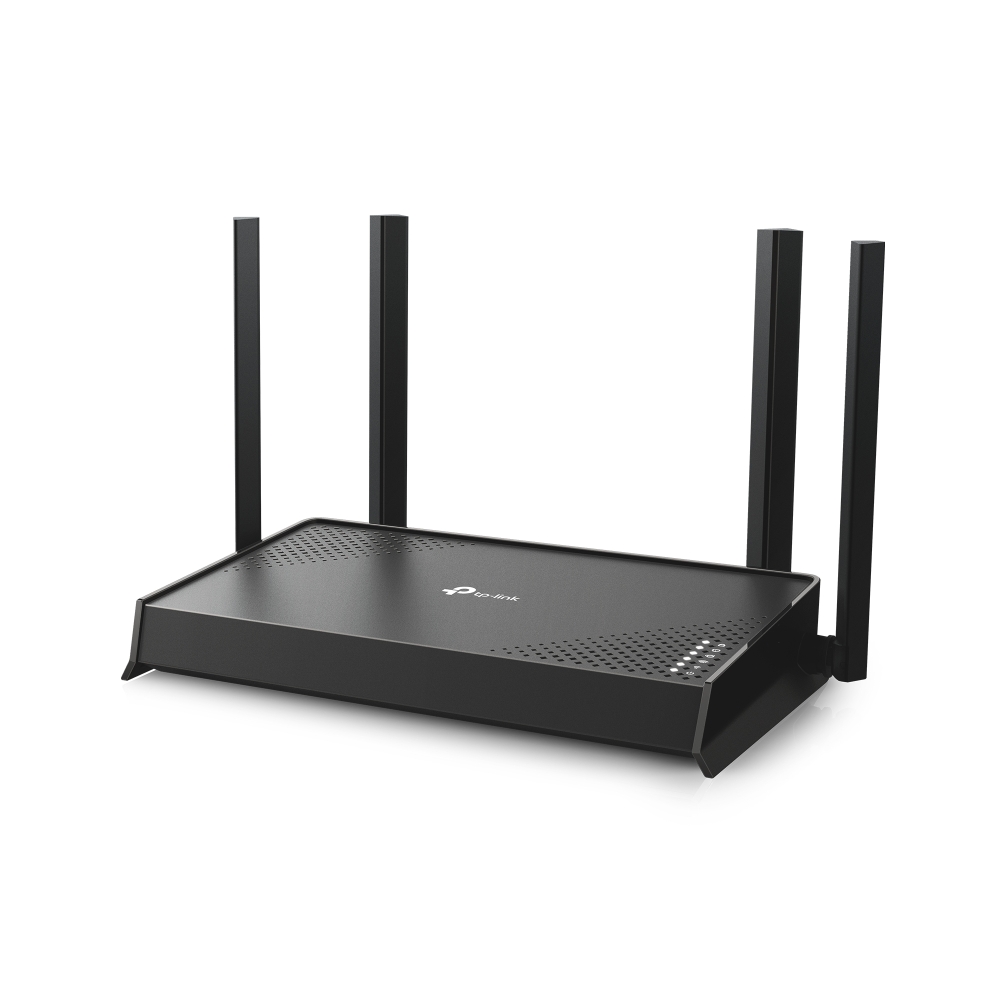
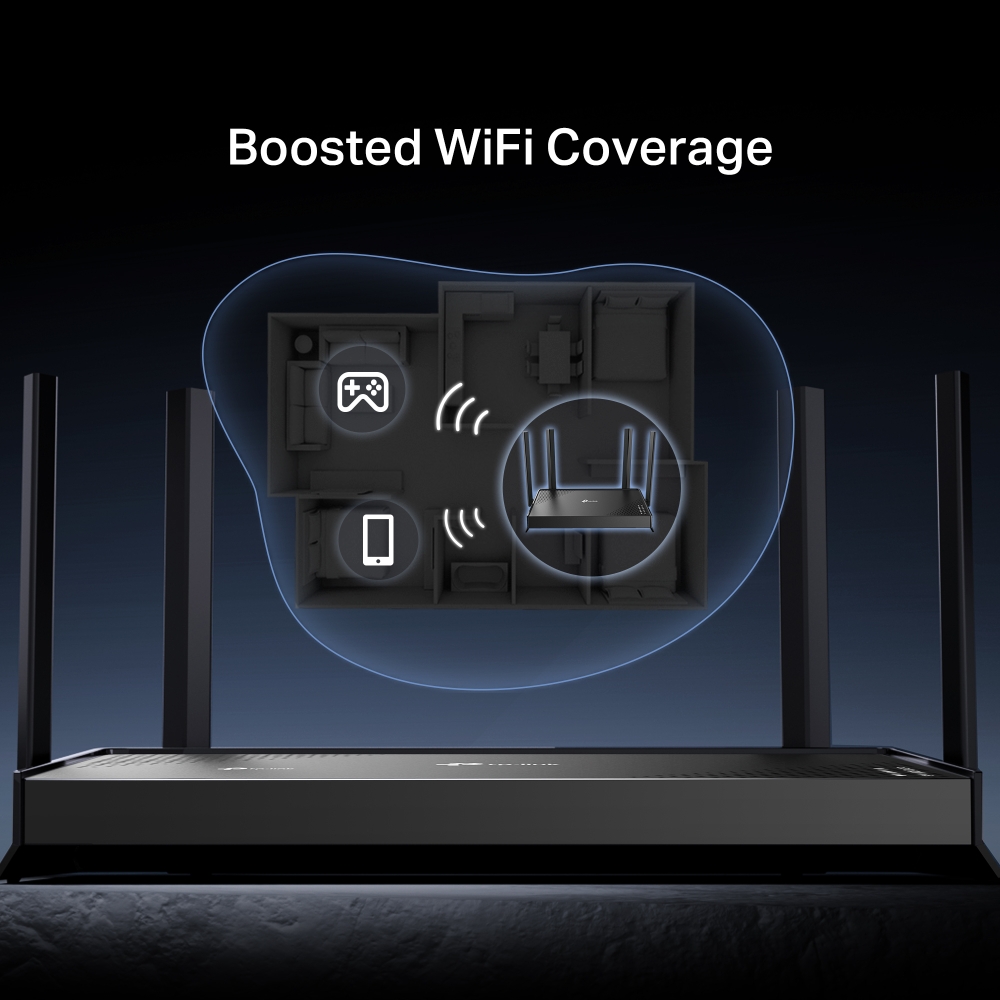
- Maximized Coverage: เสาอากาศภายนอก 4 เสา พร้อม Beamforming ช่วยเพิ่มความจุในการรองรับอุปกรณ์ ให้การเชื่อมต่อแรงและเสถียรยิ่งขึ้น พร้อมลดสัญญาณรบกวน
- EasyMesh-Compatible: ทำงานร่วมกับเราเตอร์และอุปกรณ์ขยายสัญญาณที่รองรับ EasyMesh เพื่อสร้าง Mesh WiFi ที่ครอบคลุมทั่วบ้านอย่างไร้รอยต่อ ลดปัญหาสัญญาณหลุดและความหน่วงขณะย้ายจุดเชื่อมต่อ*
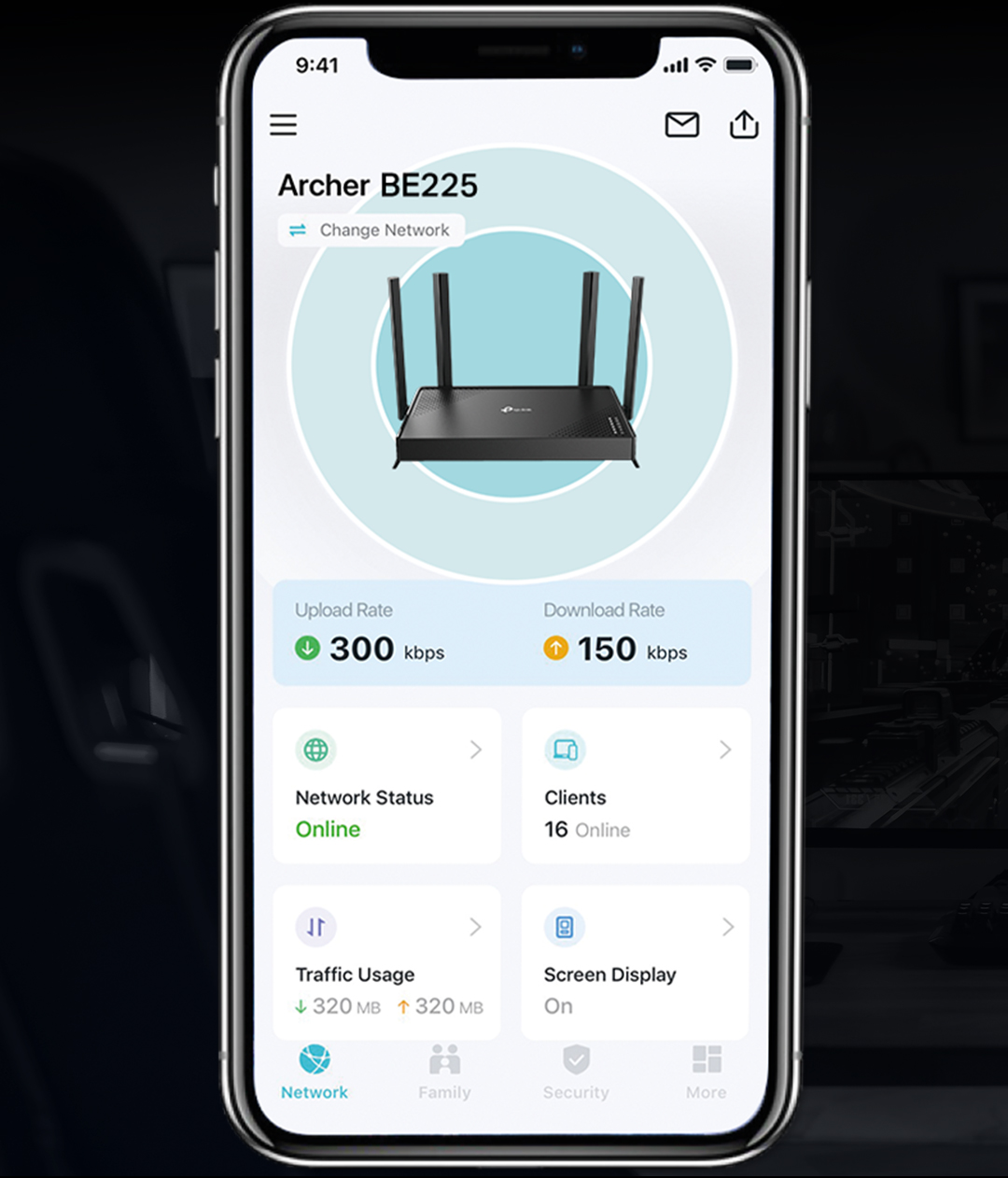
- Easy Setup and Use: จัดการเครือข่ายได้ง่ายกว่าที่เคยผ่านแอป Tether
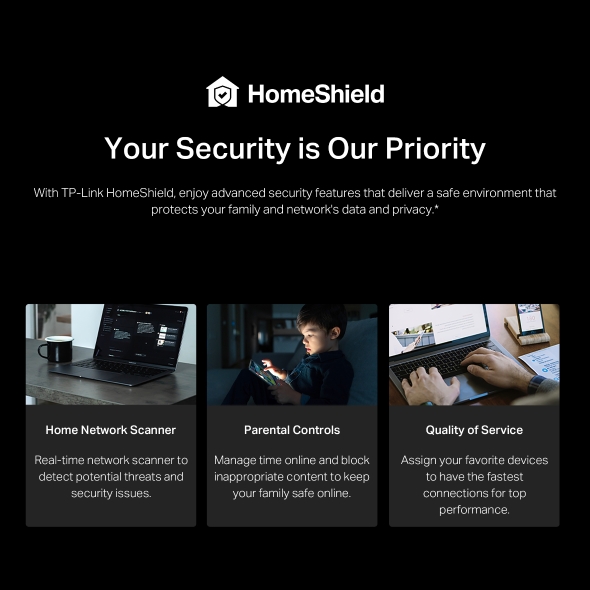
- TP-Link HomeShield: เสริมความปลอดภัยเพื่อป้องกันภัยคุกคามทางไซเบอร์รูปแบบล่าสุด**
- Great Compatibility: รองรับ Wi-Fi ทุกรุ่นและอุปกรณ์ทุกประเภท** รวมถึงผู้ให้บริการอินเทอร์เน็ตทุกราย***

Exploring the New Era of Home WiFi
เราเตอร์ Wi-Fi 7 แบบ Dual-Band ระดับ BE3600
Archer BE225


Multi-Link Operation
เร็วขึ้น หน่วงน้อยลง เชื่อถือได้ยิ่งขึ้น‡Multi-RUs
ใช้ทรัพยากรได้เต็มที่ เพื่อรับส่งข้อมูลได้มากขึ้น‡4K-QAM
ส่งข้อมูลได้ 120% เพื่อความเร็วที่สูงขึ้น‡

 WiFi Dead Zone Killer ลดจุดสัญญาณอ่อนด้วย WiFi ที่ครอบคลุมทั่วบ้าน
 Smart Roaming สตรีมต่อเนื่องไม่สะดุด แม้เดินไปมาภายในบ้าน
 One WiFi Name ไม่ต้องสลับชื่อเครือข่าย WiFi อีกต่อไป


with Extender Wi-Fi
Devices

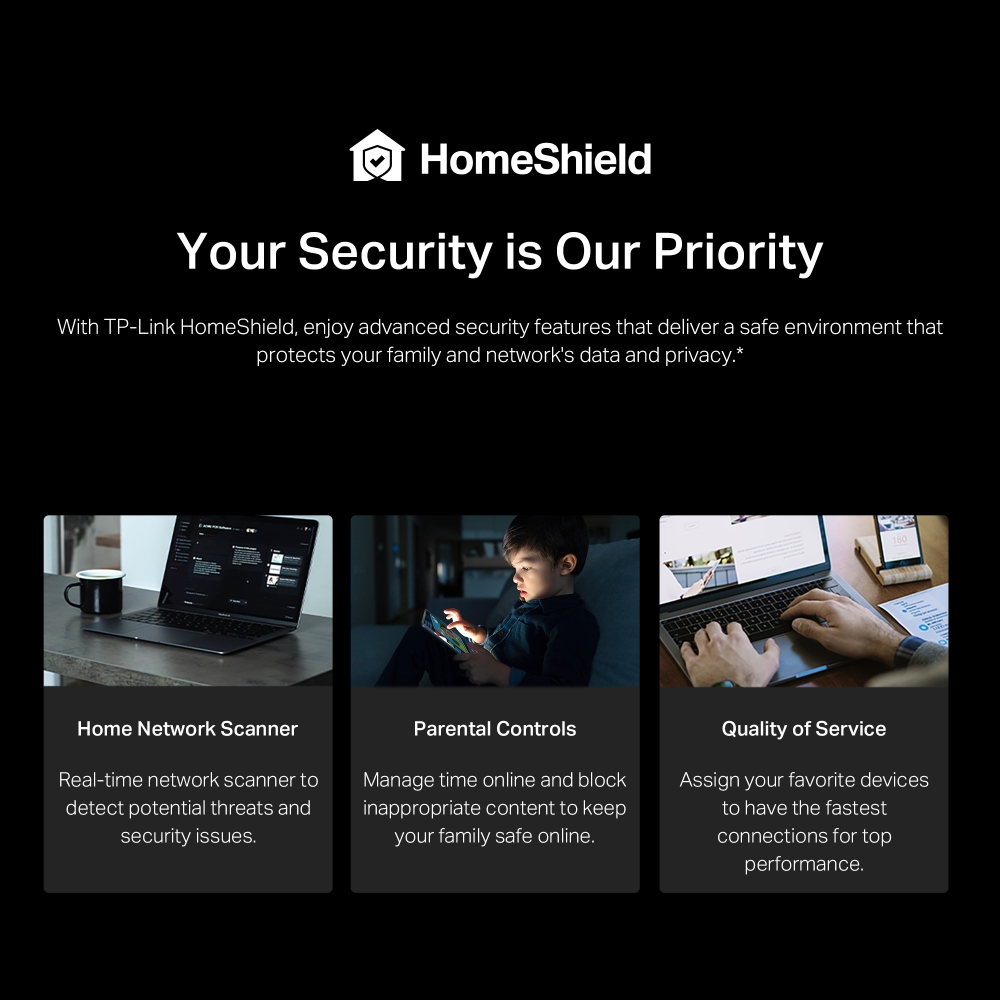
 Your Security is Our Priority TP-Link HomeShield มอบฟีเจอร์ความปลอดภัยขั้นสูง ช่วยปกป้องครอบครัว ข้อมูล และความเป็นส่วนตัวบนเครือข่ายของคุณ* เรียนรู้เพิ่มเติมเกี่ยวกับ HomeShield >



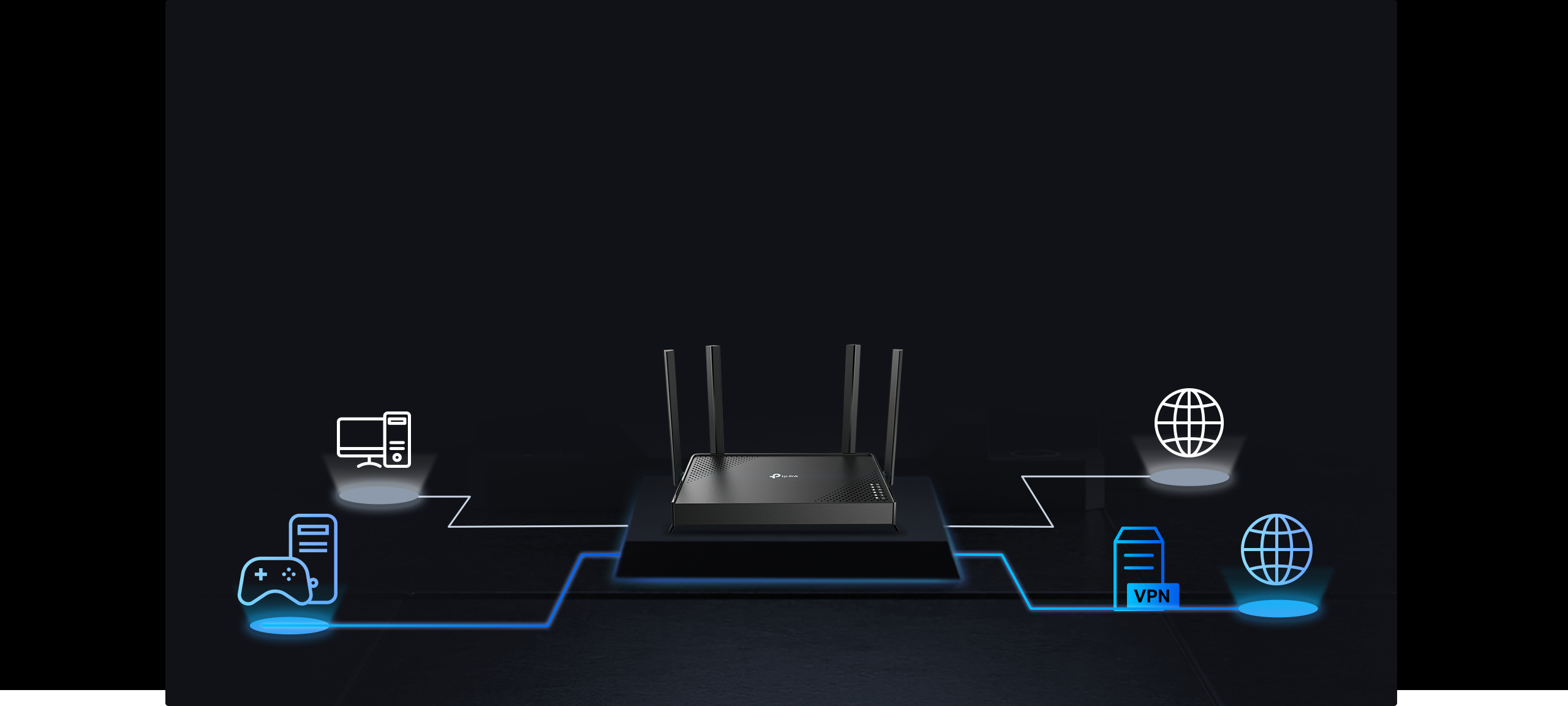
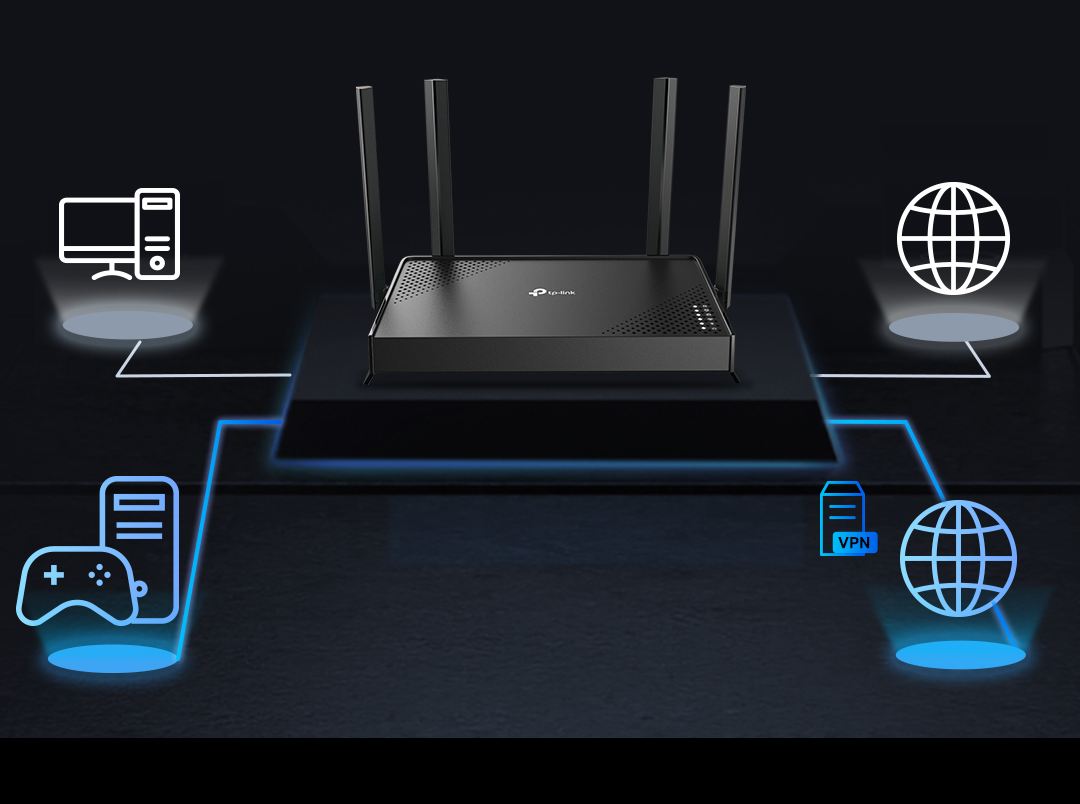 อินเทอร์เน็ตทั่วไป การเชื่อมต่อ VPN แบบเข้ารหัส (OpenVPN/PPTP/L2TP/WireGuard VPN)

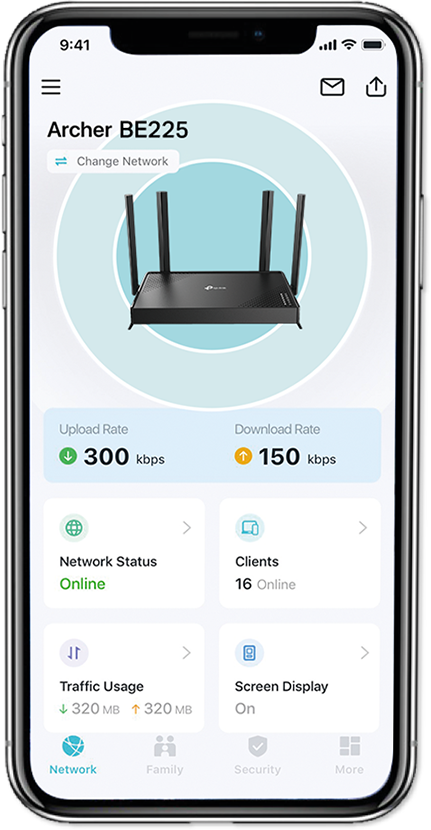
- 1
CONNECT เชื่อมต่อเราเตอร์กับโมเด็ม แล้วเปิดอุปกรณ์ทั้งสองเครื่อง
- 2
DOWNLOAD ดาวน์โหลดและเปิดแอป Tether
- 3
CONFIGURE ตั้งค่าตามคำแนะนำในแอป


| WiFi Speeds | BE3600• 5 GHz: 2882 Mbps (802.11be)• 2.4 GHz: 688 Mbps (802.11be) |
|---|---|
| WiFi Range | 3 Bedroom Houses 4× External AntennasMultiple antennas form a signal-boosting array to cover more directions and large areasBeamformingConcentrates wireless signal strength towards clients to expand WiFi range |
| WiFi Capacity | High Dual-BandAllocate devices to different bands for optimal performance2×2 MU-MIMOSimultaneously communicates with multiple MU-MIMO clientsOFDMASimultaneously communicates with multiple clientsAirtime FairnessImproves network efficiency by limiting excessive occupationDFSAccess an extra band to reduce congestion4 StreamsConnect your devices to more bandwidth |
| Advanced Features | • Multi-Link Operation (MLO)• 4K-QAM• Multi-RUs• EasyMesh-Compatible• Works with Alexa and Google Assistant• IoT Network |
| Wireless Mode | • Router Mode• Access Point Mode |
| Network Security | • SPI Firewall• Access Control• IP & MAC Binding• Application Layer Gateway• HomeShield Security Real-Time IoT ProtectionMalicious Site BlockerIntrusion Prevention SystemDDoS Attack PreventionHome Network Scanner |
|---|---|
| Guest Network | • 1× 5 GHz Guest Network• 1× 2.4 GHz Guest Network |
| VPN Server | • OpenVPN Server• PPTP VPN Server• L2TP VPN Server• WireGuard VPN Server |
| VPN Client | • Open VPN Client• PPTP VPN Client• L2TP VPN Client• WireGuard VPN Client |
| WiFi Encryption | • WPA• WPA2• WPA3• WPA/WPA2-Enterprise (802.1x) |
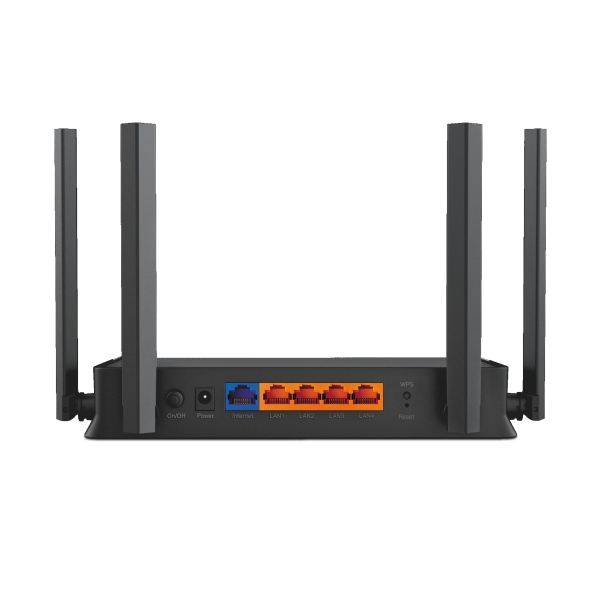
| Ethernet Ports | • 1× 2.5 Gbps WAN• 4× 1 Gbps LAN |
|---|---|
| Power | 12 V ⎓ 2 A (US)12 V ⎓ 1.5 A (EU) |
| Buttons | • Power On/Off Button• Wi-Fi On/Off Button• LED Button • WPS Button• Reset Button |
| Protocol | • IPv4• IPv6 |
|---|---|
| Service Kit | HomeShieldLearn More> |
| EasyMesh | Compatible with EasyMesh |
| Parental Controls | HomeShield Parental Controls Custom ProfilesProfessional Content Filter LibraryFamily TimeBedtimeOff TimeTime RewardsFamily Online Time RankingPause the InternetWeekly and Monthly Reports |
| WAN Type | • Dynamic IP• Static IP• PPPoE• PPTP• L2TP |
| Quality of Service | QoS by Device |
| Cloud Service | • Auto Firmware Upgrade• TP-Link ID• DDNS |
| NAT Forwarding | • Port Forwarding• Port Triggering• DMZ• UPnP |
| IPTV | • IGMP Proxy• IGMP Snooping• Bridge• Tag VLAN |
| DHCP | • Address Reservation• DHCP Client List• Server |
| DDNS | • TP-Link• NO-IP• DynDNS |
| Management Features | • Tether App• Webpage |
| Network Services Enabled by Default | Web Server Manage and configure device through web (HTTP/HTTPS) • Port: 80/443 Protocol: TCP DNS DNS • Port: 53 Protocol: TCP & UDP DHCP Server IP address assignment (DHCP) • Port: 67 Protocol: UDP App management Manage and configure device through app • Port: 20001 Protocol: TCP • Port: 30001 Protocol: TCP • Port: 20002 Protocol: UDP |
|---|---|
| System Requirements | Internet Explorer 11+, Firefox 12.0+, Chrome 20.0+, Safari 4.0+, or other JavaScript-enabled browserCable or DSL Modem (if needed)Subscription with an internet service provider (for internet access) |
| Certifications | CE, FCC, RoHS |
| Environment | • Operating Temperature: 0℃~40℃ (32℉ ~104℉)• Operating Humidity: 10%~90% non-condensing |
†Maximum wireless signal rates are the physical rates derived from IEEE Standard 802.11 specifications. Actual wireless data throughput, wireless coverage, and connected devices are not guaranteed and will vary as a result of network conditions, client limitations, and environmental factors, including building materials, obstacles, volume and density of traffic, and client location.
‡2.5 Gbps internet speeds require compatible service plans and equipment. Actual network speed may be limited by the rate of the product's Ethernet WAN or LAN port, the rate supported by the network cable, Internet service provider factors and other environmental conditions.
*TP-Link EasyMesh-compatible products can network with other devices that use EasyMesh. Failed connections may be due to firmware conflicts of different vendors. The EasyMesh-compatible function is still being developed on some models and will be supported in subsequent software updates.
**HomeShield includes the Free Basic Plan. Fees apply for the Pro Plan. Visit tp-link.com/homeshield for more information.
***WiFi generations represent the wireless standard IEEE 802.11 a/b/g/n/ac/be. All devices need to support 802.11 WiFi protocols.