
How to Check Status of a Replacement on the TP-Link Registration System
 43485
43485Step 1. Open a web browser (Chrome, Edge, Safari), and browse to https://myproducts.tp-link.com.

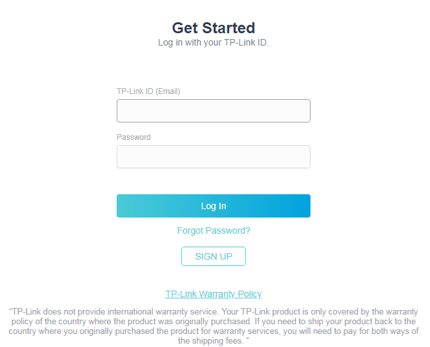
Step 2. Log into the Product Registration System.
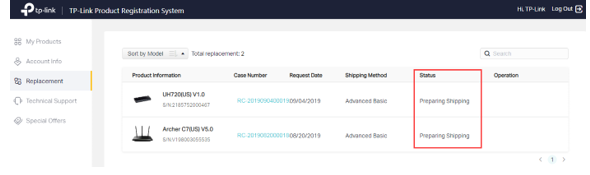
Step 3. Go to Replacement page to view your replacement list and status.
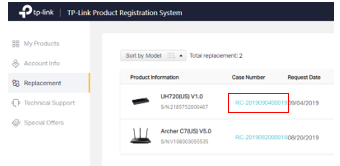
Step 4. To know more details about your replacement, click the blue color Case Number
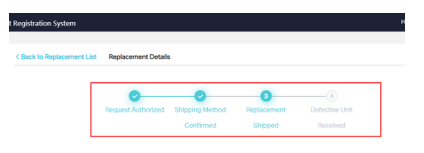
From here you will be able to see the status of your RMA.
このFAQは役に立ちましたか?
サイトの利便性向上にご協力ください。