
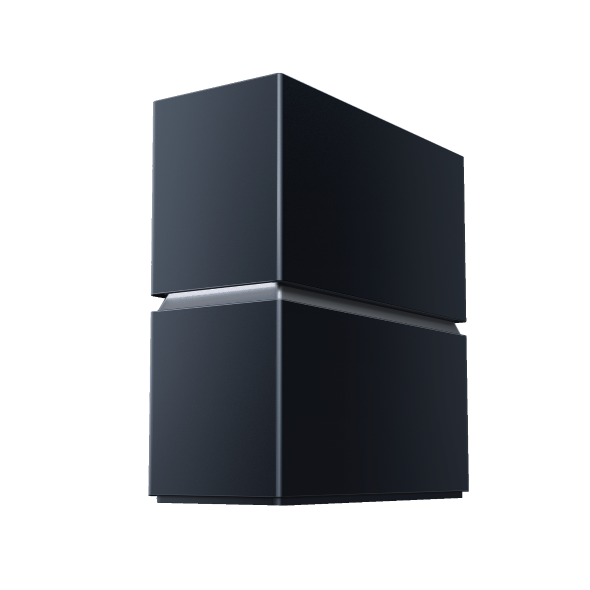
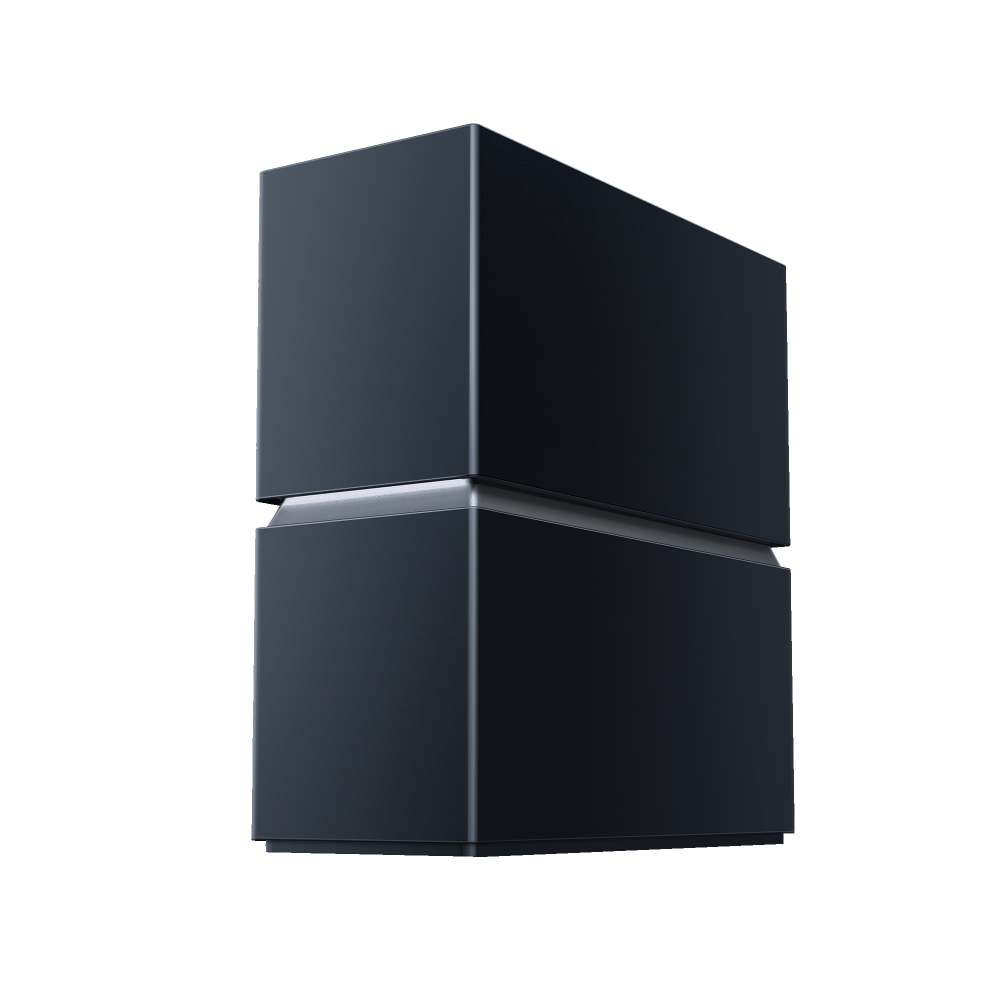
Archer BN800
Early BirdArcher 8 ULTRA | BN19000 Tri-Band Wi-Fi 8 Router
- Experience Ultra-High Reliability with Wi-Fi 8: Stable connections and stronger coverage even in complex network environments.†
- 19 Gbps Tri-Band Wi-Fi 8: 11528 Mbps (6 GHz) + 5764 Mbps (5 GHz) + 1376 Mbps (2.4 GHz).‡
- 18× High-Performance Antennas: Multi-Floor Whole-Home Coverage.
- Supports Multi-Gig Internet Plans: 1× 10 Gbps SFP+/RJ45 WAN/LAN Combo + 1× 10 Gbps RJ45 WAN/LAN + 4× 2.5 Gbps LAN + 1× 1 Gbps LAN△
- Effortless Efficiency with Aireal AI Assistant: AI Self-Diagnosis & Healing + AI QoS + AI Anti-Interference.

WiFi Uninterrupted.

BN19000 Tri-Band Wi-Fi 8 Router

Pure, unfiltered power
For over a decade, better WiFi meant faster speeds. But with WiFi 8, real power is more than peak speed.
It means maintaining reliable performance at the edges, through walls and interference,
and in a home full of devices. Archer 8 Ultra is built to deliver that power every day.
- Tri-Band WiFi 8 Speed
- 19 Gbps
- Whole-Home Coverage‡
- 3,600 sq. ft.
- Connected at once‡
- 200 devices
- With multi-floor mode
- 18 antennas
WiFi 8 StabilityEngine™
TP-Link’s WiFi 8 StabilityEngine™ is an adaptive WiFi system that keeps your network performing steadily
as conditions change. It combines WiFi 8 technologies to strengthen connections,
manage interference and distribute capacity more efficiently across the home.
Devices at the edges of your home can lose signal or drop out. ELR (Enhanced Long Range)
and DRU (Distributed Resource Units) extend cleaner signals to distant and low-power devices.
Walls, appliances, and nearby networks can disrupt even a fast connection. New MCS (Modulation and Coding
Scheme) and UEQM (Unequal Modulation) help connections stay steadier through walls and crowded airspace.
Busy homes can slow down when every device competes for airtime. DSO (Dynamic Sub-band Operation)
and NPCA (Non-Primary Channel Access) share channel capacity so your network stays responsive
with even more devices.
ELR, DRU, and DSO available via future software updates.
Bandwidth for
everything.
All at once.
Up to 19 Gbps of tri-band speed gives you the bandwidth to do more
at once. Stream in 4K/8K, game, video call, and download across
more devices—all with smooth, responsive performance. Plus, get up
to 33% higher throughput than Wi-Fi 7 at the same signal strength.
Up to 33% faster
At the same signal strengths vs. WiFi 7


Whole-home coverage for every device
18 high-performance internal antennas with Multi-Floor Mode and Range Boost deliver up to 3,600 sq
ft of coverage for up to 200 connected devices. Signal reaches across floors, not just rooms, with up to
30% better multi-floor performance than WiFi 7. No external antennas to hide.‡
Better Performance with Multi-Floor Mode
Supports internet
plans
up to 10 Gbps
Two 10 Gbps WAN/LAN ports and four 2.5 Gbps LAN ports
put the fastest wired speeds behind your most demanding
devices and match multi-gig internet plans. Both 10 Gbps
ports auto-sense WAN (internet) or LAN (local device).
- 2× 10 Gbps
- WAN/LAN Port
- 4× 2.5 Gbps
- LAN Ports
- 1× 1 Gbps
- LAN Port
- 1× USB 3.0
- For NAS or Server


Set up your WiFi in one tap
Set up with a simple NFC tap using the Tether app,
and let guests tap for secure WiFi access without ever
seeing your password. Tether also lets you monitor
network status, manage Parental Controls and
personalize settings through one intuitive interface.

 advanced protection
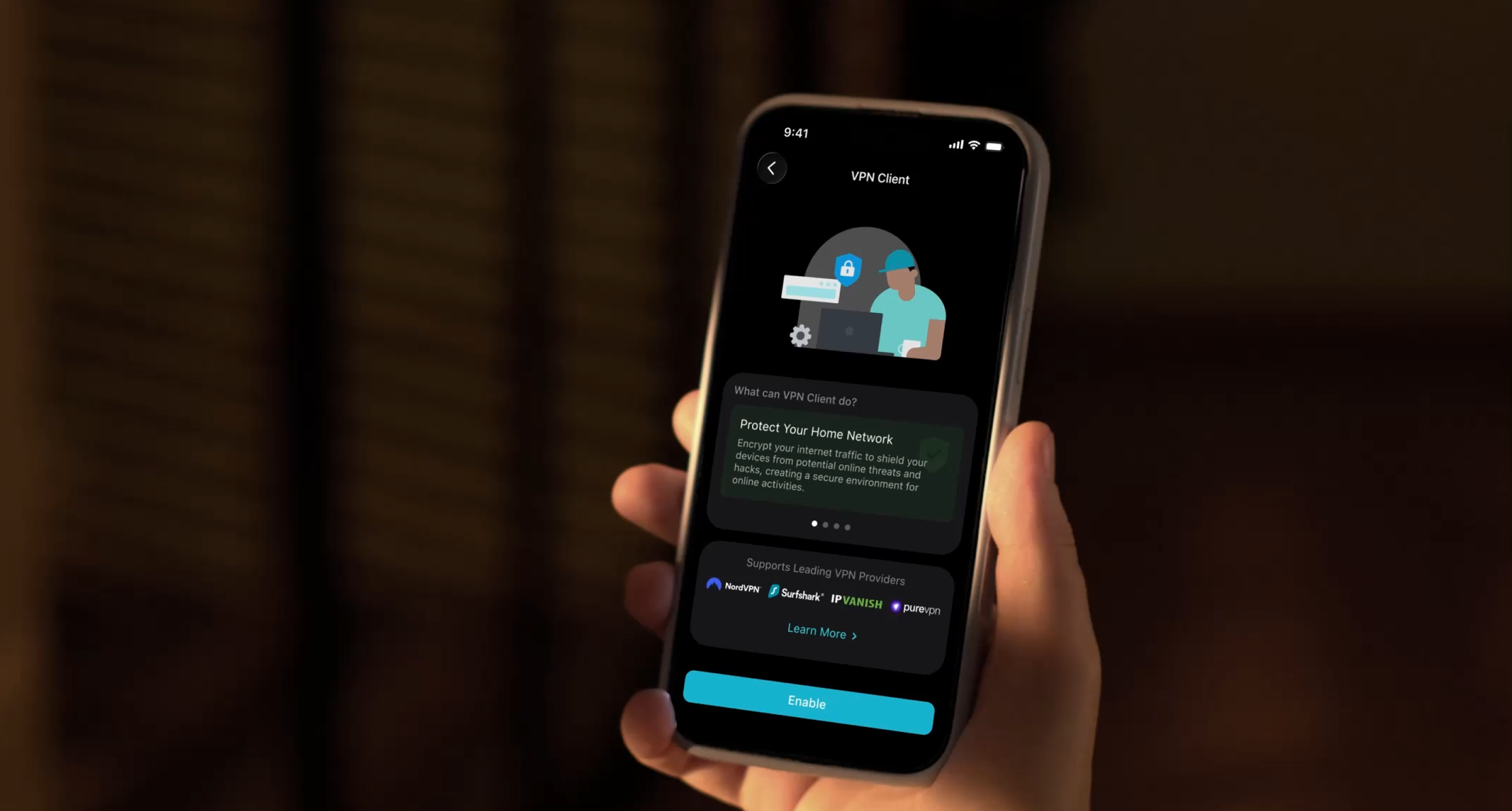
A hardware-level VPN encrypts your selected devices right on the router, without requiring separate
software on every device. Separate segments keep IoT devices and guests off your personal network,
and HomeShield delivers real-time protection against threats, malware, and intrusions across your devices.**
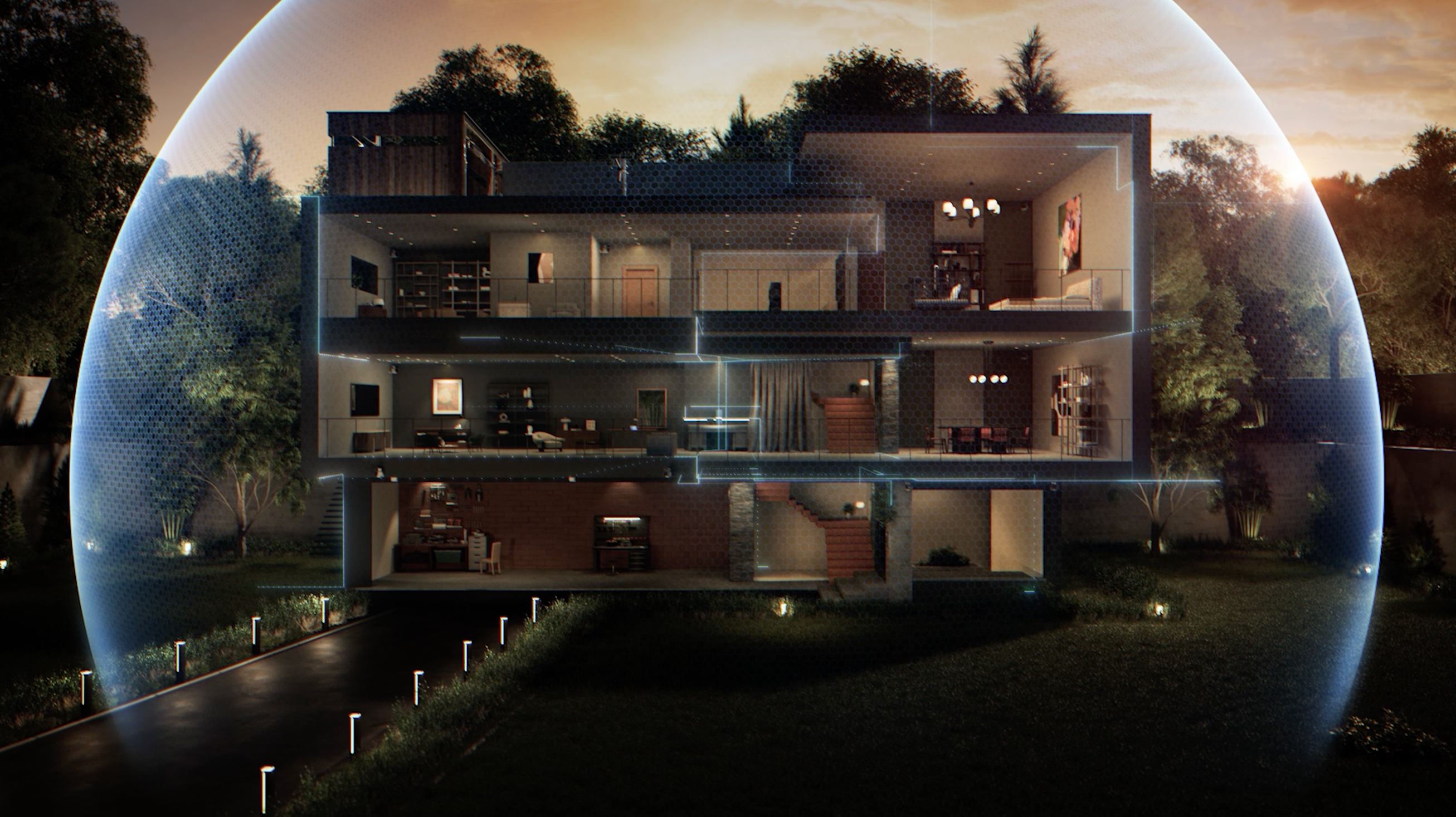
 your AI assistant
Aireal is your go-to assistant for your home network. It continuously monitors and optimizes your
connection in real time, and steps in to correct issues on its own, restoring performance before you notice.
Automation handles the routine; you stay in control.
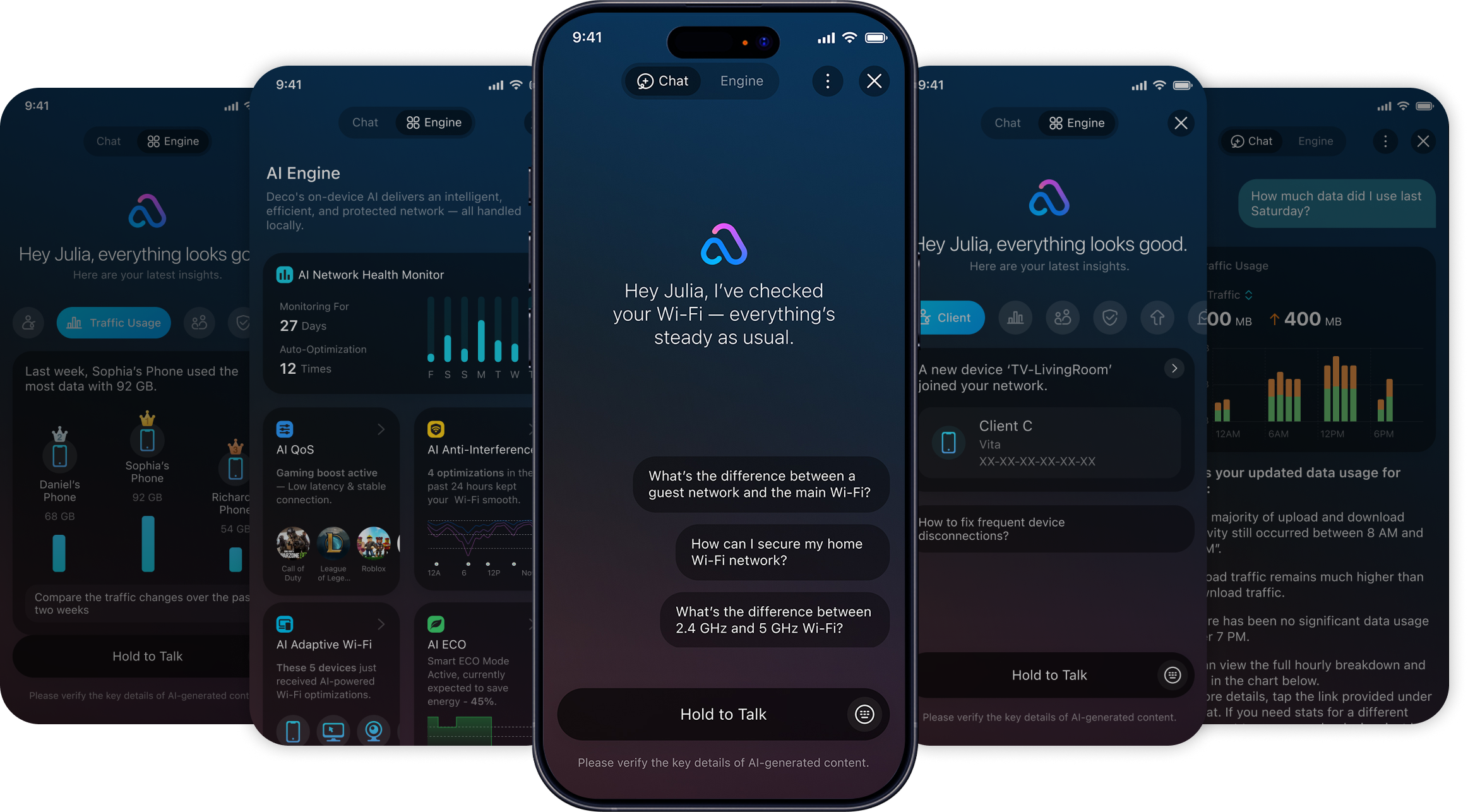
Diagnose
Pinpoints network issues,
like signal interference or congestion.
Heal
Fixes errors automatically to restore
full speed—no action needed.
Optimize
Delivers smooth, uninterrupted
WiFi without annoying alerts.
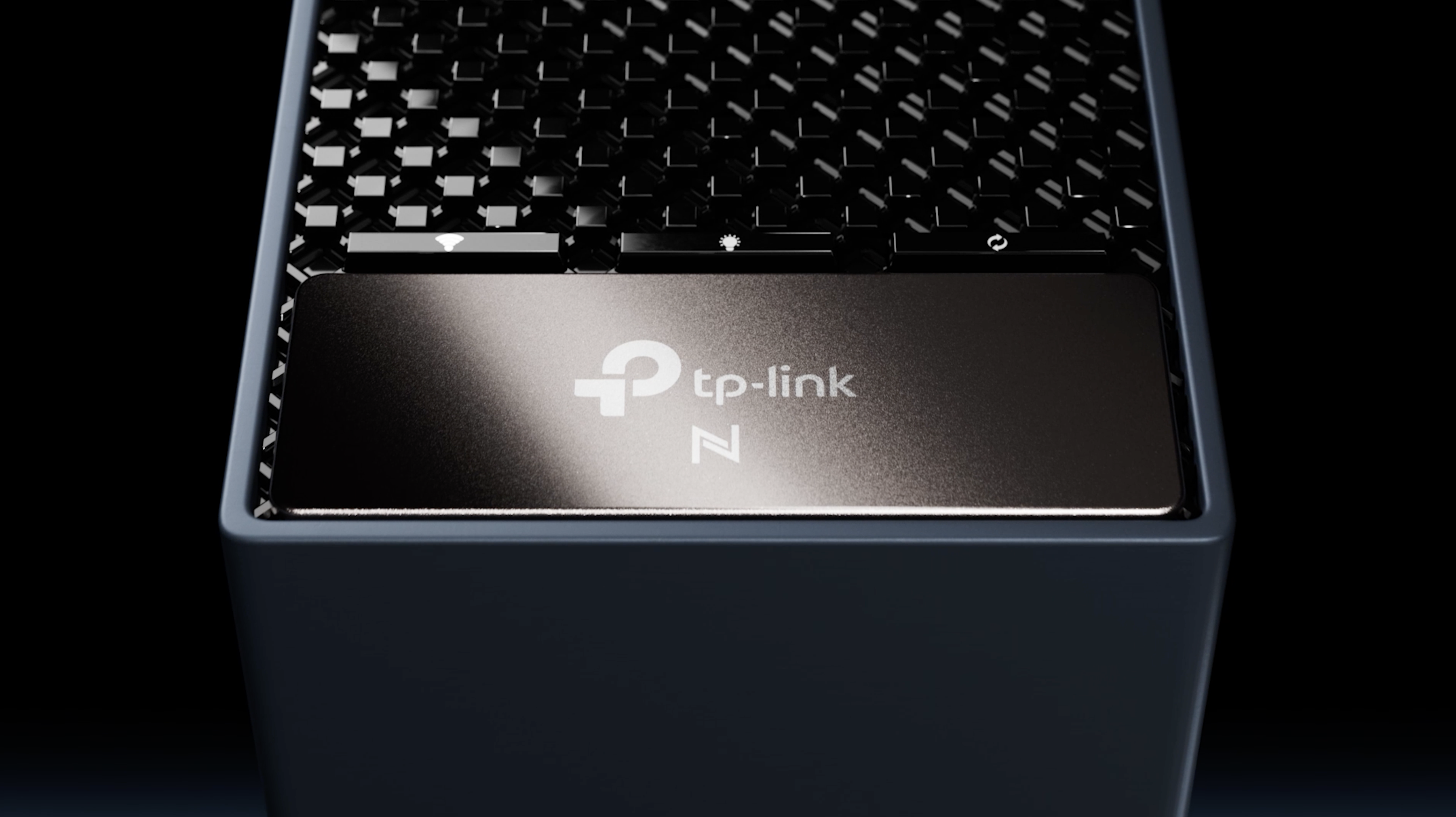
Performance, refined
A minimalist architectural form that balances refined craft with performance engineering. Micro-ridge
texturing, precision contours, and a single soft front-facing light. Beneath it, advanced thermal
engineering, antenna architecture, and RF optimization, hidden power, working quietly.
Why TP-Link?
Products & Services You Can Trust
World's No.1
WiFi
Product
Provider
1+ Billion Units Shipped
Operates in
170+ Countries & Regions
Serving customers worldwide
Your Privacy Matters
TP-Link prioritizes your data security with advanced encryption, cloud protection, and privacy controls.



Committed to Sustainability
TP-Link prioritizes sustainable practices, minimizes environmental impact through responsible manufacturing.
Support You Can Count On
Dedicated customer support and a hassle-free warranty.

Your Experience Comes First
The Tether app keeps your Wi-Fi smooth, secure and easy to manage.
WiFi 8, answered
How is WiFi 8 better than WiFi 7?
WiFi 8 (802.11bn) shifts the focus from peak speed to reliability. Archer 8 Ultra is engineered to hold a stronger, steadier connection than WiFi 7 in the conditions that matter most at home: at the edges of coverage, through walls and interference, and when many devices are online at once. In TP-Link lab testing versus WiFi 7, it delivered up to 33% higher throughput, up to 24% more consistent performance under interference, and up to 15% stronger mesh performance.
How is the Archer 8 Ultra different from a WiFi 7 router?
Archer 8 Ultra pairs up to 19 Gbps of tri-band speed with the WiFi 8 StabilityEngine, a group of new technologies that deliver ultra-high reliability (ELR, DRU, New MCS, UEQM, DSO, and NPCA) not present in WiFi 7. It also adds Multi-Access Point Coordination for whole-home mesh, 18 internal antennas with Range Boost for coverage up to 3,600 sq ft, and the Aireal AI Assistant for real-time optimization and self-healing.
Do I need WiFi 8 client devices to benefit from the Archer 8 Ultra?
No, Archer 8 Ultra is backward compatible with your existing phones, laptops, and smart-home devices, and it works with any internet provider. Many of its reliability improvements benefit the devices you already own, while newer WiFi 8 clients can unlock the full experience.
Is WiFi 8 worth upgrading to from Wi-Fi 7?
If your only priority is a larger peak-speed number, WiFi 7 and WiFi 8 are close. If you care about reliability, whole-home coverage, and stability with many connected devices, the Archer 8 Ultra is designed to deliver a noticeably steadier real-world experience than WiFi 7.
When is the Archer 8 Ultra available?
Archer 8 Ultra is scheduled to launch in select regions October 2026, and progressively in other regions throughout 2027. It is the first product in TP-Link's WiFi 8 portfolio, which also includes Deco 8 mesh, Roam 8 travel, and WiFi 8 range extenders. Regional availability will be confirmed closer to launch.
Be first to know about Wi-Fi 8
Sign up to receive launch updates, exclusive offers, and product news.
By signing up, you agree to receive marketing emails from TP-Link. View our privacy policy and terms of service for more info.
| Product Images | 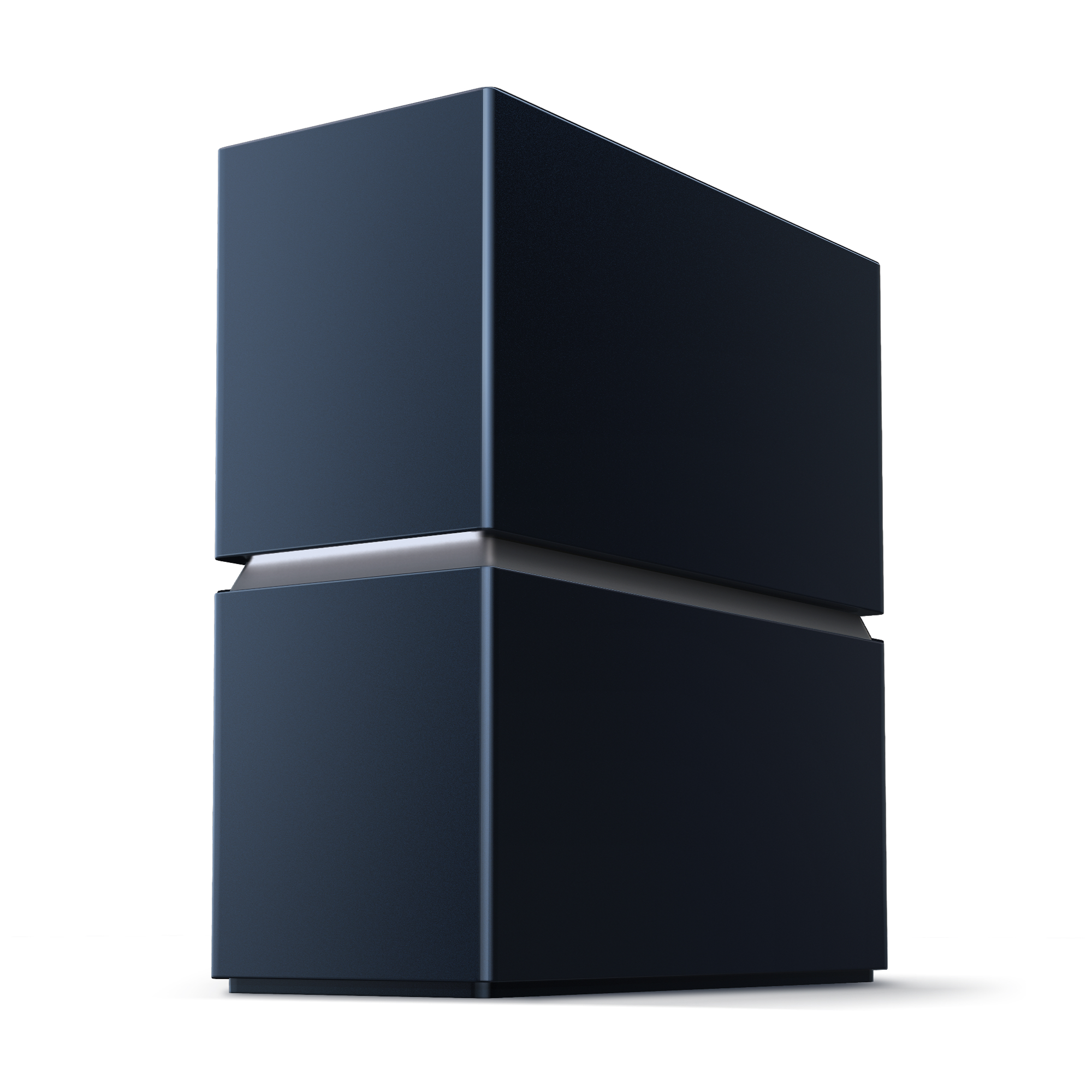 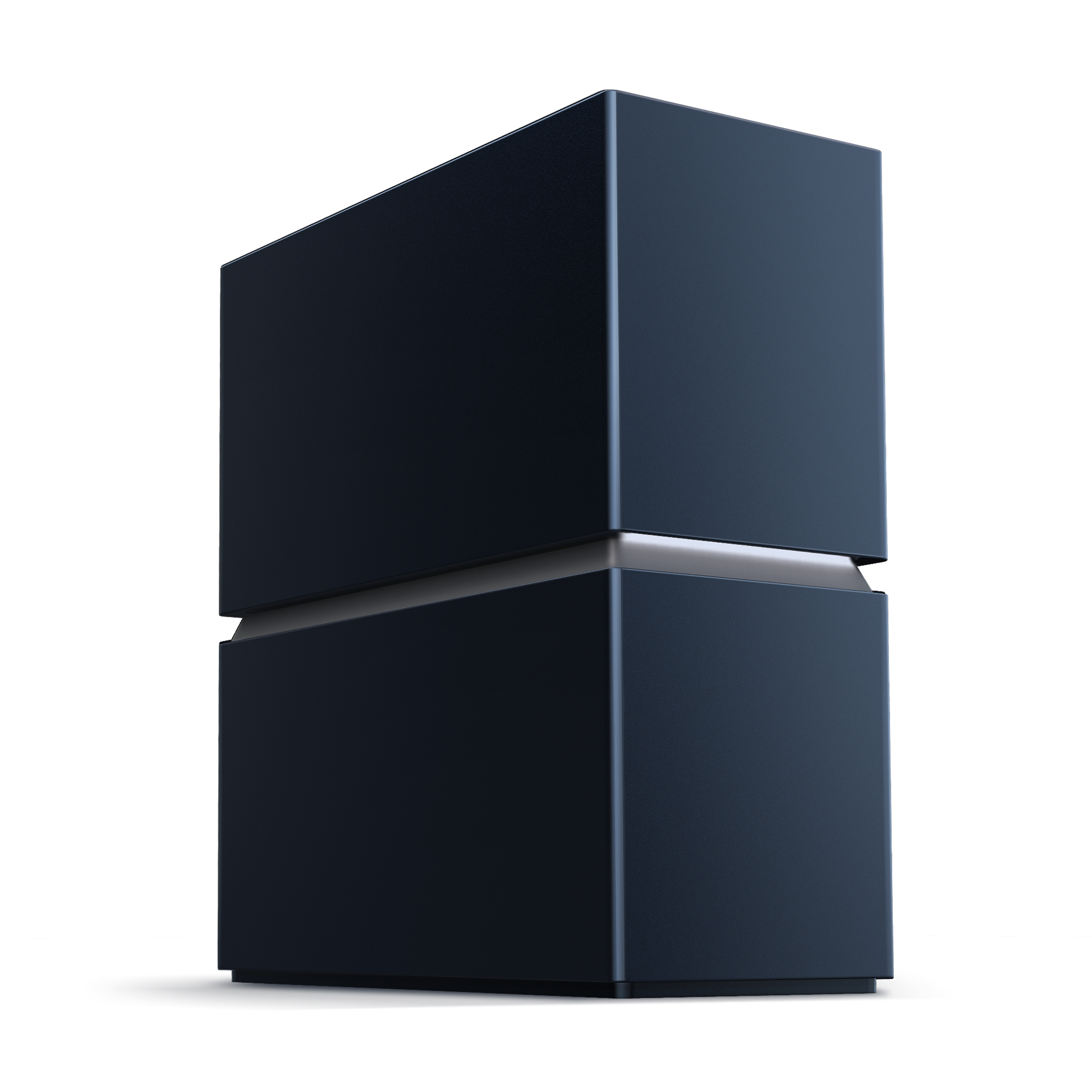  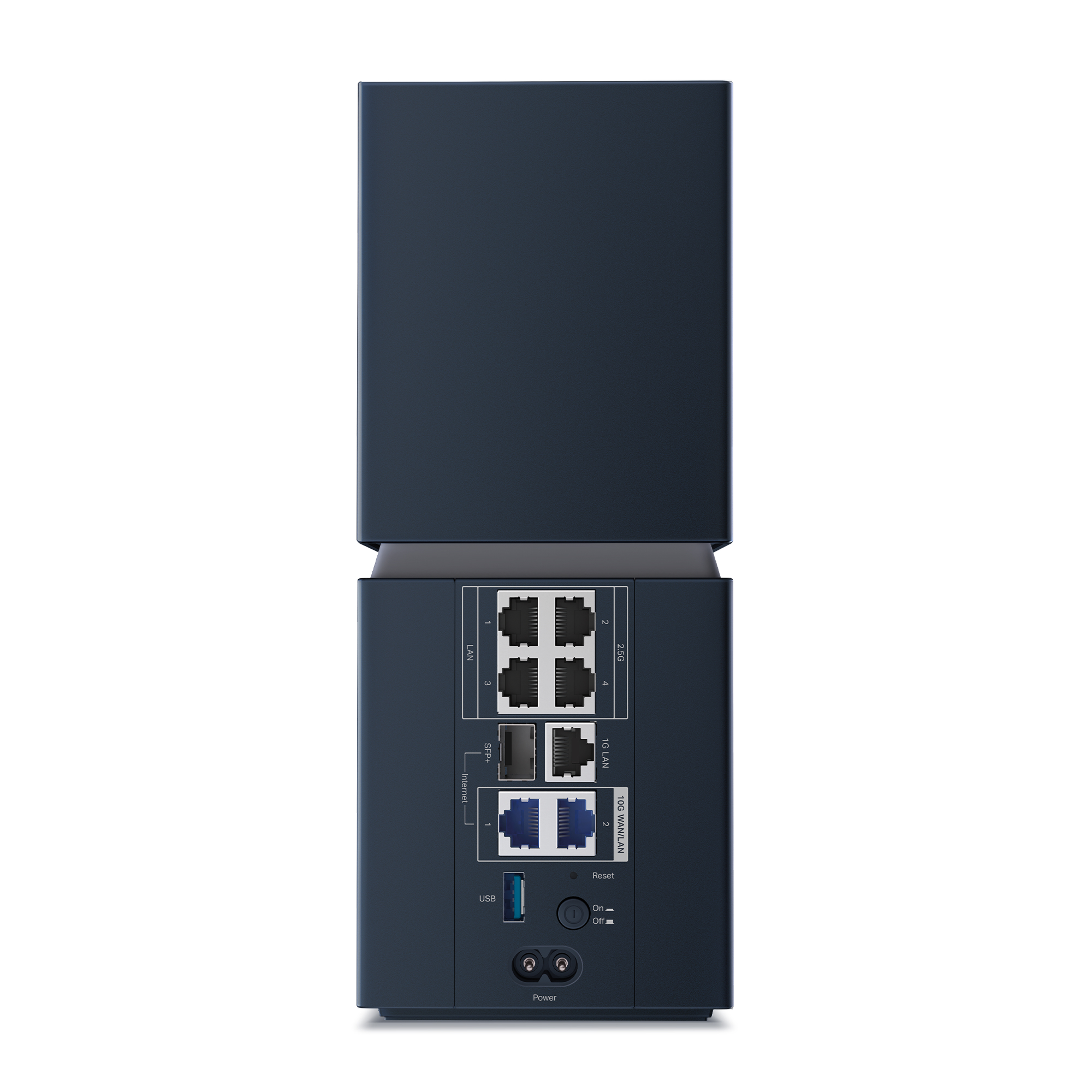 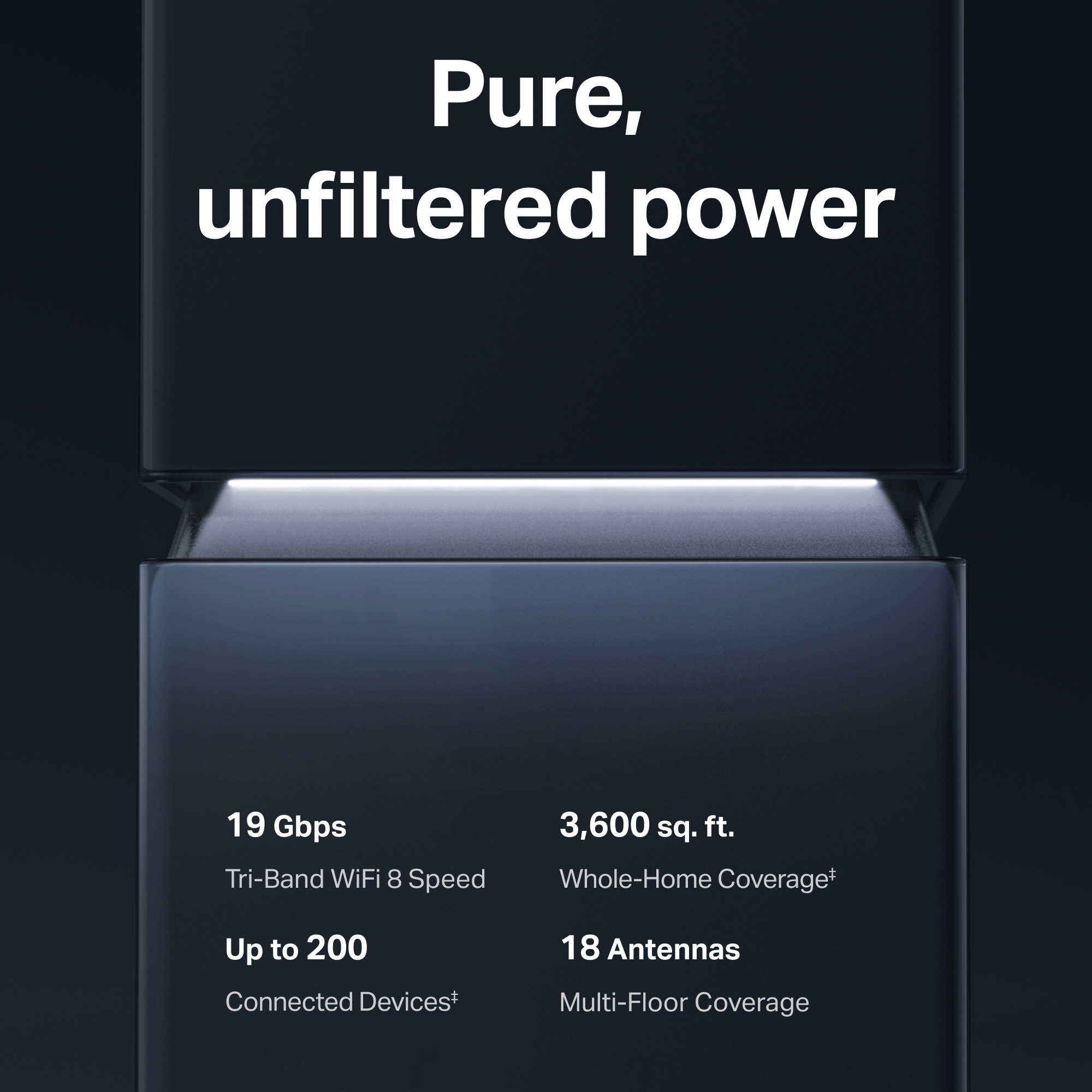 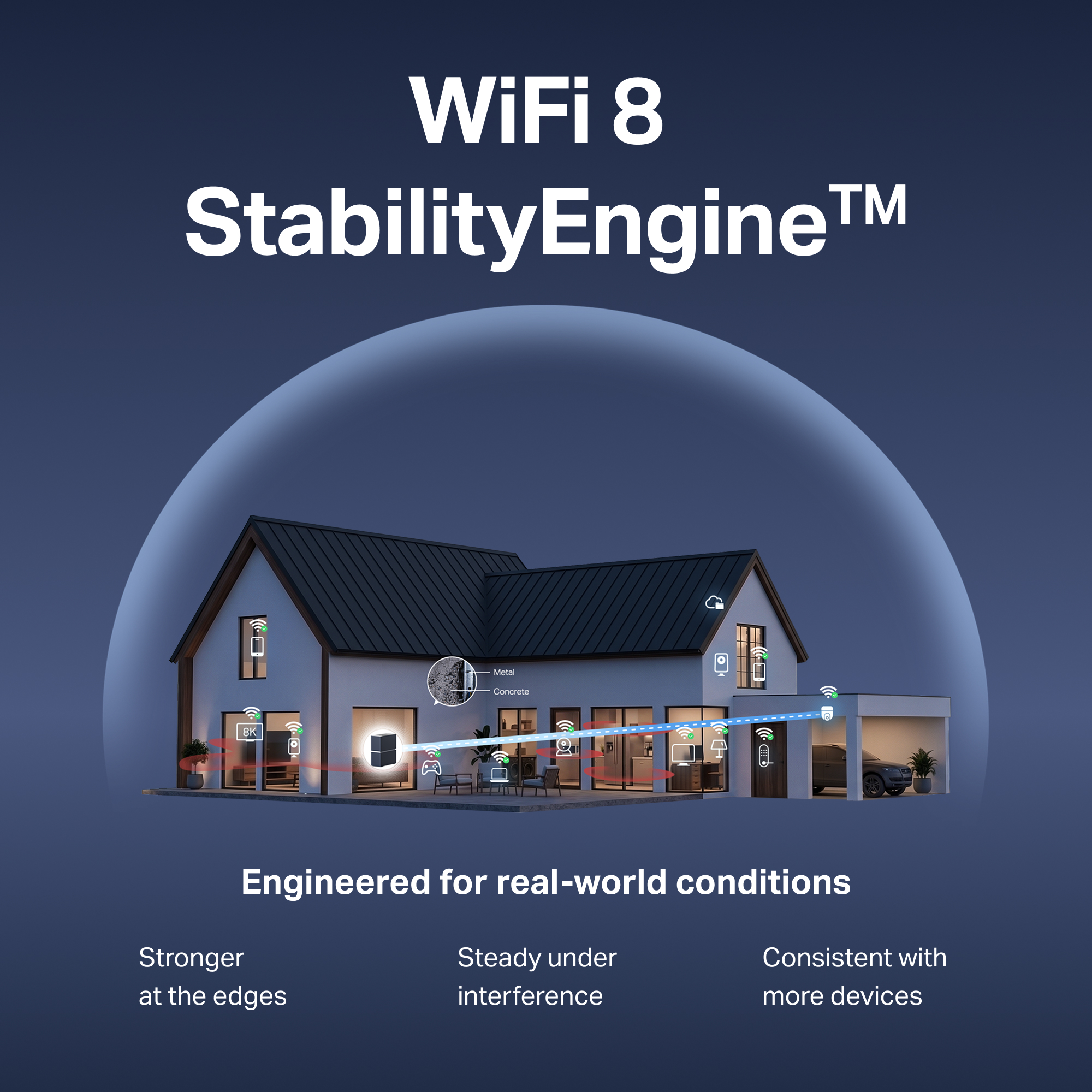  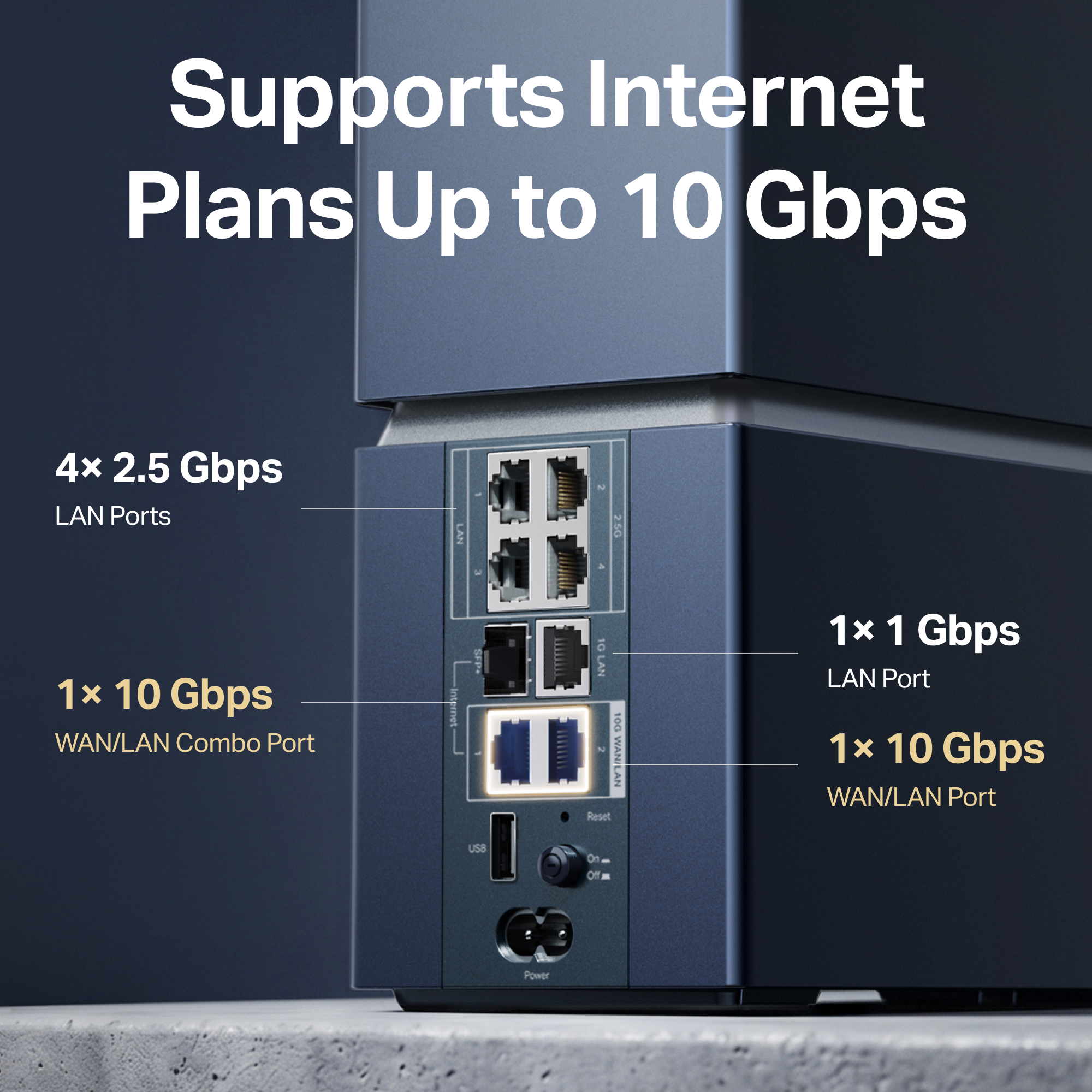 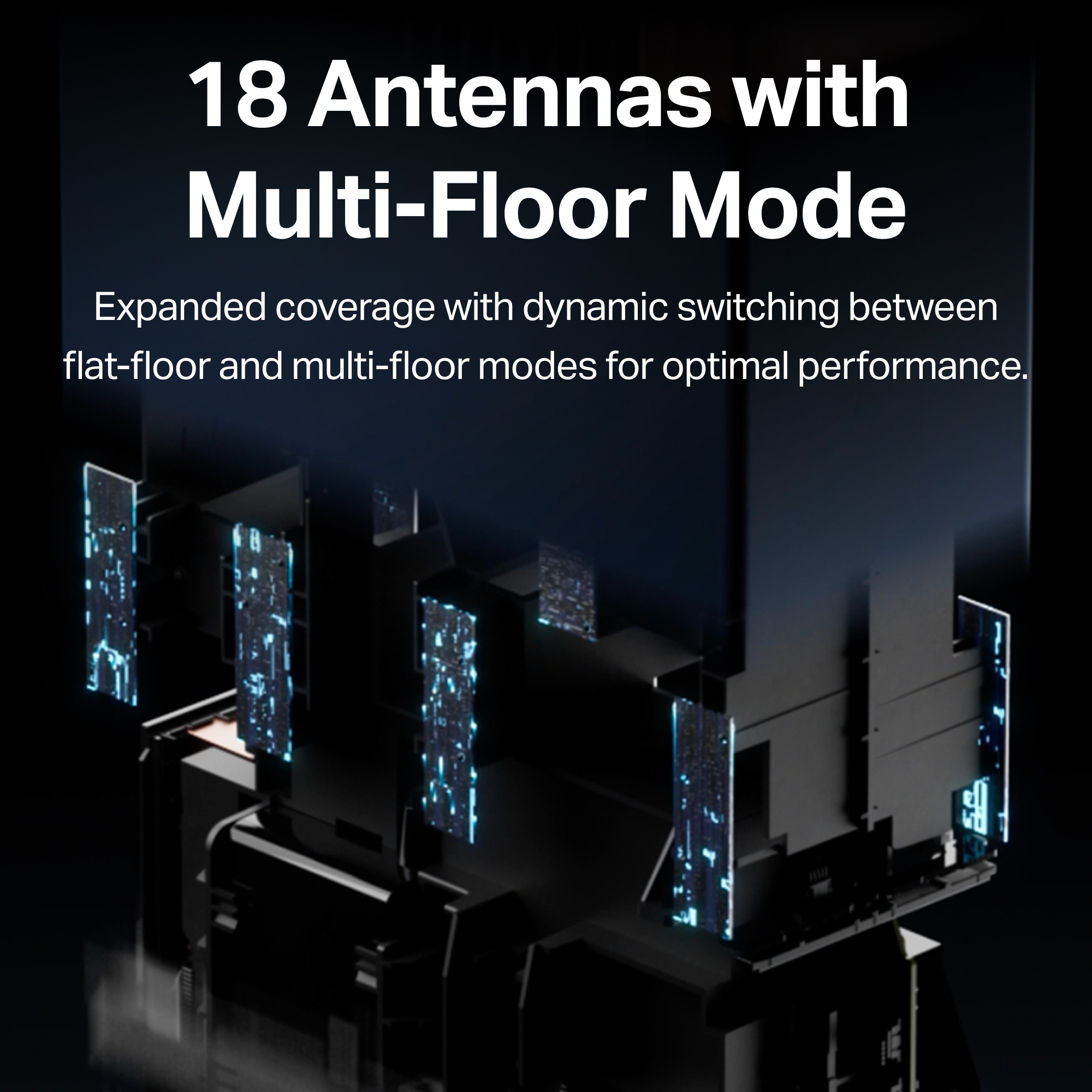 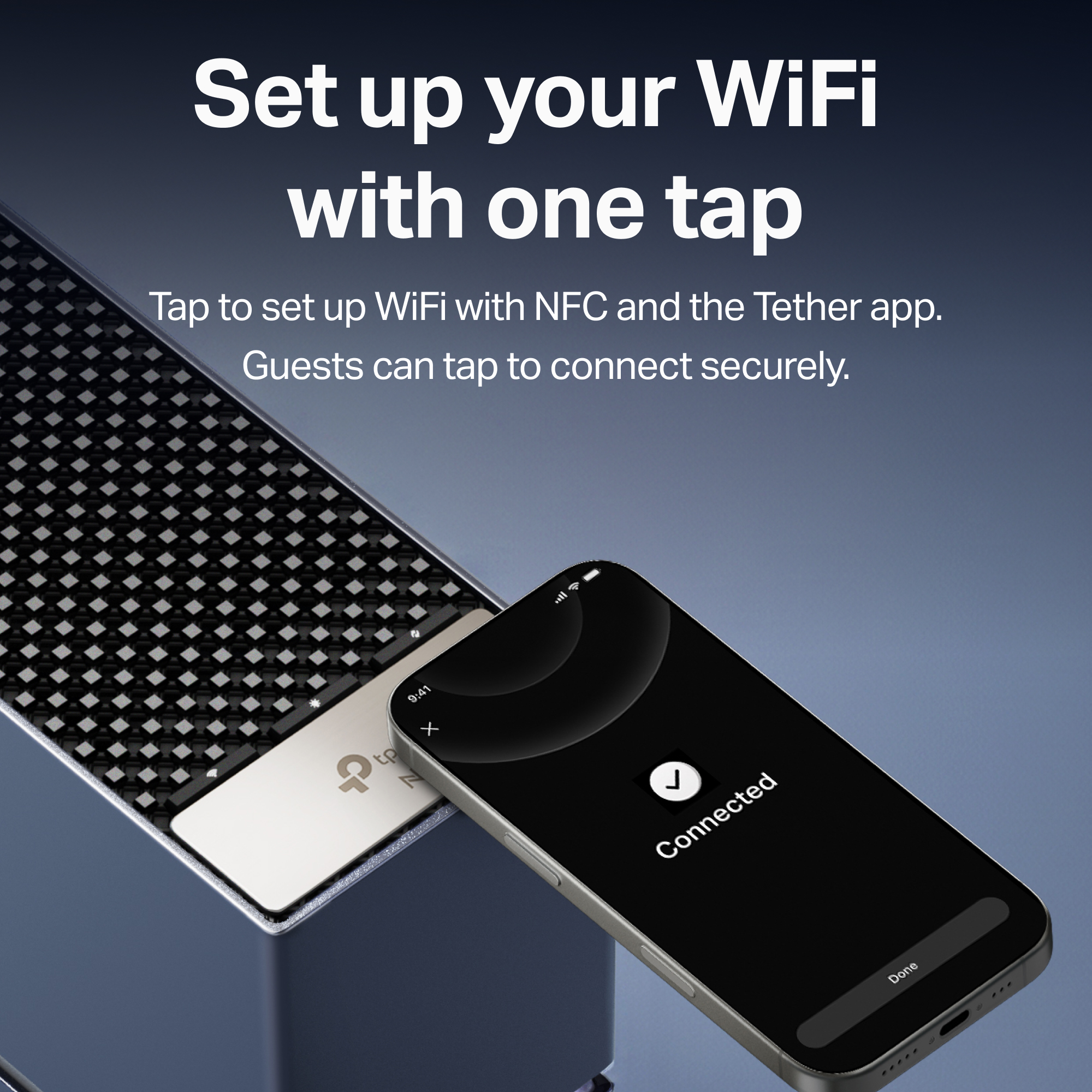 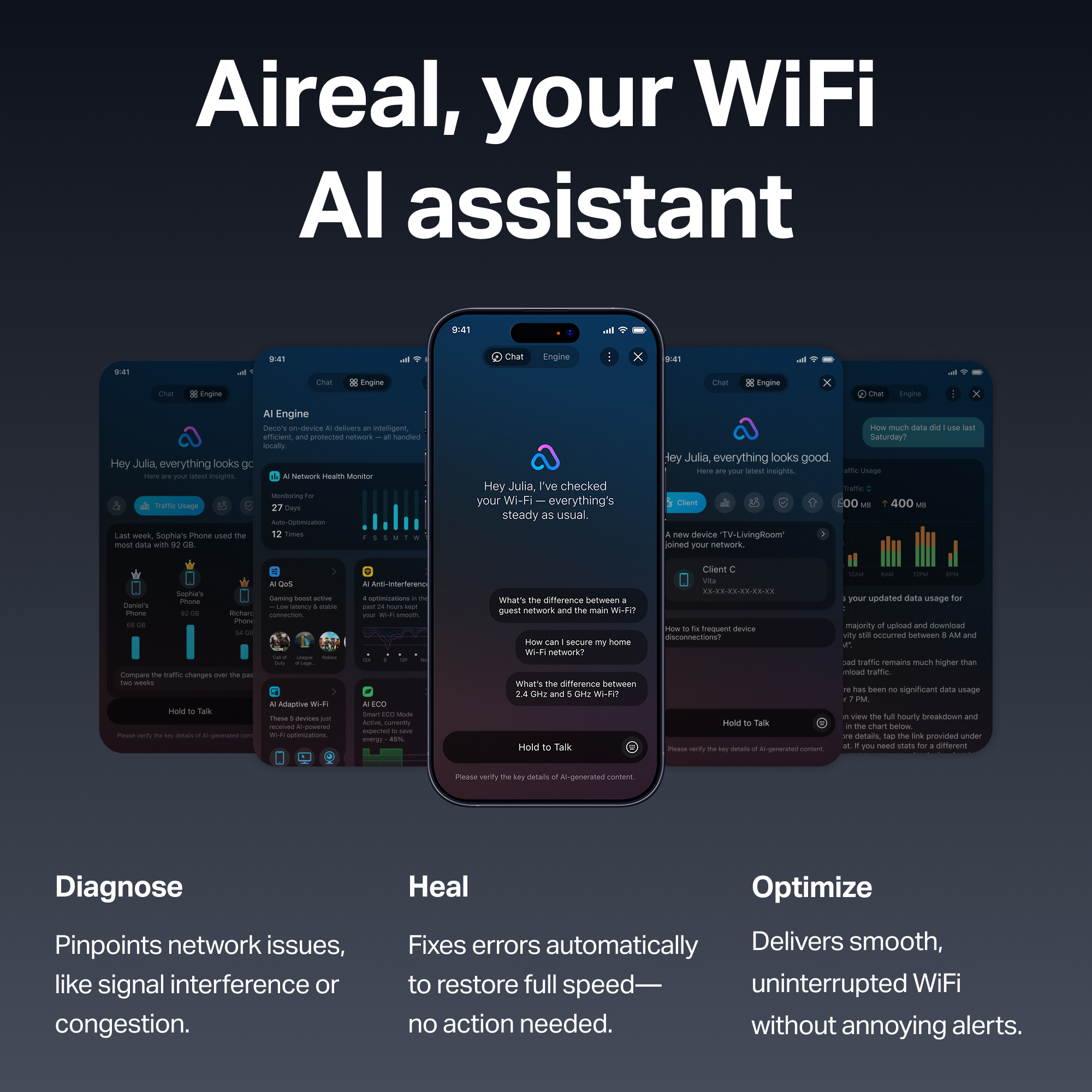 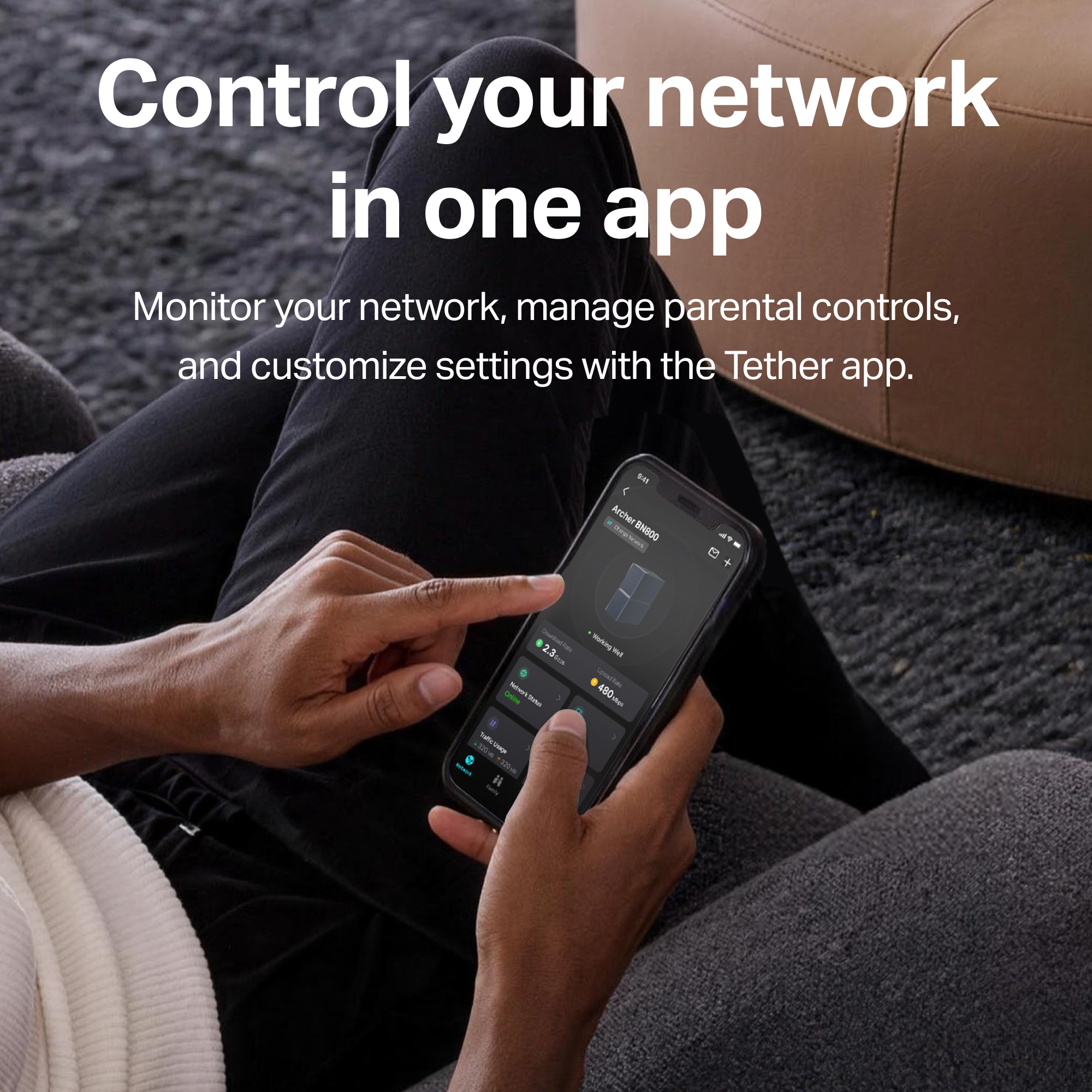 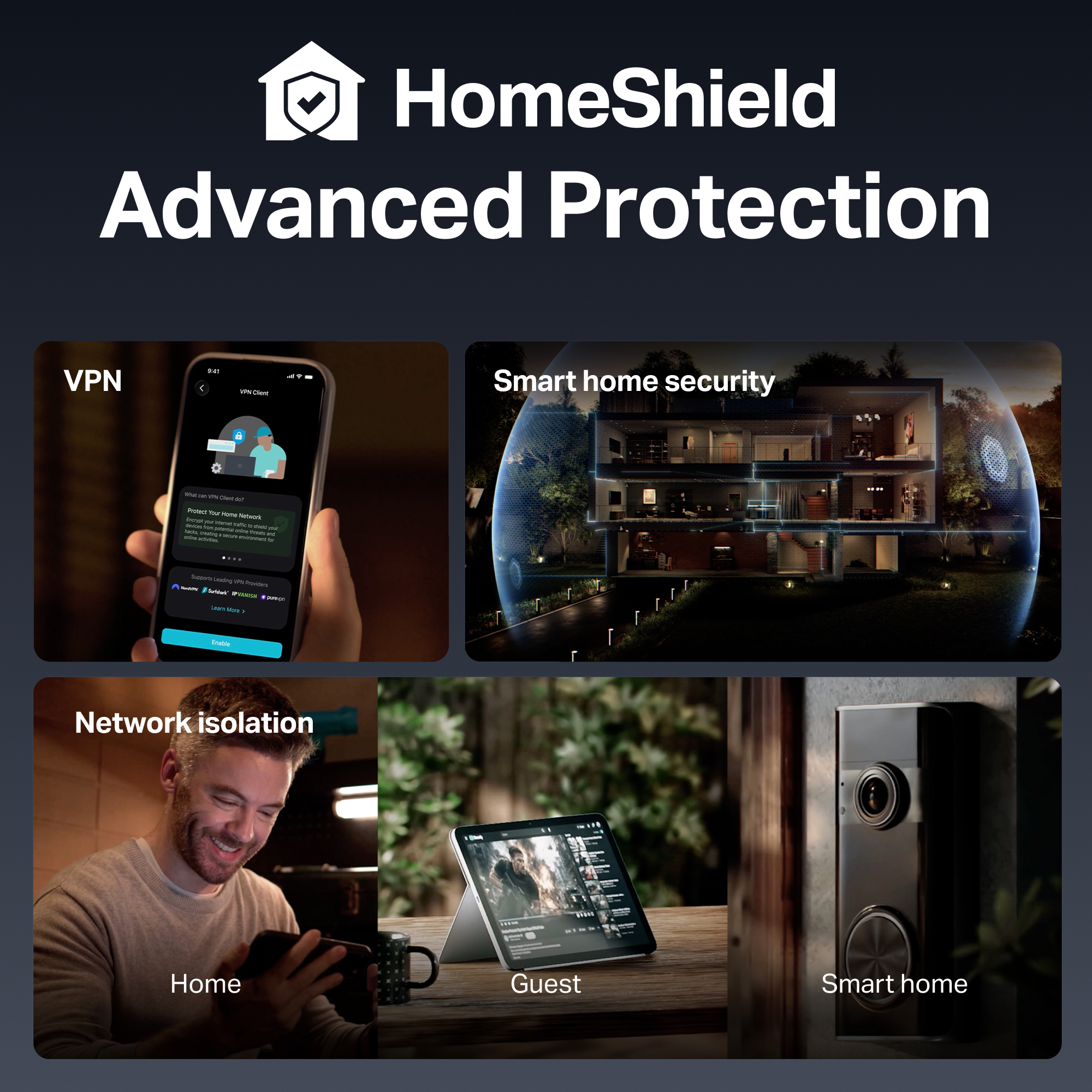 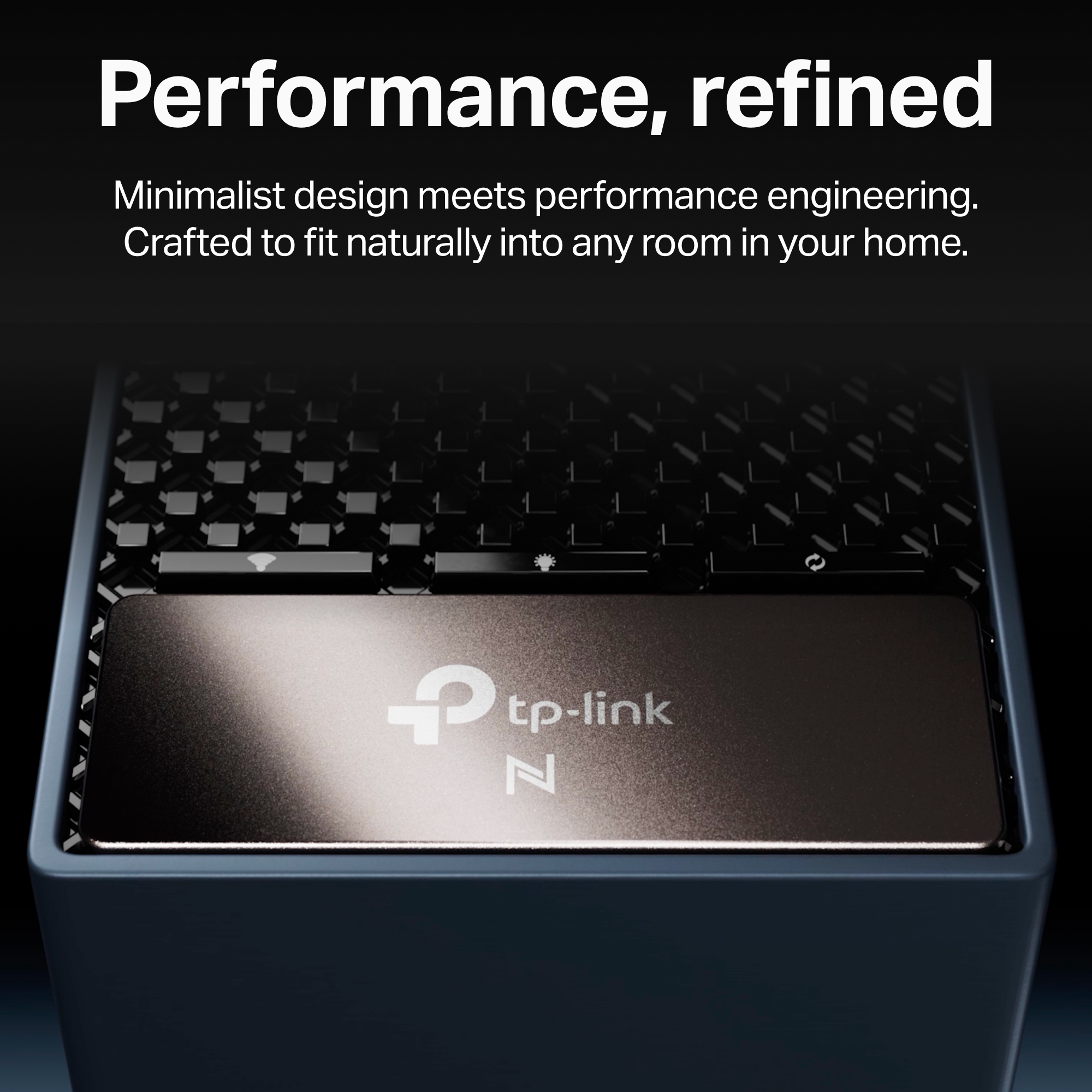 |
|---|---|
| Product Description | WiFi 8 StabilityEngine™ : Built for Ultra-High Reliability in real-world conditions — stronger at the edges of coverage, steady through walls and wireless interference, and consistent when your network is packed with devices.‡19 Gbps Tri-Band Speed: Combined throughput across the 2.4, 5, and 6 GHz bands delivers steadier performance and lower latency for 4K/8K streaming, immersive AR/VR, and heavy multi-device use.†2× 10 Gbps Multi-Gig Ports: Two 10 Gbps WAN/LAN ports (one SFP+/RJ45 combo) plus 4× 2.5 Gbps LAN deliver the fastest wired speeds to gaming PCs, workstations, and NAS drives, and match multi-gig internet plans.△18× Antennas with Multi-Floor Mode: A high-density internal antenna array reshapes the signal to reach across floors, not just across rooms, for strong and reliable WiFi in every corner of your home.Latest 6 GHz WiFi Band: Access the newest, least congested spectrum for cleaner signals, lower latency, and smoother performance in busy wireless environments.Tap to Set Up, Tap to Connect: One-tap NFC pairing — touch your phone to the router and the Tether app guides you through setup, no technical skill required. The same tap shares your WiFi with guests, with no password to type.3,600 sq. ft. Whole-Home Coverage for up to 200 Devices: Archer 8 Ultra covers homes up to 3,600 sq. ft. with strong, consistent WiFi, and smarter channel use gives every device its own lane — reducing dead zones without adding mesh units.※Aireal™ AI Self-Diagnosis & Healing: Onboard AI continuously monitors your network, pinpoints the cause of issues such as interference or congestion, and corrects them automatically to restore performance before you notice.Integrated VPN: Protect your whole home at the router level — encrypt the devices you choose without installing VPN software on each one. Supports OpenVPN, WireGuard, L2TP, and PPTP.Advanced Security with HomeShield and WPA3: TP-Link's premium security service keeps your connection safe with cutting-edge network and IoT protection, including regular network security scans, basic parental controls, QoS settings, weekly and monthly usage reports, and IoT device identification.☆§Compatible with Alexa & Google Assistant: Control your router with voice commands through Amazon Alexa or Google Assistant — turn Guest WiFi on or off, reboot the router for troubleshooting, and more. |
| Standards and Protocols | IEEE 802.11bn/be/ax 6 GHzIEEE 802.11bn/be/ax/ac/n/a 5 GHzIEEE 802.11bn/be/ax/n/g/b 2.4 GHz |
|---|---|
| WiFi Speeds | 11528 Mbps (6 GHz) + 5764 Mbps (5 GHz) + 1376 Mbps (2.4 GHz) |
| WiFi Range | 18× Internal WiFi Antennas3× Antenna Operating Modes |
| Working Modes | Router Mode, Access Point Mode, EasyMesh Agent Mode |
| Network Security | HomeShield, IoT Network, and Guest Network |
|---|---|
| Guest Network | 6 GHz Guest Network, 5 GHz Guest Network, 2.4 GHz Guest Network |
| VPN Server | OpenVPN, PPTP, L2TP, WireGuard VPN |
| VPN Client | OpenVPN, PPTP, L2TP, WireGuard VPN |
| WiFi Encryption | WPA3, WPA2, WPA/WPA2-Enterprise (802.1x) |
| Ethernet Ports | 1× 10 Gbps SFP+/RJ45 WAN/LAN Combo1× 10 Gbps RJ45 WAN/LAN4× 2.5 Gbps LAN1× 1 Gbps LAN |
|---|---|
| Buttons | Reset Button, On/Off Button, WPS Button, WiFi Button, LED Button |
| Antennas | 18× High-Performance Antennas with Optimized Layout |
| Protocols | IPv4, IPv6 |
|---|---|
| Service Kits | HomeShield |
| EasyMesh | Supported |
| Parental Controls | HomeShield Parental Controls |
| WAN Types | Dynamic IP, Static IP, PPPoE, PPTP, L2TP |
| Quality of Service | QoS by Device, App QoS, AI QoS |
| Cloud Service | Auto Firmware Upgrade, TP-Link ID, DDNS, App Remote Control |
| NAT Forwarding | Port Forwarding, Port Triggering, DMZ, UPnP |
| DDNS | TP-Link, NO-IP, DynDNS |
| Package Content | BN19000 Tri-Band Wi-Fi 8 RouterPower CordRJ45 Ethernet CableQuick Installation Guide |
|---|---|
| System Requirements | Microsoft Edge, Firefox, Chrome, Safari, or other JavaScript-enabled browser*You are recommended to use the latest versionCable or DSL Modem (if needed)Subscription with an internet service provider (for internet access) |
|---|---|
| Certifications | VCCI, JATE, PSE, JRF |
| Environment | Operating Temperature: 0°C–40°C (32°F–104°F)Operating Humidity: 10%–90% non-condensing |
| WiFi Transmission Power | FCC: ≤ 30 dBm (2.4 GHz), ≤ 30 dBm (5 GHz), ≤ 25 dBm (6 GHz)CE: ≤ 23 dBm EIRP (5.17 GHz–5.35 GHz), ≤ 30 dBm EIRP (5.47 GHz–5.725 GHz); ≤ 20 dBm EIRP (2.4 GHz); ≤ 23 dBm EIRP (6 GHz) |
|---|---|
| WiFi Reception Sensitivity | 2.4 GHz: 11BN UHR40 MCS13: −59 dBm; 11BN UHR20 MCS0: −96 dBm5 GHz: 11BN UHR160 MCS13: −50 dBm; 11BN UHR20 MCS0: −96 dBm6 GHz: 11BN UHR320 MCS13: −45 dBm; 11BN UHR20 MCS0: −95 dBm |
| Dimensions (W×D×H) | 8.9 × 3.9 × 9.7 in (226 × 98 × 245.6 mm) |
|---|---|
†Use of Wi-Fi 8 (802.11bn) and features requires clients to also support the corresponding features.
‡Max rates follow IEEE 802.11. Actual throughput, coverage, and devices vary by environment.
△10 Gbps internet speeds require compatible service plans and equipment. Actual internet speeds are limited by the internet bandwidth access from an internet service provider. For the 10 Gbps SFP+/RJ45 combo port, users can choose only one of them as a WAN port at a time.