How to reset Tapo Robot Vacuum
 101992
Este artículo se aplica a:
Introduction
There are two types of reset for your Tapo robot vacuum cleaner:
- soft reset: does not erase the custom settings
- factory reset: deletes all custom settings and resets the device to factory defaults
Configuration
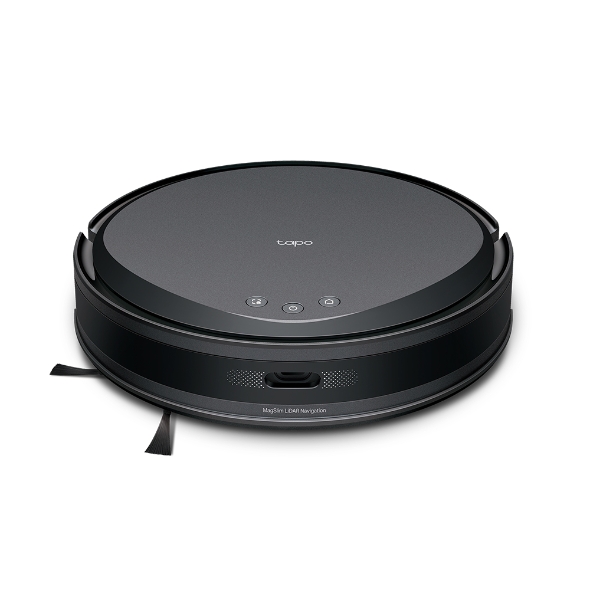
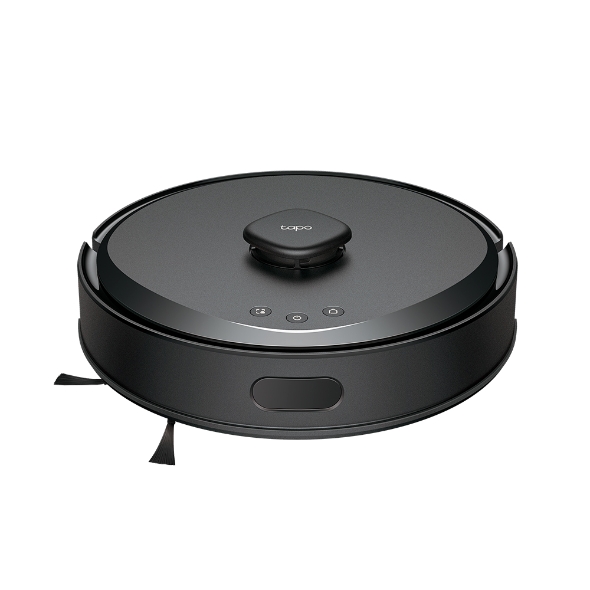
Note: The actual product may vary slightly, but the button placement remains the same.
Case 1: Soft reset
Press and hold the  +
+ Combination Button above simultaneously for 5 seconds, the device will enter setup mode and be ready for configuration.

Case 2: Factory reset
Press and hold the  +
+ Combination Button above simultaneously for 10 seconds to restore device to factory default settings.
Note: Robot vacuum cannot be factory reset while it is charging.

¿Es útil esta pregunta frecuente?
Sus comentarios nos ayudan a mejorar este sitio.