
Getting to Know the New TP-Link Registration System
 23672
23672Getting to Know the New TP-Link Registration System
Url: to access our new Registration system open a web browser (Chrome, Safari, Edge) and browse to the URL https://myproducts.tp-link.com

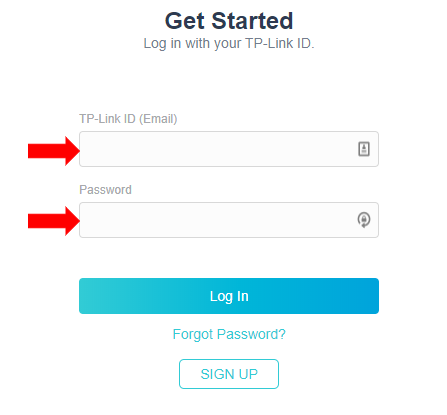
Log in Credentials:
TP-Link ID and password: A TP-Link ID is a universal account that you can use with multiple TP-Link products and services. For more information on a TP-Link ID click here:
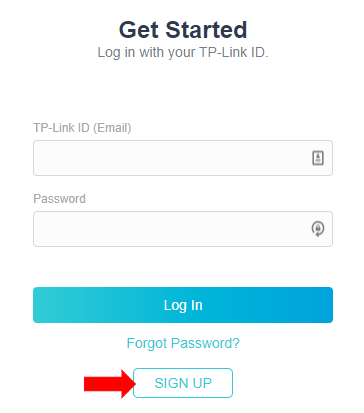
Sign Up:
If you don’t have a TP-Link ID you can click here to create one.
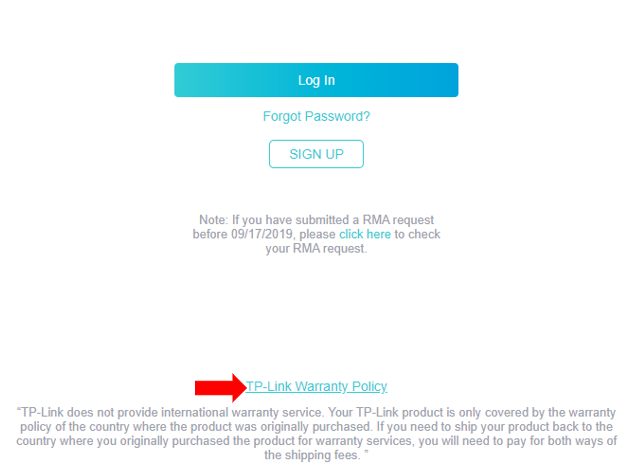
Warranty Policy:
Click here to review the TP-Link Warranty Policy.
My Products:
View your existing products and register new ones. Also, see your registration and warranty expiration dates.
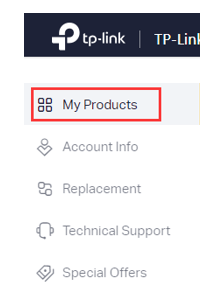
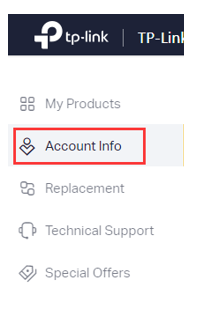
Account Info
Add, modify, and view your contact information such as Name, Phone Number, and Shipping Address.
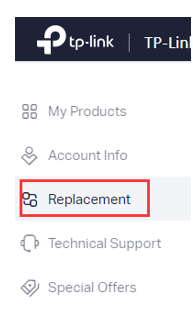
Replacement:
Choose shipping methods and submit an approved RMA request. You can also view the status of submitted requests.
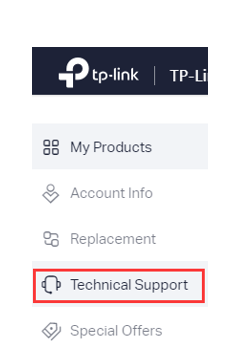
Technical Support:
View Self-Help Knowledge base articles, guides, and videos. Get information about TP-Link’s Warranty and replacement policy. As well as multiple methods to contact TP-Link’s Technical Support.
このFAQは役に立ちましたか?
サイトの利便性向上にご協力ください。