
Stáhnout pro EB210 Pro
Modely a hardwarové verze se liší v závisloti na regionu. Prosím ujistěte se o detailech pokud zvažujete nákup.
- Dokument
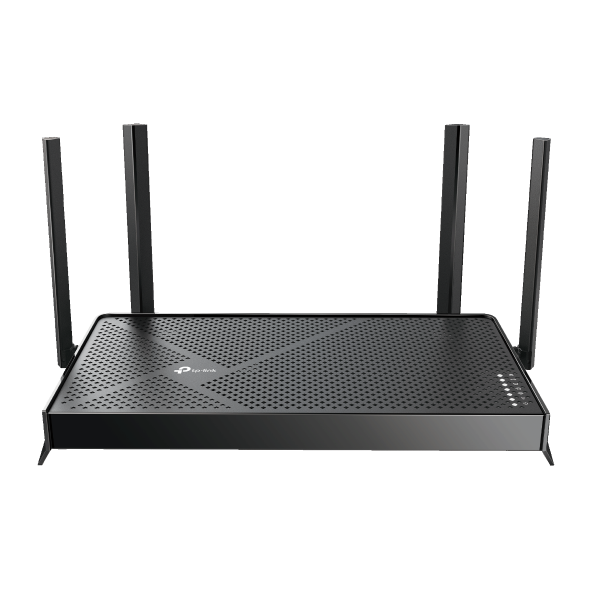 BE3600 dvoupásmový Wi-Fi 7 router
FAQ
- How to test the speed of the TP-Link ISP-customized Router
- What if my NAS device doesn’t work properly with the TP-Link ISP-customized Router?
- Port forwarding: How to set up Virtual Server on TP-Link ISP-customized Router
- How to make applications free from port restriction by DMZ on TP-Link ISP-customized Router
- How to use USB port on TP-Link ISP-customized devices
- How to back up and restore the configuration file of TP-Link ISP-customized devices
- What if the internet connection is slow when the device is connected to the TP-Link ISP-customized devices?
- How to set up an IPv6 connection on TP-Link ISP-customized devices
- How to access USB storage device on TP-Link ISP-customized Router from Windows or macOS
- What if I forget my TP-Link ID password for TP-Link ISP-customized Router
- How to configure IP & MAC Binding on TP-Link ISP-customized Router
- How to set up Parent Control on TP-Link ISP-customized Modem Router
- How to change the LAN IP address of TP-Link ISP-customized Modem Router
- How to create a network for guests on the TP-Link Wi-Fi ISP-customized router
- Why port forwarding feature is not working on TP-Link ISP-Customized Router?
- How to use PPTP/OpenVPN to access home network through TP-Link ISP-customized Wi-Fi Router
- How to customize basic wireless settings of ISP-Customized router or modem