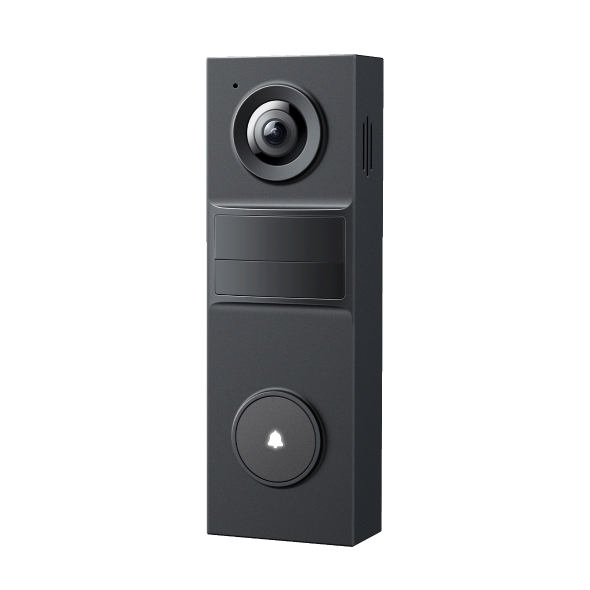
Can I replace my existing doorbell with TP-Link Doorbell---Check Tapo Doorbell Compatibility
 56240
56240Introduction
This FAQ addresses common questions and provides solutions on the compatibility of TP-Link Tapo Doorbell systems with your existing home setup. Whether you are looking to hardwire your device for continuous power or prefer a battery-operated solution, this guide provides the necessary technical specifications and verification steps to ensure a successful installation.
Requirements
Before purchasing or installing your Tapo Doorbell, verify that your electrical system meets the following power requirements.
-
Hardwired Doorbell Models
If you require 24-hour recording and do not wish to recharge batteries, ensure your power source meets these specifications:
|
Power Type |
Voltage Requirement |
Minimum Power |
Frequency |
|
AC Power |
8–24V AC |
10VA |
50/60Hz |
|
DC Power |
10–24V DC |
10W |
N/A |
-
Battery-Powered Doorbell Models
If your home does not have existing wiring or you do not require 24-hour continuous recording, battery models are recommended. Please note that these models require periodic manual charging.
The following is a list of power supply methods supported by various Tapo Doorbell models:
|
Power supply type |
Model |
|
Battery only |
Tapo D205; TD20; Tapo D210; TD21; Tapo D230; TD23 |
|
Hardwiring and battery power |
Tapo D235; Tapo D225; TD25 |
|
Hardwiring only |
Tapo D130 |
Troubleshooting
If you need to install a doorbell using hardwiring and are unsure whether your circuitry is compatible, or if it won't work properly after installation, follow the steps below to troubleshoot.
Step 1. Check the Transformer Nameplate. Look for the voltage ratings printed directly on the transformer. Common locations include inside your doorbell chime box, near your breaker/fuse box, or in the basement or crawl space.
Step 2. Use a Multimeter. For an accurate reading, you can measure the wires directly.
- Remove your current doorbell, disconnect the wires, and measure the voltage using the multimeter probes.
- Warning: To avoid electric shock, please consult an electrician if you are uncomfortable handling basic electrical wiring.
Step 3. Consult a Professional. If you are unsure of your readings or need an upgrade to meet the requirements, contact a local electrician.
QA
Q1: How do I install my doorbell using a hardwired power supply?
A1: Please refer to the following technical guide for step-by-step instructions: How to install Tapo Doorbell (Tapo D235/Tapo D225/TD25).
Q2: How do I choose between the different power supply modes?
A2: Your choice should depend on your specific recording needs and existing home infrastructure:
- Hardwired: Recommended if you require 24/7 continuous recording and prefer the convenience of never having to recharge the battery manually. This mode is best if you have compatible existing doorbell wiring.
- Battery: Recommended if your home lacks existing doorbell wiring or if you prefer a quick, wire-free installation process. This is the ideal solution for users who do not require 24-hour recording and are comfortable with periodic recharging.
Полезен ли беше този ЧЗВ?
Вашите отзиви помагат за подобряване на този сайт.