
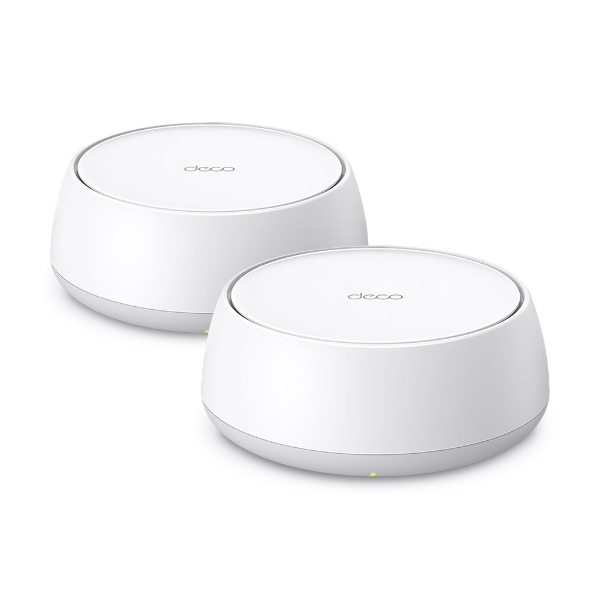
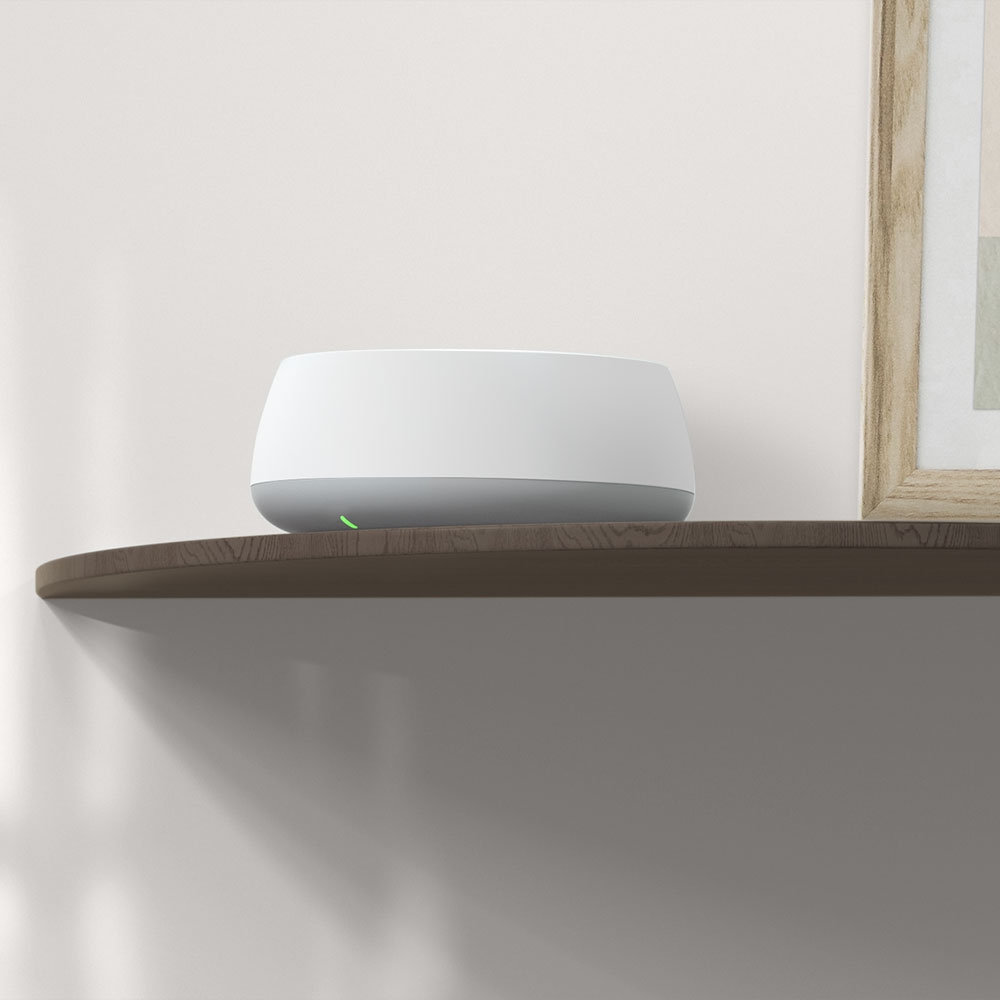
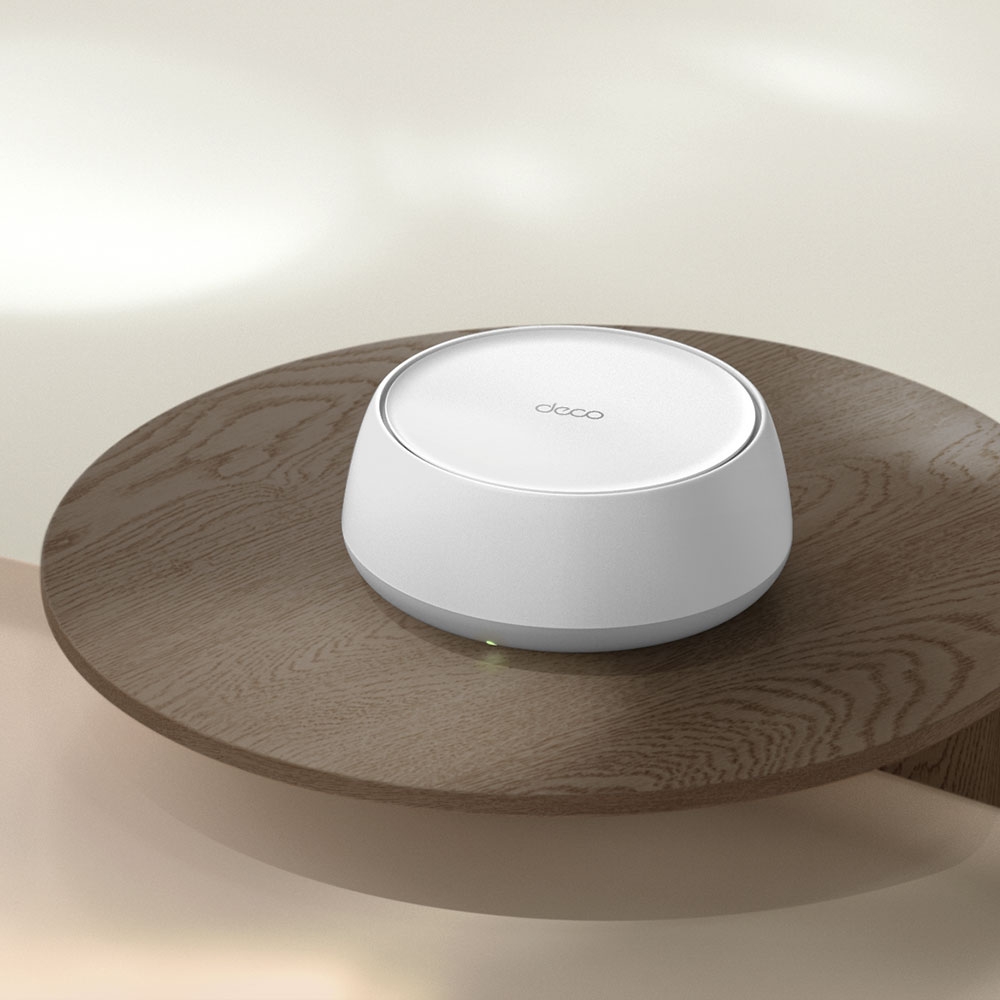
Deco BE22
BE3600 完整家庭 Mesh WiFi 7 系統
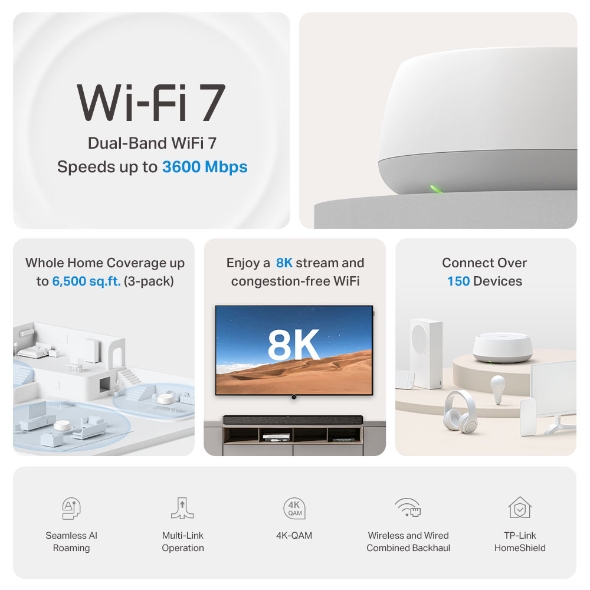
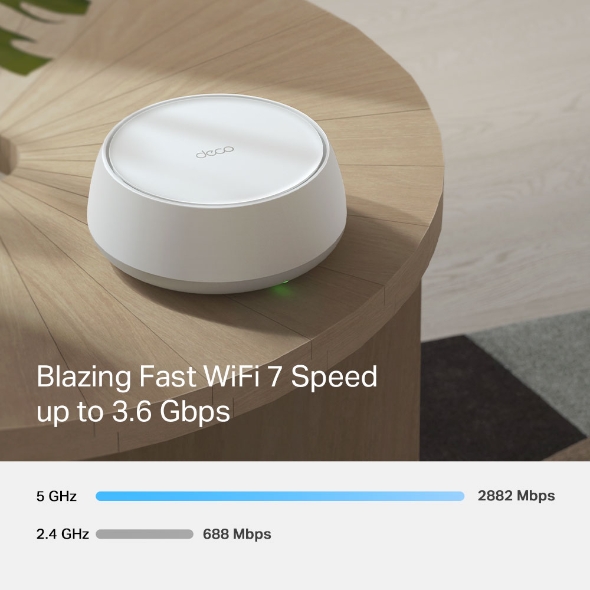
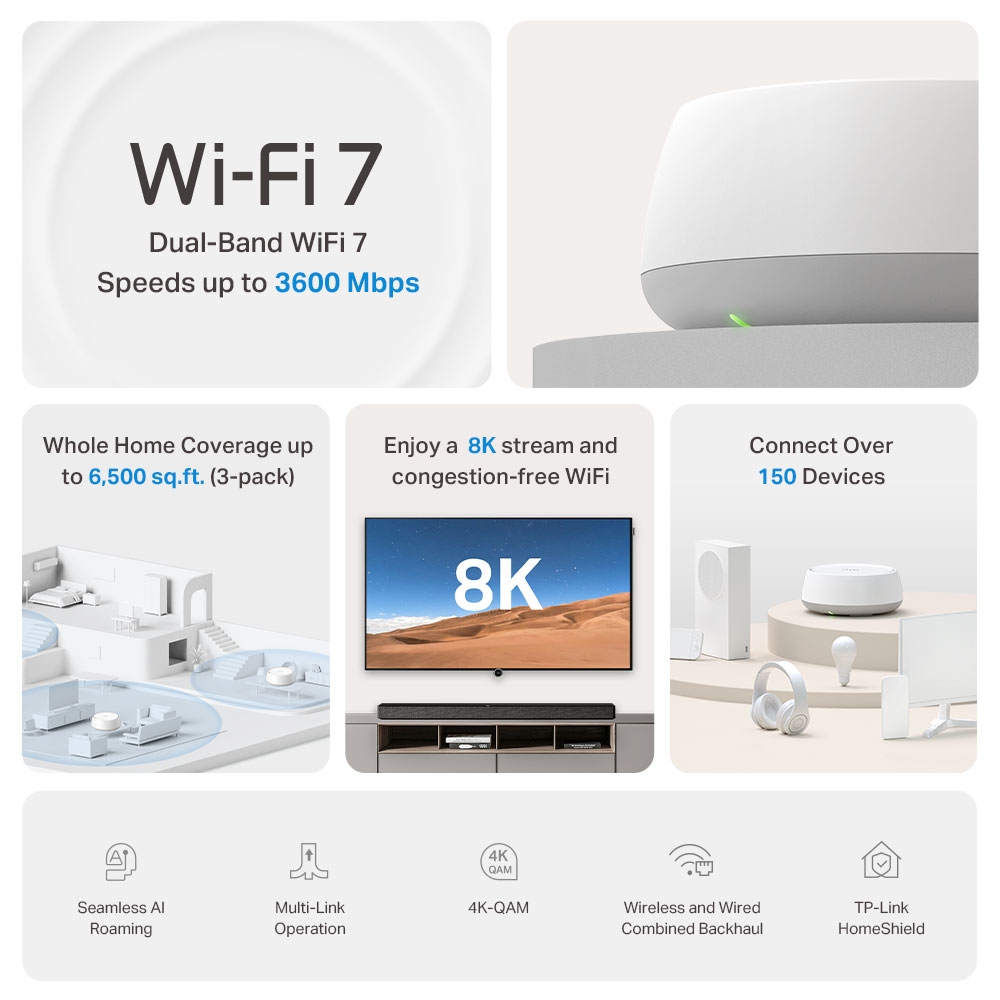
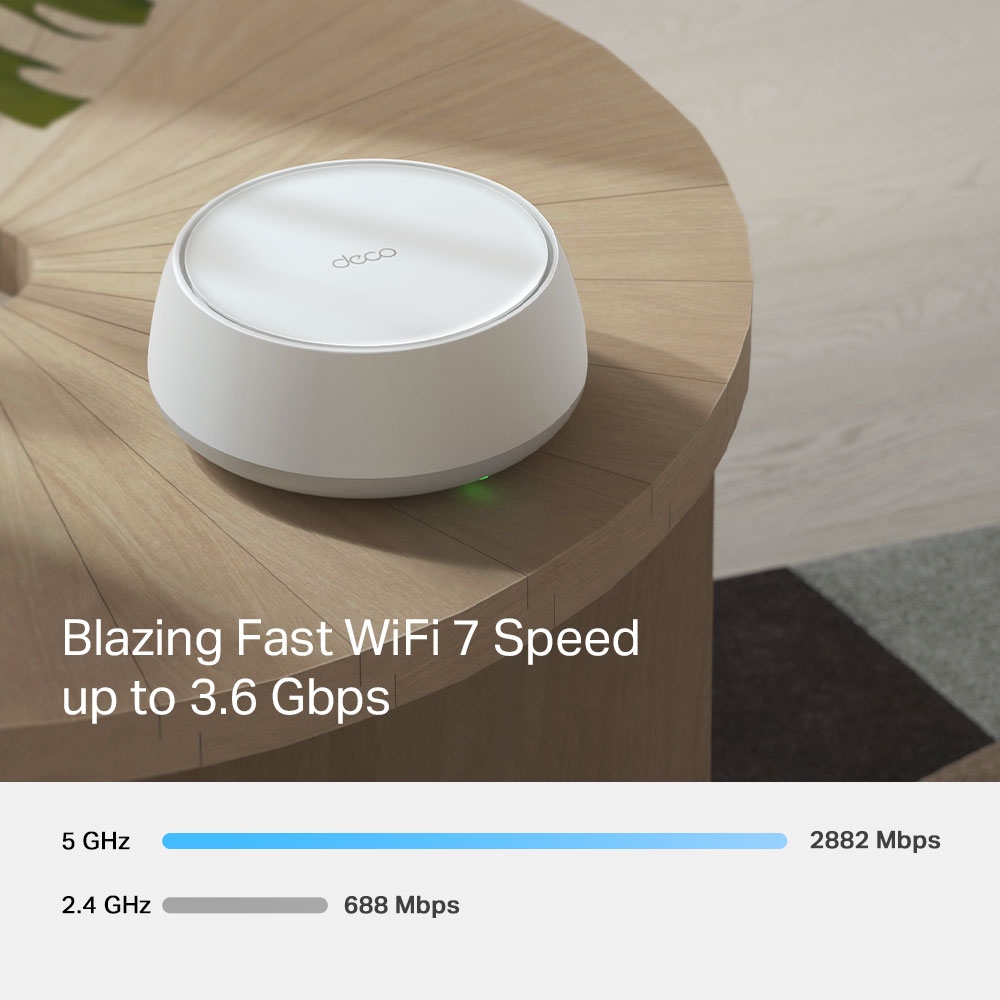
- 3.6 Gbps 雙頻 WiFi – 2882 Mbps (5 GHz) + 688 Mbps (2.4 GHz).†
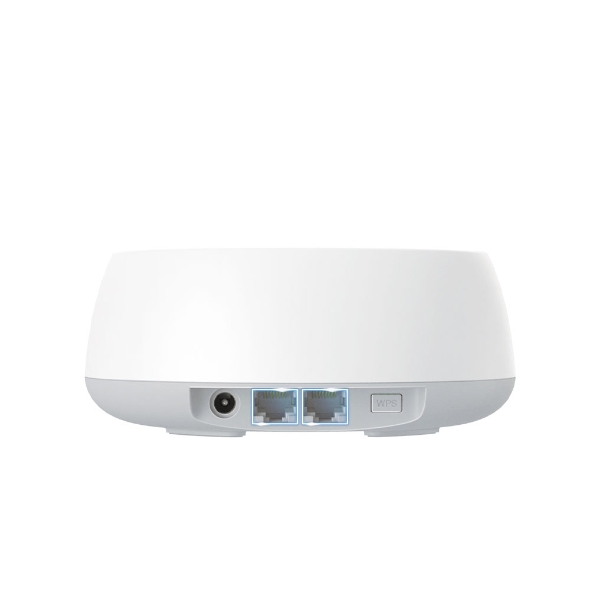
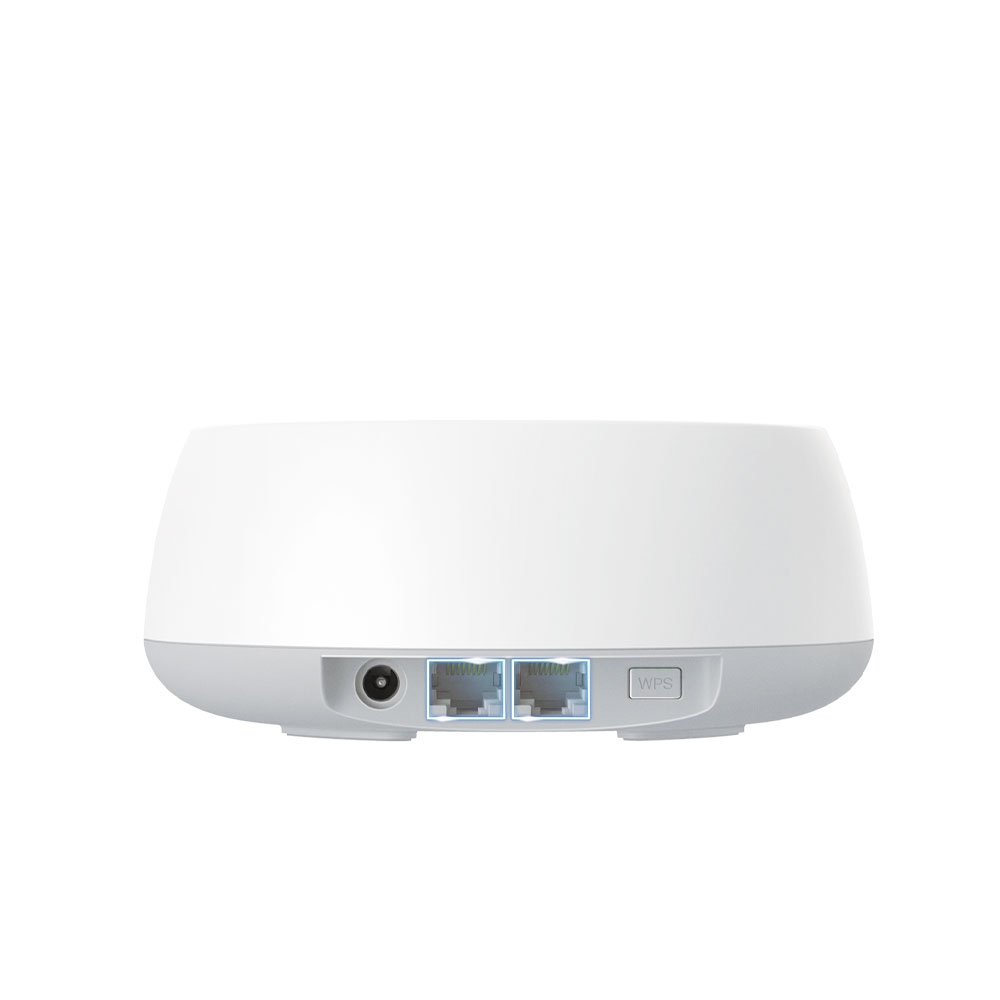
- Gigabit 有線連接 – 2× 1.0 Gbps 連接埠確保最大的彈性和更高的吞吐量。§
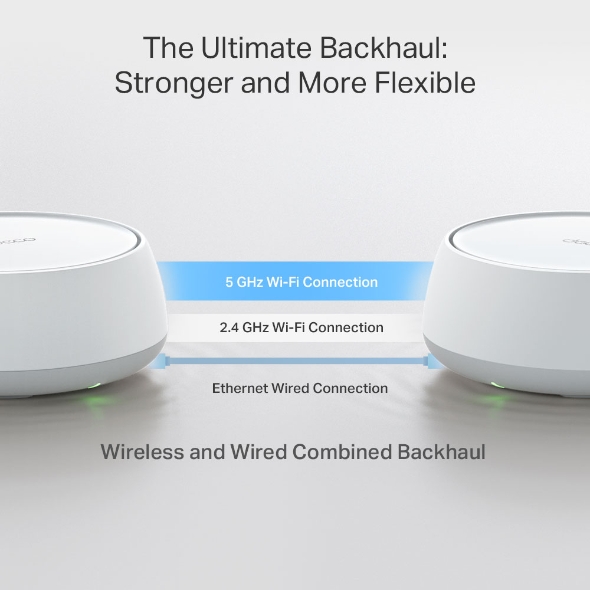
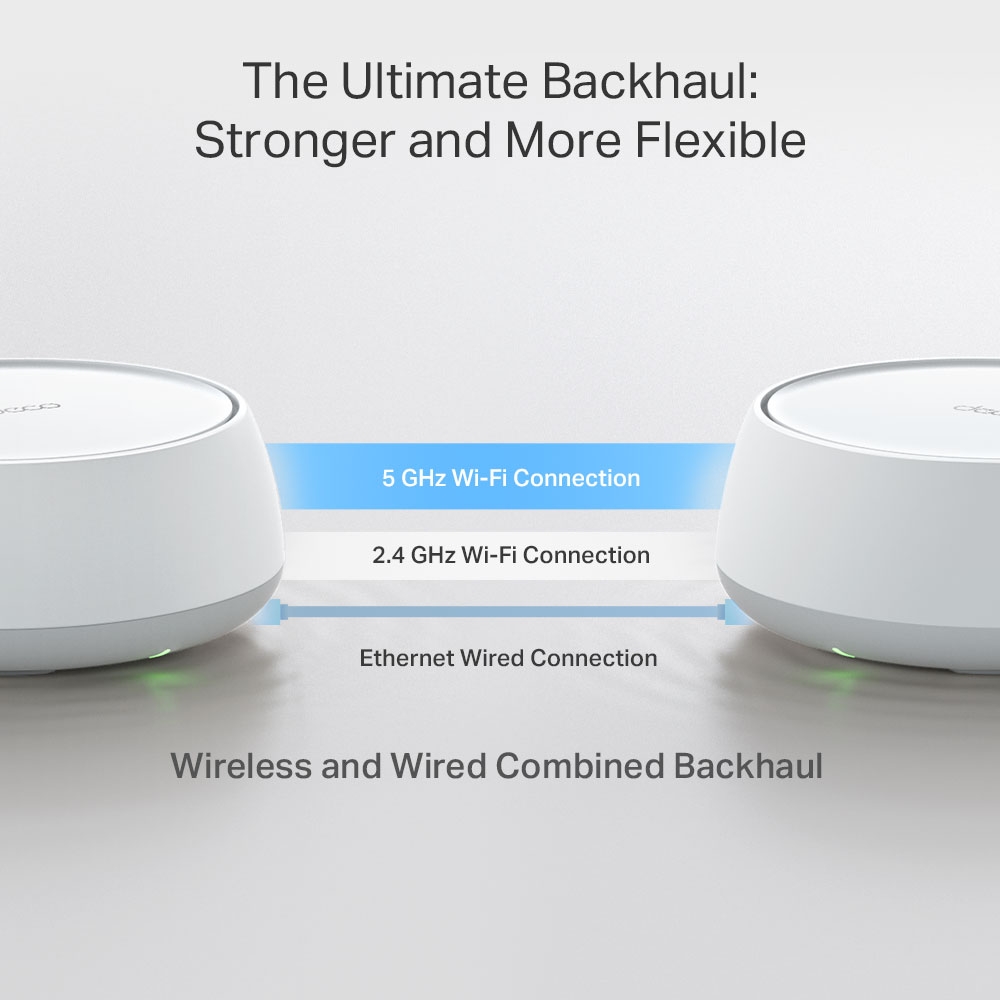
- 無線和有線組合回程 – 同時將無線和有線回程與每個設備連接,以提高整體吞吐量並減少延遲。
- 多重連接模式 (MLO) – 同時跨不同頻段和頻道發送和接收數據,以提高吞吐量、減少延遲並提高可靠性。△
- 無縫 AI 智慧漫遊 – 形成一個具有內建 AI 智慧漫遊的統一網路,為您的家庭建立理想的 Wi-Fi 解決方案。
- TP-Link HomeShield – 提供全面的網路保護、強大的家長監護和即時IoT安全。*
- 向下相容性 – 向下相容於所有 WiFi 世代,並可與任何網路服務供應商 (ISP) 和數據機搭配使用。☆





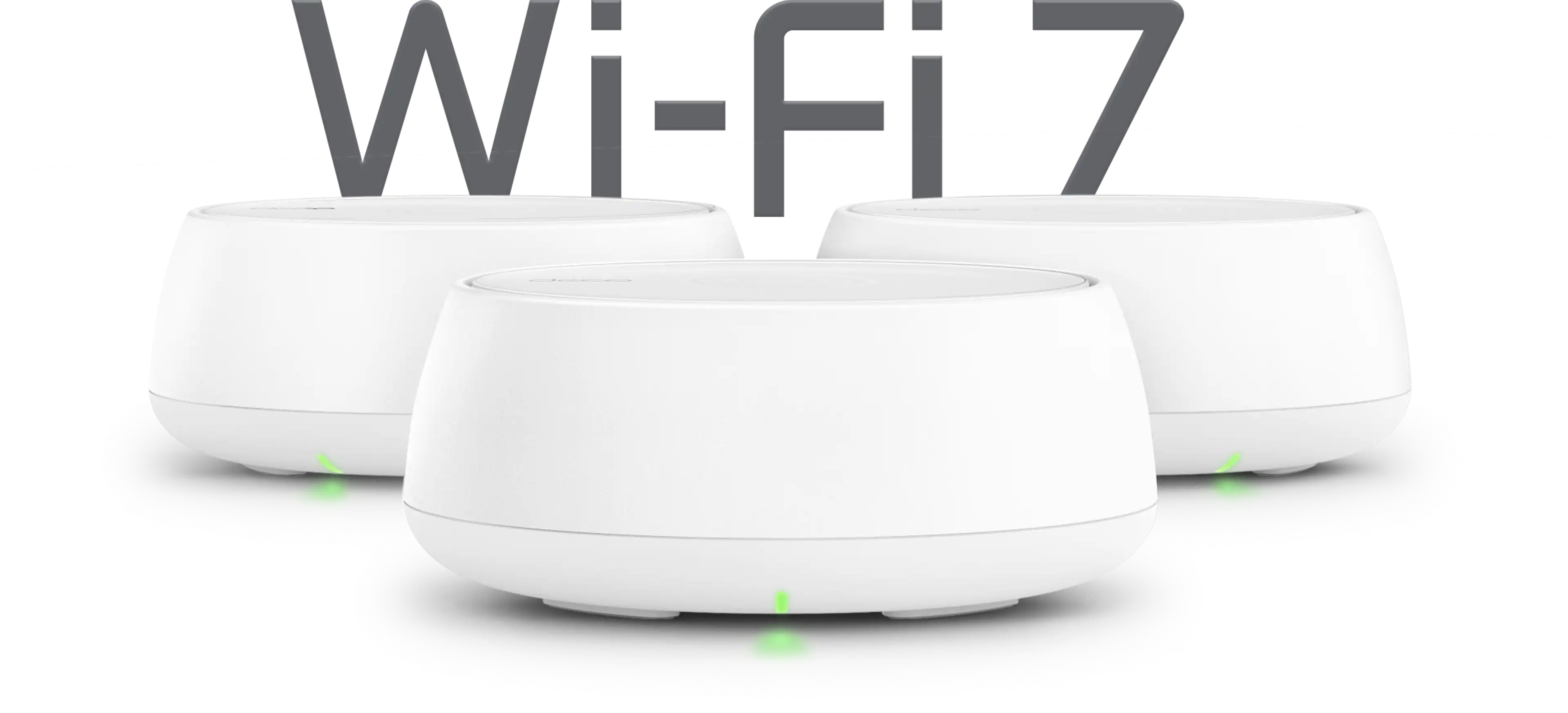
Whole-Home Wi-Fi 7.
Made Simple.
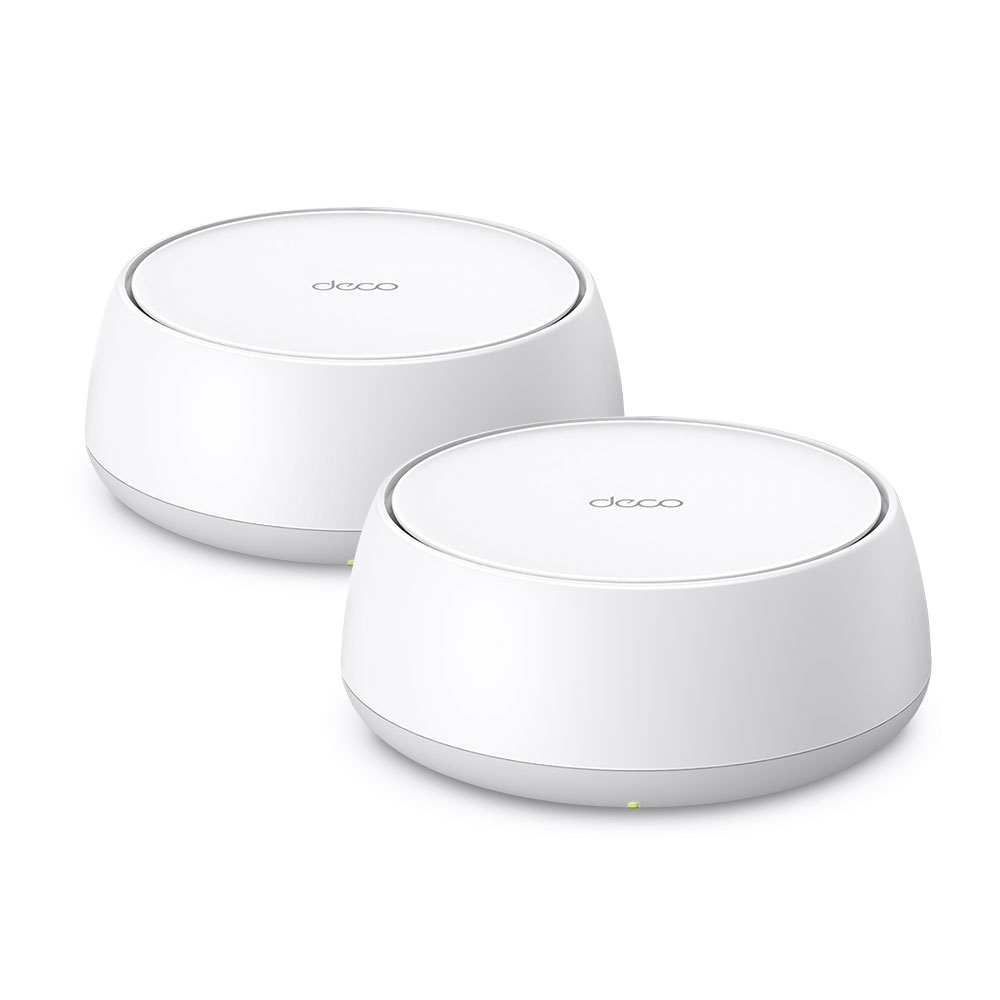
Deco BE3600 Whole-Home Wi-Fi 7 Mesh System
Deco BE22








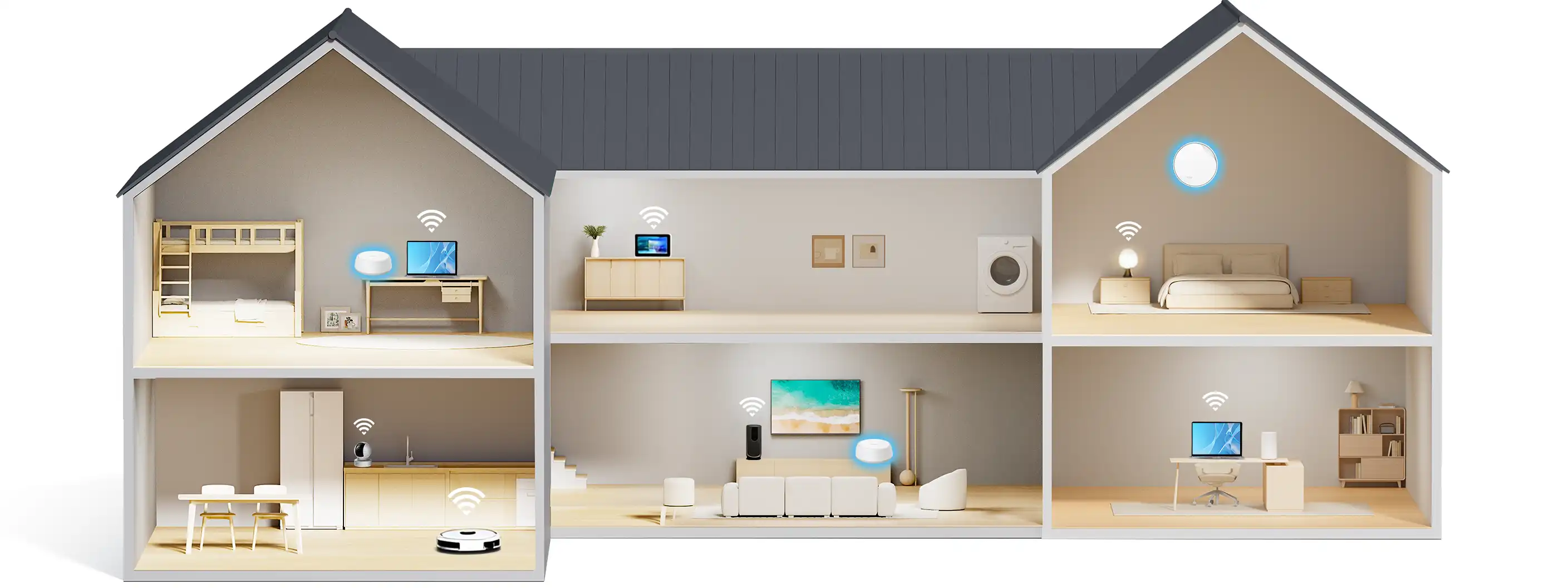
Seamless coverage, room to room
Up to 6,500 sq. ft. (3-pack)
Easy setup with the Deco app
Up to 3.6 Gbps
Wi-Fi 7 speeds
Ready for
Gigabit Internet
Connect over
150 devices

Smart
Roaming

Wi-Fi 7
Multi-Link
Flexible
Backhaul

HomeShield -
Advanced Security

Parental
Controls
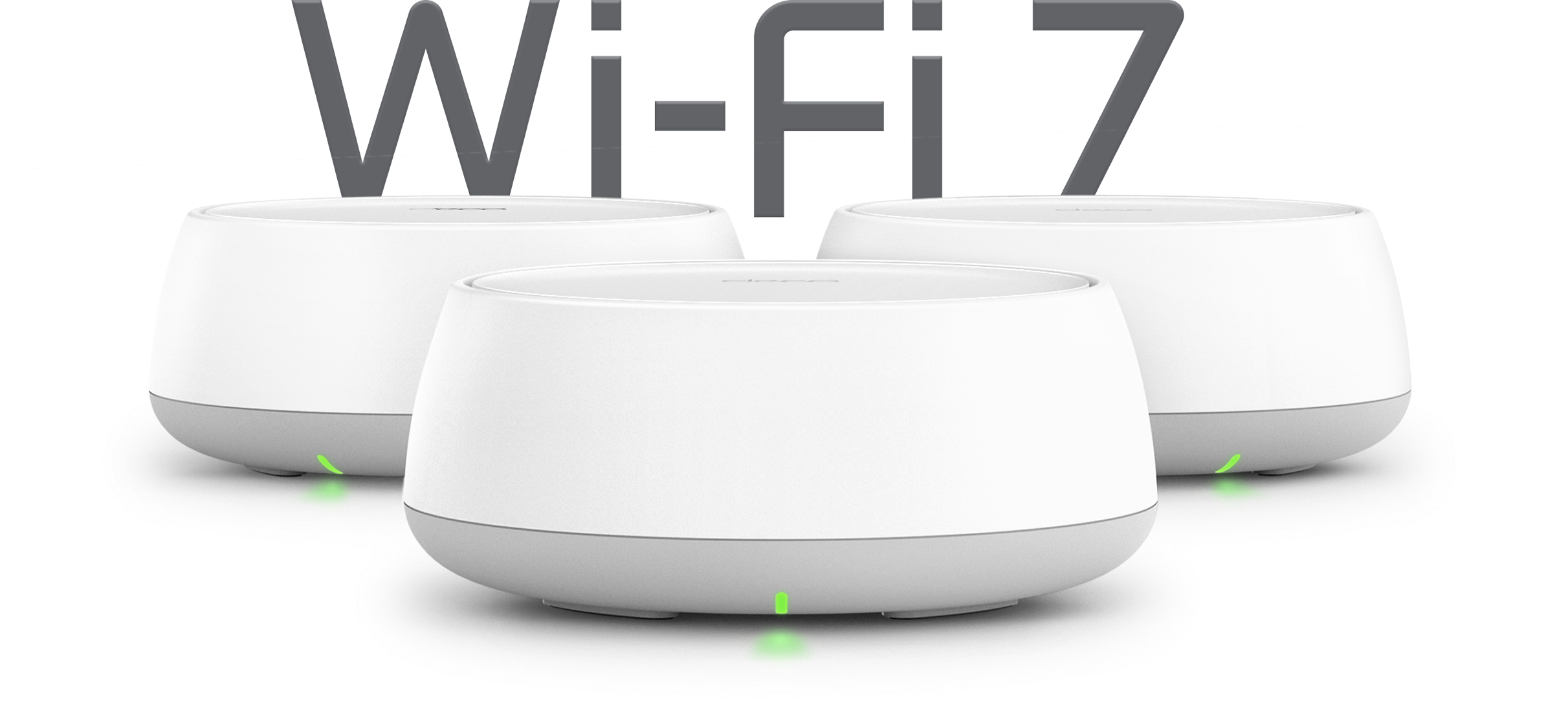
Wi-Fi Like Never Before
Wi-Fi 7 delivers faster speeds and smoother connections for today’s connected homes. Deco 7 makes next-generation Wi-Fi simple, reliable, and ready for everything you do online.
Wi-Fi That Keeps Up With Your Day
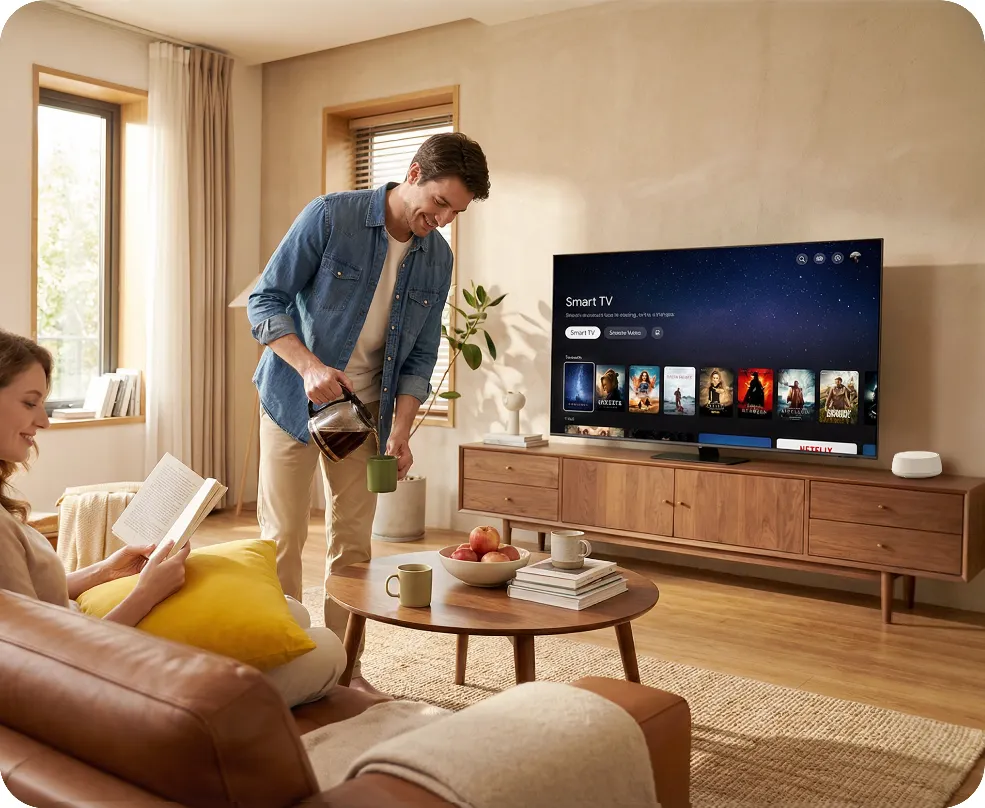
No more buffering, dropped calls, or slowdowns when everyone’s online. Deco 7 is built for busy homes, delivering smooth streaming and dependable connections in every room.





Ready for Gigabit Internet
When your internet plan gets faster, your Wi-Fi should keep up. Deco 7 supports 1 Gbps wired connections, helping reduce bottlenecks and slowdowns as more devices connect throughout your home.
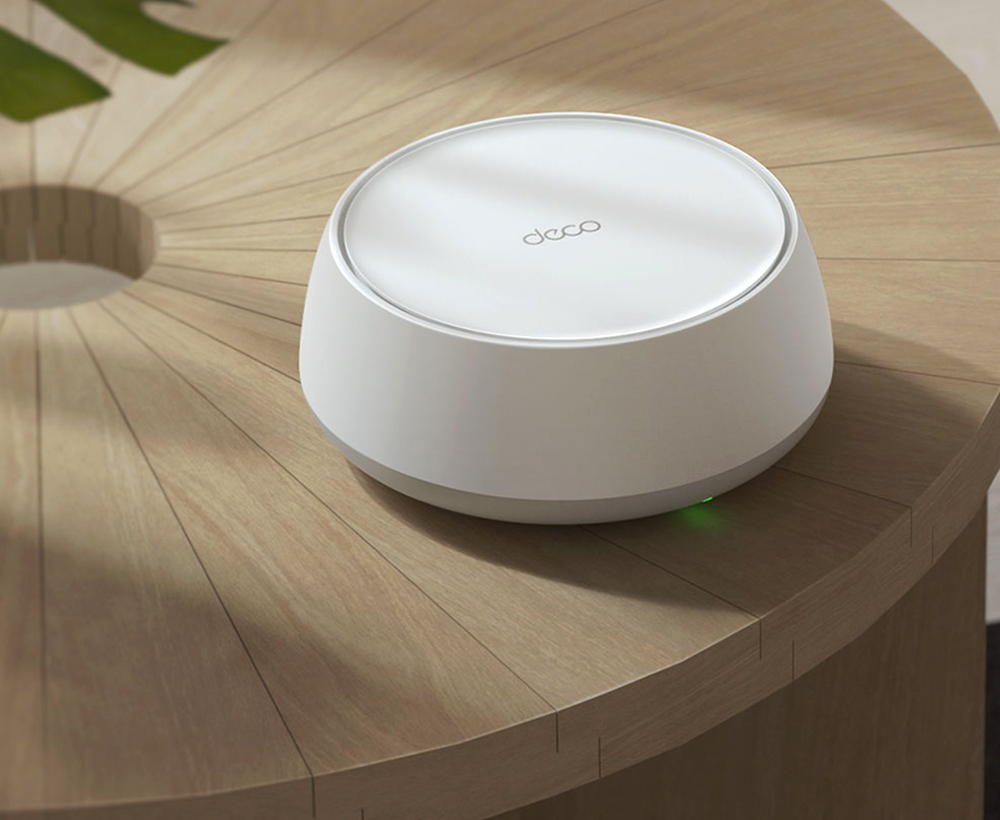
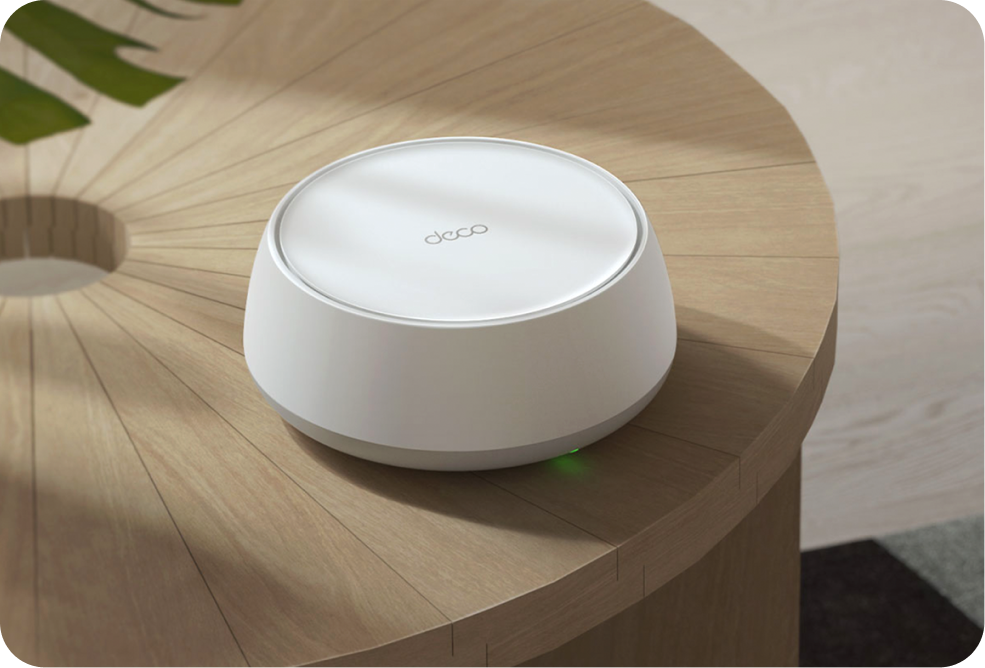
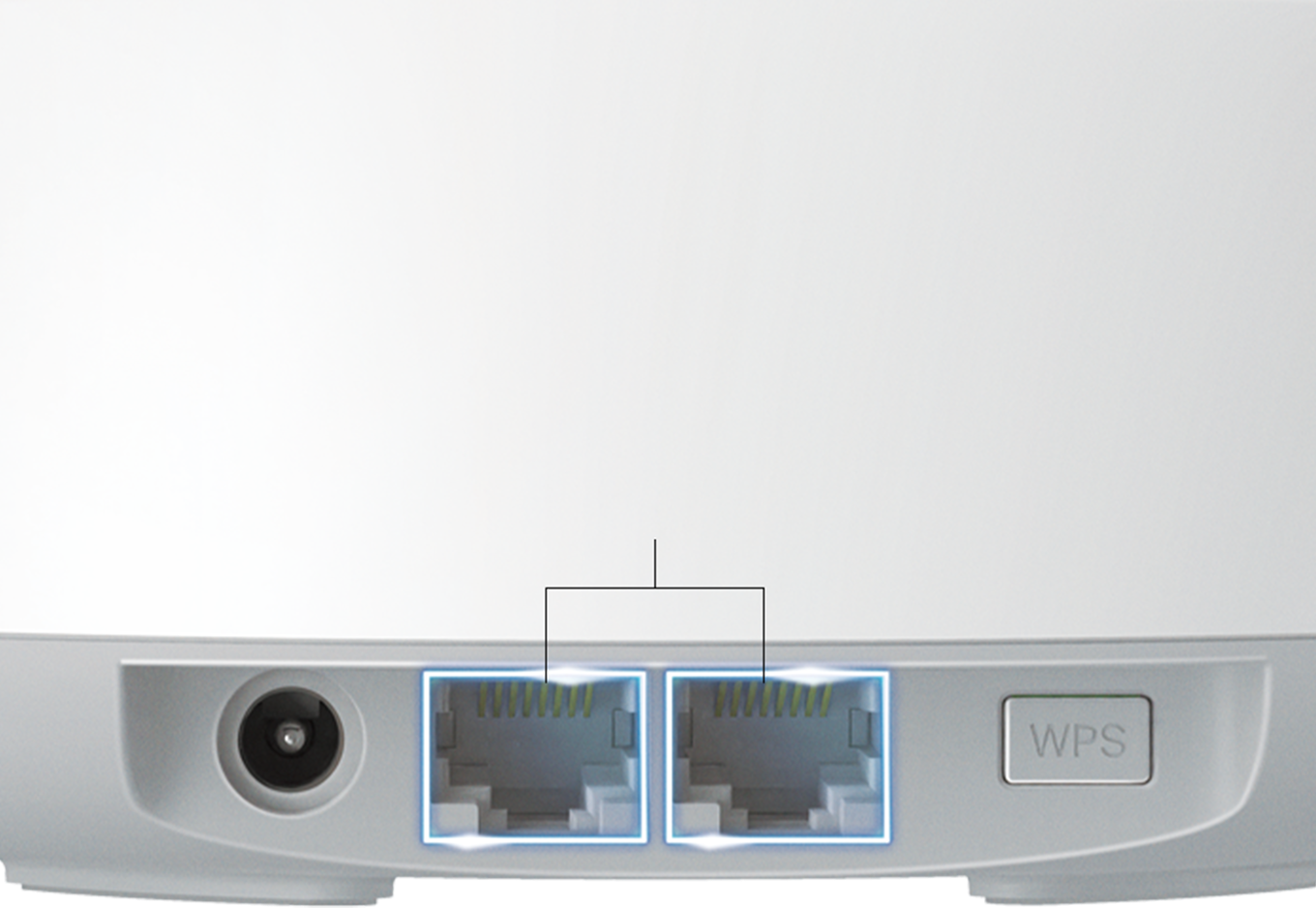
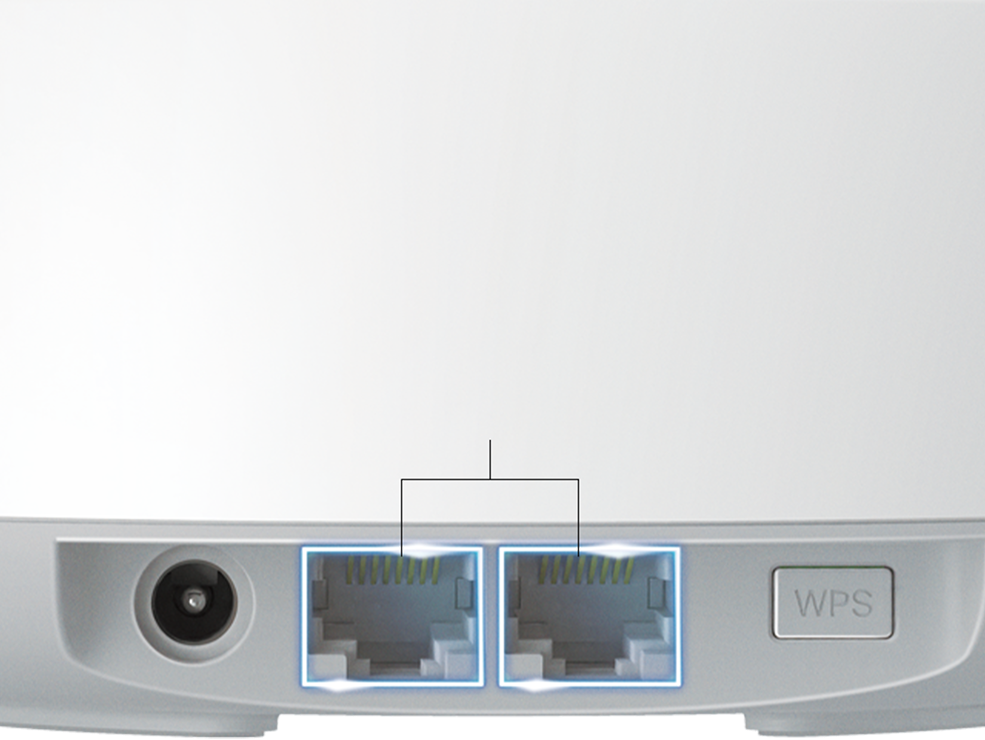
2× 1 Gbps
WAN/ LAN Ports

Computer

4K HDTV

Desktop
Stronger Connections Between Every Deco
Deco intelligently combines wired and wireless connections between units, helping keep Wi-Fi fast and stable throughout your home, even as more devices connect.
Simple. Easy.
Powerful.
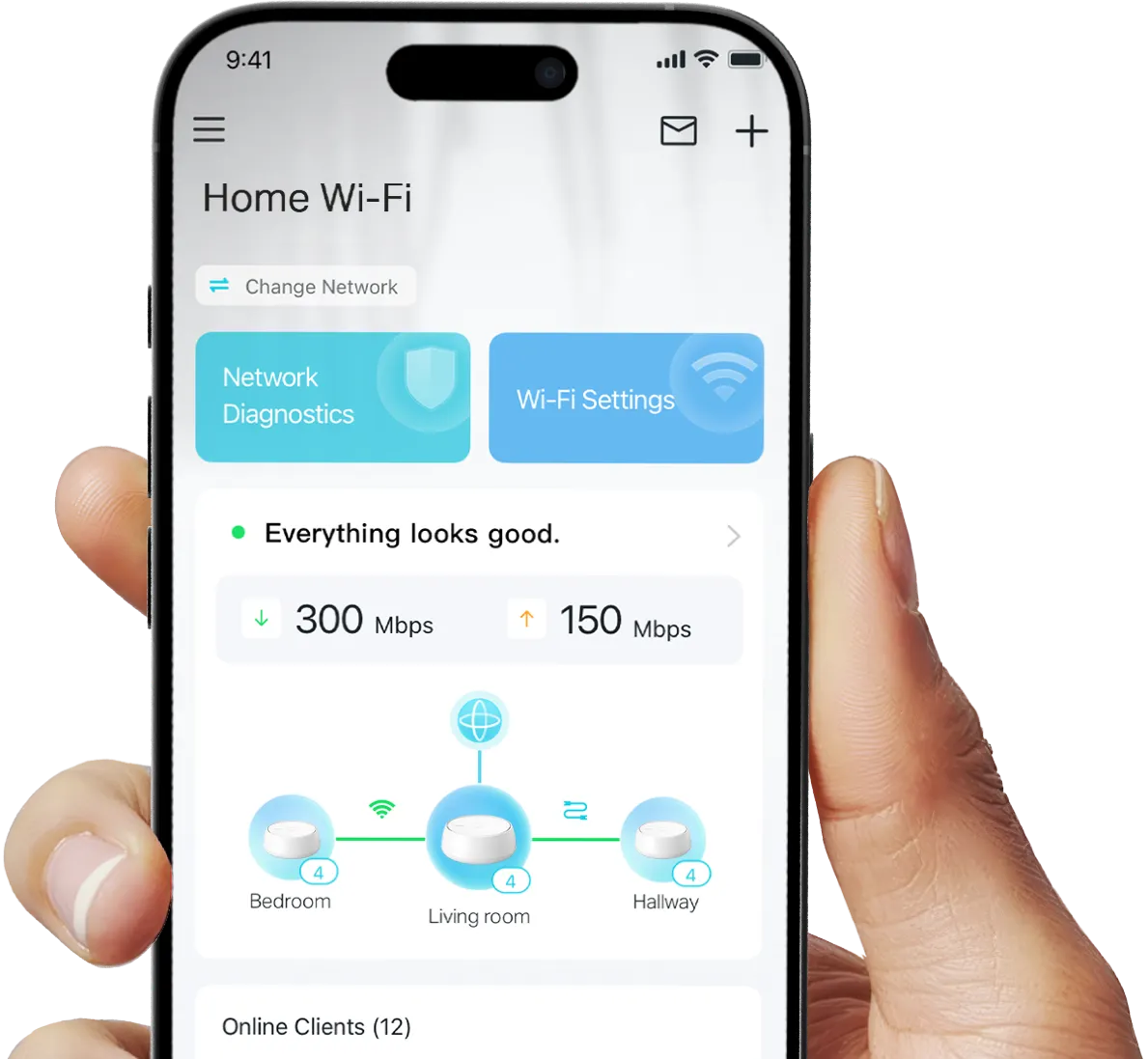
Deco 7 is designed to be effortless from the start. Set up in minutes with the Deco app, then enjoy strong, reliable Wi-Fi throughout your home.
Simple. Easy. Powerful.
Deco 7 is designed to be effortless from the start. Set up in minutes with the Deco app, then enjoy strong, reliable Wi-Fi throughout your home.
-
1 Connect to a modem and power on both.
-
2 Download and launch the Deco app.
-
3 Configure by following the in-app instructions.

Built-In Security for Everyday Life
HomeShield helps protect every device on your network — automatically — so your family can connect with confidence at home and beyond.
Learn more about HomeShield >



Advanced Network Protection
Get automatic protection for your entire home network, designed to help block online threats so you can browse, stream, and connect with confidence.

Parental Controls
Use simple tools to manage screen time and filter content, designed to support healthier online habits for kids while giving parents more control.

Protection that goes with you
Keep your devices protected at home and on the go, with security that stays with you wherever life happens.
Private IoT Network for More Security
Set up a separate Wi-Fi network for IoT devices, with built-in HomeShield protection and advanced WPA3 encryption to help better protect your home network and connected devices.
Smart Features Included with Every Deco 7 System
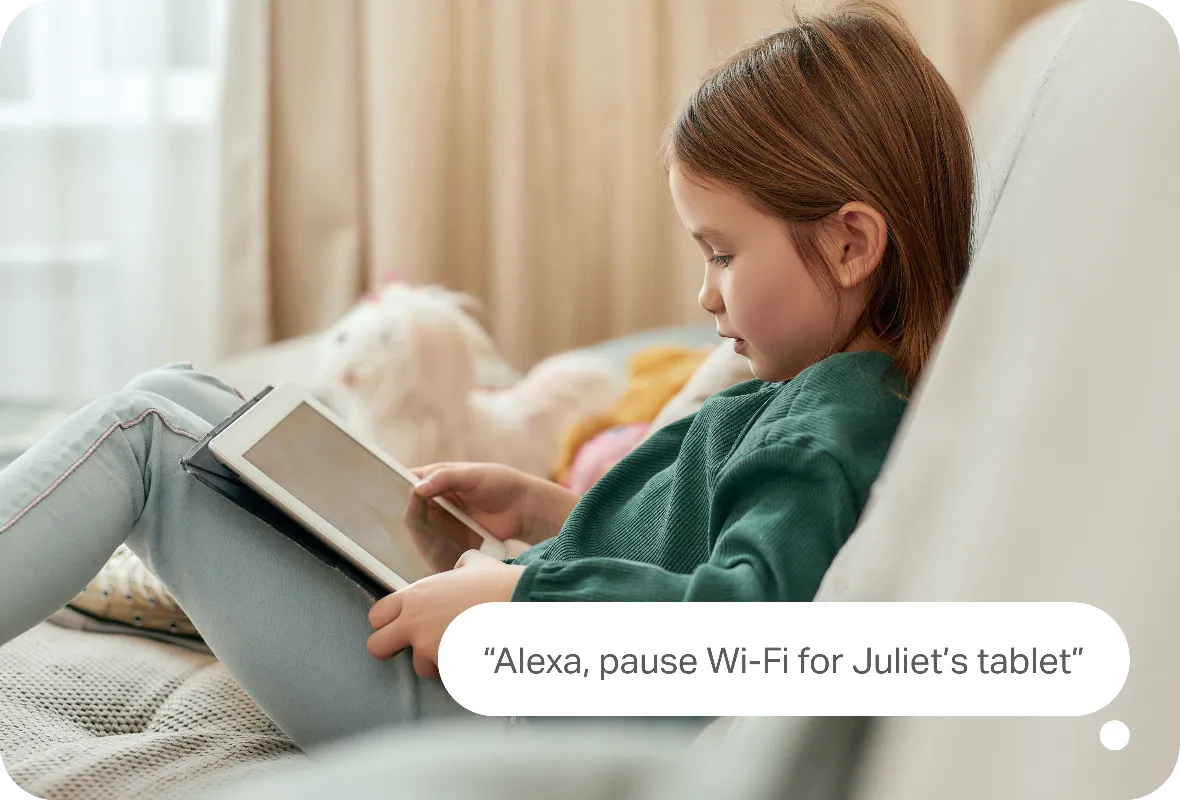

Hands-Free Voice Control
Use Amazon Alexa or Google Assistant-enabled devices to control your Deco system with simple voice commands, making it easy to manage your Wi-Fi hands-free.
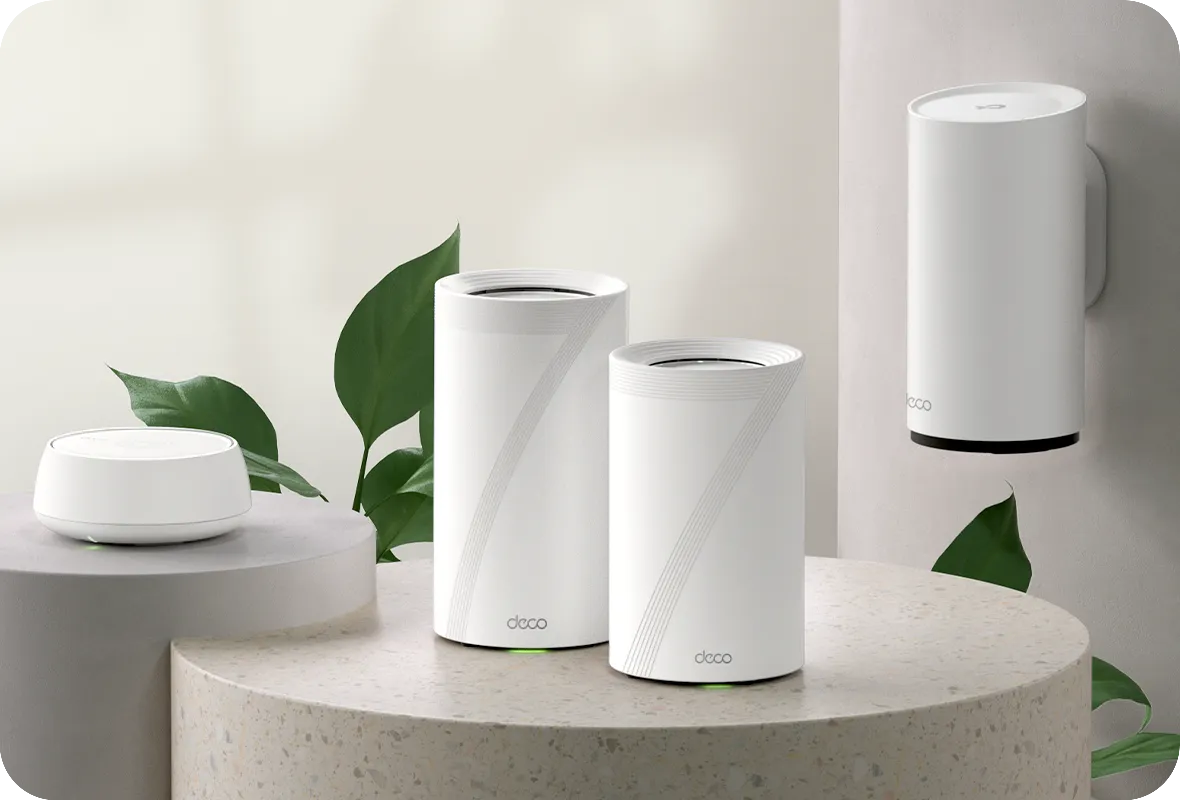
All Decos Work Together
All Deco devices work together to form one seamless mesh network. Expand your Wi-Fi coverage anytime by adding more Decos to keep every corner of your home connected.
-
地下室

-
庭院

-
車庫

真正的無縫漫遊
所有的Deco都能共同運作,這能形成一個統一的Wi-Fi網路,不論您在家中如何移動,您的手機或平板電腦都能自動連接到最快的Deco網路,快速且平順的切換,因切換時間不到0.3秒,實現了無縫漫遊的上網體驗。


-
適應式路由技術
TP-Link Mesh技術能夠動態的為您的資料傳輸選擇最佳的路由器以及頻段,而這可以保證您不論在家中何處,都能擁有最穩定、快速的連線。


-
自我修復功能
如果其中一個Deco遭遇麻煩,系統將會透過其它的Deco自動重新進行路由,以確保您能保持連線狀態。
Wi-Fi + 電力線網路
電力線會連接利用您家的電路連接Deco,從而繞過最厚的牆壁和天花板。
雙頻Wi-Fi和電力線網路可在Deco單元之間共同傳輸數據。與僅使用Wi-Fi相比,總網路速度大大提高。
- Wi-Fi + 電力線網路:
- Hybrid Wi-Fi 系統 提升的速度
- 傳統的 Mesh Wi-Fi:
- 標準的 Wi-Fi 系統
- 電力線
- 註:Wi-Fi + 電力線只有在 Deco P9才有具備
物聯網(IoT) Mesh
與傳統的智慧型集線器不同,透過整合Wi-Fi、藍牙和Zigbee到一個系統中,TP-Link Mesh技術提供了進行完整的家庭物聯網覆蓋。使用TP-Link Mesh技術,讓您能在每個房間享受智慧家庭網路的魔力,從此告別所有的集線器。
- - - - Wi-Fi
- - - - Zigbee
- - - - Bluetooth
Wi-Fi 6 Mesh
配備有Wi-Fi 6的技術,
Deco全家庭式Wi-Fi 6 Mesh主要是能提高覆蓋範圍、速度和總容量。使用最新的Wi-Fi 6 Mesh,就可盡情享受更快速的網路連接和更大的負載。
-
更廣的覆蓋面積
-
更多的連接設備
-
更快速的 Wi-Fi 6傳輸
AI-Driven Mesh
藉由AI Mesh技術,Deco可以自動從使用經驗中自我學習,進而為您的家庭和網路環境提供獨特的Mesh Wi-Fi。走進您的家庭,以最快的速度享受無縫的串流媒體播放。
為什麼要選擇領先業界的TP-Link Mesh技術?
| 競爭對手比較 | |||
| 產品型號 | TP-Link Deco | Netgear Orbi | Google WiFi |
| 無線備援 | 三頻(2.4G+5G_1+5G_2)¹ | 單頻(5G_1 Only) | 雙頻(2.4G+5G) |
| 支援的Mesh協定 | IEEE 802.11k/v/r | IEEE 802.11k/v | IEEE 802.11s |
| 真無縫漫遊 | √ | × | × |
| APS(自適應路徑選擇) | √ | × | √ |
| 物聯網 Mesh | √² | × | × |
| Wi-Fi 6 Mesh | √5 | √ | × |
| AI-Driven Mesh | √6 | × | × |
| 電力線備援 | √³ | × | × |
| 無線網路 + 電力線頻寬 | √⁴ | × | × |
| 頻段導航 | √ | √ | √ |
| AP 導航 | √ | √ | √ |
| 自我修復 | √ | √ | √ |
| 註: 1&2 只有 Deco M9 Plus 有支援;5 只有 Deco X20;Deco X60 Deco X90有支援;6 只有 Deco X90 有支援. Spec sourced by Dec. 2019 |
|||
Deco 系列
所有 Deco
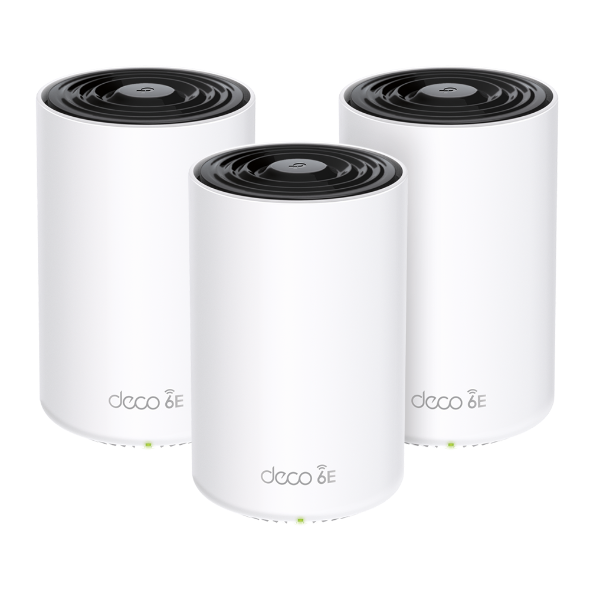 新品
Deco XE75
AXE5400 三頻Mesh Wi-Fi 6E系統

Deco X90
AX6600 完整家庭 Mesh Wi-Fi 6系統

Deco X55
AX3000完整家庭Mesh Wi-Fi 6系統

Deco X50
AX3000完整家庭Mesh Wi-Fi 6 系統

Deco X20
AX1800 完整家庭Mesh Wi-Fi 6 系統

Deco P9
AC1200 + HomePlug AV1000 完整家庭Mesh Wi-Fi系統
Deco網路管理盡在掌中!
Deco app提供了最簡單的設定方式,無論何時何地都能透過您的iOS或Android設備管理監控您的Deco網路。
輕鬆管理
Deco App讓您無論在哪都能輕鬆、快速管理您的Wi-Fi。
-
直觀的管理版面
檢視您的網路運作狀態,可看到所有連接的設備並進行路由器提供的功能設定。
-
一個App,管理多個Deco
一個Deco App便能管理您所有Deco網路及連接Deco Wi-Fi的設備。
-
連接設備一目瞭然
所有連接至Deco網路的設備皆會出現在列表內,您可以暫停或恢復該設備的網路存取權限、測試與Deco與網際網路的連接速率及使用優先程度、或設定設備的黑名單。
-
遠端管理
不論您是否連接著Deco的Wi-Fi,都能使用Deco App調整家長監護和其他Wi-Fi的設定,或是將其他家庭成員加至管理員名單,讓他們協助您一同管理網路。
強大的家長監護功能
簡潔、直觀的家長監護功能輕鬆保障孩子使用網路的安全。
-
建立家庭成員的用戶檔案並彈性限制上網時間,可分配多個設備到一個用戶檔案,整合管理更快速!
-
可根據孩子年齡層級過濾不恰當的網路內容,在資訊爆炸時代保護您的家人使用網路安全。
-
設定每名家庭成員可使用的上網時間。
-
觀察孩子瀏覽的網站及其停留時間,確認孩子是否安全而快樂的上網。
-
在晚餐和家族聚會時,孩子不停玩手機,怎麼講都講不聽嗎?按下暫停按鈕讓指定用戶檔案的網路暫時無法使用,享受家人聚在一起的時光。
內含許多功能的強大App
每月使用報告
從使用報告中您可以看到每月網路使用細節的全面型表單,包含使用量、
防護內容、安全威脅等等資訊。
家庭自動化
使用強大的自動化功能和語音控制工具讓您的生活更加便利。
*目前僅Deco M9 Plus支援
彈性設定捷徑
手機或平板只要按一個按鈕便能彈性控制所有智慧家電。
*目前僅Deco M9 Plus支援
保護您的網路
內建防毒功能保護您的設備不受惡意網站侵害並保障線上支付安全。
*目前僅Deco M9 Plus, Deco P7和Deco M5支援
優化您的設備
可選擇優先使用網路的設備,
並設定優先使用的時間。
設定使用網路優先層級
透過簡單的操作分配更多頻寬給重要的網路應用。
*目前僅Deco M9 Plus、Deco P7和Deco M5支援
與朋友分享Wi-Fi
設定訪客網路並快速分享Wi-Fi密碼,
不洩漏家庭內部網路資訊。
確認您的網路連接速度
確認您的Deco連接網際網路的速度,
觀看每個連接至Deco的設備並確認它們使用的頻段。
| 標準 | Wi-Fi 7IEEE 802.11be/ax/ac/n/a 5 GHzIEEE 802.11be/ax/n/b/g 2.4 GHz |
|---|---|
| Wi-Fi 速度 | BE36005 GHz: 2882 Mbps (802.11be)2.4 GHz: 688 Mbps (802.11be) |
| Wi-Fi 範圍 | Broader Whole Home Coverage TP-Link Mesh TechnologyOptional Ethernet backhaul work together to link Deco units to provide seamless coverageAI-Driven MeshIntelligently learns the network environment to provide ideal Wi-Fi unique to your home4× High-Performance Antennas (Internal)Multiple antennas form a signal-boosting array to cover more directions and large areas |
| Wi-Fi 容量 | Very High Dual-BandDistribute devices to different bands for optimal performanceOFDMASimultaneously communicates with multiple WiFi 7 clients4 StreamsMore than enough bandwidth for connected devices |
| 運作模式 | Router ModeAccess Point Mode |
| 進階功能 | • Multi-Link Operation (MLO)• 160 MHz Channel• 4K-QAM• Multi-RUs• Works with Alexa and Google Assistant |
| 網路安全性 | SPI FirewallAccess ControlHomeShield Security Real-Time IoT ProtectionMalicious Site BlockerIntrusion Prevention SystemDDoS Attack PreventionHome Network Scanner |
|---|---|
| 訪客網路 | 1× 5 GHz Guest Network1× 2.4 GHz Guest Network Effective TimeBandwidth Control |
| VPN 伺服器 | • OpenVPN Server• PPTP VPN Server• L2TP/IPSec VPN Server |
| VPN 用戶端 | • OpenVPN Client• PPTP VPN Client• L2TP/IPSec VPN Client |
| Wi-Fi 加密 | WPA-Personal WPA2-Personal WPA3-Personal |
| 網路孔 | • 2× 1.0 Gbps*Per Deco Unit Supports WAN/LAN auto-sensing |
|---|---|
| 按鈕 | 1× Reset Button1× WPS |
| 進階功能 | • Reboot Schedule• Tapo/Kasa Onboarding• IoT network & Device Isolation• Static Routing Function• Node/Band Connection Preference |
|---|---|
| 協定 | IPv4 IPv6 |
| 服務工具 | HomeShieldLearn More> |
| 家長監護 | HomeShield Parental Controls Youtube RestrictionSafeSearchCustom ProfilesProfessional Content Filter LibraryFamily TimeBedtimeOff TimeTime RewardsFamily Online Time RankingPause the InternetWeekly and Monthly Reports |
| WAN 類型 | Dynamic IPStatic IPPPPoEPPTPL2TP |
| 服務品質 | HomeShield QoS QoS by Device |
| 雲端服務 | OTA Firmware UpgradeTP-Link ID DDNS |
| NAT 轉發 | Port Forwarding UPnP |
| IPTV | IGMP ProxyIGMP SnoopingBridge Tag VLAN |
| DHCP | Address ReservationDHCP Client ListServer |
| DDNS | TP-Link |
| 管理 | Deco App |
| 預設啟用的網路服務 | Web Server Manage and configure device through web (HTTP/HTTPS)• Port: 80/443 Protocol: TCP DNS DNS• Port: 53 Protocol: TCP & UDP DHCP Server IP address assignment (DHCP)• Port: 67 Protocol: UDP App management Manage and configure device through app• Port: 22 Protocol: TCP• Port: 20001 Protocol: TCP• Port: 30001 Protocol: TCP• Port: 20002 Protocol: UDP |
|---|---|
| 體積 (W×D×H) | 5.91 × 5.91 × 2.44 in (150 × 150 × 62 mm) |
|---|---|
| 包裝內容 | Deco BE22 (3-pack)3 Deco BE22 units1 RJ45 Ethernet cable3 Power adaptersQuick Installation GuideDeco BE22 (2-pack)2 Deco BE22 units1 RJ45 Ethernet cable2 Power adaptersQuick Installation GuideDeco BE22 (1-pack)1 Deco BE22 unit1 RJ45 Ethernet cable1 Power adapterQuick Installation Guide |
| 認證 | CE, FCC |
|---|---|
| 環境 | Operating Temperature: 0°C~40°C (32 °F~104 °F)Storage Temperature: -40°C~60°C (-40 °F~140 °F)Operating Humidity: 10%~90% RHStorage Humidity: 5%~90% RH |
†最大無線訊號速率是源自 IEEE 標準 802.11 規範的物理速率。與 150 多個設備的連接基於實驗室測試數據,該數據同時分析了 5 GHz 和 2.4 GHz 頻段上不同設備的連接。這些設備透過在同一房間內同時運行應用程式來模擬典型的家庭場景,其中包括 4K 影片、1080p 影片、720p 影片、檔案下載、網頁瀏覽、IP 攝影機和其他 IoT 裝置。實際的無線資料吞吐量、無線覆蓋範圍和連接的設備不受保證,並且會因ISP服務提供商因素、網路條件、用戶端限制和環境因素(包括建築材料、障礙物、流量和密度以及用戶端位置)而有所不同。
△使用 Wi-Fi 7 (802.11be)、Wi-Fi 6 (802.11ax) 以及多重連接模式 (MLO)、4K-QAM、多 RU、OFDMA、MU-MIMO 和 BSS Color 等功能要求用戶端也支援相應的功能。
*HomeShield 包括基本和高級功能。高級功能需要付費訂閱。有關詳細訊息,請前往 tp-link.com/homeshield。某些功能正在開發中,將在後續軟體更新中取得支援。
☆WiFi 各代代表無線標準 IEEE 802.11 a/b/g/n/ac/ax/be。用戶可能需要與其網路服務供應商相容的額外數據機設備才能存取網際網路。
實際網路速度可能會受到產品乙太網路 WAN 或 LAN 連接埠速率、網路線支援的速率、網際網路服務供應商因素以及其他環境條件的限制。
此 Deco 可能不支援 IEEE 802.11be 規範中核准的所有強制功能。
可能需要進一步的軟體升級以實現功能可用性。
Google 和 Google Home 是 Google LLC 的商標。