
How Can I Get the Invoice for My HomeShield Subscription?
Once you have subscribed to TP-Link HomeShield, you can obtain your invoice by following the instructions below based on the platform you used for purchase: Google Play, Apple App Store, or HomeShield Web.
Scenario 1: Via the Google Play
Please refer to Find your Google Store receipt & order number for detailed instructions.
Scenario 2: Via the Apple Store
Please refer to How to see your purchase history for detailed instructions.
Scenario 3: Via the HomeShield Web
By default, your invoice will be sent automatically to the email address associated with your TP-Link account. Please check your inbox first.
If you cannot find the invoice in your email, you can request it manually by following these steps:
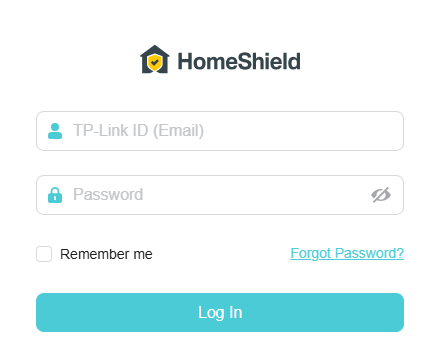
Step 1. Open a web browser, enter https://homeshield-subscription.tplinkcloud.com/ in the address bar, and log in with your subscribed TP-Link ID and password.
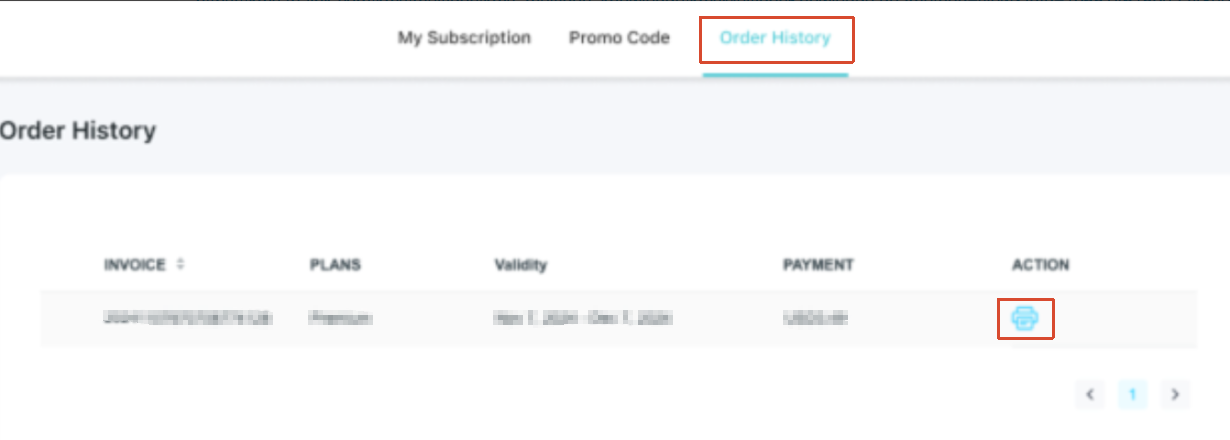
Step 2. Go to Order History, find the order for which you need the invoice, and click the  icon to download it.
A fost util acest FAQ?
Părerea ta ne ajută să îmbunătățim acest site.
_normal_20250418093949d.png)

