
How to control clients on SR20
 10618
10618Este Artigo se aplica a:
Kasa App allows us to block client from accessing internet for a period or forever.
1. Go to Devices and tap the smart home router.
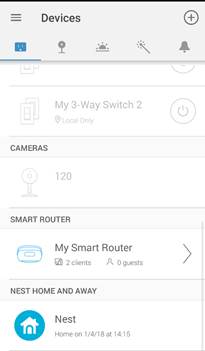
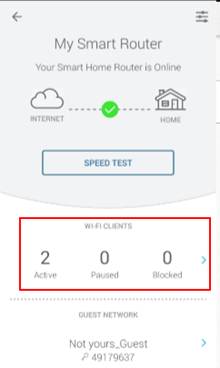
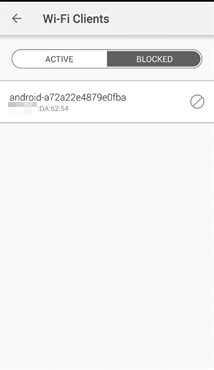
2. Under Wi-Fi Clients, you will see Active/Paused/Blocked. Tap on the > button to check which device is paused or blocked.
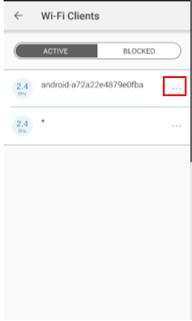
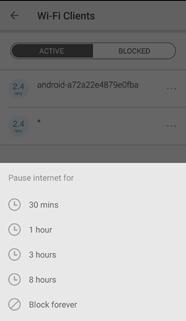
3. To block a device, tap the three dots of the specific device, select a period to pause internet for or block it forever.
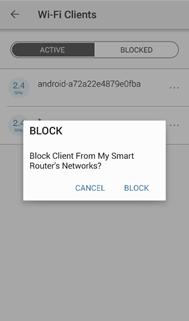
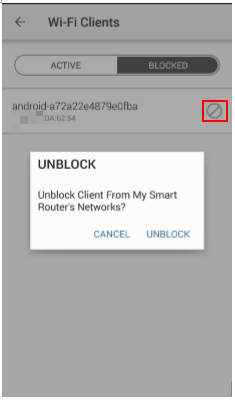
4. To unblock a device, tap the  icon, and unblock it.
Get to know more details of each function and configuration please go to Download Center to download the manual of your product.
Esta FAQ é útil?
Seu feedback ajuda a melhorar este site.