
如何清潔掃地機器人的邊刷
每月清潔一次,每 3-6 個月更換一次。
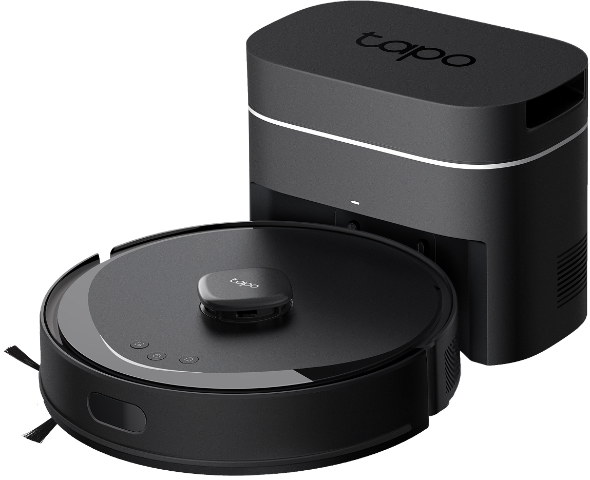
1. 用力拉動以拆下邊刷並清除所有纏繞的碎屑。 如果需要,請用濕布擦拭。
2. 辨識掃地機器人邊刷和插槽的顏色(黑-黑;白-白)。
3. 根據顏色重新安裝新邊刷並壓緊以確保安裝到位。
每月清潔一次,每 3-6 個月更換一次。
1. 用力拉動以卸下邊刷並清除任何纏繞的碎屑。 必要時用濕布擦拭。
2. 重新安裝邊刷並壓緊,確保安裝到位。

每月清潔一次,每 3-6 個月更換一次。
1. 用力拉動以卸下邊刷並清除任何纏繞的碎屑。必要時用濕布擦拭。
2. 重新安裝邊刷並壓緊,確保安裝到位。

Looking For More
這篇faq是否有用?
您的反饋將幫助我們改善網站


TP-Link Community
Still need help? Search for answers, ask questions, and get help from TP-Link experts and other users around the world.