
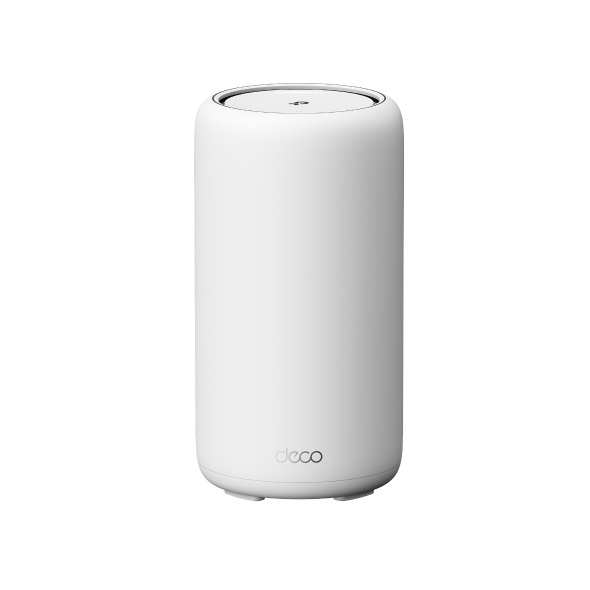
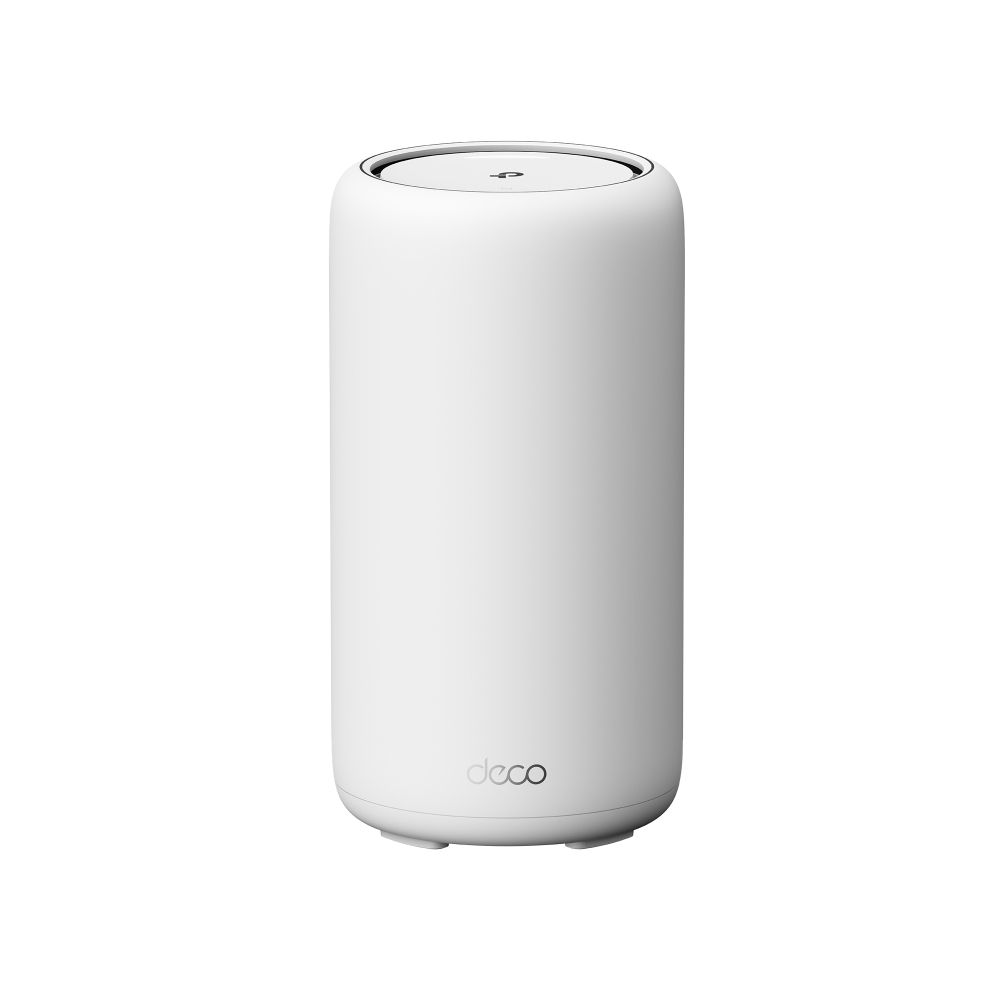
Deco BN85
Coming soonDeco 8 Ultra BN19000 – Sistema Mesh Wi-Fi 8 per tutta la casa
- Tecnologia Wi-Fi 8 – Affidabilità ultra-elevata, con connessioni stabili e una copertura più estesa in tutta la casa.†
- Wi-Fi 8 StabilityEngine™ – La stabilità di una connessione cablata, ora wireless. Coordina ogni unità per offrire prestazioni fluide e affidabili.†
- Velocità Wi-Fi fino a 14 Gbps – Prestazioni wireless elevate, ideali per connessioni Internet multi-gigabit, streaming 4K e smart home con numerosi dispositivi.‡
- Copertura fino a 910 m² – Una rete Mesh Wi-Fi ad alte prestazioni in tutta la casa, senza zone con segnale debole, rallentamenti o interruzioni.‡
- Banda 6 GHz senza congestione – Una banda più libera dalle interferenze per garantire una connessione stabile e costante su tutti i dispositivi.
- Oltre 200 dispositivi connessi contemporaneamente – Collega smartphone, console e dispositivi smart home mantenendo prestazioni affidabili.‡
- Porta WAN/LAN 10 Gbps – Supporta connessioni Internet ad alta velocità per una latenza ridotta e prestazioni cablate elevate.△
- Ottimizzazione intelligente della rete tramite AI – Regola automaticamente canali e traffico per offrire in tempo reale una connessione più veloce e stabile.
- Sicurezza avanzata – Protezione integrata, parental control e prevenzione delle minacce in tempo reale con TP-Link HomeShield.*
- Compatibile con qualsiasi Internet Service Provider – Compatibile con tutti i dispositivi Wi-Fi per una connettività semplice e universale.
- La qualità di TP-Link, leader nel Wi-Fi – Prestazioni affidabili e sicurezza integrata su cui contare ogni giorno.


 Il Deco più potente mai realizzato. Deco 8 Ultra BN19000 – Sistema Mesh Wi-Fi 8 Deco BN85




 Wi-Fi 8 Tri-Band fino a 19 Gbps†
  Copertura in tutta la casa fino a 910 m² (confezione da 3)‡
  Connettività Multi-Gig fino a 10 Gbps△
  Connette 200+ dispositivi‡
  Auto-diagnosi e ripristino tramite AI
 -
Cantina

-
Giardino

-
Garage

Seamless Roaming
I prodotti Deco lavorano all'unisono nel creare un'unica rete Wi-Fi nella quale, grazie ai protocolli di fast roaming IEEE 802.11r/k/v, per la prima volta disponibili su prodotti consumer. I dispositivi connessi sono liberi di muoversi passando automaticamente da un Deco all'altro in modo del tutto trasparente, senza disconnessioni o perdite di segnale.
-
Adaptive routing
La tecnologia Mesh di Deco consente alla rete di selezionare in modo dinamico il percorso migliore per mettere in comunicazione i dispositivi connessi e la rete Internet, massimizzando le performance sull'intero network.
-
Self-Healing
La funzionalità di autodiagnosi fa in modo che se una delle unità Deco che compongono la rete ha un problema e non è in grado di gestire il traffico, il sistema reagisce adattandosi istantaneamente per non interrompere la connessione.
Hybrid Mesh: Wi-Fi + Powerline
I modelli Deco Hybrid Mesh sono in grado, attraverso la tecnologia Powerline, di scambiare dati utilizzando l'impianto elettrico come cavo di rete, fornendo connettività in punti non raggiungibili da tecnologia Wi-Fi Mesh pura a causa di muri spessi e schermati o di distanze eccessive tra le unità.
Quando la tecnologia Powerline e quella mesh lavorano in sinergia la velocità dell'intero network risulta potenziata.
- Wi-Fi + Powerline:
- Hybrid Wi-Fi System Velocità aumentata
- Rete Mesh tradizionale:
- Sistema Wi-Fi Standard
- Powerline
- Note:la tecnologia Wi-Fi Mesh + Powerline è disponibile con Deco P9
Funzione Smart Hub IoT
Una Rete Deco Mesh tradizionale è ideale per supportare i dispositivi Smart di casa, come telecamere, lampadine e prese Wi-Fi. Con Deco M9 Plus dotato di Smart Hub IoT è anche possibile gestire dispositivi smart dotati di protocollo Bluetooth e ZigBee, rendendo possibili scenari domotici complessi e ad elevata automazione.
- - - - Wi-Fi
- - - - Zigbee
- - - - Bluetooth
Wi-Fi 6 Mesh
I vantaggi del nuovo standard Wi-Fi 6
I modelli Deco dotati di standard Wi-Fi 6 802.11ax di nuova generazione sono l'ideale per connettere ambienti ad alta densità di dispositivi Wi-Fi fornendo una copertura Wi-Fi ampia, efficiente e dall'elevata velocità per un numero di client sempre maggiore.
-
Ampia copertura
-
Capacità aumentata
-
Altissima velocità di connessione
Gamma Deco
Deco
-

Deco X50-5G
Unità Mesh Router 5G con Slot SIM Card, Wi-Fi 6 AX3000
Deco Network Management at Your Fingertips!
The Deco app provides the easiest way to set up, manage and monitor your Deco Whole Home Mesh Wi-Fi System through your iOS or Android devices.
Setup Just Got a Lot Easier
Unbox Deco, install the app and then simply follow the on-screen directions. Deco app will take care of the rest and get your network up and running in minutes.
-
Connect Deco to your cable modem and turn on both devices
-
Download and launch the Deco app
-
Follow the in-app instructions to configure your Deco system.
Simple Management
Deco makes it easy to manage your Wi-Fi from anywhere, whether you’re on the couch, at work, or anywhere in between.
-
Simple Management Dashboard
View the working status of your network, check the connected devices and get all the features your router offers.
-
Multiple Decos, One App
The Deco app manages all your Deco networks and devices connected to your Deco Wi-Fi.
-
Check the Connected Devices
View a list of your connected devices with the ability to pause and resume internet access, test the internet speed and prioritize or block the devices.
-
Remote Management
Remotely take control of the network with a tap of your phone—no matter where you find yourself.
Powerful Parental Controls
Simple, intuitive parental controls make it easy to keep your children safe while they’re online.
-
Easily create a profile for each family member and set custom time limits and online time allowances. Assign devices to profiles so rules extend to individual devices as well as family members.
-
Keep your family safe online with one-touch security settings that block content based on age-appropriateness.
-
Set limits on how much time each person in your family can spend online.
-
With Insights, you can check out which sites your children visit and how much time they spend on each. It’s a great way to know your children are safe while they’re having fun online.
-
Take a break from Wi-Fi for dinner and family game nights. Just tap a button to suspend internet access for everyone in your home.
An Intuitive App Full of Features
Monthly Usage Summary
See a comprehensive list of your network details every month, including usage,
blocked content, security threats and more.
Home Automation
Make your life easy with powerful automation and voice control tools.
*Currently only for Deco M9 Plus
Flexible Shortcut
Flexibly control all devices from your phone or tablet with just one click.
*Currently only for Deco M9 Plus
Protect Your Network
Built-in Antivirus helps you defend against malicious website and guard your online payment.
*Currently only for Deco M9 Plus, Deco P7 and Deco M5
Prioritize Your Devices
Choose which devices always have the fastest connections
or set priority for a specific time duration.
Set Application Priorities
Allocate more bandwidth for the activities most important to you with simple controls.
*Currently only for Deco M9 Plus, Deco P7 and Deco M5
Share Wi-Fi with Friends
Set up separate Wi-Fi profiles for guests and share the password to
make it easier for them to hop online.
Check Your Speed
Run a speed test to ensure you’re getting the internet speeds you’re paying for.
View every device on your network and see how much bandwidth they’re using.
Our Support Always Has Your Back
Have questions about Deco? Help is always just a click away. Find the answers in Deco app and don’t hesitate to contact us with just a simple click.
Support†L’utilizzo del Wi-Fi 8 (802.11bn) e delle relative funzionalità richiede che anche i dispositivi client supportino le funzionalità corrispondenti.
‡Le velocità massime del segnale wireless sono valori teorici derivati dalle specifiche dello standard IEEE 802.11. Le prestazioni effettive della rete wireless, la copertura e il numero di dispositivi connessi non sono garantiti e possono variare in base alle condizioni della rete, alle caratteristiche dei dispositivi client e a fattori ambientali, tra cui materiali da costruzione, ostacoli, volume e densità del traffico e posizione dei dispositivi.
△Per raggiungere velocità Internet di 10 Gbps sono necessari un piano di connettività e dispositivi compatibili. Le velocità Internet effettive sono limitate dalla larghezza di banda fornita dall’Internet Service Provider.
*HomeShield include il piano Basic gratuito. Il piano Pro è disponibile a pagamento. Visita tp-link.com/homeshield per maggiori informazioni. Alcune funzionalità sono in fase di sviluppo e saranno supportate tramite successivi aggiornamenti software.
La velocità effettiva della rete può essere limitata dalla velocità delle porte Ethernet WAN o LAN del prodotto, dalla velocità supportata dal cavo di rete, dalle caratteristiche del servizio fornito dall’Internet Service Provider e da altri fattori ambientali.