
TP-Link HomeShield: Plans, Pricing, and How to Subscribe
TP-Link HomeShield is a built-in security and parental controls subscription service available on all compatible HomeShield routers and Deco Mesh products. It offers three plans: Advanced Parental Controls, Security+, and Total Security Package. Every new user can start with a one-month free trial before committing to a paid TP-Link subscription. All subscriptions renew automatically until canceled. Plan pricing is covered in the Q&A section below.
Key Takeaways
- TP-Link HomeShield is a built-in service available on all compatible HomeShield routers and Deco Mesh products, offering network security, parental controls, and comprehensive reports.
- HomeShield offers three subscription plans: Advanced Parental Controls (starting at $2.99/month or $17.99/year), Security+ (starting at $4.99/month or $35.99/year), and Total Security Package (starting at $69.99/first year, renewal price $129.99, with no free trial).
- Every new user can get a one-month free trial for Advanced Parental Controls and Security+ before committing to a paid plan.
- Total Security Package includes all Security+ features and an Antivirus software. The software can be installed on devices like Windows, iPhone, macOS, etc., but it only supports 5 devices at the same time.
- All subscriptions are automatically renewed until canceled.
What Is TP-Link HomeShield?
HomeShield is a built-in service, available in all HomeShield routers and Deco Mesh products. It is a home networking protection kit that covers all security scenarios with its network security, parental controls, QoS, and comprehensive reports.
HomeShield provides three subscription options: Advanced Parental Controls, Security+, and Total Security Package.
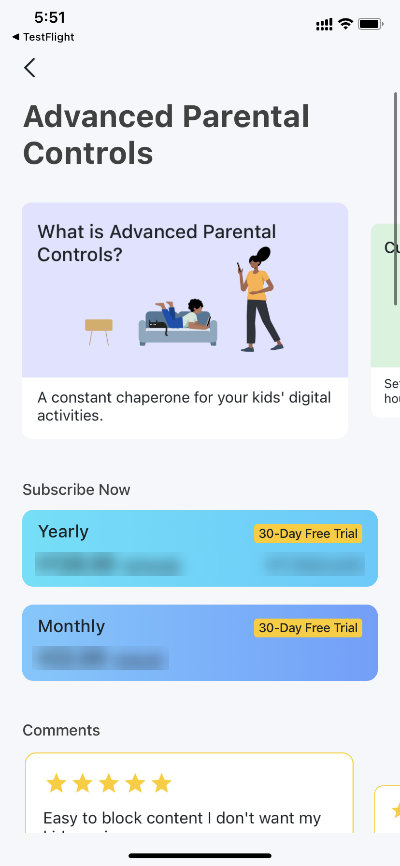
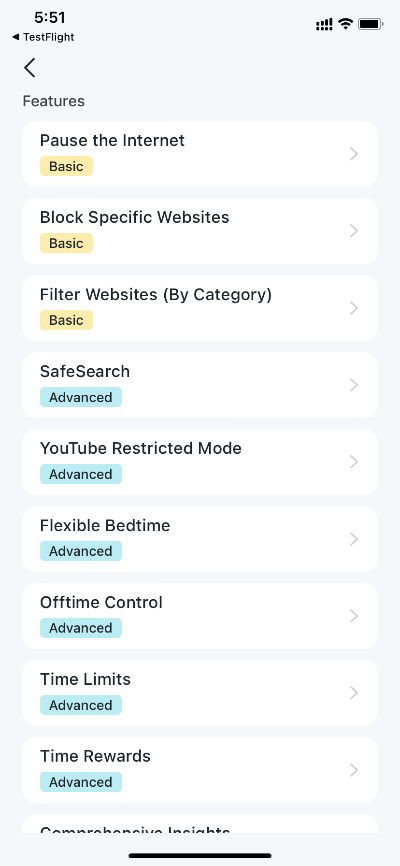
- Advanced Parental Controls helps you manage your kids' online time and bedtime and regulate the content and apps they have access to, letting them develop healthy digital habits.
- Security+ provides comprehensive, professional network security to protect your Wi-Fi network and all connected devices from virus attacks.
- Total Security Package includes all Security+ features, and a third-party antivirus software that can be installed on client devices (up to 5 simultaneously), such as computers and smartphones, to provide real-time protection, whether they're connected to your router's network or not.
Every new user can get a 1-month free trial for Advanced Parental Control and Security+. All subscriptions are automatically renewed until canceled. Follow the steps below to subscribe to TP-Link HomeShield for more advanced features. Of course, you can always upgrade to the TP-Link HomeShield service when using the basic features.
Note: There is no free trial for the Total Security Package subscription, but you receive a discount when you first purchase it.
Requirements
- TP-Link HomeShield Router/ Deco
- An iOS device running iOS 9 or later/ an Android device running Android 4.2 or later
- Download and install the TP-Link Tether app/ Deco app on your device
How to Subscribe to TP-Link HomeShield
Note: In this article, we will take the Deco app as an example to illustrate the configuration.
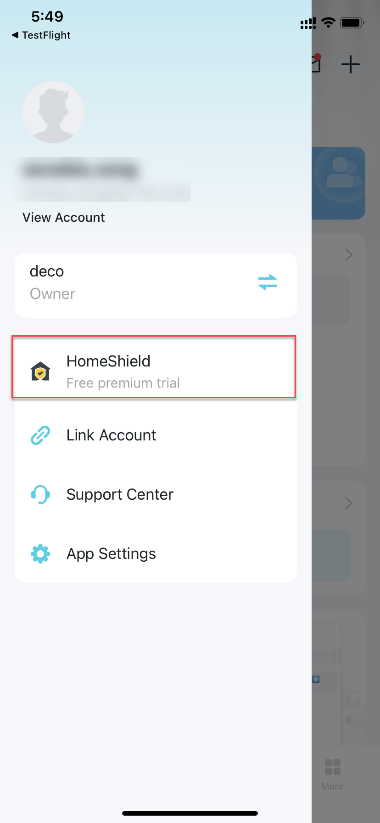
Step 1. Open the Deco app. Swipe right to open the menu and select HomeShield.
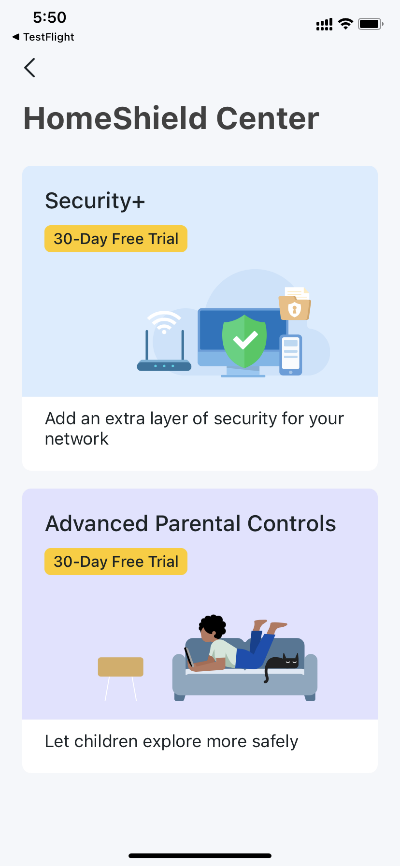
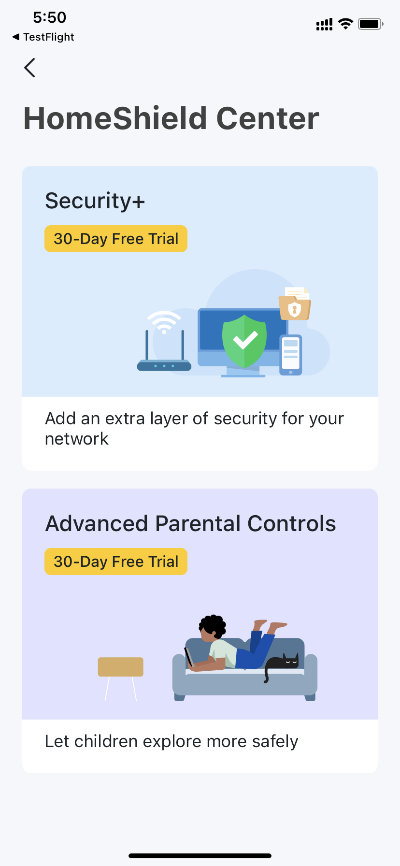
Step 2. In HomeShield Center, select the subscription service as needed and then follow the app instructions to subscribe to the service.
Advanced Parental Controls
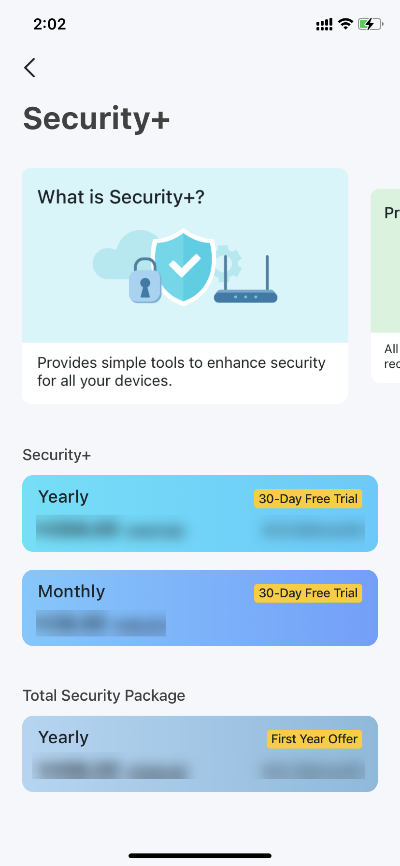
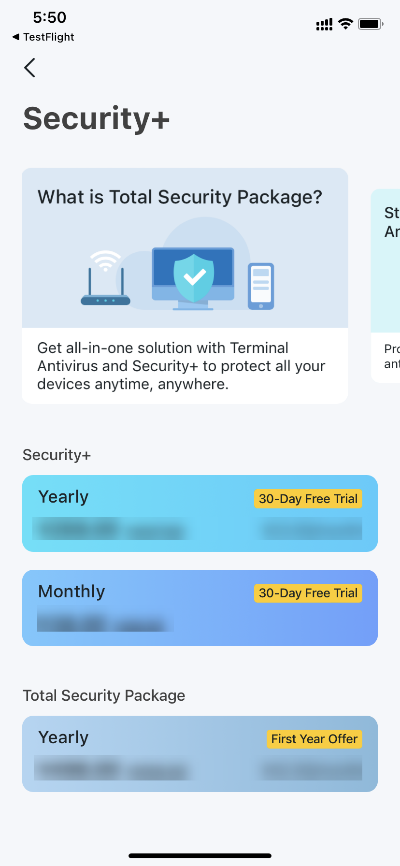
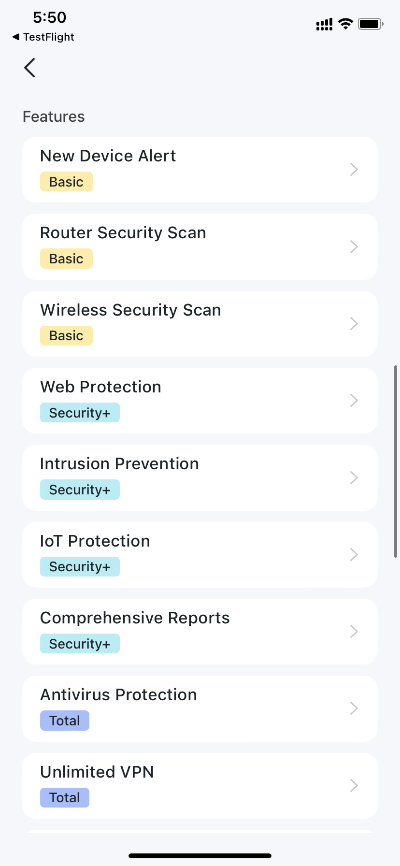
Security+ / Total Security Package
Note: After a successful Total Security Package subscription, you'll receive an email with instructions on downloading and activating the third-party antivirus software on your devices (PC, smartphone, etc.).
HomeShield Plans, Pricing, and Compatible Devices
What Plans Does HomeShield Offer?
HomeShield offers different plans with Monthly or Yearly billing cycles, including
|
Plans |
Price(USD) |
|
|
Security+ |
Security+ Yearly |
35.99 |
|
Security+ Monthly |
4.99 |
|
|
Total Security Package |
69.99 (first year offer) 129.99 (renewal fee) |
|
|
Advanced Parental Controls |
Advanced Parental Controls Yearly |
17.99 |
|
Advanced Parental Controls Monthly |
2.99 |
|
Note:
• The prices listed in the table are based on USD for the US region. Prices may vary in different regions due to exchange rates and pricing strategies. The information on the Deco/Tether app prevails in case of conflict.
• Some plans and features of HomeShield may not yet be available in certain regions. Please refer to the actual content displayed in the app or on the website.
• Security+ and Advanced Parental Control (Yearly/Monthly plans) offer a one-month free trial for new users. The Total Security Package is not eligible for a free trial.
Which Devices Support HomeShield?
Please scroll to the bottom of the HomeShield page to see the supported models.
Get to know more details of each function and configuration please go to the Download Center to download the manual of your product.
Looking For More
Byla tato FAQ užitečná?
Vaše zpětná vazba nám pomůže zlepšit naše webové stránky
_Overview_normal_20211225093343a.png)
_EU_1.0_Overview_1_normal_20220411032339n.png)


TP-Link Community
Still need help? Search for answers, ask questions, and get help from TP-Link experts and other users around the world.