
How Can I Get the Invoice for My HomeShield Subscription?
Once you have subscribed to TP-Link HomeShield, you can obtain your invoice by following the instructions below based on the platform you used for purchase: Google Play, Apple App Store, or HomeShield Web.
Scenario 1: Via the Google Play
Please refer to Find your Google Store receipt & order number for detailed instructions.
Scenario 2: Via the Apple Store
Please refer to How to see your purchase history for detailed instructions.
Scenario 3: Via the HomeShield Web
By default, your invoice will be sent automatically to the email address associated with your TP-Link account. Please check your inbox first.
If you cannot find the invoice in your email, you can request it manually by following these steps:
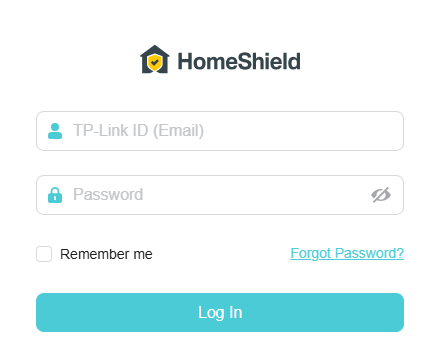
Step 1. Open a web browser, enter https://homeshield-subscription.tplinkcloud.com/ in the address bar, and log in with your subscribed TP-Link ID and password.
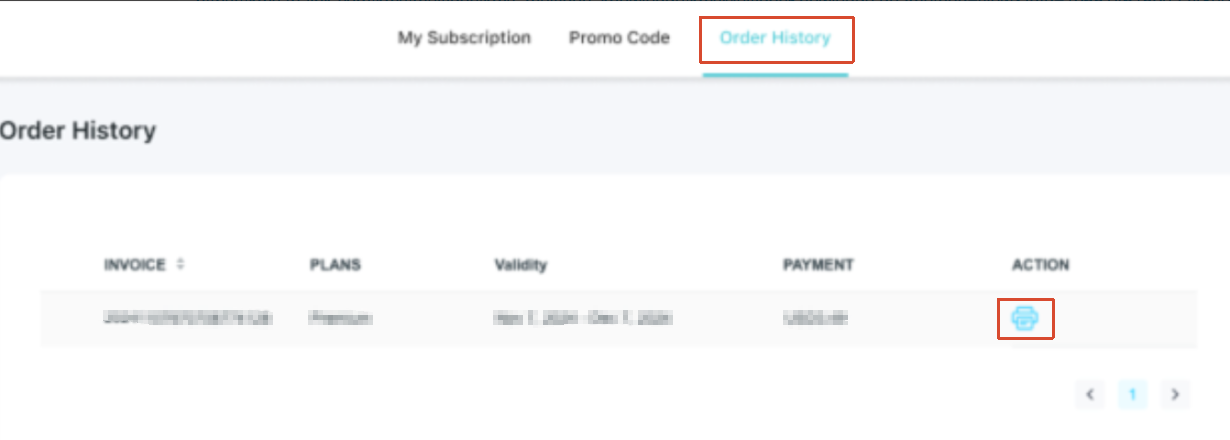
Step 2. Go to Order History, find the order for which you need the invoice, and click the  icon to download it.
Finden Sie diese FAQ hilfreich?
Mit Ihrer Rückmeldung tragen Sie dazu bei, dass wir unsere Webpräsenz verbessern.
_Overview_normal_20211130005706l.png)


Von United States?
Erhalten Sie Produkte, Events und Leistungen speziell für Ihre Region