
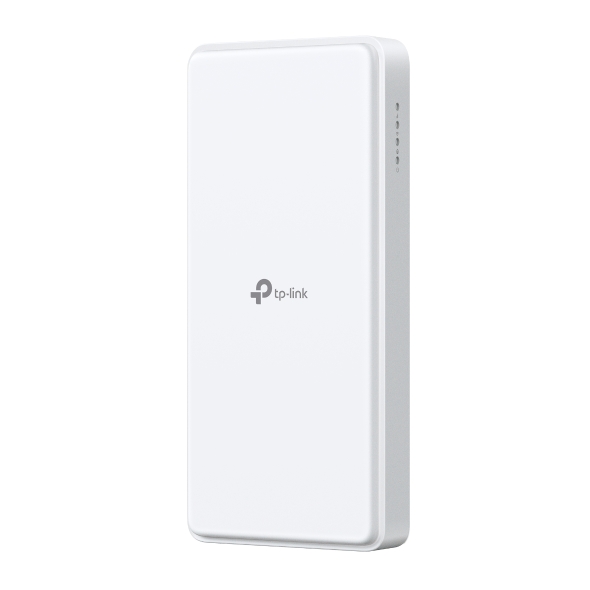
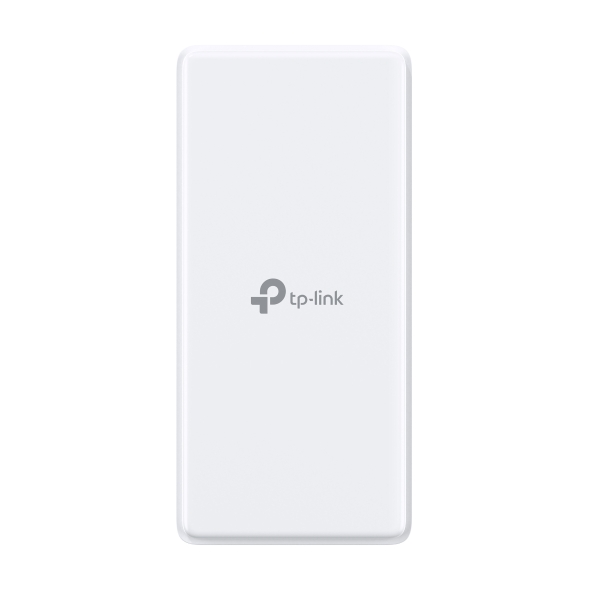

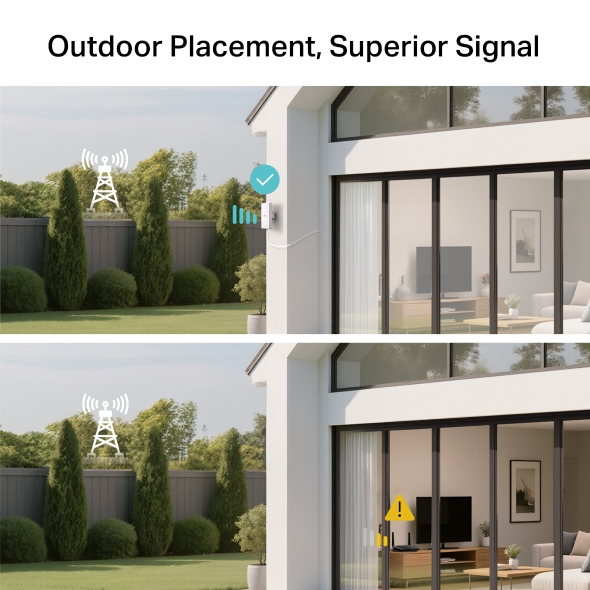
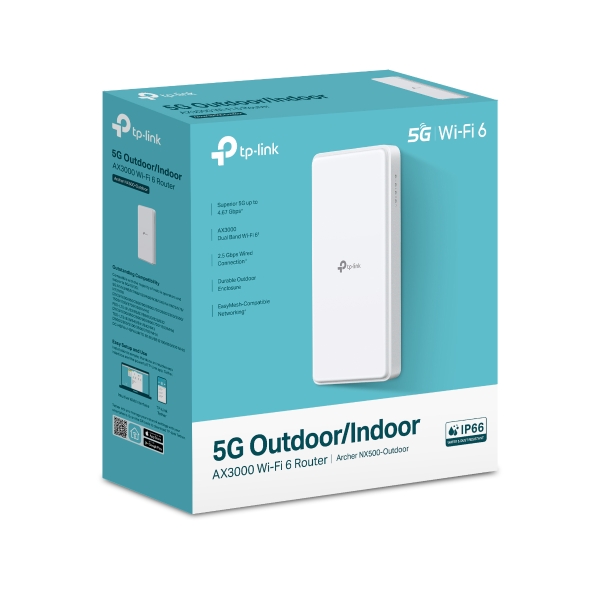
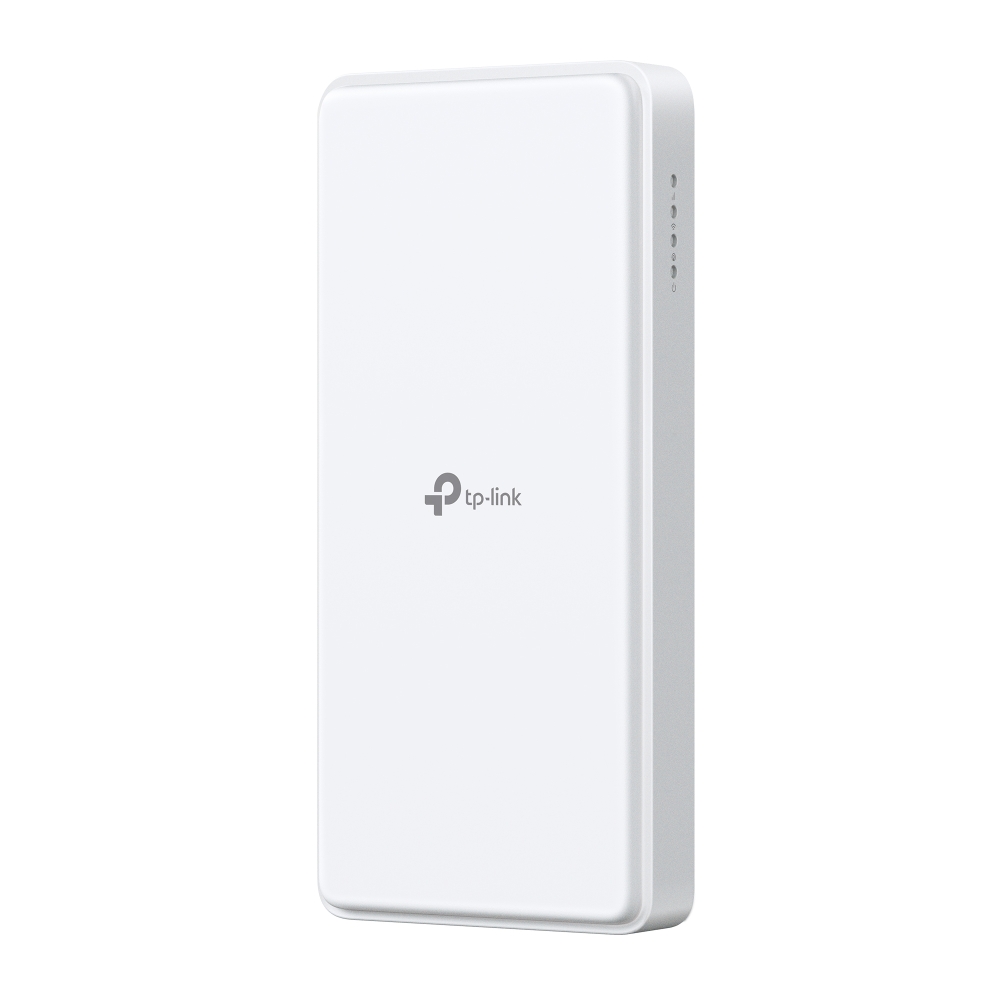
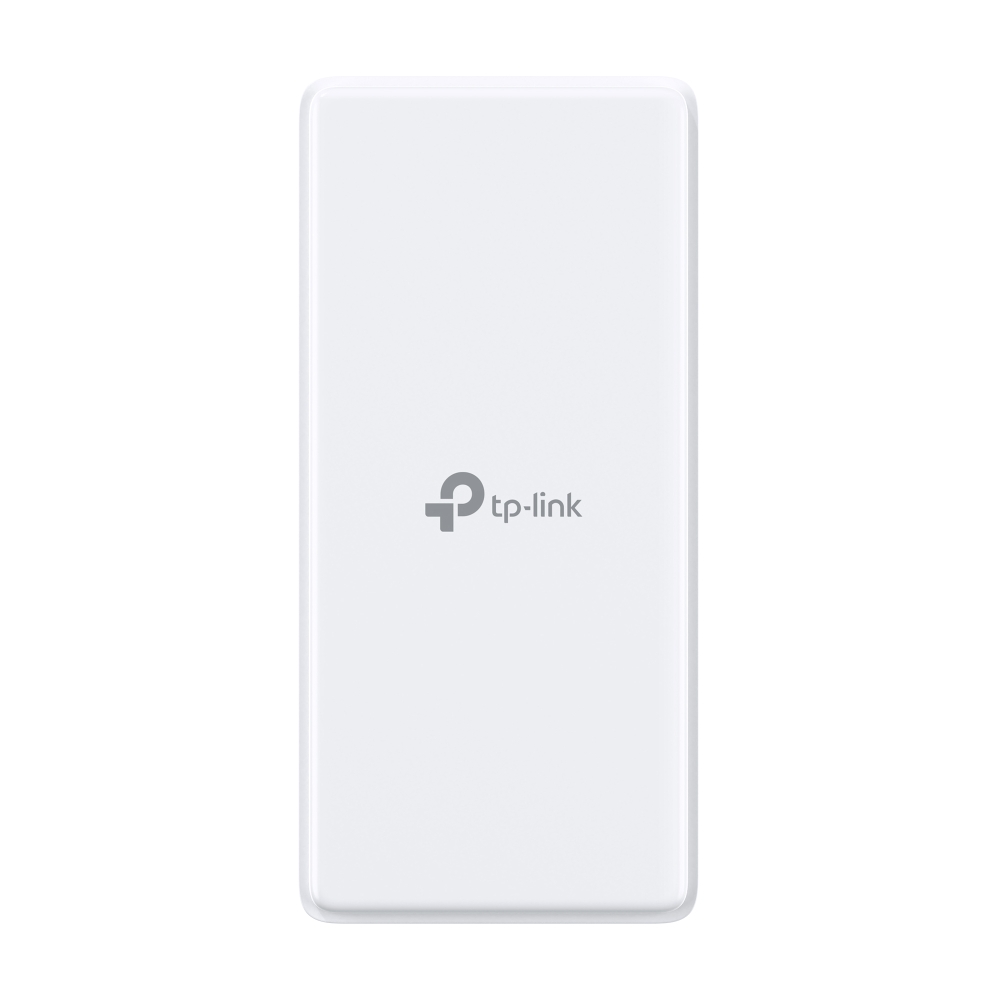

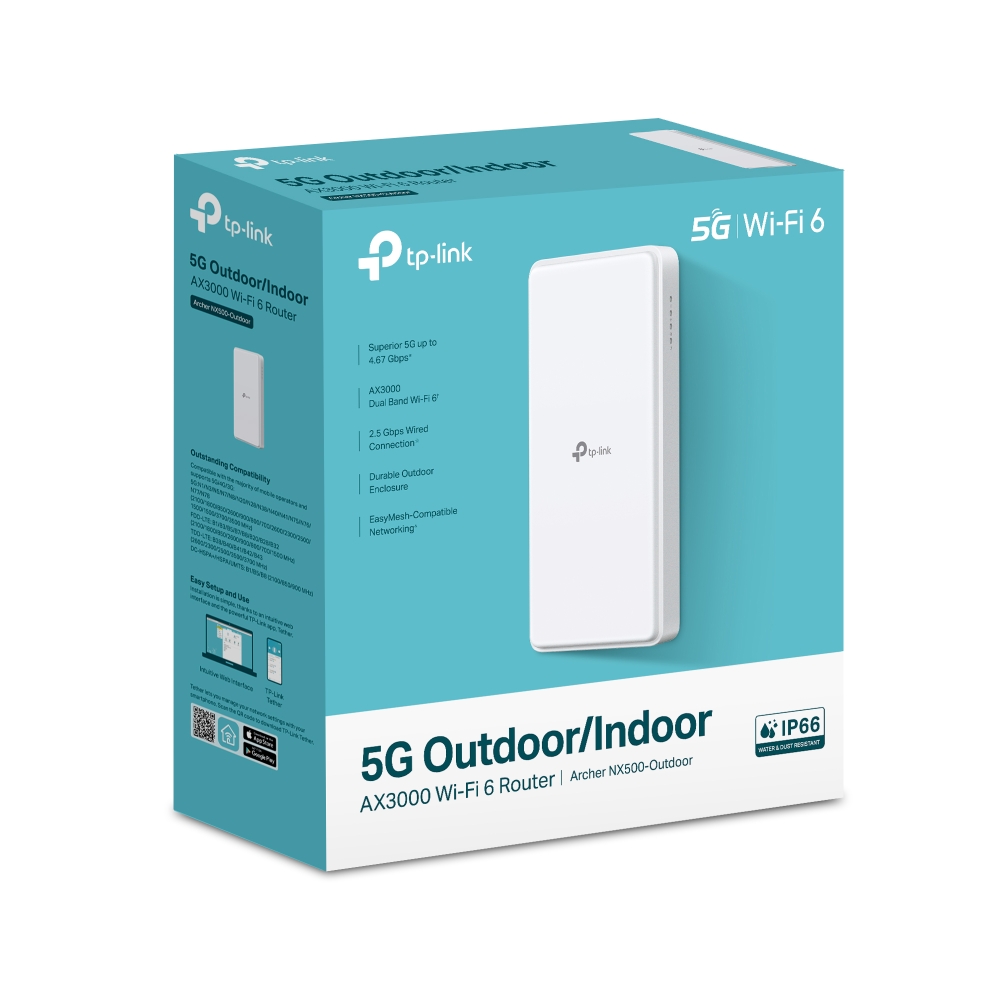
Archer NX500-Outdoor
Coming Soon5G AX3000 Wi-Fi 6 Outdoor Router
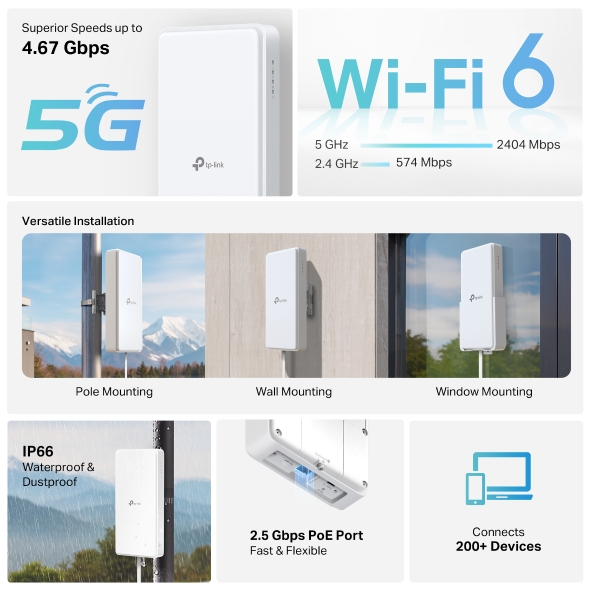
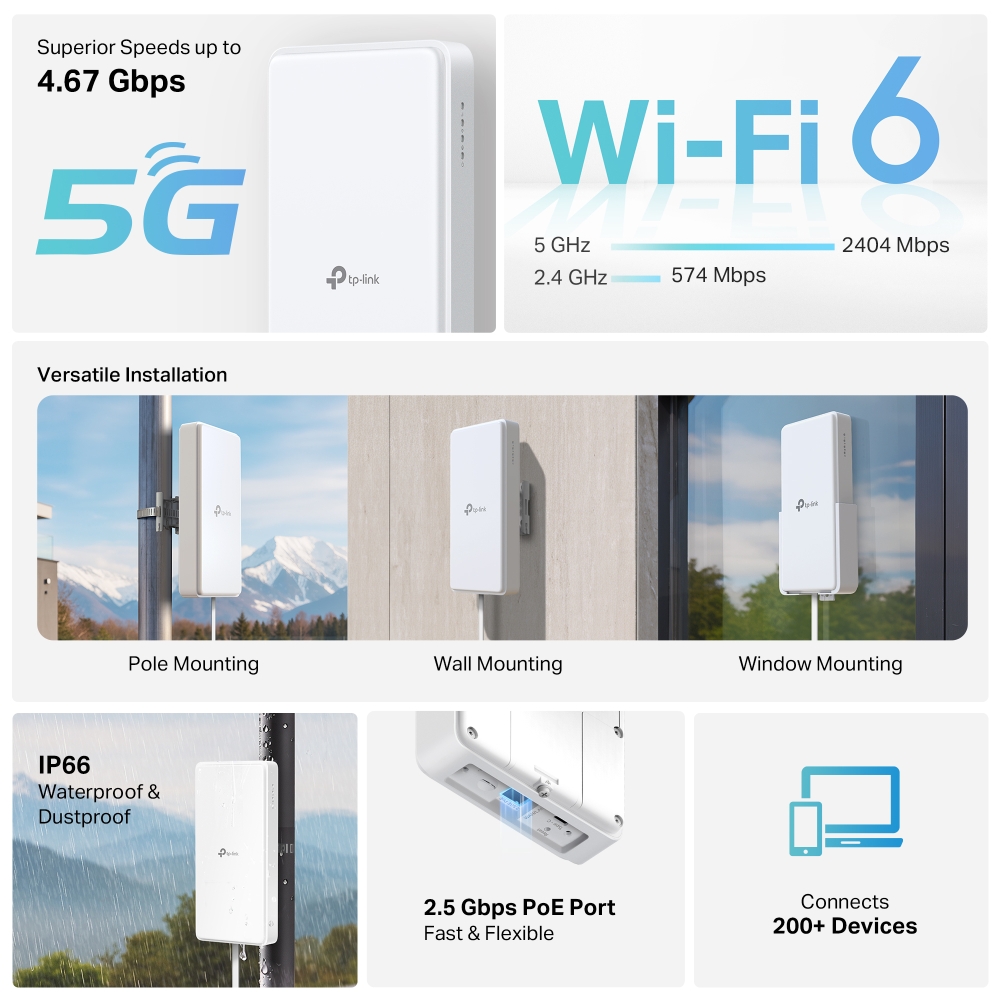
- Superior 5G Speed: Experience blazing-fast download speeds up to 4.67 Gbps with 5G technology.†
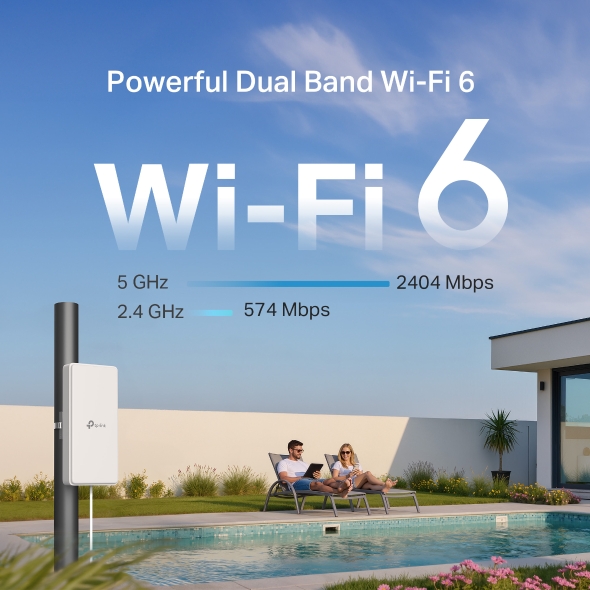
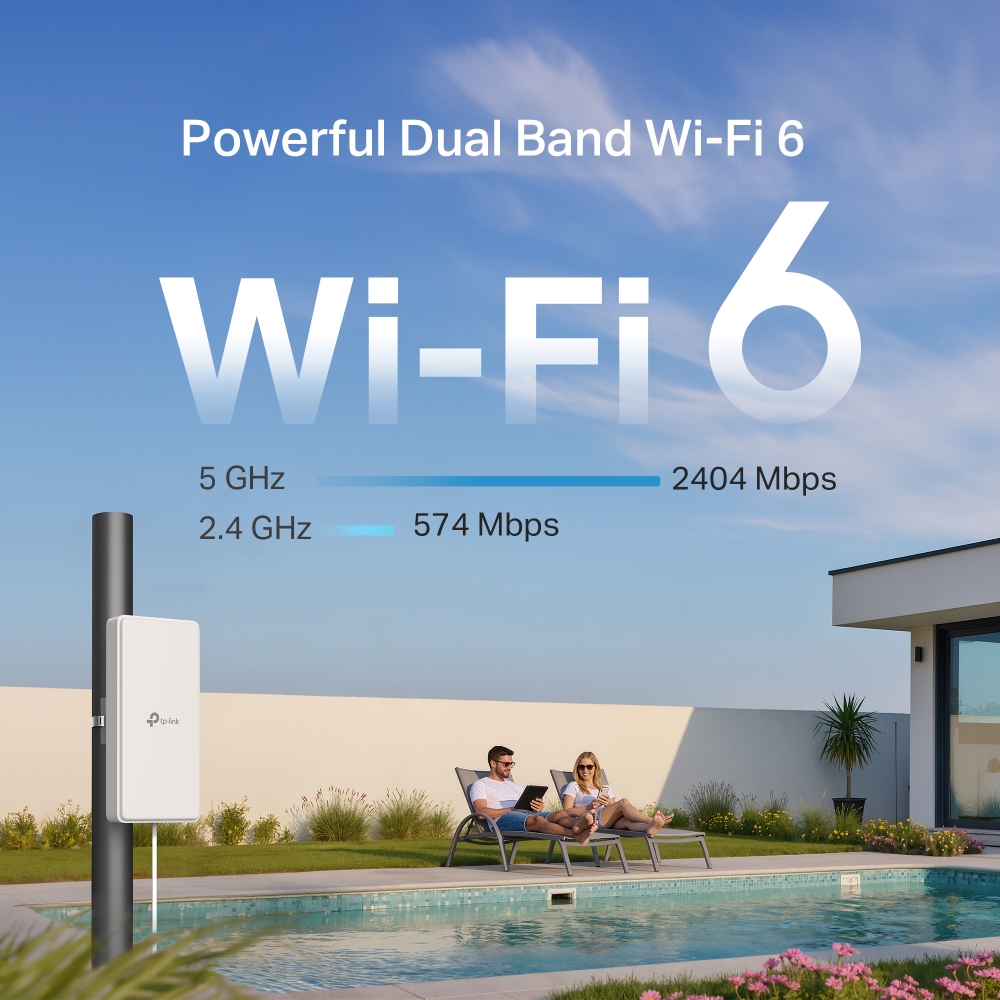
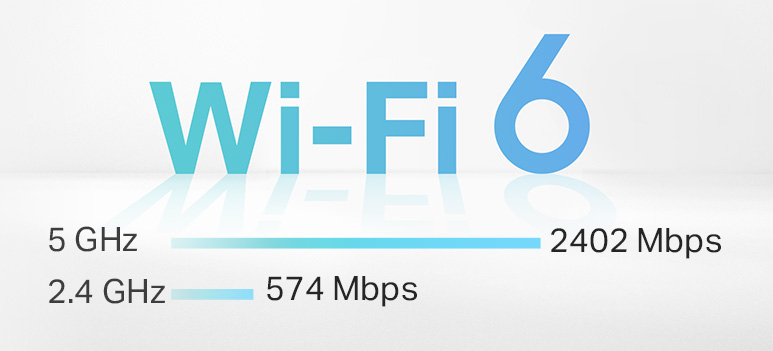
- AX3000 Dual-Band Wi-Fi 6: 2402 Mbps (5 GHz) + 574 Mbps (2.4 GHz).‡
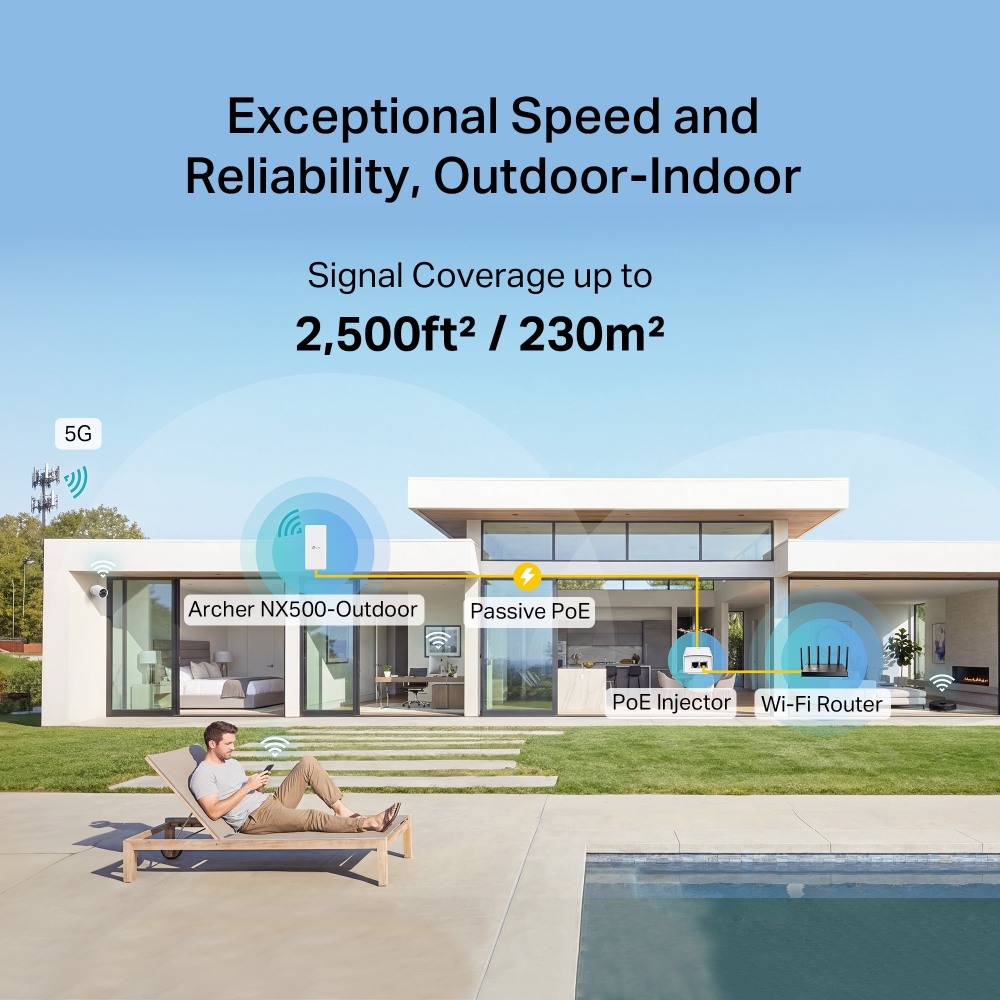
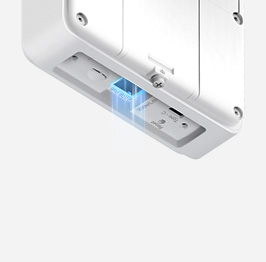
- 2.5 Gbps PoE Port: Delivers power and ultra fast data through one cable, simplifying outdoor installation.§
- IP66 Weatherproof: Robust outdoor connectivity and reliability with IP66 weatherproof protection.▵
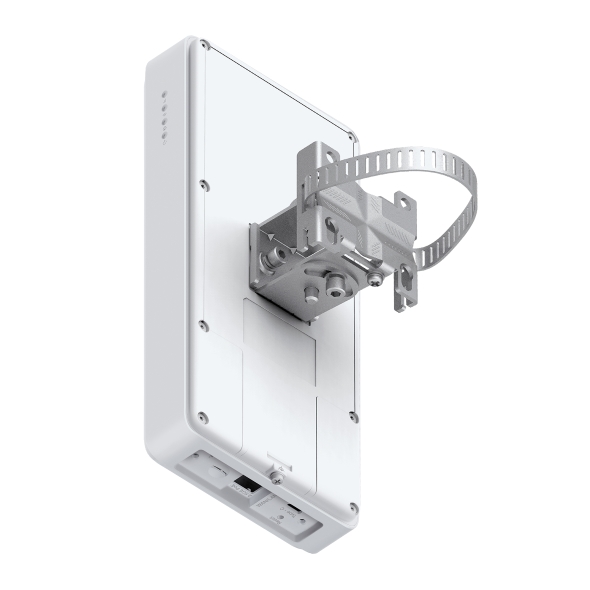
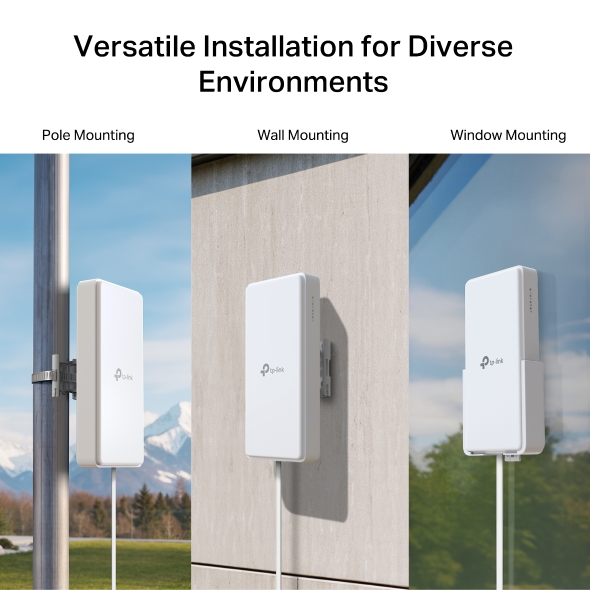
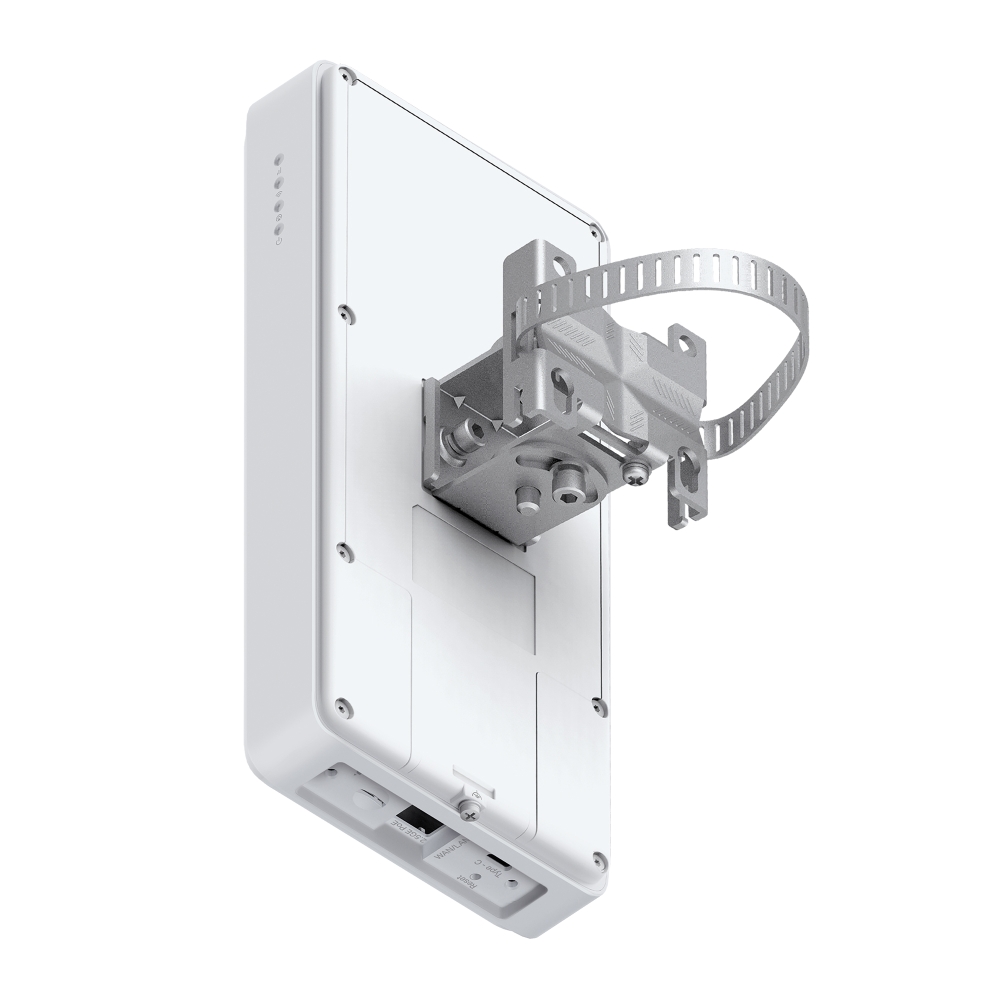
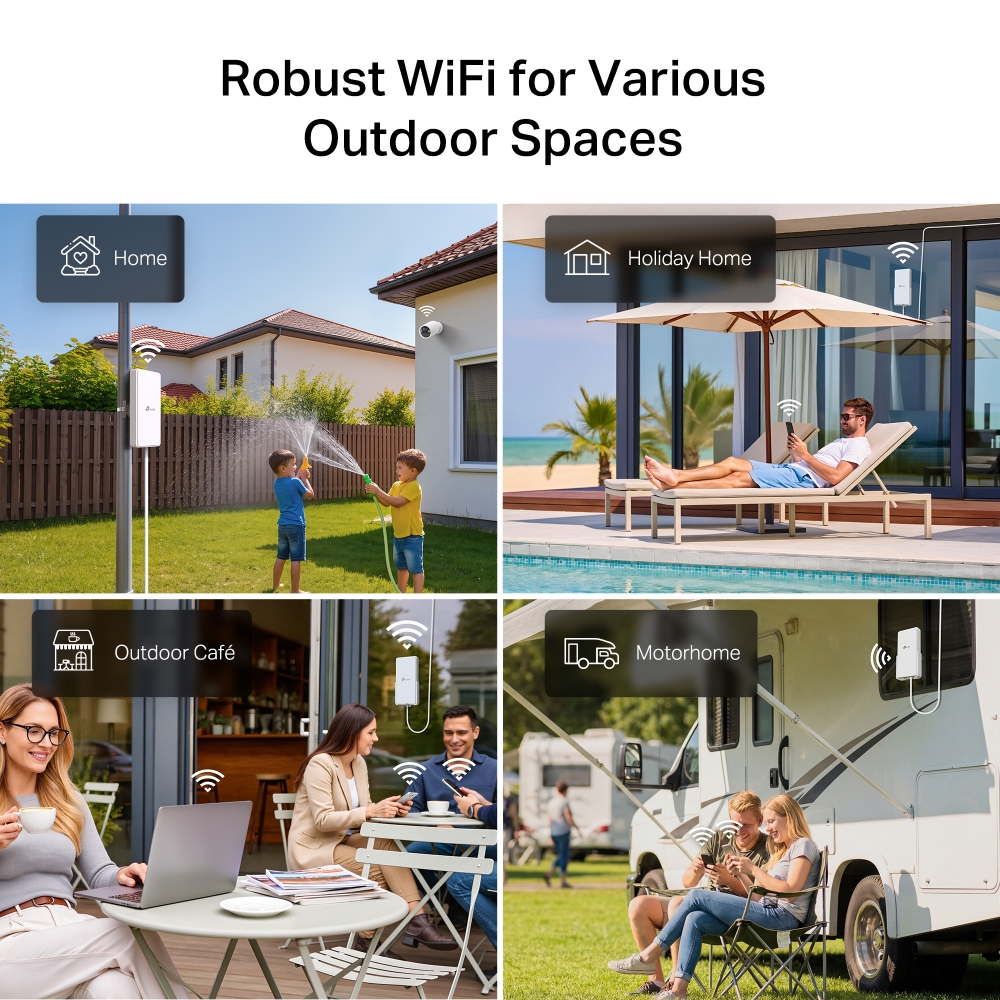
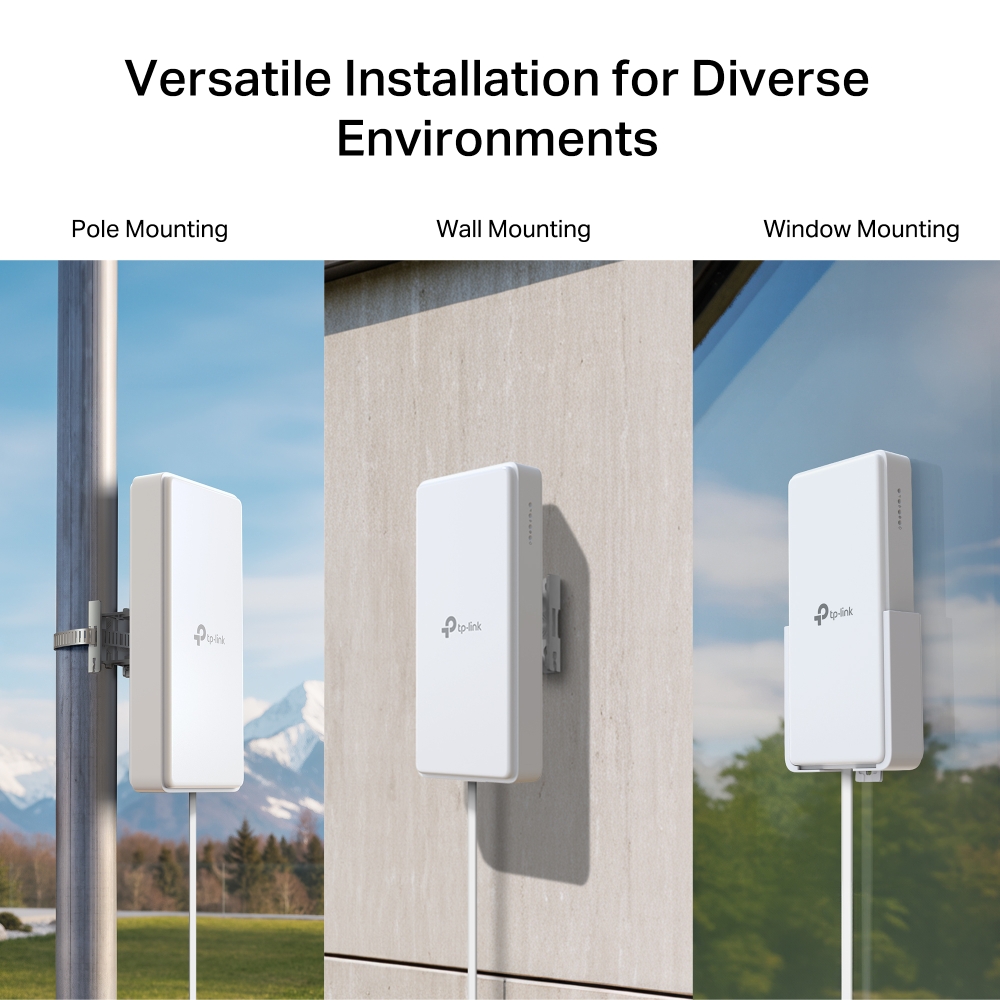
- Multiple mounting installation: Install easily anywhere with pole, wall, or window mounting for flexible, convenient use.
- EasyMesh-Compatible: Co-work with EasyMesh products, to provide a more flexible and cost-effective Mesh network with a single Wi-Fi name for seamless whole-home coverage.*
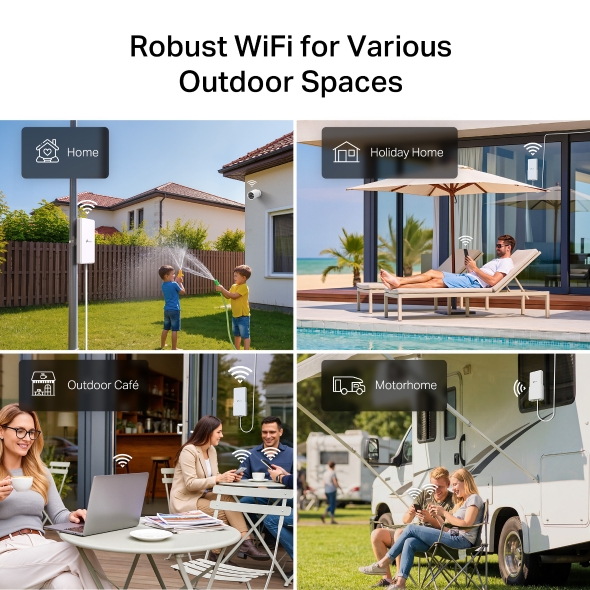
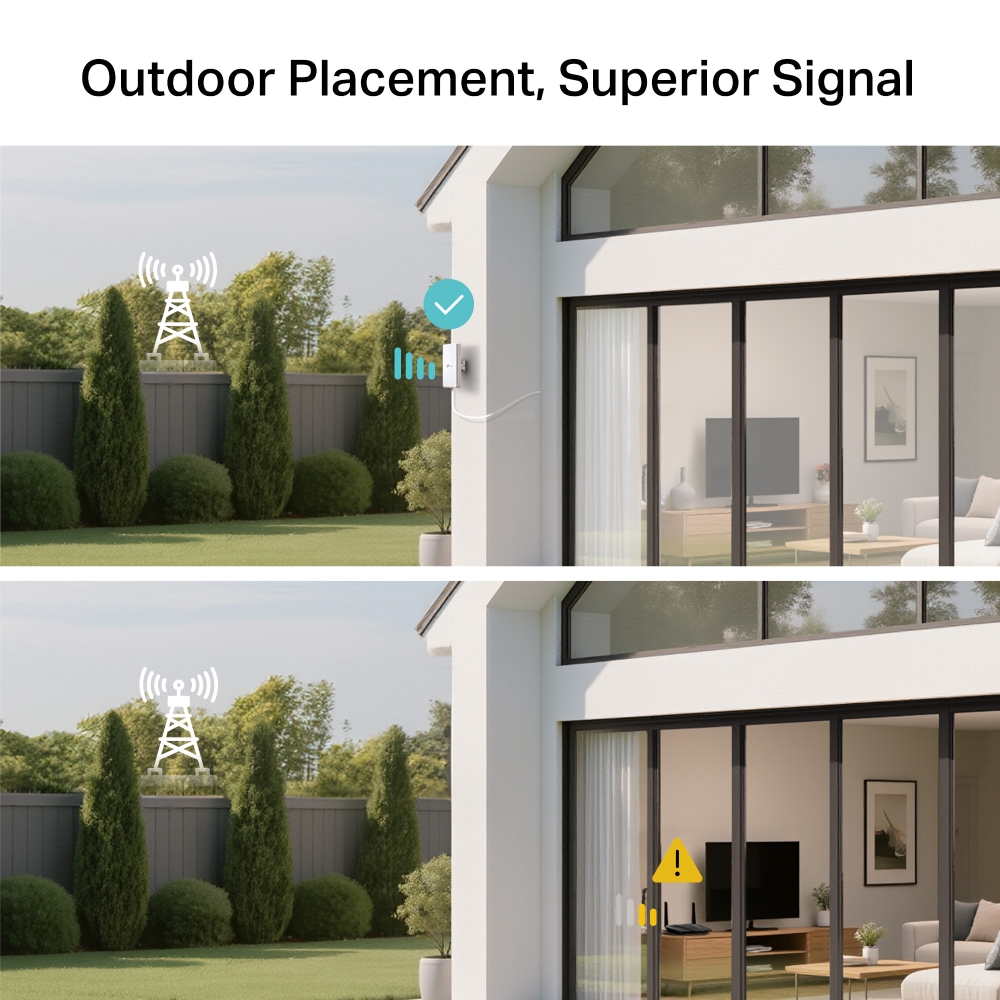
 , Reliable Outdoor Connectivity 5G Outdoor/Indoor AX3000 Wi‑Fi 6 Router

4.67 Gbps
Superior Speeds up to

Versatile Installation
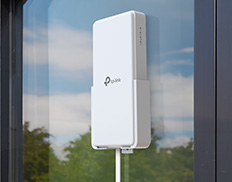
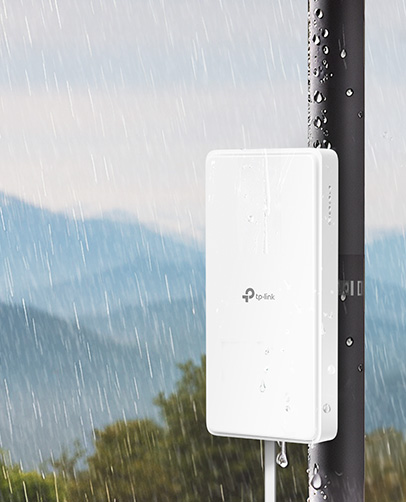
IP66
Waterproof & Dustproof



Higher Speed
Lower Latency
Larger Capacity


Operating Temperature




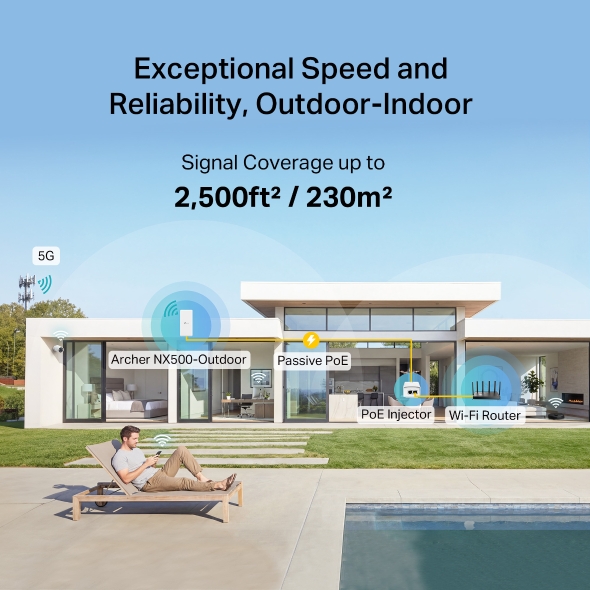
2,500ft2/230m2

Wi-Fi Dead Zone Killer
Eliminate weak signal areas with Wi-Fi coverage for the whole houseSmart Roaming
Uninterrupted streaming when moving from room to roomOne Wi-Fi Name
No more switching Wi-Fi network namesNX500‑Outdoor







| Network Type | 5G: ]N1/N3/N5/N7/N8/N20/N28/N38/N40/N41/N75/N76/N77/N78 (2100/1800/850/2600/900/800/700/2600/2300/2500/1500/1500/3700/3500 MHz)4G:FDD-LTE: B1/B3/B5/B7/B8/B20/B28/B32(2100/1800/850/2600/900/800/700/1500 MHz)TDD-LTE: B38/B40/B41/B42/B43(2600/2300/2500/3500/3700 MHz) 3G: DC-HSPA+/HSPA/UMTS:B1/B5/B8(2100/850/900 MHz) |
|---|---|
| Speed | 5G:Download Speed 4.67 GbpsUpload Speed 1.25 Gbps4G LTE Cat19:Download Speed 1.6 GbpsUpload Speed 211 Mbps |
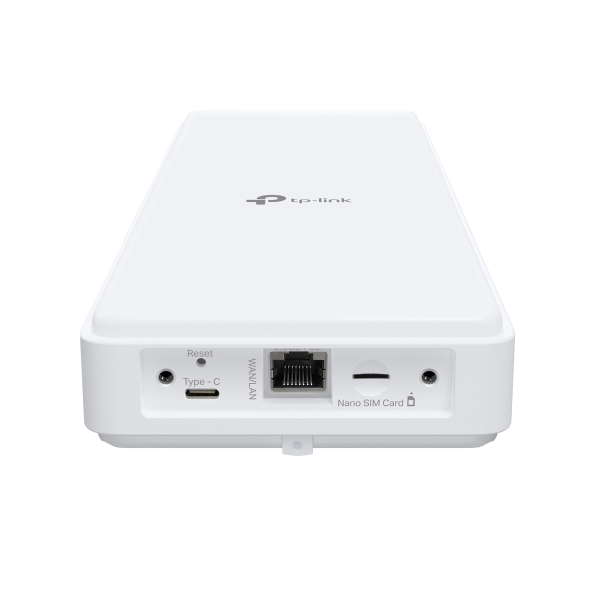
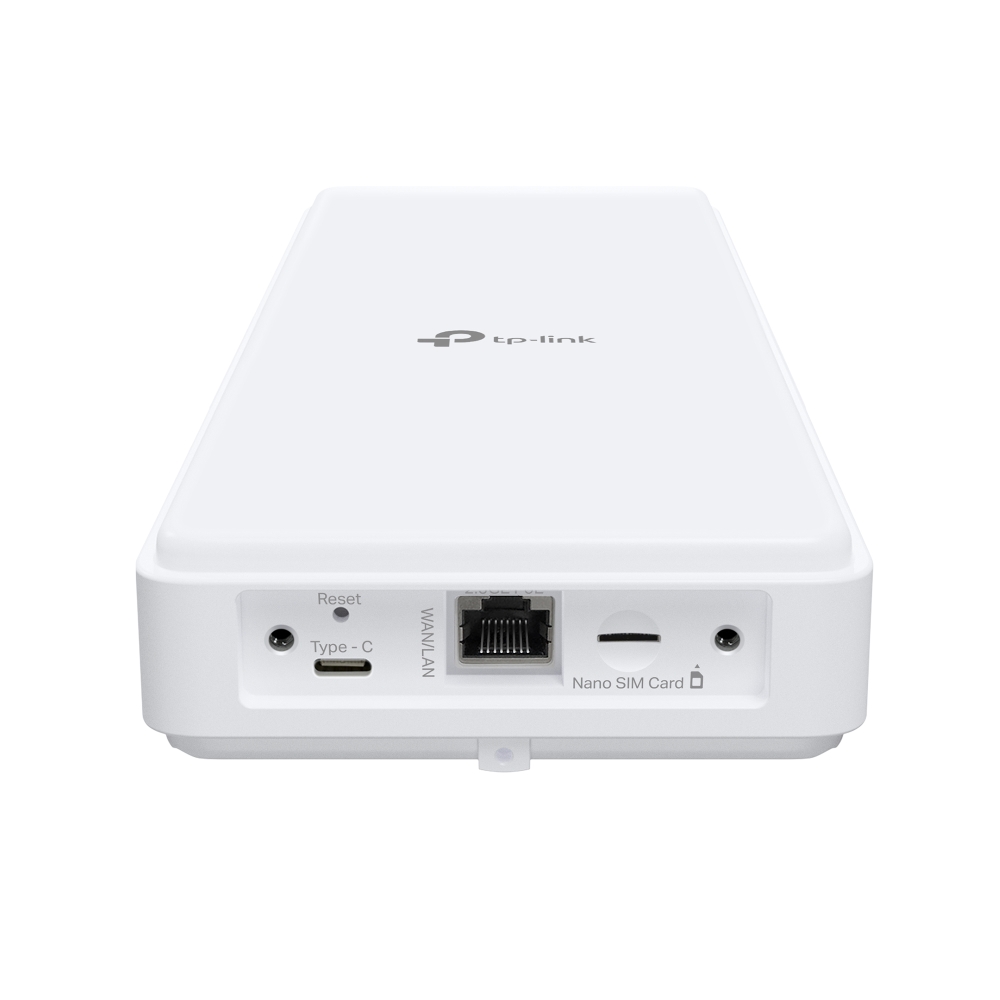
| Interface | 1 × 2.5Gbps WAN/LAN Port (PoE In)1 × Nano SIM Card Slot1 × Type-C Port (only for debug) |
|---|---|
| Button | RESET Button |
| External Power Supply | Power: 48V/0.5A802.3at PoE: 42-57V/0.6A |
| Dimensions ( W x D x H ) | 9.2 x 4.3 x 1.4 in (233x 110x 37 mm) |
| Antenna | Internal NR/LTE Antennas + Internal Wi-Fi Antennas |
| Quality of Service | Bandwidth Control |
|---|---|
| Operating Modes | 3G/4G/5G Router, Wireless Router |
| WAN Type | Dynamic IP/Static IP/PPPoE/PPTP(Dual Access)/L2TP(Dual Access) |
| Management Features | Access Control, Local Management, Remote Management, reboot schedule |
| DHCP | Server, DHCP Client List, Address Reservation |
| Port Forwarding | ALG, Virtual Server, Port Triggering, UPnP, DMZ |
| Dynamic DNS | TP-Link, DynDns, NO-IP |
| Firewall Security | DoS, IPv4 SPI Firewall, IPv6 Firewall, IP and MAC Address Binding, Access Control |
| Protocols | IPv4, IPv6 |
| Guest Network | 2.4 GHz guest network x 1, 5 GHz guest network x 1 |
| VPN Server | PPTP VPN, IPSec VPN, OpenVPN |
| Wireless Standards | IEEE 802.11a/n/ac/ax 5 GHz, IEEE 802.11b/g/n/ax 2.4 GHz |
|---|---|
| Frequency | 2.4 GHz and 5 GHz |
| Signal Rate | 574 Mbps at 2.4 GHz, 2402 Mbps at 5 GHz |
| Reception Sensitivity | • 5 GHz:11ax HE20: -64 dBm, 11ax HE20 MCS11 -64 dBm, 11ax HE20 MCS0 -94 dBm 11ax HE40: -61 dBm, 11ax HE40 MCS11: -61 dBm, 11ax HE40 MCS0 -91 dBm11ax HE80: -59 dBm, 11ax HE80 MCS11: -59 dBm, 11ax HE80 MCS0 -89 dBm11ac VHT20: -70 dBm, 11ac VHT20 MCS8: -70 dBm11ac VHT40: -67 dBm, 11ac VHT40 MCS9: -67 dBm11ac VHT80: -64 dBm, 11ac VHT80 MCS9: -64 dBm• 2.4 GHz:11ax HE20: -66 dBm, 11ax HE20 MCS11: -66 dBm, 11ax HE20 MCS0 -94 dBm11ax HE40: -62 dBm, 11ax HE40 MCS11: -62 dBm, 11ax HE40 MCS0 -91 dBm11ac VHT20: -71 dBm, 11ac VHT20 MCS8: -71 dBm11ac VHT40: -67 dBm, 11ac VHT40 MCS9: -67 dBm |
| Wireless Security | WPA/WPA2, WPA-PSK/WPA2-PSK, WPA3 encryptions |
| Wireless Function | Enable/Disable Wireless Radio, Wireless Schedule, WMM, Wireless Statistics |
| EIRP (CE) | ≤20dbm(2.4GHz)≤23dbm(5G band1/band2)≤30dbm(5G band3) |
| Certification | CE |
|---|---|
| Package Content | • 5G AX3000 Wi-Fi 6 Outdoor Router Archer NX500-Outdoor• 10-meter Flat RJ45 Ethernet Cable• PoE Adapter• AC Power Cord• Grounding Terminal• Quick Installation Guide• Window/Pole/Wall Mounting Kits |
| Requirements | • Edge, Firefox, Chrome, Safari, or other JavaScript-enabled browser *You are recommended to use the latest version• Nano SIM Card |
| Environment | • Operating Temperature: -30℃~60℃ (-22°F~140°F)• Storage Temperature: -40°C~70°C (-40 °F~158 °F)• Operating Humidity: 5%~90% RH• Storage Humidity: 5%~90% RH |
†Maximum 5G download and upload speeds depend on external factors such as the local 5G network coverage, data plan, real-time network capacity, client limitations, and environmental factors. Actual supported frequency bands may vary slightly in different regions due to certification.
‡Maximum wireless signal rates are the physical rates derived from IEEE Standard 802.11 specifications. Actual wireless data throughput and wireless coverage, and number of connected devices are not guaranteed and will vary as a result of network conditions, client limitations, and environmental factors, including building materials, obstacles, volume and density of traffic, and client location.
§Actual network speed may be limited by the rate of the product's Ethernet WAN or LAN port, the rate supported by the network cable, Internet service provider factors, and other environmental conditions.
▵This product has an IP66 dustproof and waterproof rating; however, it is not designed for prolonged immersion or exposure to high-pressure water jets. Please install and use it according to the manual to ensure the protective features function properly.
☆Tested under controlled laboratory conditions. Per CE certification, protection levels are: Lightning/Surge Protection at 2kV for Differential Mode (DM) and 4kV for Common Mode (CM), and ESD Protection at 4kV for Contact Protection and 8kV for Air Protection. For optimal protection, please follow the setup instructions in the quick installation guide.
*TP-Link EasyMesh-Compatible products can network with other devices that use EasyMesh. Failed connections may be due to firmware conflicts of different vendors. The MLO is still being developed on some models and will be supported in subsequent software updates.
1. Power consumption in networked standby: _.5.96_W
2. Power consumption in networked standby when all wired network ports are connected and all wireless network ports are activated: _8.26_ W.
3. How to activate and deactivate wireless network: Enter the webpage of product through wired connecting. The wireless function can be turn on/off via ‘Wireless - -> Enable Wireless Checkbox’.