
How to configure Baby-related Detection for Tapo baby camera
 6669
6669Introduction
The Baby-related Detection feature of Tapo C840 includes Baby Crying, Sleep Detection, Covered Face, Safety Fence, Visitor Detection, and Baby Leave. This article introduces each detection and provides step-by-step instructions for configuration.
Requirement
Make sure you have set up your baby camera successfully. If you haven’t, set up your Tapo camera first.
Configuration
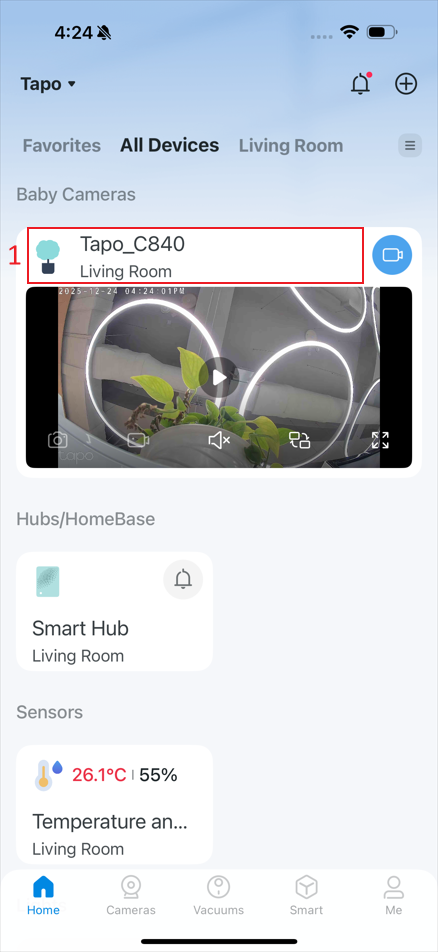
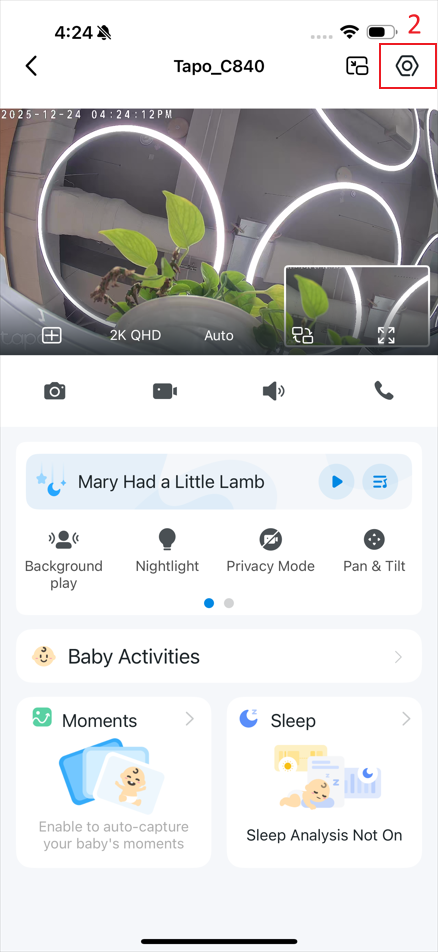
Step 1. In the app, tap the device card and then the gear icon to enter the settings page.
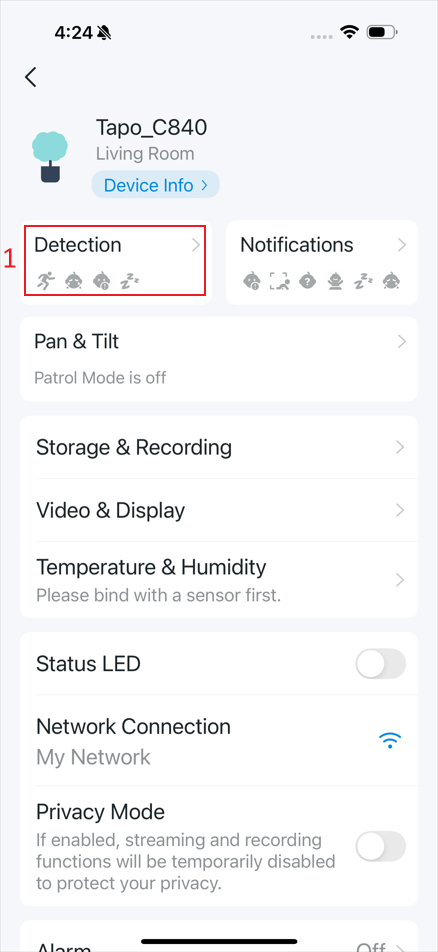
Step 2. Tap Detection to enter the page for Baby-Related Detection.
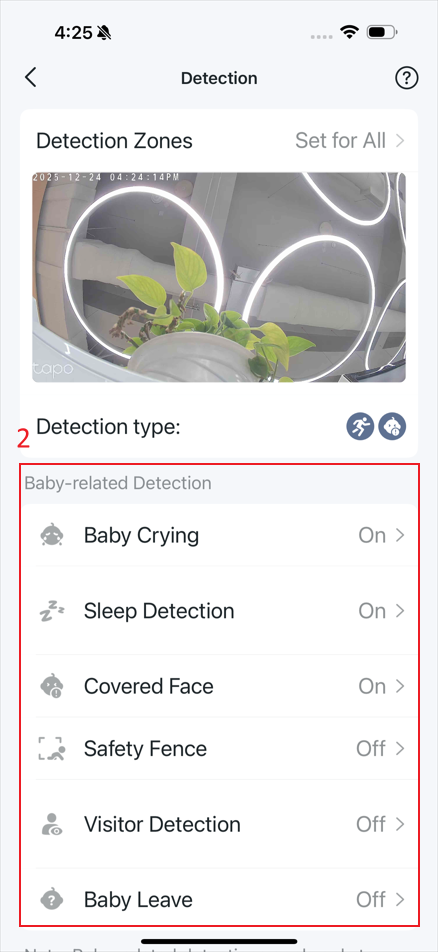
Step 3. Tap one detection type, and enter the detection settings page.
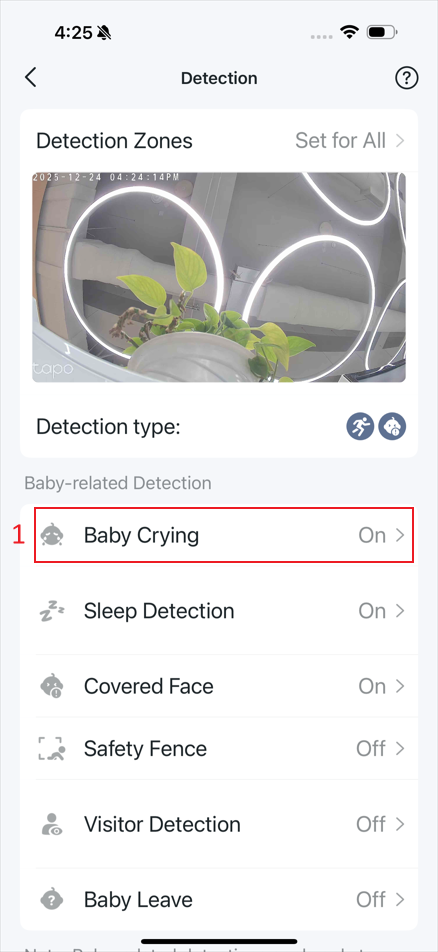
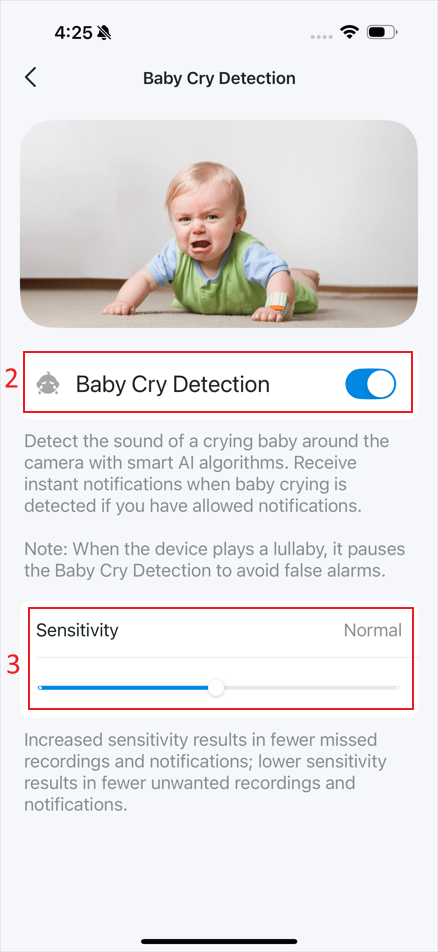
- Baby Crying: Detects the sound of a crying baby around the camera. Tap Baby Crying, then enable or disable detection and adjust the sensitivity.
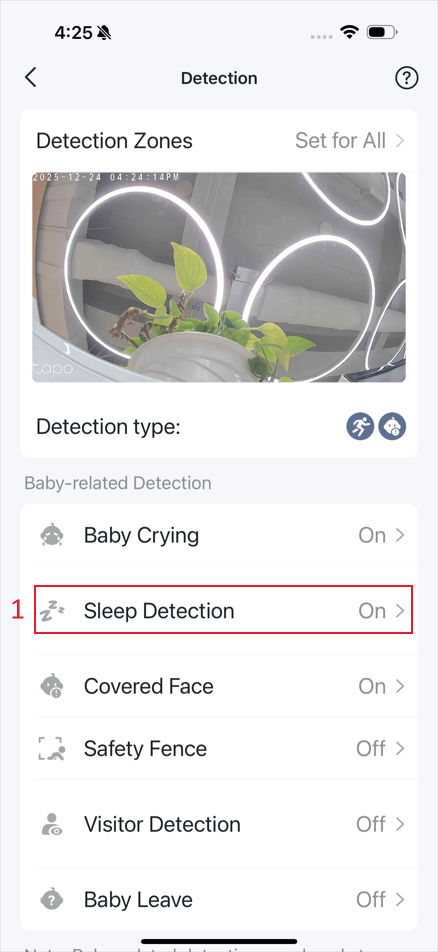
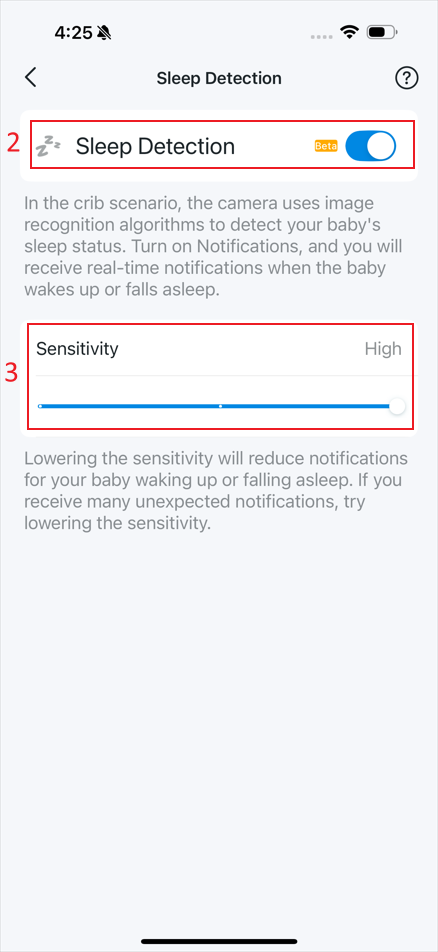
- Sleep Detection: Detects your baby’s sleep status in the crib scenario. Tap Sleep Detection, then enable or disable detection and adjust the sensitivity.
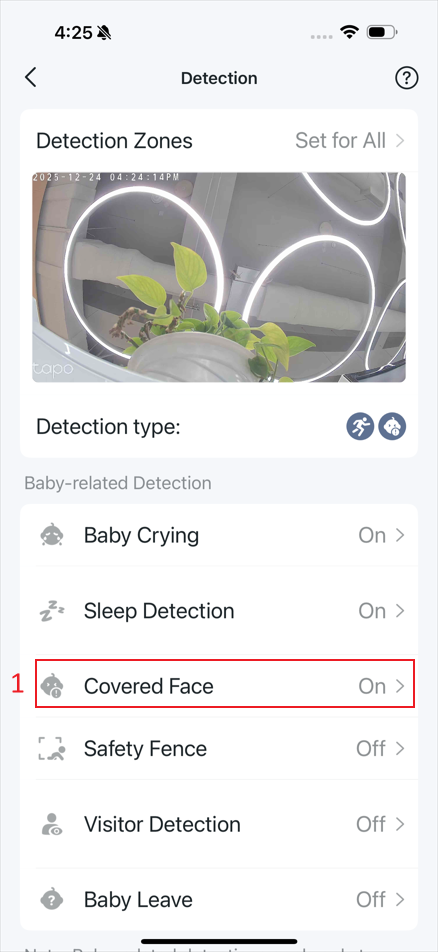
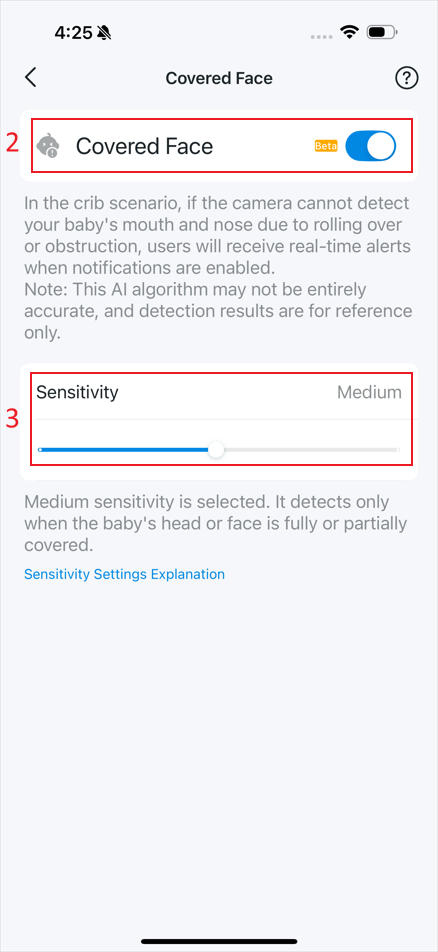
- Covered Face: Detects if your baby’s head or face is covered or not due to rolling over or obstruction in the crib scenario. Tap Covered Face, then enable or disable detection and adjust the sensitivity.
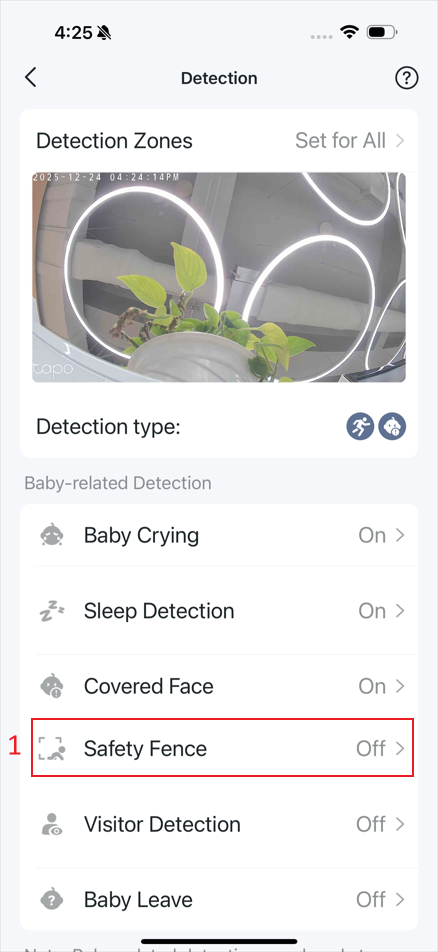
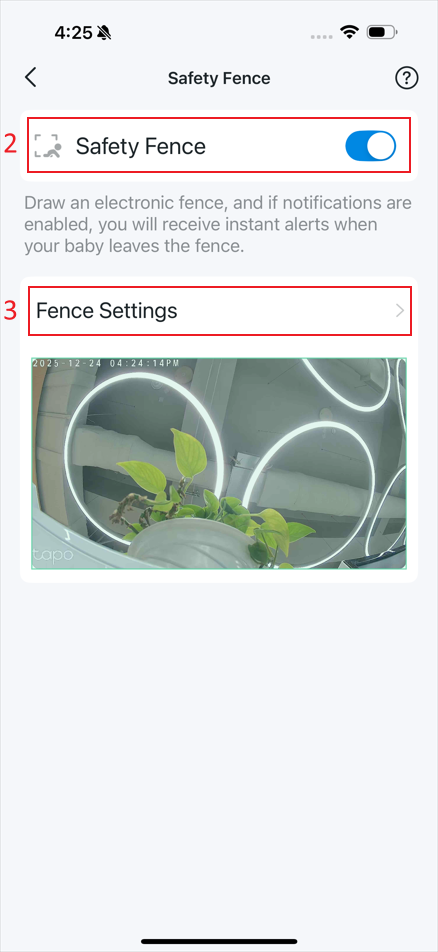
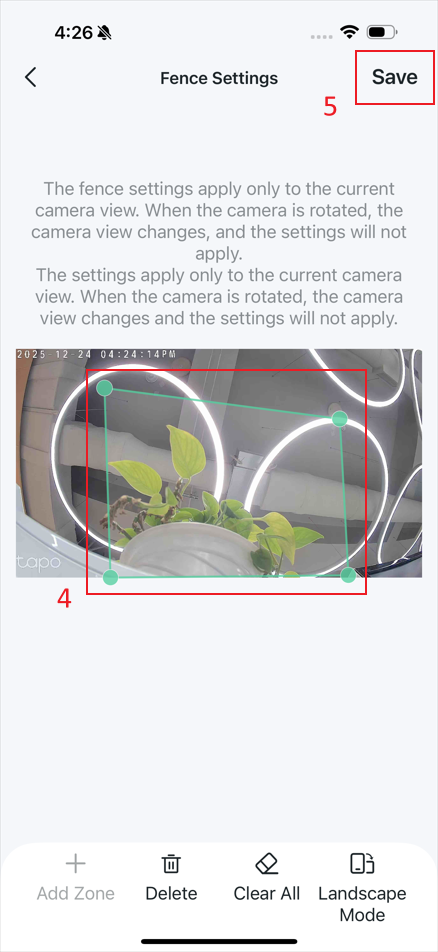
- Safety Fence: Detects if your baby leaves the electronic fence you’ve drawn. Tap Safety Fence, then enable or disable detection, and go to Fence Settings to set a zone. You can adjust the zone by dragging the corner points.
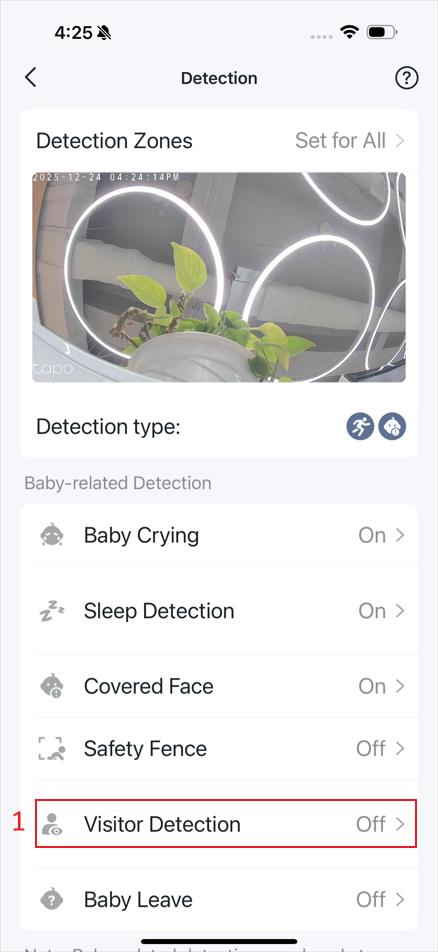
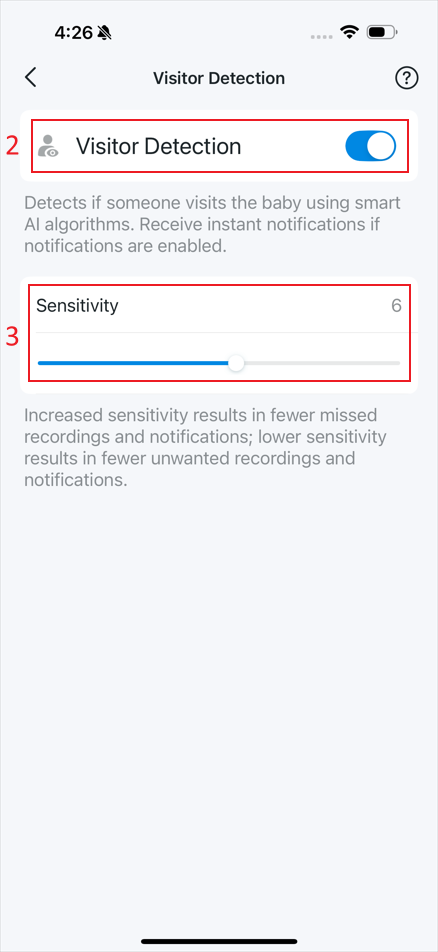
- Visitor Detection: Detects if someone visits your baby. Tap Visitor Detection, then enable or disable detection and adjust the sensitivity.
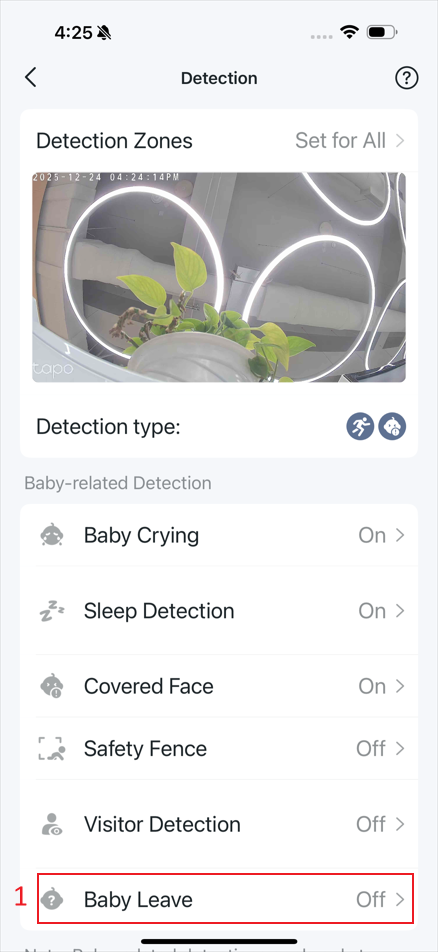
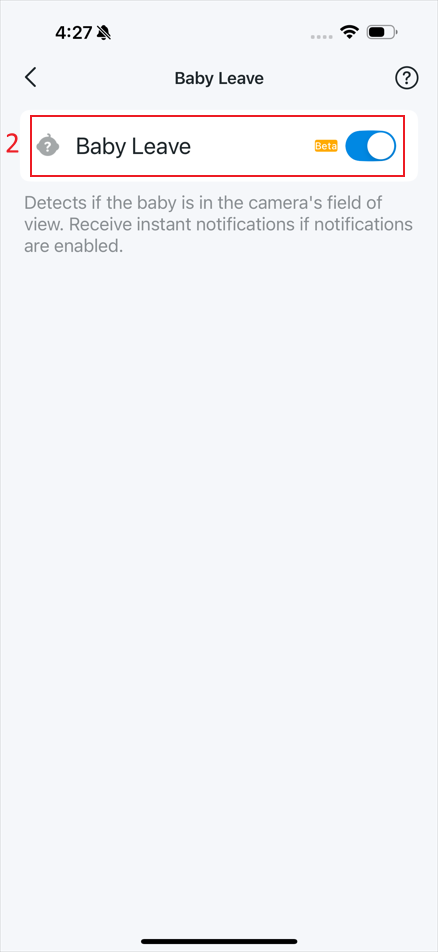
- Baby Leave: Detects if the baby is in the camera’s field of view. Tap Baby Leave, then enable or disable detection.
Get to know more details of each function and configuration please go to Download Center to download the manual of your product.
¿Es útil este artículo?
Tus comentarios nos ayudan a mejorar esta web.
