
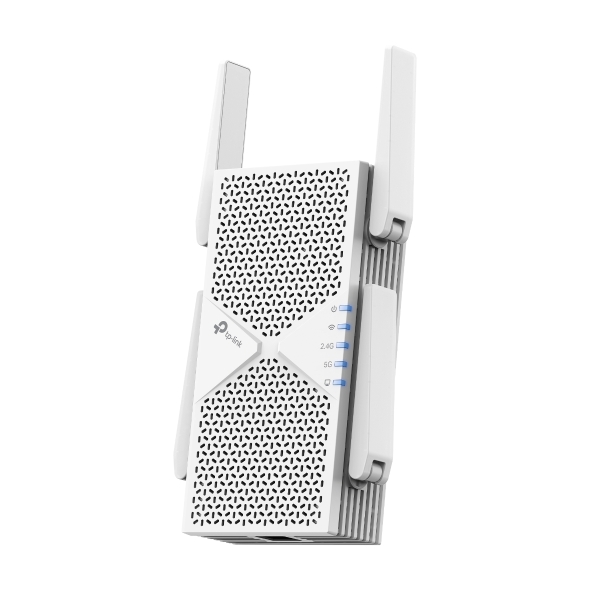
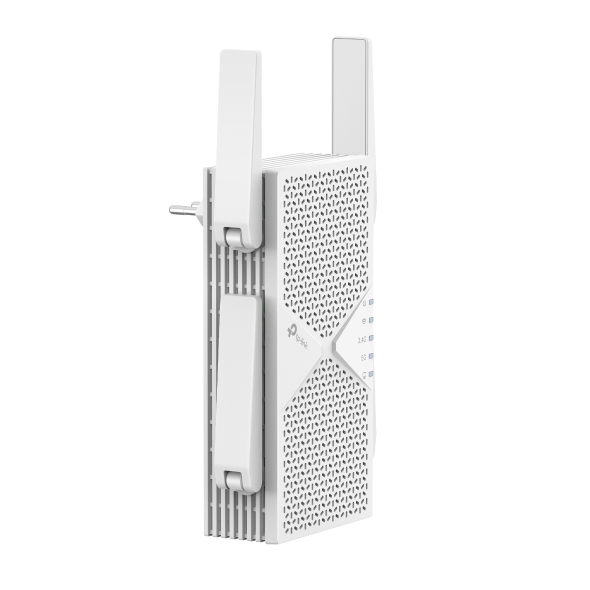
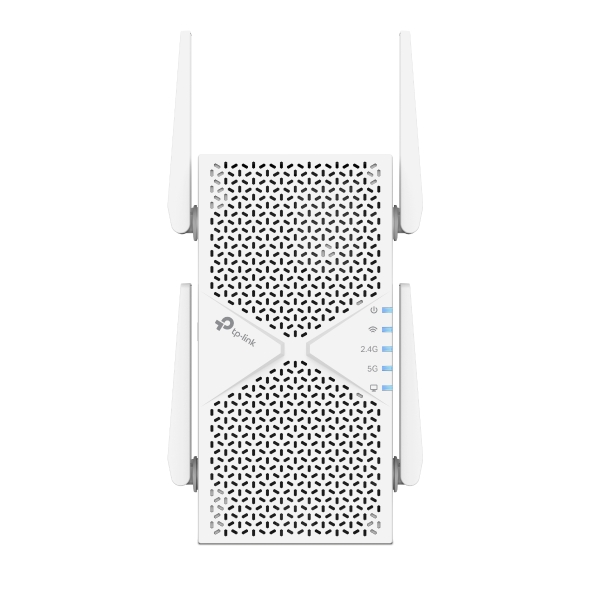


RE725X
Coming SoonAX3000 Mesh WiFi 6 Extender
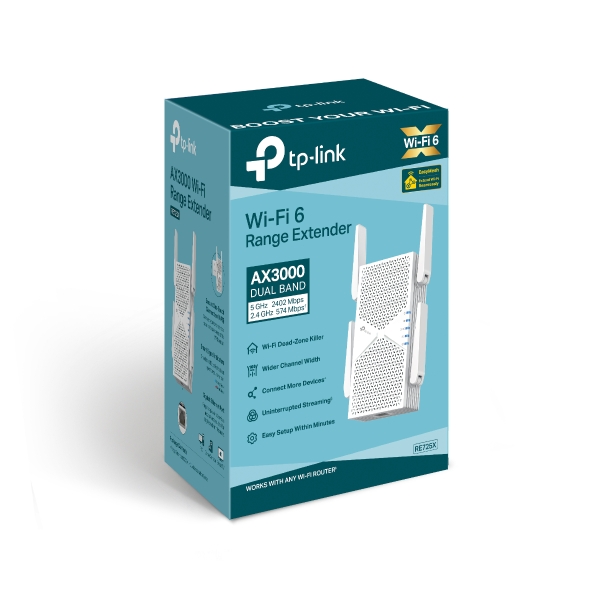
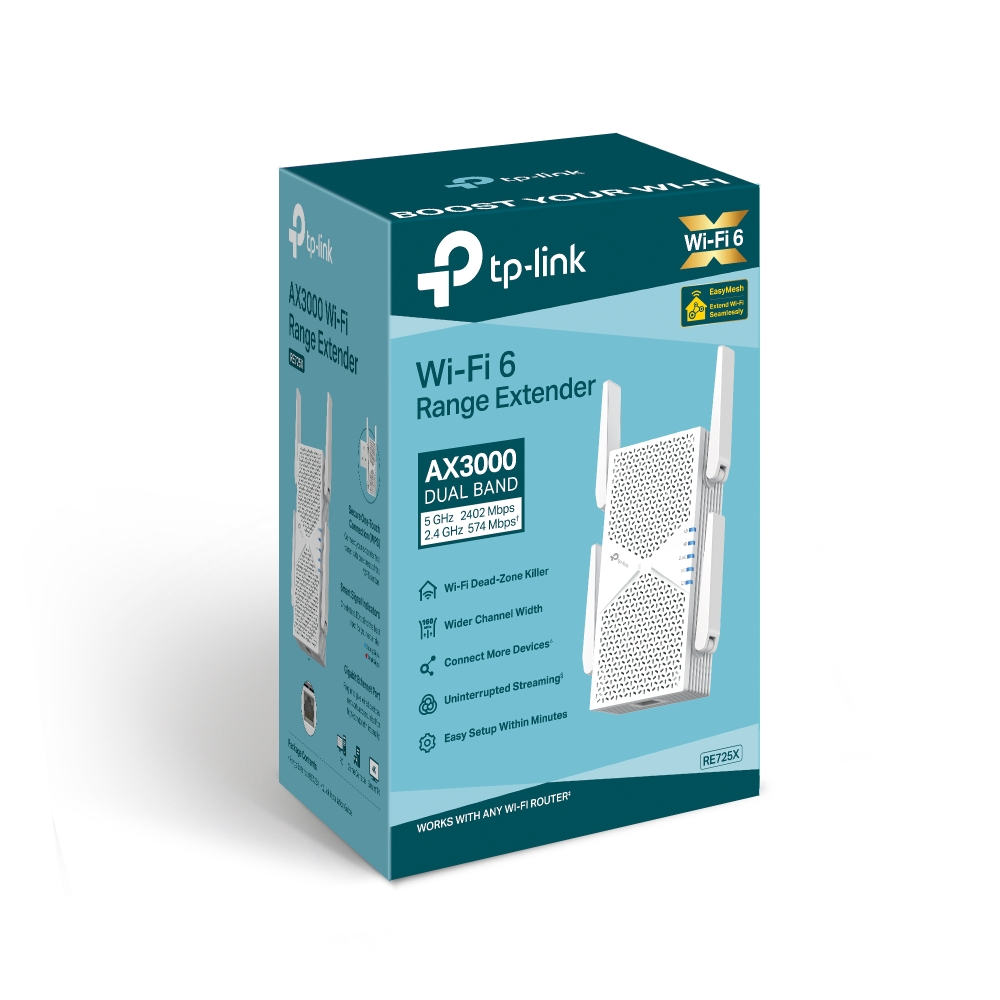
- Up to 3.0 Gbps Dual Band Wi-Fi: Separates 5 GHz (2402 Mbps) and 2.4 GHz (574 Mbps) WiFi bands for faster speeds and greater capacity with the WiFi 6 technology.†△
- Smart Roaming: Walk from room to room and stay connected with the fastest possible speeds.§
- EasyMesh-Compatible: Flexibly creates a Mesh network by connecting to an EasyMesh-compatible router for seamless whole-home coverage.◇
- AP Mode: Create a new WiFi access point through the Gigabit Ethernet port to enhance your wired network with WiFi capability.
- Adaptive Path Selection: Automatically choose the fastest connection path to the router.
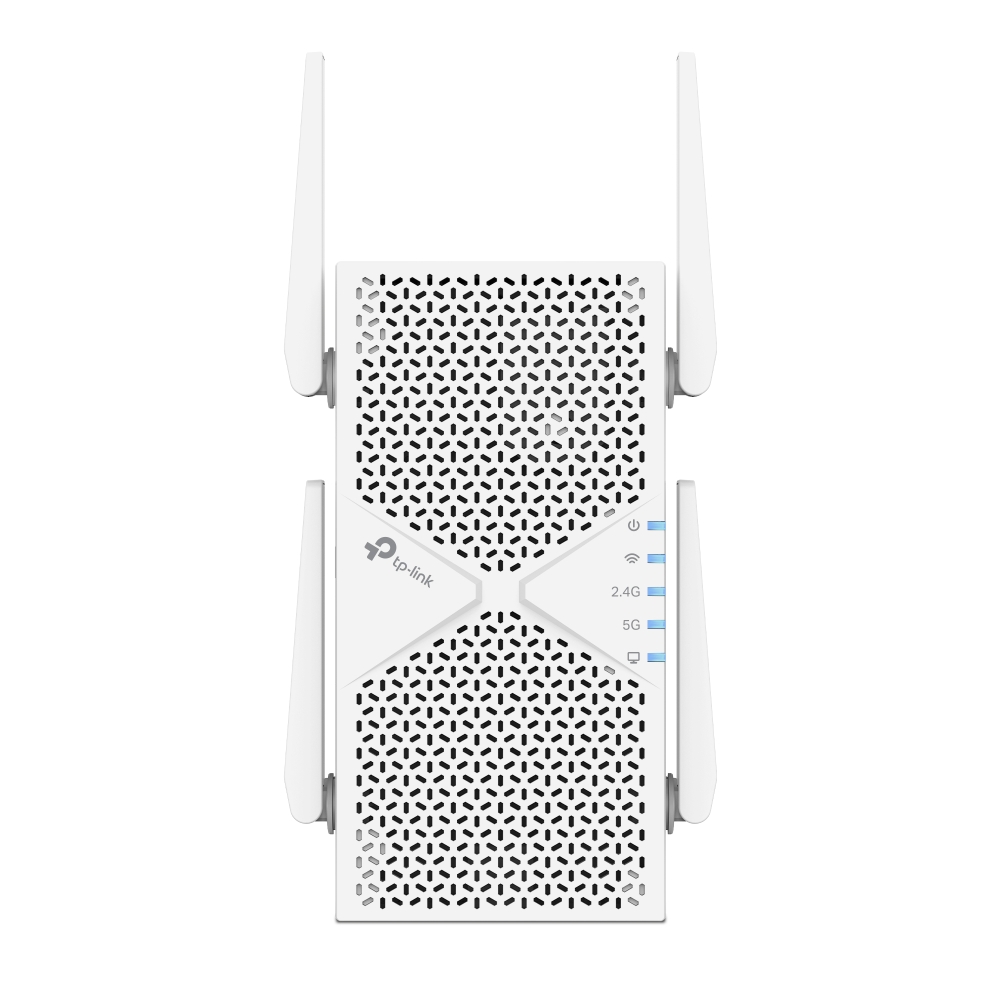
- Gigabit Ethernet Port: Provides faster wired connections to smart TVs, computers, and gaming consoles.
- Easy Setup: Plug in and then easily set up via a press of the WPS button or via the Tether App.
- Ultimate Compatibility: Extends the range of any Wi-Fi router or wireless access point.*

Cover Every Corner
with
Blazing Fast WiFi 6
AX3000 WiFi 6 Range Extender

More coverage. More possibilities.
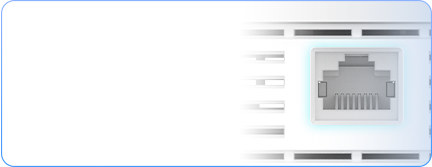 1000 M Ethernet Port


 160MHz Bandwidth Streaming Network for
Multi-Devices
 Dual Band
 MU-MIMO2
 EasyMesh

Life in the fast lane with
advanced WiFi 6
WiFi 6 comes with it all: faster speeds, lower latency, and more connections. It also features 25% faster data throughput compared with last-gen WiFi thanks to 1024-QAM. With this speed boost, experience high-speed and stable WiFi throughout your rooms.
Double Channel Speed3
with HE160
Higher Efficiency, Lower Latency
Supports 2x2 160MHz on the 5G band, enjoys wider bandwidth and faster speed than the traditional 80MHz.

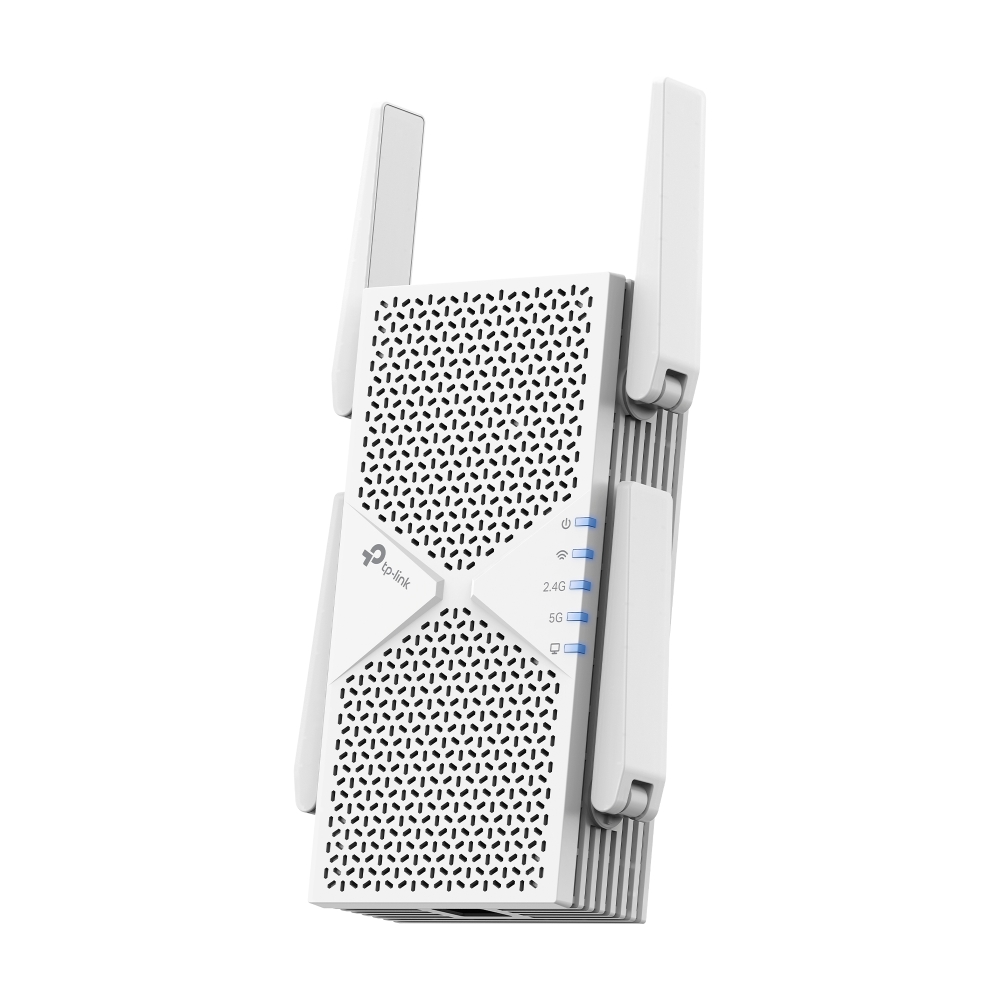
4 high-performance amplifiers,
we got you
covered
Enjoy 4K streaming and gaming in whatever room you’re in thanks to RE725X’s 4 high-performance amplifiers. Whether you’re sharing a pad with friends or living in your forever home, RE725X sends out strong signals to those hard-to-cover areas.

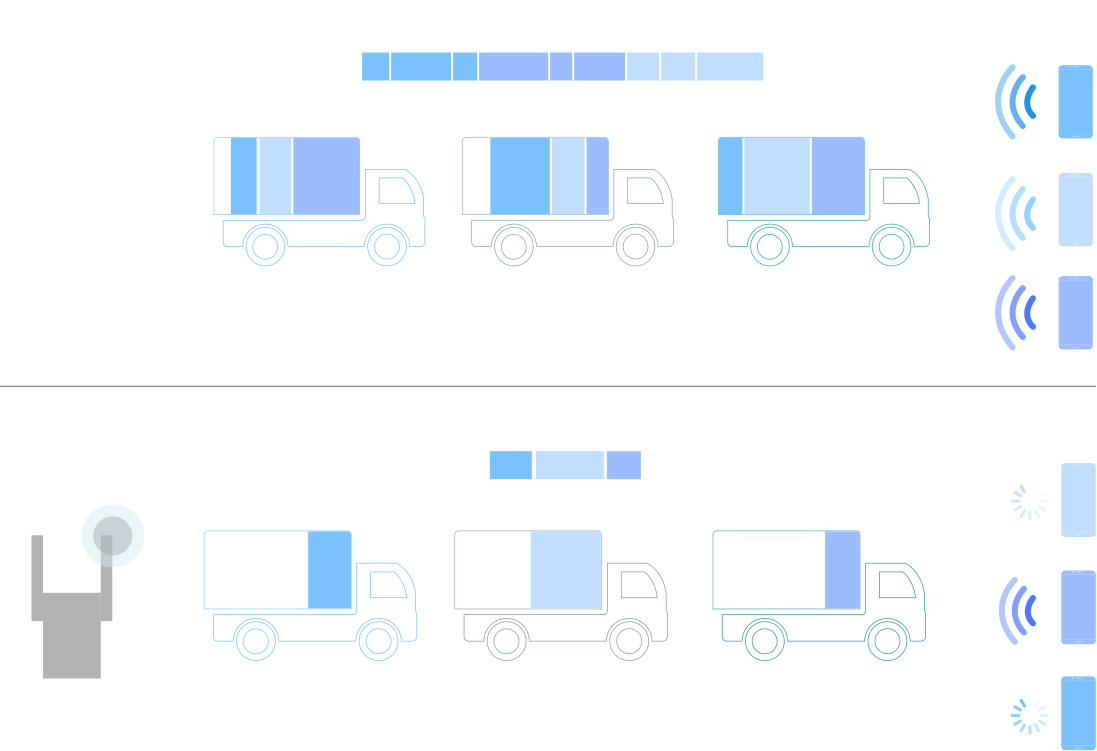
OFDMA4
More efficient data.
Orthogonal Frequency Division Multiple Access helps integrate the data of different end devices for higher efficiency.
Beamforming
Strong, targeted WiFi.
Find the direction of your phone or laptop, and accelerate your signal strength.
 Beamforming
 None
Adaptive Path Selection
Keeps your network running at top speed by automatically choosing the fastest connection path to the router.

Create Whole Home Mesh WiFi
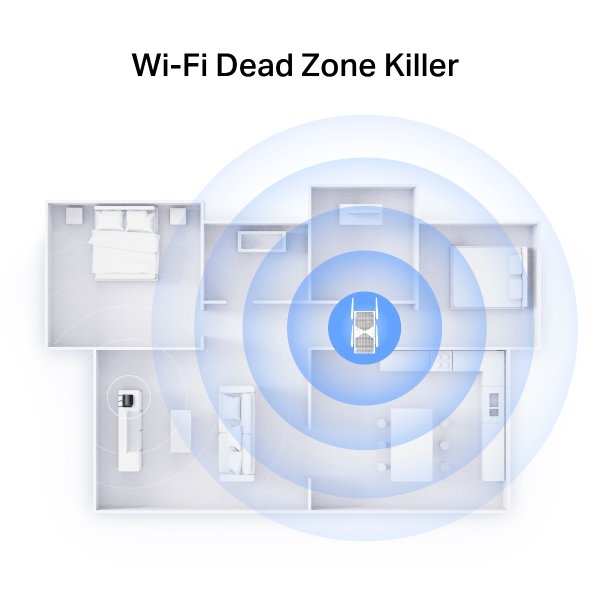
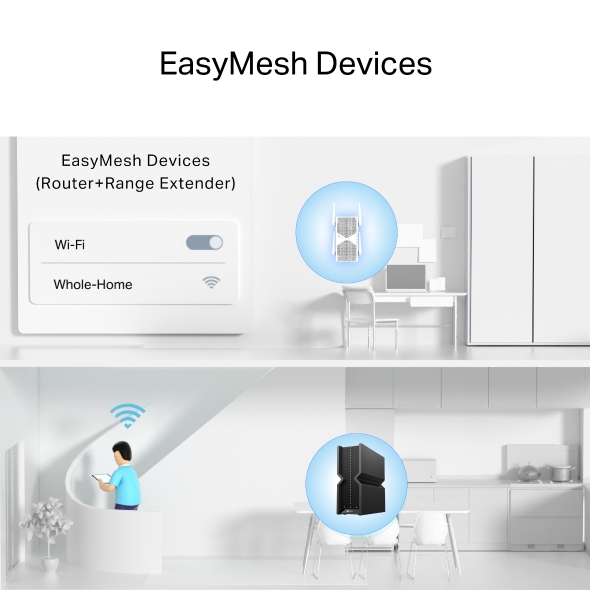
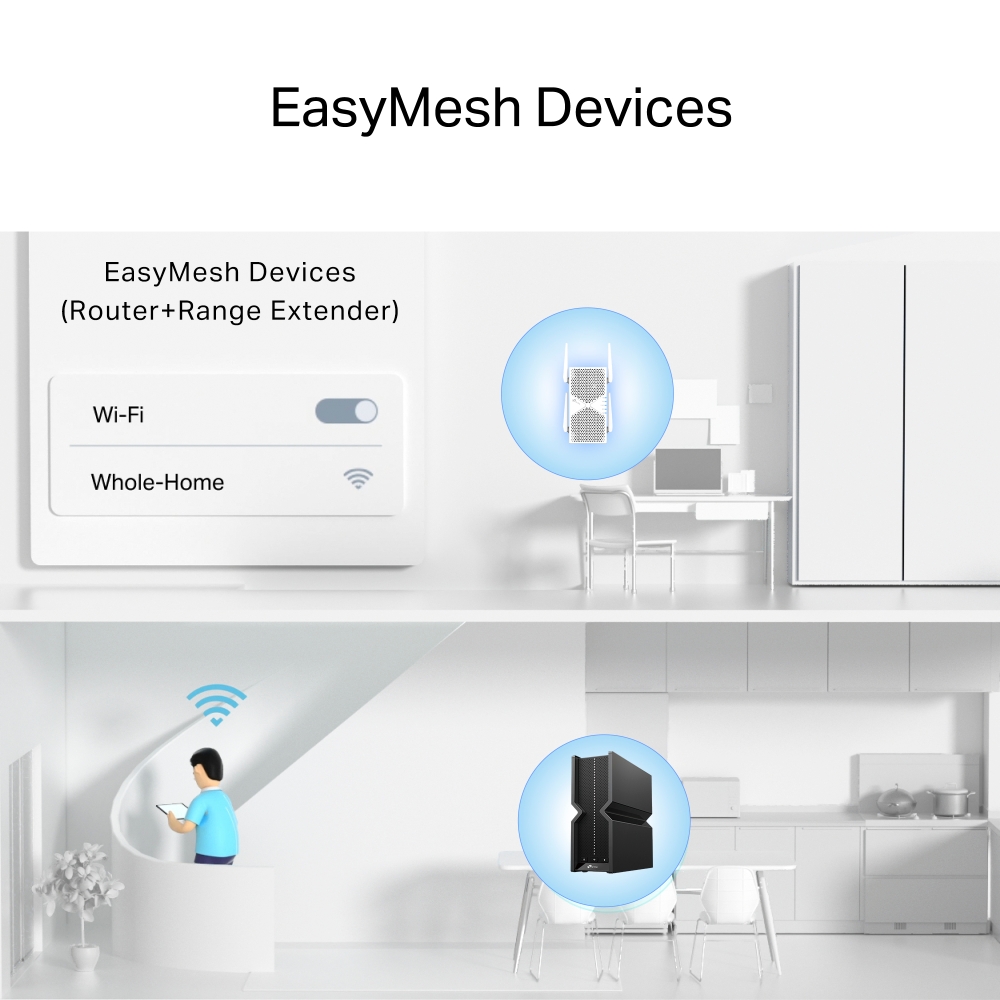
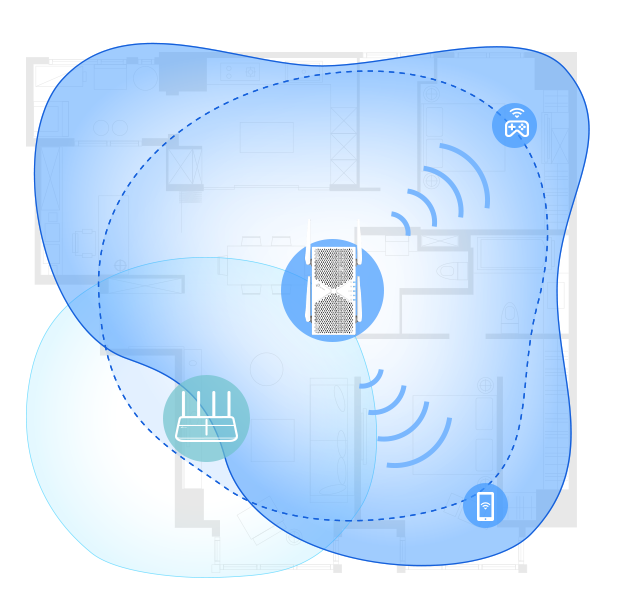
RE725X is EasyMesh-compatible. If you have any dead zones at home, just add another EasyMesh router/range extender to further form your whole home multi-gigabit mesh WiFi. No more searching for a stable connection.8


EasyMesh Devices
(Router + Range Extender)
- Whole-Home
Traditional Router
with Extender WiFi
- home-Router
- home-RE1
- home-RE2

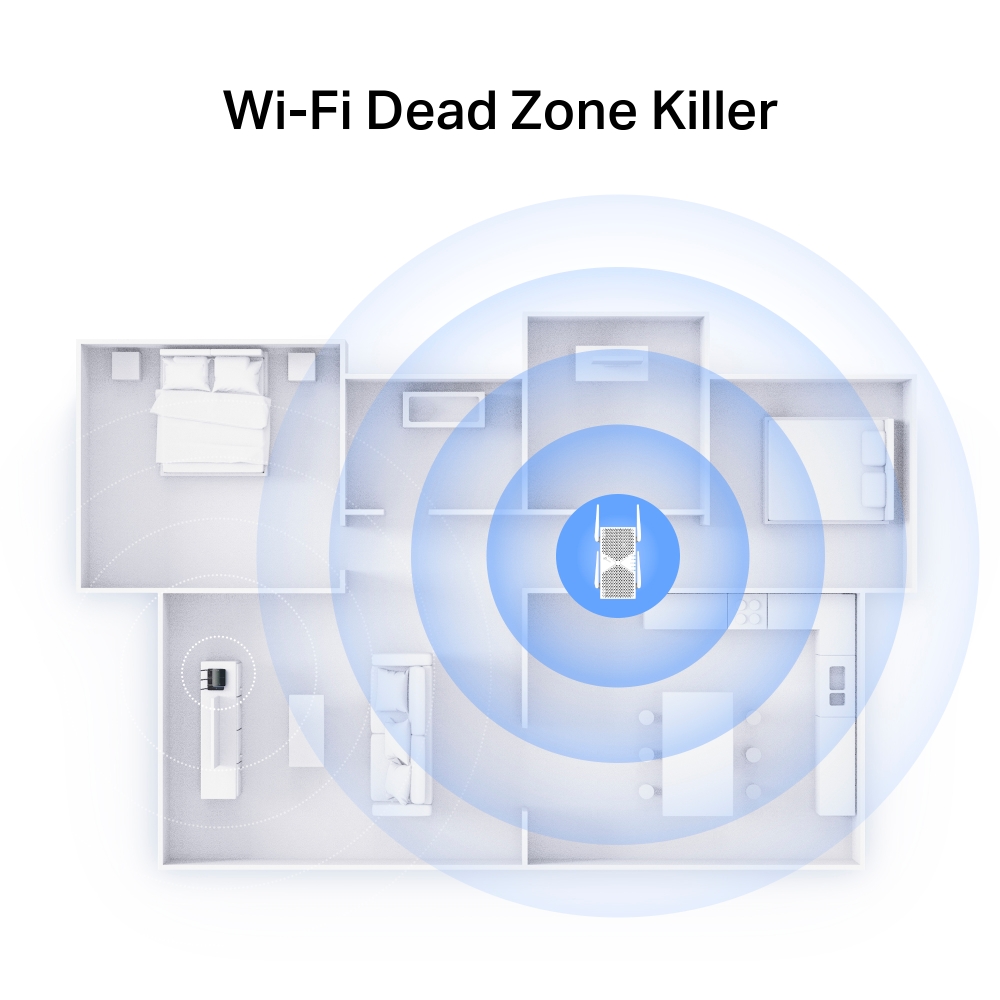
The extender will provide a long-range Wi-Fi signal but use up more power.
The extender will provide a medium-range Wi-Fi signal.
The extender will provide a short-range Wi-Fi.
Wide. Wider. Widest.5
Keep your internet focused on a single room or blanket an entire floor with WiFi by picking between 3 strength levels on the Tether app.
Built-In Access Point Mode
RE725X is more than a wireless range extender. Simply plug an Ethernet cable into its Ethernet port, and easily turn your wired internet connection into a 2×2 MU-MIMO dual band wireless access point.

Control at Your Fingertips
Set up and manage your WiFi through the TP-Link Tether app from your phone (Android, iOS), including TP-Link routers and range extenders.


Get to know your RE725X

| Interface | 1 Gigabit Ethernet Port |
|---|---|
| Button | • WPS Button• Reset Button |
| Input Power | 100-240V~50/60Hz |
| Max. Power Consumption | 13 W |
| Dimensions ( W x D x H ) | 97×46×158 mm |
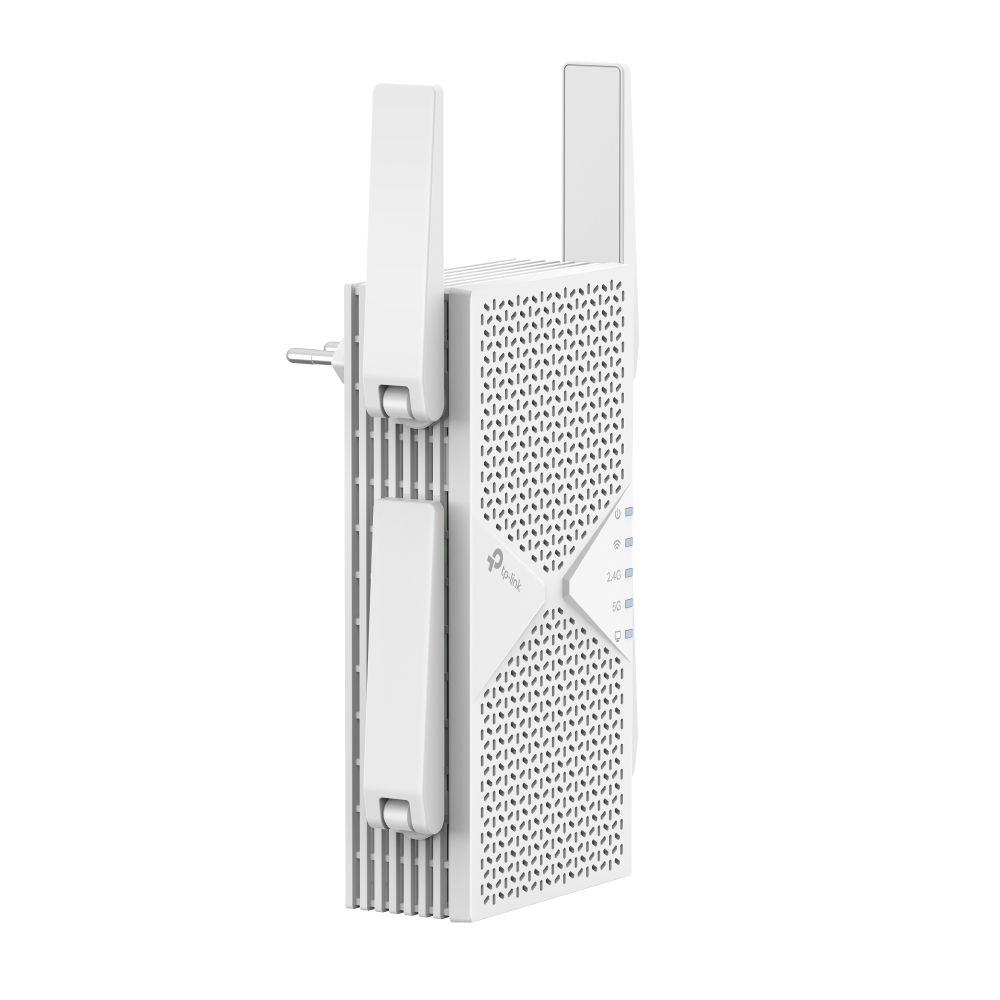
| Antenna | 2 External Antennas |
| Wireless Standards | • IEEE 802.11a/n/ac/ax 5GHz• IEEE 802.11b/g/n/ax 2.4GHz |
|---|---|
| Frequency | 2.4GHz and 5GHz |
| Signal Rate | • 574 Mbps at 2.4GHz• 2402 Mbps at 5GHz |
| Working Modes | Range Extender / Access Point |
| Reception Sensitivity | 5GHz: 11a 6Mbps:-97dBm11a 54Mbps:-78dBm11ax HE20 MCS0: -96dBm11ax HE20 MCS11: -66dBm11ax HE40 MCS0: -93dBm11ax HE40 MCS11: -62dBm11ax HE80 MCS0: -90dBm11ax HE80 MCS11: -60dBm11ax HE160 MCS11: -58dBm2.4GHz: 11g 6Mbps:-96dBm11g 54Mbps:-78dBm11ax HE20 MCS0: -96dBm11ax HE20 MCS11: -66dBm11ax HE40 MCS0: -93dBm11ax HE40 MCS11: -62dBm |
| Wireless Functions | • Enable/Disable Wireless Radio• DFS (the latest firmware and hardware version is required)• Access Control• LED Control• Power Schedule• Wi-Fi Coverage Adjustment |
| Wireless Security | • WEP• WPA• WPA2• WPA3 |
| Transmission Power | CE: • 2.4 GHz ≤ 16 dBm• 5 GHz ≤ 21 dBm |
| Mesh Technology | EasyMesh-Compatible |
| Network Services Enabled by Default | Web Server Manage and configure device through web (HTTP/HTTPS) • Port: 80/443 Protocol: TCP DHCP Server IP address assignment (DHCP) • Port: 67 Protocol: UDP App management Manage and configure device through app • Port: 20001 Protocol: TCP • Port: 20002 Protocol: UDP |
|---|---|
| Certification | CE |
|---|---|
| Package Content | • Wi-Fi Range Extender RE705X • Quick Installation Guide |
| System Requirements | Microsoft Windows 98SE, NT, 2000, XP, Vista™ or Windows 7, 8, 8.1, 10, MAC OS, NetWare, UNIX or Linux Internet Explorer 11, Firefox 12.0, Chrome 20.0, Safari 4.0, or other Java-enabled browser |
| Environment | • Operating Temperature: 0℃~40℃ (32℉ ~104℉)• Storage Temperature: -40℃~70℃ (-40℉ ~158℉)• Operating Humidity: 10%~90% non-condensing• Storage Humidity: 5%~90% non-condensing |
†Maximum wireless signal rates are the physical rates derived from IEEE Standard 802.11 specifications. Actual wireless data throughput and wireless coverage are not guaranteed and will vary as a result of network conditions, client limitations, and environmental factors, including building materials, obstacles, volume and density of traffic, and client location.
‡Use of Wi-Fi 6 (802.11ax), and features including OFDMA, 1024-QAM, MU-MIMO and HE160 requires clients to also support the corresponding features.
§Smart Roaming is designed for devices that support the 802.11k/v standard.
◇TP-Link EasyMesh-compatible products can network with other devices that use EasyMesh. Failed connections may be due to firmware conflicts of different vendors. The EasyMesh-compatible function is still being developed on some models and will be supported in subsequent software updates.
△The maximum capacity is the maximum number of signals that can be connected under ideal conditions, and the specific situation varies with the location of the RE, the type of connected equipment, etc.
*The product may not be compatible with routers or gateways with firmware that has been altered, based on open source programs, or is non-standard or outdated.
Actual network speed may be limited by the rate of the product's Ethernet WAN or LAN port, the rate supported by the network cable, Internet service provider factors and other environmental conditions.
ErP Information:
Power consumption in networked standby: 5.7W.
Power consumption in networked standby when all wired network ports are connected and all wireless network ports are activated: 6.2 W.
The default period of time after which the power management function switches the equipment automatically into a condition providing networked standby: 20 minutes.
How to activate and deactivate wireless network: Enter the webpage of product through wired connecting. The wireless function can be turn on/off via 'Settings-> Wireless -> Wireless Settings ->Enable Wireless Radio Checkbox'.