
Tapo D235L
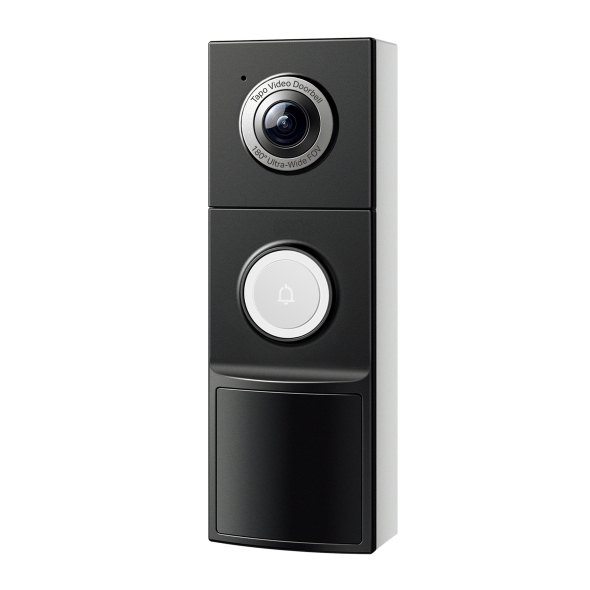
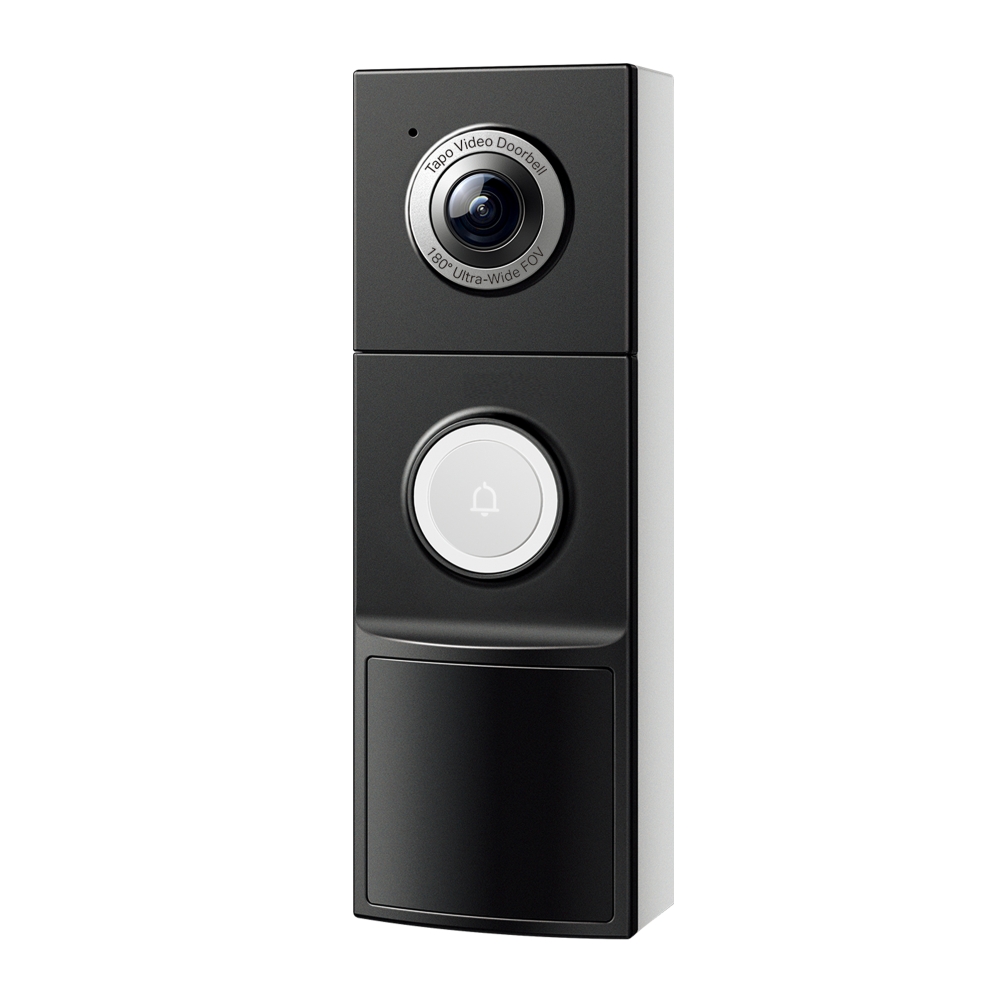
Tapo Video Doorbell Camera
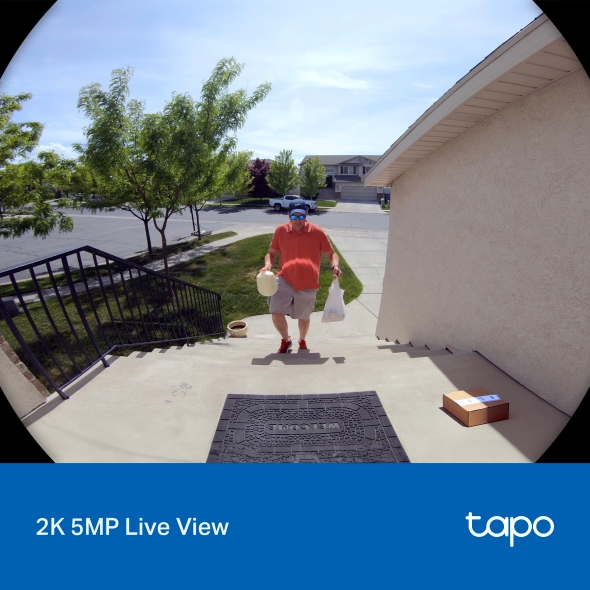
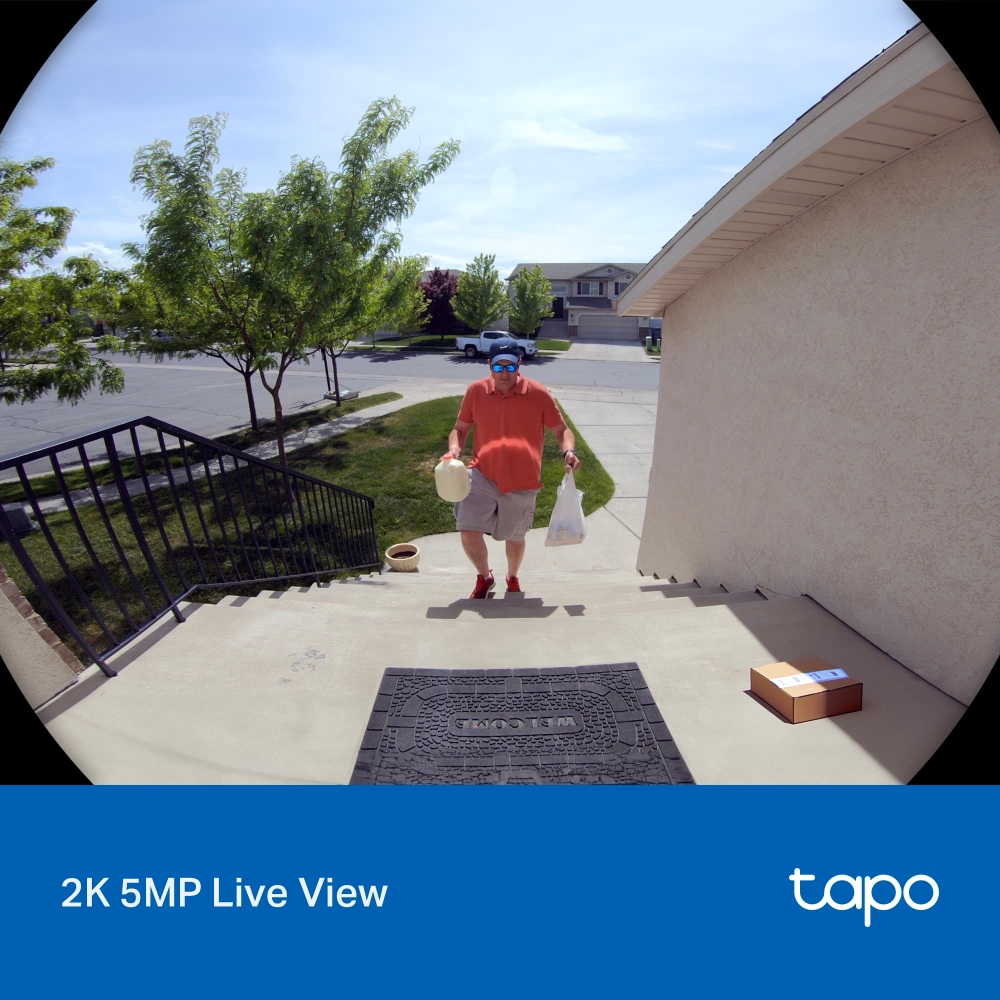
- 180° Ultra-Wide View: Captures visitors, deliveries, and your entire front yard in one frame.
- Every detail in 2K Clarity: Sharp 2K video captures the crucial moments on your doorstep, day and night.
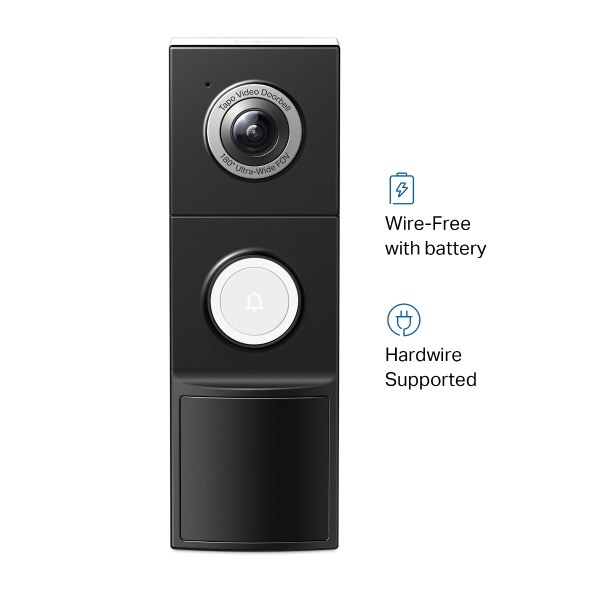
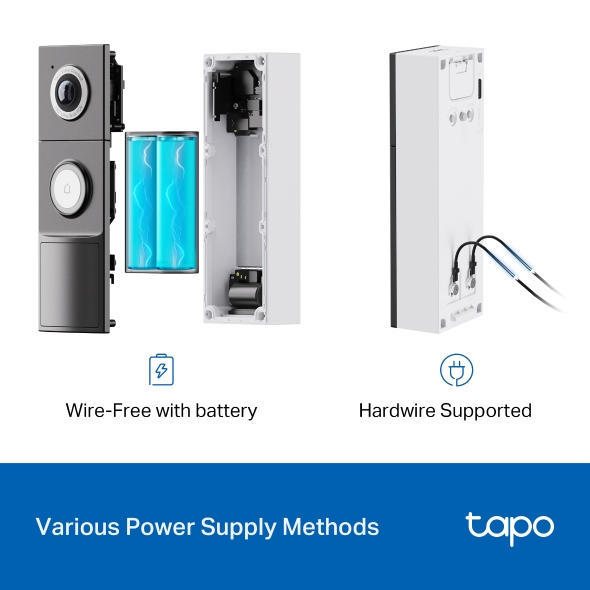
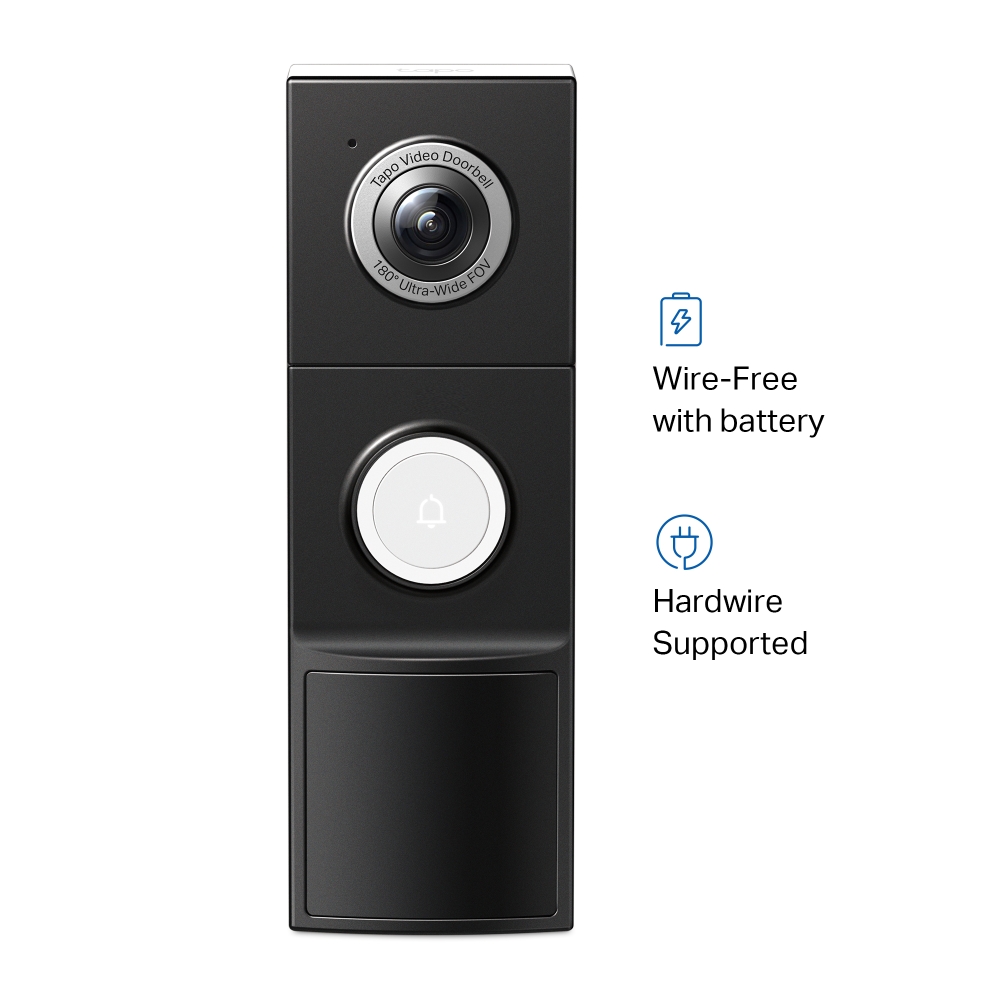
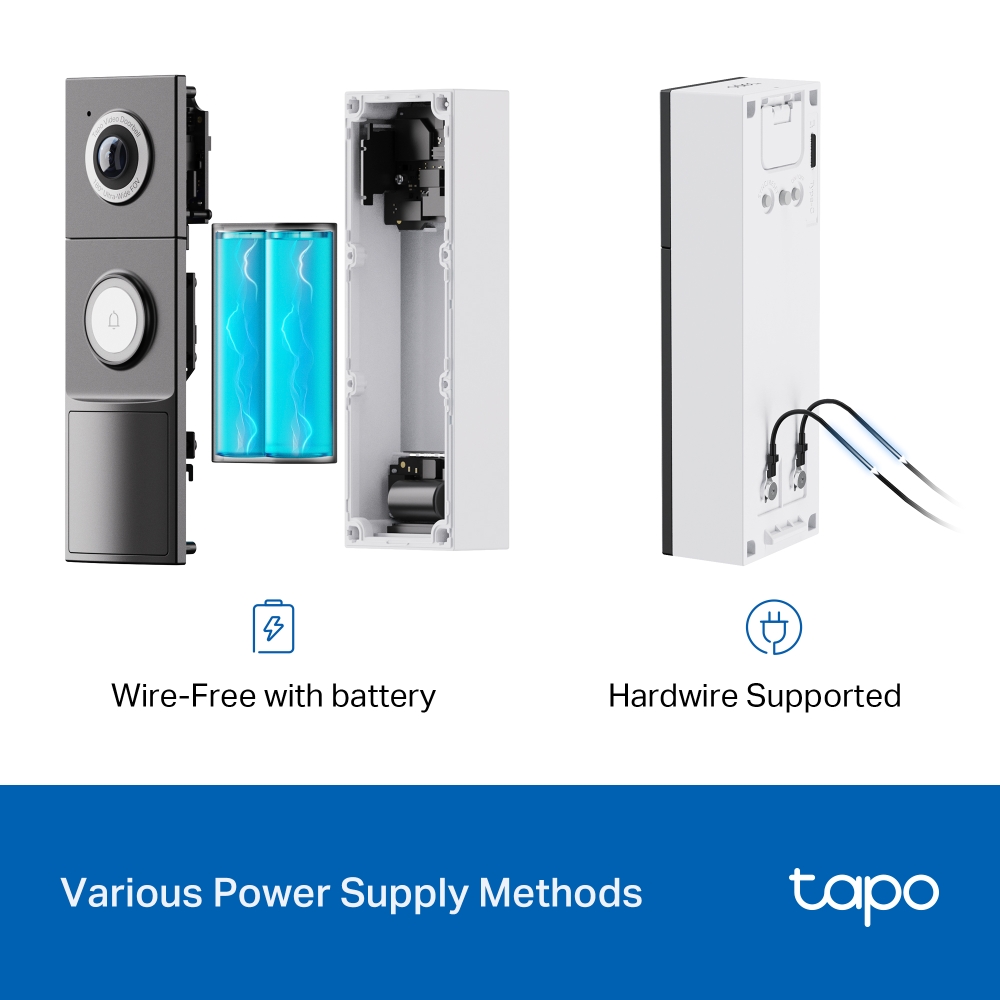
- Power it your way: Go wire-free for up to 8 months on a charge, or hardwire it for around-the-clock monitoring.
- Nothing missed before the action: Pre-roll footage adds up to 4 seconds of video from just before motion’s detected, so you see the full story.
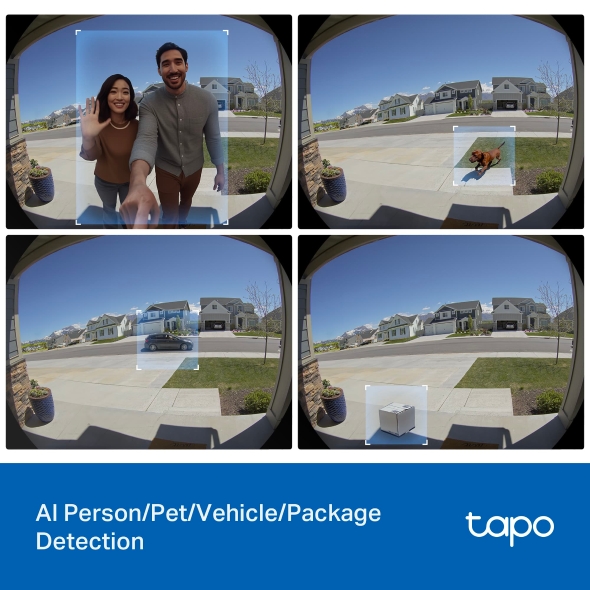
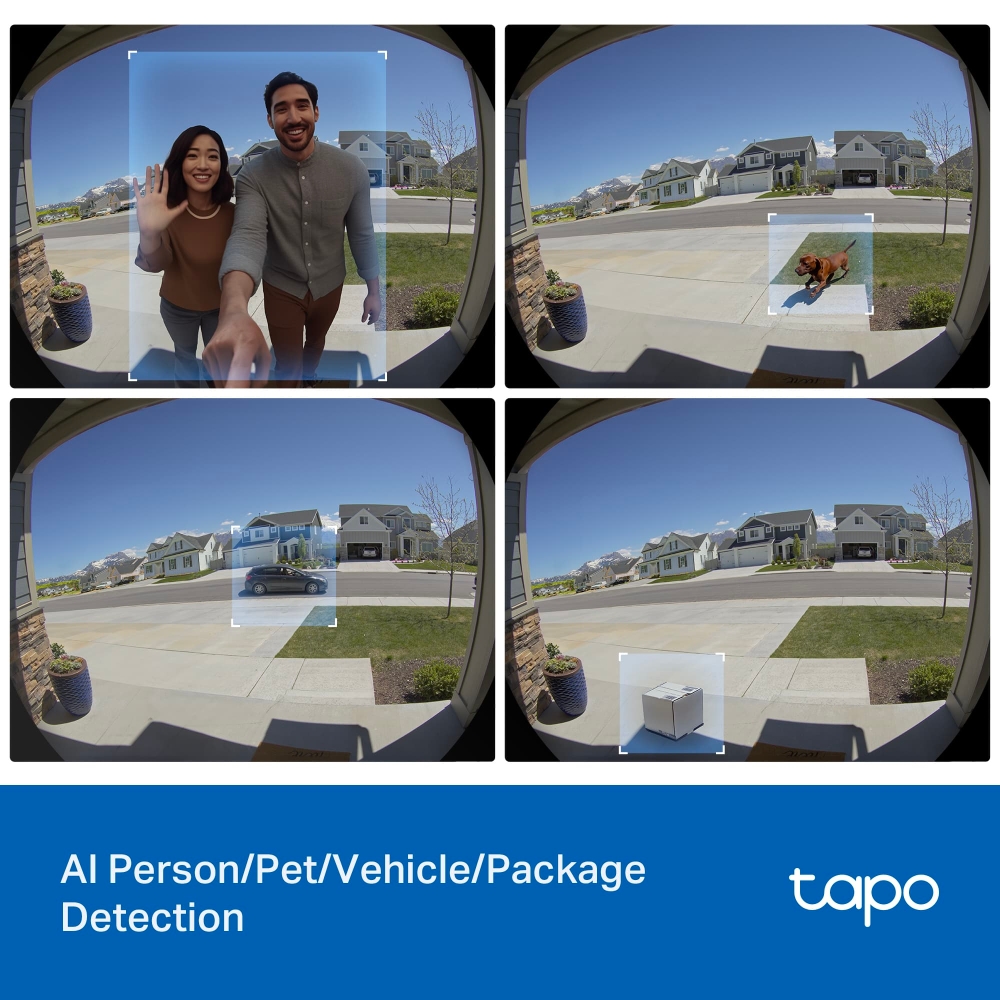
- Smart alerts, no monthly fees: On-device AI tags people, packages, and vehicles in frame, without a subscription.
- Round-the-clock recording when wired: Hardwired mode gives you uninterrupted 24/7 recording for a complete record of activity.
- See in full color after dark: Built-in spotlights deliver full-color night vision, so faces, vehicles, and clothing stay clear at night.
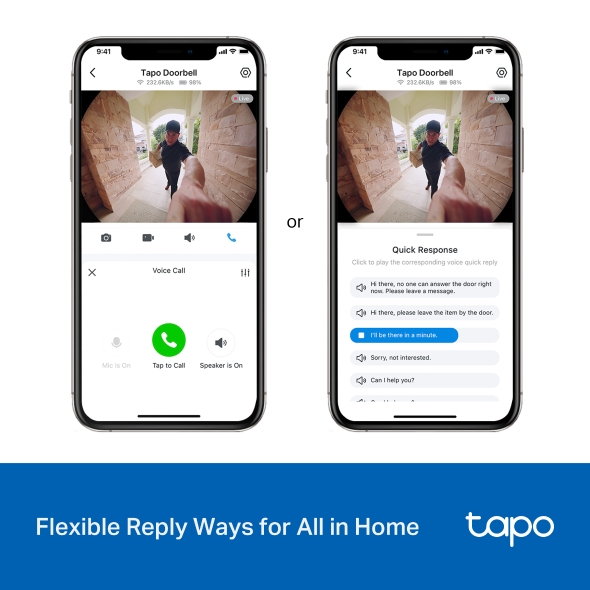
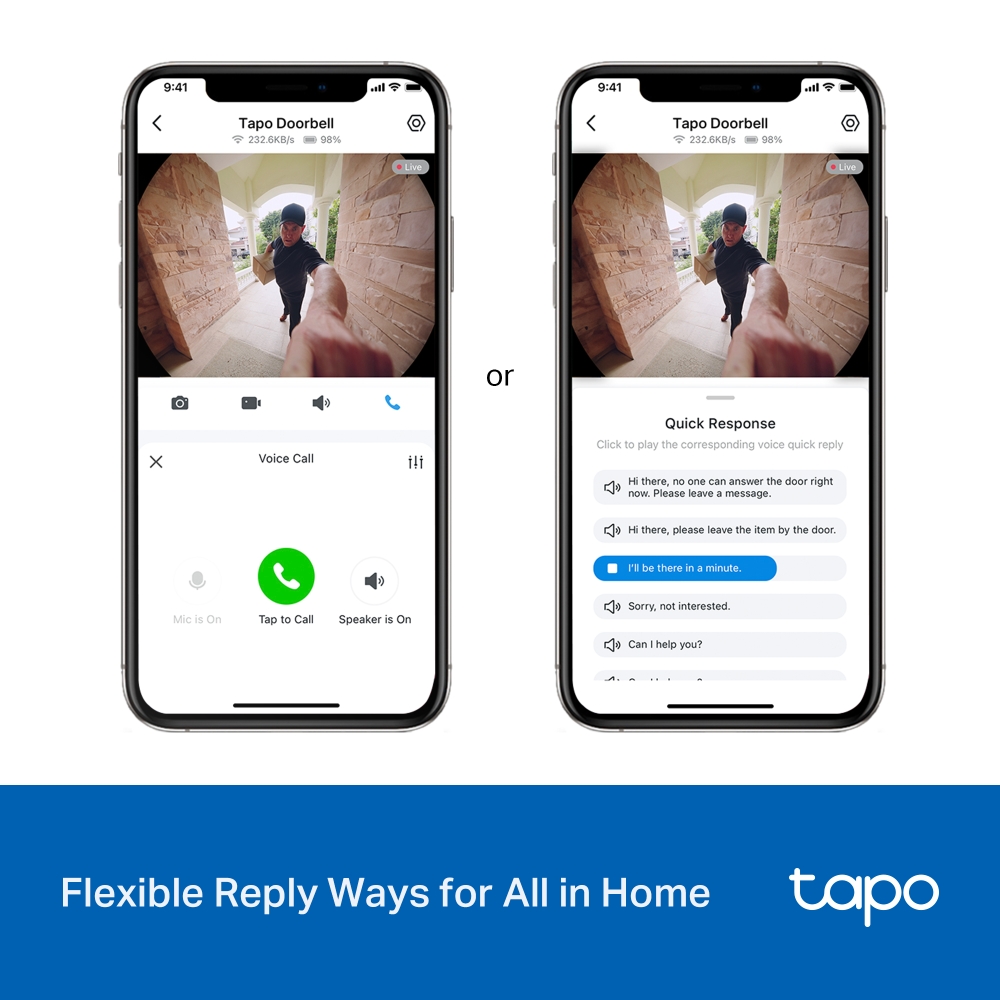
- Answer the door from your phone: Doorbell Call rings your phone the moment a visitor is there, so you can respond without opening the app.
- Respond or tap for a quick reply: Use clear two-way audio, or send a prerecorded response when you can’t talk.
- Keep footage free or in the cloud: Save up to 512 GB to a microSD card at no extra cost, or use cloud storage with Tapo Care.
Smart.Secure.Easy.
Always Know Who’s There
Video Doorbell Camera
Tapo D235L
-
Hardwire & Battery
Power Supply -
Sharp 2K
Live View -
IP66 Water &
Dust Resistance


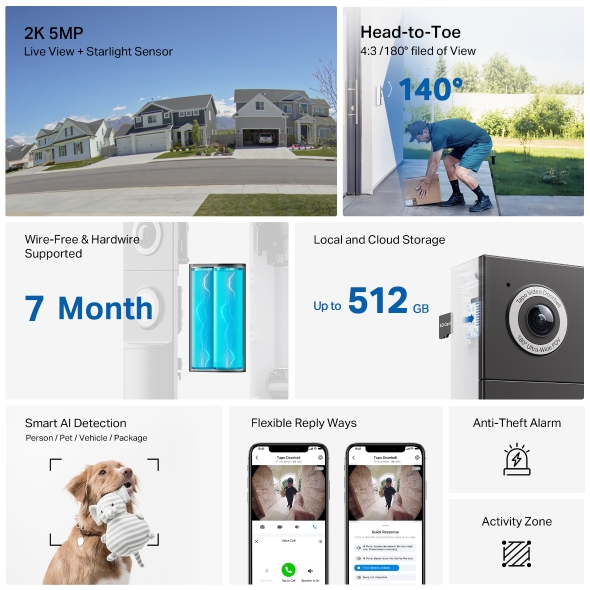
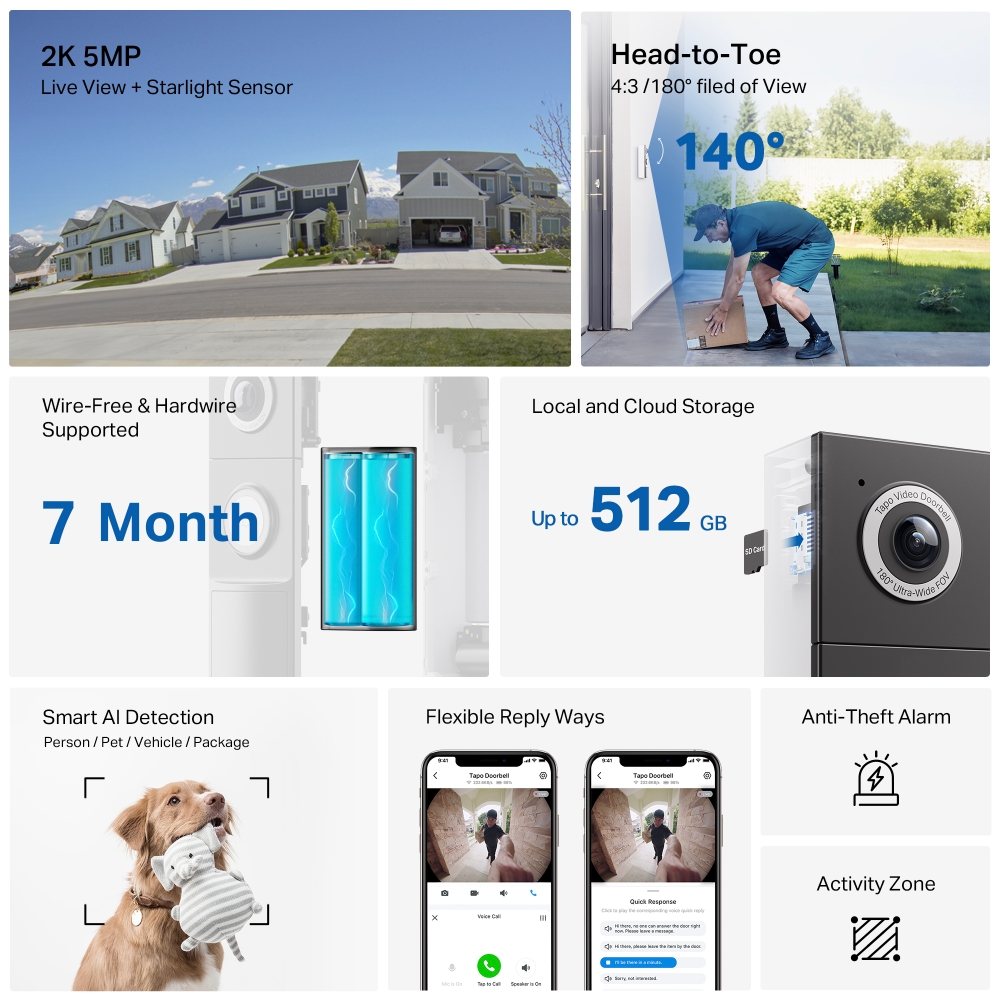
Live View + Starlight Sensor
4:3 /180° filed of View 140°
Hardwire Supported 7 Month
Person / Pet / Vehicle / Package
2K 5MP Head-to-Toe 180° DFOV
Details matter, and with 2K 5MP clarity, Tapo D235L exceeds traditional Full HD resolution with finer details and incredible clarity. Experience the full picture with our 180° ultra-wide field of view, capturing every detail from head to toe in a single sweeping glance.
160°

Others brand
180°

Tapo D235L
Various Power Supply Methods
Flexible Wedges, Flexible Views
Different wedge choices give users possibilities to make the doorbell suits more placement scenarios. Users can also use these wedges to adjust the views.
Local and Cloud Storage
Save recorded videos on the microSD Card** (up to 512 GB, purchased separately) or use Tapo Care cloud storage services (subscribe separately).
Up to
512 GB
Smart AI Detection and Notification
Smart AI identifies people, pets, vehicles, and packages, notifying users as needed.
Install Your Doorbell
Step 1
Option 1: Stick to the wall
Attach the included adhesive to the back of the bracket or the wedge you have selected. If you use the wedge, affix the bracket and the wedge with screws.
3M Adhesive
or
Mounting Wedge
Route the wires through the bracket (if there are existing wires) . Wipe off the dust from the surface using a dry cloth, stick the bracket with adhesive to the smooth wall, and press it down for 15 seconds to ensure the bracket is firmly attached.
or
Option 2: Mount to the wall
Route the wires (if there are existing wires) through the mounting template and stick the template. Drill two holes where indicated.
Φ=6 mm (15/64 in.)
Route the wires (if there are existing wires) through the bracket. Insert two anchors into the holes and use the screws to affix the bracket over the anchors.
Step 2 Mount the doorbell to the bracket
Option 1: Battery Powered
Mount the doorbell to the bracket.
Option 2: Hardwire Powered
Connect the wires to the doorbell and tighten the screws. Mount the doorbell to the bracket and turn on the circuit breaker.
If the wires are too short
| Image Sensor | 1/2.7“ Progressive Scan CMOS Sensor |
|---|---|
| Lens | Focal Length: 1.18mmAperture: F1.8Field of View: 170.6° (Horizontal), 140.1° (Vertical) |
| Night Vision | 850 nm IR LED (33 ft / 10 m)Full-Color Night Vision |
| Lighting | Built-in Spotlights |
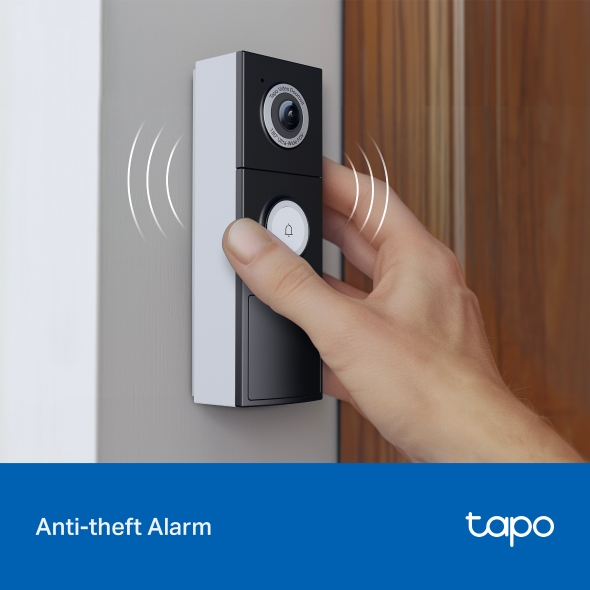
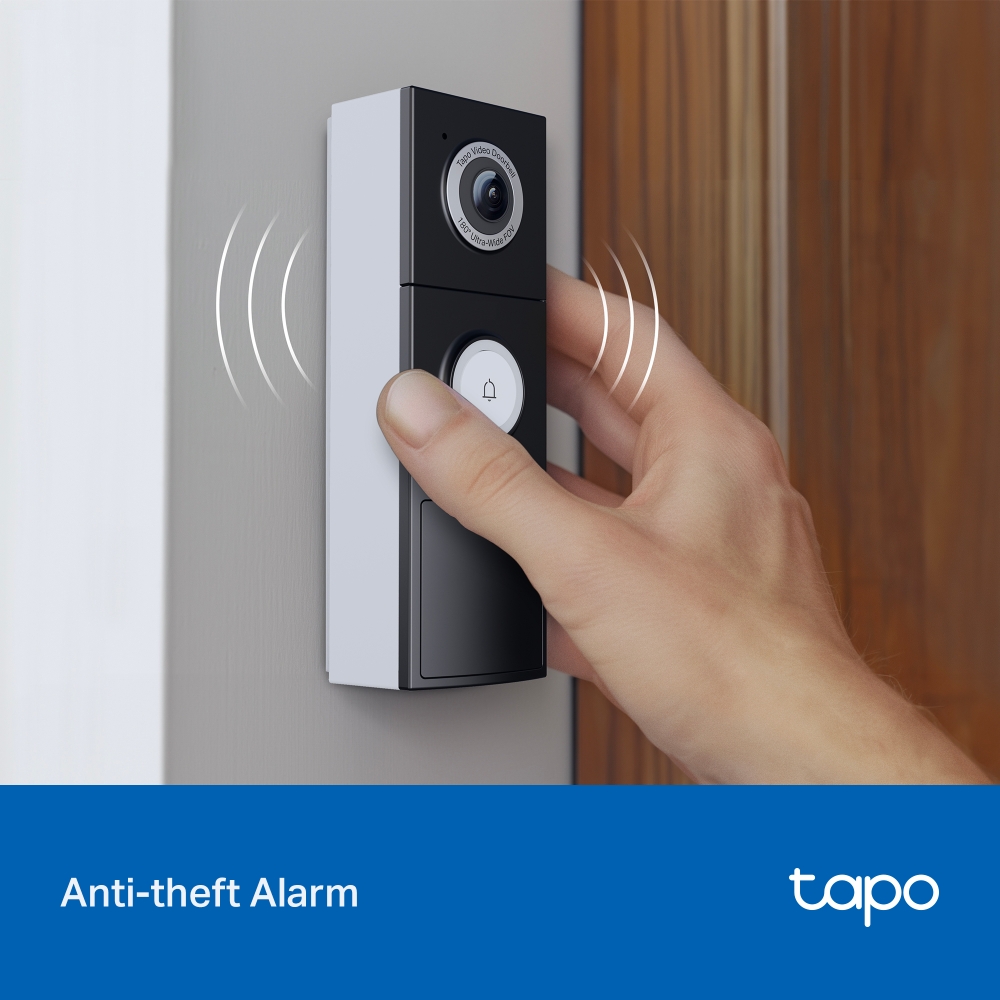
| Interface & Button | 1× RESET /SYNC Button1× Doorbell Button1× Anti-Theft Button1× Power ON/OFF Button |
| Maximum Resolution | 2K 5MP (2560 × 1920px) |
|---|---|
| Frame Rate | 15/20 fps |
| Video Compression | H.264 |
| Live View | Yes |
| Image Enhancement | 3DNRWDR |
| Audio Input & Output | Built-in Microphone and Speaker |
| Audio Communication | Two-Way Audio with Noise Cancellation |
| Siren Volume | 98dB (Level measured at 4-inch/10-cm distance) |
| Local Storage | MicroSD Card Slot (Up to 512 GB) |
|---|---|
| Cloud Storage | Tapo Care Cloud Storage Services (Subscription required) |
| Sensor | Single PIR Motion Sensor (FOV: 130° horizontal)One Ambient Light Sensor |
|---|---|
| AI Detection | Motion DetectionPerson DetectionPet DetectionVehicle DetectionPackage Detection |
| Activity Zones | Yes |
| Output Notification | System NotificationSystem Notification with Snapshot (Tapo Care Services) |
| Network Connectivity | IEEE 802.11b/g/n, 2.4 GHz Wi-Fi |
|---|---|
| Security | On-Device Machine Learning128-bit AES Encryption with SSL/TLSWPA/WPA2-PSK |
|---|---|
| Power Source | Built-in Rechargeable Lithium-ion BatteryHardwire chargeHardwire supplyUse only power supplies listed in the user instructions.Manufacturer: Aohai Model (EU Version): A209-050200U-EU1 |
|---|---|
| Input Voltage | Doorbell Battery Pack Adapter Input: 100-240 V, 50/60 Hz |
| Output Voltage | Doorbell Battery Pack Adapter Output: 5.0 V, 2.0 A |
| Typical Power Consumption | Power consumption in off mode: 0.1 W.Power consumption in networked standby: 1.65 W.Power consumption in networked standby when all wireless network ports are activated: 1.65 W.The default period of time after which the power management function switches the equipment automatically into a condition providing networked standby: 20 minutes. |
| Smart Integration | Google Assistant, Amazon Alexa |
|---|---|
| Weather Resistance | IP66 |
| System Requirements | Tapo App: iOS 13.0 or higher, Android 7.0 or higher |
| Mounting Options | Stick to a WallMount to a Wall |
| Operating Temperature | -20℃~45℃ |
| Storage Temperature | -40℃~60℃ |
| Operating Humidity | 10%~90% RH, Non-condensing |
| Storage Humidity | 0~90% RH, Non-condensing |
| Charging Temperature | 0-45℃ |
| Dimensions ( W x D x H ) | Doorbell Dimensions: 5.91 × 1.97 × 1.52 in (150 × 50 × 38.4 mm) |
| Package Content | Tapo Video Doorbell × 1Mounting Template × 1Mounting Bracket × 1Vertical Mounting Wedge× 1Horizontal Mounting Wedge × 1USB Adapter Cable × 1Jumper for Existing Chime × 1Extension Wires × 2Mounting Screws and Anchors × 3Hardwire Installation Screws × 2Doorbell Detaching Pin × 1Mounting Wedge Screws × 53M Adhesive × 1Foam Pad × 1Wire Nuts × 2Quick Start Guide |
| Certifications | CE, RCM, R-NZ, FCC, EAC, Triman, UKCA |
*7-month battery life is based on TP-Link's laboratory testing with 300 seconds per day use. The time of use includes recording and watching live views. Actual battery life may vary due to device settings, usage, router specifications, and environmental factors.
**microSD card purchased separately. Actual storage capacity depends on the size of the microSD card used. Subscribe for cloud storage service at https://www.tapo.com/tapocare
*** This mode does not support existing chime use.
△Compatible with Alexa and Google Assistant supported displays. User experience is dependent on the connected services.
◇The app UI is for reference only.