
RE705X-Outdoor Datasheet
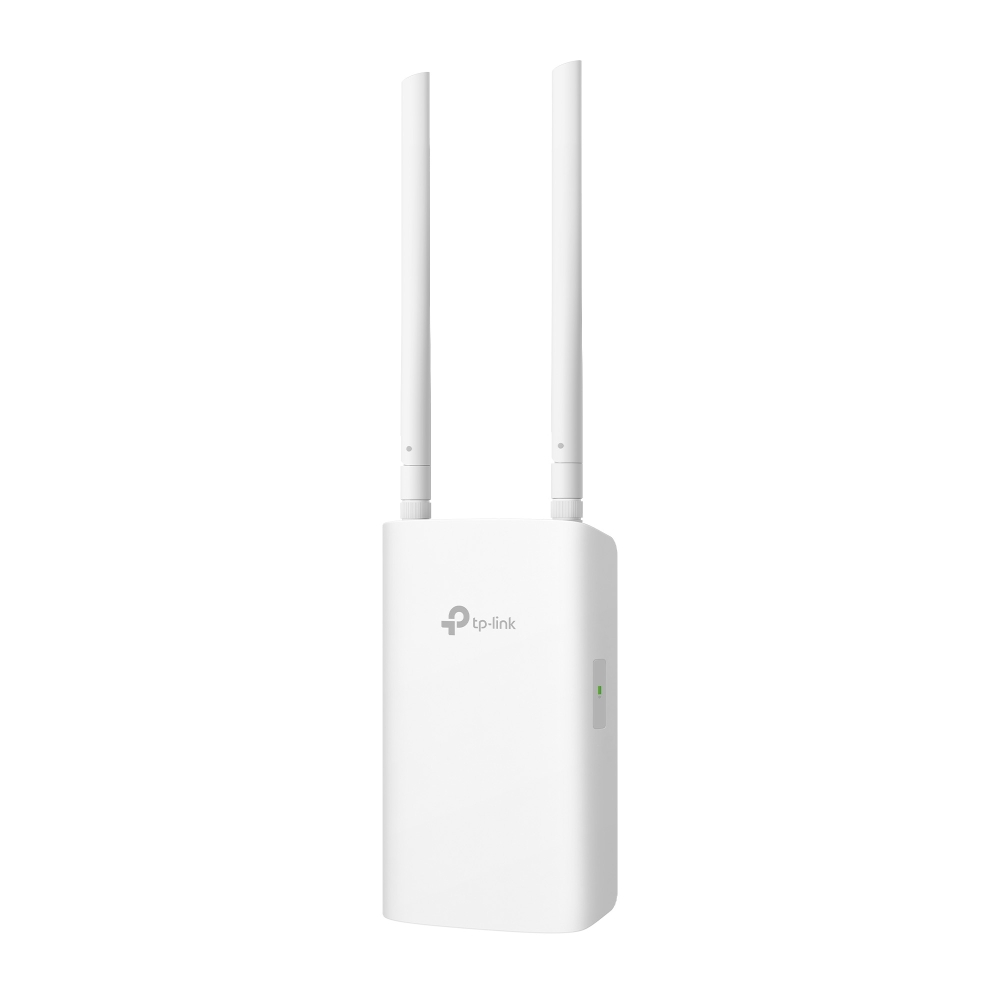
AX3000 Indoor / Outdoor Wi-Fi 6 Range Extender
Highlights
|
Eliminate Wi-Fi Dead Zones with Powerful Wi-Fi |
|
|
|
|
|
Faster Wi-Fi 6 Speed |
Turbocharge your devices with wireless speeds of up to 3.0 Gbps.† |
|
Larger Capacity |
Wi-Fi 6 builds a more efficient network that increases the average throughput by 4 times and servers more devices.△ |
|
Easy and Flexible Installation |
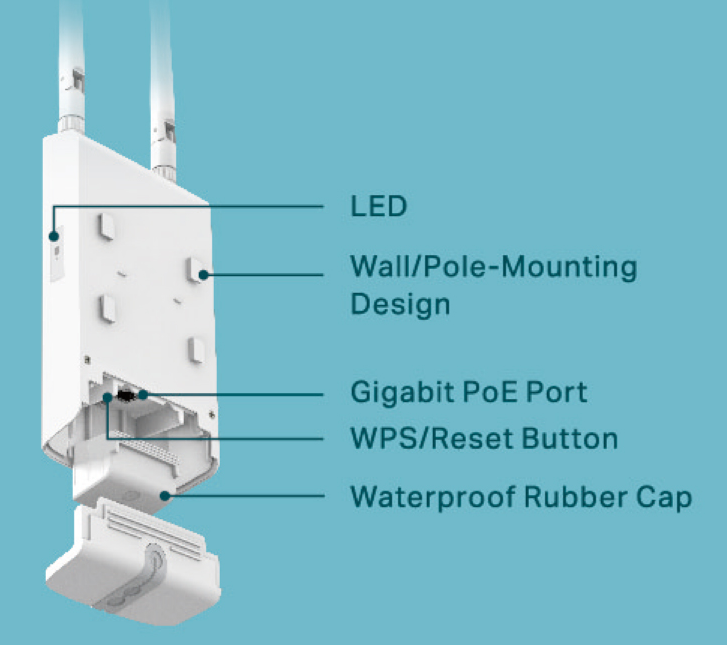
Compatible with standard 802.3at PoE and Passive PoE (adapter included) for easy and flexible installation. |
|
Ideal for Outdoor Environment |
Omnidirectional antennas with IP65 weatherproof enclosure make it ideal for outdoor signal reception. |
|
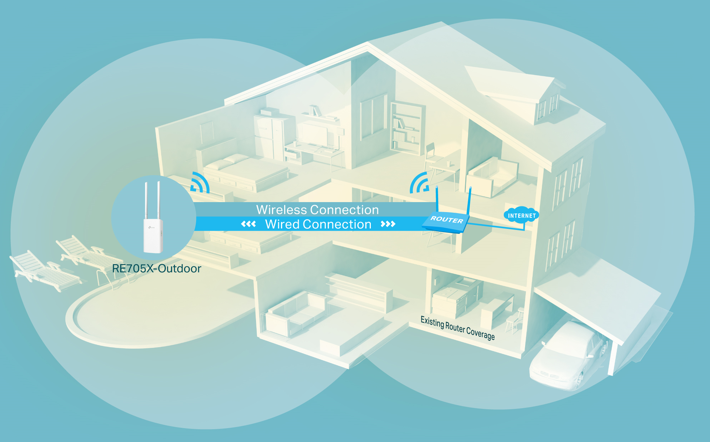
Access Point Mode |
Create a new Wi-Fi access point that extends your wired network into outdoor wireless coverage. |
|
Easy Setup Within Minutes |
Easy setup and management via the WPS button/Tether app/Web UI. |
|
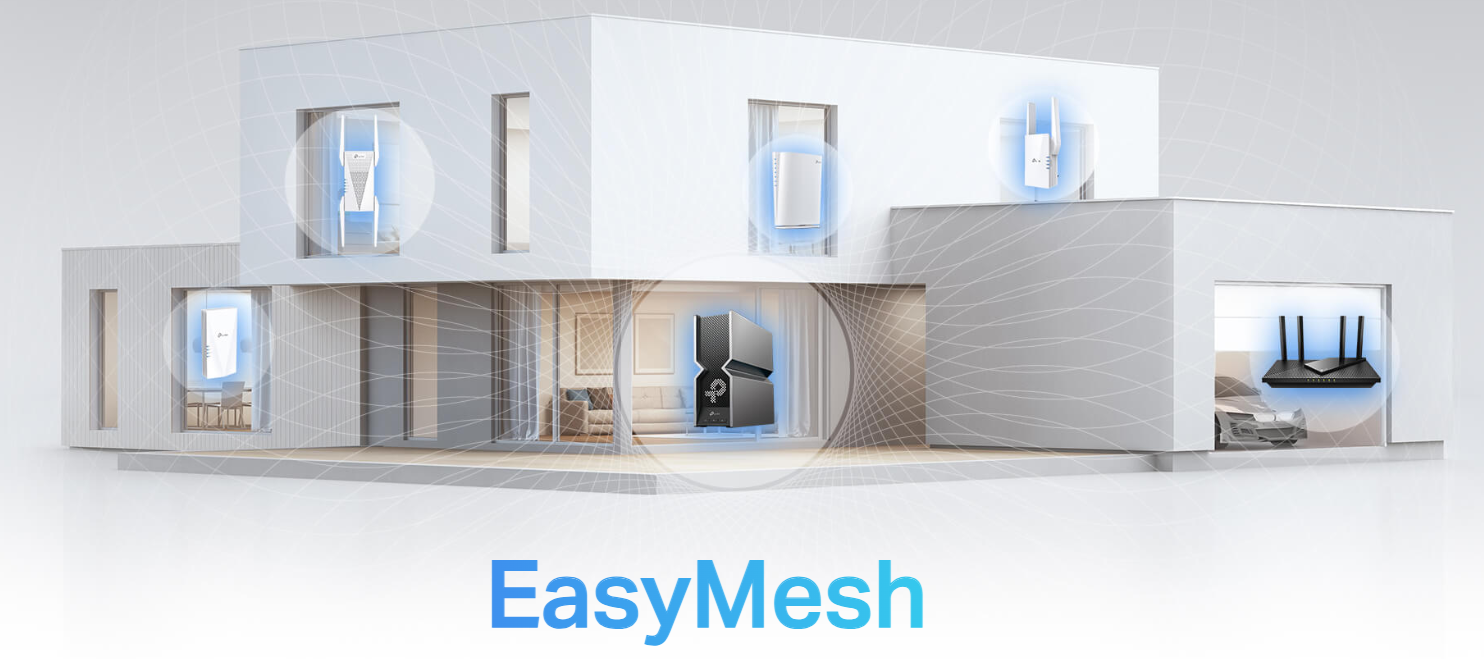
EasyMesh-Compatible |
|
|
|
|
|
Wi-Fi Dead-Zone Killer |
Eliminate weak signal areas with Wi-Fi coverage for the whole house. |
|
Ultra-Low Latency |
Enjoy uninterrupted streaming, surfing, and more—even when moving around your home. |
|
One Wi-Fi Name |
Stay connected to the same network name in every room. |
|
Easy Setup and Unified Management |
Push the WPS button to set up a Mesh network you can manage from the Tether app or web UI. |
 |
Check the full list of TP-Link’s EasyMesh-compatible extenders and routers at https://www.tp-link.com/easymesh/product-list/ |
Features
| Ease of Use | Speed | Reliability |
|---|---|---|
 |
 |
 |
|
- Intuitive Web UI: Ensures quick and simple installation without hassle. |
- Ultimate Wireless Speed: Combined wireless speeds of up to 574 Mbps (2.4 GHz) and 2402 Mbps (5 GHz). |
- Simultaneous Dual Band: Separate Wi-Fi bands enable reliable connections with your device. |
|
- Fast Encryption: One-touch wireless security with the WPS button. |
- Support Wi-Fi 6: Provides faster speeds and improved capacity for more devices. |
- Reliable Connection: Enhanced stability for optimal Wi-Fi performance. |
|
- Hassle-Free Management with Tether App: Network management made easy via the TP-Link Tether App. |
- Adaptive Path Selection: Keep your network running at top-speed by automatically choosing the fastest connection path to the router. |
- Ultra-Low Latency: Enjoy smoother online experiences with reduced lag. |
Specifications
|
Hardware |
|
|
· Button: WPS/Reset Button · Port: 1 Gigabit Ethernet Port · Antenna: 2 External Detachable Antennas · Power: 48V 0.5A, 802.3at PoE: 42.5-57V 0.6A · Dimensions (H × W × D): 14.1×4.0×1.5 in. / 357.9*100.4*38.7 (including antenna) 6.9×4.0×1.5 in. / 174.8*100.4*38.7 (excluding antenna)
|
|
|
Wireless |
|
|
· Wireless Standards: IEEE 802.11a/n/ac/ax 5 GHz, IEEE 802.11b/g/n/ax 2.4 GHz · Frequency: 2.4 GHz and 5 GHz · Signal Rate: 574 Mbps at 2.4 GHz, 2402Mbps at 5 GHz · Transmit Power: FCC: 2.4 GHz ≤ 30dBm, 5 GHz ≤ 30dBm CE:2.4GHz≤20dBm,5GHz≤30dBm · Reception Sensitivity: 5 GHz: 11a 6Mbps: -97dBm, 11a 54Mbps: -78dBm 11ax HE20 MCS0: -97dBm, 11ax HE20 MCS11: -65dBm 11ax HE40 MCS0: -94dBm, 11ax HE40 MCS11: -62dBm 11ax HE80 MCS0: -91dBm, 11ax HE80 MCS11: -60dBm 11ax HE160 MCS0: -88dBm, 11ax HE160 MCS11: -58dBm 2.4 GHz: 11g 6Mbps: -96dBm, 11g 54Mbps: -78dBm 11ax HE20 MCS0: -96dBm, 11ax HE20 MCS11: -65dBm 11ax HE40 MCS0: -93dBm, 11ax HE40 MCS11: -62dBm · Wireless Function: Wi-Fi Coverage · Wireless Security: WPA, WPA2, WPA3 |
|
|
Software |
|
|
· Mode: Range Extender Mode, Access Point Mode · LED Control: On/Off, Night Mode · Access Control: Allow list, Deny list |
|
|
Others |
|
|
Certification |
FCC |
|
System Requirements |
Microsoft Edge, Firefox, Chrome, Safari, or other JavaScript-enabled browser *You are recommended to use the latest version |
|
Package Contents |
Range Extender 2* Omnidirectional Antennas 1* Passive PoE Adapter 1* AC Power Cord 1* 5m PoE-Capable RJ45 Ethernet Cable 1* 1.2m RJ45 Ethernet Cable Pole/Wall-Mounting Kits Quick Installation Guide |
Disclaimer
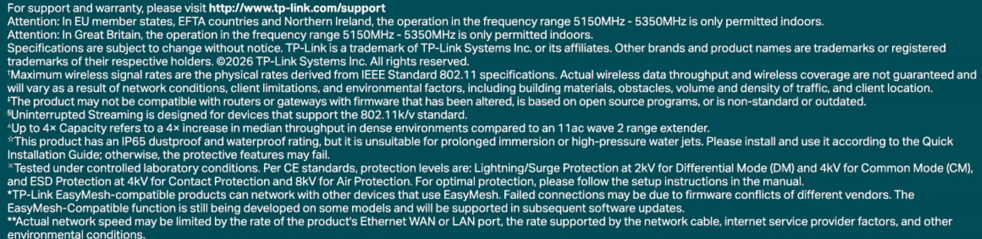
For support and warranty, please visit www.tp-link.com/support