
Katalog
Tapo P116M(CH)_V1_User Guide
About This Guide
This guide provides a brief introduction to the Smart Wi-Fi Plug and the Tapo app, as well as regulatory information. Please note that features available in Tapo may vary by model and software version. Tapo availability may also vary by region. All images, steps, and descriptions in this guide are only examples and may not reflect your actual Tapo experience.
Conventions
In this guide, the following convention is used:
| Convention | Description |
|---|---|
| Blue | Key information appears in blue, including management page text such as menus, items, buttons and so on. |
| Underline | Hyperlinks are in blue and underlined. You can click to redirect to a website. |
| Note |
Ignoring this type of note might result in a malfunction or damage to the device. |
More Info
Specifications can be found on the product page at https://www.tapo.com.
Our Technical Support and troubleshooting information can be found at https://www.tapo.com/support/.
The setup video can be found at https://www.tp-link.com/support/setup-video/.
Introduction
Energy Monitoring: Offers more comprehensive insights into home appliances' power consumption with more intuitive and straightforward data visualisations. Set your electricity rate to estimate your energy bills.
Anti-Overcharging: When devices are fully charged, the outlet will automatically switch off, preventing overcharging and extending the device’s battery life.
Voice Control: Use simple voice commands with Siri®, Alexa, and Google Assistant without leaving your spot.
Matter Compatible: With Matter support, using one-app to control all smart devices is no longer a fantasy. Integrate P116M into your favorite ecosystems to create a unified smart home.
Remote Control: Manage your connected devices from anywhere with the Tapo app. It’s designed to support your lifestyle and keep your family safe.
Schedule: Preset a schedule to automatically manage devices.
Timer: Create a countdown timer for connected appliances.
Away Mode: Automatically turns devices on and off at different times to give the appearance that someone is home.
Auto-Off: Automatically turns off a connected device after the device is left on for a set time.
Device Sharing: Easily share management permissions with each member of your family.
Flame-Retardant: Made with V-0 (UL94) PC flame-retardant materials to help minimize burning hazards.
Set Up Your Plug
Follow the steps below to get started with your new plug.
Step 1. Download Tapo App
Get the Tapo app from the App Store or Google Play, or by scanning the QR code below.

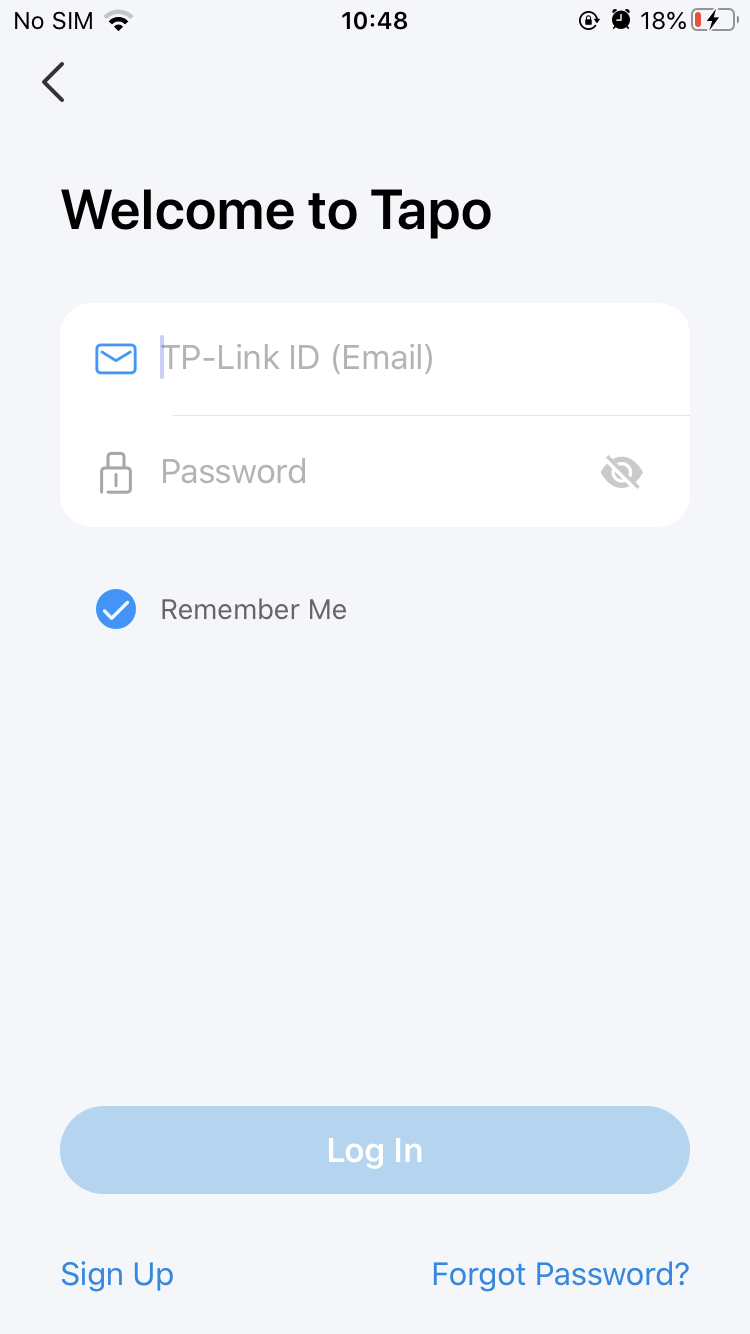
Step 2. Log In
Open the app, and log in with your TP-Link ID. If you don't have an account, create one first.
Step 3. Add Your Plug
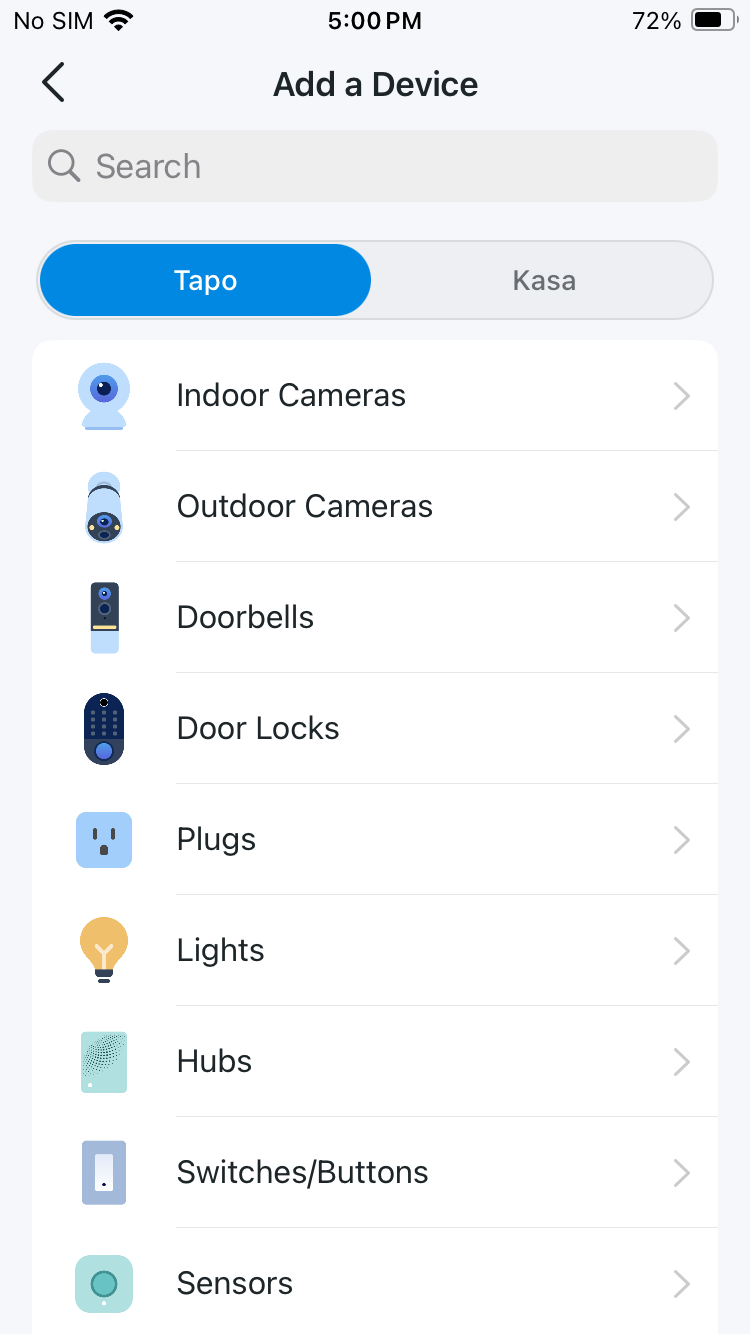
Tap the + button in the app and search for your model. Follow the app instructions to complete setup.
Supported Load Types
| Load Type | Max Current | Max Power (at 230V~) |
| Steam Iron | 10 A | 2300 W |
| Kettle | 10 A | 2300 W |
| Heater | 10 A | 2300 W |
| Toaster | 10 A | 2000 W |
| Coffee Maker | 10 A | 2000 W |
| Desk Lamp | 0.6 A | 70 W |
| TV | 2 A | 300 W |
| PC | 3.5 A | 600 W |
| Fan | 0.5 A | 70 W |
| Water Pump | 0.5 A | 70 W |
| Power Adapter / USB Charger | 1.2 A | 200 W |
Note:
1. Avoid plugging your appliances with a motor/compressor higher than 1HP, such as an air conditioner. Frequent on/off switching may damage the compressor. You can check the motor/compressor value listed on your appliances or consult their Support.
2. EV charging is not supported as it demands higher power and a charging current that surpasses the plug's rated capacity.
 CAUTION!
To fully de-energize the appliance before servicing, unplug it from the receptacle.
Support
For technical support, the setup videos, FAQs, warranty and more, please visit https://www.tapo.com/support/

Authentication
CE Mark Warning

OPERATING FREQUENCY (the maximum transmitted power)
2400 MHz—2483.5 MHz (20dBm)
EU Declaration of Conformity
TP-Link hereby declares that Mini Smart Wi-Fi Plug is in compliance with the essential requirements and other relevant provisions of directives 2014/53/EU, 2009/125/EC, 2011/65/EU and (EU)2015/863.
The original EU Declaration of Conformity may be found at https://www.tapo.com/en/support/ce/.
RF Exposure Information
This device meets the EU requirements (2014/53/EU Article 3.1a) on the limitation of exposure of the general public to electromagnetic fields by way of health protection.
The device complies with RF specifications when the device used at 20 cm from your body.
Safety Information
• Please keep this instruction manual.
• This device is intended for indoor use only. Plug the device into a suitable outlet.
• Keep the device away from heat sources and enclosed spaces with poor ventilation.
• To Reduce the Hazardous Condition, unplug the appliance before servicing.Electronic switch integrated in this product is only intended for functional purpose.
• Keep the device away from water, fire, humidity or hot environments.
• Do not attempt to disassemble, repair, or modify the device.
• Do not use the device where wireless devices are not allowed.
• The socket-outlet shall be installed near the equipment and shall be easily accessible.
• The devices are not intended for use in locations where the temperature may be less than actual room conditions, such as unheated warehouses or garages.
• For passthrough devices, plug the power strips into the integrated electrical sockets of the devices, but devices of the same or another type not be stacked in normal use. Do not plug in a row.

• Do not plug in one after the other.
• Only de-energize when the plug is pulled out.
• Do not operate covered.
• Do not plug in any plug-in devices.

Please read and follow the above safety information when operating the device. We cannot guarantee that no accidents or damage will occur due to improper use of the device. Please use this product with care and operate at your own risk.
• Power consumption in networked standby: 1.2 W
• Power consumption in networked standby when all wireless network ports are activated: 1.2 W
• The default period of time after which the power management function switches the equipment automatically into a condition providing networked standby: 20 minutes
• Operating Temperature: -15 ℃ ~ 40℃(5 ℉ ~ 104 ℉)
• This product uses radios and other components that emit electromagnetic fields. Electromagnetic fields and magnets may interfere with pacemakers and other implanted medical devices. Always keep the product and its power adapter more than 15 cm (6 inches) away from any pacemakers or other implanted medical devices. If you suspect your product is interfering with your pacemaker or any other implanted medical device, turn off your product and consult your physician for information specific to your medical device.
Explanation of the symbols on the product label
Symbols may vary from products.
| Symbol 符號解釋 |
Explanation 解釋 |
|---|---|
 |
Class II equipment Class II 設備 |
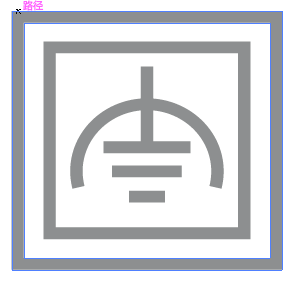 |
Class II equipment with functional earthing 具有功能接地的Class II 設備 |
 |
Alternating current 交流電 |
 |
DC voltage 直流電壓 |
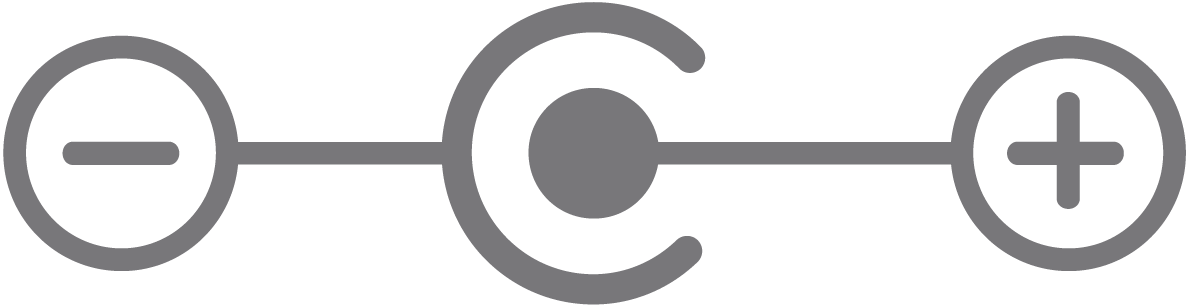 |
Polarity of output terminals 輸出端子極性 |
 |
Indoor use only 僅限室內使用 |
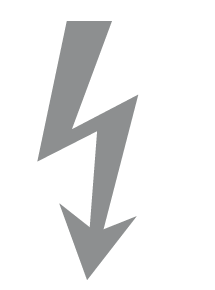 |
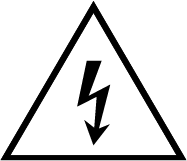
Dangerous voltage 危險電壓 |
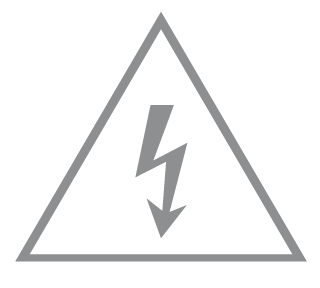 |
Caution, risk of electric shock 注意,有觸電危險 |
 |
Energy efficiency Marking 能源效率標示 |
 |
Protective earth 保護地線 |
 |
Earth 地線 |
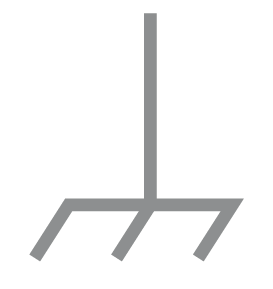 |
Frame or chassis 機架接地 |
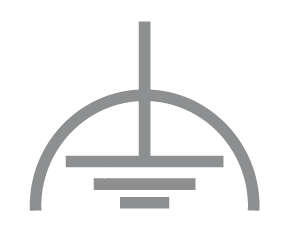 |
Functional earthing 功能地線 |
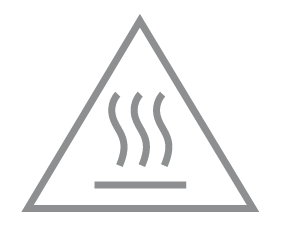 |
Caution, hot surface 警告,表面高溫 |
 |
Caution 警告 |
 |
Operator’s manual 操作手冊 |
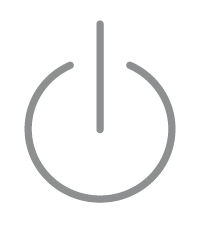 |
Stand-by 待機 |
 |
“ON”/”OFF” (push-push) 「開」/「關」 ( 按壓式) |
 |
Fuse 保險絲 |
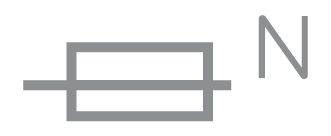 |
Fuse is used in neutral N 保險絲用於中性線N |
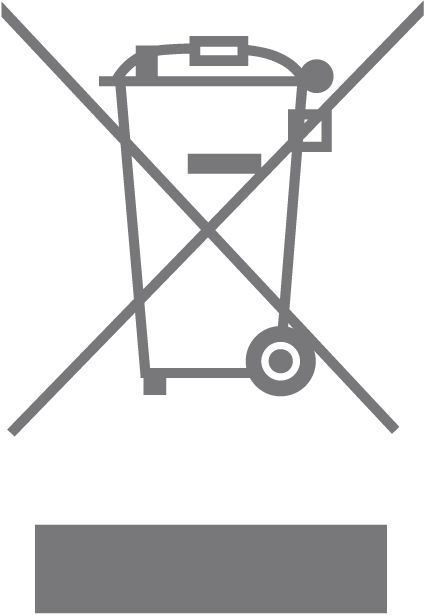 |
RECYCLING This product bears the selective sorting symbol for Waste electrical and electronic equipment (WEEE). This means that this product must be handled pursuant to European directive 2012/19/EU in order to be recycled or dismantled to minimize its impact on the environment. User has the choice to give his product to a competent recycling organization or to the retailer when he buys a new electrical or electronic equipment. 回收利用 本產品標示有「廢棄電氣電子設備(WEEE)」的分類回收標誌。這表示本產品必須依據歐盟指令 2012/19/EU 進行妥善回收或拆 解,以減少對環境的影響。 使用者可選擇將本產品交給合格的回收機構,或在購買新電器或電子設備時,交回給零售商進行回收處理。 |
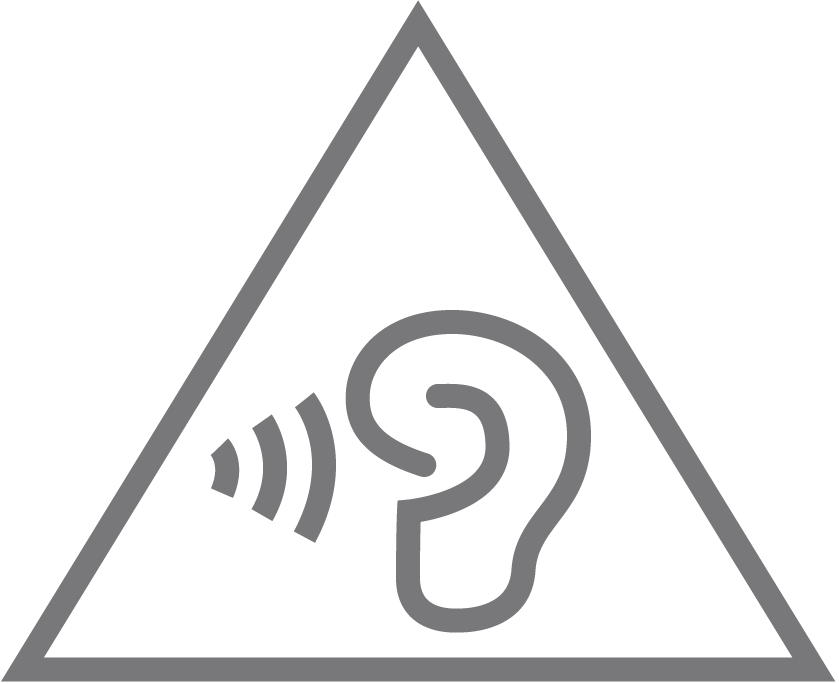 |
Caution, avoid listening at high volume levels for long periods 注意,避免長時間以高音量收聽 |
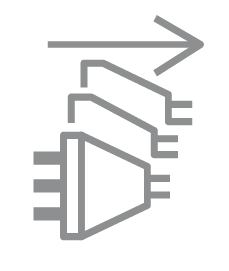 |
Disconnection, all power plugs 斷開所有電源插頭 |
| m | Switch of mini-gap construction 微間隙結構的開關 |
| µ | Switch of micro-gap construction (for US version) Switch of micro-gap / micro-disconnection construction (for other versions except US) 微小間隙結構開關(適用於美國版) 微小間隙 / 微小斷開結構開關(適用於美國以外的其他版本) |
| ε | Switch without contact gap (Semiconductor switching device) 無接點間隙開關(半導體開關裝置) |
Von United States?
Erhalten Sie Produkte, Events und Leistungen speziell für Ihre Region