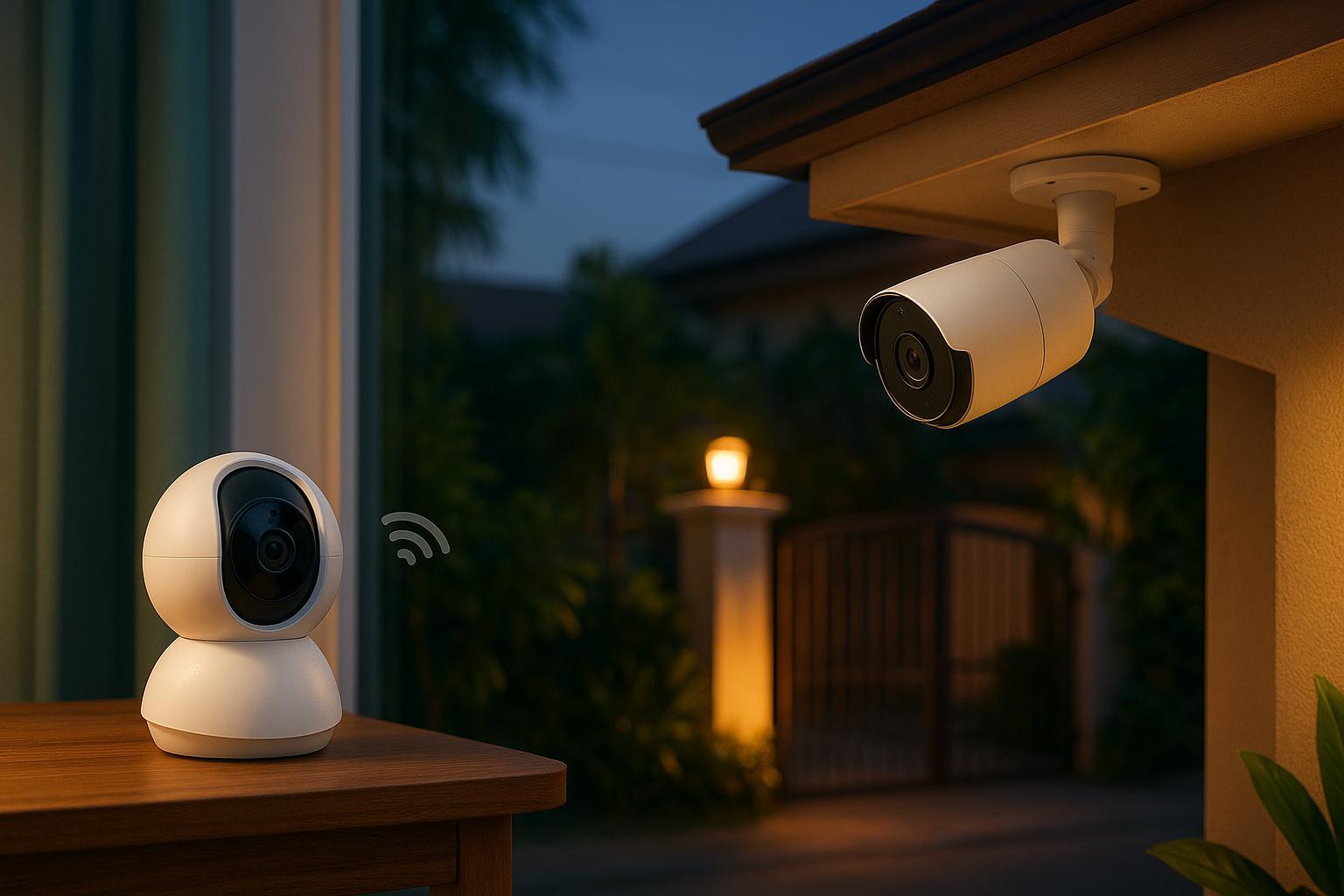
Best Affordable Indoor Security Camera
If you’re upgrading indoor security in the Philippines, ₱1,500–₱3,000 per camera is a practical budget range: you can get clear video, useful motion alerts, and privacy controls that make it easier to feel comfortable putting a camera inside your home.
But “best” still depends on what you want the camera to do:
- Do you care most about privacy (microSD local storage, fewer cloud dependencies)?
- Or do you care most about not losing footage (optional cloud backups if the camera is stolen)?
- Do you need pan/tilt to cover a whole room (common for condos and small living rooms), or a fixed lens for a doorway?
This guide gives you a practical framework and a short list of picks by use case—focused on TP-Link Tapo indoor cameras that are widely available in the Philippines.
Quick picks: which type should you buy?
|
If you want… |
Prioritize |
Best fit Tapo indoor camera type |
|
The most privacy + lowest ongoing cost |
microSD local storage, clear privacy mode |
Local-storage indoor cam |
|
The fewest junk alerts |
person detection quality, activity zones |
AI alert-focused indoor cam |
|
Coverage of a whole room |
pan/tilt + tracking |
Pan/tilt indoor cam |
|
Backup if the camera is stolen |
optional cloud backup |
Cloud-enabled indoor cam |
|
A camera for a condo entryway or hallway |
wide view + reliable motion alerts |
Fixed-lens indoor cam |
Pro Tip: If you’re buying for family safety (kids, caregivers, roommates), choose a camera with clear privacy controls—like scheduling, privacy zones, or an obvious “camera off” mode—so you actually use it long-term.
How to evaluate the best affordable indoor security camera
1) Storage: local vs cloud (this decides privacy and long-term cost)
If you want an indoor camera with local storage, this is where you’ll usually get the biggest privacy win for the least money.
This is the decision most people don’t make explicitly—and then regret later.
- Local storage (microSD / local hub): Typically the best way to avoid monthly fees and keep more footage under your control. It can also keep recording even if your internet drops.
- Cloud storage: Usually easier to review and share, and it’s the best way to keep footage if the camera is stolen or destroyed—but it adds recurring cost and moves more data off-site.
A practical starting point: if you want a privacy-forward setup, begin with local storage and only add cloud if you find you truly need off-site backup.
If you’re buying into TP-Link Tapo, you can keep things simple: start with a model that supports microSD and learn the app first, then decide later if you want cloud storage.
(For Tapo-specific setup and feature basics, TP-Link Philippines’ guide on Tapo cameras: setup, features, and settings is a helpful reference.)
2) Resolution should be at least 1080p (2K is a bonus)
If you’re shopping for an indoor security camera without subscription features, don’t get distracted by “4K” marketing. For most rooms, 1080p is fine—and 2K is a nice upgrade when the app and Wi‑Fi are stable.
You can still get sharp video, but what matters more is whether your camera can:
- reliably detect motion
- reduce junk alerts (shadows, ceiling fans, pets)
- let you set activity zones so you’re only alerted where it matters
3) Detection quality matters more than extra features
If you must choose, reliable alerts and good filtering beat flashy add-ons.
4) Night vision isn’t optional
Indoor cameras often need to work in low light: sleeping baby, dark hallway, late-night kitchen.
Treat night vision as table stakes—then compare which cameras keep usable detail without turning everything into a blurry gray smear.
5) App + Wi‑Fi reliability (the hidden deal-breaker)
A good camera with a bad app is a bad camera.
If your Wi‑Fi is weak where you want to place the camera:
- expect delayed notifications
- expect dropped live views
- expect cloud uploads to fail
If you’re upgrading your overall smart-home reliability, it can help to treat cameras and Wi‑Fi as one system—not two separate purchases.
6) Privacy and account security features you should expect
Indoor surveillance is sensitive. You want a brand that treats that seriously.
At minimum, look for:
- two-factor authentication (2FA)
- regular firmware updates
- strong encryption (in transit and ideally at rest)
For a straightforward, brand-specific checklist, start with account security and device hygiene in TP-Link Philippines’ Tapo cameras: setup, features, and settings, then apply the steps in the privacy checklist later in this article.
Which affordable indoor smart camera works best? Pick by your room and your risk
Instead of one giant “top 10,” here’s how to choose based on where the camera goes and what failure would look like.
Highlight: 3 Tapo camera models to shortlist
If you want to stay around the ₱1,500–₱3,000 range, these three models are commonly considered—each fits a different room and risk profile:
- Tapo C100 — a compact, fixed-lens indoor camera that covers the basics well: 1080p, night vision, motion alerts, two-way audio, and local recording via microSD.
- Tapo C200C — a budget-friendly pan/tilt option for wider coverage in a sala or shared space, with 1080p, night vision, and microSD storage.
- Tapo C500 — a pan/tilt outdoor model (IP65) that’s useful if your “indoor” need is really to watch a gate, carport, or corridor outside your door; it adds person detection and color night vision features depending on setup.
Tip: if your priority is an indoor camera for a small condo, start with C100 (fixed) or C200C (pan/tilt). If you’re monitoring a spot that gets rain or dust, consider C500 instead.
If you want the best all-around value with local storage
Choose a Tapo indoor camera that supports microSD recording and gives you solid detection controls.
Why it works:
- you can keep ongoing costs low (no monthly fee required)
- you still get motion alerts and recordings
- you can add cloud later if you want off-site backup
A good starting point for many homes is a pan/tilt indoor model like Tapo C200, which is designed for common indoor placements like the sala, bedroom, or nursery.
To browse what’s available locally, start here: TP-Link Philippines — Tapo cameras.
If you want the fewest false alerts in a busy home
Look for:
- person detection (and pet detection if relevant)
- adjustable sensitivity
- well-designed activity zones
This matters most in:
- living rooms with TV glare
- homes with pets moving through frame
- entryways with shifting sunlight
A quick reality check: most “AI detection” is only as good as your lighting and camera placement. If the camera faces a bright window, even expensive models can misbehave.
If you’re monitoring a nursery or an elderly family member
You’re prioritizing consistency over clever features.
Look for:
- stable live view
- clear night vision
- reliable audio (two-way talk if you need it)
- privacy scheduling (so the camera isn’t on 24/7)
⚠️ Warning: Don’t point an indoor camera at spaces where people expect privacy (bedrooms, bathrooms). Even if it’s legal in your state, it’s a trust-destroyer in your home.
If you’re renting and can’t drill holes
Go for a compact plug-in camera with:
- a stable base (shelf placement)
- easy Wi‑Fi onboarding
- a simple way to disable recording when you’re home
You’ll still want to secure your network—ideally by putting IoT devices on a guest or dedicated network.
If you want “footage that survives a break-in”
Cloud-first cameras shine here.
But go in with eyes open:
- You’re likely paying monthly fees.
- The camera depends on your internet upload.
- You should read the privacy policy and understand retention.
TP-Link’s testing and buying advice in Tapo C200 vs. C310 vs. C325WB: which Tapo camera should you buy? is a good example of how to compare models by use case (indoor vs outdoor, pan/tilt vs fixed).
Local storage vs cloud: a simple decision tree
Choose local storage if most of these are true:
- You want to avoid monthly fees.
- You’re privacy-forward.
- Your internet is occasionally unreliable.
- You mainly need clips for “what happened?” rather than long video history.
Choose cloud storage if most of these are true:
- You want off-site backup if the camera is stolen.
- You want easy browsing/searching of clips.
- You’re okay with a subscription.
- Your internet upload is stable.
10-minute privacy hardening checklist for indoor cameras
These steps dramatically reduce risk and are worth doing on day one:
- Use a unique, strong password for the camera account.
- Turn on 2FA if the app offers it.
- Update the camera firmware (and enable auto-updates if available).
- Secure your Wi‑Fi (WPA2/WPA3, strong router password).
- Put cameras on a guest/IoT network if your router supports it.
- Review sharing permissions—remove old devices and accounts.
- Use privacy modes/schedules so indoor cameras aren’t recording when you’re home.
If you want an official baseline, follow the FTC’s camera-security guidance (linked earlier in this article).
FAQ
Are there specific privacy settings for indoor security cameras I should turn on?
Yes. Start with privacy schedules (so the camera is off when you’re home), privacy zones (so it ignores sensitive areas), and account security (2FA). These privacy settings for indoor security cameras matter more than most people expect—because they determine whether you keep the camera installed long-term.
Do I need 2K, or is 1080p enough?
1080p is usually enough for indoor monitoring. 2K can help with detail, especially in larger rooms or when the camera is farther from the action. But if the app is unstable or your Wi‑Fi is weak, higher resolution won’t save the experience.
Are “no subscription” cameras actually subscription-free?
Often, yes—but with a catch: you may need to add your own microSD card or local hub to record video. Some brands also lock certain smart alerts behind paid tiers.
Should I record 24/7 or motion-only?
Motion-only is usually the best balance for indoor privacy and storage. Consider 24/7 if you need continuous evidence (for example, repeated incidents in a specific room)—but be thoughtful about placement and household consent.