
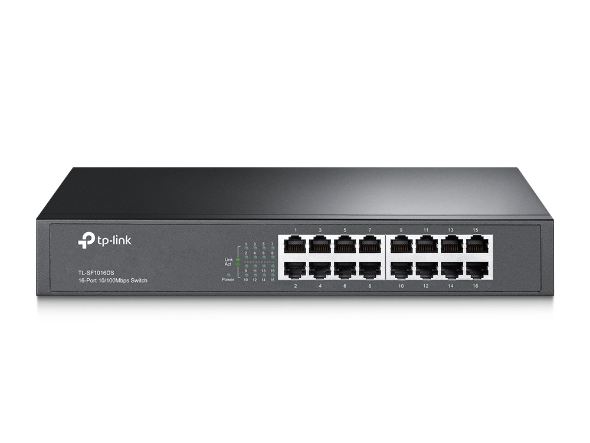
Download for TL-SF1016DS
IMPORTANT:
Model and hardware version availability varies by region. Please refer to your TP-Link regional website to determine product availability.
Vx.8=Vx.0 ; Vx.x8=Vx.x0 ; Vx.33=Vx.30
For example V1.8=V1.0; V1.28=V1.20
Vx.8=Vx.0 ; Vx.x8=Vx.x0 ; Vx.33=Vx.30
For example V1.8=V1.0; V1.28=V1.20
- Manual
-
- Switch Regulatory Compliance
- Rackmount Switch(Asia-Pacific_7 Languages)_Installation Guide
- Rackmount Switch_Installation Guide(Middle-East-Africa_2 Languages)
- Rackmount Switch(America_4 Languages)_Installation Guide
- Unmanaged/Easy Smart Rackmountable Switch_Installation Guide
- Rackmount Switch(EU2_16 Languages)_ Installation Guide
FAQs
- What Can I Do if My PC Is Not Working When Connected to a TP-Link Unmanaged Switch
- Frequently Asked Questions About Unmanaged Switches
- What Are the Differences in Features and Application Scenarios Among Various Series Switches
- Why Are the Ethernet LED Indicators Off on My TP-Link Unmanaged Switch?
- What Can I Do If My PC Has Slow Network Speed When Connected to an Unmanaged Switch?