Frequently asked questions about Face Management
 37203
37203Q1: Which devices support Human Face Recognition?
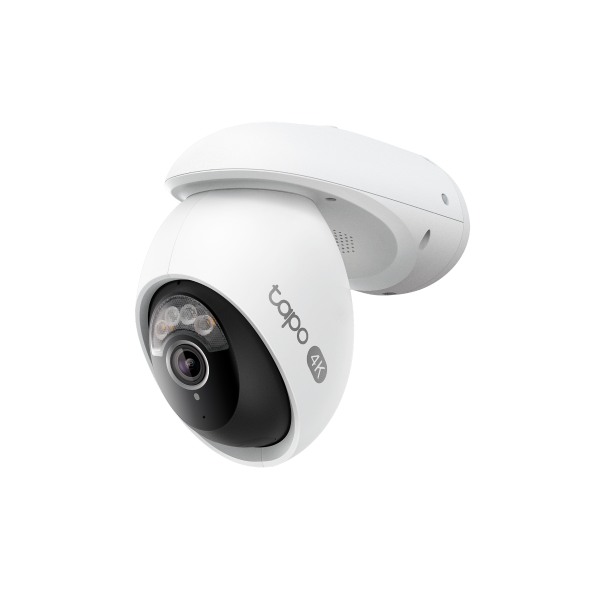
A1: Cameras with built-in Local AI capabilities—such as the Tapo C260—allow you to enable facial recognition directly from the live view screen in the Tapo app. If your current camera does not support this feature, consider purchasing the Tapo H500 Smart Home Base, which brings Local AI-powered facial recognition to compatible cameras. The H500 can support up to 6 connected cameras. For a complete list of compatible camera models, please refer to Tapo Smart Hub Compatible Camera List
Additionally, Aireal, TP-Link's new AI assistant for the home, is coming soon to the U.S. market. Users will be able to access advanced AI features—including facial recognition—by subscribing to the Tapo Care Cloud Advanced AI plan. Feature availability depends on your subscription details within the Tapo app. Please review the plan description during checkout for the most accurate information.
Q2: Why can't I use facial recognition even with the Advanced AI plan?
A2: Facial recognition is currently only available in some regions due to local laws and regulations. Even with an active subscription, the feature may be restricted based on your location or device model.
As of now, facial recognition is not available in Illinois or Texas.
If you're not in one of these states but still can't access the feature, please ensure:
- Both your camera and mobile device are connected to a local ISP network.
- You are not using a VPN, proxy, or similar network-routing service, as these can cause incorrect region detection.
Q3: What are the key functions of Local Facial Recognition?
A3: The key functions include:
- Smart Recognition: Distinguish familiars from strangers based on local AI smart algorithms.
- Video Management: Automatically categorize the face detection event videos and support video retrieval based on the timeline.
- Facial Recognition Report: Generate daily/weekly/monthly reports on facial recognition activities, showing the occurrence frequencies and time.
- Smart notifications: Send push notifications with thumbnail face images. Customize notifications for familiar and unfamiliar faces.
Q4: How do you manage the familiars?
A4: Once familiar faces are detected, a detection video will be automatically created. To add these familiar faces to the device, follow these steps:
- Take a photo: Capture a clear photo of the person's face in good lighting conditions.
- Select from photos: Choose a picture with a distinct face from your photo library.
- Add from strangers: Designate a previously detected stranger as a familiar individual.
Q5: About Strangers
A5: When the camera detects a stranger, it generates a detection video of the stranger. Strangers cannot be manually added; they are only detected by the device. If you recognize a stranger, you can convert them into a familiar person.
Q6: Why do some faces fail to be recognized?
A6: Recognition performance is highly dependent on camera placement and environmental conditions. For best results, follow the optimization guidelines: How to Optimize Facial Recognition Performance of Tapo Security Devices
Common reasons for failed recognition include:
- The person is too far from the camera (ideal distance: 2–3 meters / 7–10 feet).
- The person is moving too quickly past the camera.
- The face is captured at a steep angle (e.g., looking down or sideways); aim for a frontal view within ±30°.
- Poor lighting conditions—ensure adequate illumination. At night, make sure infrared (IR) lighting is enabled and not causing glare from nearby reflective surfaces (e.g., walls, foliage).
Bu SSS faydalı mı?
Your feedback helps improve this site.