
Best Mobile Hotspots for Filipino Travelers in 2026
Published: November 4, 2024 · Last Updated: September 18, 2026
Quick Answer
-
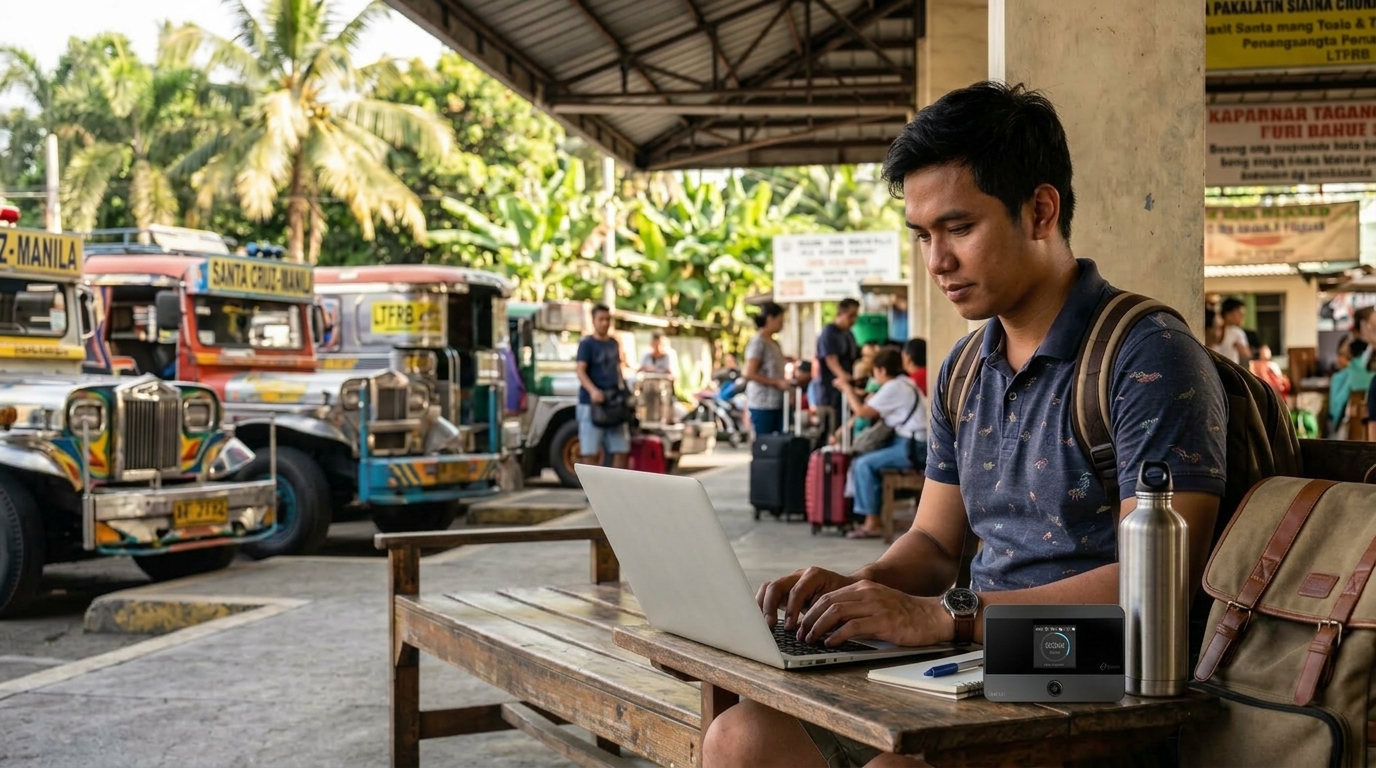
The TP-Link M7650 offers the fastest speeds and highest device capacity (up to 32 devices) among TP-Link's mobile hotspots.
-
The M7350 and M7200 are the most budget-friendly options for travelers who only need basic connectivity for a few devices.
-
Match your hotspot to your carrier's coverage in the Philippines- Globe, Smart, or DITO- since band compatibility varies by device and region.
The TP-Link M7650 is the strongest all-around mobile hotspot for Filipino travelers who need speed and device capacity, while the M7350 and M7200 offer more budget-friendly options for lighter, everyday use.
Table of Contents
TP-Link's Best Mobile Hotspots for 2026
Factors to Consider When Buying a Mobile Hotspot
Best Use Cases for TP-Link Mobile Hotspots
When Should You Stick With Your Phone's Hotspot
Can Hotspots Replace Home Internet
What Is a Mobile Hotspot
A portable device that connects to a cellular network and broadcasts a WiFi signal so you can connect to the internet on multiple devices is what most people mean by a mobile hotspot. It works to create a WiFi signal from your cellular data connection, acting as a bridge between your carrier's network and your devices. Unlike using a smartphone as a hotspot, dedicated mobile hotspots like those from TP-Link offer better connection stability, extended battery life, and support for multiple users without impacting performance. This makes them ideal for OFWs heading back home, provincial travelers, remote workers, and anyone needing reliable internet access wherever they are, especially in areas where fixed broadband hasn't reached yet, which is exactly why selecting the right mobile hotspot comes down to matching your data needs, travel habits, and budget to the model that fits.
TP-Link's Best Mobile Hotspots for 2026
Here's a look at TP-Link's best mobile hotspot options in 2026, each selected for its features, battery life, and connection quality:
1. TP-Link M7650 4G LTE Mobile WiFi
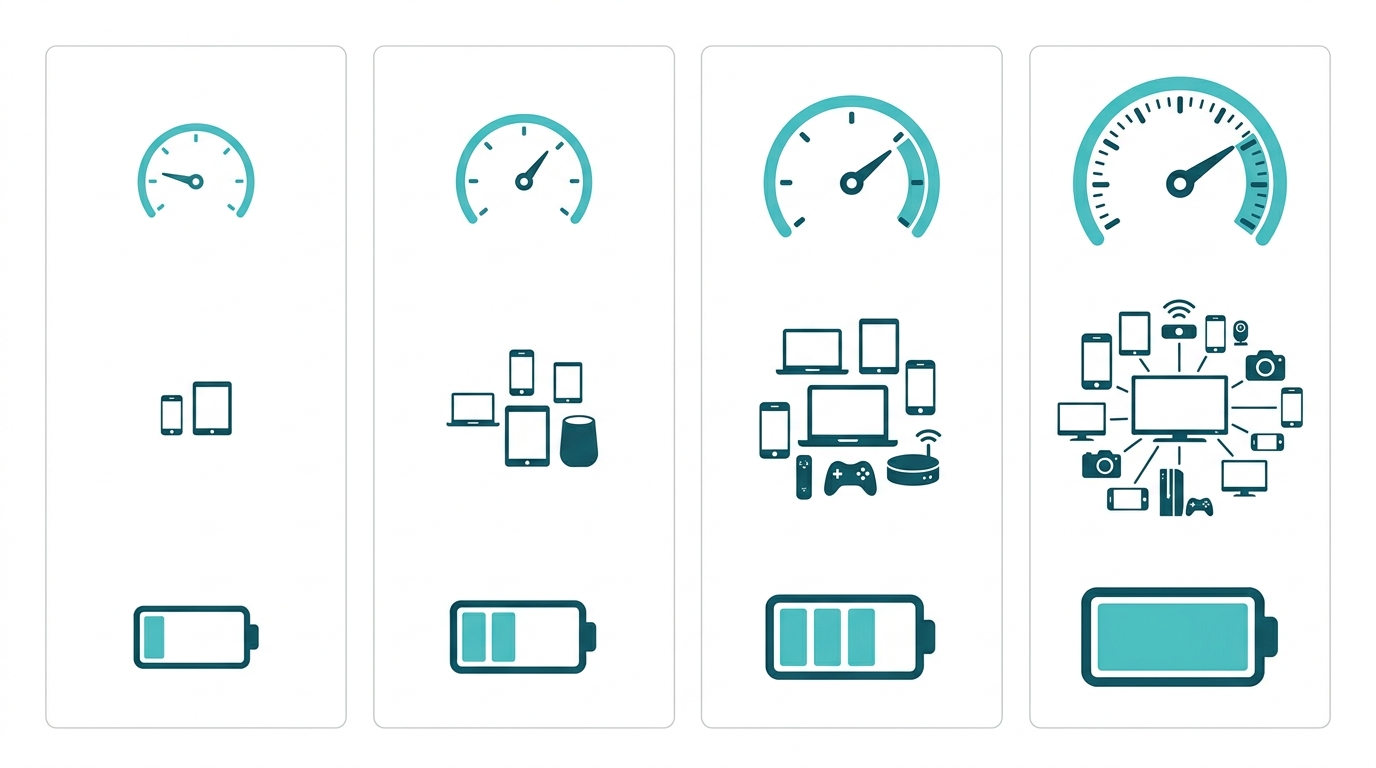
The M7650 is a powerful 4G LTE-Advanced hotspot with download speeds of up to 600 Mbps that connects up to 32 devices, making it perfect for family use or group settings. With dual-band WiFi, it ensures a smooth connection even with multiple users. Its compact design and extended battery life make it ideal for long trips.
Key Features: 4G LTE-Advanced (up to 600 Mbps), dual-band WiFi (2.4GHz and 5GHz), supports up to 32 devices. Battery Life: Up to 15 hours. Pros: Fast speeds, user-friendly screen display, wide coverage for multiple devices. Cons: Limited to 4G speeds
2. TP-Link M7450 4G LTE Mobile WiFi
The M7450 offers robust 4G LTE connectivity in a portable form, supporting high-speed downloads of up to 300 Mbps. It's ideal for users who need a high-performance hotspot with a balance of portability and performance.
Key Features: 4G LTE with 300 Mbps download speeds; supports 32 devices. Battery Life: 12 hours. Pros: Compact design, high-speed 4G LTE, versatile for work and travel. Cons: Limited to 4G LTE, lower battery life than M7650.
3. TP-Link M7350 4G LTE Mobile WiFi
The M7350 is a compact and affordable option that offers reliable 4G speeds, supporting up to 10 devices. It's an excellent choice for budget-conscious Filipino users who need basic connectivity for everyday browsing, streaming, or light work tasks.
Key Features: 4G LTE, supports 10 devices, 150 Mbps download speeds. Battery Life: 10 hours. Pros: Easy setup, lightweight, cost-effective. Cons: Fewer connections, limited speed for heavy data users
4. TP-Link M7200 4G LTE Mobile WiFi
Users seeking a simple and easy-to-use device will find the M7200 appealing. It's compact, lightweight, and budget-friendly, making it a great travel companion for casual internet use, whether you're heading to the province or just need backup connectivity during a brownout.
Key Features: 4G LTE, supports 10 devices, compact and lightweight. Battery Life: 8 hours. Pros: Highly portable, budget-friendly, great for basic connectivity. Cons: Limited battery life, fewer features than higher-end models
Factors to Consider When Buying a Mobile Hotspot
Consider these factors to find the best mobile hotspot for your needs:
Network Compatibility and Coverage. Choose a device that works with your regular carrier. TP-Link hotspots work with Globe, Smart, and DITO here in the Philippines; however, band compatibility varies by device and region. If you travel abroad, choose devices with several supported bands for wider compatibility.
Data Plans. You need a suitable internet plan to maximize your hotspot. If you use the internet often, choose an unlimited or high-bandwidth prepaid promo, since streaming movies, online meetings, and downloading large files consume mobile data quickly. Pay-as-you-go or limited data plans are appropriate for light data users.
Battery Life. Portable hotspots need power. Batteries vary by model, so consider how long you use the hotspot every day. For occasional internet use, the M7000 with an 8-hour battery may work, and a model with USB charging lets you use a power bank to increase battery life on extended trips or during a brownout.
Device Capacity. If you plan on connecting multiple devices or sharing your connection with others, consider a hotspot's device capacity. Models like the TP-Link M7650 and M7450 can handle up to 32 devices at once, ideal for large Filipino families, remote teams, or anyone working with multiple devices. Entry-level models, however, may limit you to fewer connections, so keep in mind your specific requirements.
Portability and Durability. A portable and durable design is essential for people constantly on the move. Look for features like sturdy construction, impact-resistant materials, or even weatherproofing if you'll be using the hotspot outdoors frequently, useful given how often sudden rain hits during commutes in the Philippines. For long-distance travelers, a lighter model is ideal for convenience, while those working in rugged environments may benefit from stronger options.
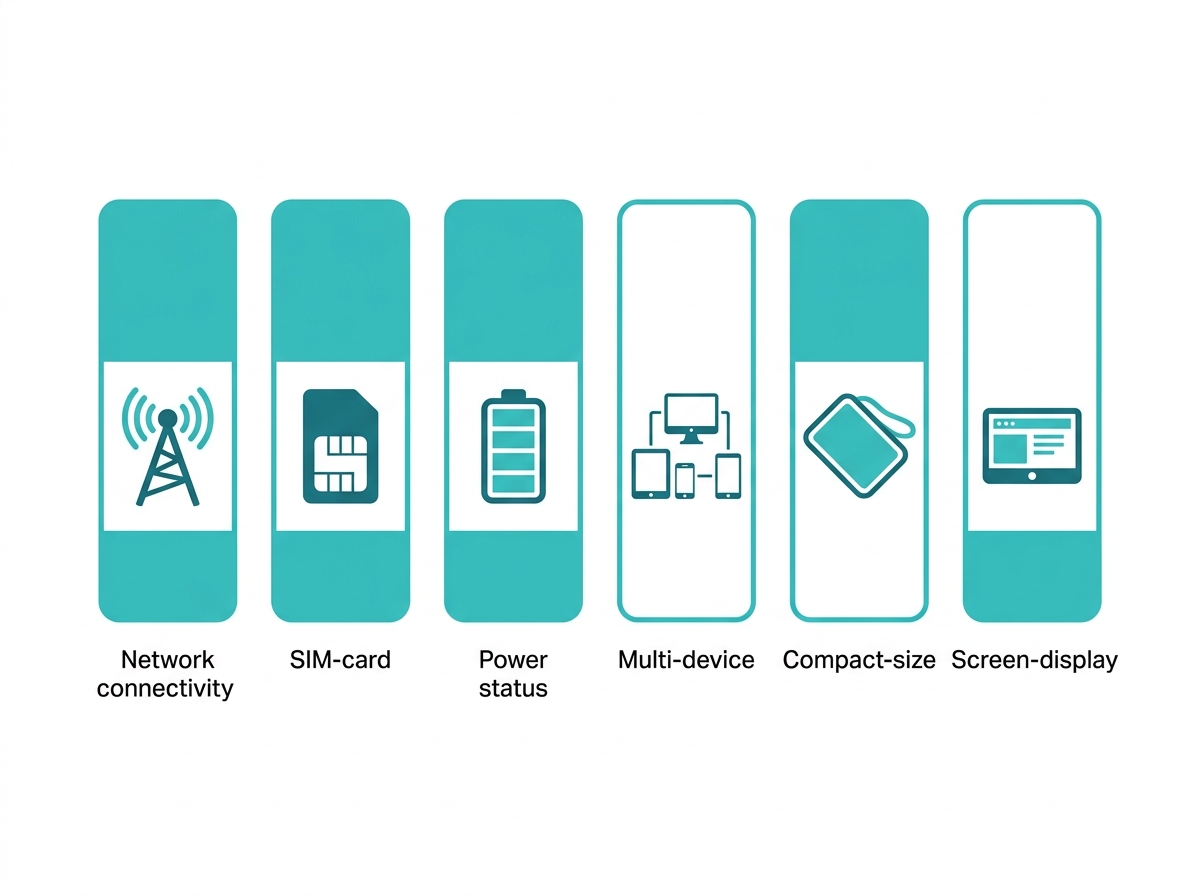
Additional Features. Some hotspots come with extra features that add value, like LCD screens that display connection strength, data usage, and battery life, which make it easy to manage your internet connection on the go. Certain models may also offer dual-band WiFi (2.4GHz and 5GHz) for better performance in congested areas or even support for external antennas to boost signal in low-coverage provincial areas.
Best Use Cases for TP-Link Mobile Hotspots
No matter if you're a remote worker, student, or frequent traveler, a TP-Link mobile hotspot can keep you connected wherever you are in the Philippines.
- Remote Work: With a stable internet connection, TP-Link hotspots provide a dependable solution for working from remote locations, whether that's a co-working space in the province or a family home without fixed broadband yet.
- Traveling: TP-Link's compact hotspots make them ideal for travel, providing connectivity in hotels, cafes, or on the road, whether you're island-hopping or driving up to Baguio for the weekend.
- Family Use: With support for multiple devices, TP-Link hotspots let you connect laptops, tablets, and more for everyone in the family, useful for households where several kids are attending online classes at once.
When Should You Stick With Your Phone's Hotspot
You should stick with your phone's hotspot if you only need internet occasionally, like during travel, emergencies, or quick work sessions. It's a convenient option when you're just connecting one or two devices and have a strong mobile data plan with plenty of data or unlimited usage.
Using your phone as a hotspot is simple and doesn't require buying any extra equipment. But if you rely on internet access daily, need to connect multiple devices, or want faster and more stable speeds, a dedicated mobile hotspot or home internet service is usually a better choice in the long run.
Can Hotspots Replace Home Internet
Hotspots can replace home internet for light to moderate users, especially in areas without good broadband, which still describes many parts of the Philippines outside Metro Manila. But for large households, heavy streaming, or gaming, a wired home internet connection is still better and more reliable.
TP-Link's mobile hotspots provide a wide selection of high-quality, reliable options to suit different needs and budgets. Ready to stay connected on the go? TP-Link's range of mobile hotspots offers reliable internet access for all your needs, whether at home, on the road, or in the office.
Explore TP-Link's best pocket WiFi in the Philippines to find the perfect model for your connectivity needs in 2026.
Frequently Asked Questions
How does a mobile hotspot work? Mobile hotspots use the data from a cellular provider to create a WiFi signal that your devices can connect to. It acts as a bridge between the cellular network and your WiFi-enabled devices, whether you're on Globe, Smart, or DITO.
How much data do mobile hotspots use? Data usage depends on the activities you're doing. Streaming, video conferencing, and downloading large files consume more data compared to casual web browsing or emailing. Be mindful of your prepaid promo's data limits to avoid unexpected reloads.
What is the average battery life of a mobile hotspot? Battery life can range from 8 to 15 hours across TP-Link's lineup, depending on the device and usage. It's a good idea to choose one with enough battery life to meet your daily usage needs, or ensure you have easy access to charging, especially useful during a brownout.
Can I use a mobile hotspot internationally? Some mobile hotspots are capable of international roaming, but this depends on your carrier and the specific data plan you have. Check with Globe, Smart, or DITO about international usage policies and potential fees before traveling abroad, whether for an OFW contract or a vacation.
Can I connect multiple devices to a mobile hotspot? Most mobile hotspots allow you to connect multiple devices, but the exact number varies by model. Some can support 10 to 32 devices at once, though performance may slow down as more devices connect.
How much does a mobile hotspot cost in the Philippines? The cost depends on the device and the data plan you choose. A mobile hotspot device typically runs a few thousand pesos depending on the model, and a monthly prepaid data plan adds a recurring cost on top of that. Prices and promos vary by carrier and change often, so it's worth comparing current offers from your provider before buying.
Final Thoughts
Ready to stay connected wherever life in the Philippines takes you? Whether you're an OFW heading home for the holidays, a remote worker in a province without fixed broadband, or a family juggling online classes and work calls, TP-Link's mobile hotspot lineup has a model built for how you actually use the internet. Explore TP-Link's mobile WiFi lineup and match your budget and data needs to the model that fits, so you're never caught without a signal again.