How to connect Tapo sensors on Kasa app
 21807
21807본 내용은 다음 항목에 적용됩니다:
Introduction
This article provides instructions for adding Tapo sensors via the KH100 in the Kasa App.
Note: If you have already added the KH100 in the Tapo App, please do not add Tapo Sensors through the KH100 in the Tapo App. Instead, add them in the Kasa App; otherwise, the Tapo Sensors will not appear in the Kasa App.
Configuration
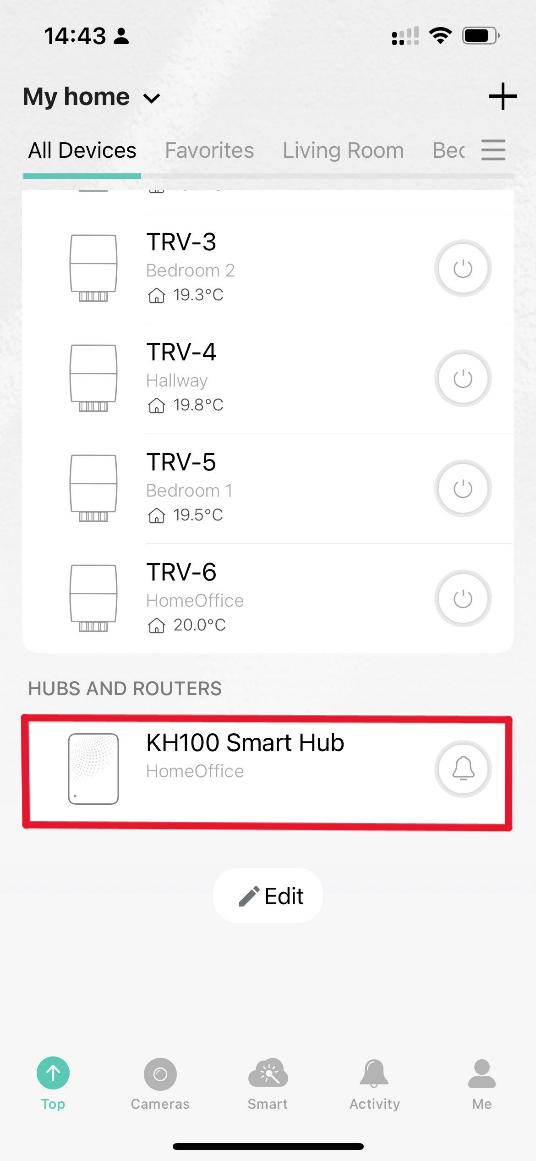
Step 1. Go to the Kasa app and tap the KH100 Smart Hub to open it.
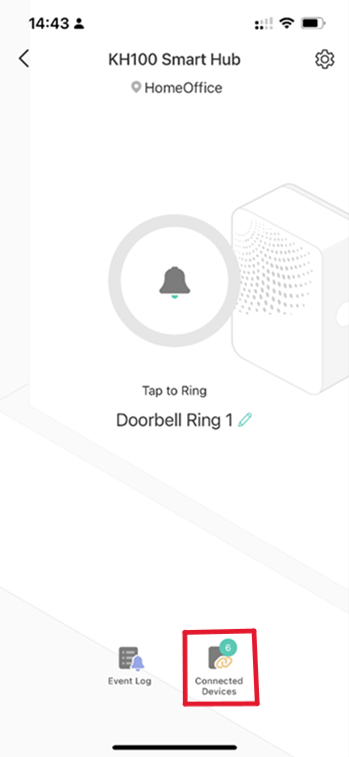
Step 2. Add a new device to your hub by accessing the Connected Devices tab on the Kasa app.
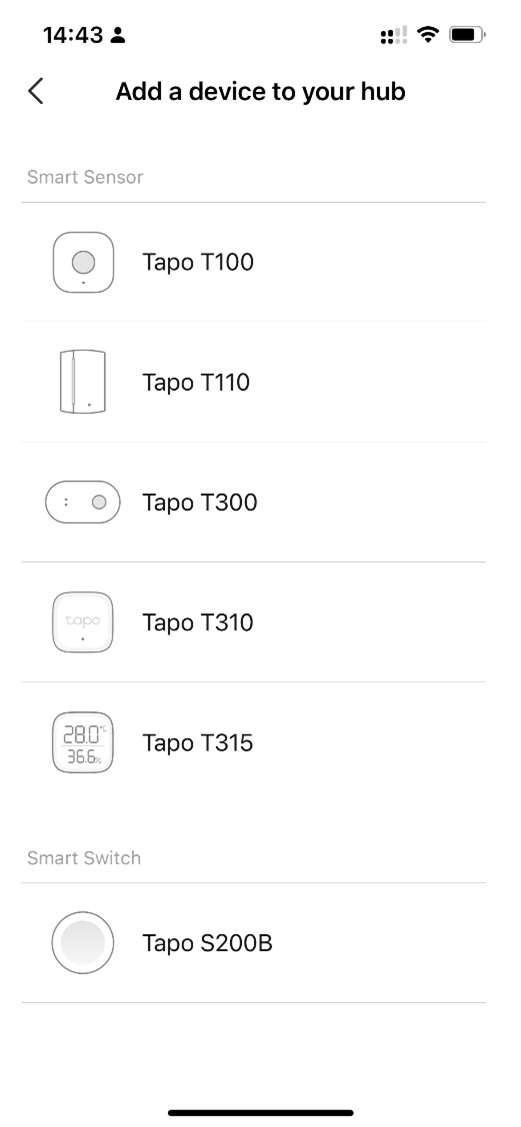
Step 3. Tap the + icon to select the device and wait to pair it successfully.
QA
Q1: Which Tapo devices are compatible with the Kasa app?
A1:
Smart Sensor
- Tapo T100
- Tapo T110
- Tapo T300
- Tapo T310
- Tapo T315
Smart Switch
- Tapo S200B
- Tapo S200D
해당 FAQ가 유용했나요?
여러분의 의견은 사이트 개선을 위해 소중하게 사용됩니다.
_normal_20250825022928q.png)