
How to Power Up Your Kasa KC300 Outdoor Camera
 30072
30072You may refer to the video first.
Kasa KC300 is a smart wire-free outdoor camera that is powered by the provided batteries of TP-Link. In case you have trouble powering it up, the following instructions might be helpful.
Method 1: Powered by Battery
1.Remove the protective film on the battery.
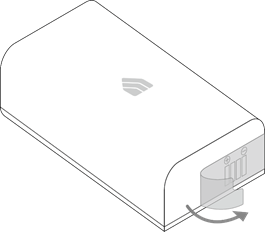
2.Open the cover of the camera.
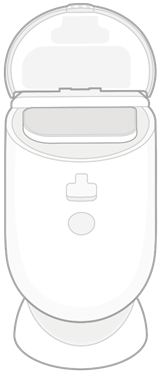
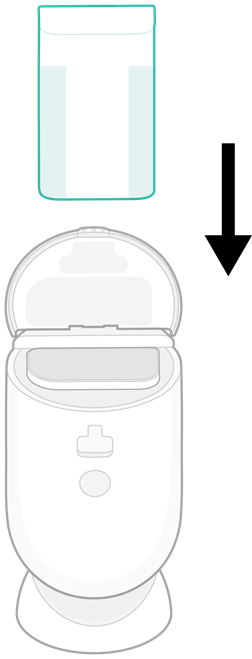
3.Insert the battery. Make sure the positive and negative ends of the battery are facing the correct direction.
4.Firmly press the cover for the secure seal.

Method 2: Powered by USB Cable
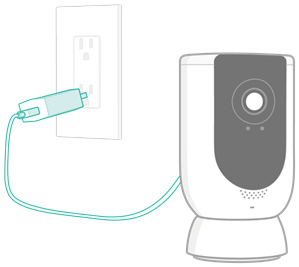
1.Pull up the cover for USB cable on the back and connect it to the provided power adapter.
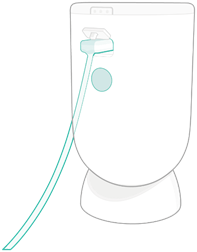
2.Connect the power adapter to an outlet.
How to Charge My Battery?
1.Insert the battery based on Method 1 above.
2.Connect the camera to a power outlet based on Method 2 above.
해당 FAQ가 유용했나요?
여러분의 의견은 사이트 개선을 위해 소중하게 사용됩니다.