
How to remove the existing wireless network profile in Windows 7
 677076
Step 1
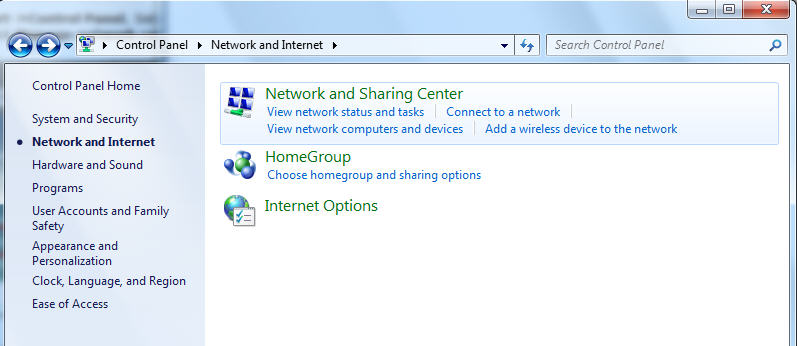
Click Start->Control Panel, Select Network and Internet, and then click Network and Sharing Center
Step 2
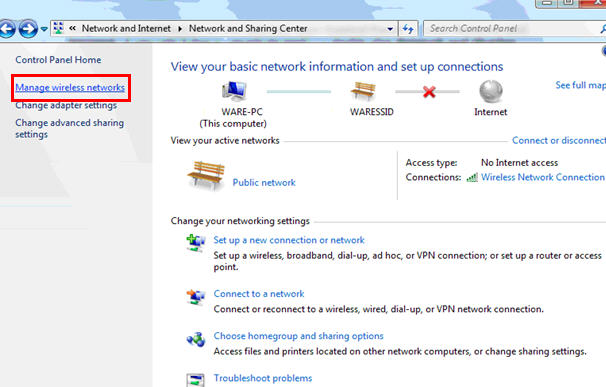
In the task list, please choose Manage wireless networks.
Step 3
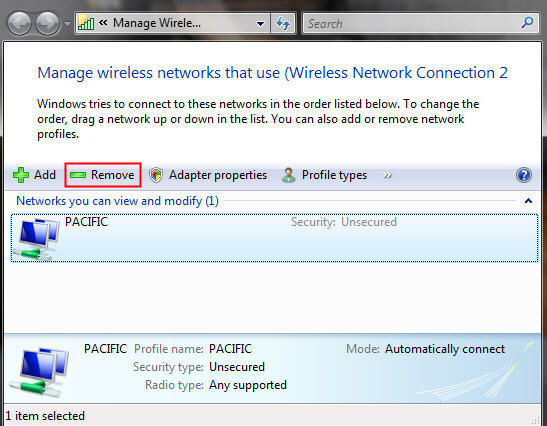
In the Network table, please select the existing profiles and click Remove.
Step 4
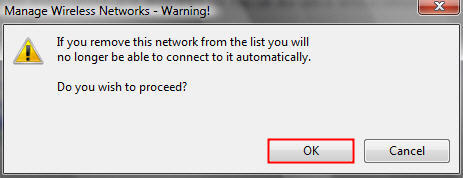
You may see a warning dialog box, just click OK.
Step 5
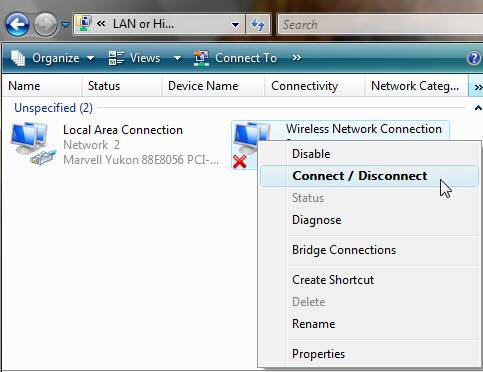
Then please go back to Network and Sharing Center and choose Change adapter settings -> right click Wireless Network Connection -> click Connect/Disconnect.
Step 6
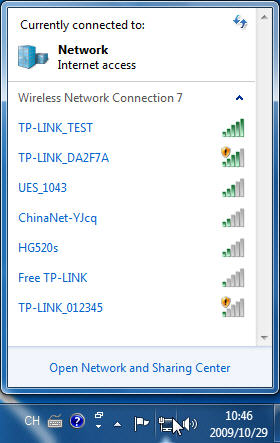
Click the refresh button to view available wireless networks. Highlight the network which you want to connect, double click it or click Connect button.
해당 FAQ가 유용했나요?
여러분의 의견은 사이트 개선을 위해 소중하게 사용됩니다.