
How to use Pan Tilt function of NC450
 90882
90882본 내용은 다음 항목에 적용됩니다:
- Navigate to Device Tab.
- Tap “play” button you can view real-time video (up to 3 cameras simultaneously):
- Tap “More” on the right corner of Preview View to enter the main Live view interface(Or you can just tap location icon to enter this interface):
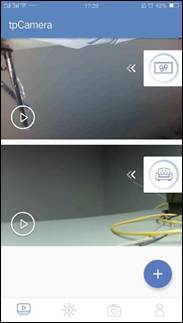
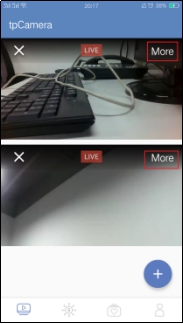
Take NC450 as an example, function of each button is displayed as below:
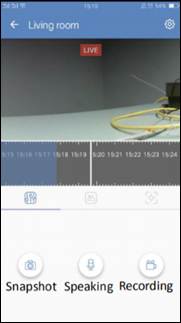
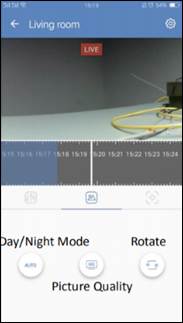
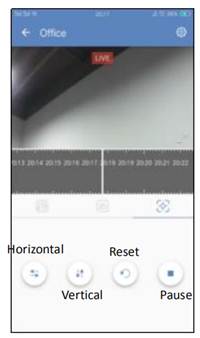
- Horizontal Move: Persistently move from left to right.Pan-tilt control:
- Vertical Move: Persistently move up and down.
- Reset: Return back to the initial position.
- Pause: Stop at current position.
해당 FAQ가 유용했나요?
여러분의 의견은 사이트 개선을 위해 소중하게 사용됩니다.