
Where can I find detection recording of NC260/NC450?
 117145
본 내용은 다음 항목에 적용됩니다:
Please note you need to insert the SD card into the camera if you want to view the detection recording.
- Navigate to Device Tab.
- Tap “play” button you can view real-time video (up to 3 cameras simultaneously):
- Tap “More” on the right corner or just tap location icon to enter the Live View interface:
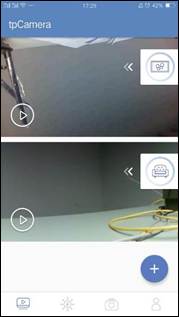
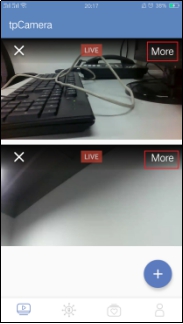
2. Drag the timeline to enter the Video Playback interface:
If you turn on the motion detection, camera will record the event video even though you don’t turn on 24h.
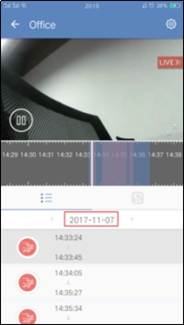
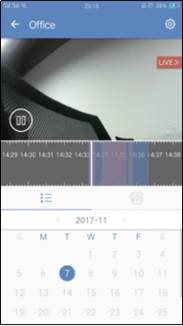
Gray Region: No video.
Blue Region: Normal video.
Purple Region: Detection clips
When you enter the Video Playback, if there exists detection event you can view event list and it’s more convenient to select a detection video. Meanwhile you can tap “Date” to change another recording date.
해당 FAQ가 유용했나요?
여러분의 의견은 사이트 개선을 위해 소중하게 사용됩니다.