
How to go to web configuration page using the tpPLC App (Smartphone)
 144093
본 내용은 다음 항목에 적용됩니다:
Step 1: Connect to your Adapter via Wireless.
*Note: Adapter will need internet access for this to work
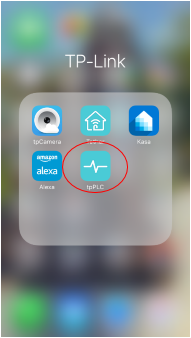
Step 2: Launch the tpPLC APP.
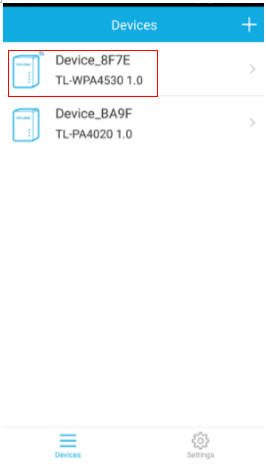
Step 3: Tap on the wireless powerline adapter.
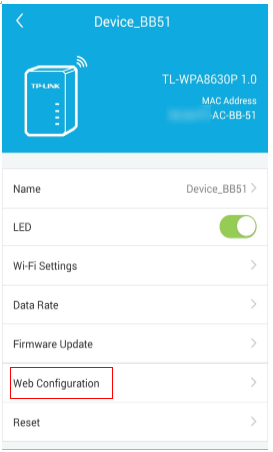
Step 4: Select Web Configuration.
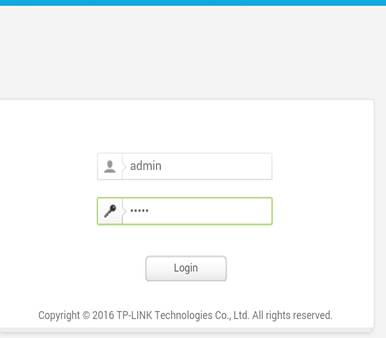
Step 5: The log in window will pop up. Enter admin, admin as username and password.
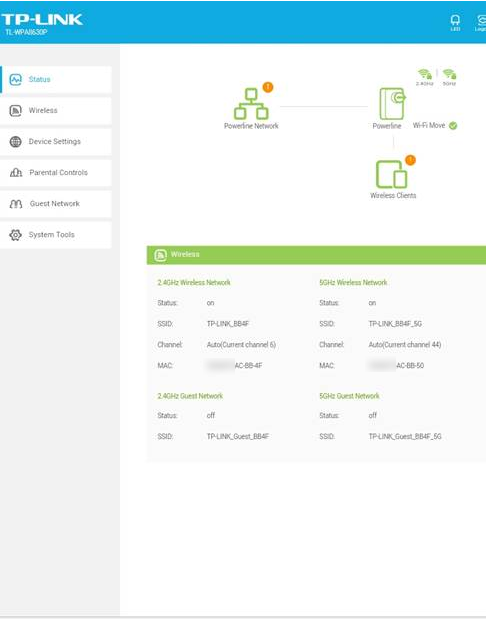
Get to know more details of each function and configuration please go to Download Center to download the manual of your product.
해당 FAQ가 유용했나요?
여러분의 의견은 사이트 개선을 위해 소중하게 사용됩니다.