


Fusion Pro Gateways
for Business Networks
Omada Fusion Pro Gateways combine networking and surveillance management in one business appliance, pairing a built-in controller and video management system with license-free cloud control. Part of the Omada Fusion Gateways product line, Fusion Pro Gateways add Omada Guard, giving IT managers, MSPs, and installers one interface for routers, switches, access points, cameras, and NVRs.

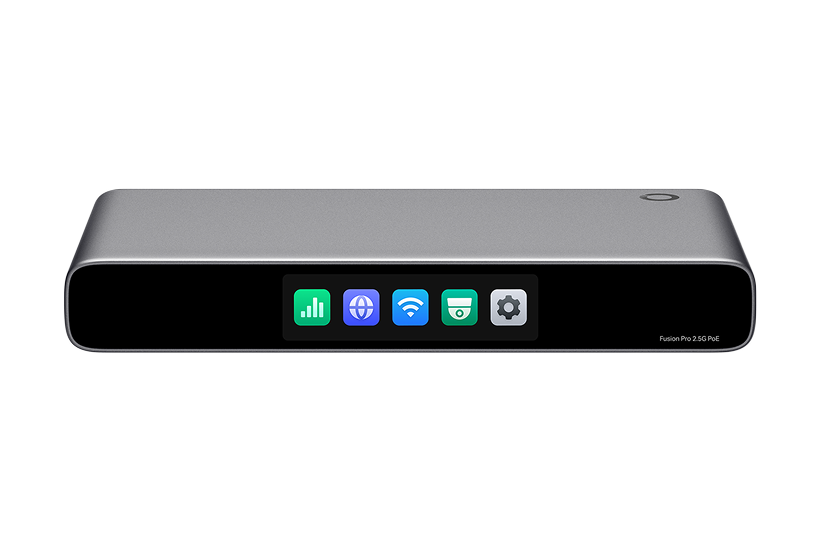
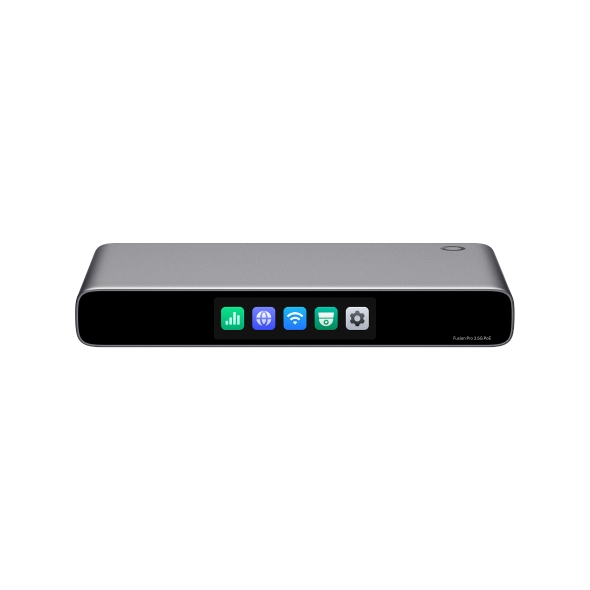
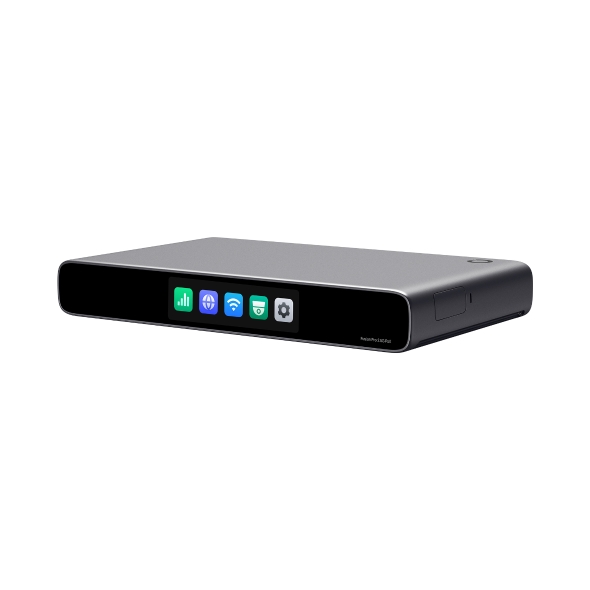
Omada Fusion Pro Gateways — US Quick Comparison
| Model Name |  Fusion Pro 2.5G PoE |
 Fusion Pro 2.5G |
|---|---|---|
| Port Count | 9 | 5 |
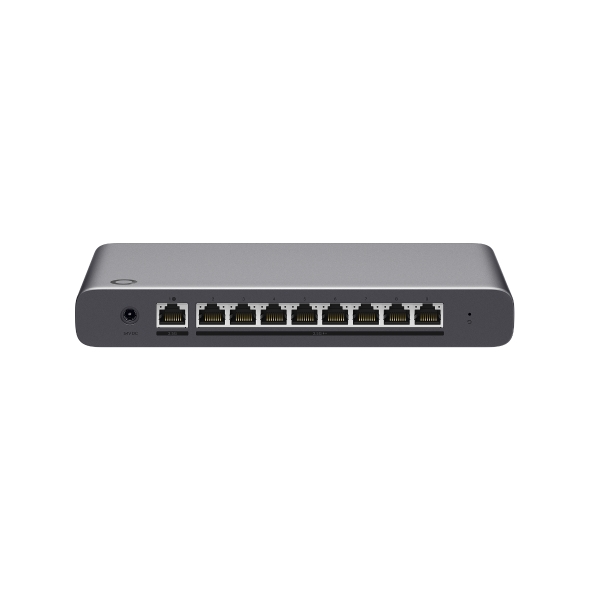
| Port Configuration | 1x 2.5G WAN Port 8x 2.5G WAN/LAN Ports |
1x 2.5G WAN Port 4x 2.5G WAN/LAN Ports |
| PoE Ports | 8x 2.5G PoE+ Ports | - |
| PoE Budget | 180W | - |
| Surveillance Management | Up to 24 Cameras | Up to 24 Cameras |
| Video Storage | NVMe SSD up to 2TB | NVMe SSD up to 2TB |
| Touchscreen Display | 3.69" Touchscreen | 2.51" Touchscreen |
| Power Method | DC Power Adapter | USB-C |






Business Benefits

Unified Networking and Surveillance
Omada Guard manages cameras and NVRs from the same interface as routers, switches, and access points.

License-Free Cloud Management
Full access to networking and surveillance features, without per-device licensing fees.

Simplified Deployment
Bluetooth app-guided onboarding auto-discovers and batch-adopts connected switches, access points, NVR, and cameras.

AI-Powered Video Search
Built-in AI Smart Search locates footage by people and vehicle attributes, speeding up investigations.

On-Device Troubleshooting
A built-in touchscreen shows network health, throughput, and alerts, reducing the need for a laptop on-site.

Scalable Multi-Gig Performance
2.5 Gbps ports support high-throughput deployments, integrating with Omada's multi-gig solutions.

Full Omada Integration
Fusion Pro Gateways sit at the core of the complete Omada by TP-Link ecosystem, working alongside switches, access points, NVR, and Omada cameras under one platform.
Solving Connectivity Challenges
Fusion Pro Gateways are best suited for businesses that need both networking and surveillance.

Combine POS and guest Wi-Fi management with dining and kitchen camera coverage in one portal.

Monitor sales floors and stockrooms with built-in video storage while managing in-store access points and switches.

Secure patient areas with AI Smart Search while keeping clinical and guest networks segmented for compliance.

A single Fusion Pro 2.5G gateway covers networking and surveillance for under 30 devices, with no separate controller or NVR.
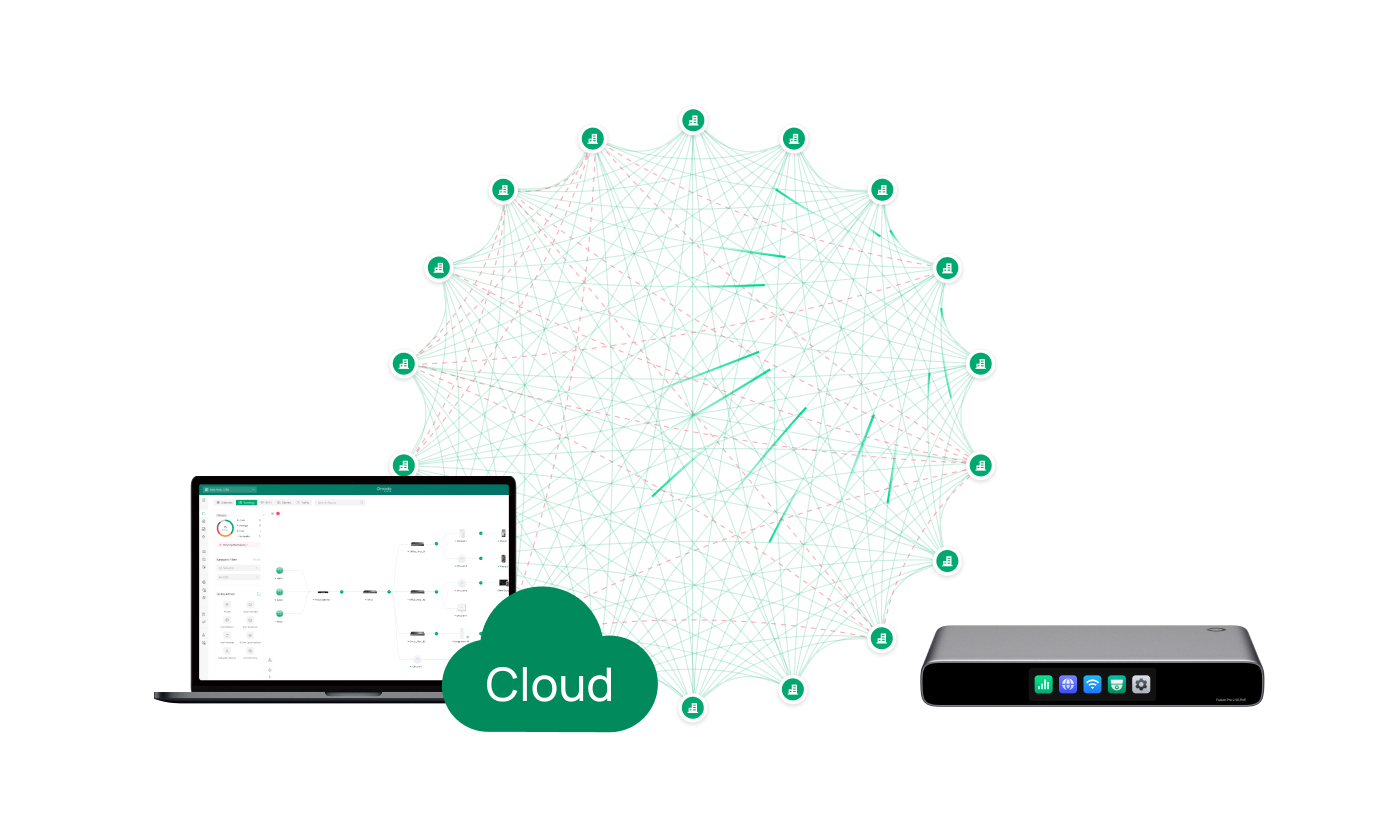
Installers and MSPs standardize deployments, adding switches and access points as sites expand.
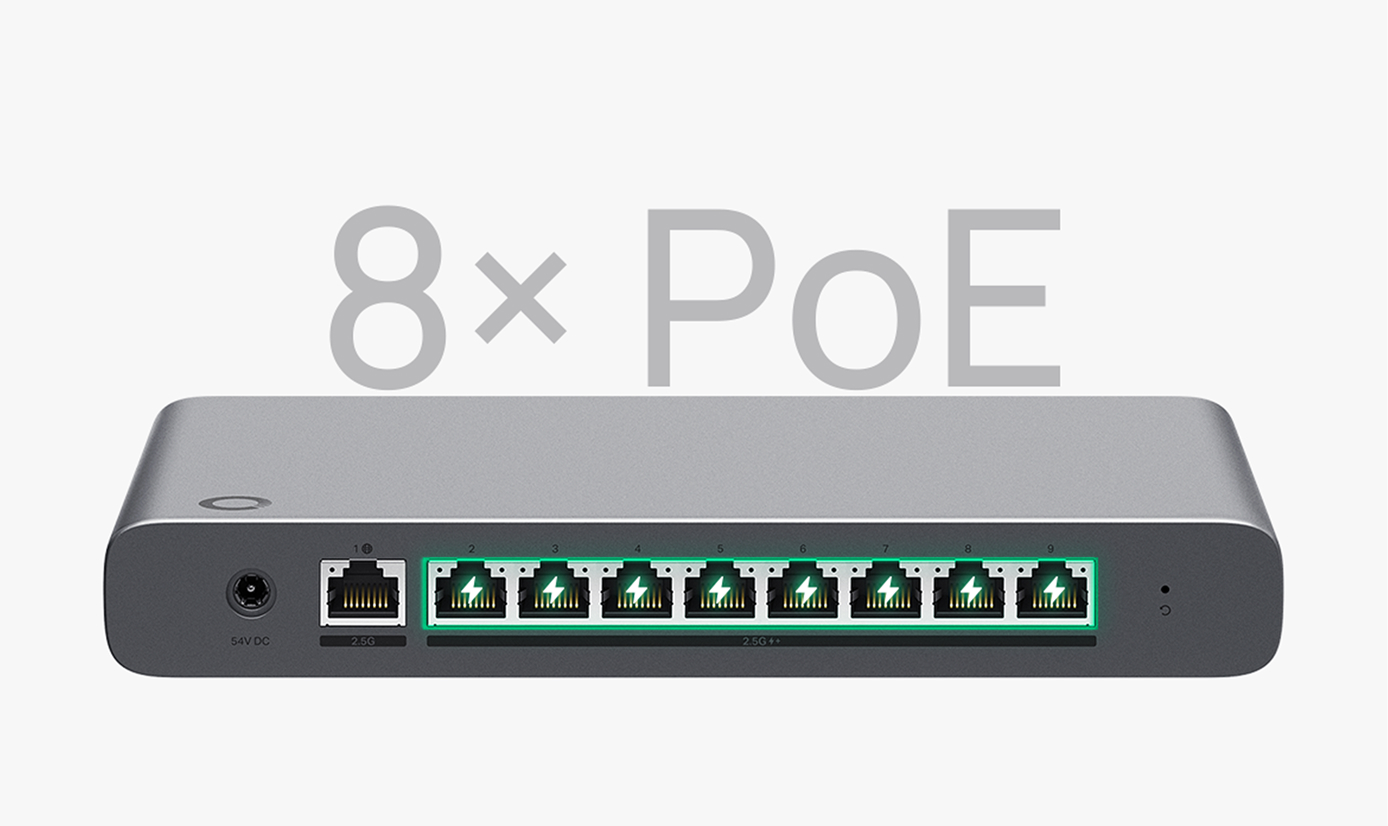
The Fusion Pro 2.5G PoE model powers access points and cameras through its PoE+ ports, eliminating a separate PoE switch.
FAQ
What is the difference between Omada Fusion Pro and the standard Fusion Series? 
Fusion Pro includes all Fusion Series networking capabilities and adds Omada Guard, an integrated surveillance platform for managing Omada cameras and NVRs from the same interface as the network. The standard Fusion Series supports networking only; camera management requires a separate surveillance solution.
Which networking and surveillance functions are integrated into Omada Fusion Pro?
Fusion Pro combines a gateway, controller, and video management system in one device, covering routing, multi-WAN failover, VPN, SD-WAN, and QoS alongside camera and NVR management, AI Smart Search, case management, and more.
Can Omada Fusion Pro manage routers, switches, access points, cameras, and NVRs from a single interface?
Yes. Omada Guard unifies monitoring and administration of networking and surveillance devices, including Omada cameras and NVRs, from one interface.
What is Omada Guard, and how does it enhance network and surveillance management?
Omada Guard is the integrated surveillance management platform built into Fusion Pro Gateways. It lets administrators manage Omada cameras and NVRs from the same interface used for routers, switches, and access points, rather than switching between separate systems.
Does Omada Fusion Pro support AI-powered video search and surveillance features?
Yes. Fusion Pro Gateways include AI Smart Search, which locates recorded footage based on people and vehicle attributes, along with case management tools for organizing footage tied to specific incidents.
Which businesses benefit most from deploying Omada Fusion Pro?
Fusion Pro is designed for businesses that need both networking and surveillance, including restaurants, retail stores, offices, and medical clinics with fewer than 30 connected network devices. Network installers and small-business owner-operators typically get the most value from unified management.
How do I choose the right Omada Fusion Pro appliance for my organization?
Choose based on port count and power needs: the Fusion Pro 2.5G offers five 2.5 Gbps ports for standard deployments, while the Fusion Pro 2.5G PoE offers nine 2.5 Gbps ports with PoE+ power for connected access points and cameras, removing the need for a separate PoE switch.