TP-Link Search
Sorry, no results were found. Please adjust your search or visit the TP-Link Community for help.
_normal_20241210015258r.png)


_normal_20241104191049s.png)


-
How to provide project quotations on Omada Design Hub
 12-19-2025
 743
743
-
How to Configure Boundaries and Toggle Simulation Modes in Omada Design Hub
12-11-2025
6
-
How to use the Omada AI Sales assistant on Omada Design Hub
01-22-2026
104
-
Recommended Methods for Omada Design Hub Compatibility Issues with Browsers
12-11-2025
204
-
How to Design and Deploy Your Network with Omada Design Hub
03-04-2026
1609
-
How to use Omada Design Hub to draw cable
12-04-2025
1
-
How to use Omada Design Hub to identify DXF files
12-05-2025
0
-
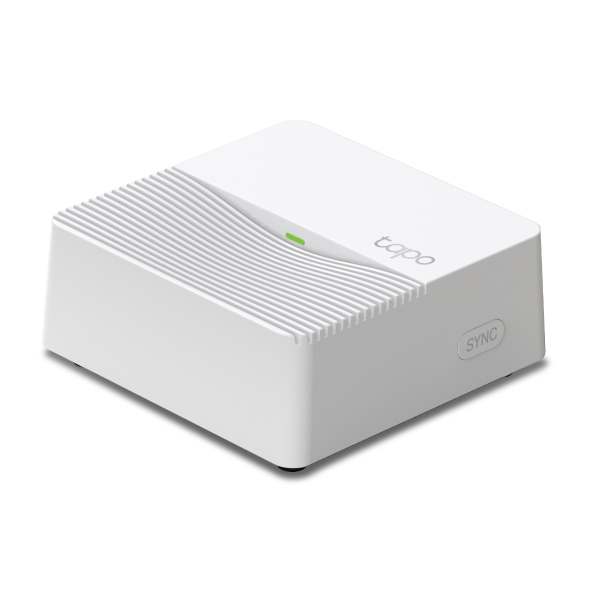
How to reset Tapo Hub
09-26-2025
61686
-
What should I do if Tapo Camera cannot be added to Tapo Hub?
12-16-2025
4395
-
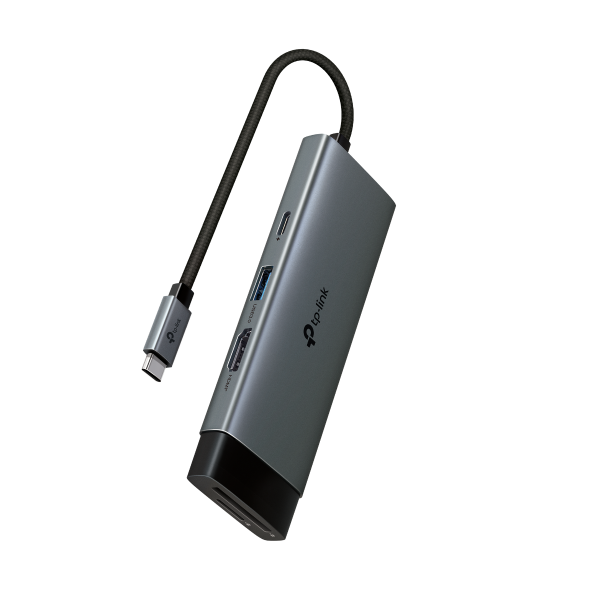
General Questions About TP-Link USB Hub
04-29-2022
93375
-
Blog
Do I Need a USB Hub, & How Do I Choose the Right One?
Are you planning to buy a USB port hub but don't know what to choose? Read our tips below on how to select the best one for your needs.
-
Blog
How to Design and Deploy Your Network with Omada Design Hub?
Omada Design Hub is a free online network planning tool, offering a convenient and visualized platform to easily plan your network and select the most suitable network products to deploy. AI tools are also available to facilitate your planning process. This step-by-step guide will take a two-story office for example to help you design and deploy your network using Omada Design Hub.
-
General
Omada Design Hub - A Free, Smart Network Planner to Accelerate Your Projects
Omada Design Hub is a free and powerful tool for SMBs, streamlining network planning with visualized solutions and one-click documentation to enhance efficiency and accuracy in project planning.
-
Blog
Introducing Omada Design Hub — A Free and Easy Network Planning Tool
A Free, Smart Network Planner to Accelerate Your Projects
-
News
TP-Link® Unveils Smart Bulb Solutions, Compatible with Amazon Alexa and No Hub Required
TP-Link Smart Wi-Fi Bulbs Offer Consumers an Affordable Solution to Customize and Control Their Home Lighting
-
News
Omada Launches Four Major Software Upgrades to Simplify Network Planning, Deployment, and Management
Omada today announced four major software upgrades, including Omada Network 6.0, Omada App 5.0, the all-new Omada Design Hub, and Wi-Fi Navi App V1.5. Together, these upgrades deliver an integrated platform for planning, deploying, and managing software defined networks end to end.
-
News
TP-Link® Powers the Home with All-in-one Smart Home Router and New Line of Connected Devices
LAS VEGAS -- CES® 2016 – Jan. 6, 2015 – TP-Link®, a leading global provider of consumer and business networking products, today announced its new SR20 Smart Home Router with Touchscreen, an all-in-one router and Internet of Things (IoT) hub with ZigBee and Z-Wave. The SR20 delivers powerful AC1900 class performance that will transform the connected home experience.
-
General
Award-Winning Mesh Wi-Fi Systems By TP-Link
Tired of dead zones in your home's Wi-Fi connection? TP-Link created the best mesh wifi systems to deliver home wifi at top speeds with total security, and range that reaches every room.
-
News
Tapo H500: Redefining Home Security with Smarter, Safer Solutions
Meet Tapo H500: a Smart HomeBase designed to unify your security, safeguard your data, and simplify home management.
-
News
TP-Link Systems Inc. Establishes Global Headquarters in the United States to Drive Innovation and Strengthen Global Competitiveness
TP-Link Systems Inc., a global leader in networking and smart home solutions, today announced the establishment of its new global headquarters in the United States.
Sorry, no results were found. Please adjust your search or visit the TP-Link Community for help.
This website uses cookies to improve website navigation, analyze online activities and have the best possible user experience on our website. You can object to the use of cookies at any time. You can find more information in our privacy policy . Don’t show again
Your Privacy Choices
This website uses cookies to improve website navigation, analyze online activities and have the best possible user experience on our website. You can object to the use of cookies at any time. You can find more information in our privacy policy . Don’t show again
These cookies are necessary for the website to function and cannot be deactivated in your systems.
TP-Link
accepted_local_switcher, tp_privacy_banner, tp_privacy_base, tp_privacy_marketing, tp_top-banner, tp_popup-bottom, tp_popup-center, tp_popup-right-middle, tp_popup-right-bottom, tp_productCategoryType
Youtube
id, VISITOR_INFO1_LIVE, LOGIN_INFO, SIDCC, SAPISID, APISID, SSID, SID, YSC, __Secure-1PSID, __Secure-1PAPISID, __Secure-1PSIDCC, __Secure-3PSID, __Secure-3PAPISID, __Secure-3PSIDCC, 1P_JAR, AEC, NID, OTZ
Analysis cookies enable us to analyze your activities on our website in order to improve and adapt the functionality of our website.
The marketing cookies can be set through our website by our advertising partners in order to create a profile of your interests and to show you relevant advertisements on other websites.
Google Analytics & Google Tag Manager
_gid, _ga_<container-id>, _ga, _gat_gtag_<container-id>
Google Ads & DoubleClick
test_cookie, _gcl_au
Meta Pixel
_fbp
Crazy Egg
cebsp_, _ce.s, _ce.clock_data, _ce.clock_event, cebs
lidc, AnalyticsSyncHistory, UserMatchHistory, bcookie, li_sugr, ln_or