 , Reliable Outdoor Connectivity 5G Outdoor/Indoor AX3000 Wi‑Fi 6 Router

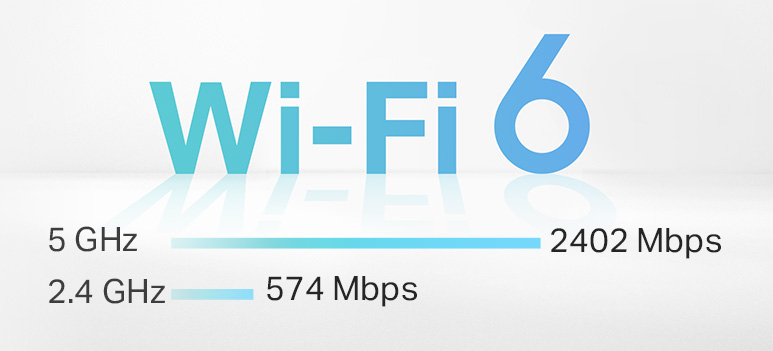
4.67 Gbps
Superior Speeds up to

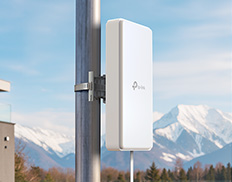
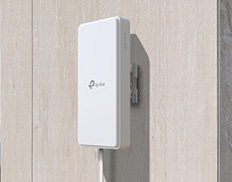
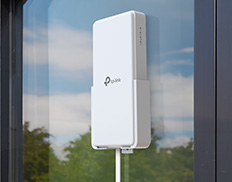
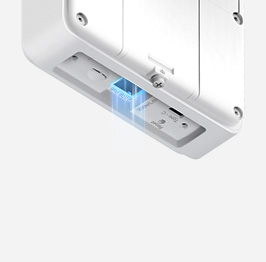
Versatile Installation
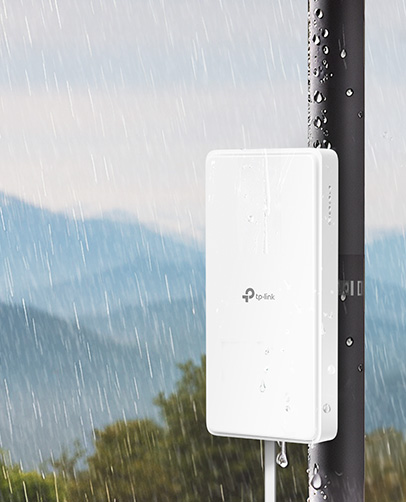
IP66
Waterproof & Dustproof



Higher Speed
Lower Latency
Larger Capacity


Operating Temperature


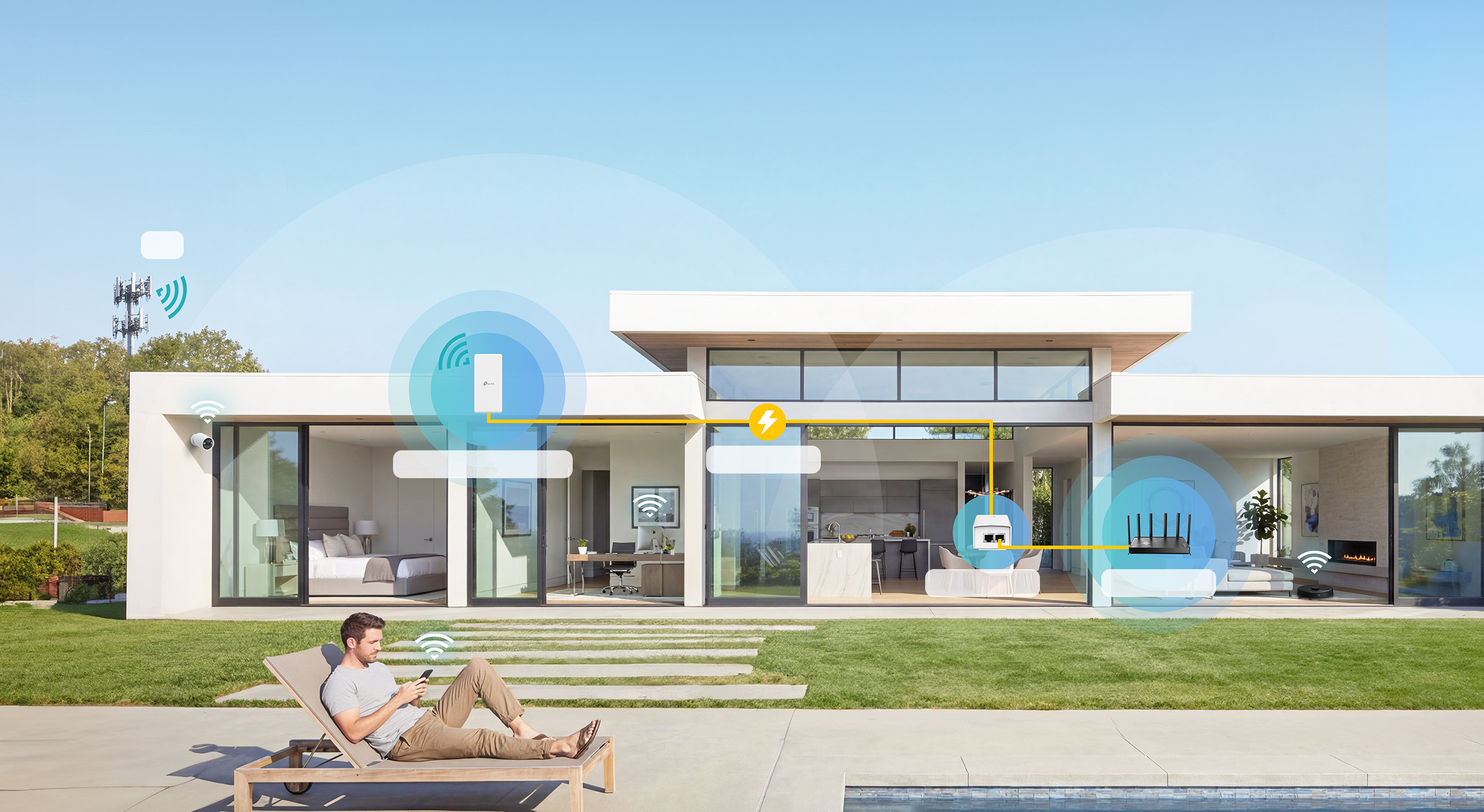

2,500ft2/230m2

Wi-Fi Dead Zone Killer
Eliminate weak signal areas with Wi-Fi coverage for the whole houseSmart Roaming
Uninterrupted streaming when moving from room to roomOne Wi-Fi Name
No more switching Wi-Fi network namesNX500‑Outdoor







†Maximum 5G download and upload speeds depend on external factors such as the local 5G network coverage, data plan, real-time network capacity, client limitations, and environmental factors. Actual supported frequency bands may vary slightly in different regions due to certification.
‡Maximum wireless signal rates are the physical rates derived from IEEE Standard 802.11 specifications. Actual wireless data throughput and wireless coverage, and number of connected devices are not guaranteed and will vary as a result of network conditions, client limitations, and environmental factors, including building materials, obstacles, volume and density of traffic, and client location.
§Actual network speed may be limited by the rate of the product's Ethernet WAN or LAN port, the rate supported by the network cable, Internet service provider factors, and other environmental conditions.
▵This product has an IP66 dustproof and waterproof rating; however, it is not designed for prolonged immersion or exposure to high-pressure water jets. Please install and use it according to the manual to ensure the protective features function properly.
☆Tested under controlled laboratory conditions. Per CE certification, protection levels are: Lightning/Surge Protection at 2kV for Differential Mode (DM) and 4kV for Common Mode (CM), and ESD Protection at 4kV for Contact Protection and 8kV for Air Protection. For optimal protection, please follow the setup instructions in the quick installation guide.
*TP-Link EasyMesh-Compatible products can network with other devices that use EasyMesh. Failed connections may be due to firmware conflicts of different vendors. The MLO is still being developed on some models and will be supported in subsequent software updates.
1. Power consumption in networked standby: _.5.96_W
2. Power consumption in networked standby when all wired network ports are connected and all wireless network ports are activated: _8.26_ W.
3. How to activate and deactivate wireless network: Enter the webpage of product through wired connecting. The wireless function can be turn on/off via ‘Wireless - -> Enable Wireless Checkbox’.